1
Choose the real intent
Start from what the user is trying to do: generate from text, edit an image, restyle a reference, compare options, or make a specific asset.


Find the right LlamaGen workflow for text-to-image prompts, image-to-image transformations, AI image editing, character assets, covers, collectibles, and social-ready visuals.
Start from text, transform a reference image, edit an existing result, compare generators, or turn an image into video.
For creators comparing text-to-image, image-to-image, editing, and image-to-video workflows.
For creators comparing editors by identity preservation, prompt control, edit boundaries, and reusable output quality.
For creators who already have a reference image and want to restyle it, preserve identity, or turn it into a specific asset.
For users who want to refine an existing image: change outfit, fix composition, adjust style, or prepare a final shareable version.
For people comparing how AI image generation works before they choose a model, prompt, reference workflow, or output format.
For users who want a clear path from a plain idea to a finished image without learning prompt engineering first.
For users whose real goal is motion. Route them to video instead of forcing them through an image-only page.
Choose the asset you want to create, then open the workflow with the most relevant inputs and controls.
Start from what the user is trying to do: generate from text, edit an image, restyle a reference, compare options, or make a specific asset.
Each page explains the input, output, prompt examples, and quality checks for that job before sending the user into creation.
Create the first image, check identity and composition, then reuse the result across comics, product mockups, profile art, and campaign sets.
Start with the pages that represent the collection best: character presentations, physical-product mockups, cover formats, and playful object transformations.
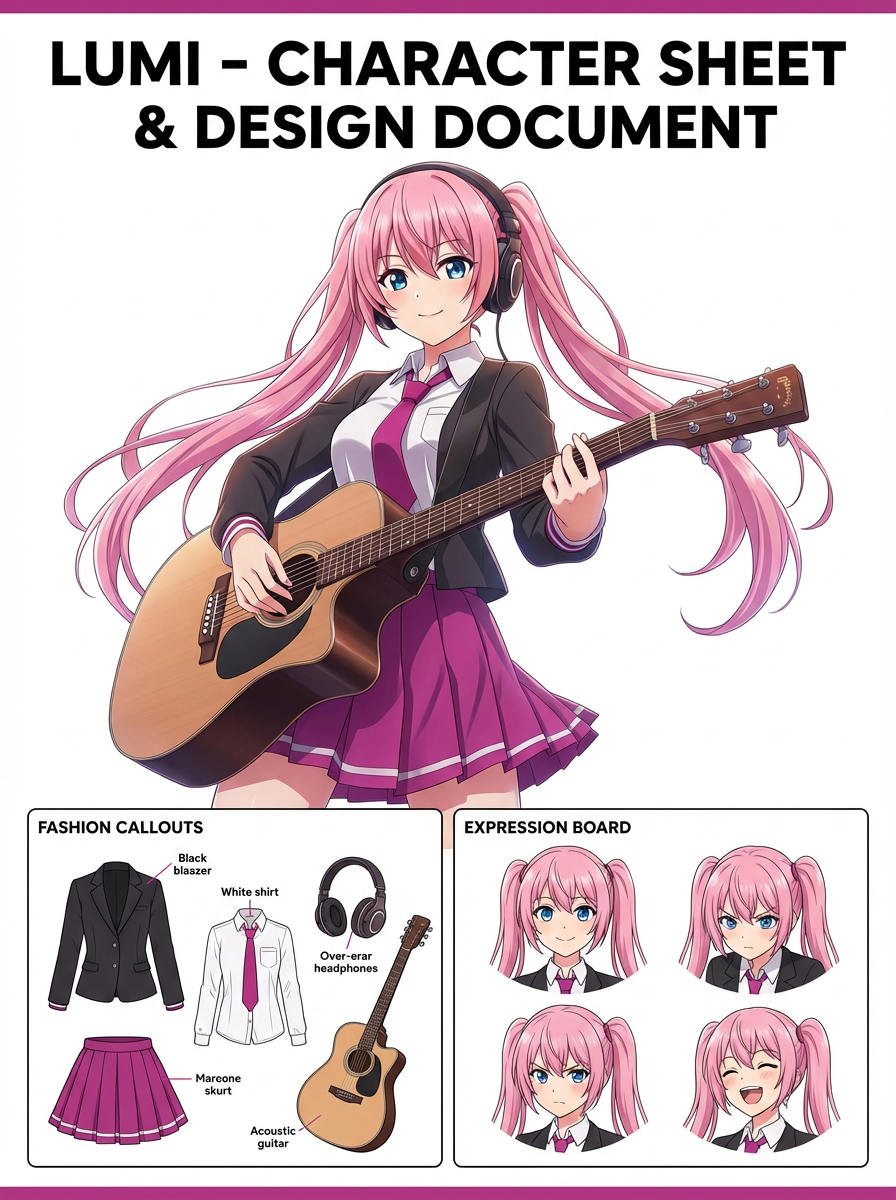
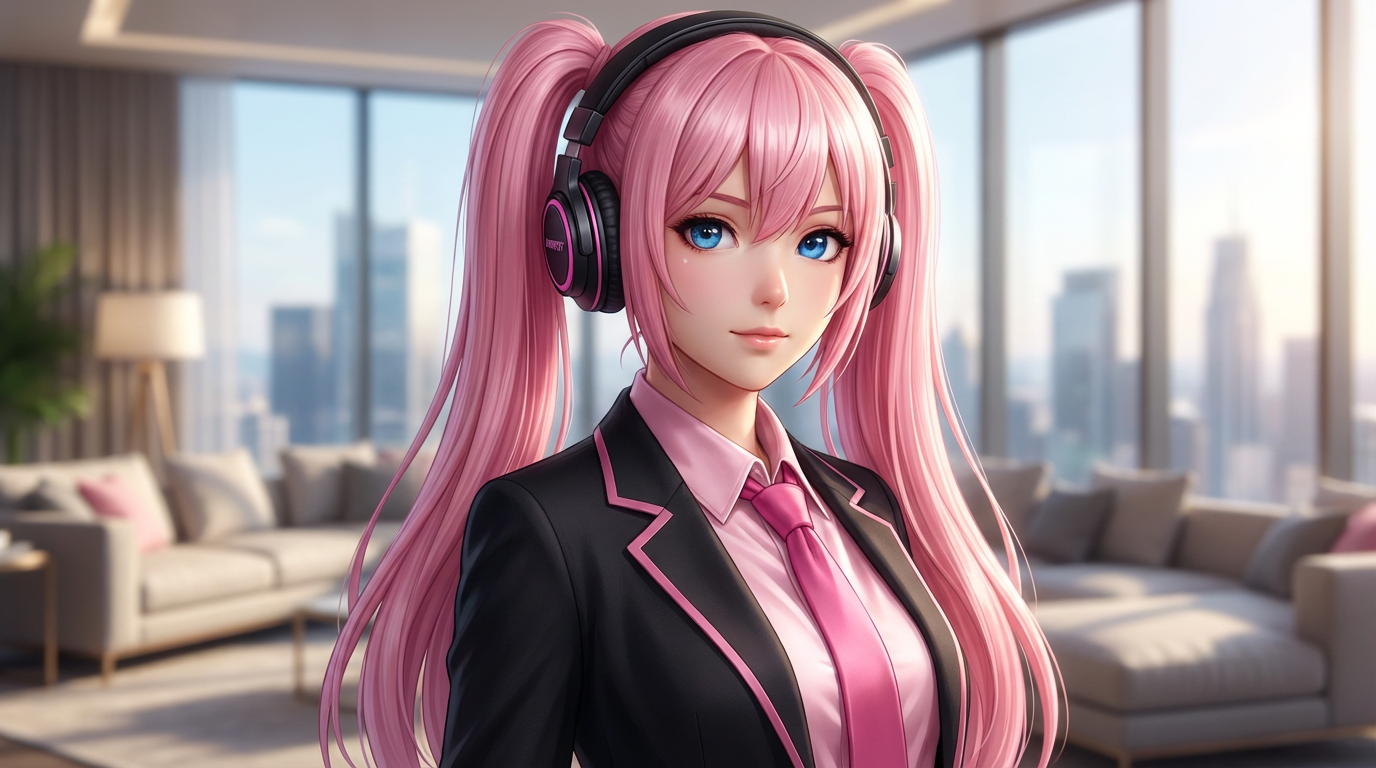
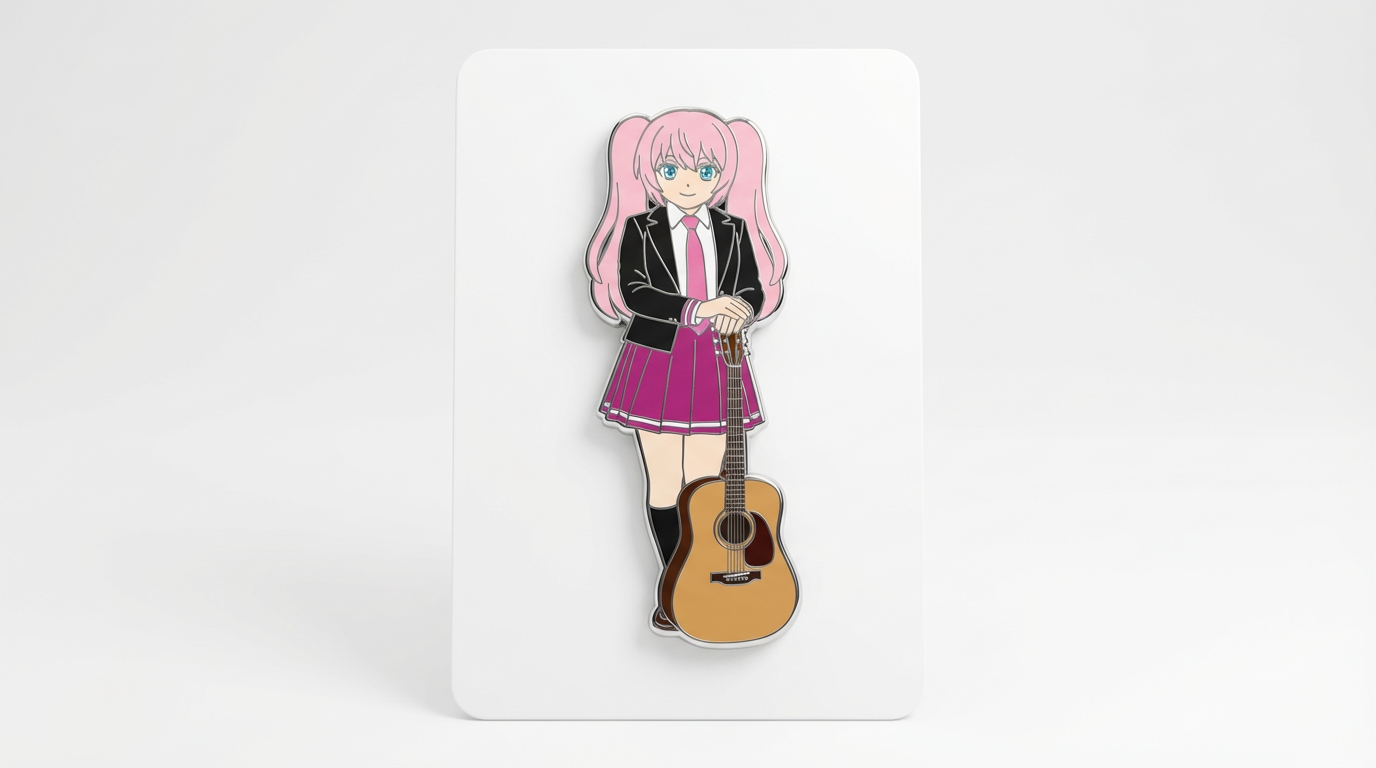
Each card includes examples, workflow guidance, practical answers, quality checks, and a direct creation path.
Salīdziniet LlamaGen attēlu ģenerēšanas darba plūsmas tekstu promptiem, atsauces attēliem, attēlu rediģēšanai, tēla nepārtrauktībai un attēla-uz-video pārejai.
Novērtējiet mākslīgā intelekta attēlu redaktorus pēc vadības iespēju apjoma, identitātes saglabāšanas, pieprasījuma skaidrības, radošo robežu noteikšanas un vai labotie rezultāti ir atkārtoti izmantojami.
Plānojiet un radiet MI attēlus ar darba procesu, kas atšķir teksta uzvednes, attēla-pār-attēla atsauces, rediģēšanas mērķus un gala izvada pārbaudes.
Izmanto esošu attēlu kā atsauci un pēc tam pārvērs to jaunā stilā, izskatā, vākā, maketā, nozīmītē, kartītē vai tēla vizuālā attēlojumā ar mākslīgo intelektu.
Rediģējiet esošos attēlus ar MI promptiem, lai mainītu apģērbu, stilistiku, sakārtotu kompozīciju, radītu tēla variantus, vākus, nozīmītes un kampaņu vizuāļus.

Salīdziniet svarīgāko, izvēloties labāko mākslīgā intelekta attēlu ģeneratoru nemainīgiem raksturiem, atsauču balstītiem labojumiem, komiksiem, vākiem un atkārtoti izmantojamiem materiāliem.
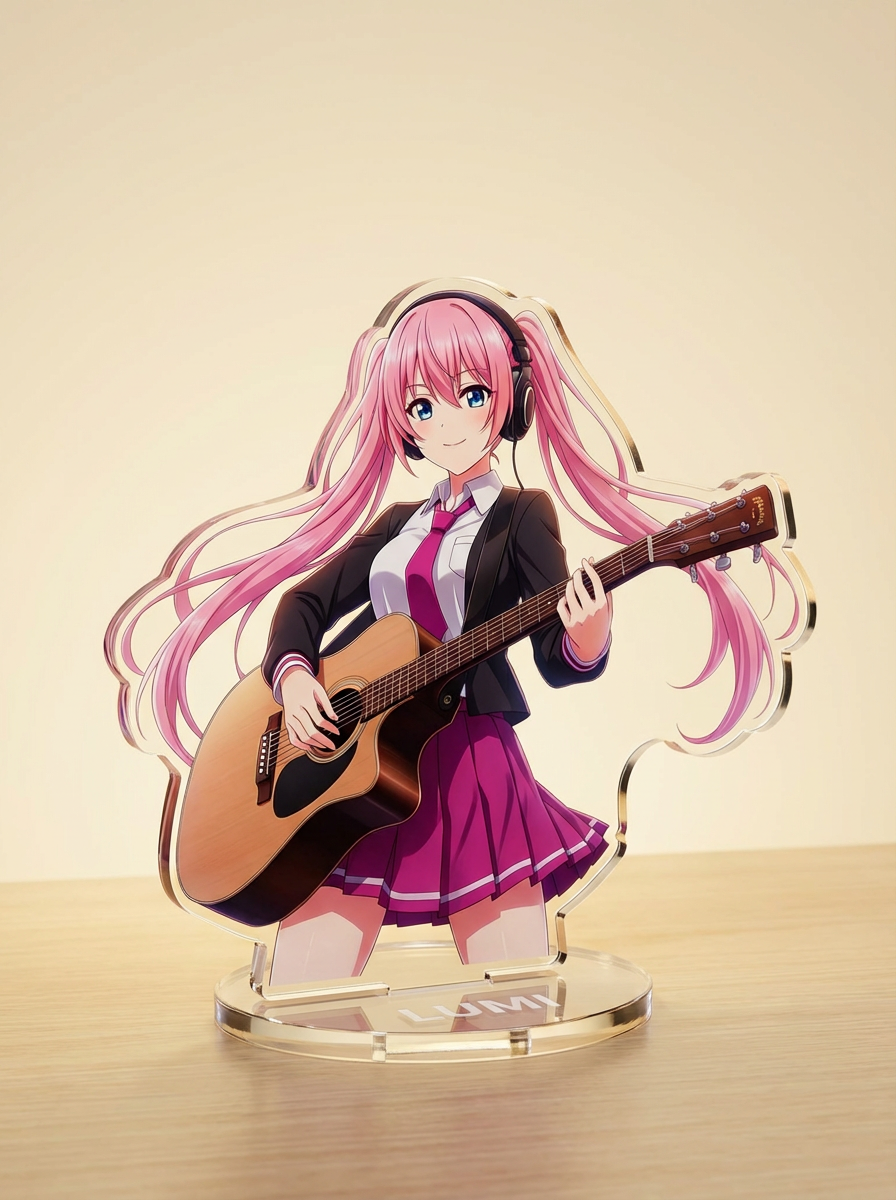
Ģenerējiet attēlus ar mākslīgo intelektu, sākot no īsām teksta norādēm, pēc tam precizējiet tēmu, stilu, kompozīciju un galīgo faila formātu radošai lietošanai.
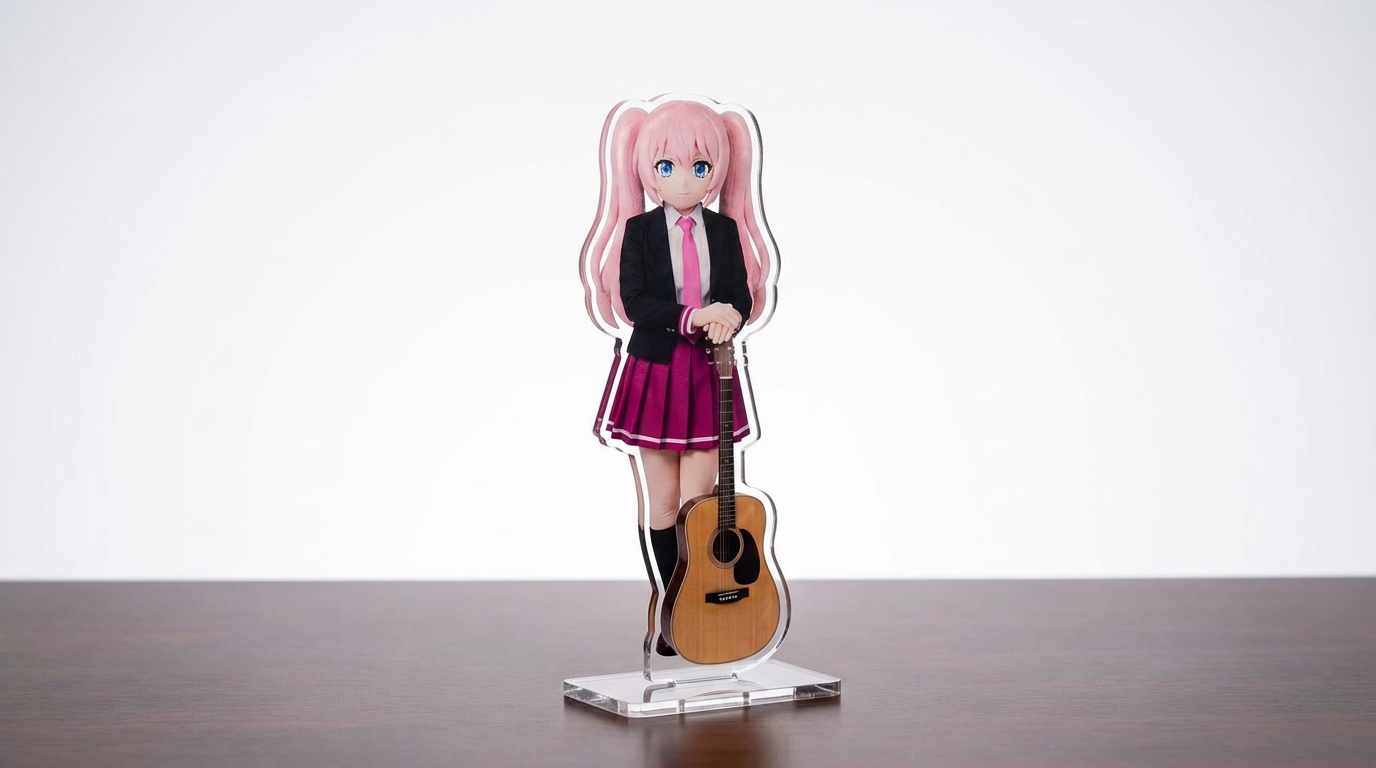
Pārvērt tēlu ilustrācijas, mājdzīvniekus un oriģināldizainus akrila stenda maketos ar pielāgojamu, uz Lumi balstītu workflow.
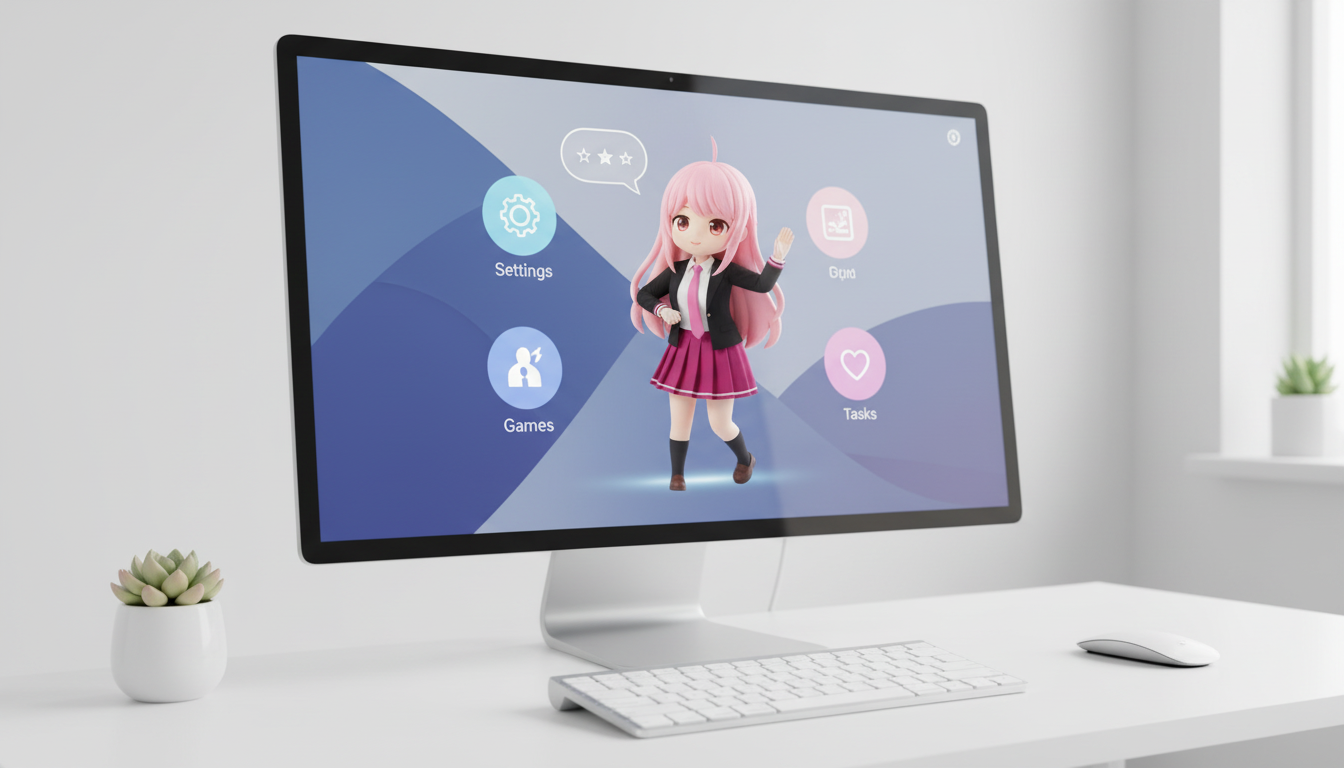
Pārvērt tēlus un OC par desktop pet stila vizuāļiem ar izkārtojumam pielāgotu kadrējumu, kas labi izskatās uz ekrāna.
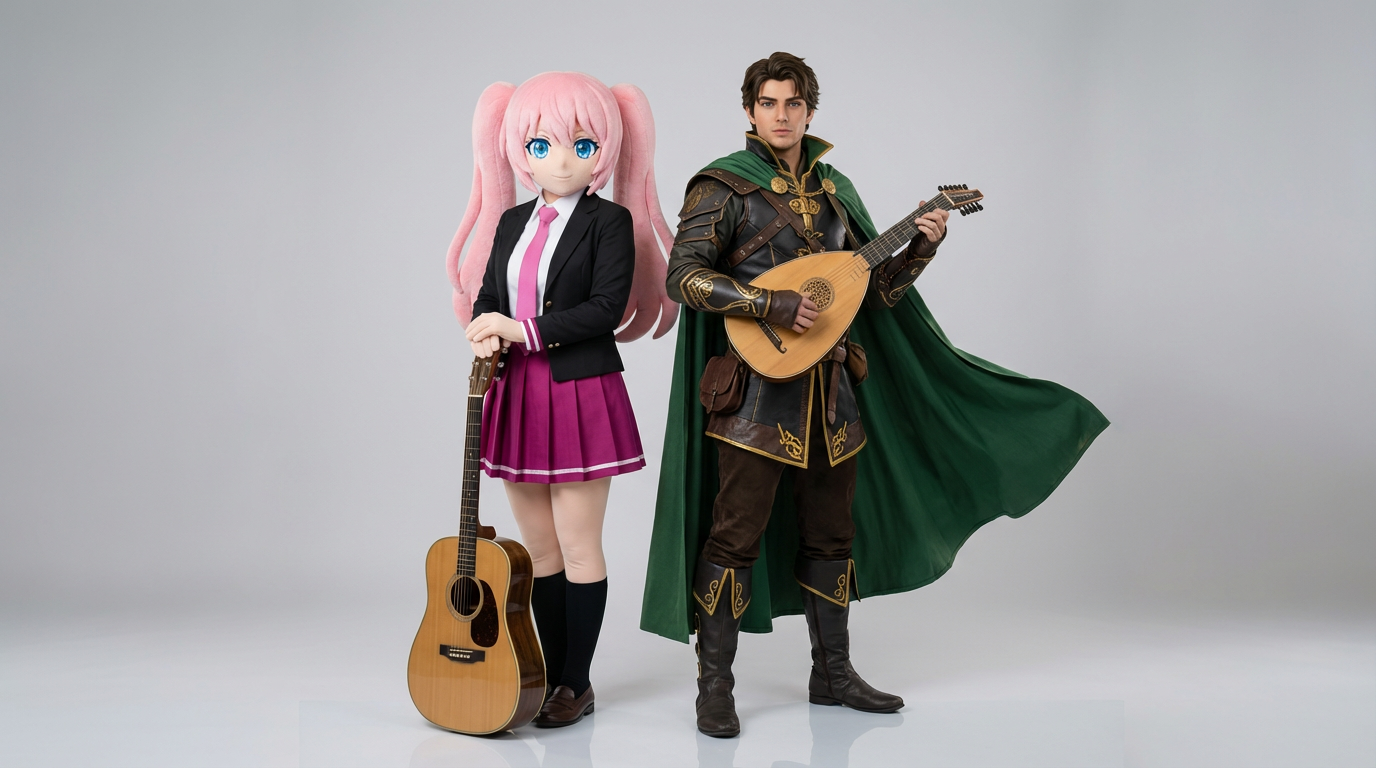
Augšupielādē divu tēlu atsauces un ģenerē skaidras mijiedarbības ainas, pāru kompozīcijas un duetiem piemērotu kadrējumu.
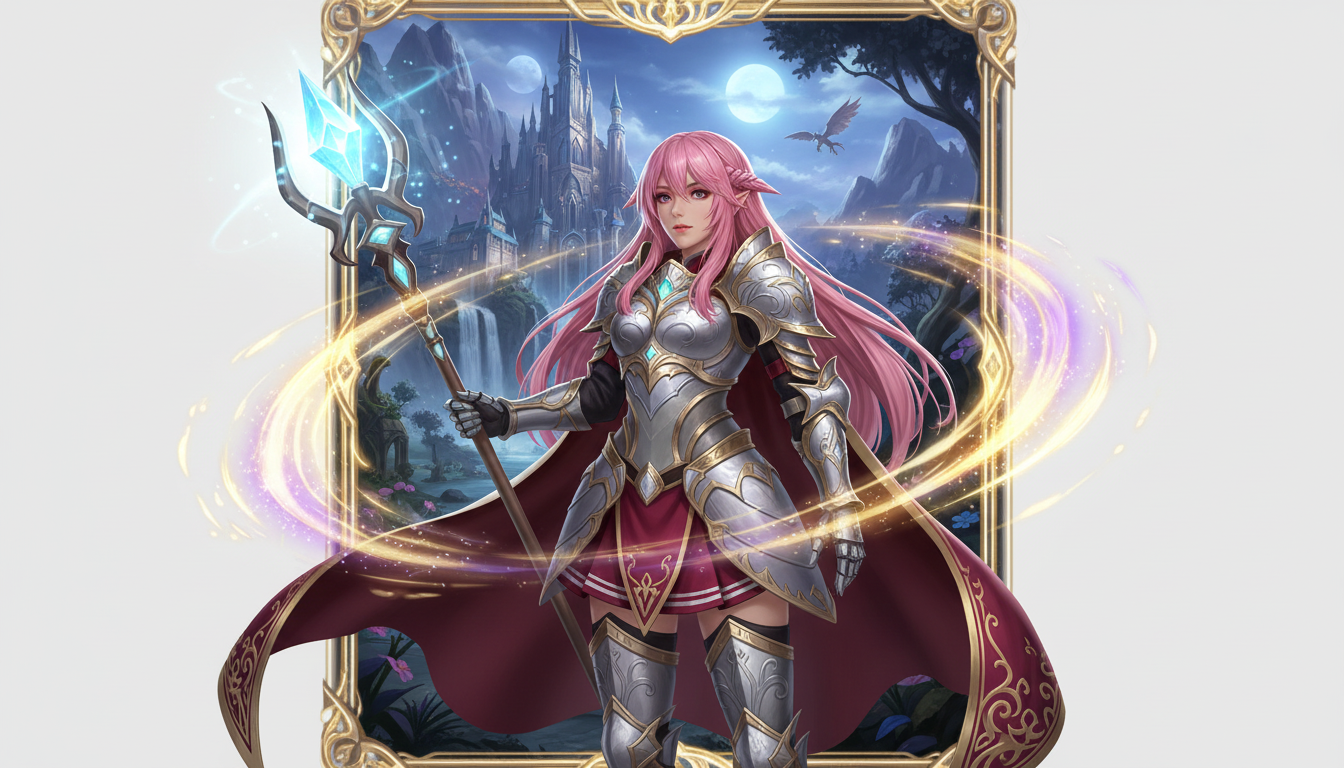
Pārvērt tēla attēlu fantāzijas varoņa prezentācijā ar klases stilu, RPG noskaņu un kolekcionējamo kāršu estētiku.
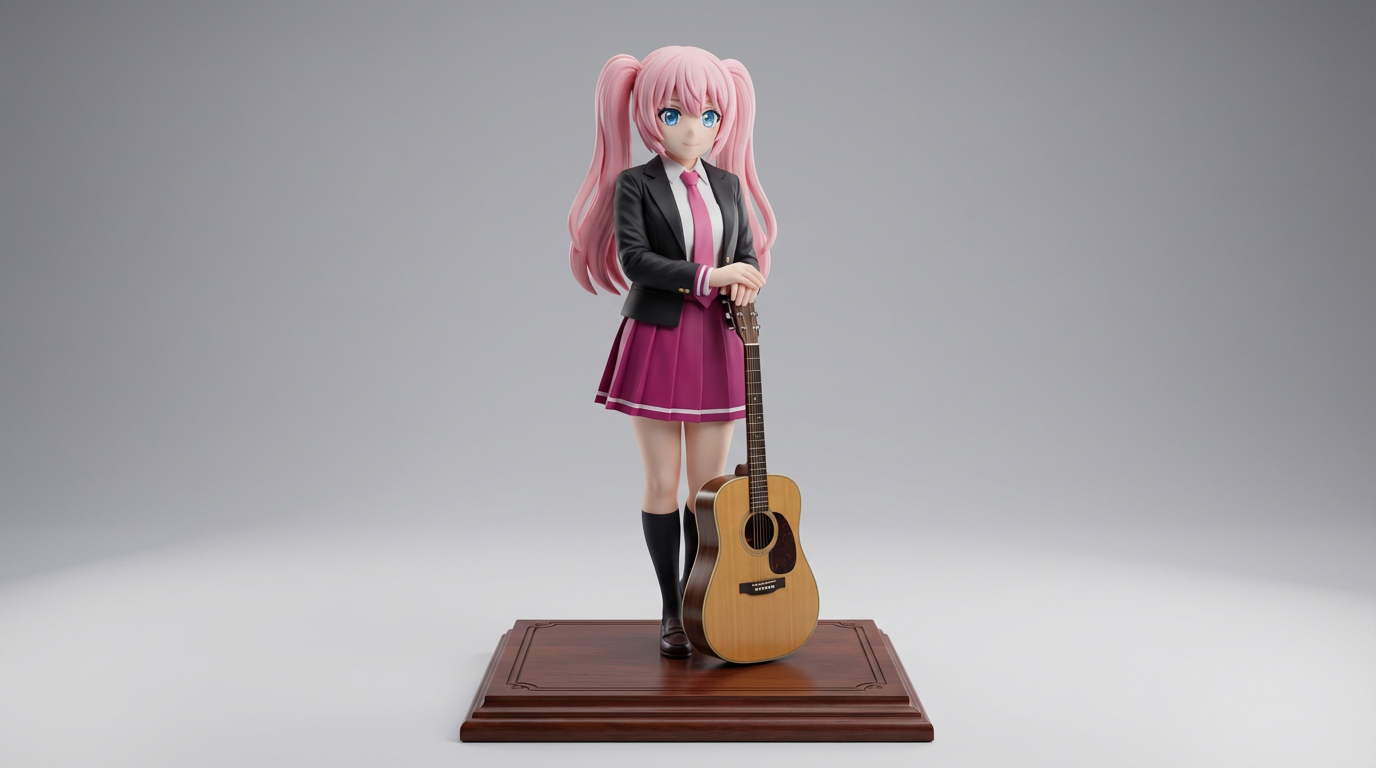
Pārvērt plakanu tēlu ilustrāciju par kolekcionējamu figūriņu un produktu vizuāļu stilā veidotiem attēliem.
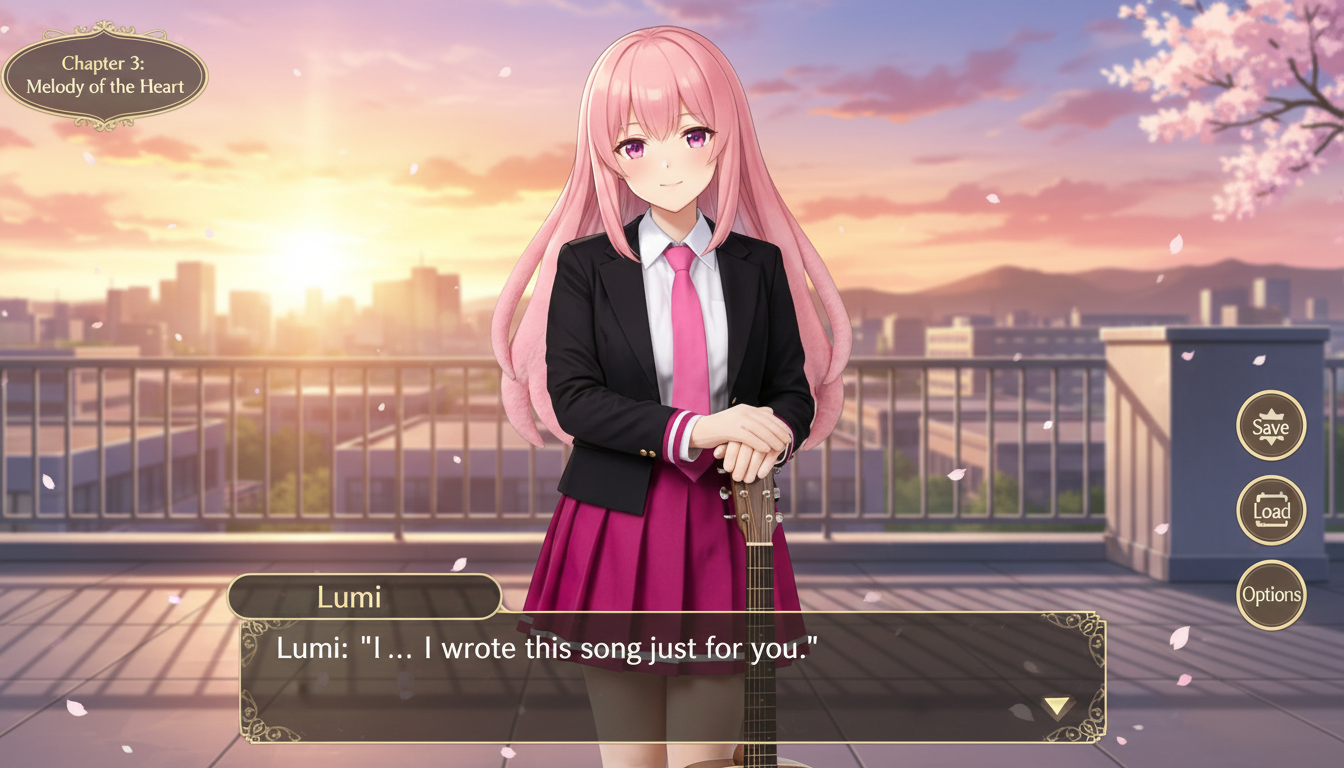
Pārvērt tēla attēlu vizuālās noveles stilā veidotā ainā ar interfeisa ietvaru, dialoga zonas loģiku un spēles ekrāna kompozīciju.
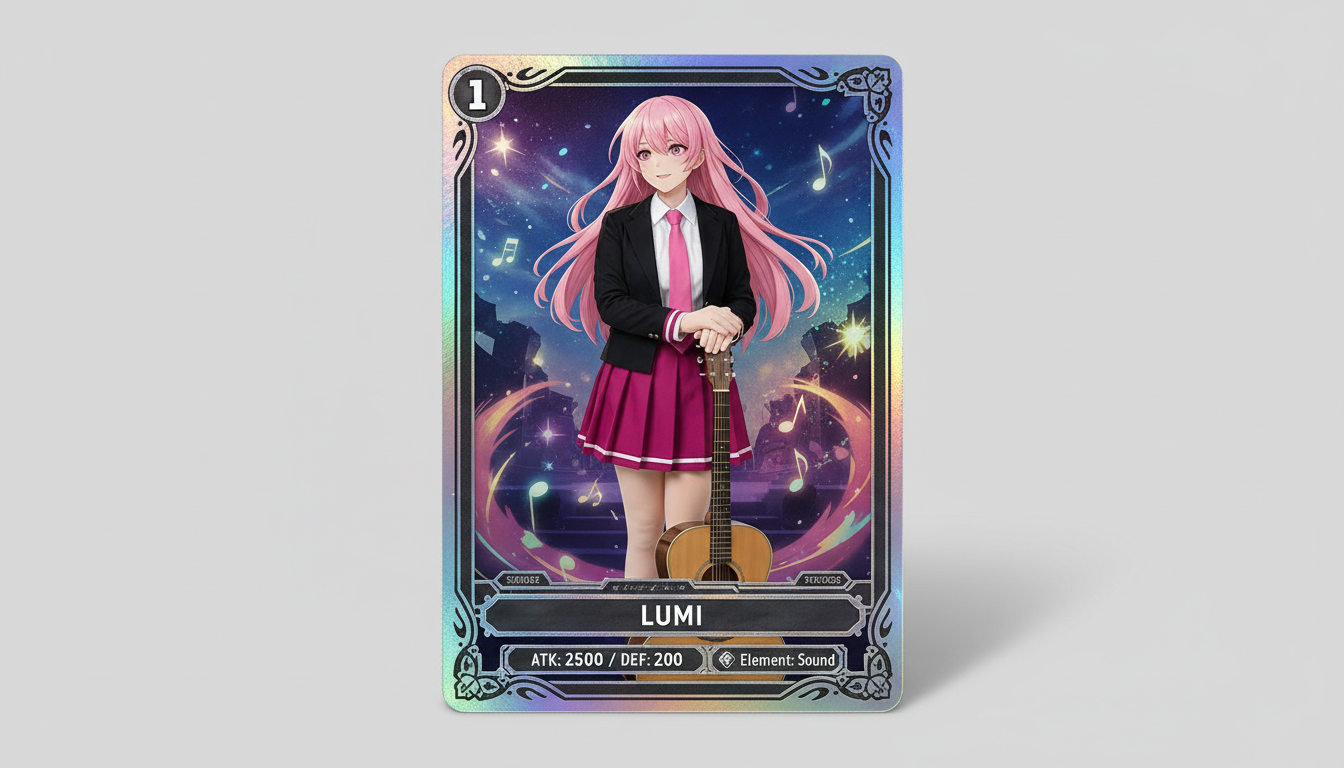
Pārvērt tēlu attēlus kolekcionējamu kāršu stila vizuāļos ar retuma noskaņu, ierāmētu statistikas dizainu un merčam gatavu kompozīciju.
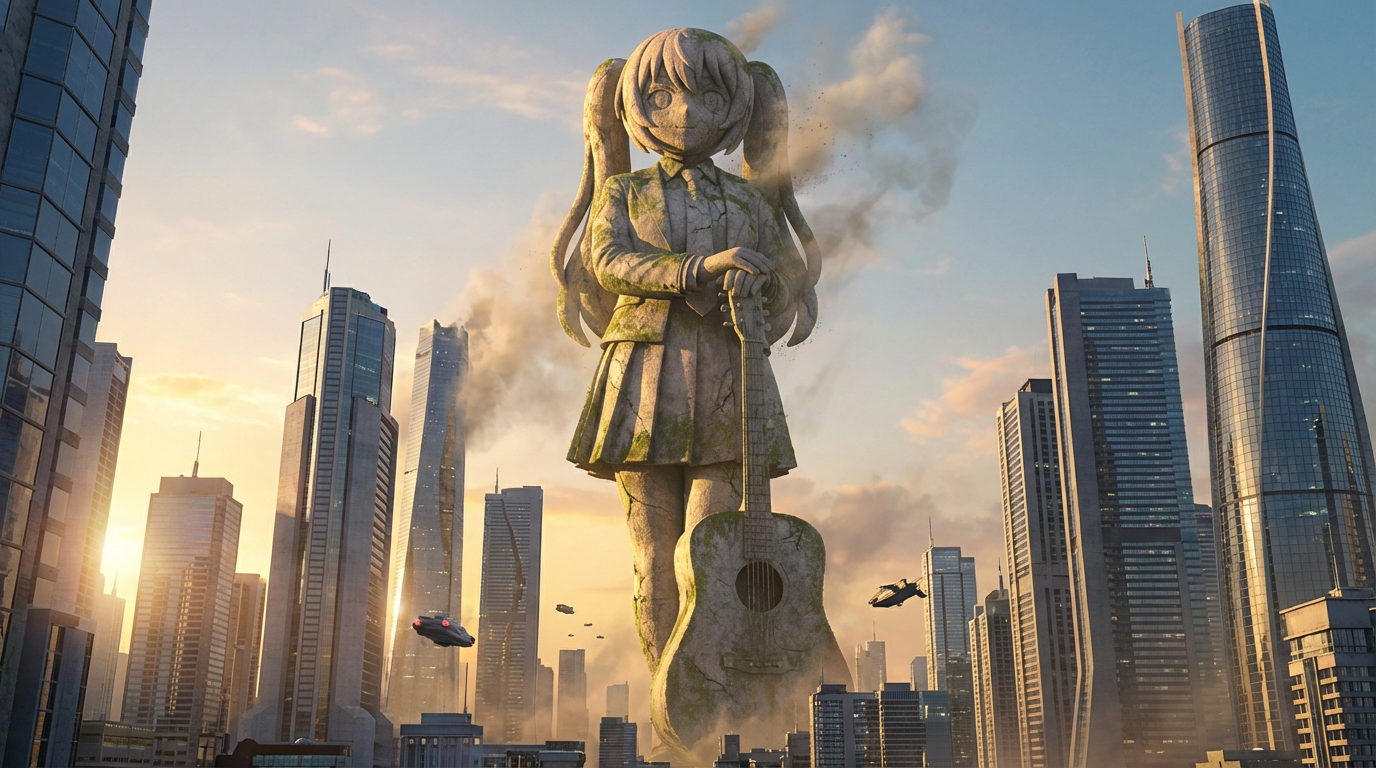
Pārvērt tēlus par milzu statuju vizuāliem attēliem ar monumentālu mērogu, pilsētas panorāmas fonu un orientiera cienīgu noformējumu.
Pārvērt tēlu ilustrācijas nozīmīšu stila vizuāļos ar tīru apaļu kadrējumu, suvenīru estētiku un ikonām piemērotu kompozīciju.
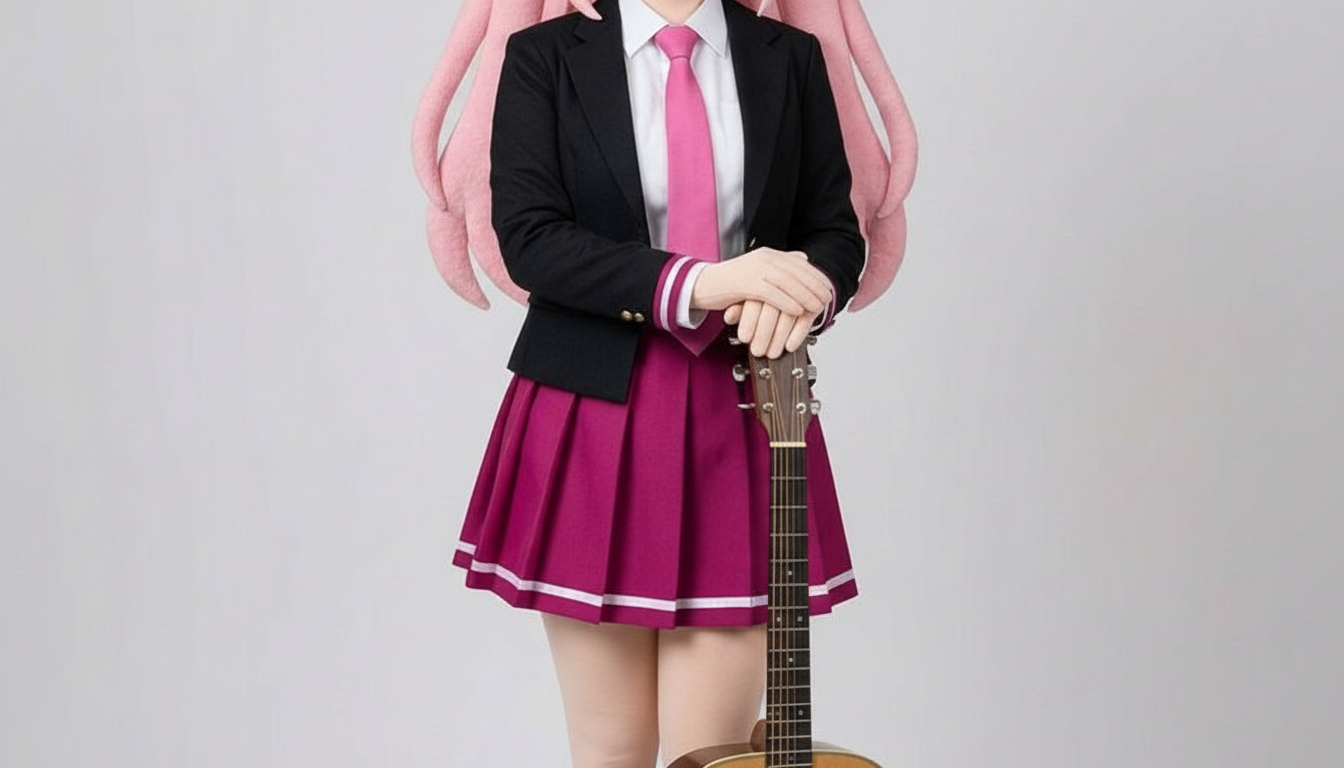
Pārvērt tēlus papīra izgriezumu stila attēlos ar slāņotām rokdarbu formām, taustāmu dziļumu un precīzu silueta kontroli.
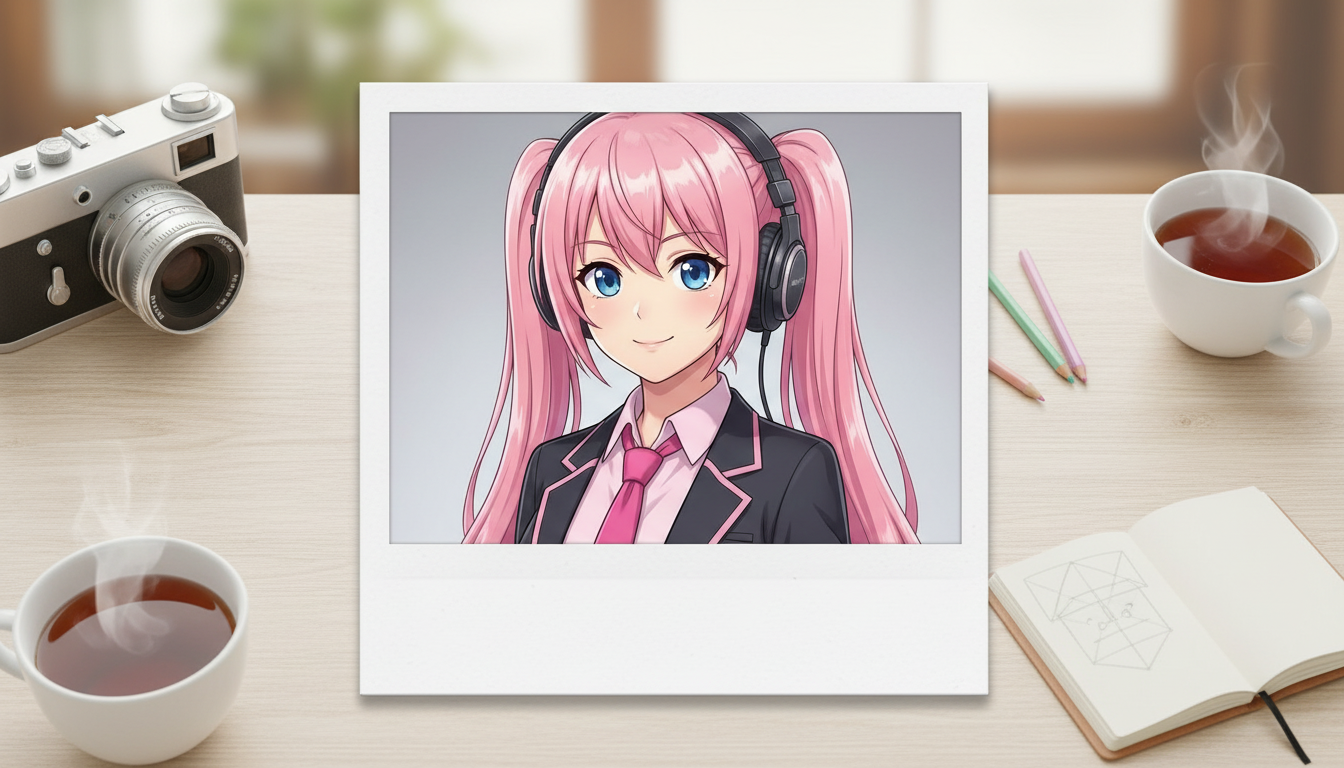
Pārvērt tēlu attēlus par polaroid stila vizuāļiem ar nostalģisku tūlītējās fotogrāfijas rāmi un kolekcionējamas momentbildes noskaņu.
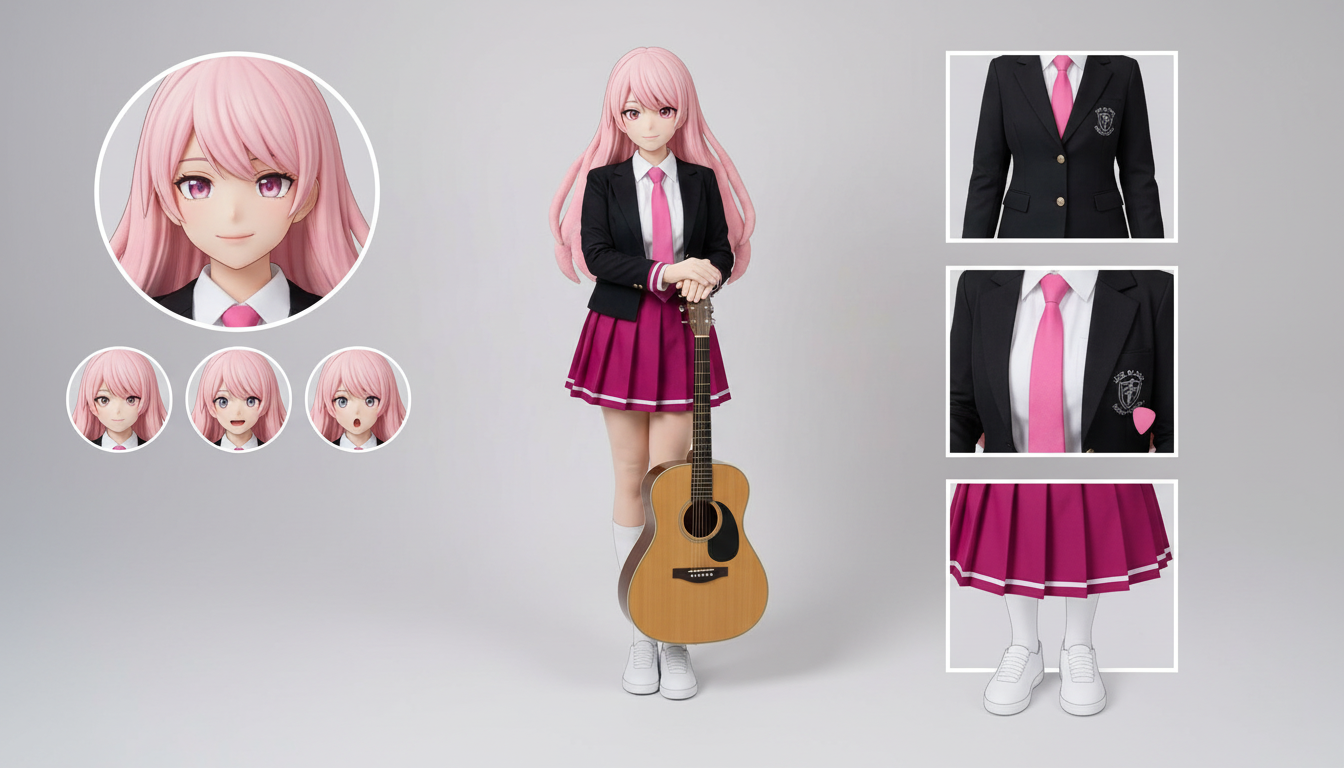
Izveido tēla lapas ar tērpiem, sejas izteiksmēm, aksesuāriem un pozu atsaucēm no viena augšupielādēta dizaina.
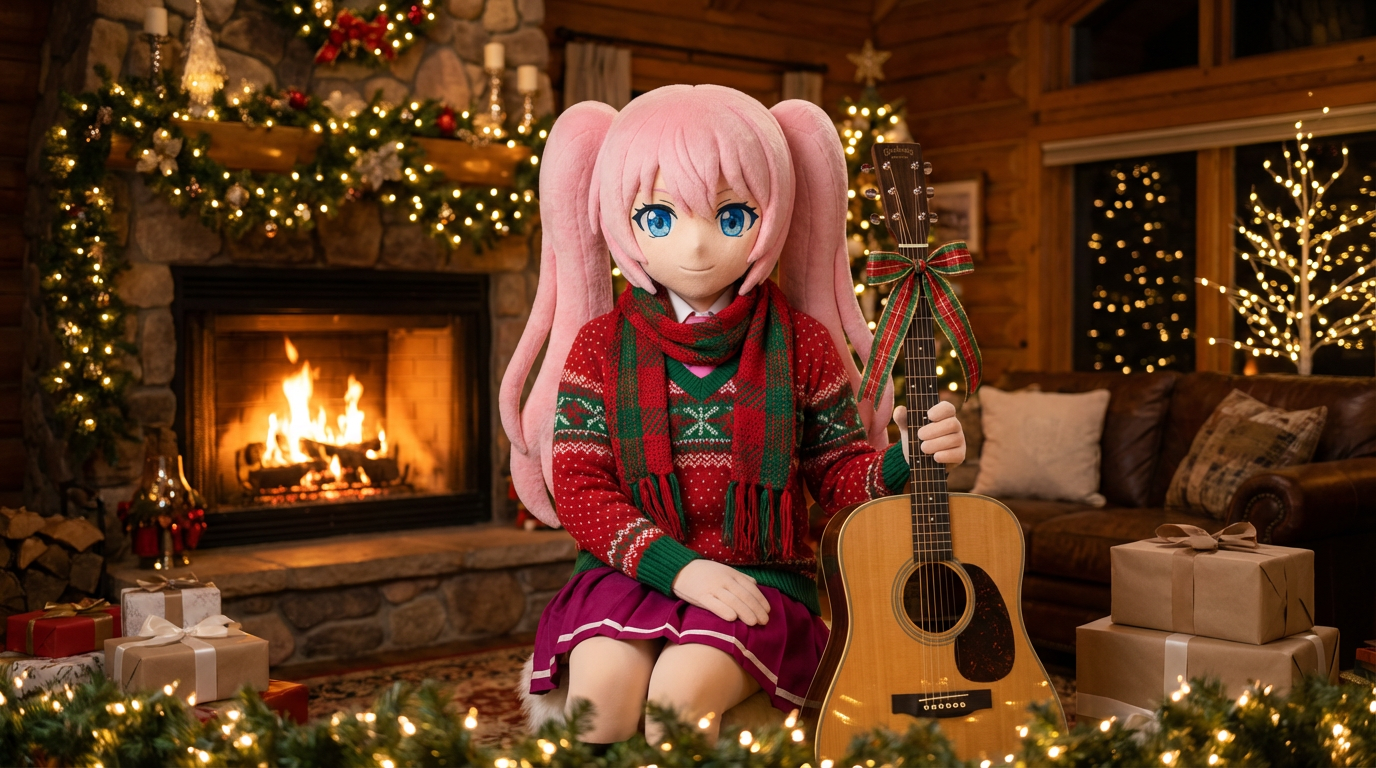
Piešķir portretiem un tēlu ilustrācijām svētku noskaņu ar šallēm, cepurēm un košu Lumi stilā veidotu noformējumu.
Pārvērt tēlus un OCs glancētos redakcionālos vāku vizuāļos ar izteiksmīgu kadrējumu, premium noskaņu un žurnāla stilam raksturīgu kompozīciju.
Use this page when you know the kind of visual asset you want, but not the exact prompt or workflow yet.
Search behavior has moved beyond one broad text-to-image query. Many users now start with an existing image, ask for an editor, or compare image generation workflows before they create.
Yes. Each page is built around a specific problem, such as turning a reference image into a new style, creating a character sheet, or making a magazine-cover visual.
Pick the page that matches your starting point. Use text-to-image when you only have an idea, image-to-image when you have a reference, and AI image editor when you need controlled changes.