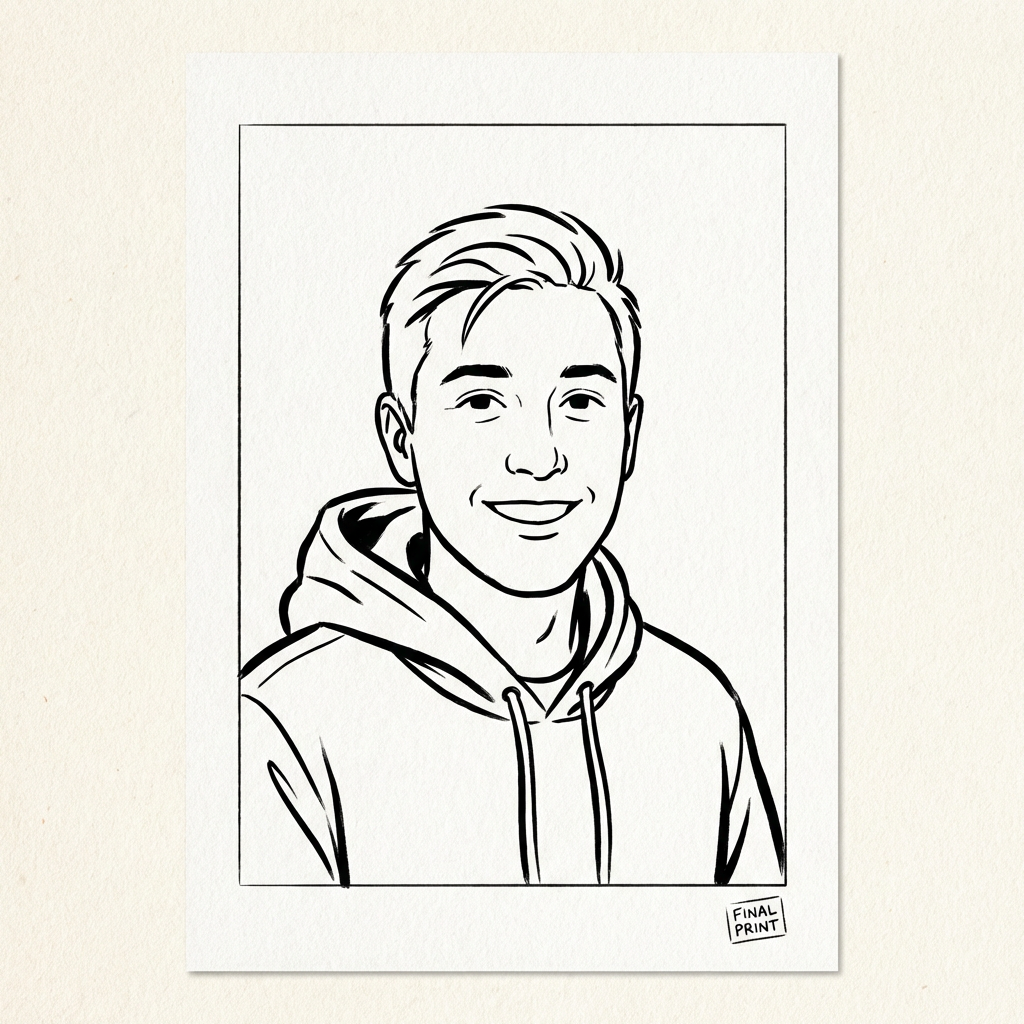
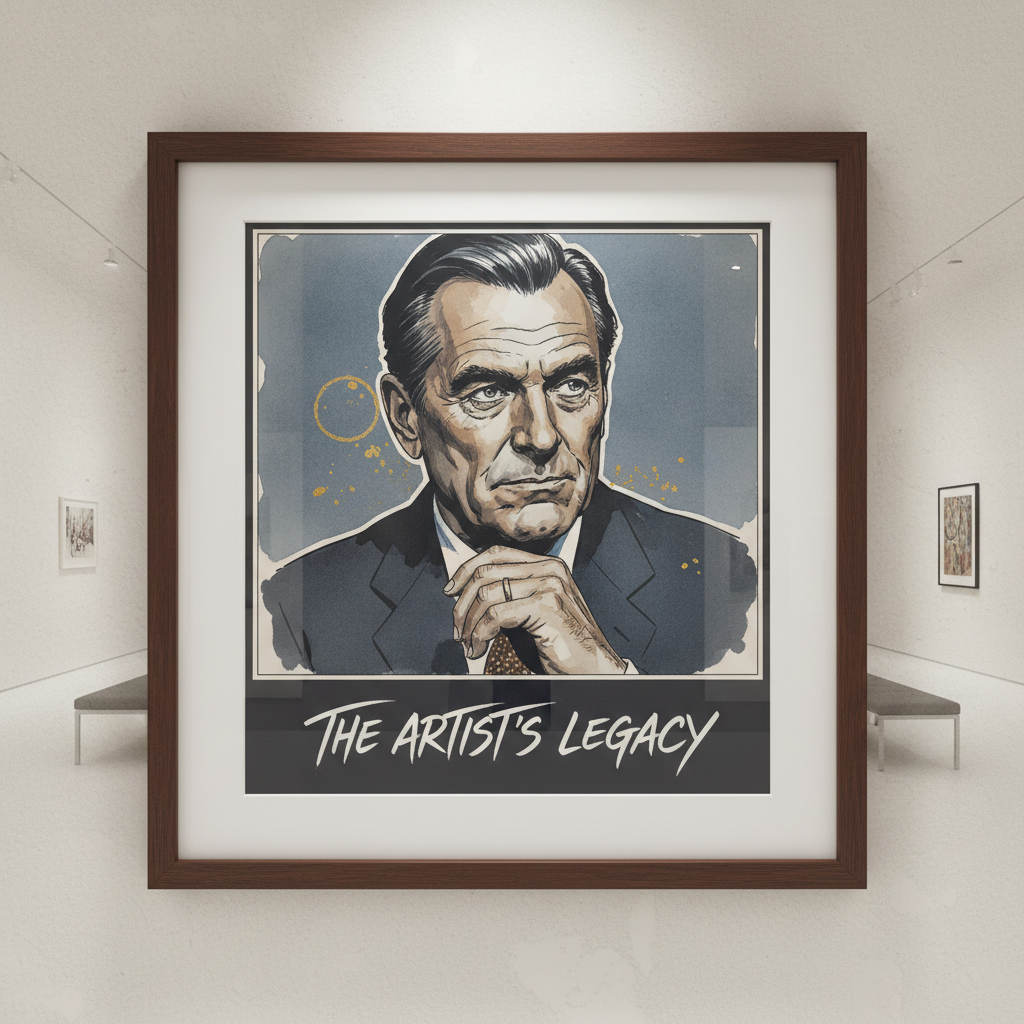
Shopify Photo to Comic Automation
A practical integration blueprint for personalized wall decor brands: upload customer photos, select style/theme, generate one-page comic, and deliver print-ready artwork.
Quick operational steps
1
Shopify storefront — Customer uploads one or more photos, chooses style preset/theme, and confirms order metadata.
2
API generation — Your app sends prompt, preset, and photo references to Comic API and stores the generation id.
3
Webhook delivery — On completion, webhook callback returns file urls so you can auto-deliver assets to print/fulfillment.
Gallery Commerce
Order
Upload portrait
Build your
comic avatar
comic avatar
sample-reference.jpg
Simulation
Experience summary
- Shopper uploads a photo and immediately understands what the final art will feel like.
- The order journey stays calm: submit, render, and fulfillment updates with no confusion.
- Delivery quality is consistent, so the product feels premium from checkout to unboxing.
Explore related examples
Open another interactive app flow.