01
Create Manhwa Online


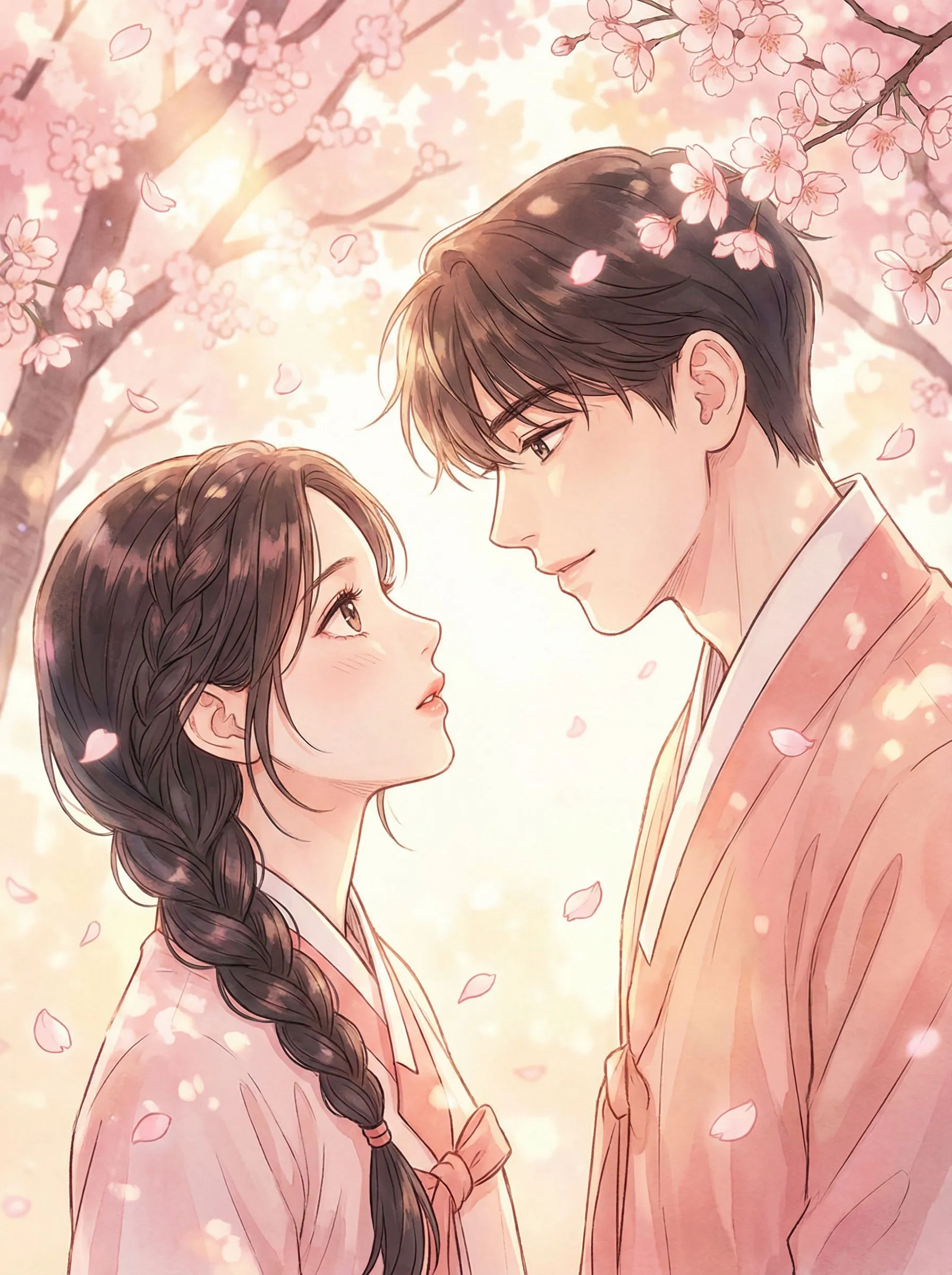
Create manhwa online with LlamaGen. Turn scripts and character ideas into Korean manhwa panels with AI Manhwa Generator, AI Manga Generator, AI anime generator, AI character creator, and AI Comic Maker workflows.
01
Create Manhwa Online
02
Revise Panels and Characters
03
Korean Manhwa and Webtoon Styles
04
No Drawing Skills Needed
Workflow change
A strong manhwa idea stays stuck in notes because the first visual draft takes too long.
Generic images look attractive but do not protect panel order, character direction, or vertical pacing.
Creators cannot tell whether the episode works until after spending time on finished art.
Generate Korean manhwa panels from scripts, scene prompts, and character notes in minutes.
Use real outputs to judge pacing, emotion, and story clarity before final production.
Build pitch references, episode drafts, and recurring character direction in one online workflow.
Example directions
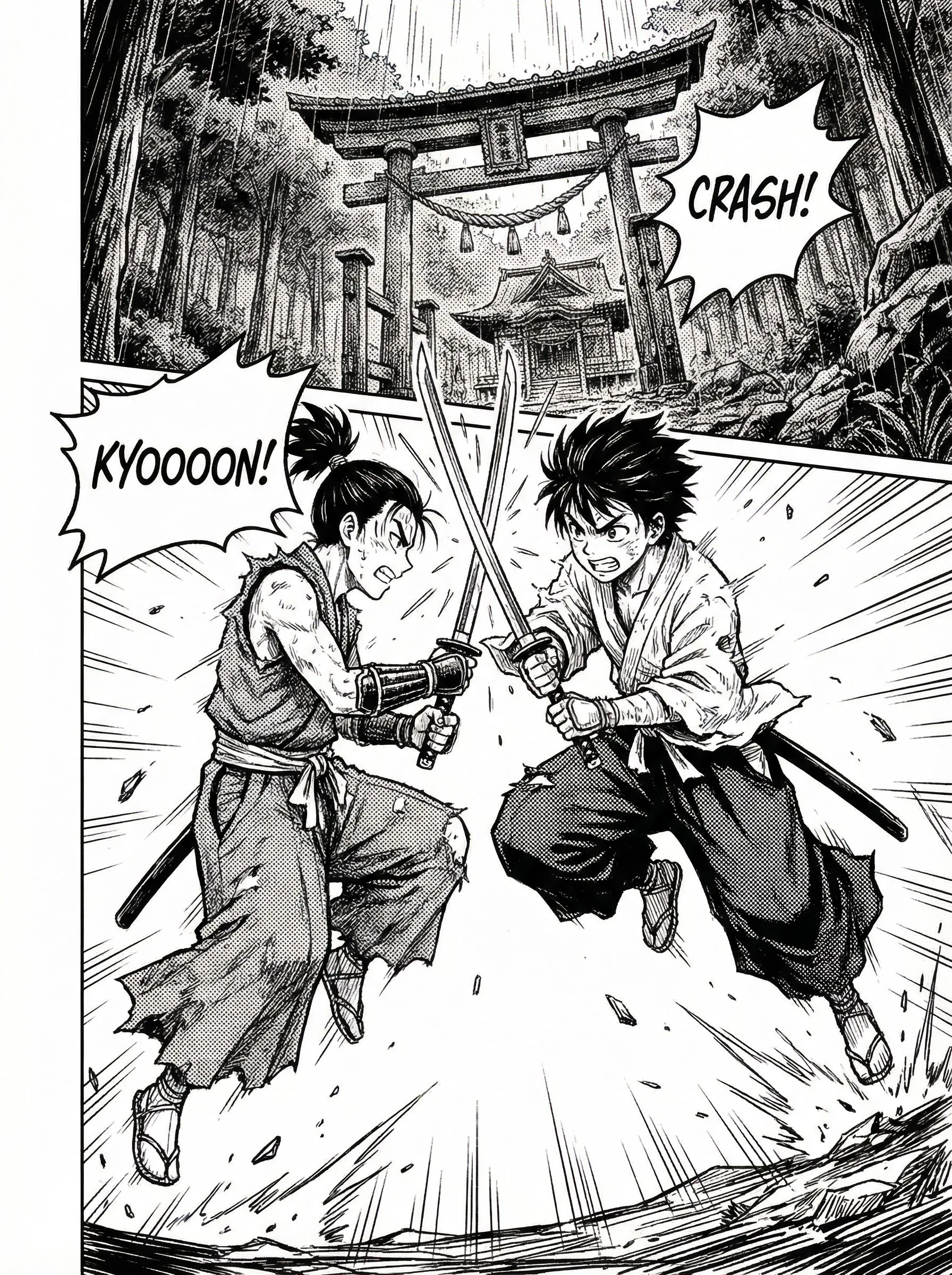
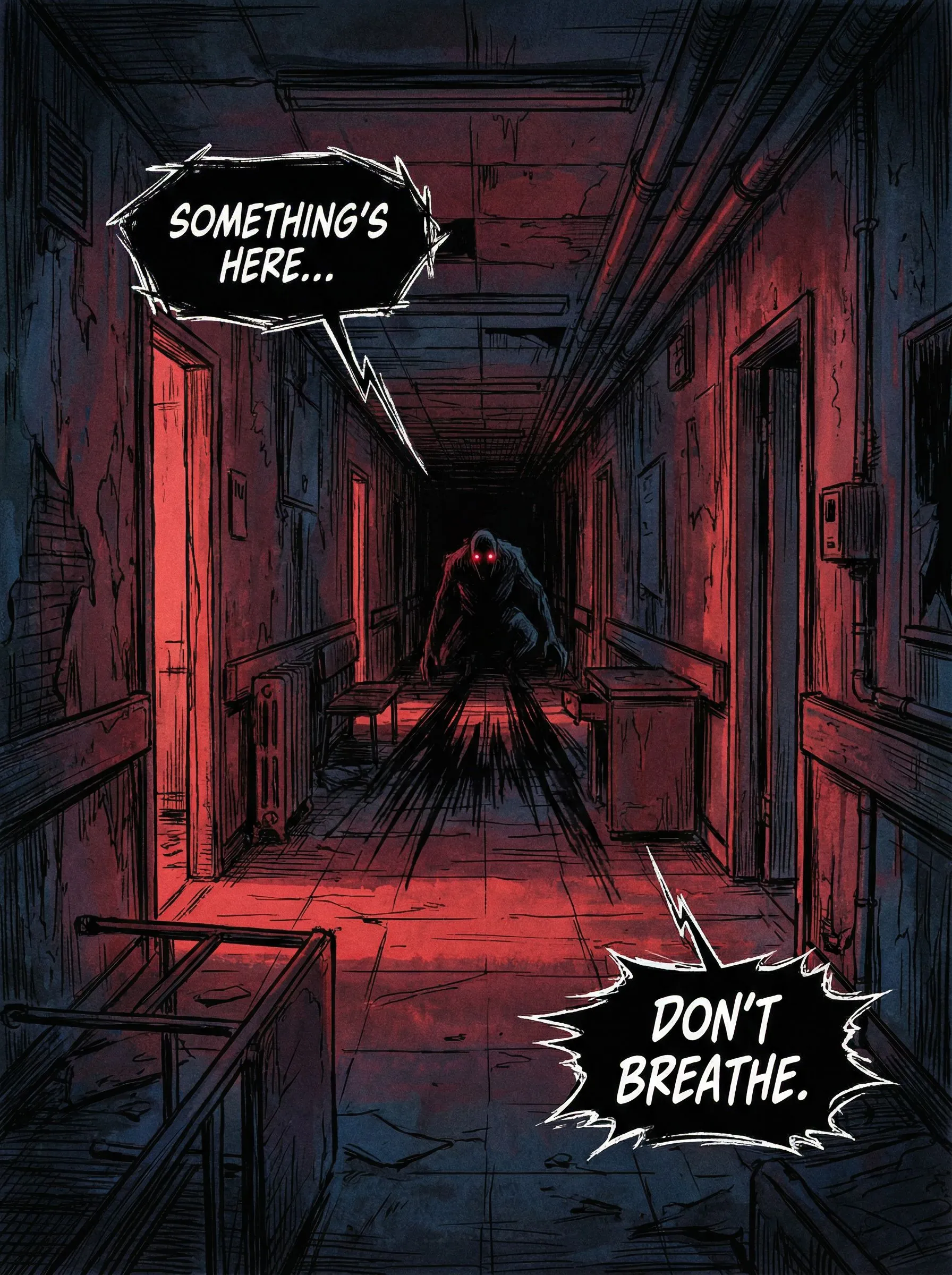
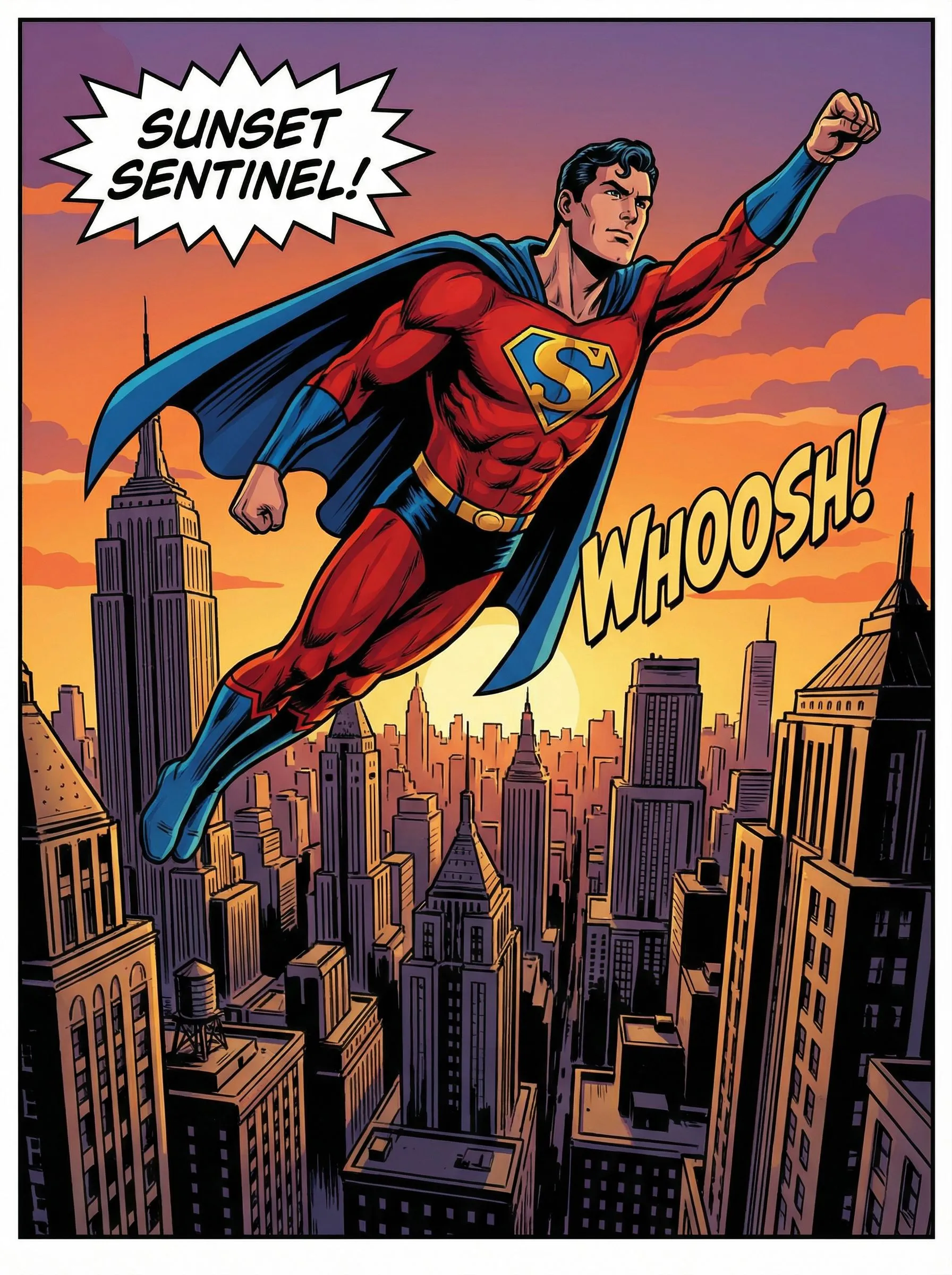
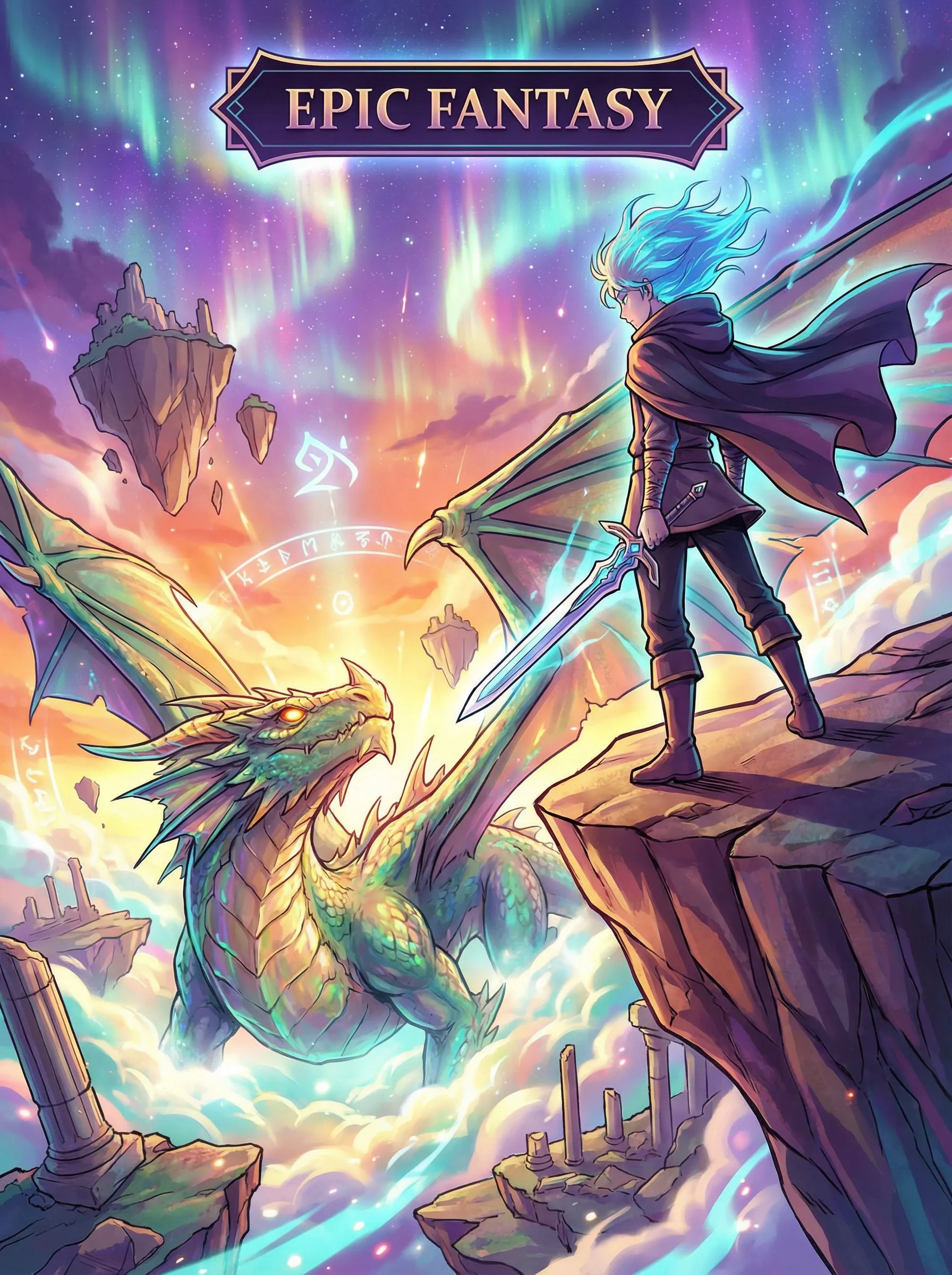
Use these examples as art-direction references. Keep the subject, composition, and intended output clear in your own brief.

Prompt directions
Use a direction as written or move it into the creative brief and replace the subject, setting, mood, and output details.
Workflow
Write the manhwa scene, including genre, character emotion, setting, dialogue, and the story beat you want readers to feel.
Choose a Korean manhwa, manga, anime, or custom comic direction so the page knows the visual tone and panel rhythm.
Generate panels, refine weak beats, adjust character direction, and keep building your online manhwa episode in LlamaGen.
Turn scripts, prompts, and character notes into Korean manhwa panels without starting from a blank canvas. It is built for romance, fantasy, action, school drama, and short serialized ideas.
Draft manhwa scenes with readable pacing, emotional close-ups, panel order, and scroll-ready composition so the episode feels closer to a real webcomic workflow.
Describe a protagonist, outfit, expression, and role, then iterate until the recurring character direction is strong enough for panels, pitches, and chapter planning.
01 / Applied feature
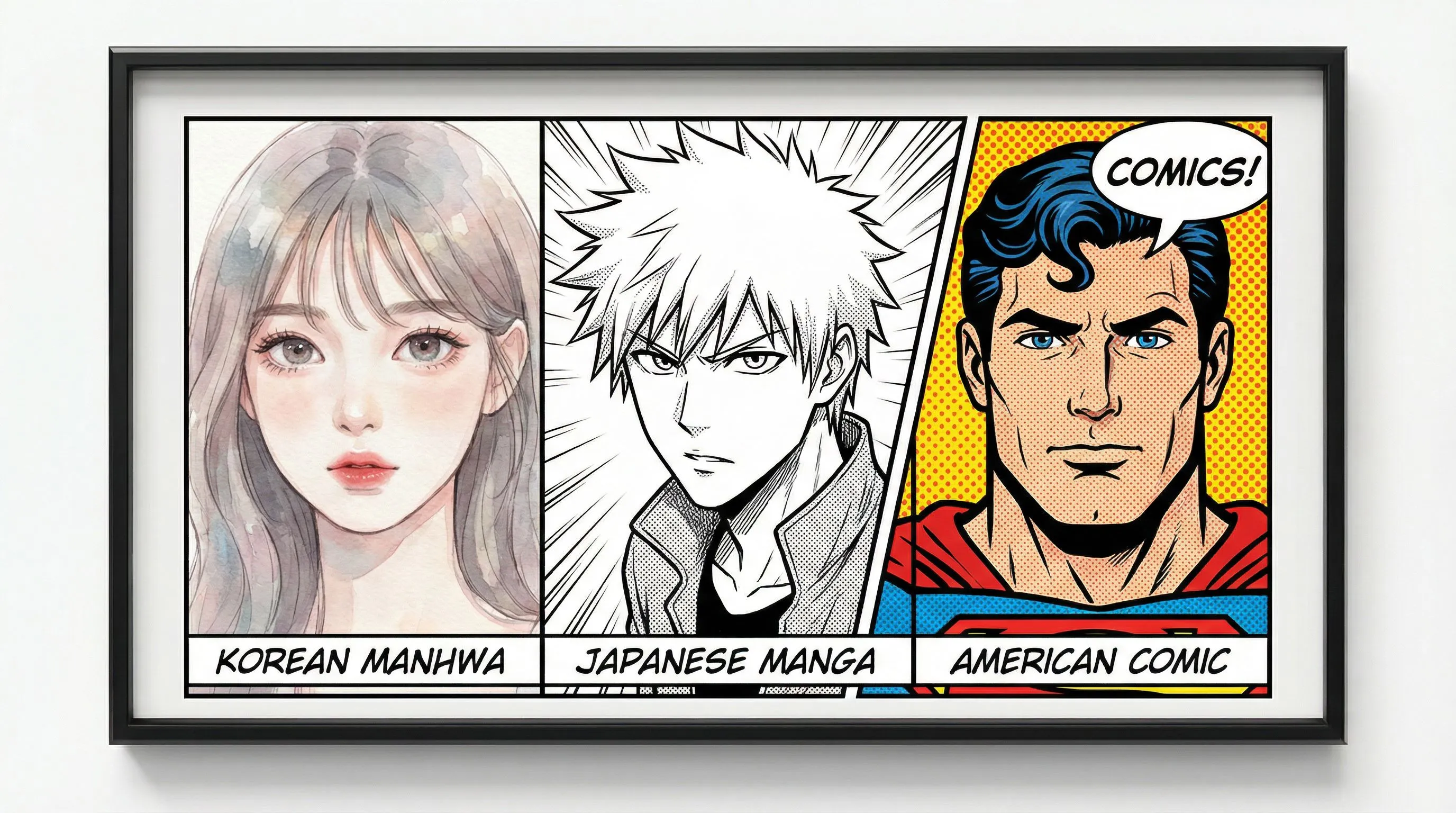
Use one workflow for Korean manhwa, manga, anime-style characters, and broader comic maker outputs. This helps creators test the right visual language before committing to a full chapter.
02 / Applied feature
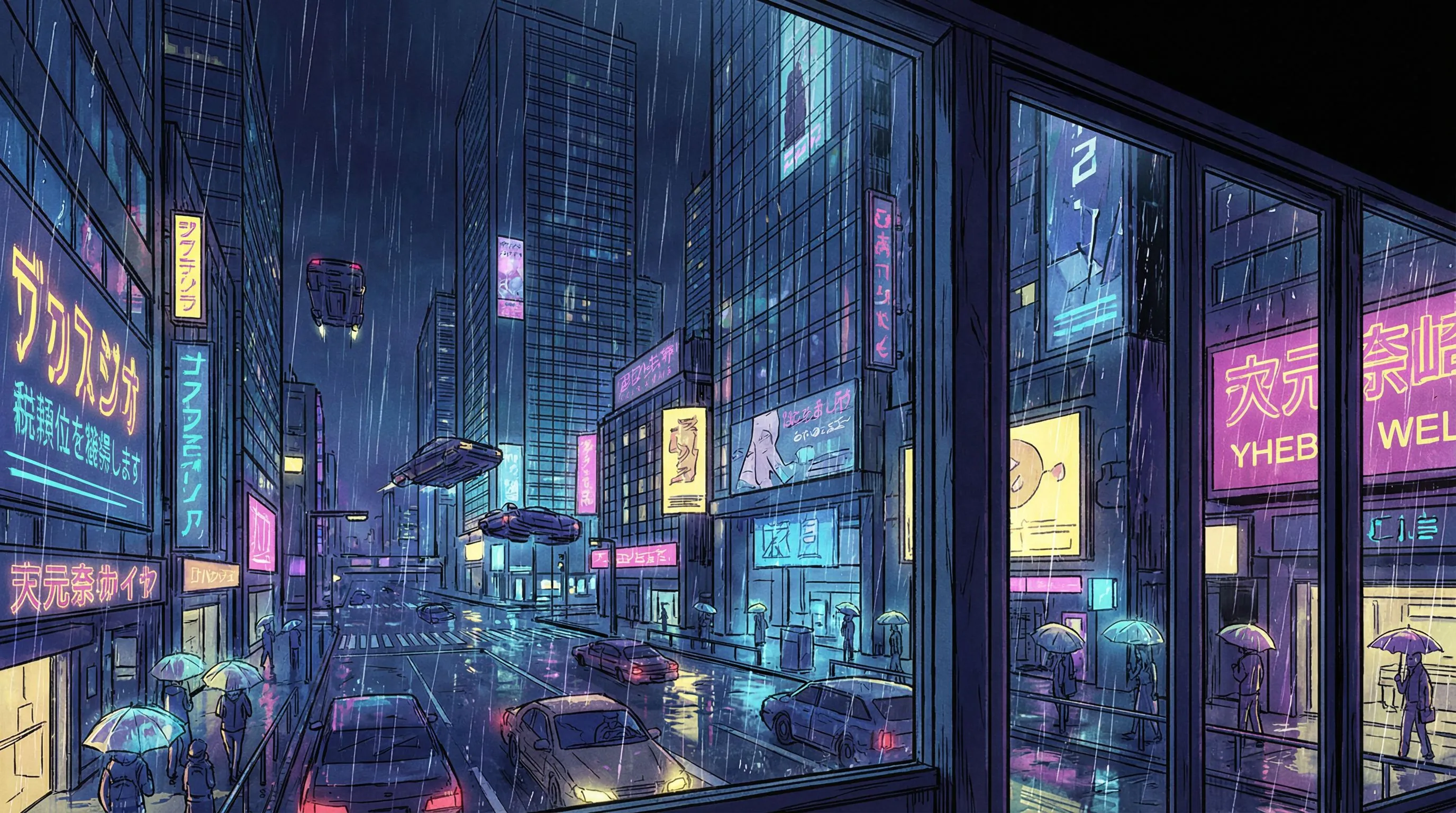
Paste a plot beat, dialogue exchange, or episode idea and generate visual panels quickly. Regenerate weak moments, sharpen pacing, and keep the strongest scenes for your manhwa draft.
Working sequence
Go from a Korean manhwa idea to scroll-ready panels without manual drawing.
Start with a romance beat, action setup, fantasy premise, or slice-of-life dialogue. Add mood, setting, and character traits.
Choose Korean manhwa pacing, manga composition, anime character tone, or a custom comic look for your story.
Create panels, keep the strongest scenes, regenerate weak shots, and continue shaping the episode in LlamaGen.
Practical value
A useful manhwa page needs story continuity, readable emotion, and fast iteration, not just one pretty image.
Move from text to visible panels quickly so you can judge whether a scene deserves more production time.
Keep protagonist notes, outfits, expressions, and roles connected while building multiple manhwa moments.
Use generated panels as references for collaborators, clients, readers, or your own chapter planning.
Plan emotional close-ups, establishing shots, action beats, and cliffhangers with webcomic reading flow in mind.
Start with writing and direction instead of finished line art, then refine the result until the story reads clearly.
Branch from Korean manhwa into AI Manga Generator, AI anime generator, and AI Comic Maker workflows when needed.
Creator feedback
“This is a great AI product. It can really turn your imagination into reality. It's really cool! It opens up a new era of comics! Thank you very much for the hard work and dedication of the developers.”
“UNCOVERING AI TOOLS. Turn text into stunning and engaging comic images and strips - https://llamagen.ai”
“Thanks for sharing! I hope the product is fun to build”
FAQ
Manhwa Online is a LlamaGen tool page for creating Korean manhwa-style panels from text prompts, scripts, and character notes. It focuses on vertical storytelling, expressive characters, and fast visual iteration.
Yes. Describe the scene, characters, emotion, genre, and panel beats. LlamaGen generates a visual draft that you can refine with prompts.
Yes. Manga often refers to Japanese comic styles and page formats, while manhwa usually points to Korean visual storytelling and vertical webcomic pacing. LlamaGen can support both workflows.
Yes. You can describe recurring protagonists, outfits, poses, expressions, and story roles, then use the output as character direction for manhwa panels.
Include the genre, character traits, emotion, setting, action, camera angle, dialogue, and the final beat you want the reader to feel.
Yes. You can create manhwa panels, manga-style scenes, character concepts, and broader comic visuals from the same LlamaGen workflow.
Start with a scene prompt, choose a Korean manhwa style, and generate your first vertical story panels in minutes.