Five shadow directions
Test natural, drop, hard drop, reflection, and floating treatments.


AI shadow generator
Upload a product cutout or clean product photo, choose a shadow style and strength, then generate studio-like depth without redesigning the product.
Add a product shadow
Transparent PNGs and clean backgrounds make product edges and contact points easier to interpret.
Upload a product image
Transparent PNG or clean JPG, PNG, WebP, HEIC, or HEIF
Shadow type
Shadow intensity
Output framing
Matches the first source image to protect the original crop.
Sign in to generate. Review the result before downloading; AI may invent details that are missing from the source.
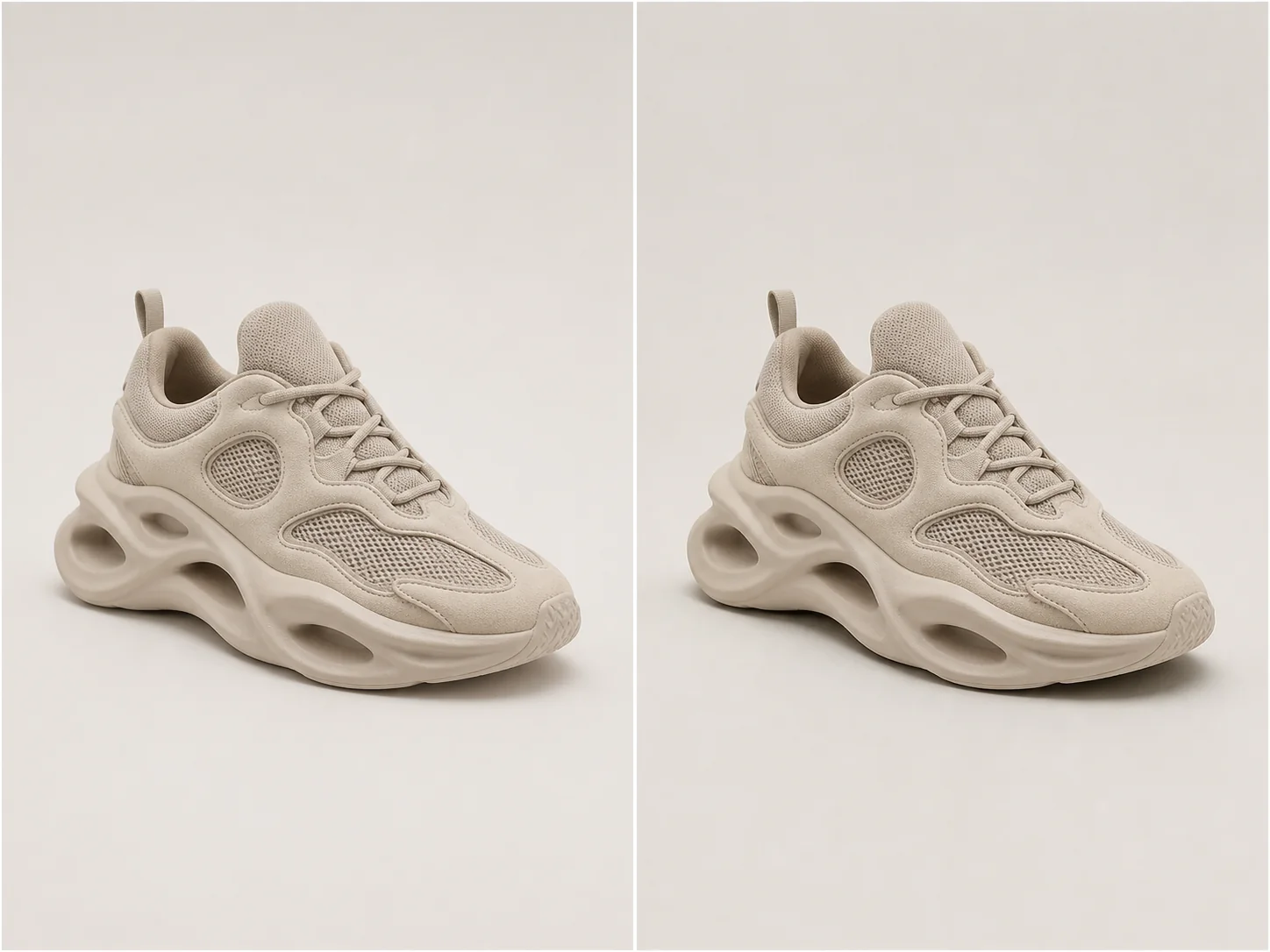
Studio depth
A useful product shadow follows object geometry, contact points, camera perspective, and the existing light direction.
Choose natural softness for most catalog work, a directional drop shadow for graphic layouts, or a controlled reflection for glossy studio treatments.
Test natural, drop, hard drop, reflection, and floating treatments.
Control visual weight without changing the product itself.
Infer contact points and perspective so the shadow follows the object.
Keep exact shape, material, color, labels, and crop unchanged.
Real examples
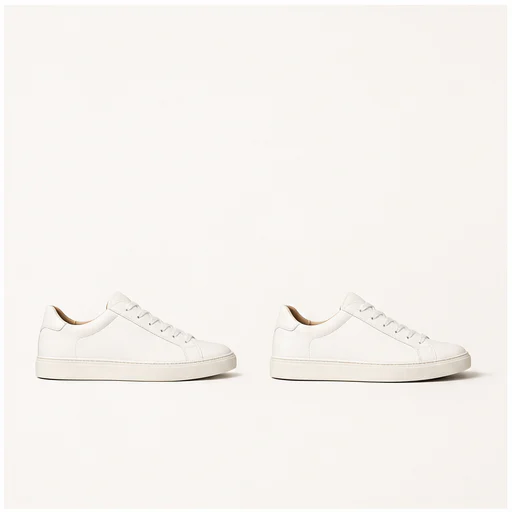
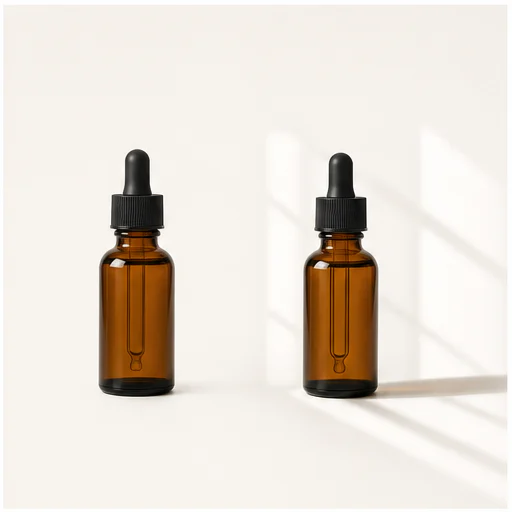
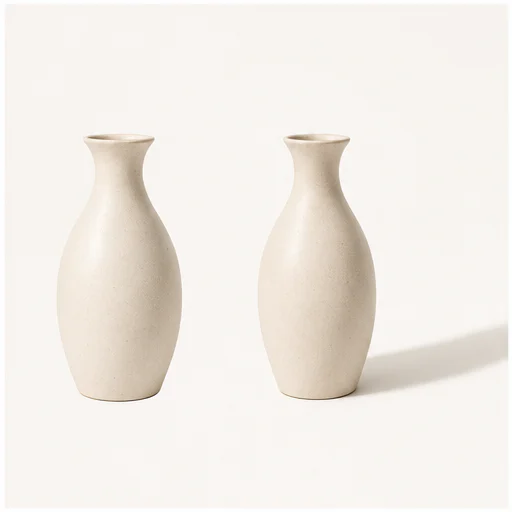
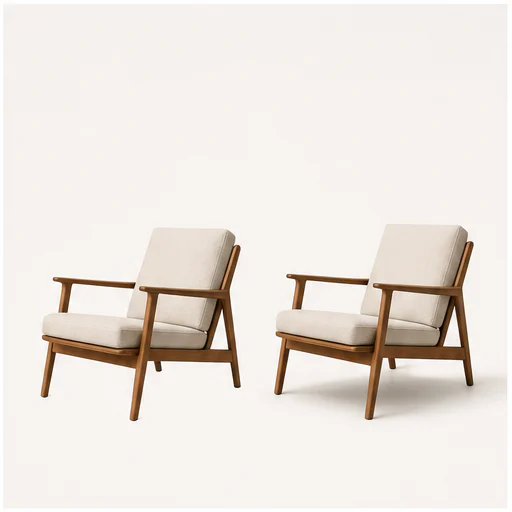
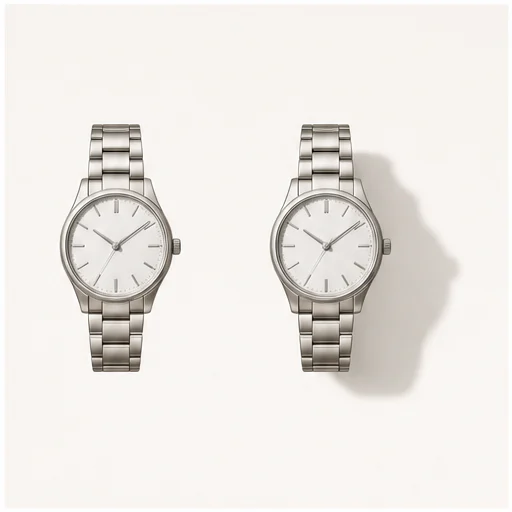
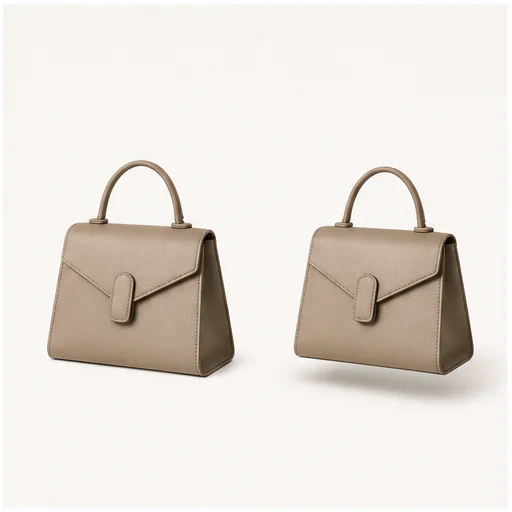
Each example keeps the full product visible before and after adding a physically plausible shadow. Material, angle, scale, and background remain consistent.
How it works
Follow the short workflow, then inspect the generated details before using or publishing the result.
Choose a clear product cutout or clean photo with the full outline visible.
Match the treatment to the catalog, ad, marketplace, or campaign layout.
Check the contact point, light direction, opacity, and product edges.
Real creator feedback
Read what creators shared about making comics, characters, and visual stories with LlamaGen.

@jake-m
As an avid creator of comic book style graphics, I've struggled to find a tool that truly allows me to unleash my creativity at scale. llamagen.ai not only breaks limits but shatters them, offering endless possibilities for my projects. It's the ultimate AI-powered solution I've been waiting for!
@sarah-l
I've tried numerous AI tools for image generation. And they are quite fun to play with but llamagen.ai is the first app I've actually saw a potential use-case. The character consistency really grabbed my attention as it's something I hadn't seen before and I can see the appeal for professionals and amateurs alike. Truly a game-changer!

@michael-b
llamagen.ai has reignited my passion for storytelling. As a busy professional, finding time to pursue creative projects can be challenging. But this app has proven so easy to use... It's like having a creative companion by my side!

@alex-t
Being part of the creative industry demands efficiency without sacrificing quality. llamagen.ai not only meets but exceeds these expectations. Really loved playing with the storyboarding and having an AI to help with not only image generation, but also the text content - it's really a nice way to help enhance the overall experience.

@maya-s
I enjoy a great comic book and have been very sceptical about AI. For example the criticisms of the Batman AI comic saga where not without merit. But through the scepticism I do see a place for such tools. While I still value an authentic man-made production, the ability for me to create something on my own (with a little help from AI) is really empowering and exciting.
@taylor-h
Maintaining character consistency is a challenge that I did not expect to be overcome so fast. While not perfect at times, the results are impressive and I’m really looking forward to the chance to further customize my workflow and AI generation.
Practical workflows
Keep the generated image as a reviewable draft, reference, or finished asset according to the needs of the job.
Marketplace
Add subtle depth to listing images without adding scene clutter.
Catalog
Use one shadow language across unrelated product photos.
Campaign
Use directional drops or floating shadows for graphic social assets.
Beauty
Create glossy studio depth for bottles, jars, and reflective packaging.
Review notes
A shadow should support the product quietly. If it competes with the object, reduce intensity or try another type.
the shadow begins at believable contact points
perspective matches the product and camera
light direction remains consistent
transparent and reflective edges stay clean
labels and product geometry remain unchanged
the full source frame stays visible
FAQ
Practical answers about source images, generated results, rights, and review.
A transparent PNG or a clean product photo with the complete object visible gives the strongest edge and contact cues.
Natural soft suits most product photos. Drop shadows are more graphic, reflections feel polished, and floating shadows create separation.
The prompt protects the product's shape, colors, materials, labels, camera angle, and crop.
Related tools
Move from this focused edit into the next photo or fashion task.
Upload a blurry portrait, product, document, or memory and recover cleaner edges and natural detail without changing the original composition.
Upload a portrait, selfie, or group photo and reconstruct naturally open eyes while preserving identity, expression, lighting, people, and the original crop.
Upload a noisy low-light, compressed, scanned, or generated image and reduce grain while preserving edges, texture, and the source atmosphere.
Upload a faded, scratched, blurry, or timeworn photo and create a clearer restoration that protects faces, clothing, history, and the original composition.
Start with your image
Choose a shadow type and strength, then create a more grounded product image.