Find a story worth following
Explore a character's goal, an unusual setting, or a difficult choice. Compare different openings before you commit to a direction.


Gebruik LlamaGen.ai als AI-verhaalgenerator en verhalenmaker. Zet een simpel idee om in een gestructureerde eerste versie met plot, personages, dialoog en een doorloop naar storyboard- of stripkaders.
Try the first draft here. Free access has limits; saved projects and visual tools use your account and plan credits.
See how it worksPick a prompt to read an illustrative opening, then generate your own version. These samples are prepared examples, not live results or customer testimonials.
Example opening
The radio said Mara's name before she switched it on. On Platform Three, rain gathered around a red suitcase. She had checked the platform a minute ago. Empty. Now someone had left a case beneath the broken clock, with a luggage tag written in her handwriting.
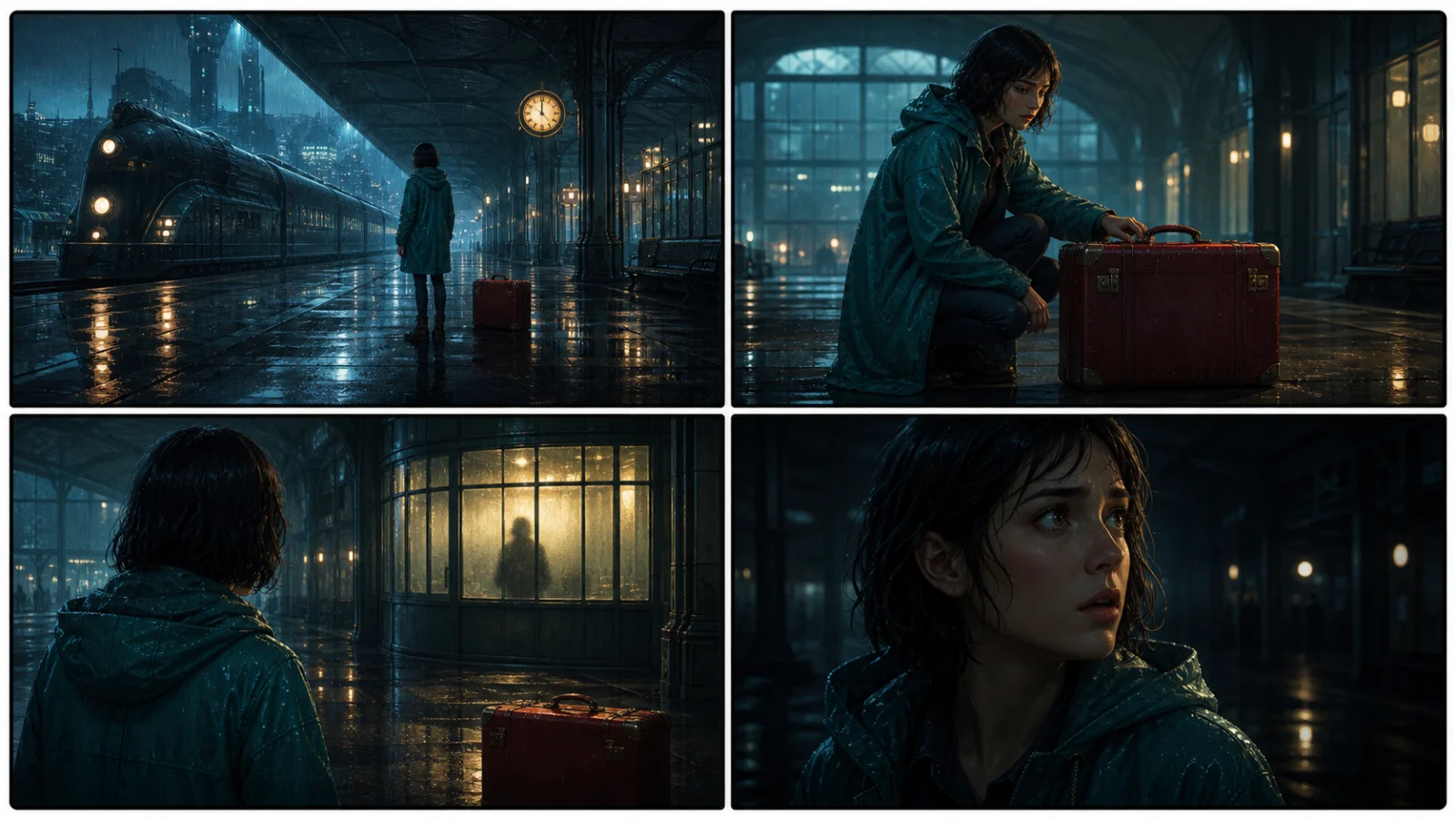
Start with something specific: a radio operator alone at a station, a red suitcase, and a message that knows her name. Generate an opening, read what works, then change the stakes or point of view. The next decision stays yours.
Generate story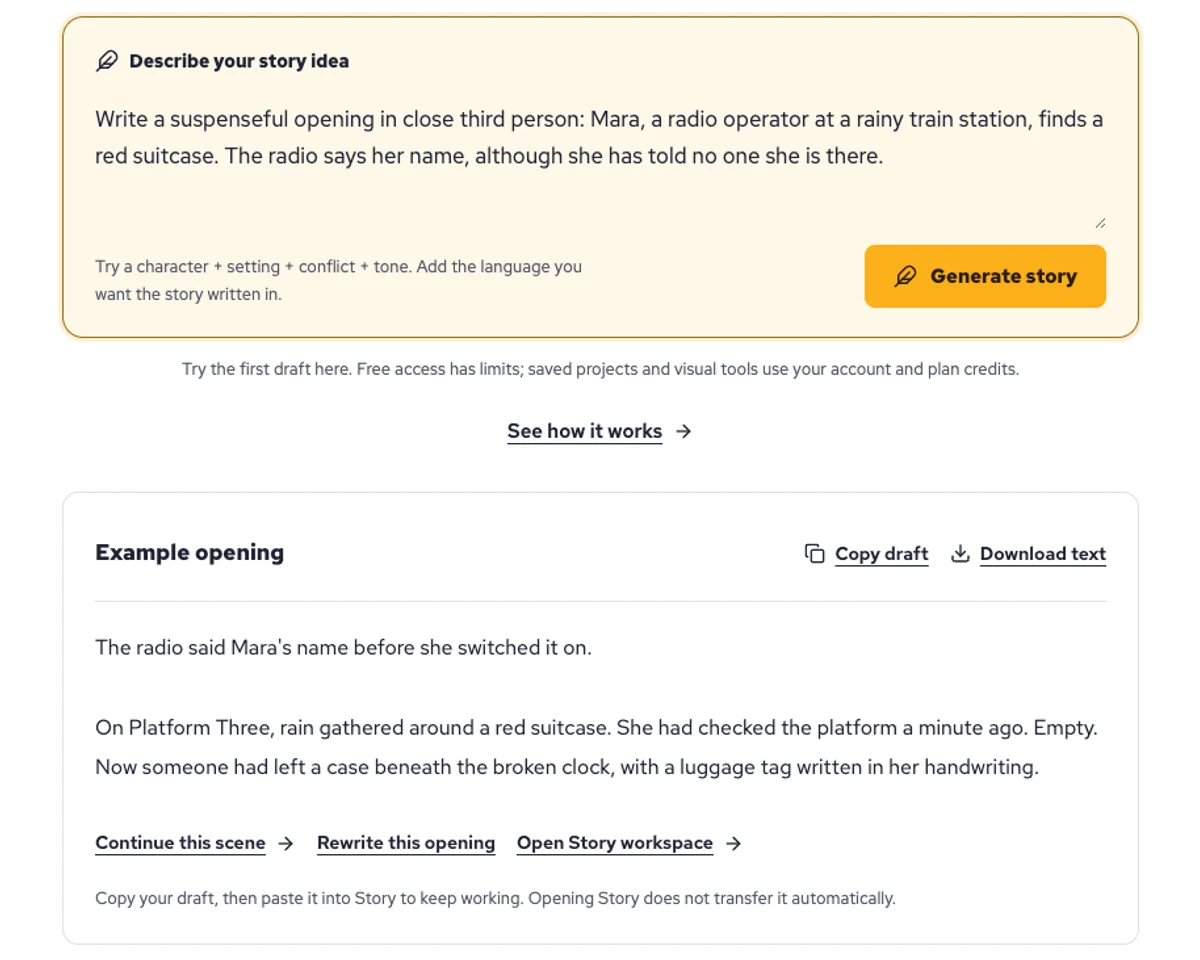
Explore a character's goal, an unusual setting, or a difficult choice. Compare different openings before you commit to a direction.
Paste an unfinished idea or use Continue after a draft. Read each new scene for names, motives, and details that need to stay consistent.
Use Rewrite to try a sharper opening. Copy a version you like before generating another, then edit the phrasing in your own voice.
This illustrative sequence follows Mara, her teal raincoat, and a red suitcase through four station shots. Use it as a guide: keep a character, location, and key prop consistent when you adapt your own draft into a storyboard or comic.
Explore script to storyboardThe same rainy-station story, imagined as a reading copy, a handheld proof, different cover designs, and a coordinated author set.
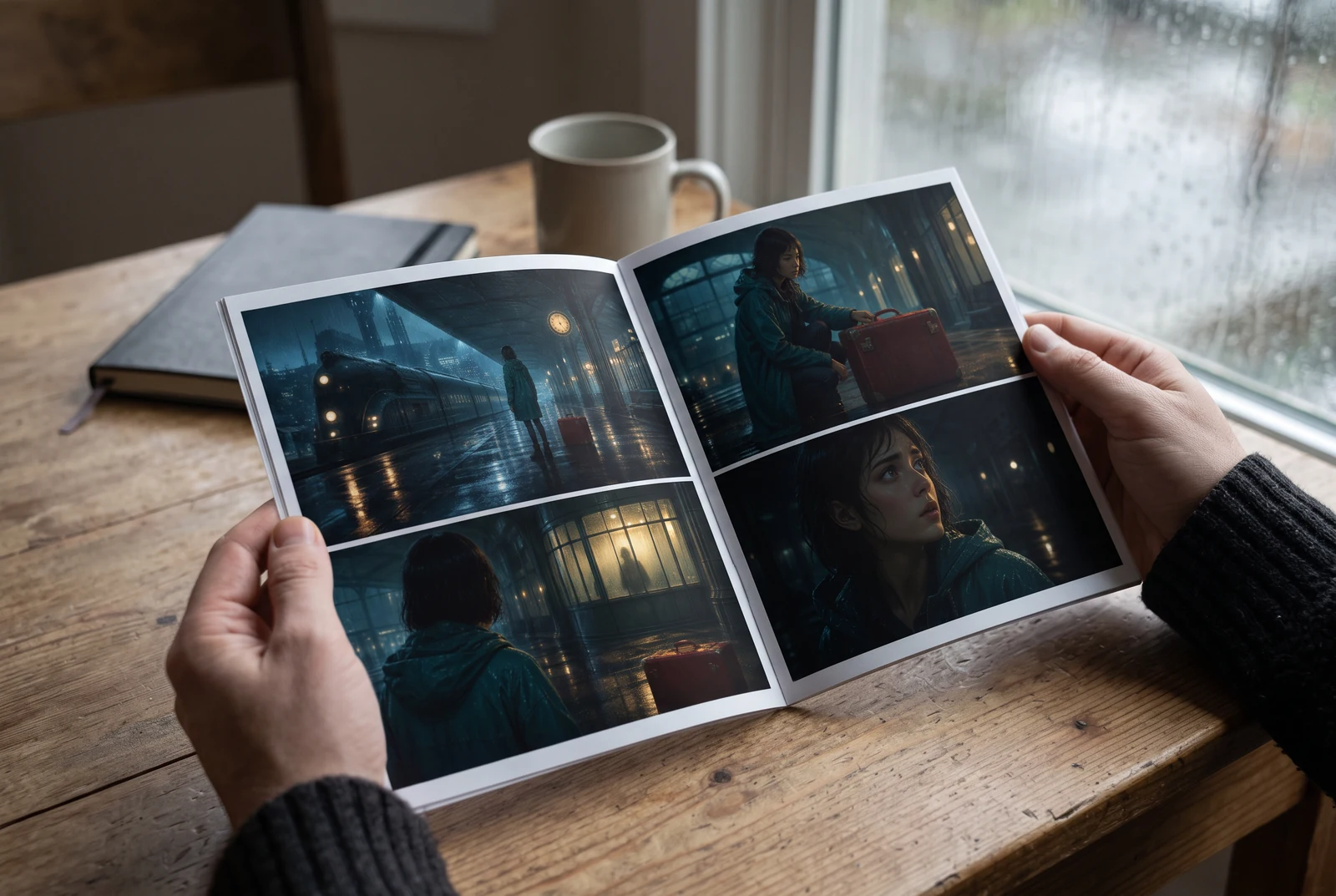
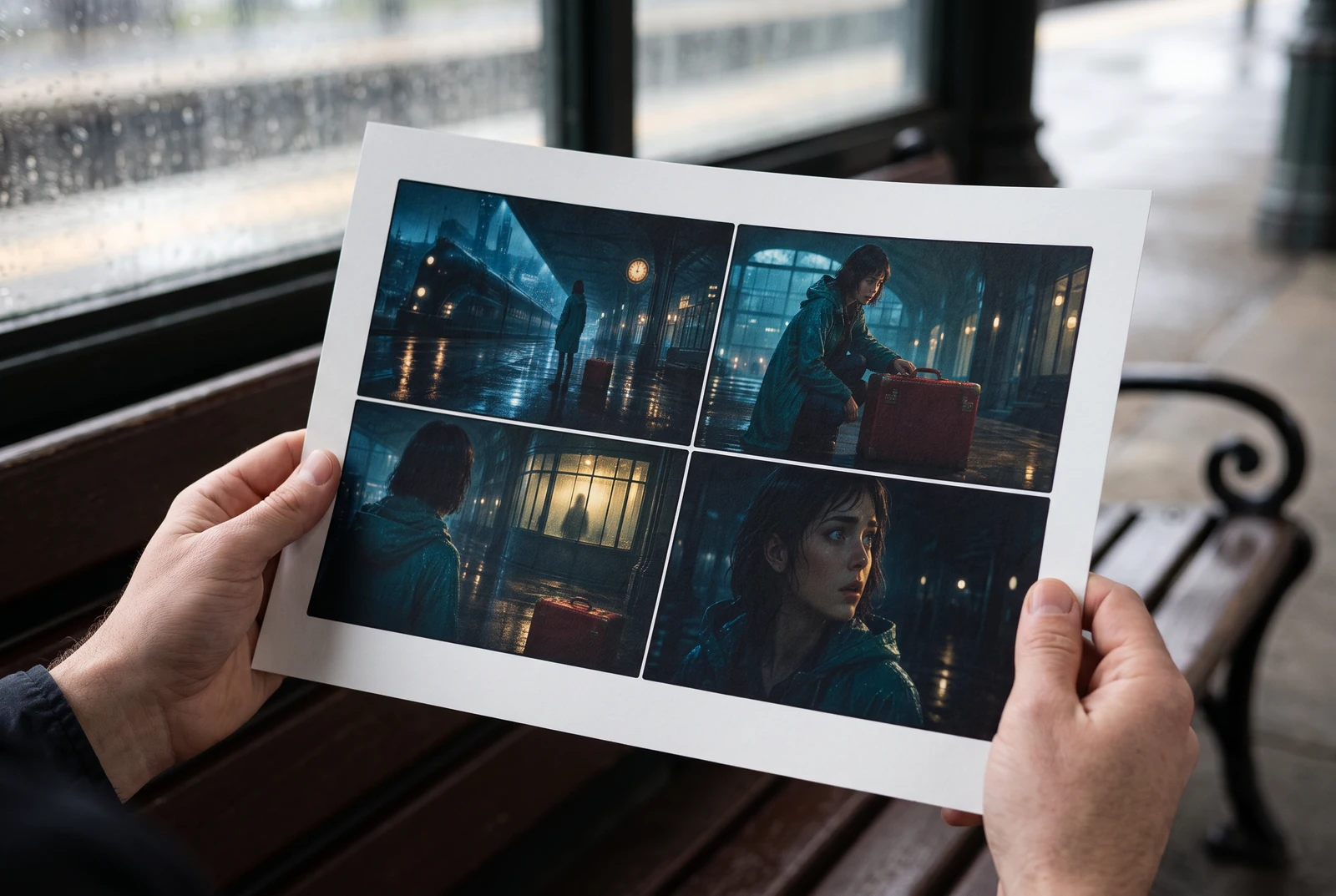
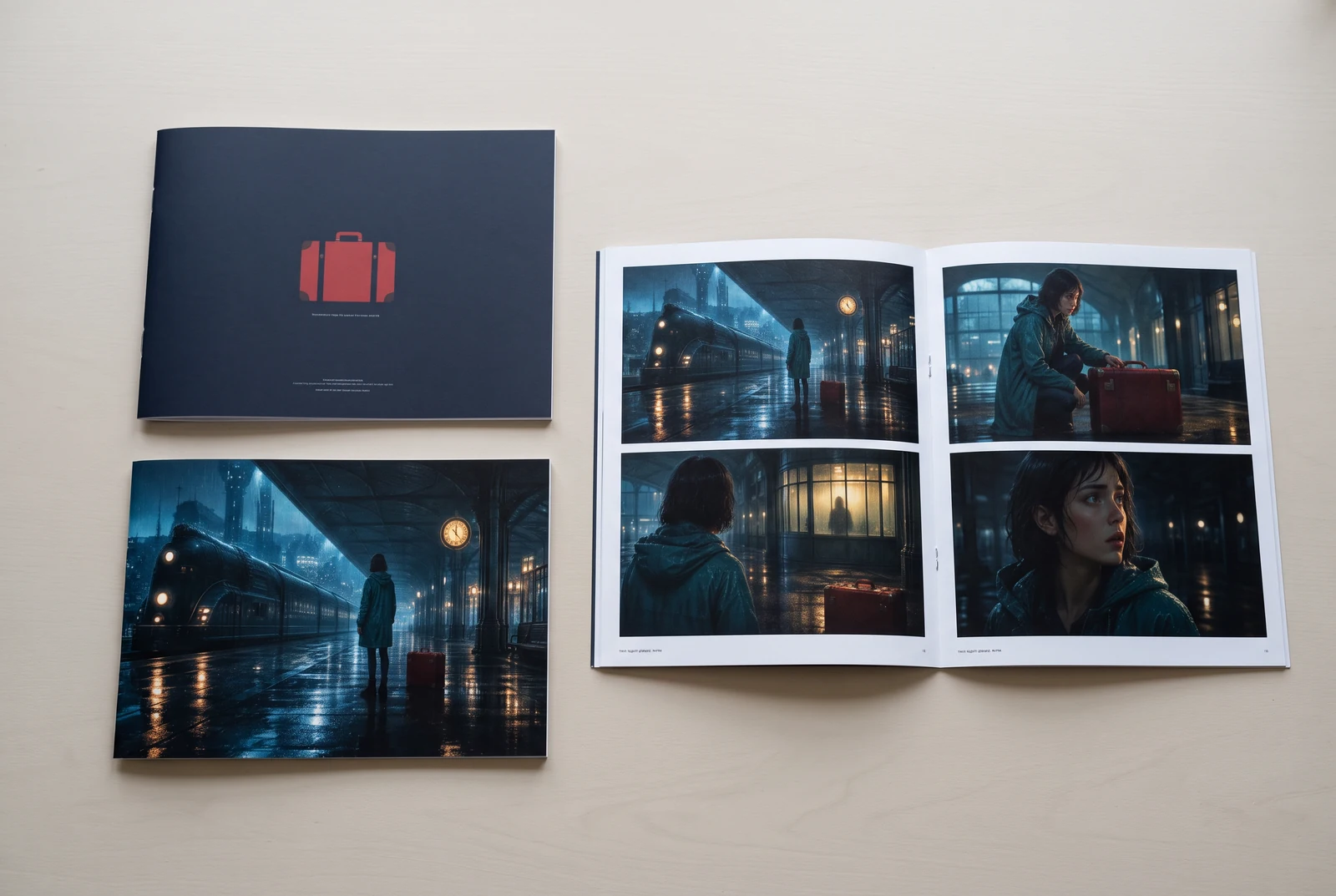
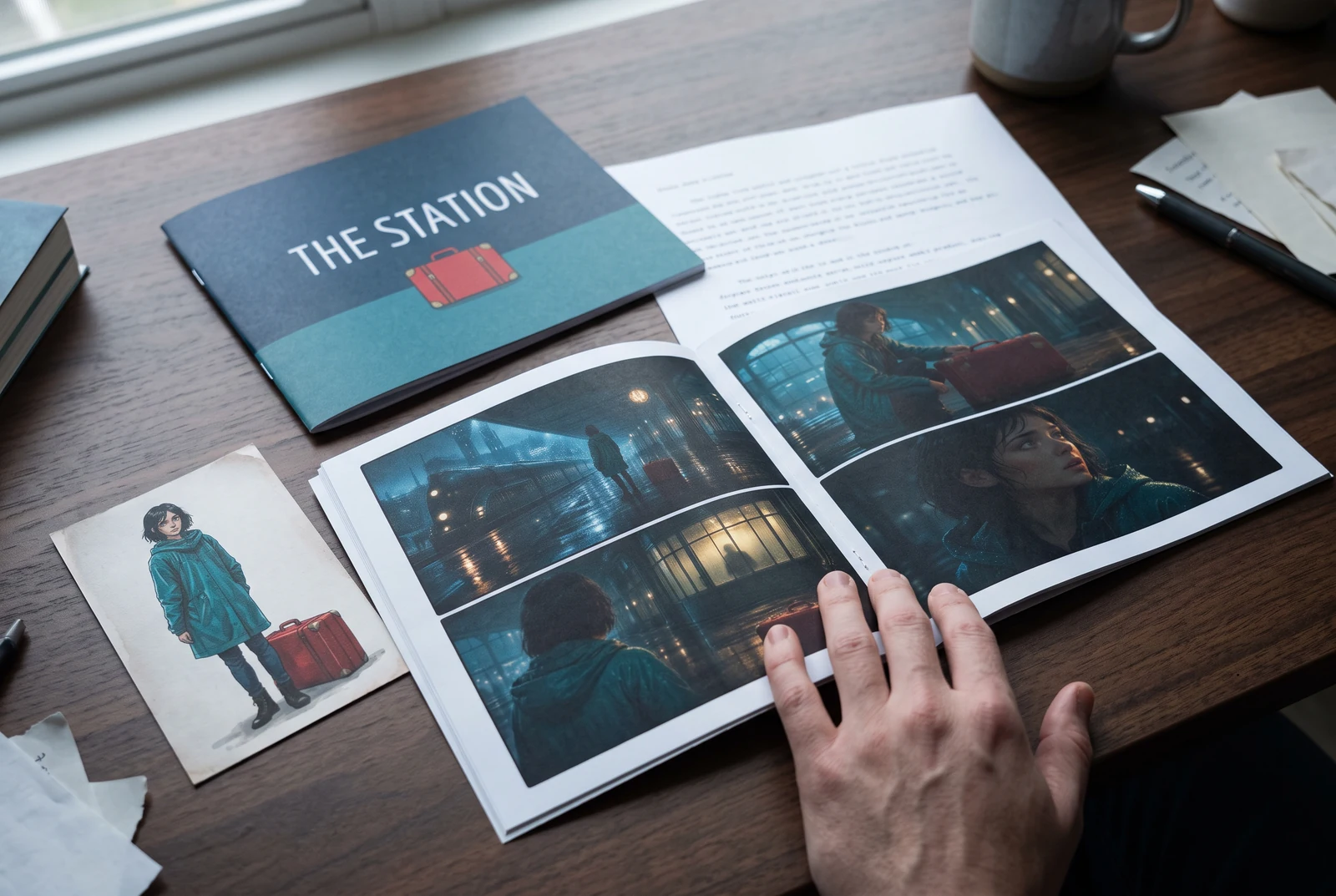
AI-generated display concepts using original LlamaGen story art. Paper examples illustrate personal printing and reading; they are not customer photographs or a print-delivery offer.
Test a premise, change the point of view, or work through the opening of a short story.
Draft scene beats and dialogue before planning comic panels or storyboard shots.
Create writing prompts and sample narratives. Review the output and follow your classroom or team's AI rules.
Describe a protagonist, setting, goal, and obstacle. Choose a tone and output language in your prompt.
Select Generate story. The result is a draft to review; one response is not a complete book.
Check the voice, facts, and continuity. Continue the next scene or rewrite the opening. Copy a version before replacing it.
Keep this text in this browser for up to seven days while you sign in, then choose a workspace and save it in Story. AI continuation uses your account's plan allowance.
AI can invent facts, repeat familiar phrasing, or lose track of a character. Review every draft before sharing it. Follow LlamaGen's terms and your school or workplace rules; check third-party material before publishing.
Het is een browsergebaseerde tool die je ideeën met AI omzet in gestructureerde verhalen. Voer een prompt in en krijg een draft met plot, personages, dialoog, scènes en visuele richting voor fictie, strips, klasopdrachten, video's of visual novels.
Een goede prompt bevat je verhaalidee, genre en toon. Bijvoorbeeld: 'Een eenzame heks opent een café in het bos' met een warme slice-of-life sfeer. Hoe duidelijker je idee, hoe beter je verhaal. Voeg specifieke details toe over personages, setting, emotionele toon en eventuele belangrijke plotpunten.
Je kunt het verhaal bewerken of uitbreiden, of het gebruiken als basis om stripkaders of visual-novelscènes te maken met illustraties, layouts en dialoog via onze tools. Veel makers gebruiken gegenereerde verhalen als script voor het ontwikkelen van panelcomposities, gezichtsuitdrukkingen van personages en visuele flow.
Het bespaart tijd, prikkelt creativiteit en helpt schrijvers van elk niveau om blokkades te overwinnen. Of je nu fictie, een strip, een visual novel, een klasprompt of een videoscript maakt, je krijgt een snel startpunt met een verhaallijn die normaal uren kost om uit te werken.
Yes. Choose Save this draft in Story, sign in, select a workspace, and confirm saving. The text stays in this browser for up to seven days and is never placed in the URL. If you reach a Story plan limit, compare plans and return to save the same draft.
Je kunt op deze pagina een eerste draft genereren zonder schrijfssoftware te kopen. Inloggen ontgrendelt Story, opgeslagen geschiedenis, storyboard-, strip- en videoworkflows, die je plancredits gebruiken.
De tool ondersteunt flexibele story prompts voor romance, fantasy, horror, drama, comedy, schoolleven en experimentele genres. Je idee wordt niet in één generiek sjabloon geduwd, terwijl de generatie wel binnen de veiligheidsregels van het platform blijft.
Je kunt blijven genereren met nieuwe drafts, alternatieve eindes, plotwendingen, personagebogen en scènes terwijl je verkent. Langere projecten, opgeslagen geschiedenis en visuele productie gebruiken je account en plancredits.
De meeste verhalen worden in 5-10 seconden gegenereerd, afhankelijk van complexiteit en lengte. Onze AI verwerkt je prompt vrijwel direct, zodat je snel kunt itereren en binnen enkele minuten meerdere verhaalrichtingen kunt verkennen.
We ondersteunen alle grote genres, waaronder romance voor jongvolwassenen, urban fantasy, superhelden, sci-fi, horror, mysterie, slice-of-life, actie, bovennatuurlijk, comedy, drama, historisch en meer. Geef gewoon je gewenste genre op in de prompt.
Je kunt op deze pagina een eerste draft genereren zonder een account aan te maken. Inloggen ontgrendelt Story, geschiedenis tussen sessies, storyboard-, strip- en videoworkflows, die je plancredits gebruiken.
Op dit moment leveren Engelse prompts de meest betrouwbare drafts op. Je kunt nog steeds een uitgangspunt in een andere taal schrijven; controleer het resultaat zorgvuldig en ga verder met bewerken in Story.
LlamaGen builds tools for writing, comics, and storyboards. Explore the team and product, check plan details, or contact support before choosing a workflow.
Write a premise. Explore an opening. Decide what happens next.
Generate story