01
Upload-first comic generation


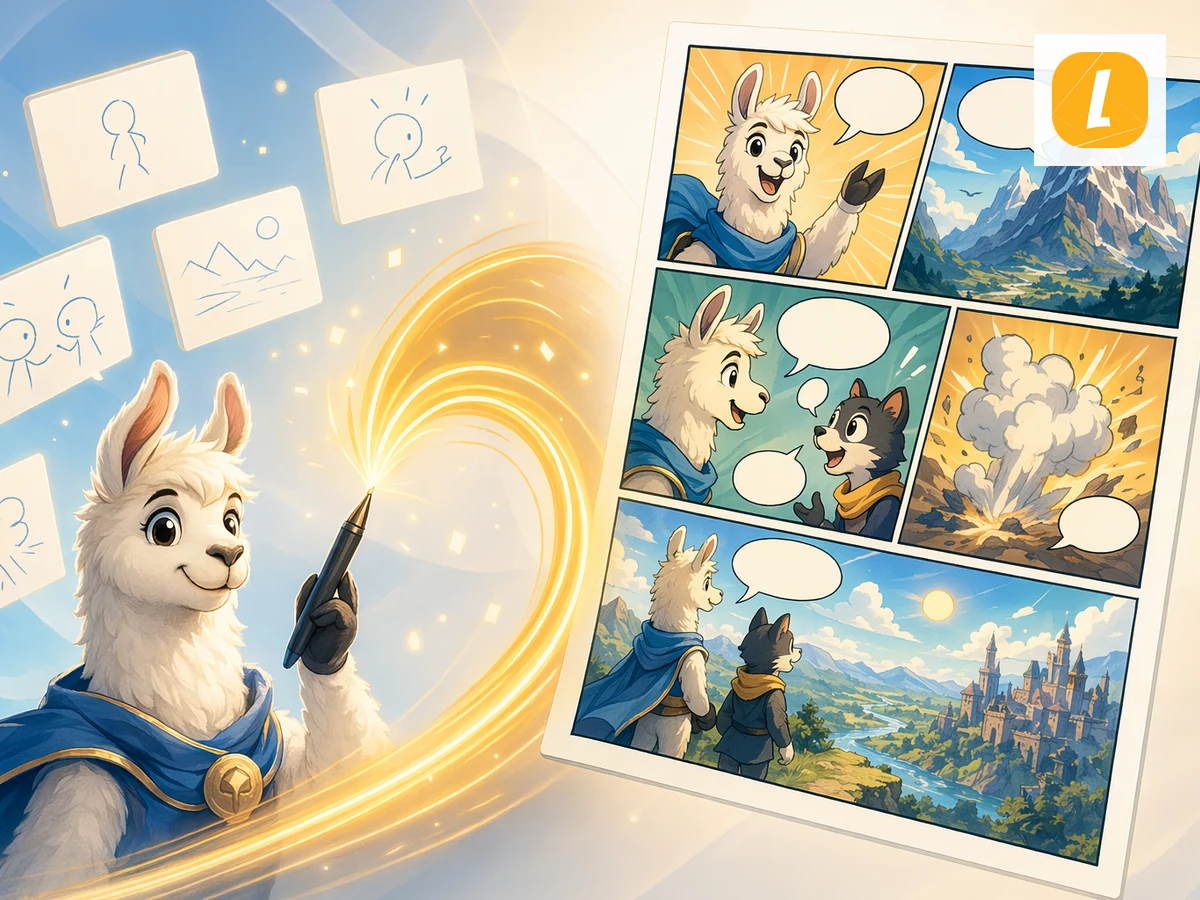
Text to Comic online with LlamaGen. Upload Text content and create an AI comic page with panels, captions, and a ready-to-edit comic workspace.
01
Upload-first comic generation
02
Editable comic workspace
03
AI panel storytelling
04
Built for LlamaGen comics
Voorbeeld instructies
Gebruik deze voorbeelden als art-direction referentie. Houd onderwerp, compositie en gewenst resultaat duidelijk in je eigen briefing.
Prompt instructies
Gebruik een instructie zoals geschreven of verwerk het in de creatieve briefing en vervang onderwerp, setting, sfeer en outputdetails.
Workflow
Upload your text file or paste text directly into the page. The tool stores it as a source attachment for comic generation.
Voeg a short comic direction, such as the audience, tone, visual style, or what part of the source should become the main scene. toe
Maak the comic and continue in LlamaGen Studio to edit panels, captions, and layouts.
Upload your text source and LlamaGen carries it into the comic creation request as an attachment, so the generated comic can follow the source material instead of starting from a blank prompt.
The tool turns your source into a comic-ready prompt with panel flow, visual pacing, captions, and a style direction you can refine before generation.
After generation, open the result in the comic workspace to adjust panels, captions, layouts, and story details without leaving LlamaGen.
Creator feedback
“Dit is een geweldig AI-product. Het kan echt je verbeelding tot werkelijkheid maken. Het is echt cool! Het opent een nieuw tijdperk van strips! Heel erg bedankt voor het harde werk en de toewijding van de ontwikkelaars.”
“ONTDEKKING VAN AI-TOOLS. Zet tekst om in verbluffende en boeiende stripafbeeldingen en strips - https://llamagen.ai”
“Bedankt voor het delen! Ik hoop dat het product leuk is om te bouwen”
Veelgestelde vragen
Text to Comic is a LlamaGen tool that uses an uploaded text source to create an AI comic page with panels, captions, and a comic-ready layout.
Upload your text source, add an optional direction, and click Create Comic. LlamaGen sends the uploaded attachment with an English prompt based on the Text to Comic theme.
Yes. The page uploads your file first, then passes it through the uploadedAttachments flow in useCreateComic so the comic request can reference the attachment.
Yes. Successful generations open in the LlamaGen comic workspace where you can continue editing the comic page.
Text to Comic accepts .txt, .md files up to 10MB.
Yes. It is designed for turning source content into panel-based comic storytelling, including education, explainers, social posts, and creative drafts.
Begin met een gefocuste briefing, bekijk het resultaat compleet en blijf de sterkste richting verfijnen in LlamaGen.