01
Upload-first comic generation


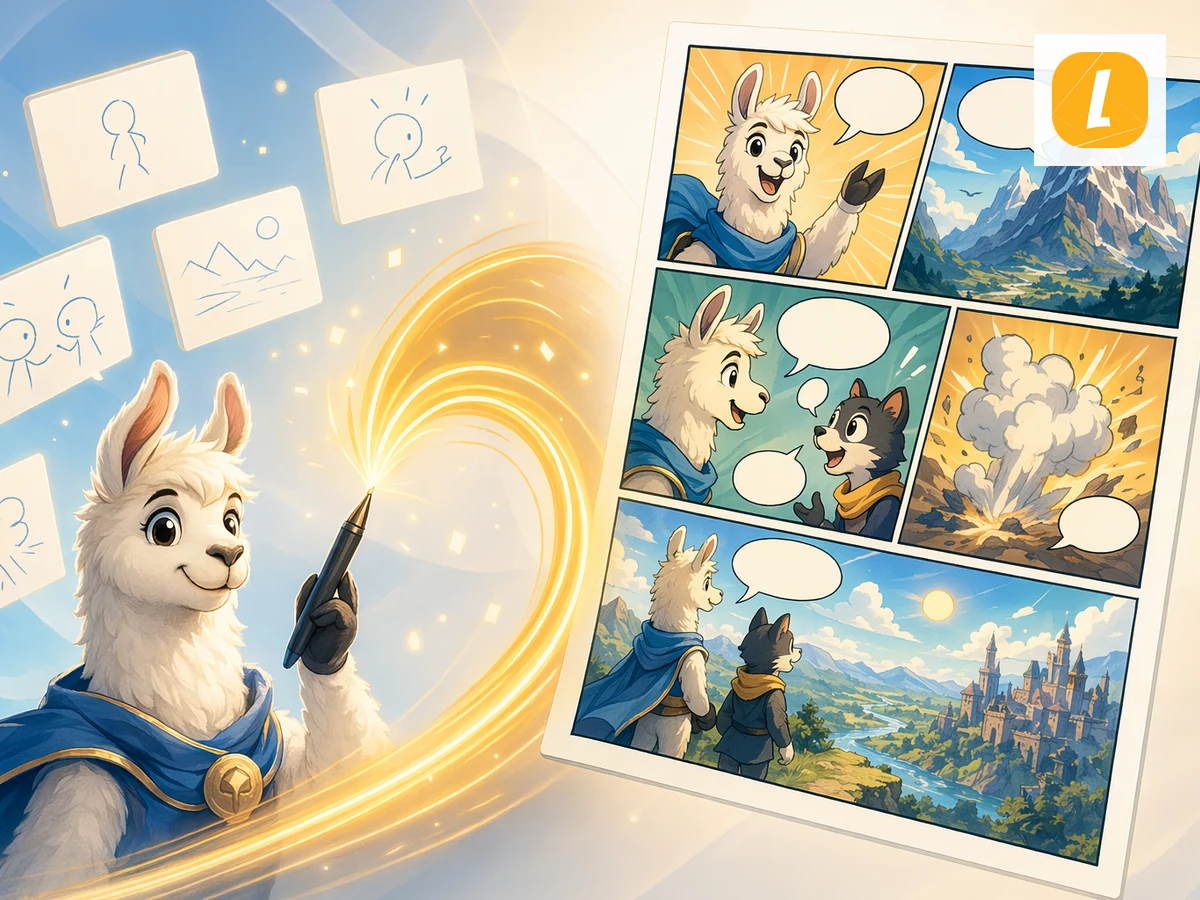
Text to Comic online with LlamaGen. Upload Text content and create an AI comic page with panels, captions, and a ready-to-edit comic workspace.
01
Upload-first comic generation
02
workspace Editable comic
03
AI panel storytelling
04
Built for LlamaGen comics
Exemples de consignes
Utilisez ces exemples comme références de direction artistique. Gardez le sujet, la composition et l'objectif de sortie clairs dans votre brief.
Consignes de prompt
Utilisez une consigne telle quelle ou déplacez-la dans le brief créatif en adaptant le sujet, le décor, l’ambiance et les détails de sortie.
Processus
Upload your text file or paste text directly into the page. The tool stores it as a source attachment for comic generation.
Ajouter a short comic direction, such as the audience, tone, visual style, or what part of the source should become the main scene.
Créer the comic and continue in LlamaGen Studio to edit panels, captions, and layouts.
Upload your text source and LlamaGen carries it into the comic creation request as an attachment, so the generated comic can follow the source material instead of starting from a blank prompt.
The tool turns your source into a comic-ready prompt with panel flow, visual pacing, captions, and a style direction you can refine before generation.
After generation, open the result in the comic workspace to adjust panels, captions, layouts, and story details without leaving LlamaGen.
Retour créateur
“C'est un excellent produit IA. Il peut vraiment transformer votre imagination en réalité. C'est vraiment cool ! Il ouvre une nouvelle ère de bandes dessinées ! Merci beaucoup pour le travail acharné et le dévouement des développeurs.”
“DÉCOUVRIR LES OUTILS IA. Transformez le texte en images et bandes dessinées captivantes - https://llamagen.ai”
“Merci de partager ! J'espère que le développement du produit sera agréable”
Questions fréquentes
Text to Comic is a LlamaGen tool that uses an uploaded text source to create an AI comic page with panels, captions, and a comic-ready layout.
Upload your text source, add an optional direction, and click Create Comic. LlamaGen sends the uploaded attachment with an English prompt based on the Text to Comic theme.
Yes. The page uploads your file first, then passes it through the uploadedAttachments flow in useCreateComic so the comic request can reference the attachment.
Yes. Successful generations open in the LlamaGen comic workspace where you can continue editing the comic page.
Text to Comic accepts .txt, .md files up to 10MB.
Yes. It is designed for turning source content into panel-based comic storytelling, including education, explainers, social posts, and creative drafts.
Démarrez avec un brief précis, passez au résultat complet, puis affinez la direction la plus forte dans LlamaGen.