

01
Upload-first comic generation
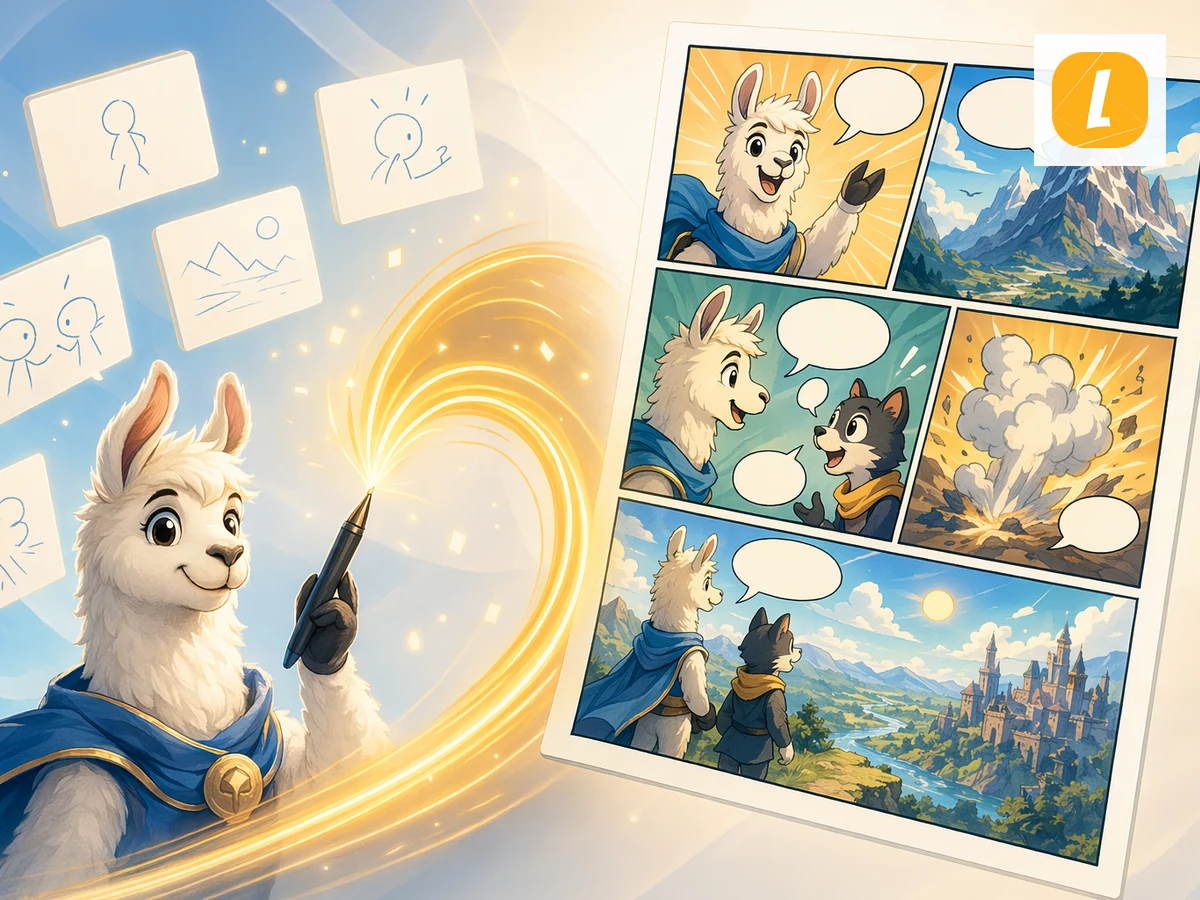
Text to Comic online with LlamaGen. Upload Text content and create an AI comic page with panels, captions, and a ready-to-edit comic workspace.
01
Upload-first comic generation
02
Editable comic 워크스페이스
03
AI panel storytelling
04
Built for LlamaGen comics
예시 지침
예시를 아트디렉션 참고로 활용하세요. 브리프에는 대상, 구성, 목적을 명확히 적으세요.
프롬프트 지침
지시에 따라 사용하거나 크리에이티브 브리프로 옮긴 후 주제, 배경, 분위기, 결과 세부정보를 교체하세요.
워크플로
Upload your text file or paste text directly into the page. The tool stores it as a source attachment for comic generation.
a short comic direction, such as the audience, tone, visual style, or what part of the source should become the main scene. 추가
the comic and continue in LlamaGen Studio to edit panels, captions, and layouts. 만들기
Upload your text source and LlamaGen carries it into the comic creation request as an attachment, so the generated comic can follow the source material instead of starting from a blank prompt.
The tool turns your source into a comic-ready prompt with panel flow, visual pacing, captions, and a style direction you can refine before generation.
After generation, open the result in the comic workspace to adjust panels, captions, layouts, and story details without leaving LlamaGen.
크리에이터 피드백
“이것은 훌륭한 AI 제품입니다. 정말로 상상력을 현실로 전환할 수 있습니다. 정말 멋집니다! 새로운 만화 시대를 열었습니다! 개발자들의 노력과 헌신에 대해 감사드립니다.”
“AI 도구 탐색. 텍스트를 놀랍고 매력적인 만화 이미지와 스트립으로 변환하세요 - https://llamagen.ai”
“공유해 주셔서 감사합니다! 제품 제작이 재미있기를 바랍니다”
자주 묻는 질문
Text to Comic is a LlamaGen tool that uses an uploaded text source to create an AI comic page with panels, captions, and a comic-ready layout.
Upload your text source, add an optional direction, and click Create Comic. LlamaGen sends the uploaded attachment with an English prompt based on the Text to Comic theme.
Yes. The page uploads your file first, then passes it through the uploadedAttachments flow in useCreateComic so the comic request can reference the attachment.
Yes. Successful generations open in the LlamaGen comic workspace where you can continue editing the comic page.
Text to Comic accepts .txt, .md files up to 10MB.
Yes. It is designed for turning source content into panel-based comic storytelling, including education, explainers, social posts, and creative drafts.
집중된 브리프로 시작해 완성 결과를 검토하고, LlamaGen에서 가장 강력한 방향으로 계속 다듬으세요.