

01
Upload-first comic generation
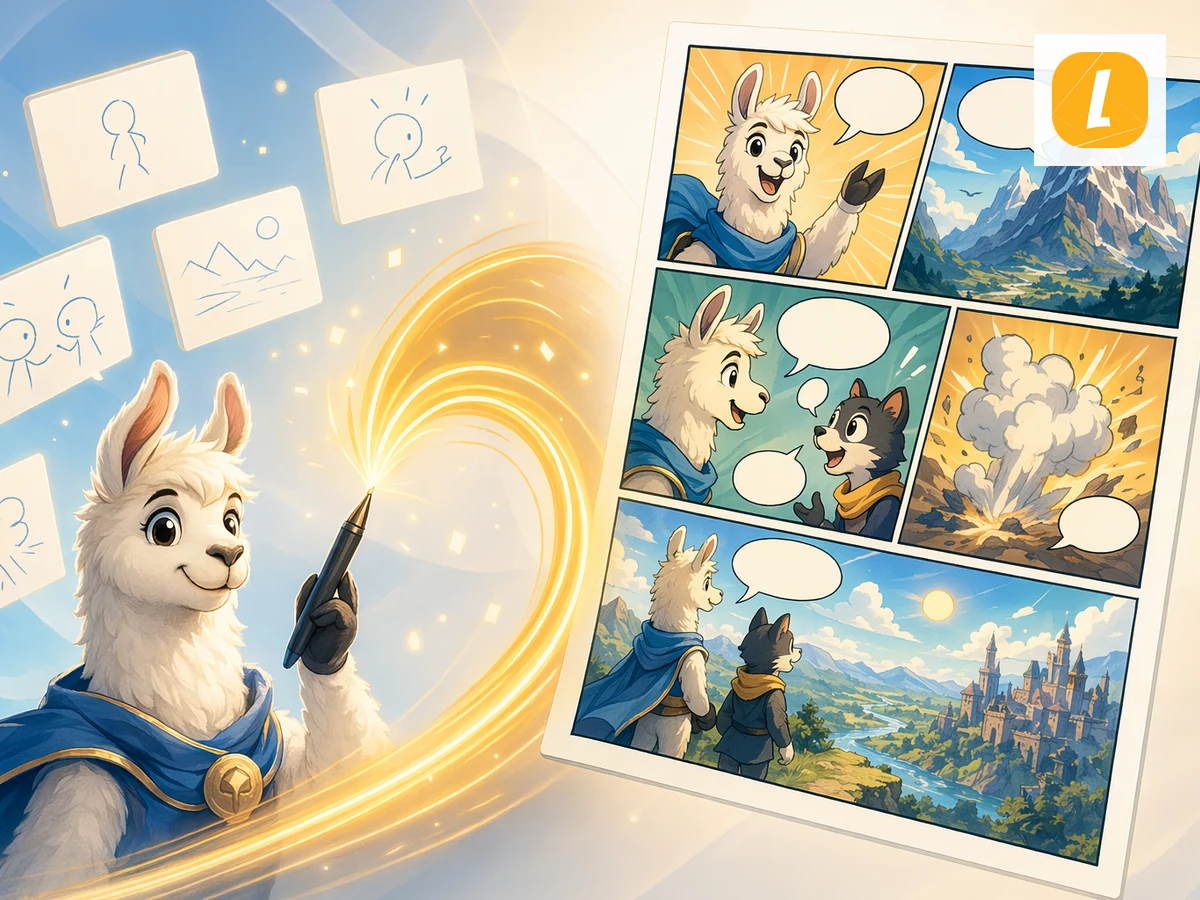
Text to Comic online with LlamaGen. Upload Text content and create an AI comic page with panels, captions, and a ready-to-edit comic workspace.
01
Upload-first comic generation
02
Editable comicワークスペース
03
AI panel storytelling
04
Built for LlamaGen comics
参考指示例
これらの例をアートディレクションの参考に。ブリーフには主題・構図・意図する出力を明確に記載してください。
指示サンプル
そのまま使うか、クリエイティブブリーフへ移して主題・環境・雰囲気・出力内容を調整しましょう。
ワークフロー
Upload your text file or paste text directly into the page. The tool stores it as a source attachment for comic generation.
a short comic direction, such as the audience, tone, visual style, or what part of the source should become the main scene.を追加
the comic and continue in LlamaGen Studio to edit panels, captions, and layouts.を作成
Upload your text source and LlamaGen carries it into the comic creation request as an attachment, so the generated comic can follow the source material instead of starting from a blank prompt.
The tool turns your source into a comic-ready prompt with panel flow, visual pacing, captions, and a style direction you can refine before generation.
After generation, open the result in the comic workspace to adjust panels, captions, layouts, and story details without leaving LlamaGen.
クリエイターの声
“これは素晴らしいAI製品です。本当にあなたの想像力を現実に変えることができます。本当にクールです!新しい時代のコミックが開かれます!開発者の皆さんの努力と献身に心から感謝します。”
“AIツールを発見する。テキストを魅力的で引き込まれるコミック画像やストリップに変換 - https://llamagen.ai”
“共有していただきありがとうございます!製品の開発が楽しいものであることを願っています”
よくある質問
Text to Comic is a LlamaGen tool that uses an uploaded text source to create an AI comic page with panels, captions, and a comic-ready layout.
Upload your text source, add an optional direction, and click Create Comic. LlamaGen sends the uploaded attachment with an English prompt based on the Text to Comic theme.
Yes. The page uploads your file first, then passes it through the uploadedAttachments flow in useCreateComic so the comic request can reference the attachment.
Yes. Successful generations open in the LlamaGen comic workspace where you can continue editing the comic page.
Text to Comic accepts .txt, .md files up to 10MB.
Yes. It is designed for turning source content into panel-based comic storytelling, including education, explainers, social posts, and creative drafts.
明確なブリーフで始め、結果を見直し、最も良い方向をLlamaGenで深めましょう。