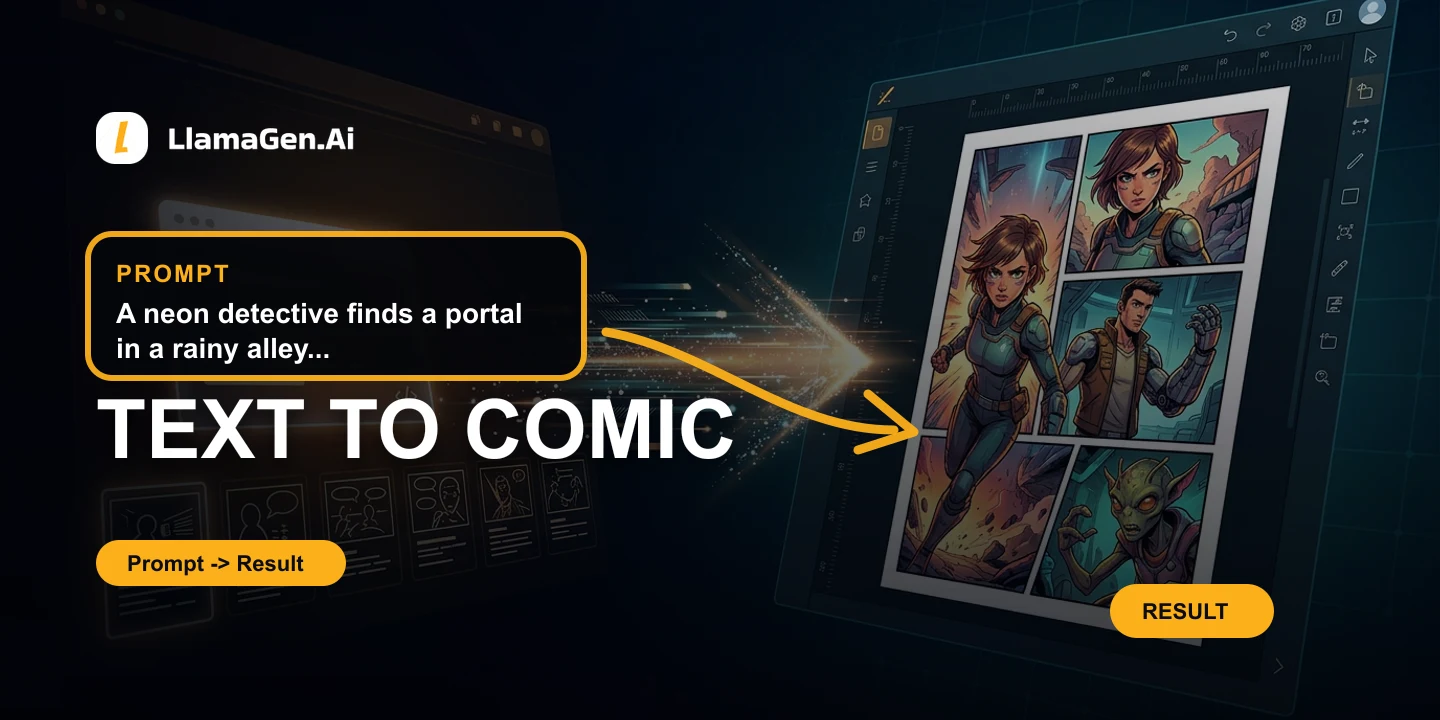
Text to Comic
Turn story prompts into polished multi-panel comic strips with consistent scenes and layout.
Explore Text to Comic

Honest, workflow-backed comparisons across three search intents: AI comic generators, traditional drawing software, and general design or AI image tools. Start with ComicsMaker.ai, Midjourney, and Clip Studio Paint.
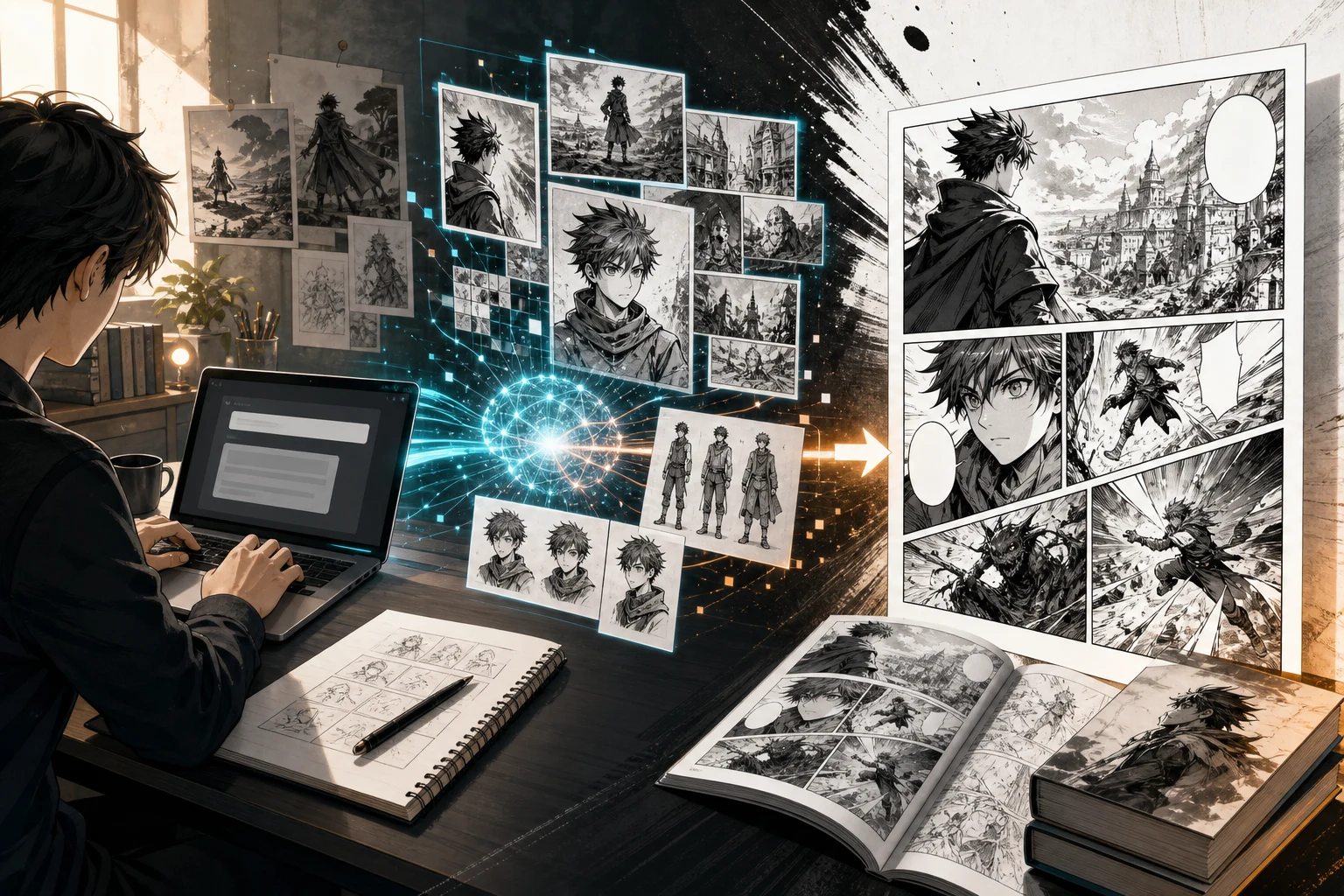
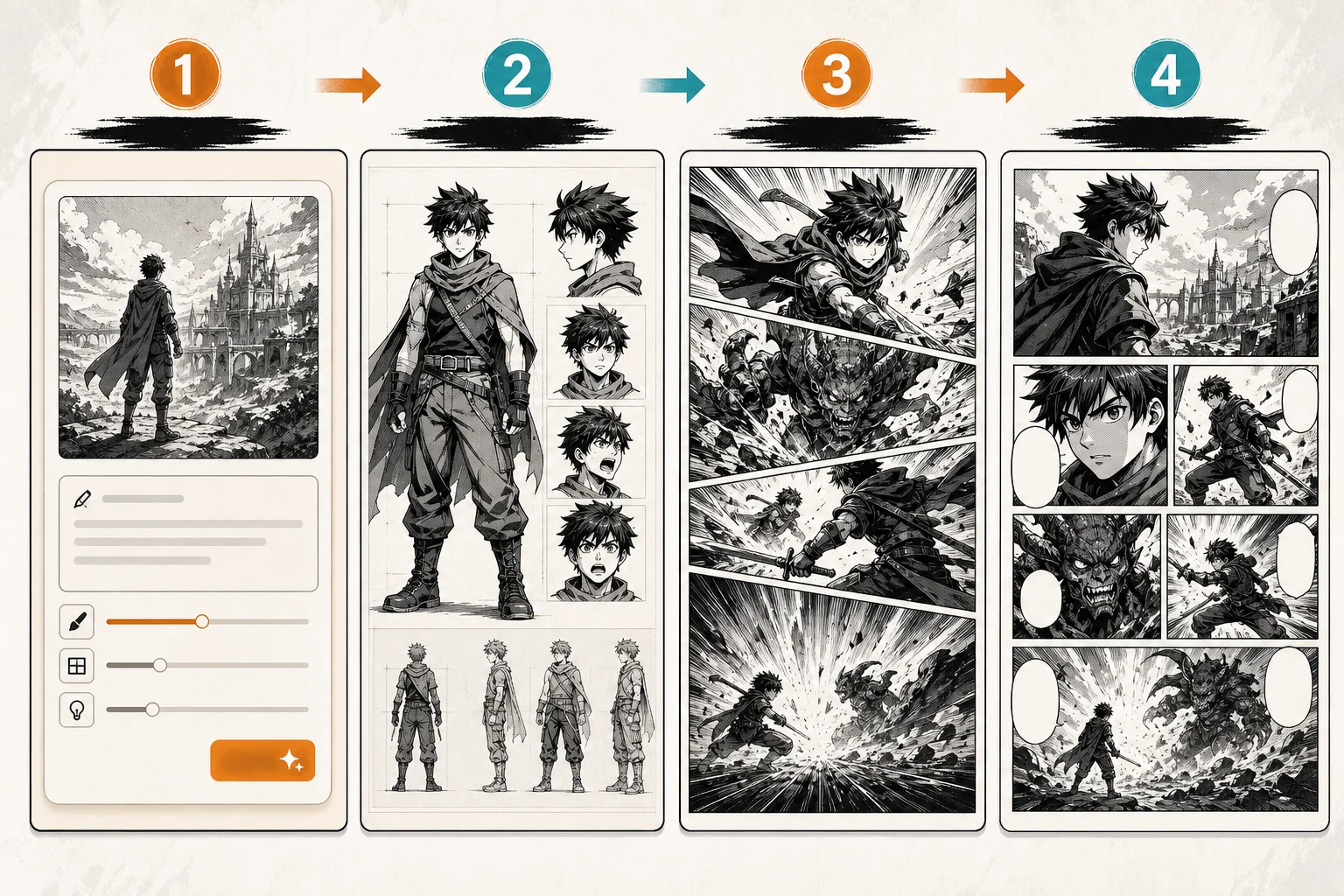





























LlamaGen combines Text to Comic, Image to Comic, Text to Webtoon, AI Character Design, and AI animation in one browser-based platform - no GPU, no local setup, full commercial rights on paid plans.
Turn story prompts into polished multi-panel comic strips with consistent scenes and layout.
Explore Text to Comic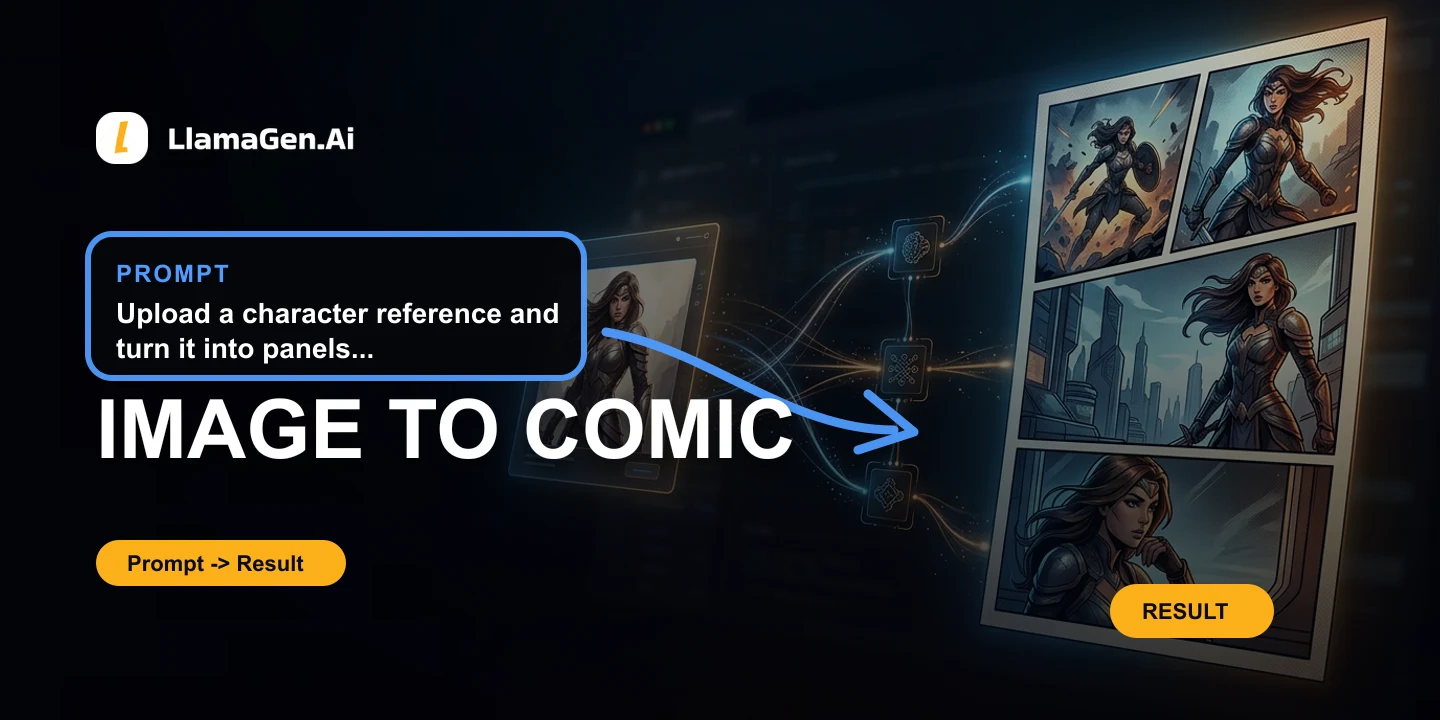
Upload a reference and convert it into comic panels while preserving the visual direction.
Explore Image to Comic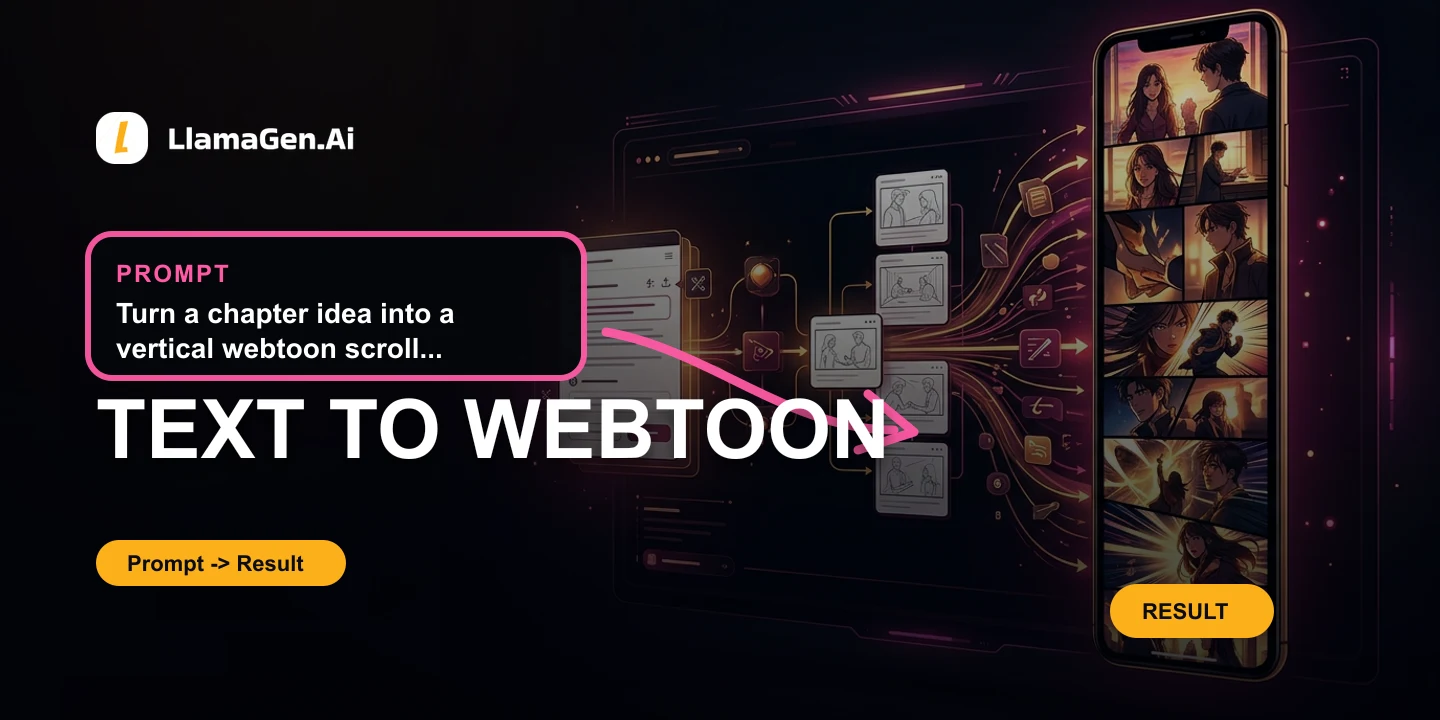
Draft vertical webtoon episodes from a story idea, ready for scroll-first publishing.
Explore Text to Webtoon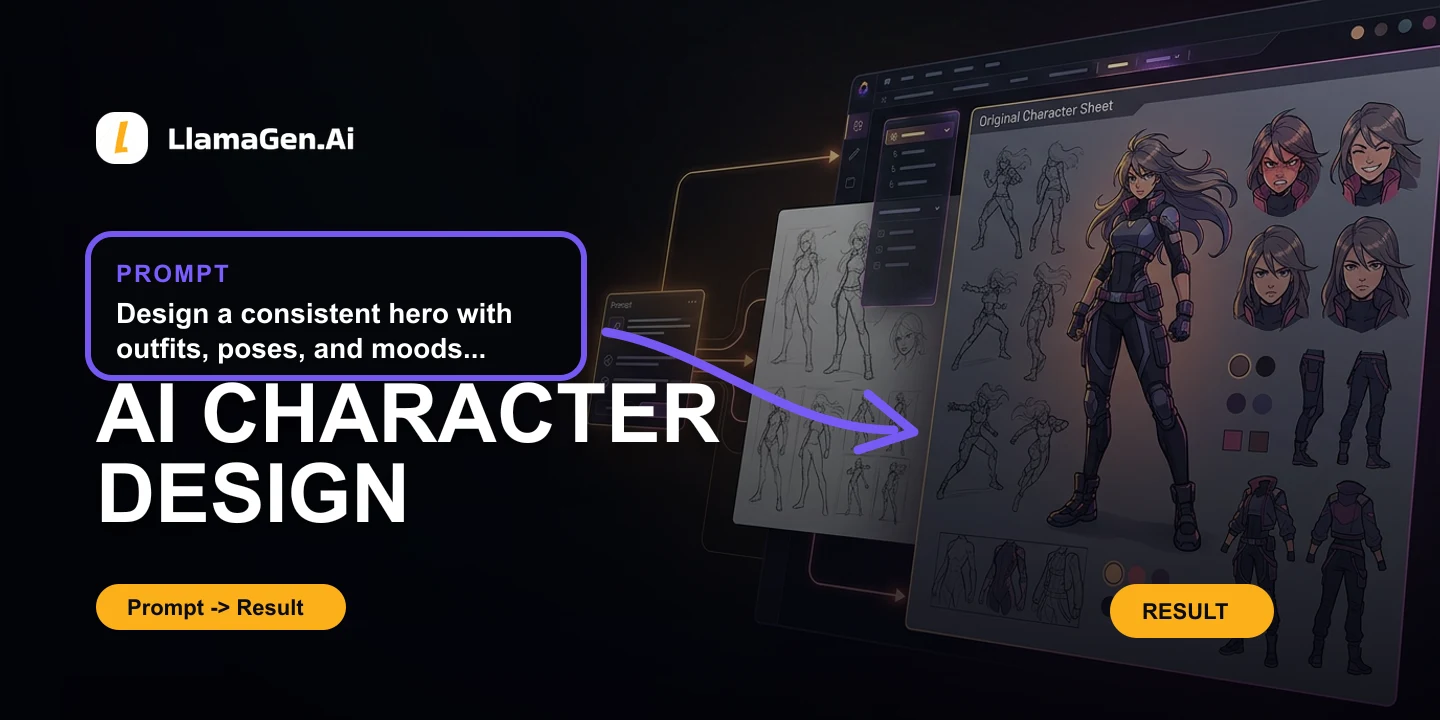
Create reusable characters, outfits, poses, and expressions for recurring stories.
Explore AI Character Design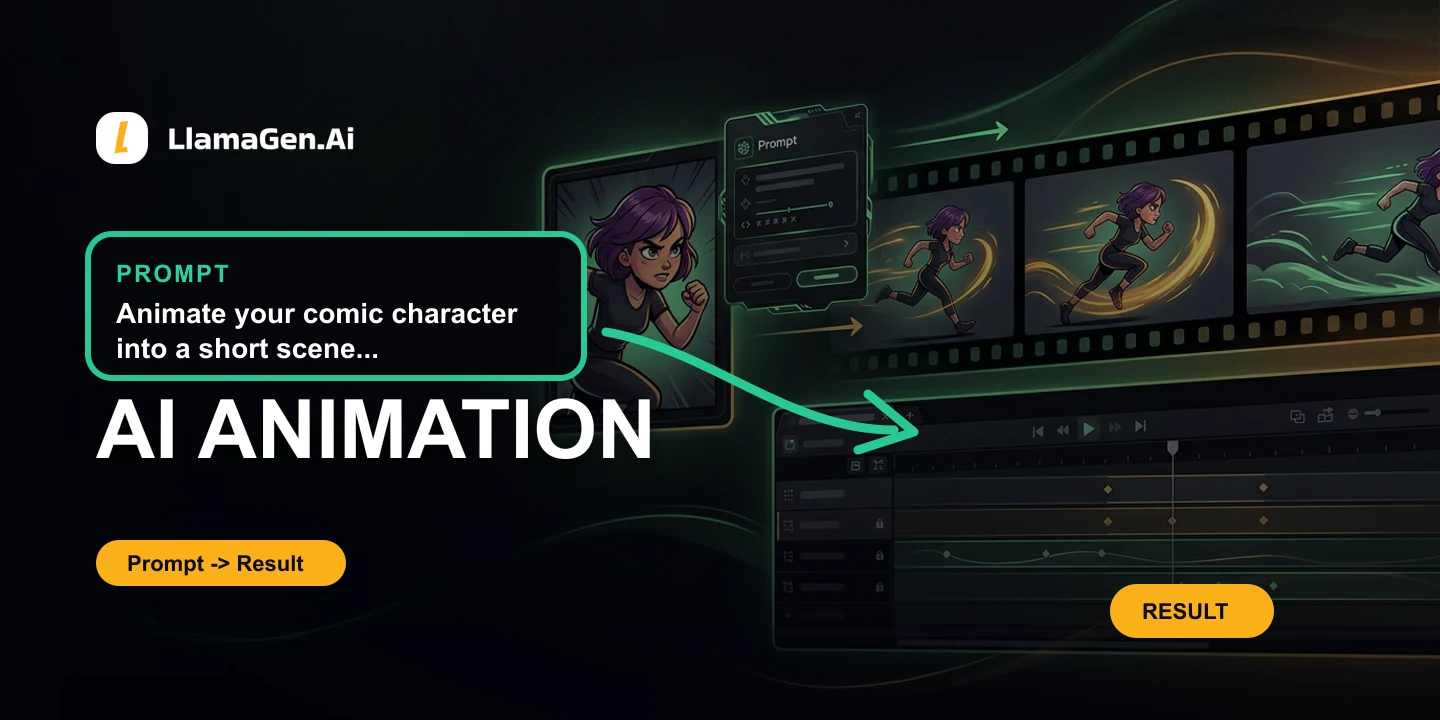
Move comic concepts into short animated scenes from the same browser workflow.
Explore AI AnimationSee where LlamaGen fits against ComicsMaker.ai, Midjourney, Clip Studio Paint, and Canva across the three comparison categories.
Canvas comic maker with panel-by-panel prompting
Beautiful single-image generation and style exploration
Industry-standard drawing software for manga and comics
Design templates, layouts and campaign packaging
@mystic4688
Im working on creating comic strips for my characters. LlamaGen has helped me a lot with creating these comic strips. The best thing aboutt LlamaGen is that it is very easy to use!
Couldn't find something? Message us
No credit card required. Generate your first comic strip, webtoon, character, or animation scene in minutes - and see why creators choose LlamaGen over every alternative.
Browse comparisons by workflow: AI comic generators, professional comic software, and general design or AI image tools.
Highest-ROI pages
AI comic tools, general image generators, and traditional drawing software.

From hand-built boards to script-to-comic automation, with stronger character consistency.
Compare LlamaGen vs ComicsMaker.aiNo prompt stacking for character lock-in — one workflow for consistency plus comic layout.
Compare LlamaGen vs MidjourneyNo drawing skills required: turn a novel or script into laid-out manga and webtoons in minutes.
Compare LlamaGen vs Clip Studio PaintHigh-intent competitors
Direct alternatives for people searching for an AI comic, manga, or webtoon generator. Compare script-to-comic automation, character consistency, and page layout.
Faster generation, stronger script understanding, tighter style and action control, and more efficient multi-panel layout.
Compare LlamaGen vs ComicsAILong-form character memory, editable lettering, and publishing templates beyond a quick text-to-comic draft.
Compare LlamaGen vs IMA StudioFrom hand-built boards to script-to-comic automation, with stronger character consistency.
Compare LlamaGen vs ComicsMaker.aiCompare LlamaGen with Anifusion AI for comics, manga, webtoons, and character consistency.
Compare LlamaGen vs Anifusion AICompare LlamaGen with Anifun AI for comics, manga, webtoons, and character consistency.
Compare LlamaGen vs Anifun AIScript-to-comic panels and character continuity, not a general image/video playground.
Compare LlamaGen vs OpenArtCompare LlamaGen with SeaArt AI for comics, manga, webtoons, and character consistency.
Compare LlamaGen vs SeaArt AIA full long-form pipeline — script, multi-page or vertical webtoon, character library, and export — not a one-page toy.
Compare LlamaGen vs AI Comic FactoryA story-to-comic studio with character memory and editable panels — not a no-login one-shot image box.
Compare LlamaGen vs PerchanceComic pages from a story, with a reusable cast — not a Firefly board of one-off brand images.
Compare LlamaGen vs Adobe FireflyA comic workspace for panels, dialogue, and recurring characters — not a chat that draws one picture.
Compare LlamaGen vs ChatGPTScript parsing, long-form character consistency, and freer export formats without locking into one reader ecosystem.
Compare LlamaGen vs DashtoonCompare LlamaGen with PixAIArt for comics, manga, webtoons, and character consistency.
Compare LlamaGen vs PixAIArtWorkflow upgrades
Traditional drawing, layout, and storyboard tools with high search volume. LlamaGen is the no-drawing-skills upgrade for writers, storyboard artists, and indie creators.
Compare LlamaGen with Comic Life for comics, manga, webtoons, and character consistency.
Compare LlamaGen vs Comic LifeNo drawing skills required: turn a novel or script into laid-out manga and webtoons in minutes.
Compare LlamaGen vs Clip Studio PaintFull AI automation that turns text into a finished story comic in seconds, instead of drawing every panel by hand.
Compare LlamaGen vs KritaScript-to-comic production with reusable characters, versus desktop photo-comic layout.
Compare LlamaGen vs Comic Life 4AI-generated characters and panels instead of assembling photo comics on the desktop.
Compare LlamaGen vs Comic Life 3Generated comic pages and character memory, not only classroom clipart storyboards.
Compare LlamaGen vs Storyboard ThatCompare LlamaGen with Magic Poser for comics, manga, webtoons, and character consistency.
Compare LlamaGen vs Magic PoserCompare LlamaGen with ComfyUI for comics, manga, webtoons, and character consistency.
Compare LlamaGen vs ComfyUIIntercepted workflows
Popular image and design products people force into comic work. LlamaGen covers panels, character continuity, speech bubbles, and long-form export in one place.
A reusable original character that can speak and continue into later pages, not a stock-template video.
Compare LlamaGen vs AnimakerA brief-to-explainer clip that can continue into later pages, not only a slide-style training video.
Compare LlamaGen vs PowtoonA complete original character you can reuse, not a layer-based dress-up maker.
Compare LlamaGen vs PicrewCompare LlamaGen with Canva AI for comics, manga, webtoons, and character consistency.
Compare LlamaGen vs Canva AICompare LlamaGen with Lovart for comics, manga, webtoons, and character consistency.
Compare LlamaGen vs LovartCompare LlamaGen with Pippit for comics, manga, webtoons, and character consistency.
Compare LlamaGen vs PippitCompare LlamaGen with Elser AI for comics, manga, webtoons, and character consistency.
Compare LlamaGen vs Elser AICompare LlamaGen with Playground for comics, manga, webtoons, and character consistency.
Compare LlamaGen vs PlaygroundCompare LlamaGen with NightCafe Creator for comics, manga, webtoons, and character consistency.
Compare LlamaGen vs NightCafe CreatorCompare LlamaGen with Midjourney V7 for comics, manga, webtoons, and character consistency.
Compare LlamaGen vs Midjourney V7Compare LlamaGen with Civitai for comics, manga, webtoons, and character consistency.
Compare LlamaGen vs CivitaiCompare LlamaGen with Krea AI for comics, manga, webtoons, and character consistency.
Compare LlamaGen vs Krea AICompare LlamaGen with Ideogram for comics, manga, webtoons, and character consistency.
Compare LlamaGen vs IdeogramCompare LlamaGen with Recraft for comics, manga, webtoons, and character consistency.
Compare LlamaGen vs RecraftCompare LlamaGen with Gemini for comics, manga, webtoons, and character consistency.
Compare LlamaGen vs GeminiCompare LlamaGen with SkyReels for comics, manga, webtoons, and character consistency.
Compare LlamaGen vs SkyReelsCompare LlamaGen with GPT 4o image generation for comics, manga, webtoons, and character consistency.
Compare LlamaGen vs GPT 4o image generationNo prompt stacking for character lock-in — one workflow for consistency plus comic layout.
Compare LlamaGen vs MidjourneyCompare LlamaGen with DALLE3 for comics, manga, webtoons, and character consistency.
Compare LlamaGen vs DALLE3Compare LlamaGen with FLUX1 for comics, manga, webtoons, and character consistency.
Compare LlamaGen vs FLUX1Compare LlamaGen with StabilityAI for comics, manga, webtoons, and character consistency.
Compare LlamaGen vs StabilityAIA dedicated Manga and Webtoon storytelling platform, not a poster or comic-template collage tool.
Compare LlamaGen vs CanvaCompare LlamaGen with LeonardoAI for comics, manga, webtoons, and character consistency.
Compare LlamaGen vs LeonardoAICompare LlamaGen with FotorPhotoEditor for comics, manga, webtoons, and character consistency.
Compare LlamaGen vs FotorPhotoEditorCompare LlamaGen with MicrosoftDesigner for comics, manga, webtoons, and character consistency.
Compare LlamaGen vs MicrosoftDesignerCompare LlamaGen with BingImageCreator for comics, manga, webtoons, and character consistency.
Compare LlamaGen vs BingImageCreatorCompare LlamaGen with MetaAI for comics, manga, webtoons, and character consistency.
Compare LlamaGen vs MetaAI