

Life Journey Documentary Style: Shape a Biography into Key Moments
Example preview
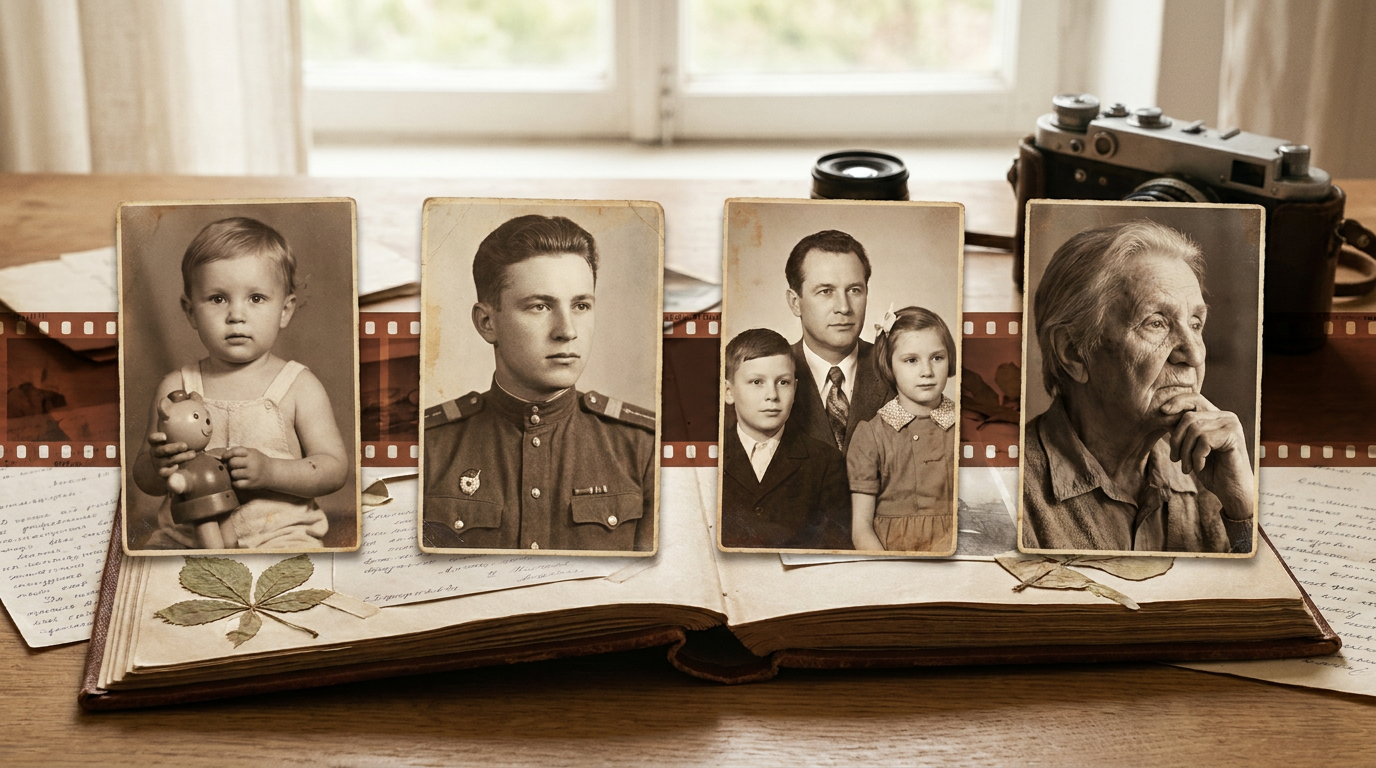
Plan a cinematic life-story sequence around a few meaningful stages, recurring objects, and verified memories. Use warm light and an archive-like mood while keeping invented details clear.
For a biography-film concept or family legacy project. The source describes a journey from childhood to older age, but it does not contain anyone’s real history or authentic archival footage.
When to use this template
- A family legacy-film outline based on checked milestones
- A fictional character biography told through changing life stages
- A visual concept for an anniversary or retirement tribute
Build your first draft
Gather the timeline
List the real milestones, dates, and available references. Choose a small number that show a coherent theme rather than attempting every year.
Choose a continuity object
Repeat an object such as a suitcase, instrument, or family table across stages. Describe aging and setting changes explicitly.
Verify the narrative
Check faces, ages, objects, and chronology. Label invented connecting imagery and add names or dates in a reviewed edit.
Try a complete example
A lifetime of the same camera
Life-story film concept in four stages: a child examines a simple camera at a kitchen table; a young adult carries it on a train journey; a parent photographs a family garden; an older adult shows the worn camera to a grandchild. Warm natural light, subtle film grain, consistent camera design, fictional biography, no text.
The camera gives the life stages a shared visual thread. Declaring the biography fictional avoids confusing generated scenes with an authentic family archive.
Before you publish
- Check every biographical claim against family records or the subject’s account before presenting it as fact.
- Age progression and identity consistency need manual review; the template does not guarantee either.
Questions about this template
- Can I use family photos?
- Use your available reference workflow and appropriate permissions, then review the result. A photo reference still does not make generated motion an authentic record of the original event.
- How many milestones should I include?
- Start with three to five that support one theme, such as work, family, or a lifelong interest. Add detail only after the short sequence reads clearly.
- Does documentary styling make it factual?
- No. Film grain, warm light, and archive-like color are aesthetic choices. Verify facts separately and clearly identify generated scenes when they could be mistaken for real footage.