

Cinematic Reveal Webtoon: Set Up, Reveal, and Reaction
Example preview
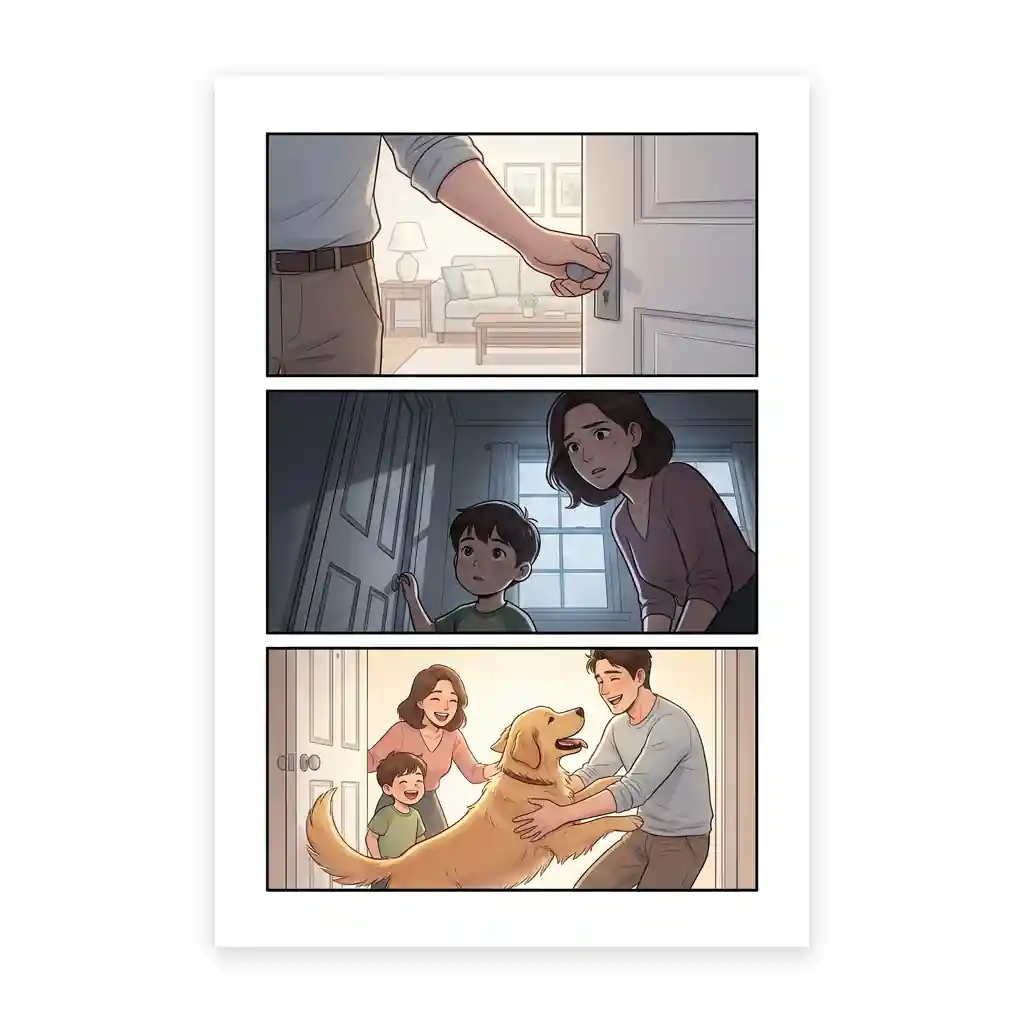
Plan a three-beat vertical webtoon reveal with a suspenseful setup, a clear discovery, and an emotional payoff. Use scroll order to control when the reader sees the key information.
For an entrance, surprise location, or dramatic discovery. The source requests three portrait panels with generous gutters and 5:8 composition targets; exact pixel dimensions need verification after generation.
When to use this template
- A character discovering a hidden room
- An important entrance at the end of a scroll beat
- A mystery reveal followed by a readable facial reaction
Build your first draft
Hide one meaningful detail
Decide what information the first panel should withhold. Let an object, doorway, or eyeline create anticipation without giving away the reveal.
Give the reveal space
Make the second panel show the discovery clearly. Reserve the third panel for the consequence or reaction instead of repeating the same view.
Preview the scroll
Inspect at phone width and scroll through the beats. Check gutters, cropping, and whether the reveal appears at the intended moment.
Try a complete example
Behind the greenhouse door
Three vertically stacked portrait webtoon panels: a gardener reaches for a dusty greenhouse handle; the open doorway reveals hundreds of softly glowing blue seedlings; close-up of the gardener recognizing a small wooden marker from childhood. Clean white gutters, cinematic dusk light, same coat and marker, no text.
The marker connects the reveal to the character. A final reaction gives the discovery meaning beyond a striking background.
Before you publish
- The source’s 800 by 1280 panel dimensions are prompt targets; measure the exported artwork before publishing.
- A reveal loses force if the setup already shows the hidden subject clearly.
Questions about this template
- What are the three beats?
- The starting structure is setup, reveal, and payoff. The payoff can be a face, gesture, or new choice that tells the reader why the discovery matters.
- Are the panels separate export files?
- The source requests stacked panels on one comic page. Inspect the generated output and prepare any separate crops or publishing segments in your export workflow.
- How much gutter space should I use?
- Use enough separation for the reader to pause, then test the actual phone preview. The template requests generous gutters but cannot judge your final platform’s scroll pacing for you.