

Wedding Documentary Video Style: Plan a Warm Memory Sequence
Example preview
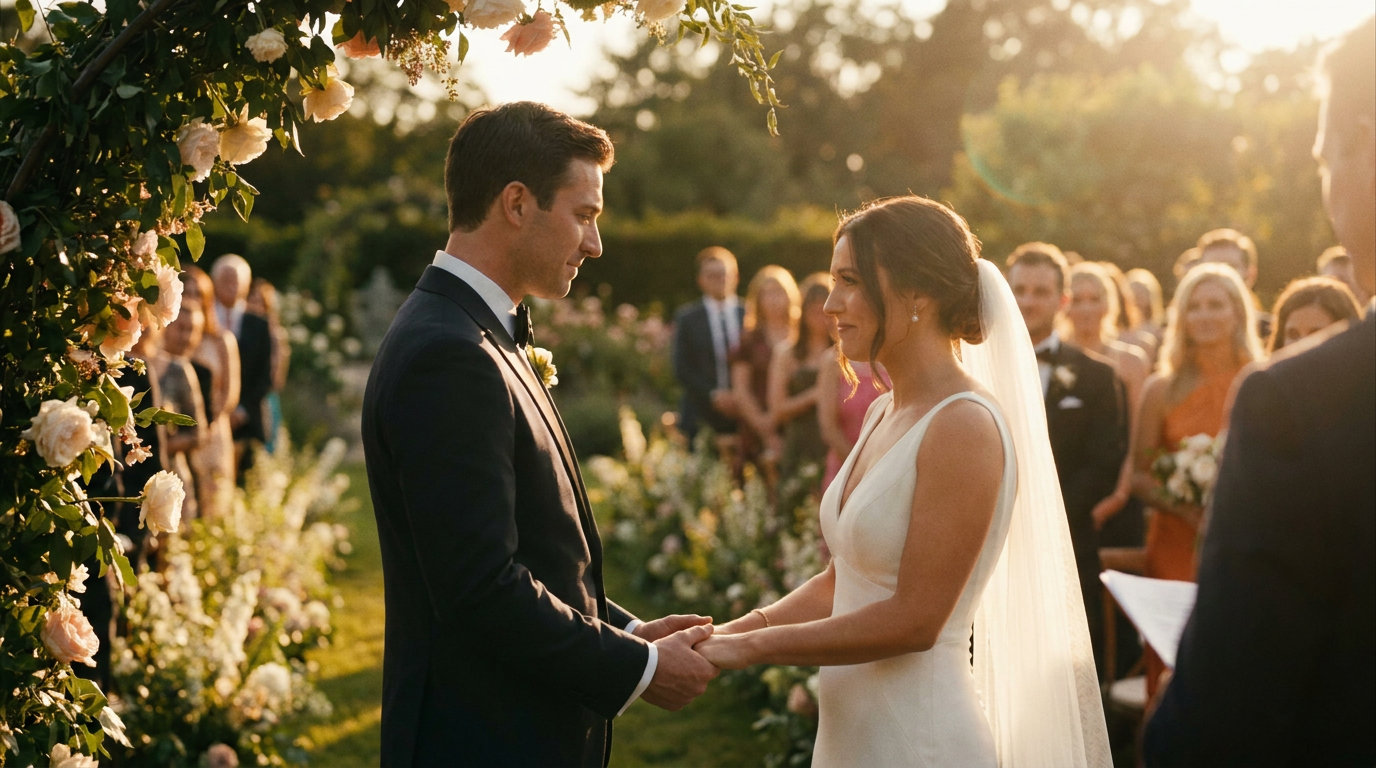
Plan a wedding-inspired video sequence with candid details, warm natural light, and a restrained film look. Separate real reference moments from imagined shots before building the story.
For a cinematic wedding mood or a clearly labeled memory-film concept. The source describes documentary styling and color, not a record of a real ceremony or a guarantee of factual footage.
When to use this template
- A wedding-film concept showing the desired mood
- A memory sequence based on selected personal details
- A visual brief for ceremony details and quiet candid moments
Build your first draft
Select the real moments
Write the details you want to preserve, such as a room, bouquet, or gesture. Distinguish actual memories from invented connecting shots.
Build a short shot list
Use a wide location view, a meaningful close-up, and a human interaction. Choose one coherent lighting and color treatment.
Review the video draft
Inspect faces, hands, motion, and continuity. Add verified names, dates, music, and captions in the final edit rather than trusting generated text.
Try a complete example
Before the ceremony
Wedding-film concept: morning light crosses a quiet ceremony room; close-up of two hands tying a ribbon around a small bouquet; a couple exchange a calm smile beside the window; the camera lingers on the bouquet resting on a chair. Warm natural light, subtle film grain, restrained movement, original subjects, no text.
The bouquet links the shots while the short sequence establishes a mood without claiming to reconstruct an actual event.
Before you publish
- Documentary style is a visual treatment; generated footage should not be presented as proof of a real moment.
- Review identity, rings, flowers, and hand motion carefully before using a personal keepsake.
Questions about this template
- Does the template create a finished wedding film?
- It provides a visual starting point. A finished film still needs shot selection, continuity review, editing, sound, and checked personal details.
- Can it recreate my ceremony accurately?
- A prompt alone cannot guarantee an accurate reconstruction. Use real footage for documentary evidence and clearly distinguish any generated or imagined scenes.
- Should I add vows in the generation prompt?
- Keep the visual prompt focused on the scene. Add your checked vows or narration in the editing workflow where the wording, timing, and audio can be controlled.