

4 Camera-Angle Prompts
Automatically generate 4 different camera angles, shot types, and sequence ideas from a single image
Shot Sequence Prompt AI
Upload one image and generate a prompt-ready multi-shot video plan: 4 camera angles, cinematic shot descriptions, storyboard notes, and a clear sequence for AI video production.
Shot 1
Close-up
Shot 2
Srednje
Shot 3
Wide
Shot 4
Akcija
Plan the shot sequence, camera-angle prompts, and storyboard notes before you generate the final clip
Automatically generate 4 different camera angles, shot types, and sequence ideas from a single image
Prilagodite vsak opis kadra, da popolnoma ustreza vaši ustvarjalni viziji
Generate multi-shot video prompts and storyboard notes in seconds, not hours
Od profesionalcev do začetnikov, naše orodje se prilagodi vašim ustvarjalnim potrebam
Ustvarite podrobne razčlembe dogajanja in sezname kadrov za vaš naslednji filmski projekt
Generate multi-shot video prompts for social media and YouTube concepts
Pretvorite pisane zgodbe v vizualne pripovedi z več perspektivami
Ustvarite prepričljive vizualne kampanje z več različicami kadrov
Kako deluje
Naložite katerokoli sliko – fotografijo, umetniško delo ali konceptno sliko. Naš AI podpira vse glavne formate.
Our advanced AI analyzes your image and generates 4 unique camera-angle prompts and cinematic shot descriptions.
Prilagodite opise in izvozite svojo razčlembo dogajanja z več kadri za video produkcijo.
AI MULTI-SHOT STORYBOARD EXAMPLES
From single images to cinematic sequences, see how one source can become multiple shot prompts and video concepts.
Choose your output
Use the same source image to prepare camera angles, a connected shot sequence, or storyboard notes for the next production step.
Plan a prompt-ready video sequence from one source image instead of generating one disconnected clip.
Create close-up, medium, wide, product, action, and cinematic angle prompts for the same subject.
Turn a single image into a clear four-shot structure with framing, pacing, and production notes.
Use the generated shot descriptions as storyboard notes for AI video, ads, social clips, and pitches.
STARI DELOVNI TOK PRODUKCIJE VIDEOV
The traditional path from concept to multi-shot video is expensive and time-consuming. Even before generation or filming, creators need shot planning, camera angles, sequence logic, and multiple revisions.
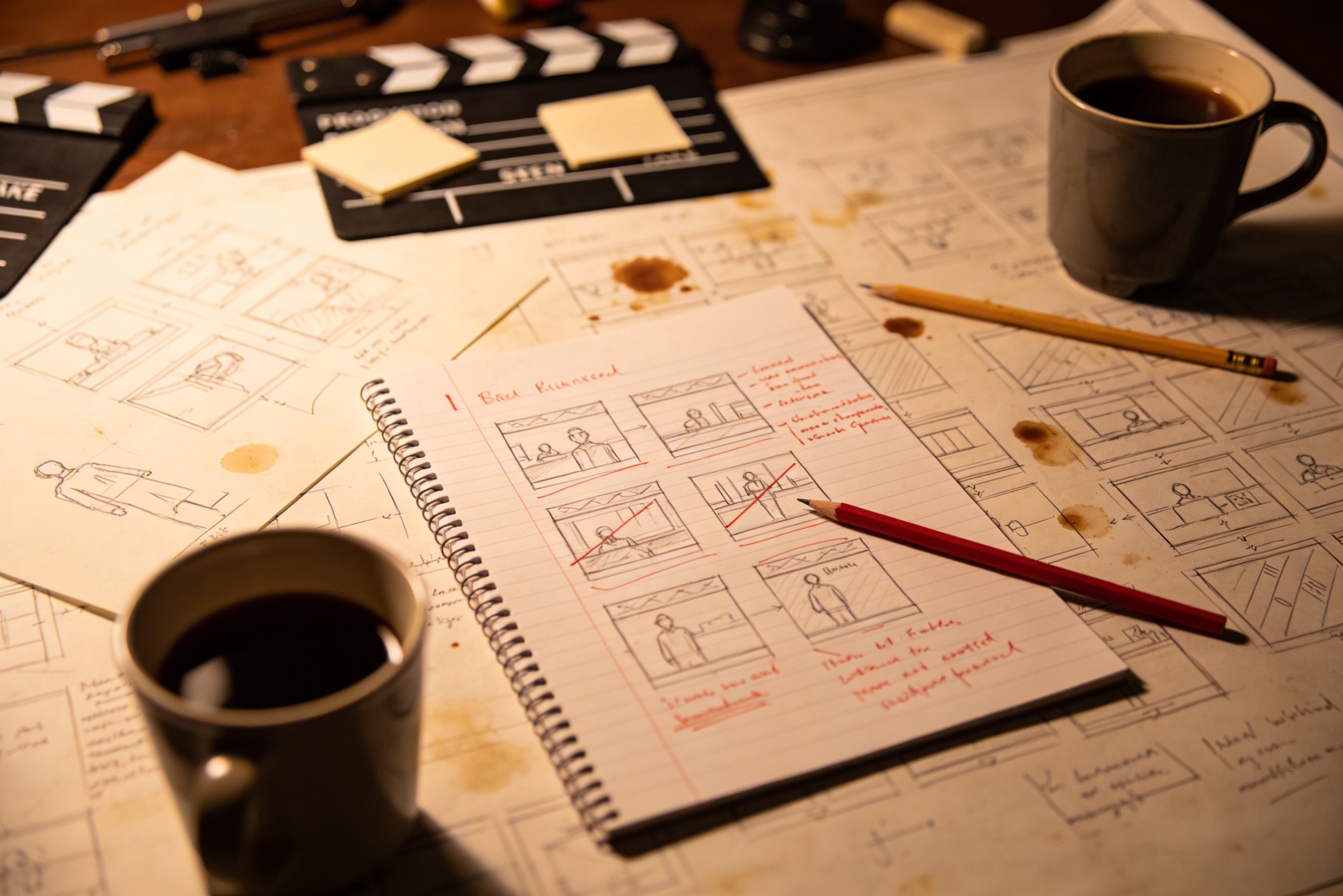
Prenos vaše ustvarjalne vizije v podrobne opise posnetkov zahteva obsežno načrtovanje in več popravkov, da bo rezultat popoln.
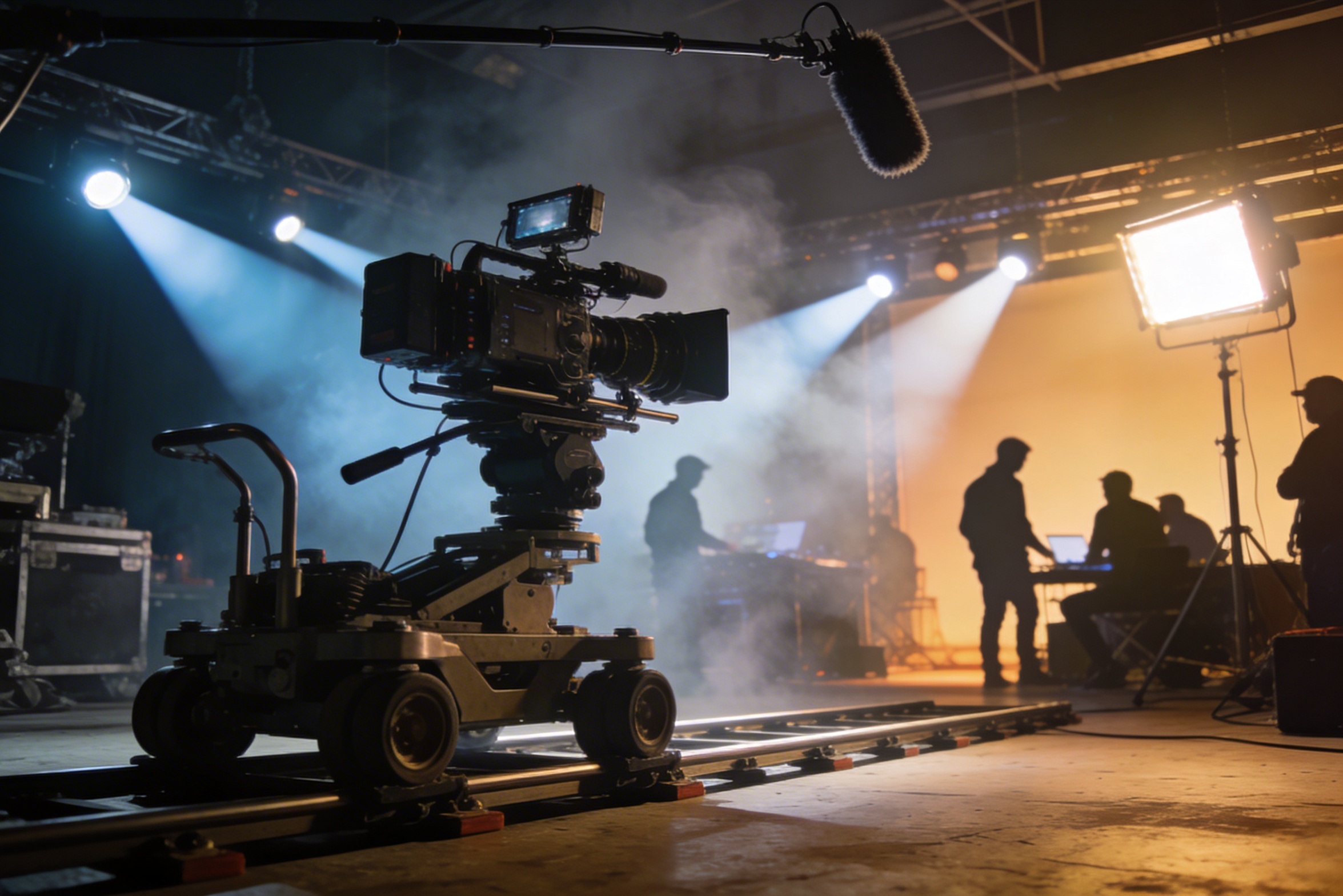
Profesionalno snemanje zahteva drago opremo, svetlobne postavitve, lokacije in pogosto celotno ekipo – stroški hitro uidejo izpod nadzora.
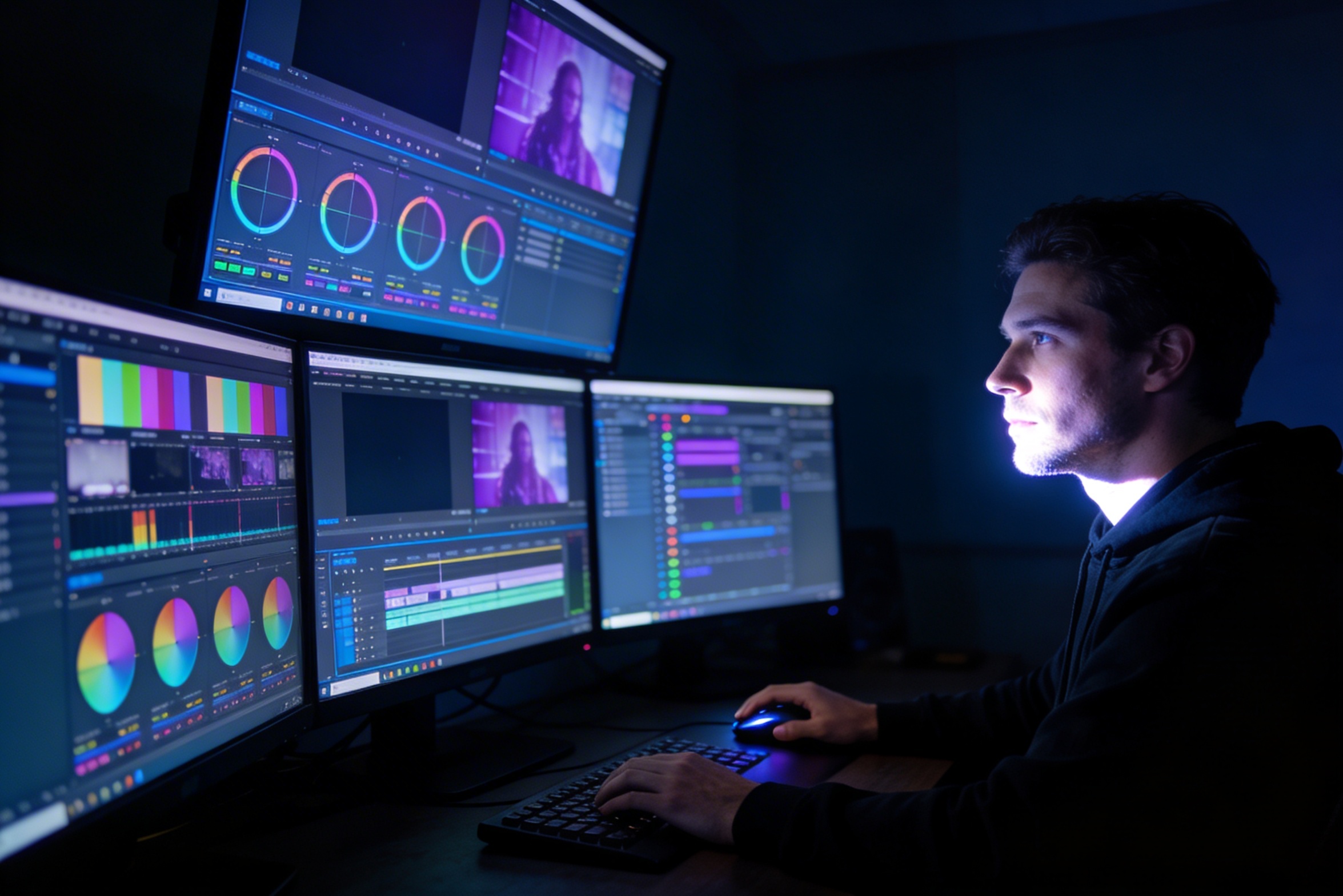
Urejanje, barvna korekcija, vizualni učinki in ustvarjanje večih različic posnetkov zahtevajo specializirano znanje programske opreme ter tedne dela.
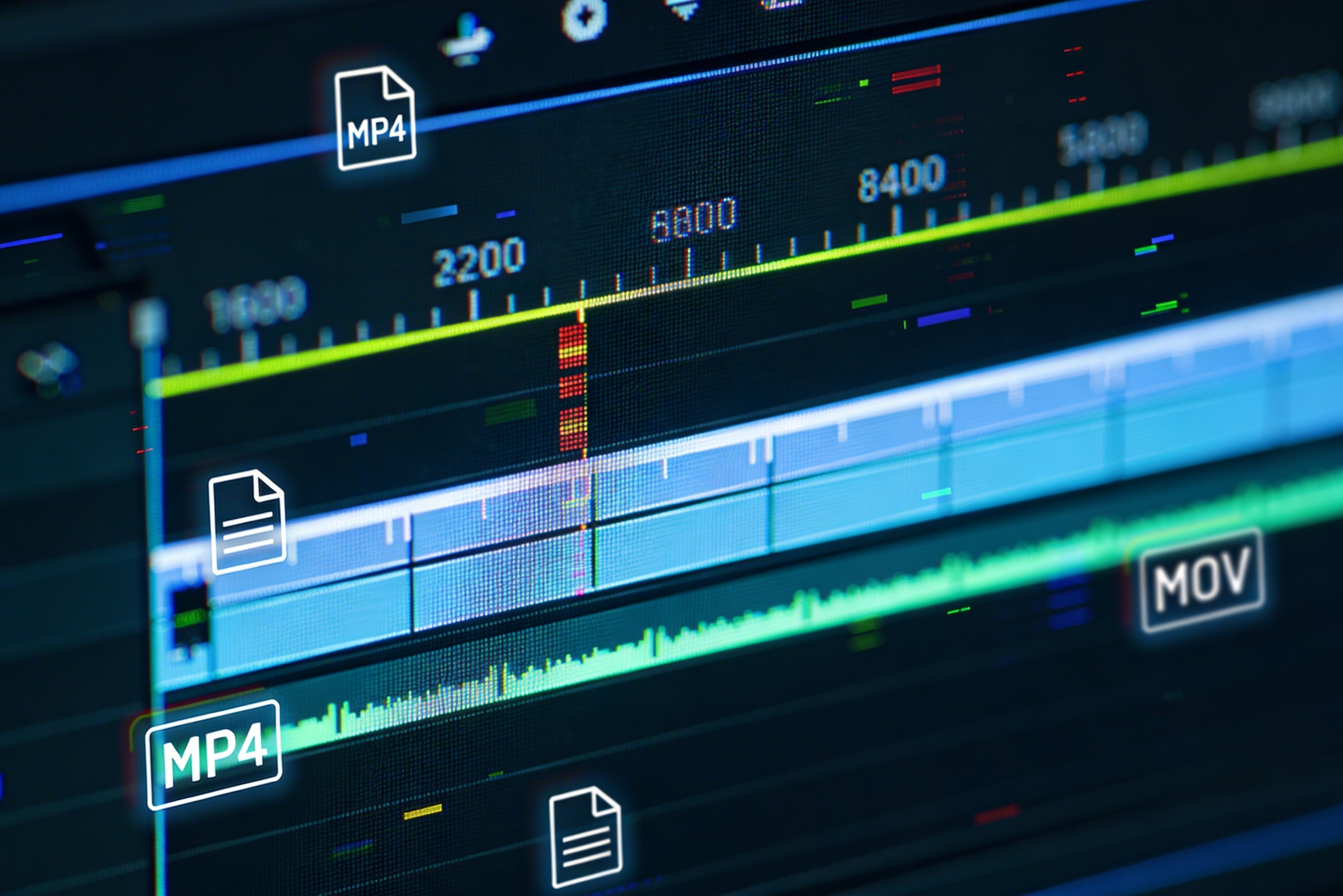
Ustvarjanje različic za platforme, kot so YouTube, TikTok in Instagram, pomeni ponovno urejanje in prikazovanje v različnih razmerjih in dolžinah.

Professional multi-shot planning can cost hours of creative direction before a final video is generated, filmed, edited, or approved.
It's not just about creating variations. Our AI reads composition, cinematography, and storytelling needs to create shot prompts that strengthen your visual narrative.
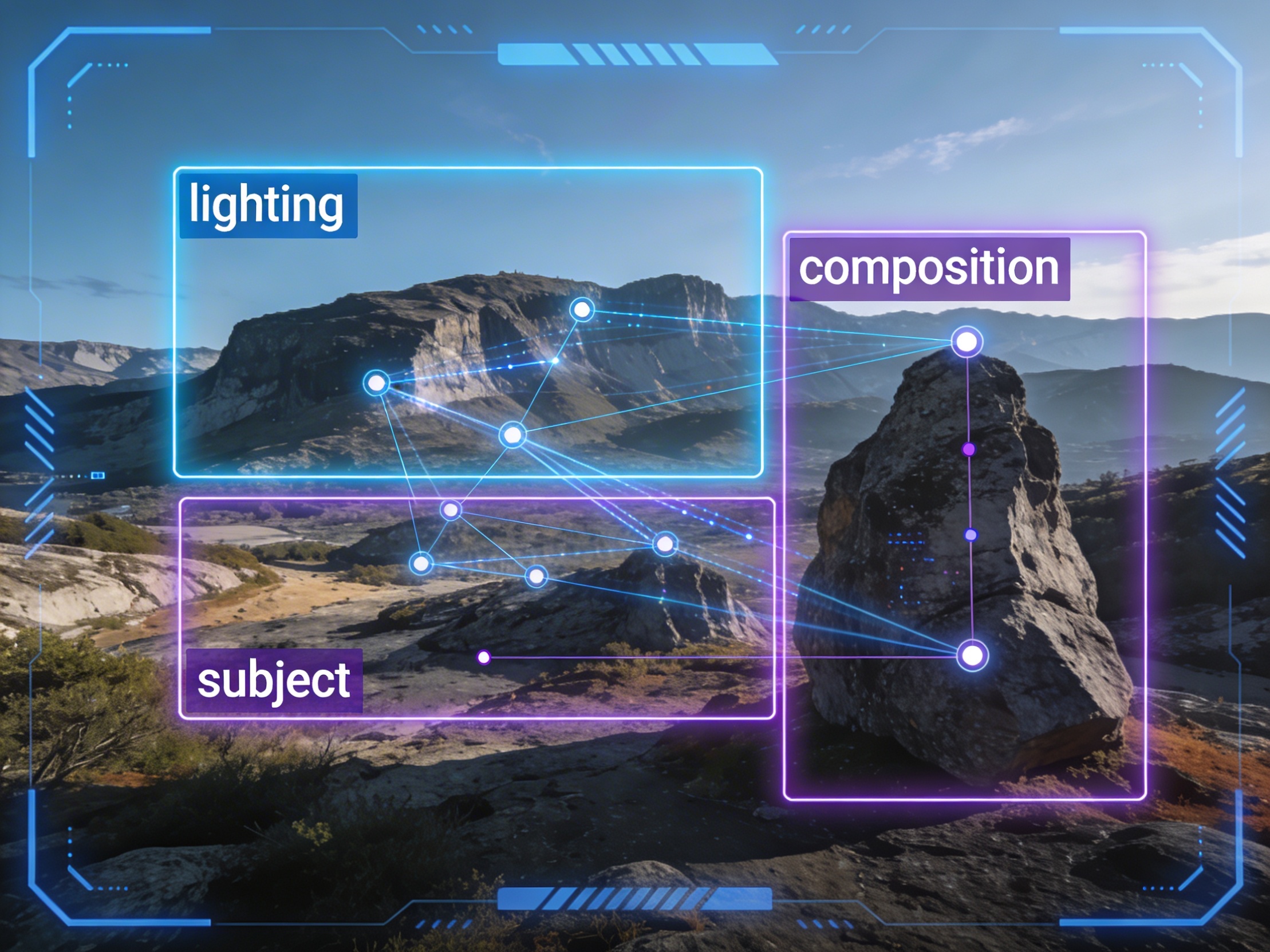
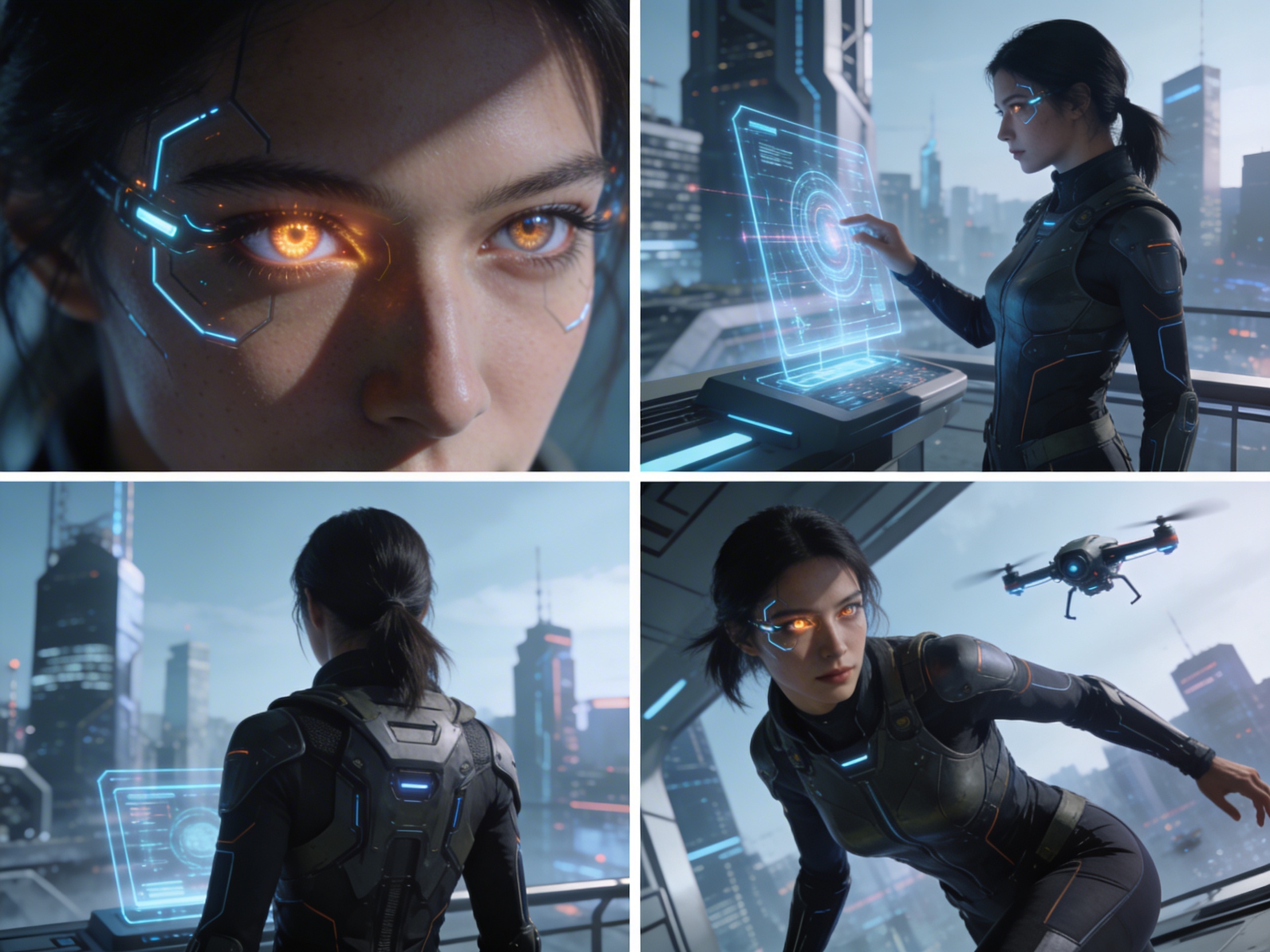
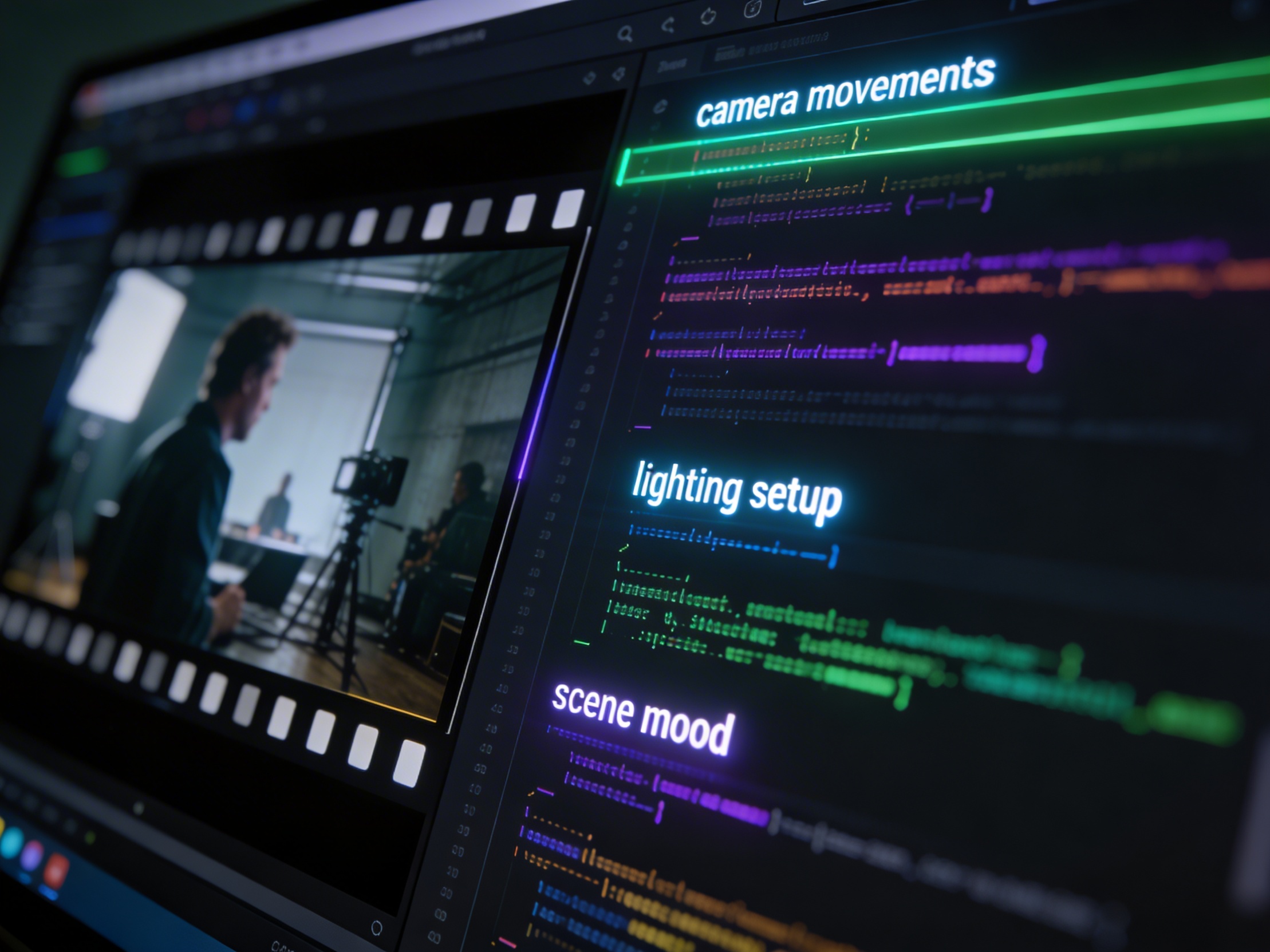
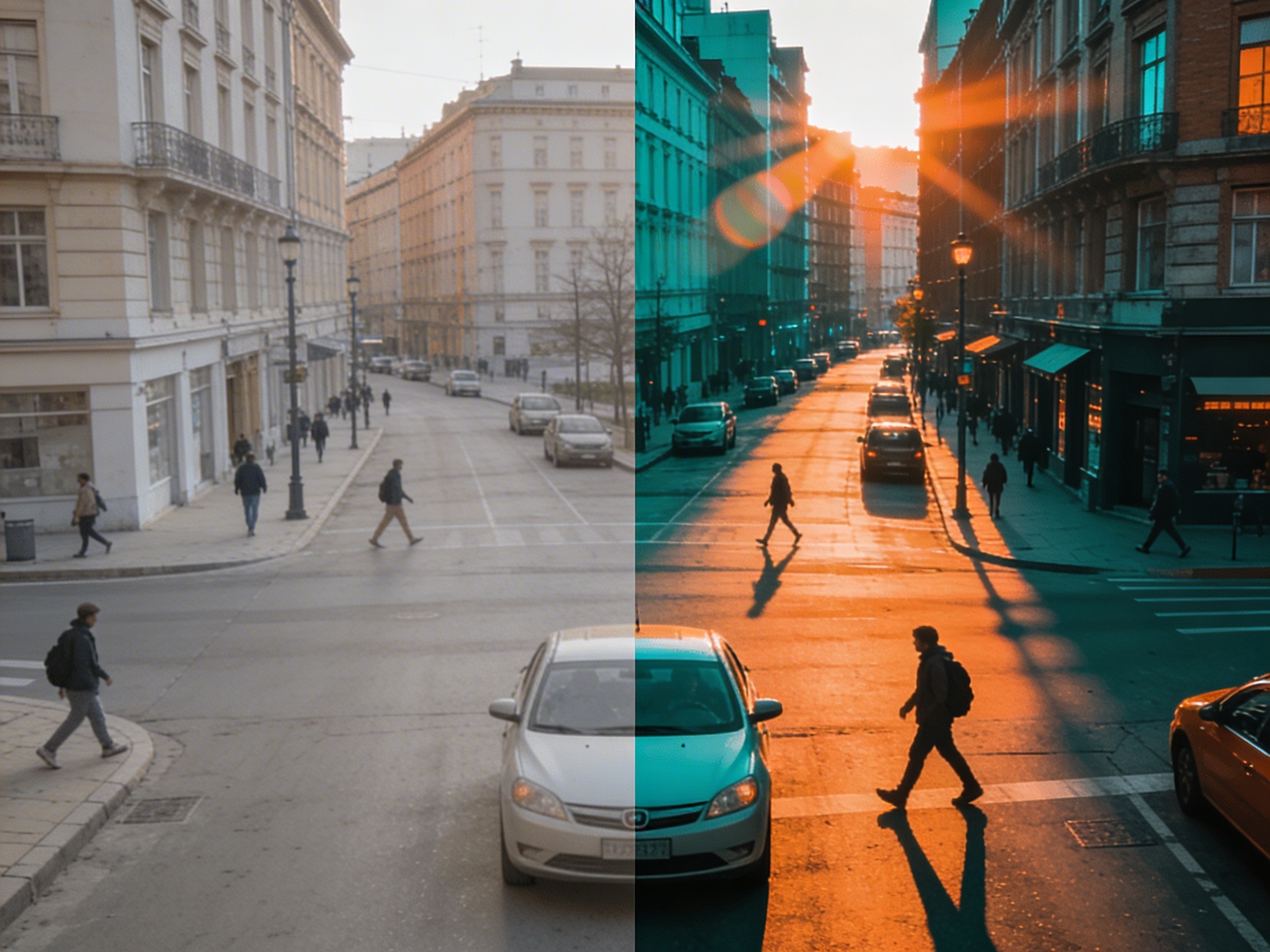
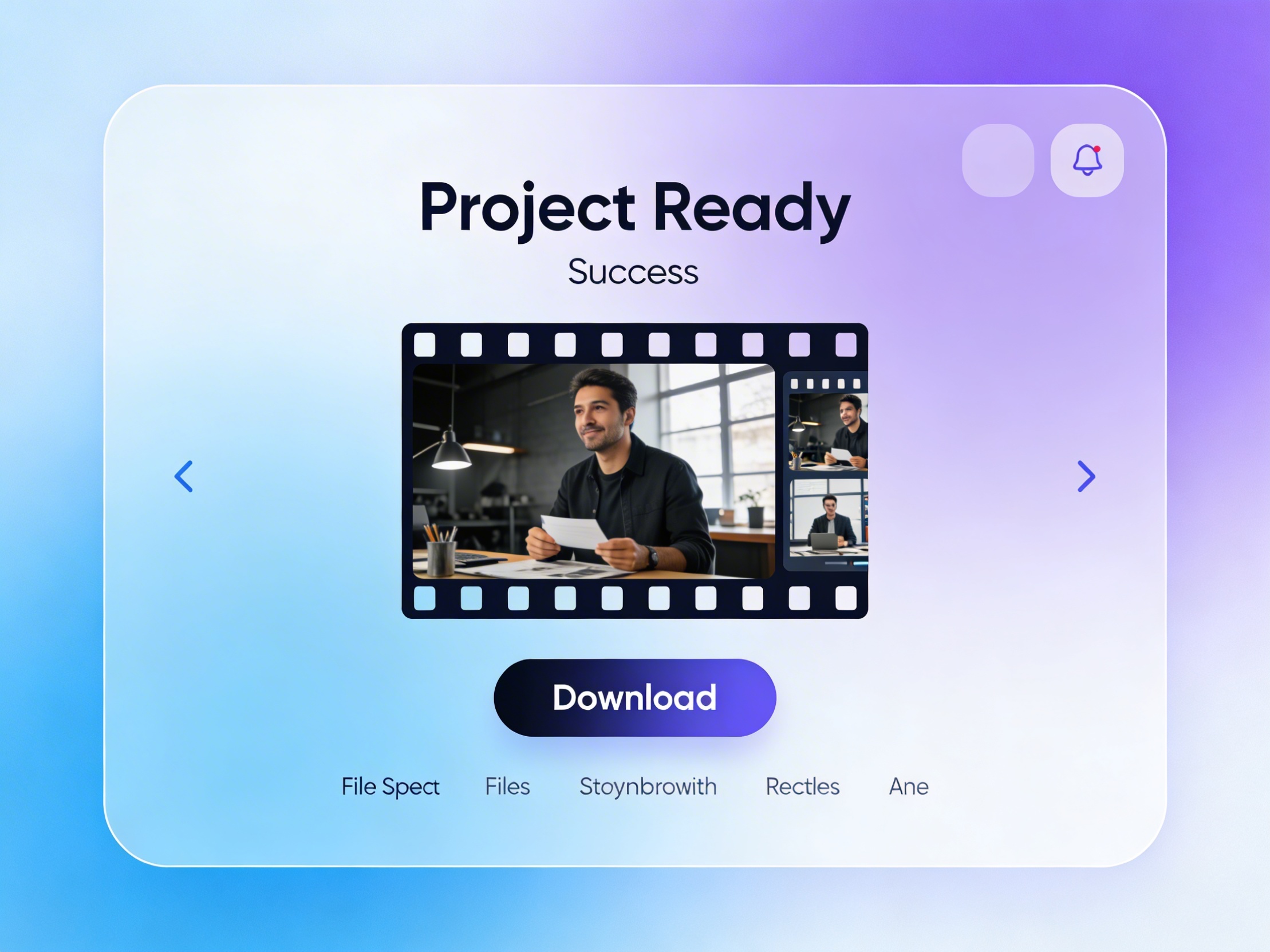
Join creators using LlamaGen to plan shot sequences, camera angles, and AI video prompts before production.
Related writing workflow
Use the AI Screenplay Editor when a script, fiction draft, storyboard brief, video idea, or canvas note needs proper scene headings, action, dialogue, parentheticals, cover pages, outlines, beats, and collaboration-ready revisions.
INT. COMMUNITY CENTER - NIGHT
Folded chairs. A storm outside. MAYA stands at the microphone with a page of notes she no longer needs.
MAYA
If the city will not read the record, we will read it out loud.