Find a story worth following
Explore a character's goal, an unusual setting, or a difficult choice. Compare different openings before you commit to a direction.


Give your story its first page. Turn a character, a curious question, or a half-formed idea into a draft you can continue, rewrite, and make your own.
Try the first draft here. Free access has limits; saved projects and visual tools use your account and plan credits.
See how it worksPick a prompt to read an illustrative opening, then generate your own version. These samples are prepared examples, not live results or customer testimonials.
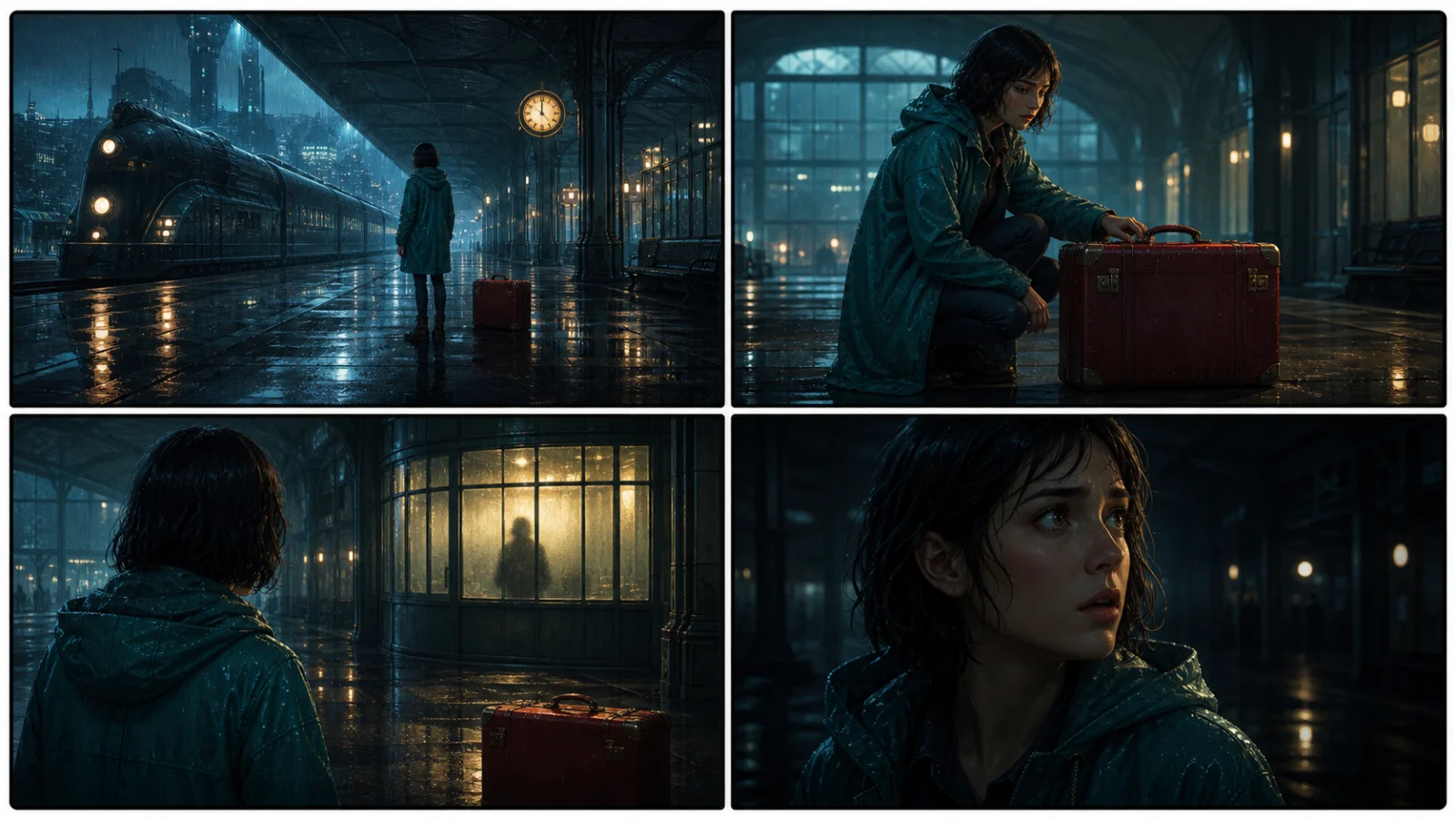
Example opening
The radio said Mara's name before she switched it on. On Platform Three, rain gathered around a red suitcase. She had checked the platform a minute ago. Empty. Now someone had left a case beneath the broken clock, with a luggage tag written in her handwriting.
LlamaGen Originals · Published production example · English artwork
A museum guard and a watchmaker investigate a ticking sound in a room of stopped clocks. The opening pages establish a question, narrow the search and reveal the first clue.
A museum guard and a watchmaker trace a ticking sound to a sealed exhibit, and discover the small promise hidden inside.
Mystery · 10 story pages + separate cover · Production recorded
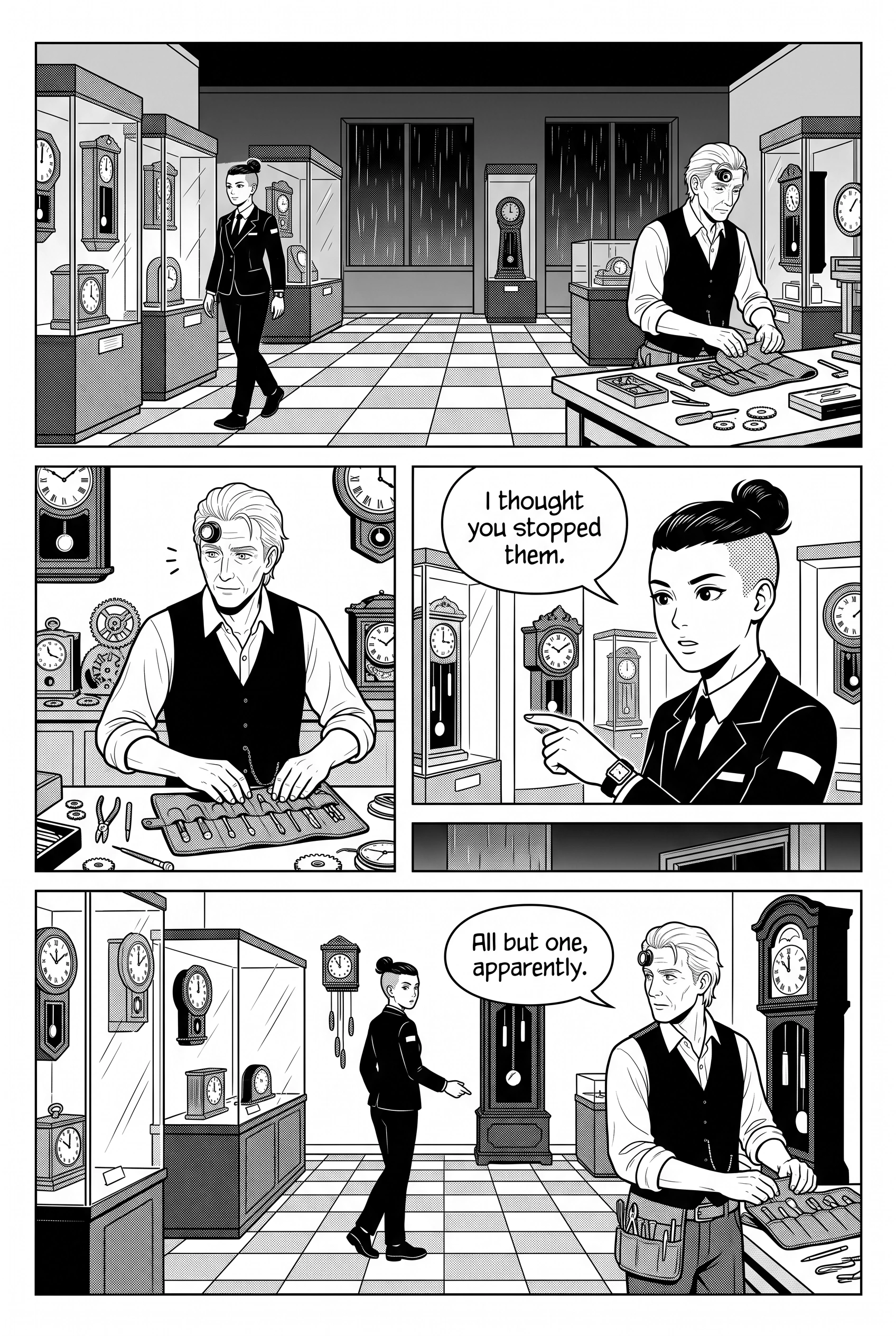
Page 1
Lea checks the last gallery as Orin packs his tool roll. Every displayed clock is stopped, yet a faint ticking fills the room. Lea says, 'I thought you stopped them.' Orin says, 'All but one, apparently.'

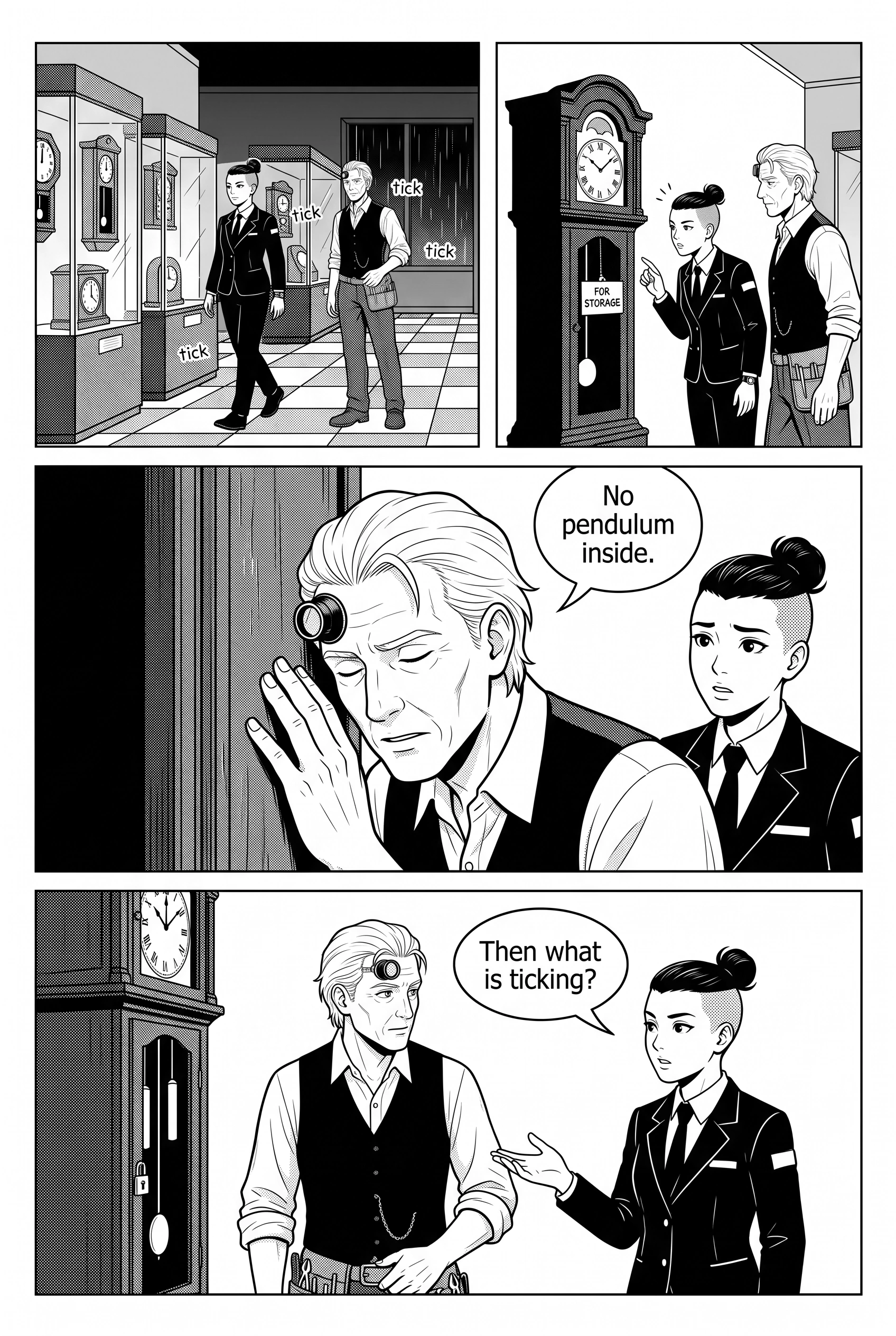
Page 2
They follow the sound along glass cases. Lea pauses at a grandfather clock marked for storage. Orin places his ear against its wooden door. Orin says, 'No pendulum inside.' Lea says, 'Then what is ticking?'

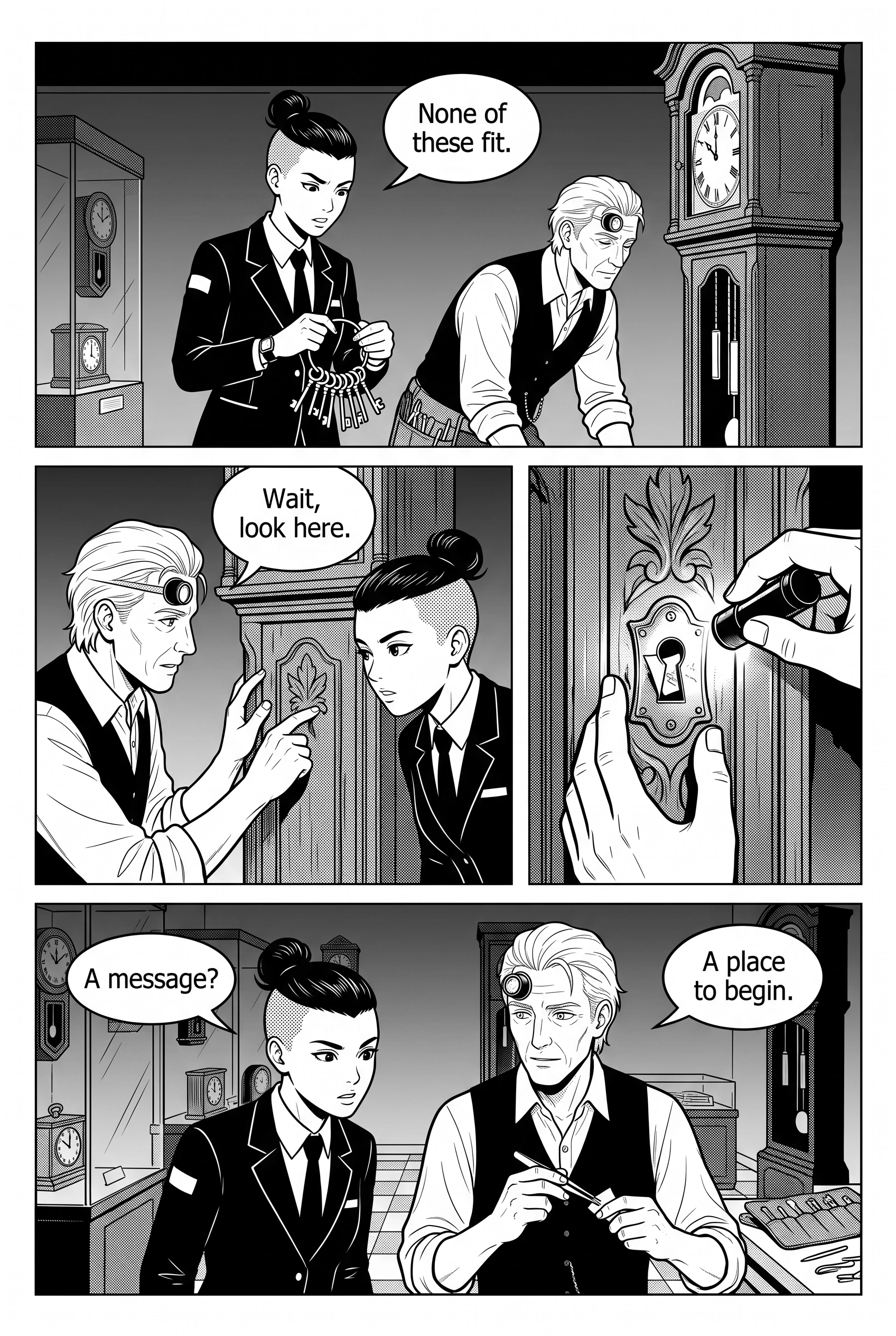
Page 3
Lea finds no key on the museum ring. Orin notices a small hole hidden beneath a carved leaf. His inspection light reveals a tiny folded paper behind the escutcheon. Lea says, 'A message?' Orin says, 'A place to begin.'

Page 4
They unfold the paper on a workbench: it contains a simple drawing of the museum courtyard tree. Lea recognizes the stone planter beneath it. Lea says, 'That tree is still here.' Orin says, 'So we look there.'

Page 5
In the rainy courtyard Lea lifts a loose stone at the planter's base. A small sealed tin rests underneath, containing a tiny key wrapped in cloth. Lea says, 'Someone hid this carefully.' Orin says, 'Someone hoped we'd look.'

Page 6
They return to the grandfather clock. Orin inserts the key in the small hidden hole. A narrow inner compartment opens behind the empty pendulum space. Orin says, 'Not the clock door.' Lea says, 'A door inside the door.'

Page 7
Inside sits a pocket watch and an unopened envelope. Lea holds the watch near her ear. Its ticking is the sound they followed. Lea says, 'A watch inside a clock.' Orin says, 'Keeping a different promise.'

Page 8
The envelope holds an old sketch of two hands meeting by the courtyard tree, with a short inscription clearly shown: TOMORROW. Orin's face softens; no new character appears. Lea says, 'Did they ever meet?' Orin says, 'Perhaps we can find out.'

Page 9
They search a paper visitor ledger and find two matching signatures beside the tree sketch's date. Lea places the ledger beside the watch and smiles. Lea says, 'They came back together.' Orin says, 'The promise was kept.'

Page 10
Morning: the pocket watch is displayed with the sketch and ledger. Lea winds it once while Orin closes its case. The empty grandfather clock stands peacefully nearby. Lea says, 'We can let it be heard.' Orin says, 'At last.'
Production method: Two original character references, one authored ten-page chapter plan and page-specific composition guides. Each page is separately generated using the same cast and the actual first page as a drawing and setting reference. English dialogue is drawn into the artwork. Recorded model: gemini-nano-banana-2.1.
Scope: A separately produced LlamaGen Originals sample, not a benchmark of this page’s tool. Digital original manga. Fine costume, incidental text and panel details can vary; inspect the artwork before reuse. The PDF contains a separate cover and ten story pages, without print bleed.
HOME LIBRARY · LLAMAGEN ORIGINALS
Browse 21 original LlamaGen stories. Open any cover to read its complete ten-page comic, with every page and caption in sequence.
Start with something specific: a radio operator alone at a station, a red suitcase, and a message that knows her name. Generate an opening, read what works, then change the stakes or point of view. The next decision stays yours.
Generate story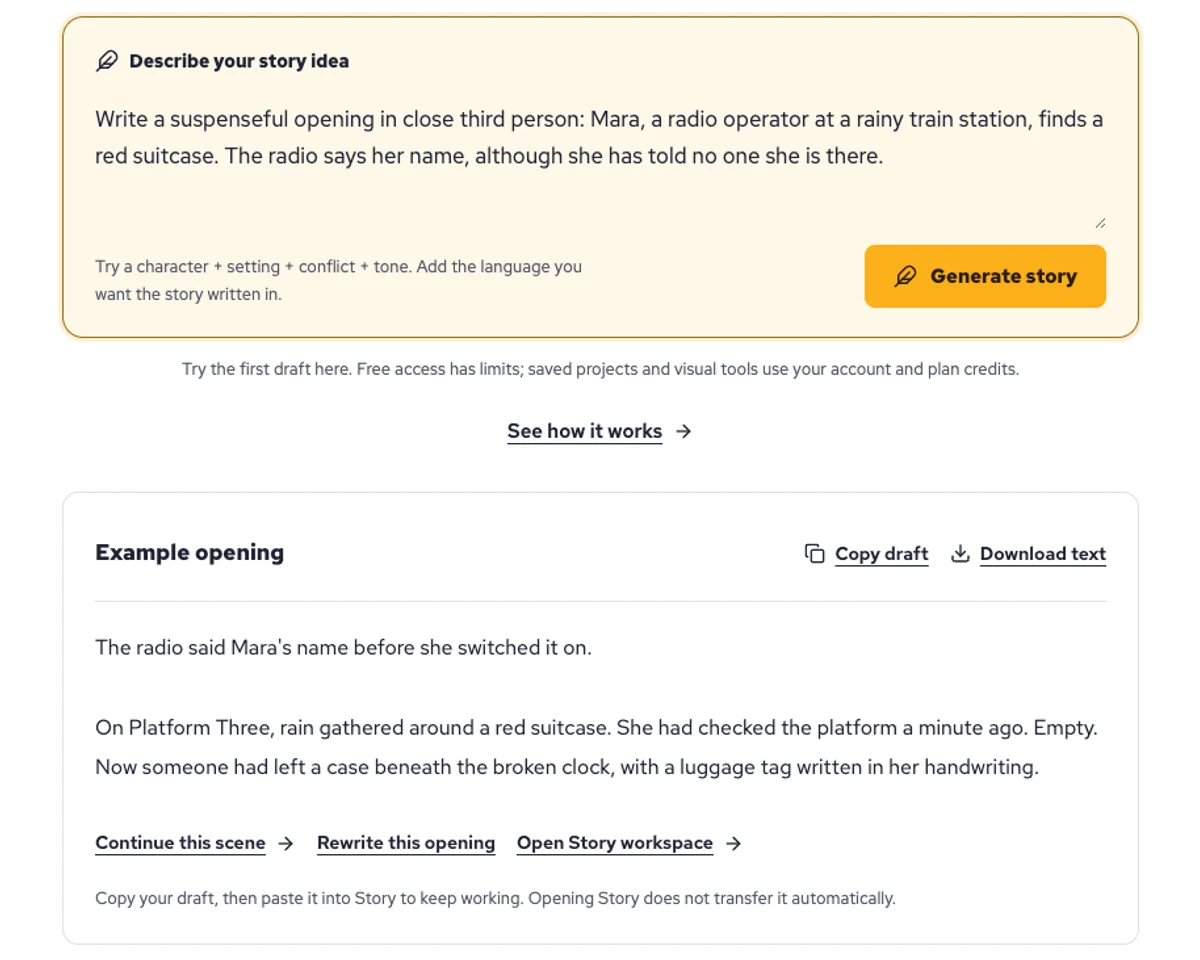
Explore a character's goal, an unusual setting, or a difficult choice. Compare different openings before you commit to a direction.
Paste an unfinished idea or use Continue after a draft. Read each new scene for names, motives, and details that need to stay consistent.
Use Rewrite to try a sharper opening. Copy a version you like before generating another, then edit the phrasing in your own voice.
This illustrative sequence follows Mara, her teal raincoat, and a red suitcase through four station shots. Use it as a guide: keep a character, location, and key prop consistent when you adapt your own draft into a storyboard or comic.
Explore script to storyboardThe same rainy-station story, imagined as a reading copy, a handheld proof, different cover designs, and a coordinated author set.
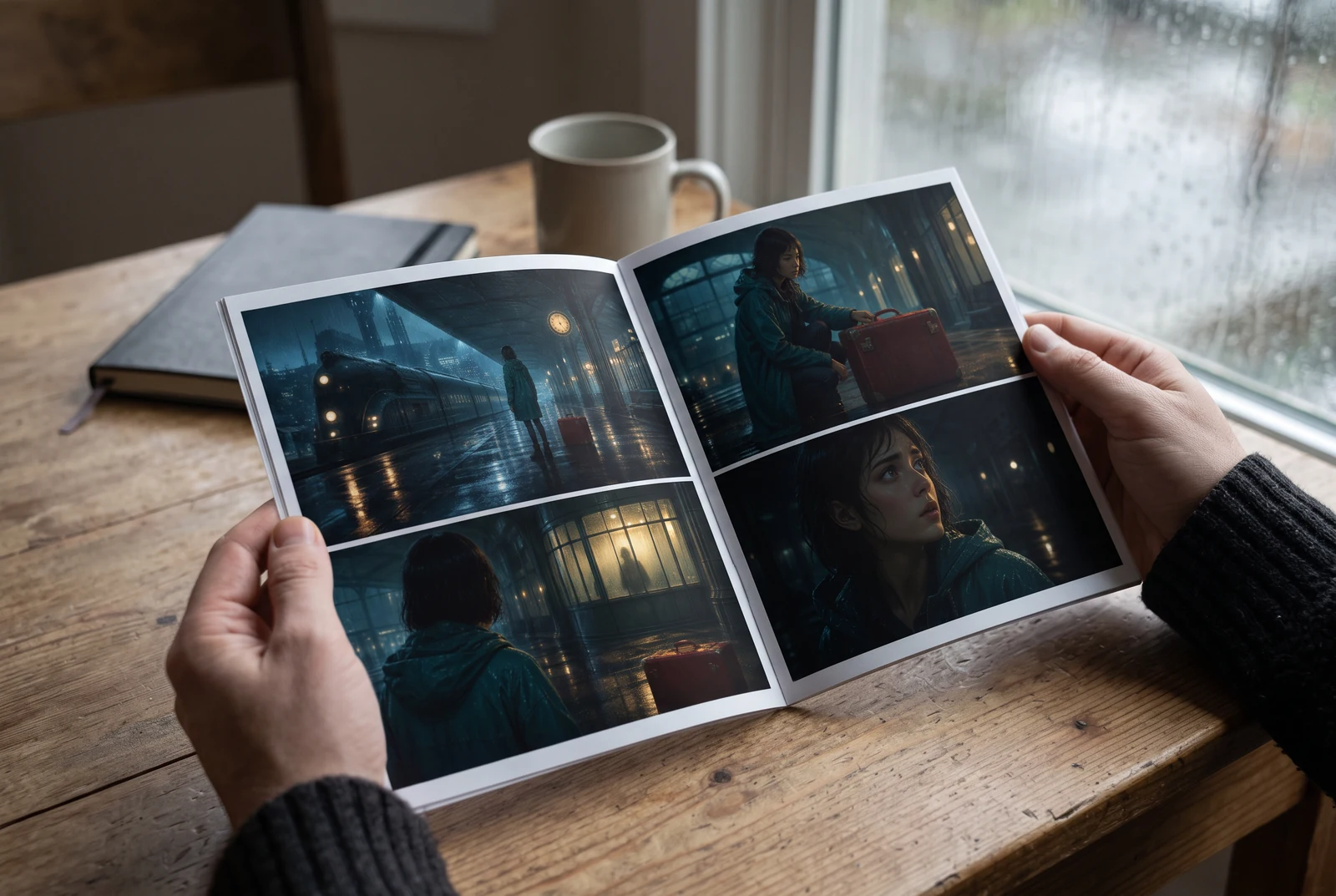
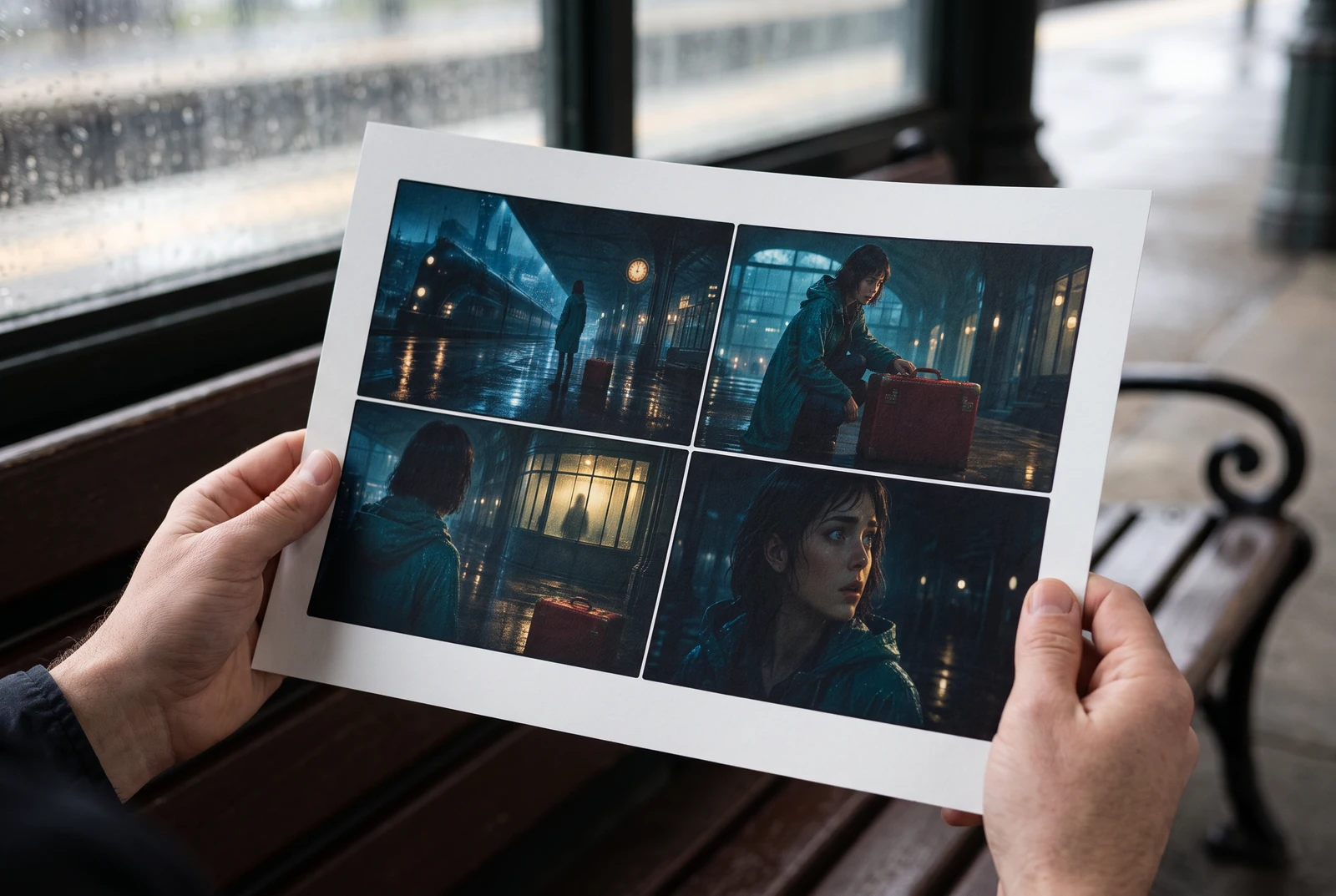
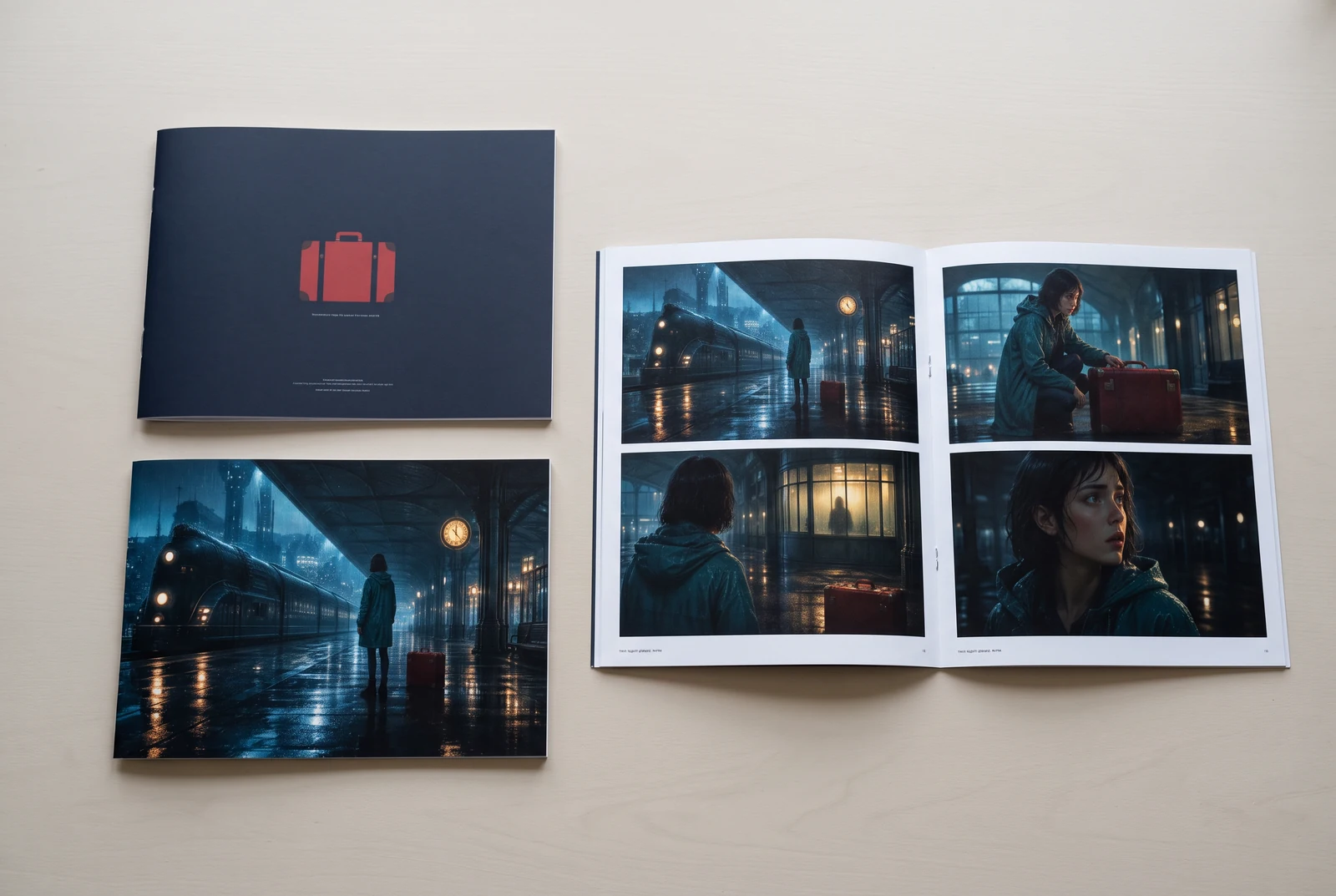
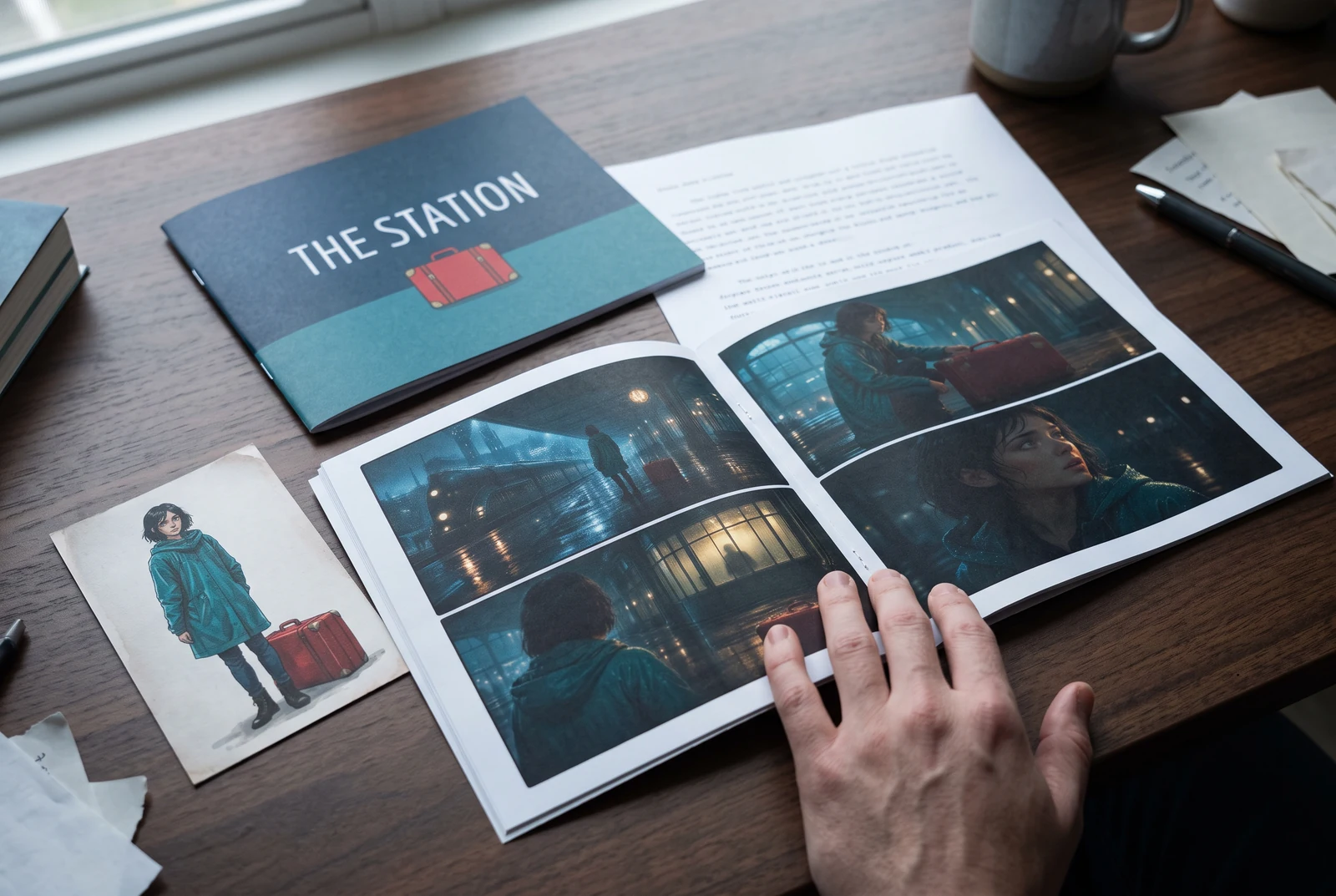
AI-generated display concepts using original LlamaGen story art. Paper examples illustrate personal printing and reading; they are not customer photographs or a print-delivery offer.
Test a premise, change the point of view, or work through the opening of a short story.
Draft scene beats and dialogue before planning comic panels or storyboard shots.
Create writing prompts and sample narratives. Review the output and follow your classroom or team's AI rules.
Describe a protagonist, setting, goal, and obstacle. Choose a tone and output language in your prompt.
Select Generate story. The result is a draft to review; one response is not a complete book.
Check the voice, facts, and continuity. Continue the next scene or rewrite the opening. Copy a version before replacing it.
Keep this text in this browser for up to seven days while you sign in, then choose a workspace and save it in Story. AI continuation uses your account's plan allowance.
AI can invent facts, repeat familiar phrasing, or lose track of a character. Review every draft before sharing it. Follow LlamaGen's terms and your school or workplace rules; check third-party material before publishing.
You can try story generation on this page. Free access is limited and availability can change. Saved projects and visual generation require an account and may use plan credits. Check current pricing before starting a larger project.
It uses your prompt to generate a possible continuation: characters, description, dialogue, and events. It does not know which details you intend to keep, so give it clear constraints and review the result.
Yes. Specify your preferred output language in the prompt. Quality varies by language and prompt; check tone, names, and idioms before using the text.
Use it for openings, scenes, and revisions. Build longer work in stages, keeping an outline and character notes so each new scene fits the story.
Yes. Choose Save this draft in Story, sign in, select a workspace, and confirm saving. The text stays in this browser for up to seven days and is never placed in the URL. If you reach a Story plan limit, compare plans and return to save the same draft.
Review LlamaGen's terms and the rules of the platform where you intend to publish. Check accuracy, third-party material, and any disclosure requirements. Generation does not guarantee unique text or exclusive rights.
LlamaGen builds tools for writing, comics, and storyboards. Explore the team and product, check plan details, or contact support before choosing a workflow.
Write a premise. Explore an opening. Decide what happens next.
Generate story