Find a story worth following
Explore a character's goal, an unusual setting, or a difficult choice. Compare different openings before you commit to a direction.


LlamaGen.ai'yi bir AI hikâye oluşturucu ve hikâye yazarı olarak kullanın. Basit bir fikri, olay örgüsü, karakterler, diyalog ve storyboard ya da çizgi roman panellerine uzanan bir akışla yapılandırılmış bir taslağa dönüştürün.
Try the first draft here. Free access has limits; saved projects and visual tools use your account and plan credits.
See how it worksPick a prompt to read an illustrative opening, then generate your own version. These samples are prepared examples, not live results or customer testimonials.
Example opening
The radio said Mara's name before she switched it on. On Platform Three, rain gathered around a red suitcase. She had checked the platform a minute ago. Empty. Now someone had left a case beneath the broken clock, with a luggage tag written in her handwriting.
Start with something specific: a radio operator alone at a station, a red suitcase, and a message that knows her name. Generate an opening, read what works, then change the stakes or point of view. The next decision stays yours.
Generate story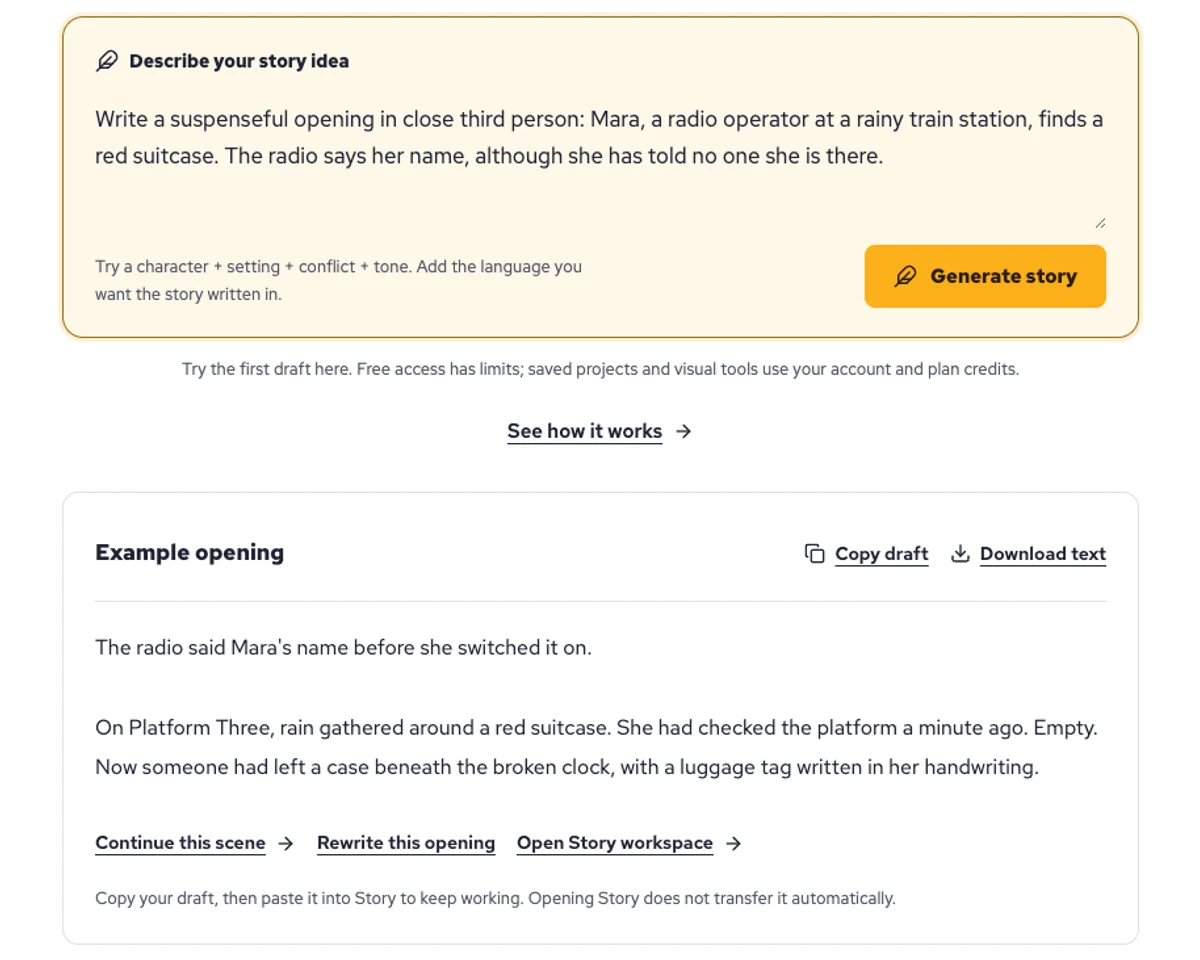
Explore a character's goal, an unusual setting, or a difficult choice. Compare different openings before you commit to a direction.
Paste an unfinished idea or use Continue after a draft. Read each new scene for names, motives, and details that need to stay consistent.
Use Rewrite to try a sharper opening. Copy a version you like before generating another, then edit the phrasing in your own voice.
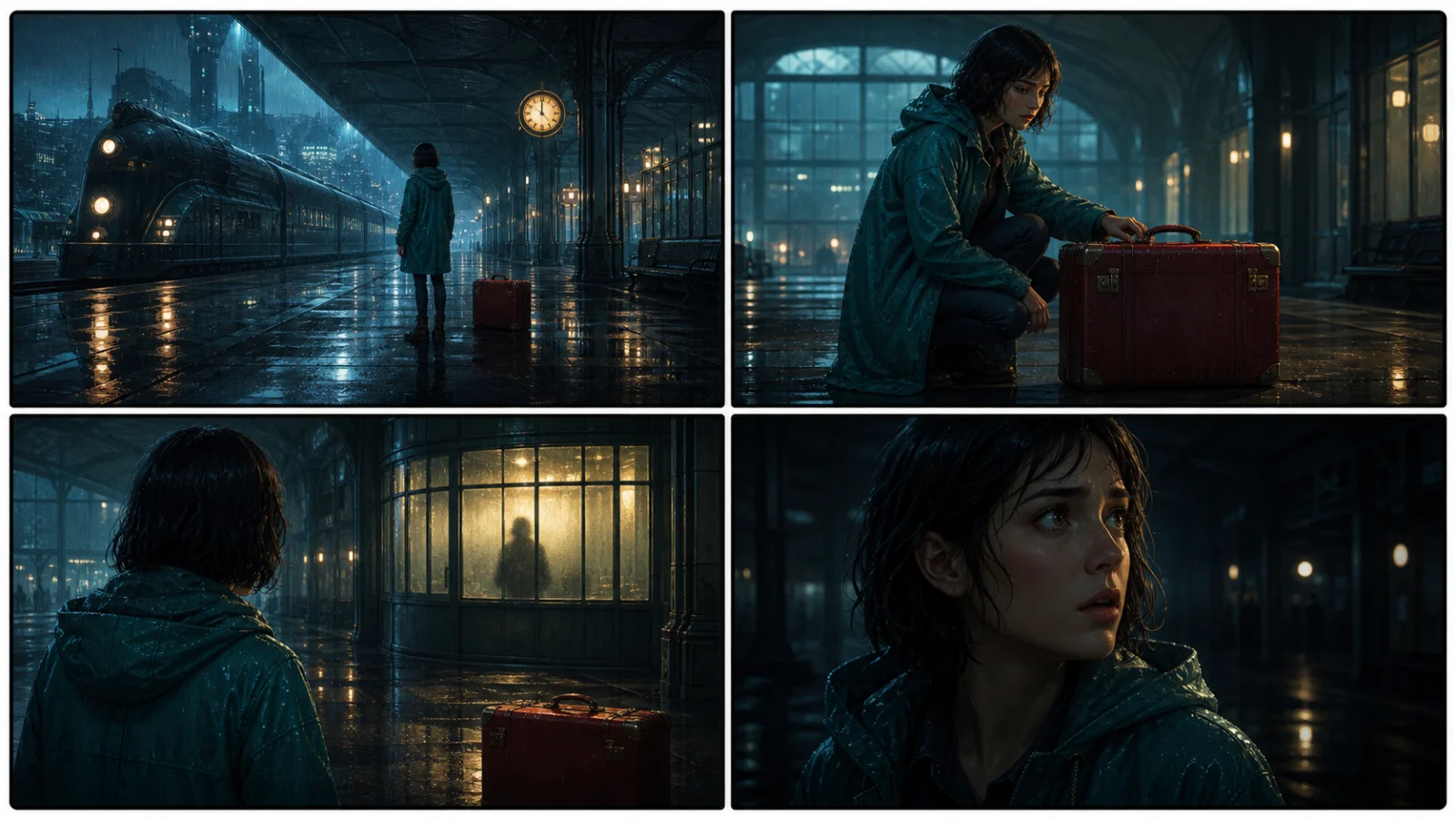
This illustrative sequence follows Mara, her teal raincoat, and a red suitcase through four station shots. Use it as a guide: keep a character, location, and key prop consistent when you adapt your own draft into a storyboard or comic.
Explore script to storyboardThe same rainy-station story, imagined as a reading copy, a handheld proof, different cover designs, and a coordinated author set.
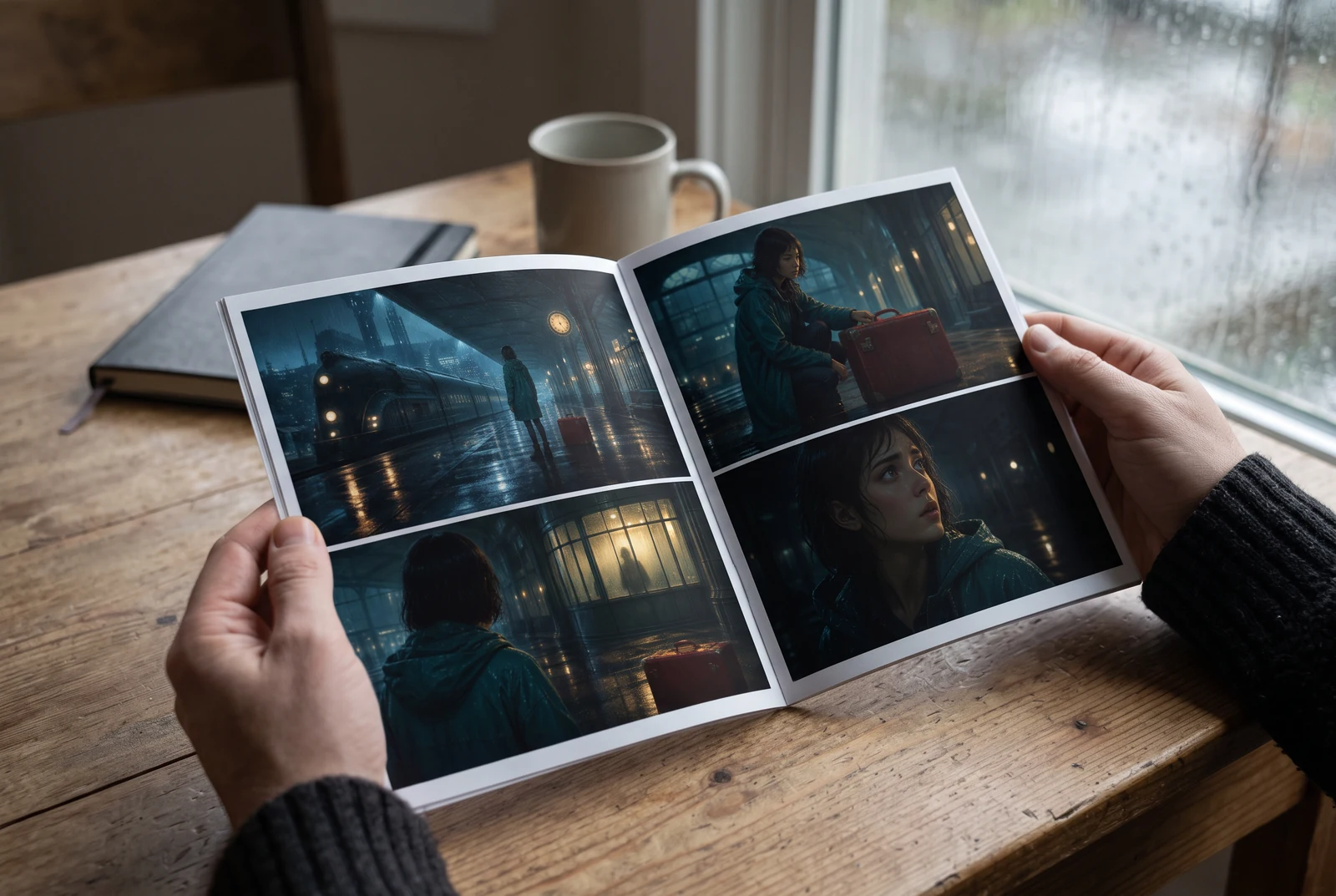
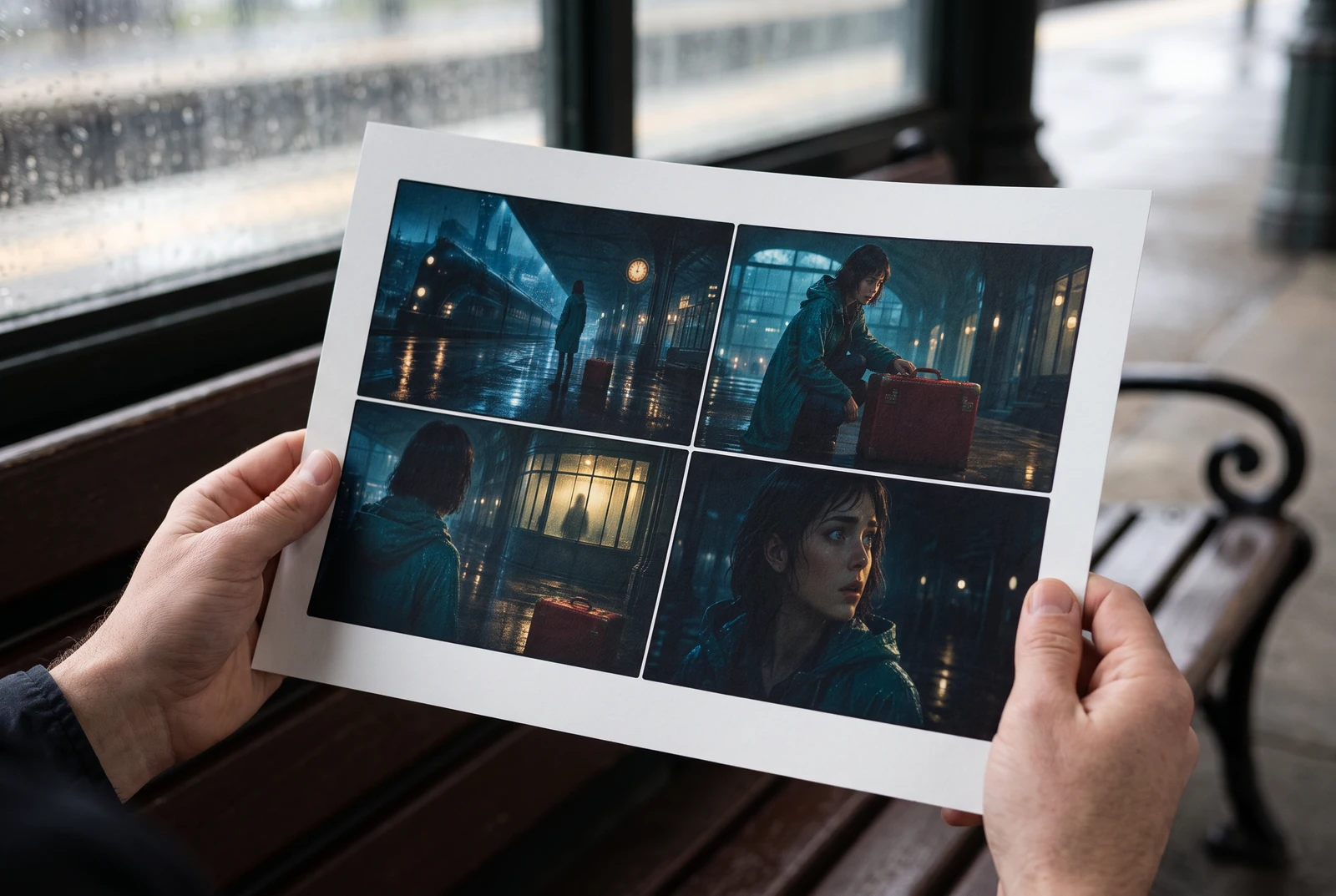
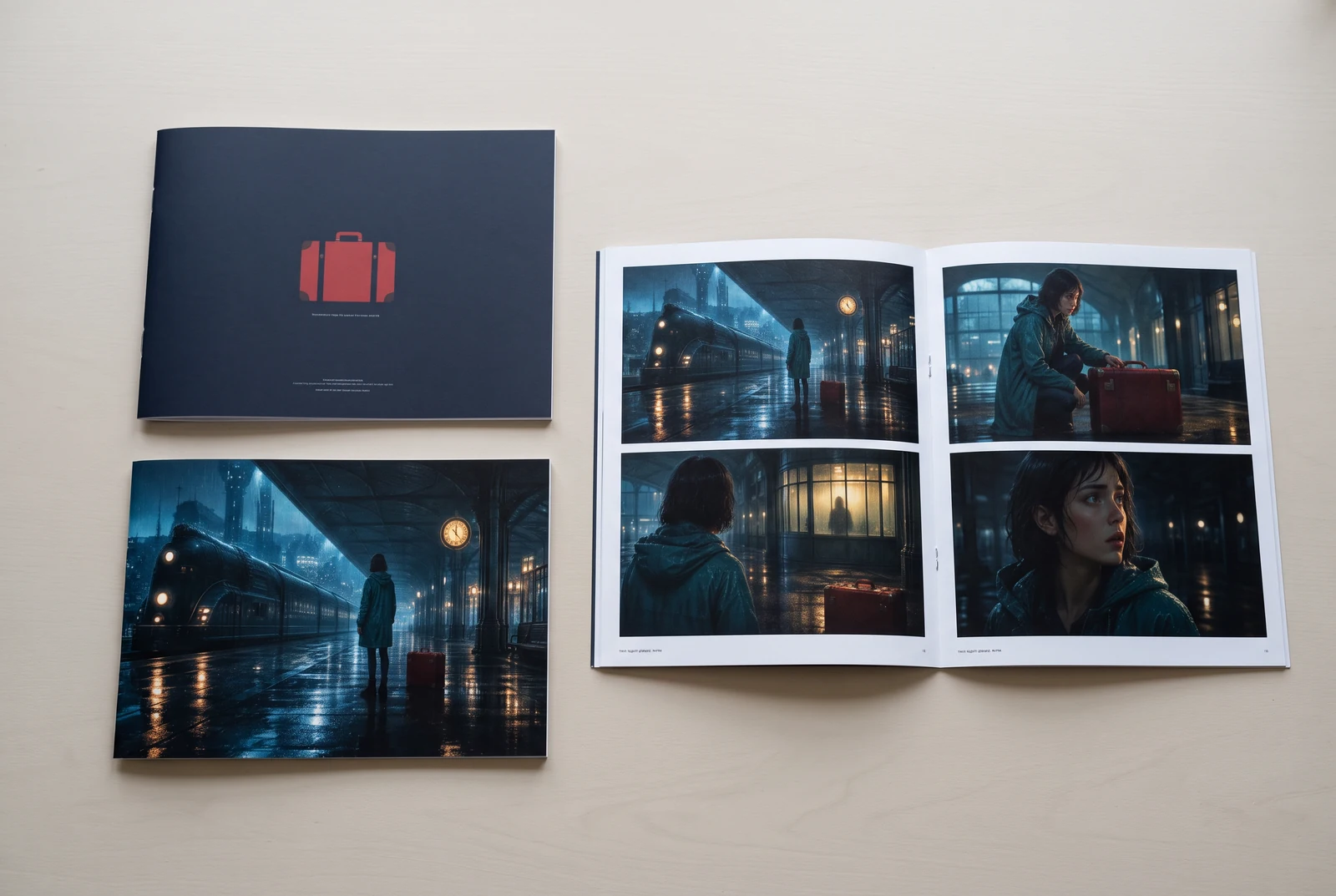
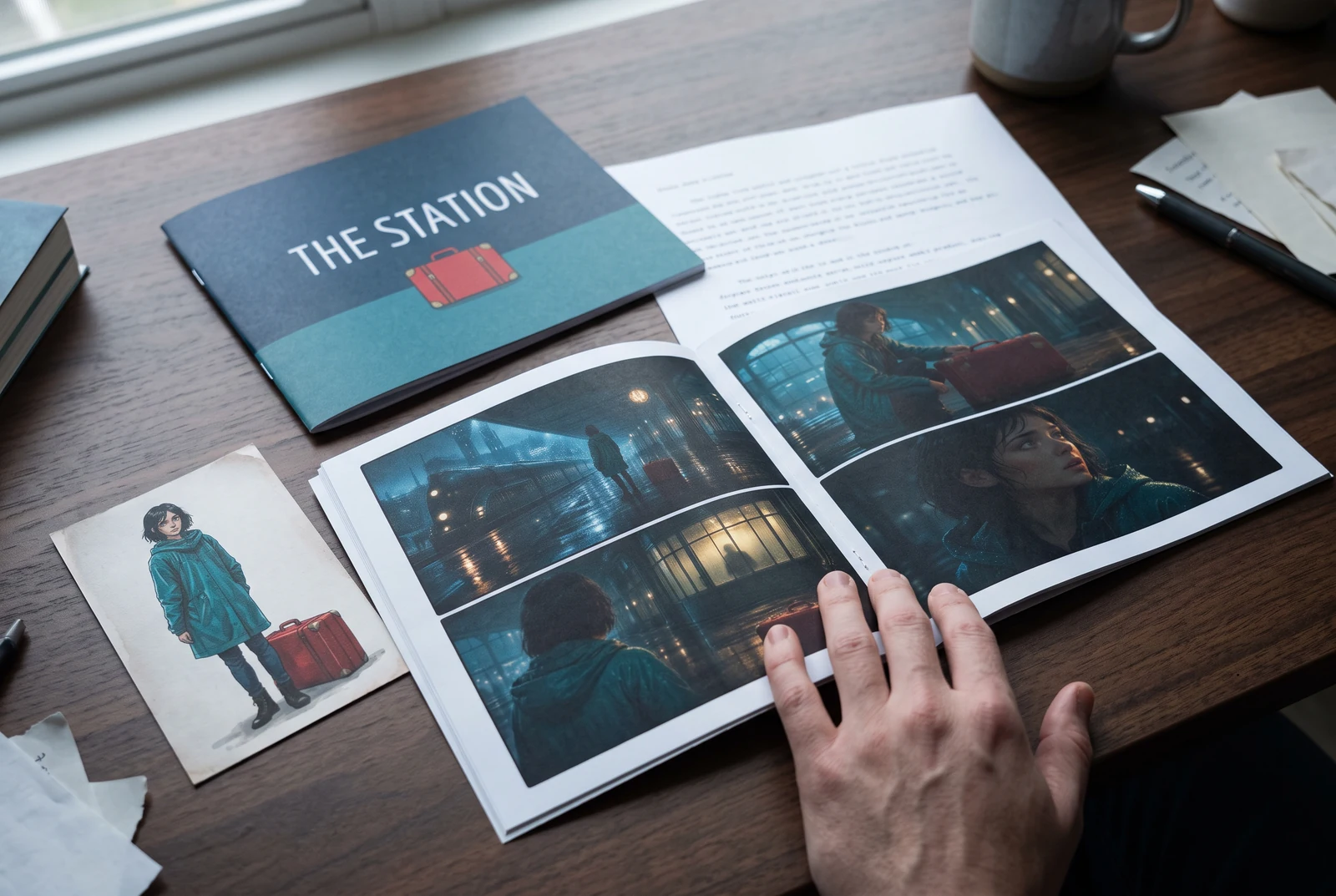
AI-generated display concepts using original LlamaGen story art. Paper examples illustrate personal printing and reading; they are not customer photographs or a print-delivery offer.
Test a premise, change the point of view, or work through the opening of a short story.
Draft scene beats and dialogue before planning comic panels or storyboard shots.
Create writing prompts and sample narratives. Review the output and follow your classroom or team's AI rules.
Describe a protagonist, setting, goal, and obstacle. Choose a tone and output language in your prompt.
Select Generate story. The result is a draft to review; one response is not a complete book.
Check the voice, facts, and continuity. Continue the next scene or rewrite the opening. Copy a version before replacing it.
Keep this text in this browser for up to seven days while you sign in, then choose a workspace and save it in Story. AI continuation uses your account's plan allowance.
AI can invent facts, repeat familiar phrasing, or lose track of a character. Review every draft before sharing it. Follow LlamaGen's terms and your school or workplace rules; check third-party material before publishing.
Bu, fikirlerinizi AI kullanarak yapılandırılmış hikâyelere dönüştüren tarayıcı tabanlı bir araçtır. Bir prompt girin ve kurgu, çizgi romanlar, sınıf içi yazma, videolar veya görsel romanlar için olay örgüsü, karakterler, diyalog, sahne akışı ve görsel yönlendirme içeren bir taslak alın.
İyi bir prompt; hikâye fikrinizi, türü ve tonu içerir. Örneğin: 'Ormanda bir kafe açan yalnız bir cadı' ve sıcak, günlük hayat hissi. Fikriniz ne kadar net olursa hikâyeniz de o kadar iyi olur. Karakterler, mekân, duygusal ton ve istediğiniz önemli olay noktaları hakkında spesifik ayrıntılar ekleyin.
Hikâyeyi düzenleyebilir, genişletebilir ya da araçlarımızı kullanarak çizimler, yerleşimler ve diyaloglarla çizgi roman panelleri veya görsel roman sahneleri oluşturmak için temel olarak kullanabilirsiniz. Birçok üretici, oluşturulan hikâyeleri panel kompozisyonlarını, karakter ifadelerini ve görsel akışı geliştirmek için senaryo olarak kullanır.
Zaman kazandırır, yaratıcılığı tetikler ve her seviyeden yazarın tıkanıklığı aşmasına yardımcı olur. İster kurgu, çizgi roman, görsel roman, sınıf içi prompt ya da video senaryosu hazırlıyor olun, normalde saatler sürecek anlatı yapısını hızlıca oluşturabileceğiniz bir başlangıç noktası sunar.
Yes. Choose Save this draft in Story, sign in, select a workspace, and confirm saving. The text stays in this browser for up to seven days and is never placed in the URL. If you reach a Story plan limit, compare plans and return to save the same draft.
Bu sayfada bir yazılım satın almadan ilk taslağı oluşturabilirsiniz. Giriş yapmak; Story, kayıtlı geçmiş, storyboard, çizgi roman ve video iş akışlarını açar; bunlar plan kredilerinizi kullanır.
Araç; romantizm, fantastik, korku, dram, komedi, okul hayatı ve deneysel türlerde esnek hikâye prompt'larını destekler. Fikriniz tek bir genel şablona zorlanmaz; yine de üretim platform güvenlik kuralları içinde kalır.
Keşif yaparken yeni taslaklar, alternatif sonlar, olay örgüsü sürprizleri, karakter gelişimleri ve sahne versiyonları üretmeye devam edebilirsiniz. Daha uzun projeler, kayıtlı geçmiş ve görsel üretim hesabınızı ve plan kredilerinizi kullanır.
Çoğu hikâye, karmaşıklık ve uzunluğa bağlı olarak 5-10 saniye içinde oluşturulur. AI'mız prompt'unuzu neredeyse anında işler; böylece hızlıca yineleyebilir ve dakikalar içinde birden fazla hikâye yönü keşfedebilirsiniz.
Genç yetişkin romantizmi, şehir fantezisi, süper kahraman, bilim kurgu, korku, gizem, günlük hayat, aksiyon, doğaüstü, komedi, dram, tarihî ve daha fazlası dahil tüm ana türleri destekliyoruz. Sadece prompt'ta tercih ettiğiniz türü belirtin.
Bu sayfada hesap oluşturmadan ilk taslağı üretebilirsiniz. Giriş yapmak; oturumlar arasında geçmiş, storyboard, çizgi roman ve video iş akışlarını açar; bunlar plan kredilerinizi kullanır.
Şu anda İngilizce prompt'lar en güvenilir taslakları üretir. Yine de fikrinizi başka bir dilde yazabilirsiniz; sonucu dikkatlice gözden geçirin ve Story içinde düzenlemeye devam edin.
LlamaGen builds tools for writing, comics, and storyboards. Explore the team and product, check plan details, or contact support before choosing a workflow.
Write a premise. Explore an opening. Decide what happens next.
Generate story