AI Image Tools>Image Generation>AI Image Generation Tool

AI Image Generation Tool for Text, References, and Character Assets

Plan and create AI images with a workflow that separates text prompts, image-to-image references, editing goals, and final output checks.

AI Image Generation Tool

Start from the real image task.

Match your starting point to a clear output, workflow, and quality bar before opening the generator.

Searches this answers

ai image generationimage generation aibest ai for image generationai image generator

Problem

Users search broadly for AI image generation, but their real need is usually a more specific workflow: prompt from scratch, transform a reference, edit an image, or make an asset.

Best for

Creators comparing how to start an image, teams making character assets, and users who need a practical workflow before opening a generator.

Output

A clear image-generation workflow that helps users choose between text prompts, reference images, edits, and reusable character outputs.

How to use AI Image Generation Tool

Start with the right input, define the AI image generation output, and check the result before using it in a real project.

1

Start with the right input

Use a text prompt for new ideas or upload a reference image when identity, pose, product shape, or character continuity matters.

2

Describe the target format

Ask for clear subject, defined medium, composition constraints, reference rules, and a realistic output use case. Name what must stay unchanged and what can be redesigned.

3

Generate and inspect

Create the image, then check prompt clarity, identity rules, composition, output size, and whether the result solves the original visual job before downloading or using the result elsewhere.

AI Image Generation Tool examples

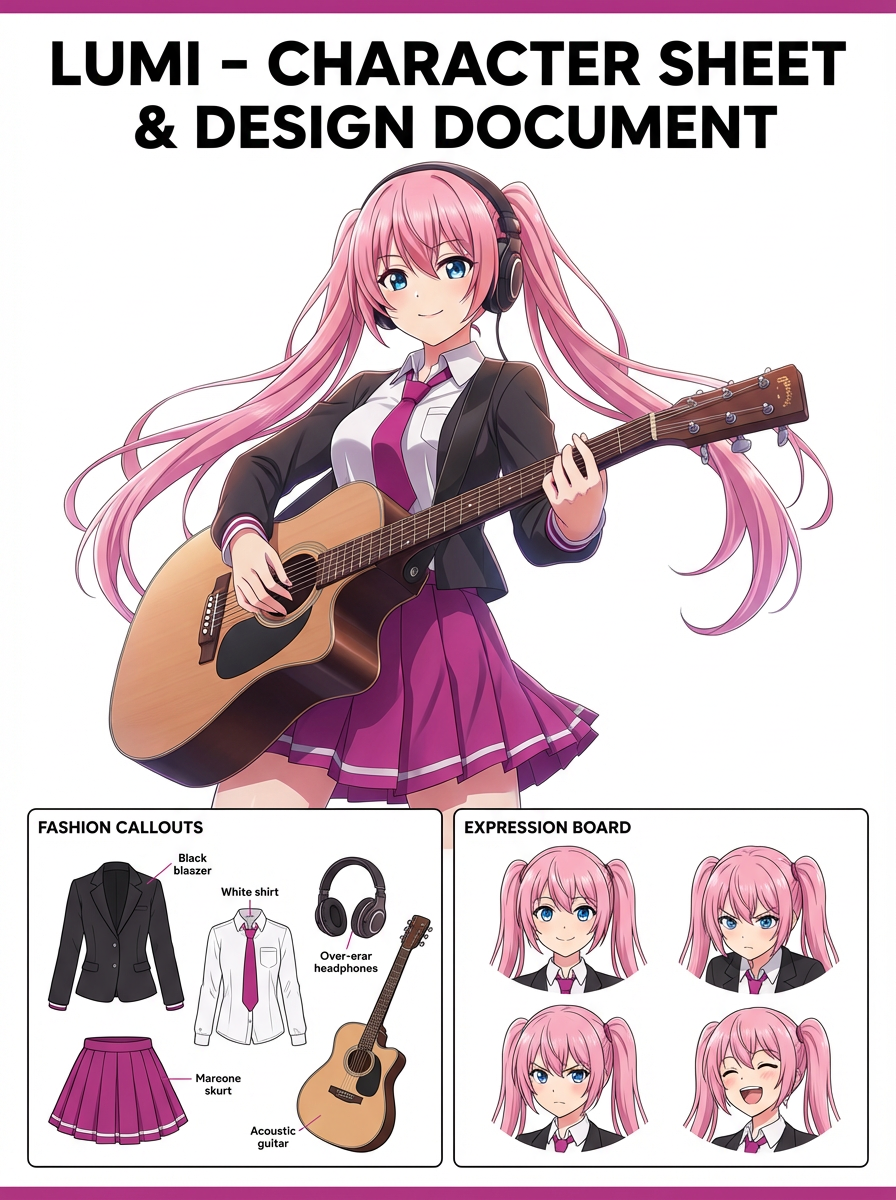
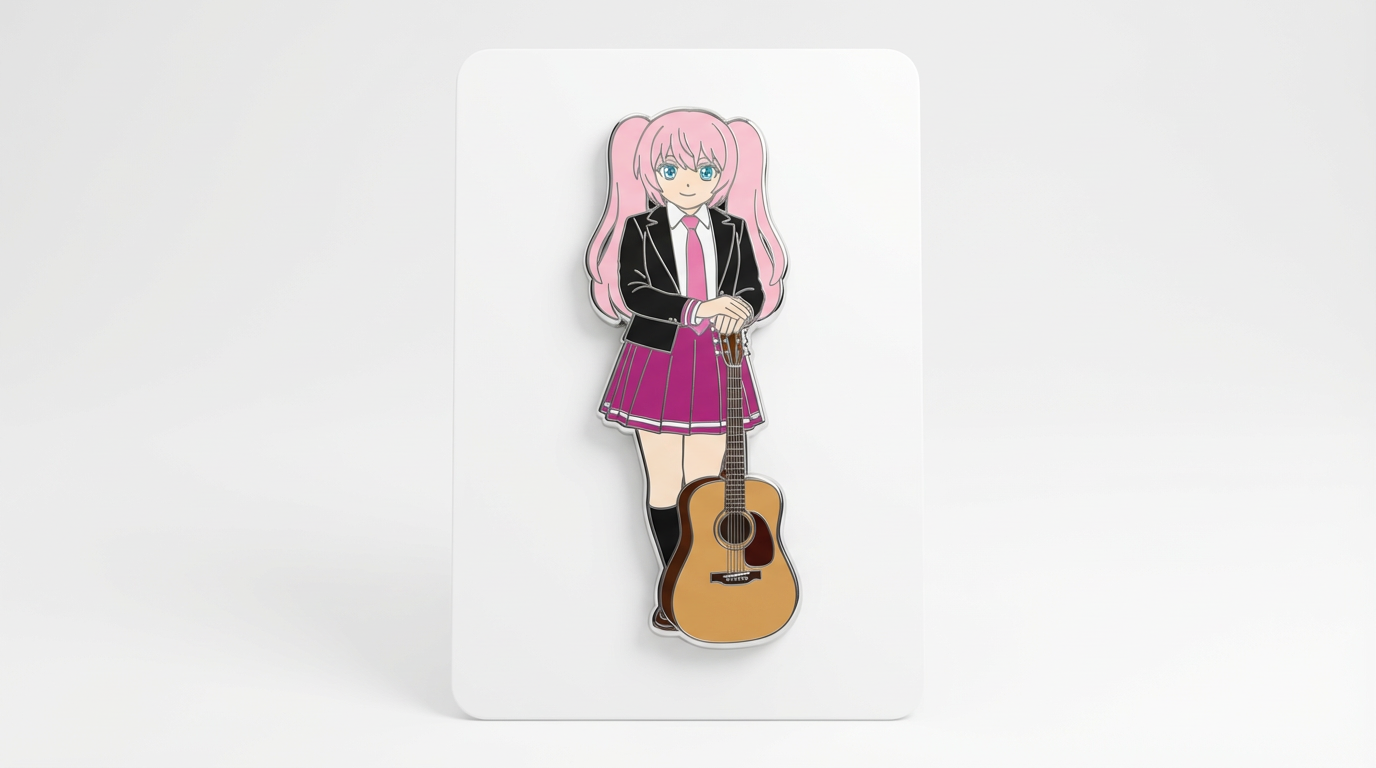
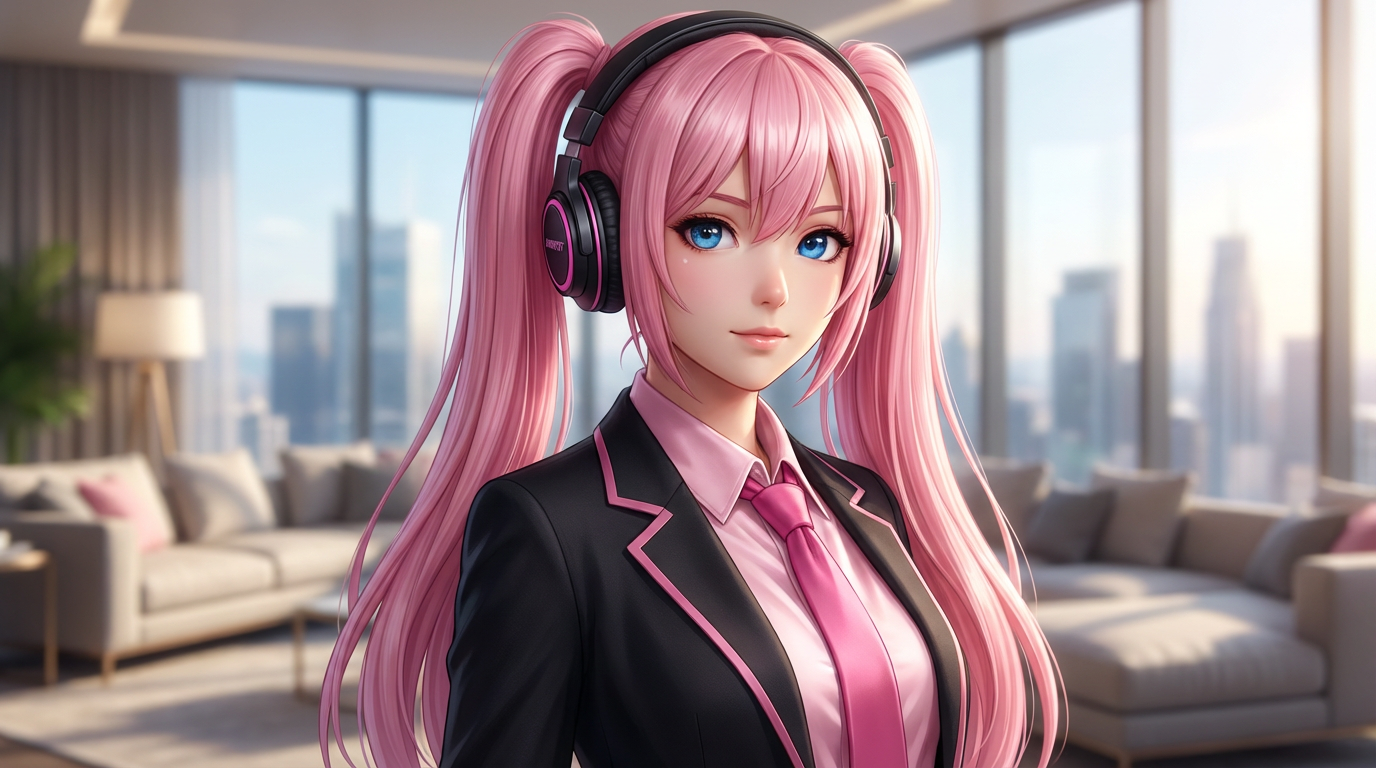
Example directions for turning prompts or references into AI image generation outputs.

Reference workflow
Reference workflow
Character asset
Character asset
Prompt to final
Prompt to final
Edited variant
Edited variant
Campaign visual
Campaign visual

Why this AI image generation workflow works

The page focuses on the decisions that make AI image generation outputs usable: input clarity, format constraints, and a practical quality check.

Choose the right starting point

Start with text when you only have an idea, image-to-image when identity matters, and editor intent when the image already exists.

Prompt with constraints

Better outputs come from naming the subject, format, style, composition, and what must not change.

Judge the result before reuse

Check identity, hands, edges, text, and crop before the image becomes a thumbnail, cover, product mockup, or comic reference.

Prompt examples for AI image generation outputs

Use these prompts as starting points. Replace the subject, source image, style, and destination with your own project details.

Prompt 1

Preserve a reference image

Use my uploaded image as the identity reference. Create AI image generation with clear subject, defined medium, composition constraints, reference rules, and a realistic output use case. Keep the key face, color, outfit, and silhouette details recognizable.

This tells the model what must stay stable before asking it to change the presentation.

Prompt 2

Start from a text idea

Create AI image generation for a finished image for a comic, social post, product mockup, or character asset. Use a clear main subject, strong composition, and clear subject, defined medium, composition constraints, reference rules, and a realistic output use case.

This works when you do not have a reference image yet but still need a practical output format.

Prompt 3

Clean up for reuse

Refine this result into a polished AI image generation. Prioritize prompt clarity, identity rules, composition, output size, and whether the result solves the original visual job. Remove distracting artifacts and keep the final image easy to reuse.

This turns a first draft into a more useful asset by naming the quality checks directly.

Quality checks for AI image generation images

Before treating an AI result as finished, review whether it solves the real creative job and survives practical reuse.

01

Identity stays recognizable

Compare the result with the source or brief. The face, silhouette, palette, and signature details should still feel intentional.

02

The format is obvious

The image should clearly read as AI image generation, not as a generic portrait with a light style change.

03

Composition fits the destination

Check crop, negative space, subject scale, and whether the image will work as a cover, icon, card, mockup, or scene.

04

Artifacts are not carrying the image

Inspect hands, edges, fake text, small accessories, background clutter, and repeated patterns before publishing.

05

The result can be reused

A useful image should be easy to crop, edit, reference, or hand off to a collaborator without explaining hidden context.

AI Image Generation Tool FAQ

It is the process of creating or transforming images with AI from text prompts, uploaded references, or editing instructions.

Explore related AI image workflows

Move to the neighboring workflow when your starting point changes from text, to a reference image, to editing, to video.

Related AI image searches

These nearby intents help users choose the right workflow instead of landing on a page that only half-matches their need.

Create AI image generation with LlamaGen