

صورة إلى كارتون
حوّل صورتك لرسمة كارتونية
مساحة بسيطة وهادية لتحويل الصور إلى كارتون. ارفع صورة واحدة، اختر شكل الكارتون، وولّد نتيجة نظيفة من غير تعقيد أو إعدادات متقدمة.
اختر شكل الكارتون
توجيه اختياري
النتيجة
صورتك الكارتونية هتظهر هنا
ابدأ بصورة واحدة
ارفع صورة أو جرّب مثال جاهز. النتيجة الكارتونية المولَّدة هتظهر هنا.
ابدأ مجانًا وطوّر خطتك لما تحتاج أكتر.
الخطط المدفوعة بتفتح Credits أكتر، جودة أعلى، ومساحة أكبر للتجربة والتعديل.
طريقة الاستخدام
ثلاث خطوات واضحة من صورة لكارتون
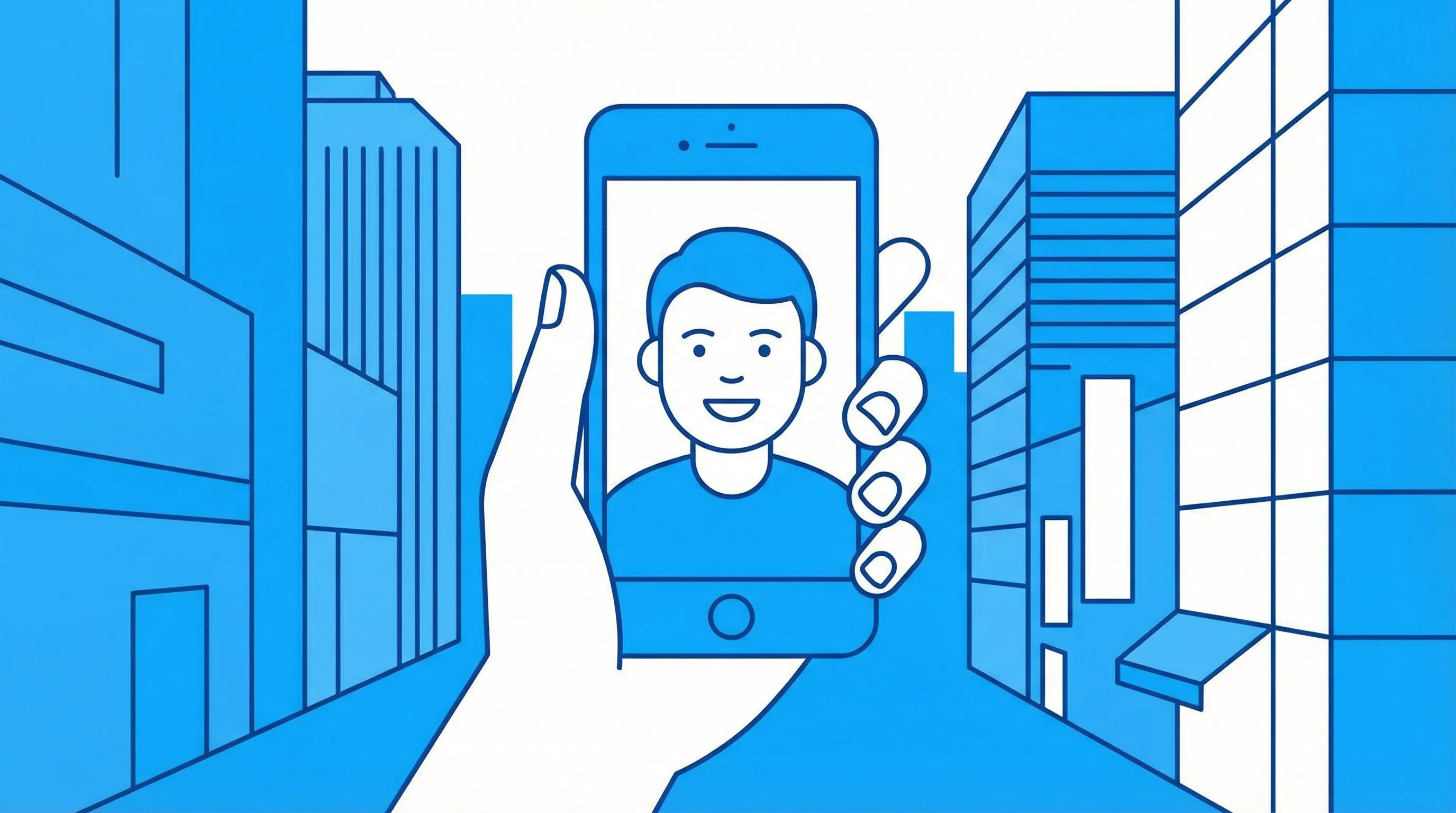
1. ارفع صورتك
ابدأ بصورة واضحة واحدة. صور بورتريه، الحيوانات الأليفة، اللبس، وصور المنتجات كلها بتشتغل كويس.

2. اختر شكل الكارتون
حدد المعالجة البصرية اللي عايزها: كارتون كلاسيكي، Chibi، Clay، أو Pop Art.

3. ولّد واستخدم الصورة
حمّل الصورة، استخدمها جوه LlamaGen، أو كمل التجارب بملاحظة قصيرة.
بساطة بشكل افتراضي
الطريق الأساسي دايمًا واضح
محول الكارتون بيركز على الخطوة اللي المستخدم متوقعها: ارفع الصورة، اختر ستايل، ولّد النتيجة. التوجيه الإضافي اختياري مش إلزامي.
جرّب محول الكارتونتحكم في الستايل
حدد التون قبل التوليد
الستايل الكلاسيكي بيدي شكل ودود عام، بينما Chibi و Clay و Pop Art بيخلقوا هوية بصرية أقوى.
اختر ستايل
أمثلة لستايلات الكارتون
شوية اتجاهات بصرية تقدر تطلعها من صورة واحدة

Classic cartoon portrait

Chibi portrait

Claymation cartoon

Pop art cartoon
أسئلة شائعة
هل الصفحة دي مختلفة عن صفحة الكوميكس؟
أيوه. صفحة الكارتون مركزة على نتائج لصورة واحدة في شكل كارتون، بينما صفحة الكوميكس بتركز على إنهاء الصور كصفحات كوميكس ومانجا.
أنهي صور بتدي أفضل نتيجة؟
استخدم صورة واضحة بإضاءة كويسة يكون فيها العنصر الأساسي ظاهر بسهولة. صور البورتريه، الحيوانات الأليفة، اللبس، والمنتجات غالبًا بتشتغل كويس.
ينفع أضيف تعليمات؟
أيوه. استخدم خانة التوجيه الاختياري لحاجات زي ألوان أنعم، خلفية أبسط، أو الحفاظ على النظارة والإكسسوارات.
أنهي صيغ ملفات مدعومة؟
صور JPG و PNG و WEBP حتى حجم 10MB مدعومة.
آراء حقيقية من مبدعين
مختارة من شهادات الحب/all العامة لـ LlamaGen

Kartik Puri
@kartikchop
جربت LlamaGen للكوميكس بالذكاء الاصطناعي والنتيجة كانت أحسن من توقعاتي. بيحوّل فكرة بسيطة لكوميكس مصقول في دقائق بدل ساعات.
عرض الأصل
Jihan En Nejjari
@jihanenj2011
أنا بشتغل على مانجا للمدرسة، وعاجبني التطبيق جدًا، ساعدني كتير في الوقت اللي احتجته فيه، لأن التطبيقات التانية أبطأ. وأحلى حاجة فيه إن الشخصيات نفسها بتفضل ثابتة ومش بتتغير كل صفحة.
عرض الأصل
Vanieshly Ortiz Figueroa
@vaort30
بحب التطبيق ده!! بحب إننا نقدر نخلق الكوميكس الخاصة بينا بالشخصيات اللي إحنا مصممينها!
عرض الأصل