Understand the difference between a generated PNG layer sheet and extracted transparent PNG parts, with checks for edges, missing detail and editable raster output.


Game character preparation
Plan game character parts before importing them
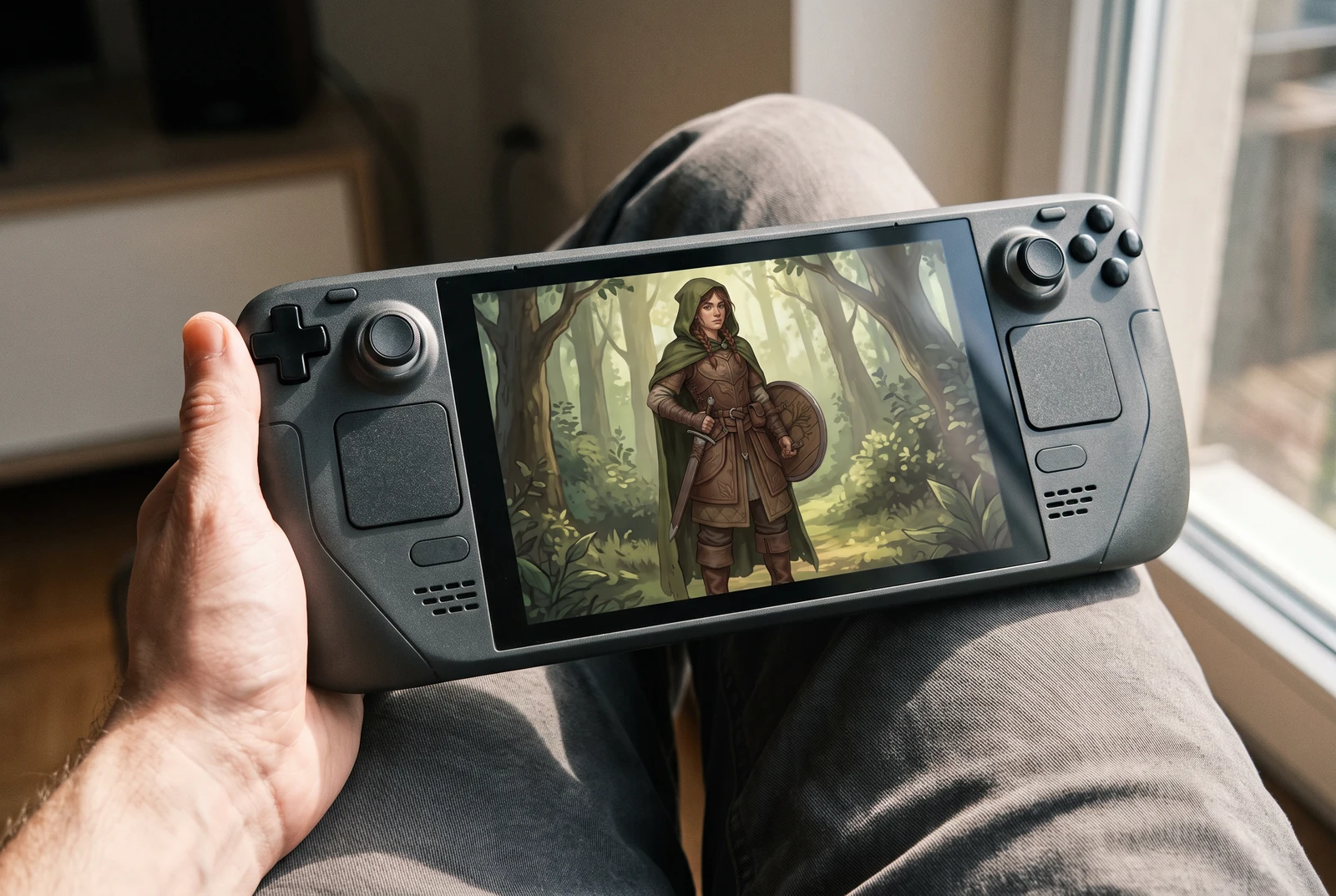
AI-generated lifestyle concepts. Printed pieces and device scenes illustrate possible downstream uses after manual preparation; they are not customer photos or verified export or rigging results.
A character sheet can help you explore equipment changes or plan a cutout character, but a useful game asset requires more than a visually separated sword. Decide whether you need a static equipment variation or independently moving body parts. Those goals call for different boundaries, overlap and cleanup. Review the generated sheet against the exact motion or swap your game needs.
For game artists and small teams preparing static character variations or material for a later cutout animation workflow.
← Back to all layer splitting guidesSee the finished artwork in everyday life
Explore how prepared character artwork could appear on personal prints, devices and coordinated creative sets.
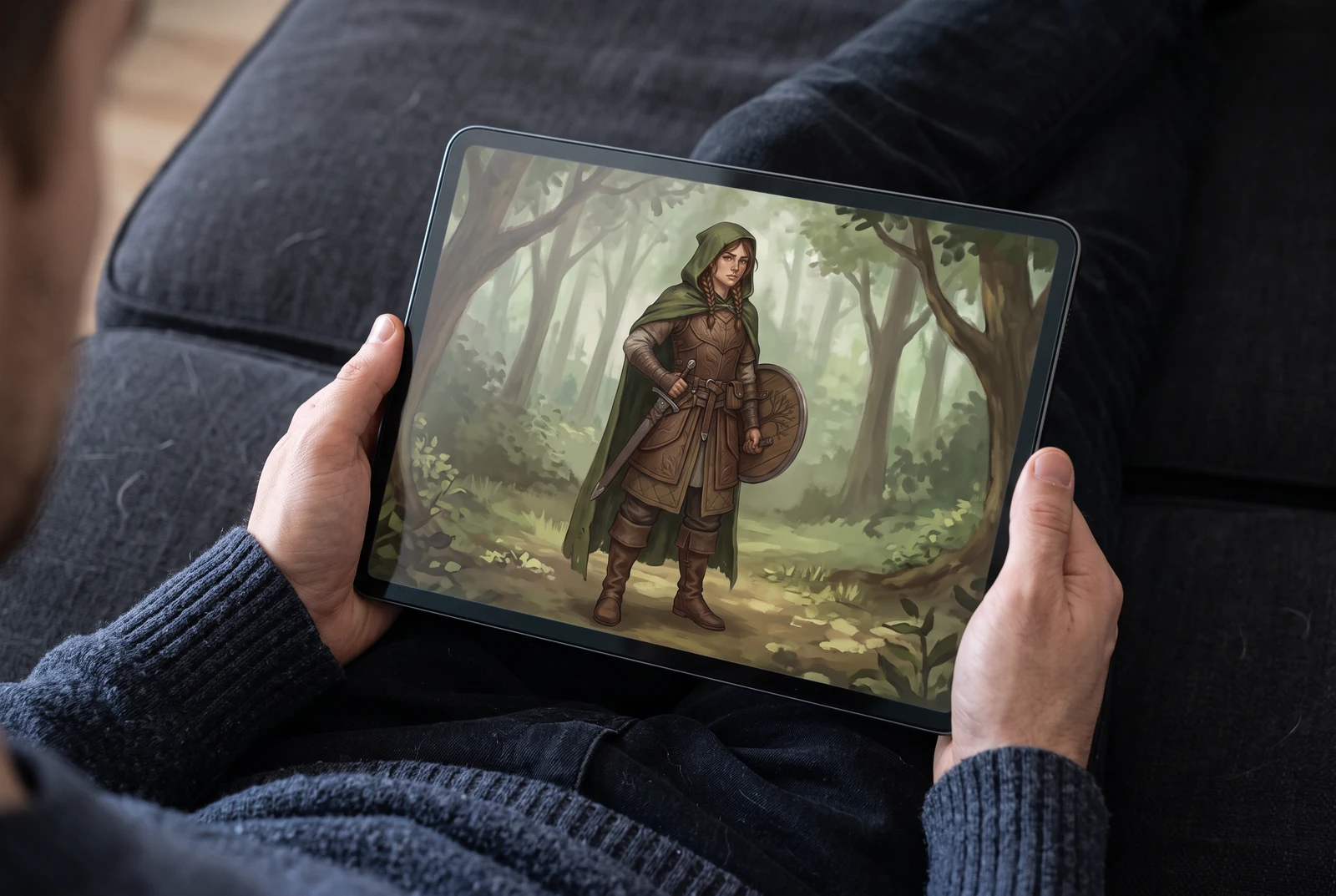
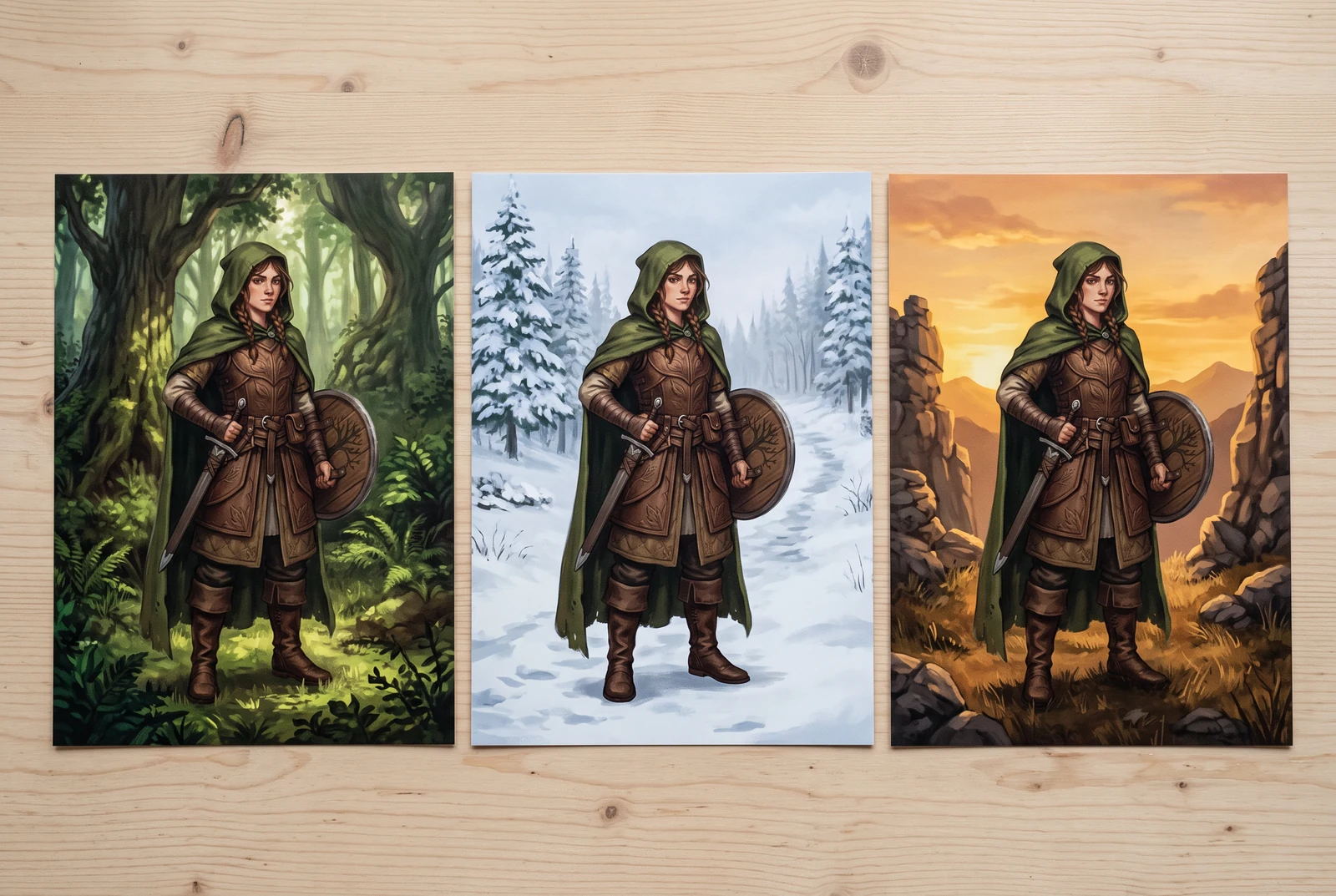
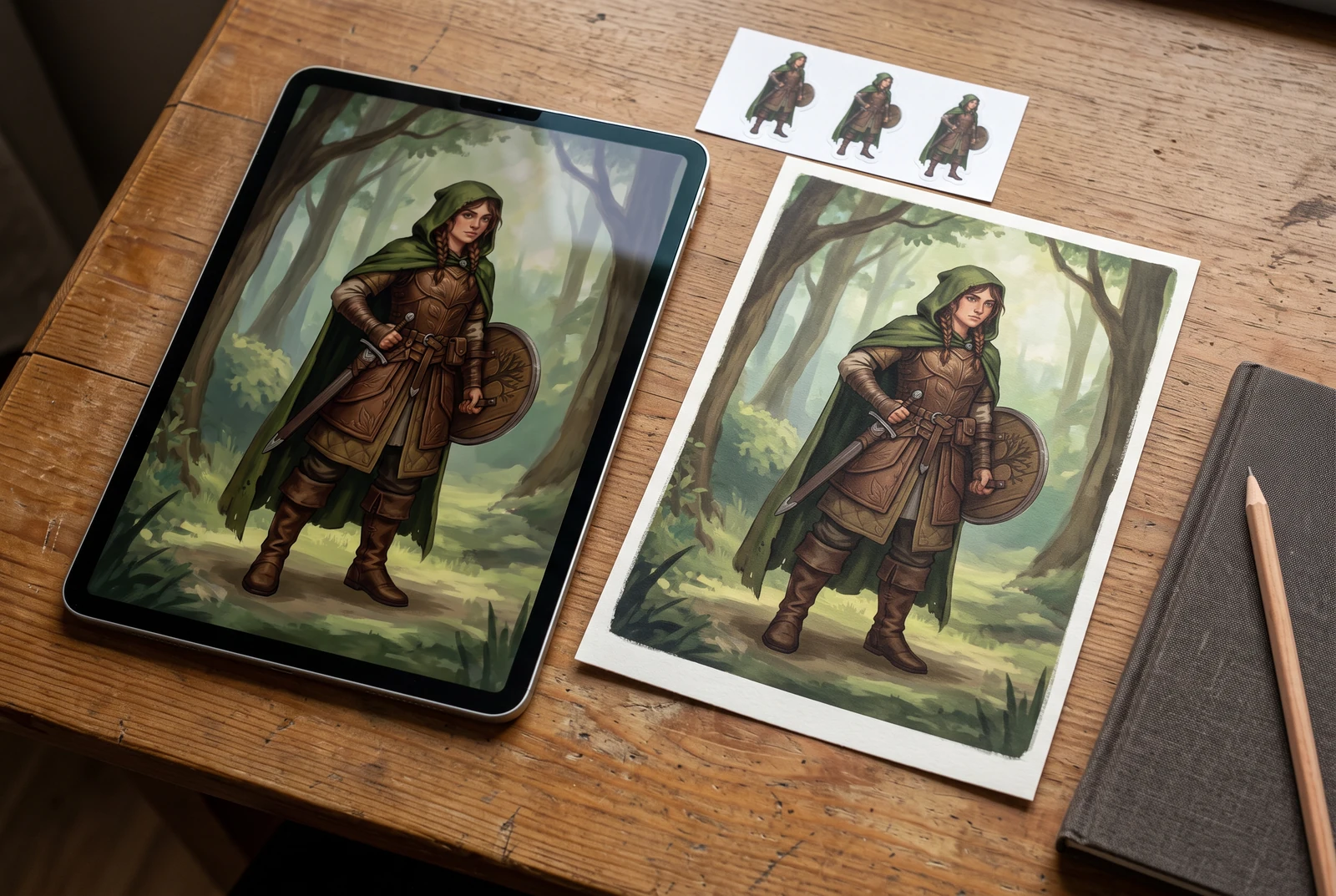
AI-generated lifestyle concepts. Printed pieces and device scenes illustrate possible downstream uses after manual preparation; they are not customer photos or verified export or rigging results.
Inspect the published layer-sheet example
Gallery example: this comparison shows a source image and one generated PNG sheet. It does not demonstrate individual extracted PNG files, a ZIP, or a PSD.
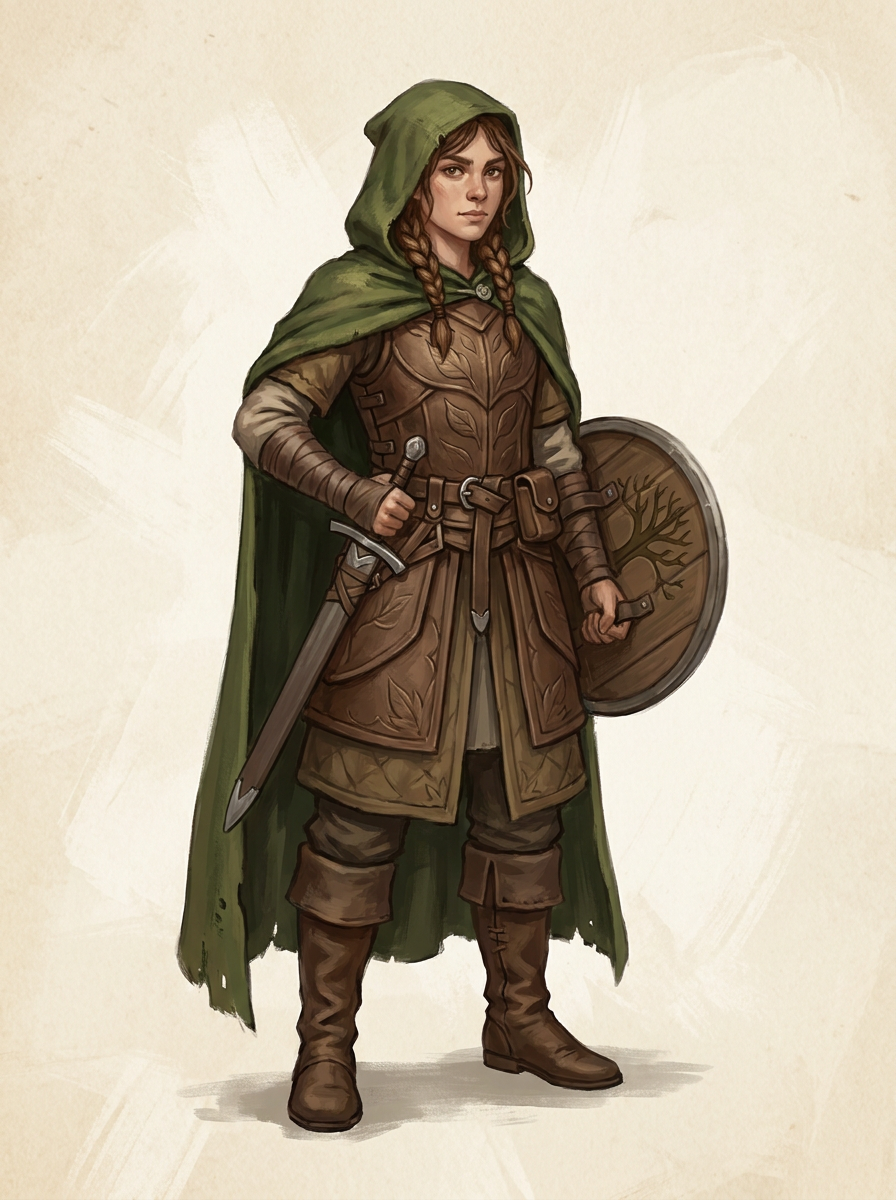
Original character image
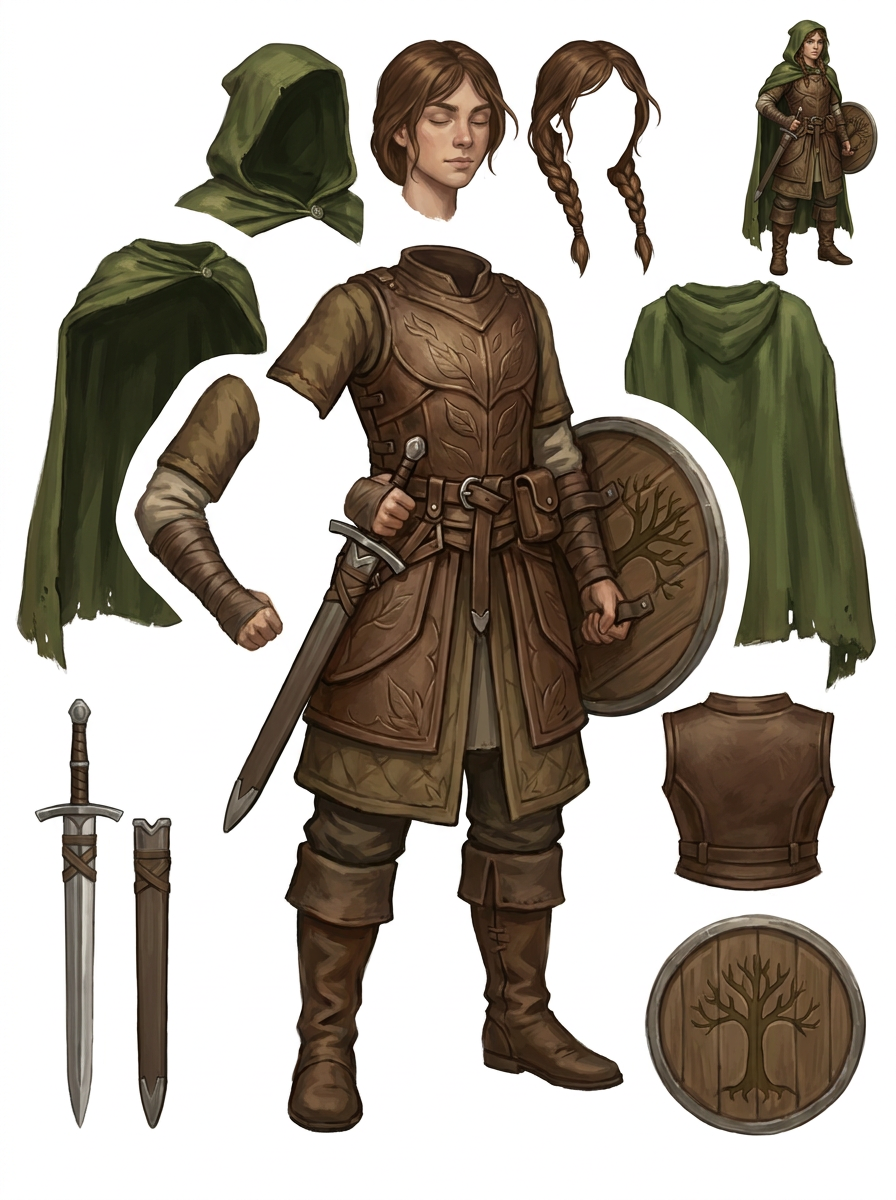
Generated single PNG layer sheet
A practical workflow
Choose the intended equipment or movement change
For a shield swap, inspect both the shield and the hand that grips it. For a cloak movement, inspect its attachment behind the shoulders. Mark where the current artwork cannot support the change, so you can plan repainting before bringing the assets into a game project.
Check equipment against the body reference
Generate and review the single PNG sheet. Compare the separate sword and shield shapes with the original pose: perspective, lighting and grip must still make sense. A reference object does not prove that a matching body region or gripping hand is available as its own clean part.
Extract, align and prepare for your pipeline
If the sheet is useful, check the live tool for an eligible paid extraction pass to transparent raster PNGs, ZIP and starter PSD. In your editor, set consistent alignment and meaningful names. Then configure pivots, texture settings and any animation in the destination tools.
What to inspect
- A hand does not accidentally travel with the shield when the shield should move independently.
- Cloak and equipment edges have enough overlap for the pose changes you intend.
- The sword, shield and clothing remain consistent in scale and perspective after placement.
- Asset naming, alignment and pivots follow the requirements of your chosen game workflow.
Know the limits
- Generation does not produce a rig, movement frames, a sprite atlas or a finished engine import.
- The original concealed body is not guaranteed to be reconstructed. Fused anatomy and equipment can require manual separation and drawing.
Related workflows
Review AI-separated character artwork for a Live2D workflow. Check facial parts, hair overlap, fused clothing and PSD structure before manual material preparation.
Plan simple mascot motion using separated raster parts. Inspect scarf, arms, shoes and body overlap before extraction, cleanup and animation in your editor.
Inspect character edges, ground shadows and missing areas before background replacement. Understand where a layer sheet helps and where manual masking is needed.
Questions before you start
Will this create a sprite sheet for my game?
No. The initial output is a PNG sheet of proposed parts, not a sequence of animation frames. Frame drawing, rigging, packing and engine setup remain separate work.
Can I use it to swap character equipment?
It can help prepare candidate raster pieces. Verify grip, occlusion and perspective for every swap. The hooded example's fused hand and shield show why a separate object alone may not complete the edit.