

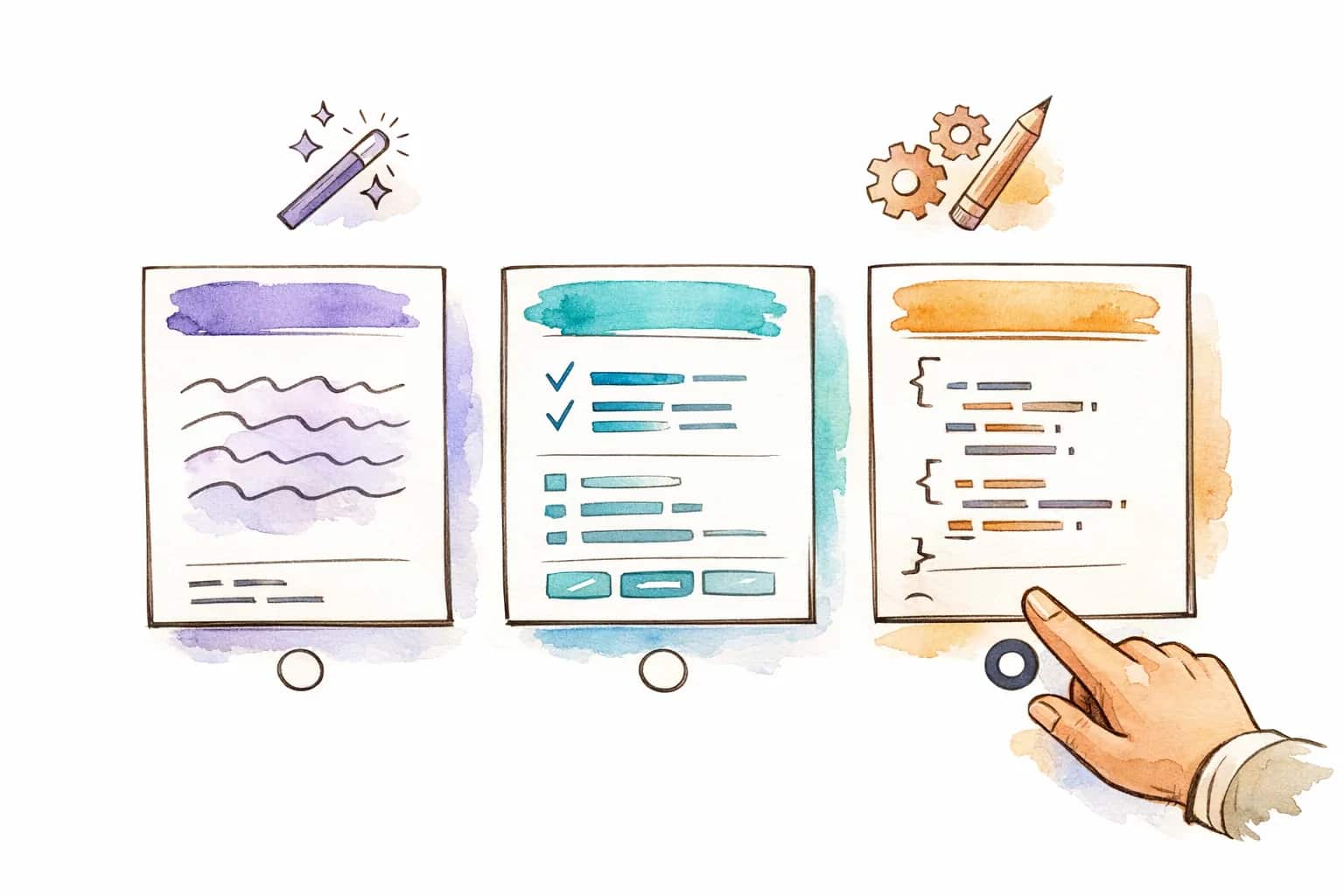
Choose the Prompt Format Your Workflow Needs
Use a general prompt for fast ideation, a structured prompt for art direction, or JSON when your team needs prompt data for automation.
Convert reference images into production-ready AI prompts for creators, marketers, educators, and visual teams. Choose the format, language, and workflow that fits your next image generation task.
Click, drag and drop, or paste (Ctrl+V) image here
PNG, JPG, or WEBP up to 5MB
Preview real image-to-prompt examples before uploading your own reference.
Gallery example
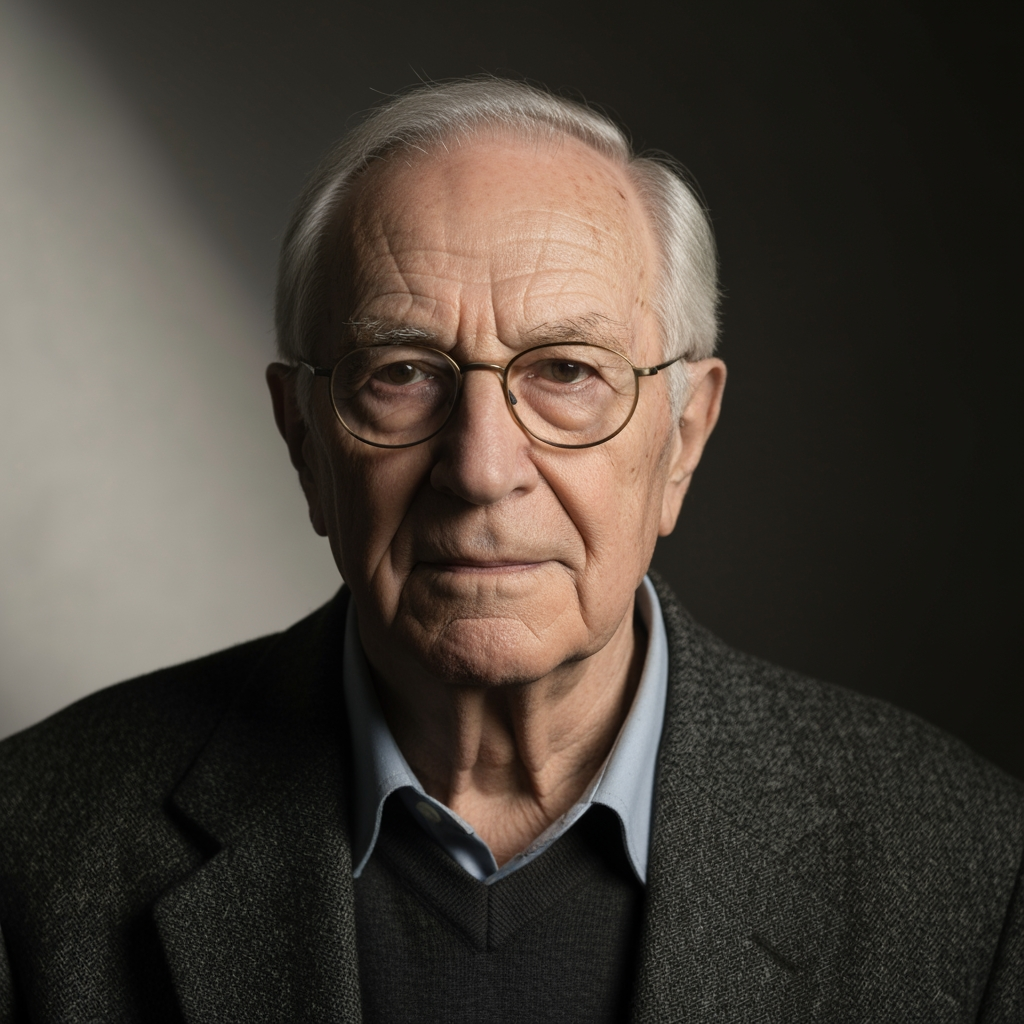
A close-up portrait of an elderly man with a wise expression, centered in a head-and-shoulders composition with shallow depth of field, soft directional lighting, subdued neutral tones, textured gray-white hair, pale skin, and a dark background that keeps attention on the face.
Gallery example
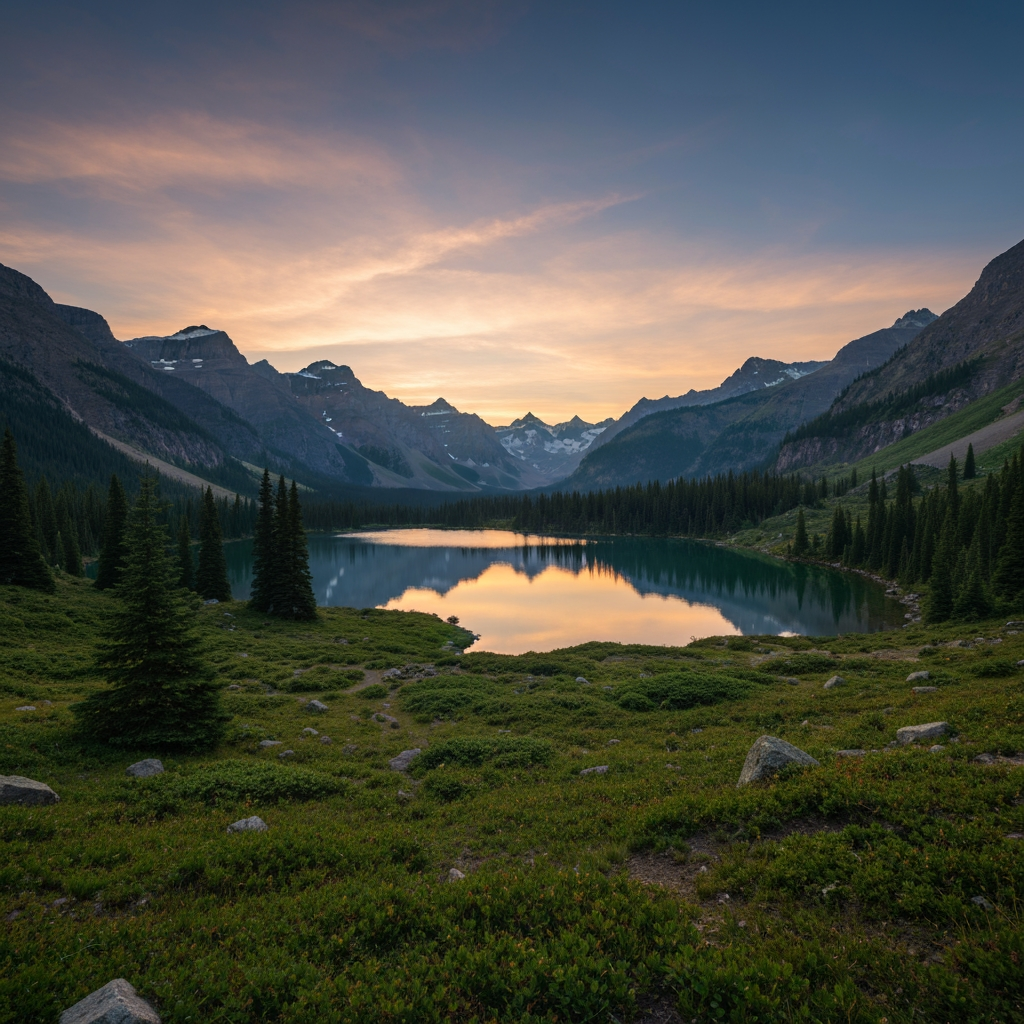
An alpine lake at sunset framed from a slightly elevated wide angle, reflecting pastel sky colors with evergreen trees, boulders, distant rugged peaks, soft natural backlight, and a calm cinematic atmosphere.
Gallery example
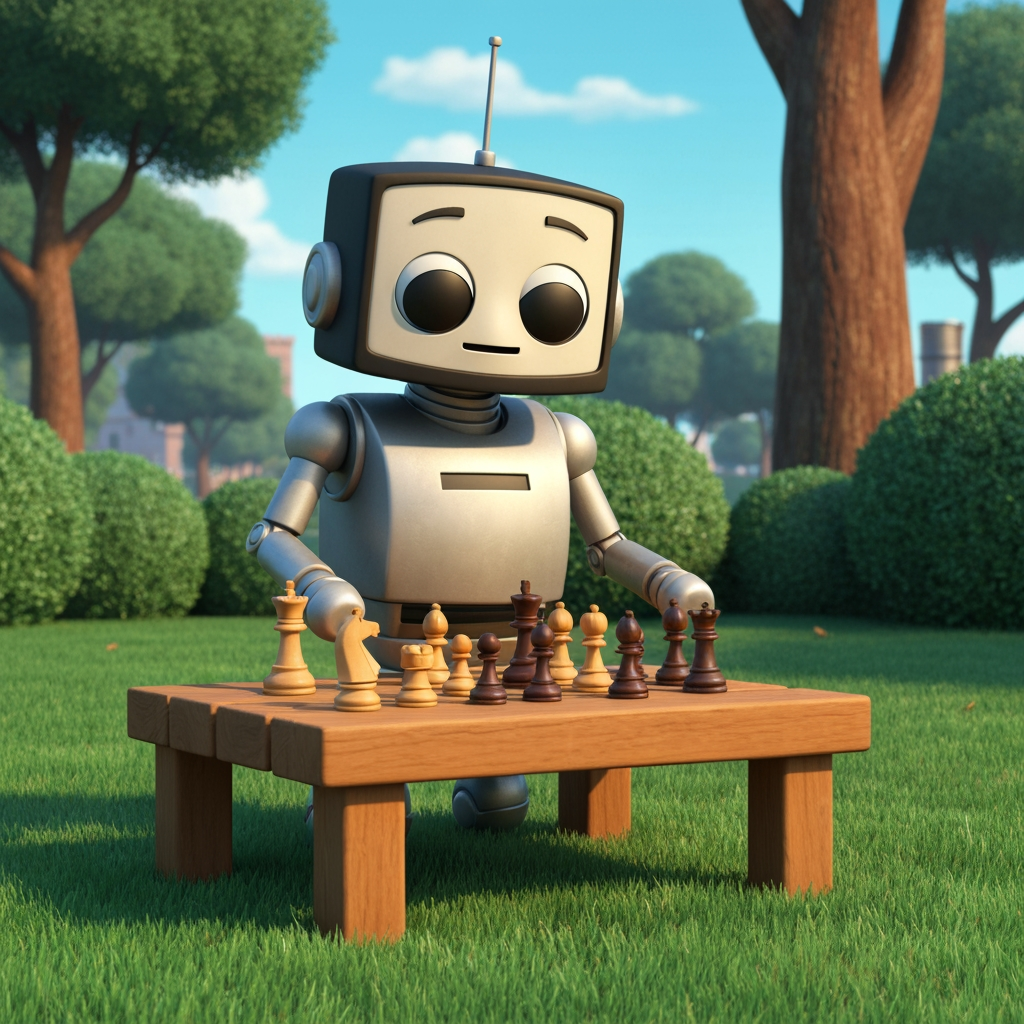
A charming cartoon robot playing chess outdoors on a wooden table, centered from a low angle with soft daylight, manicured greenery, warm chess pieces, cool metallic surfaces, and a calm blue sky.
See how real references become clear, reusable AI prompts with subject, composition, lighting, style, and mood.
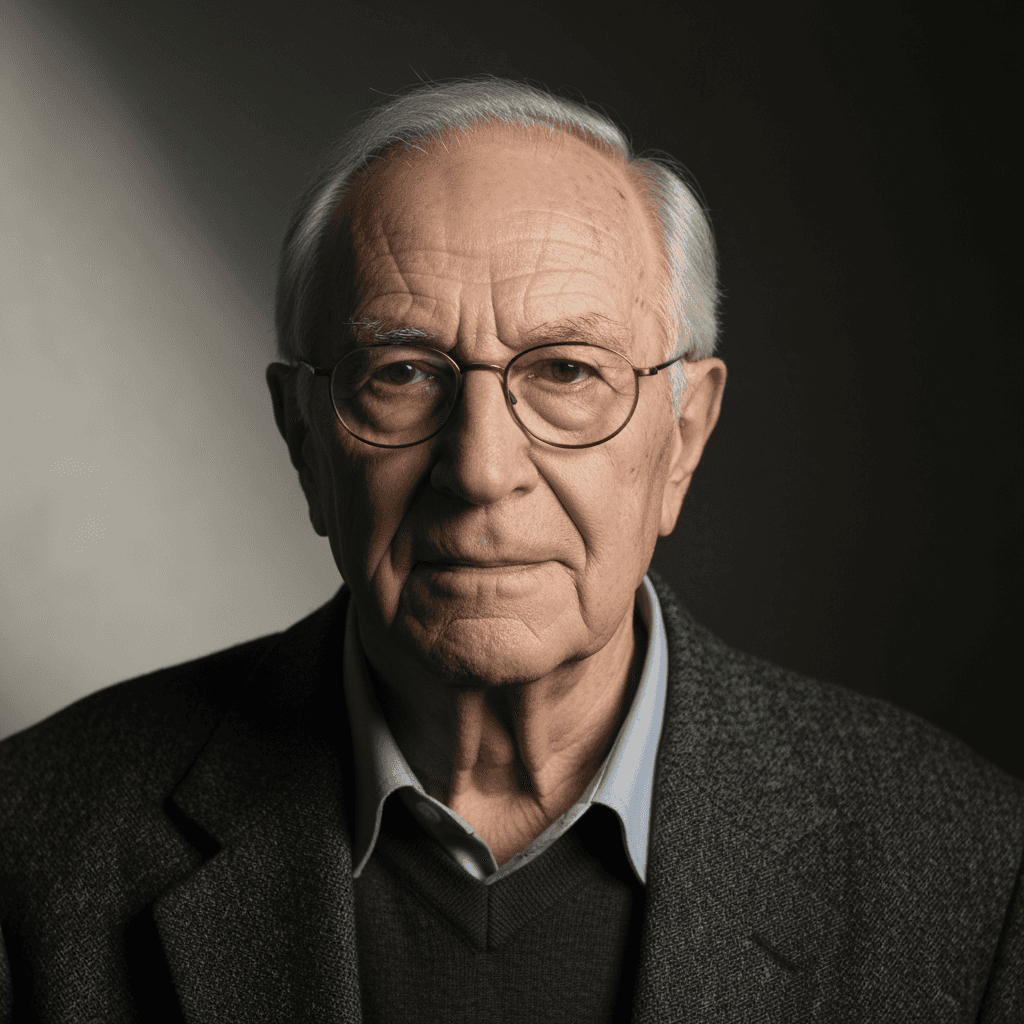
A close-up portrait of an elderly man with a wise expression, centered in a head-and-shoulders composition with shallow depth of field, soft directional lighting, subdued neutral tones, textured gray-white hair, pale skin, and a dark background that keeps attention on the face.
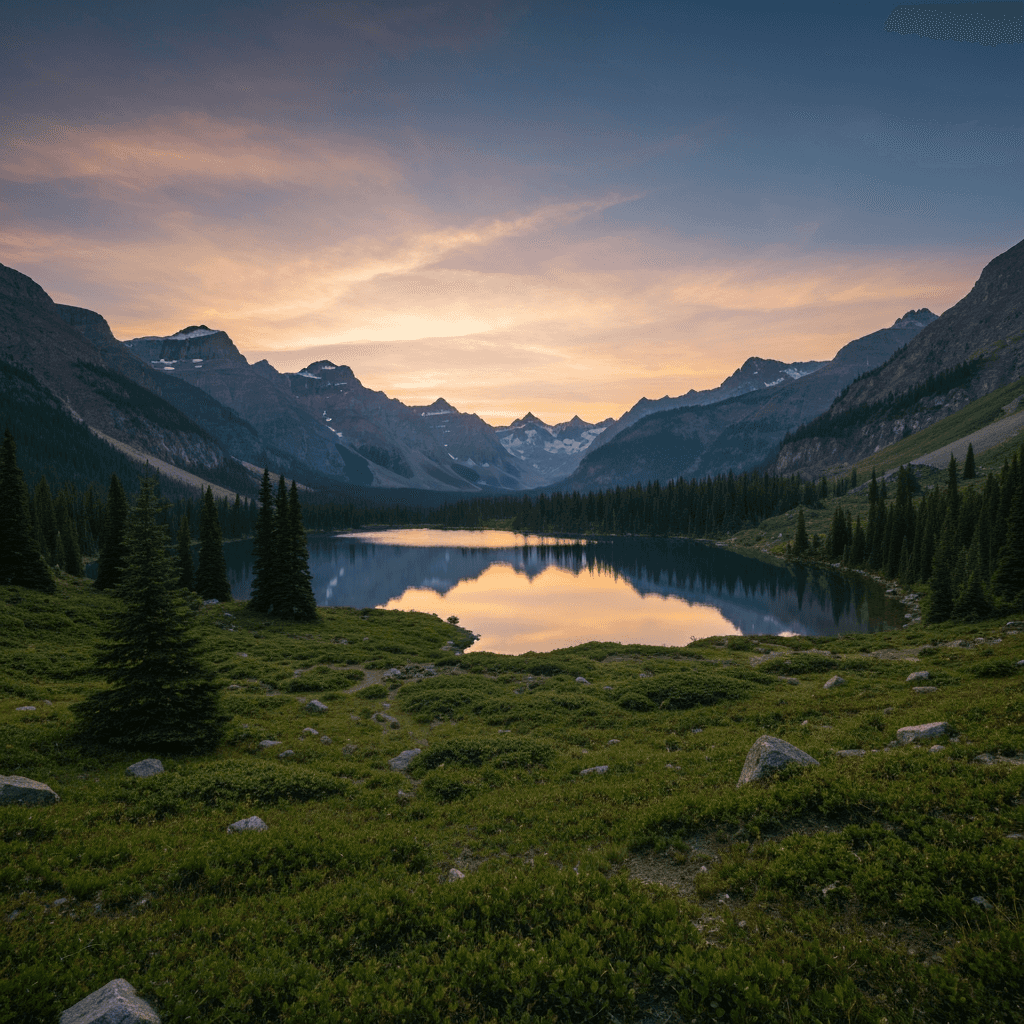
An alpine lake at sunset framed from a slightly elevated wide angle, reflecting pastel sky colors with evergreen trees, boulders, distant rugged peaks, soft natural backlight, and a calm cinematic atmosphere.
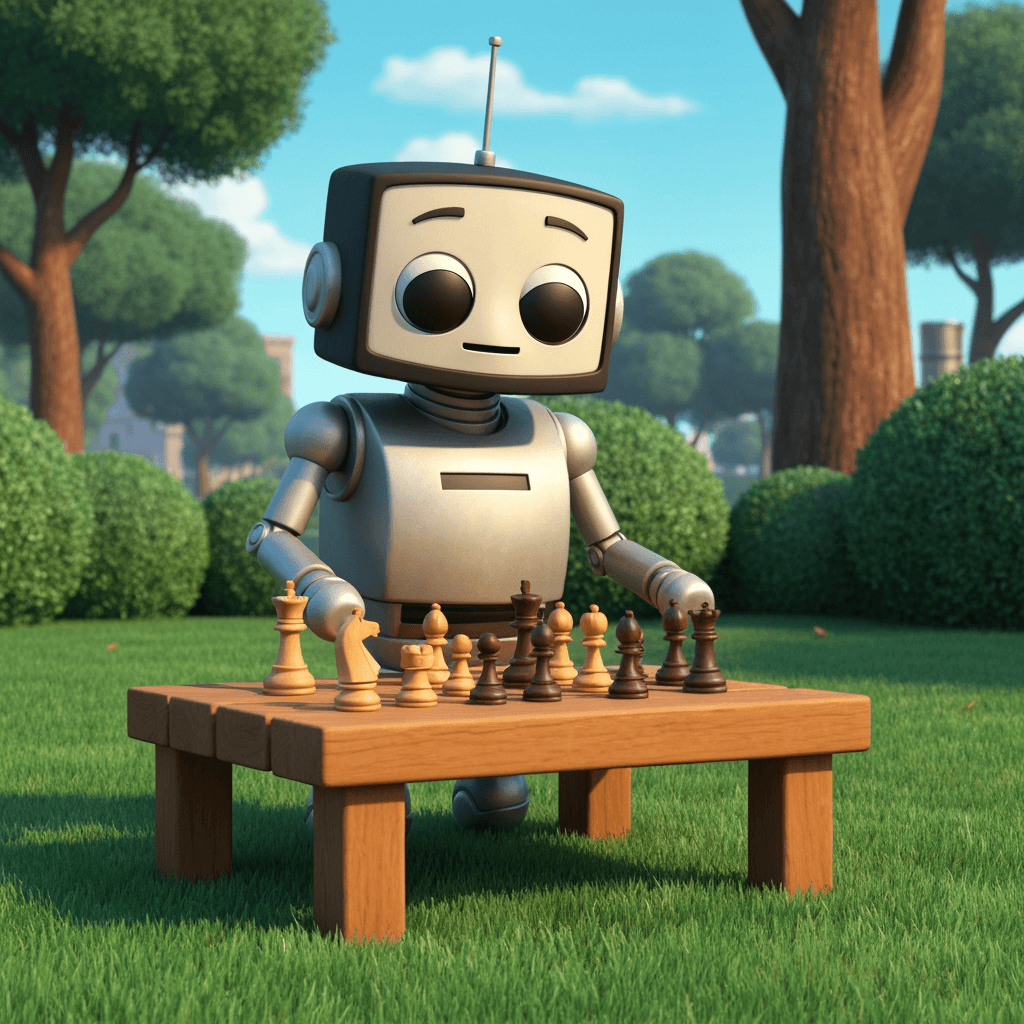
A charming cartoon robot playing chess outdoors on a wooden table, centered from a low angle with soft daylight, manicured greenery, warm chess pieces, cool metallic surfaces, and a calm blue sky.
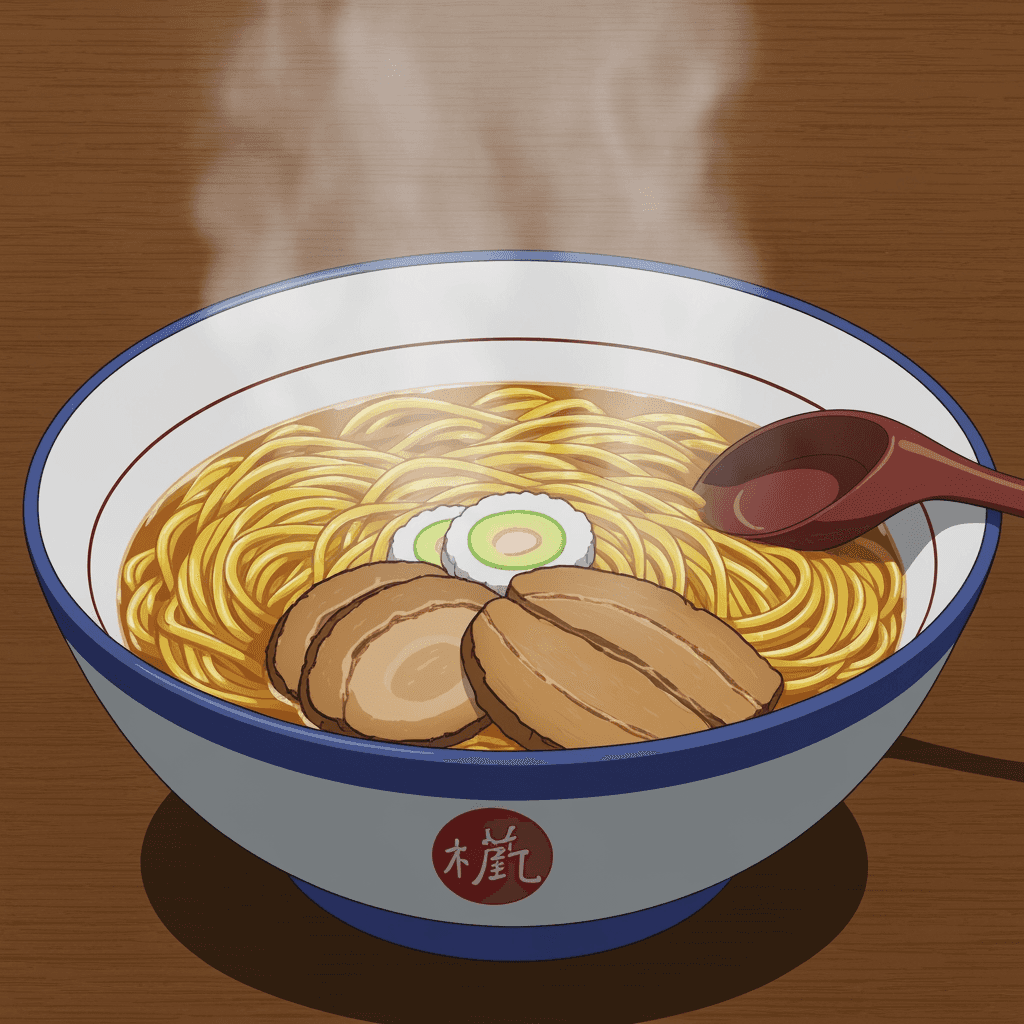
A steaming bowl of ramen on a wooden tabletop, seen from a slightly elevated three-quarter angle with golden noodles, rich toppings, soft diffused overhead light, warm earthy colors, and visible rising steam.
Aha prompts from visual references
Faster prompt creation for teams
Structured output for repeatable workflows
Batch and history for production use
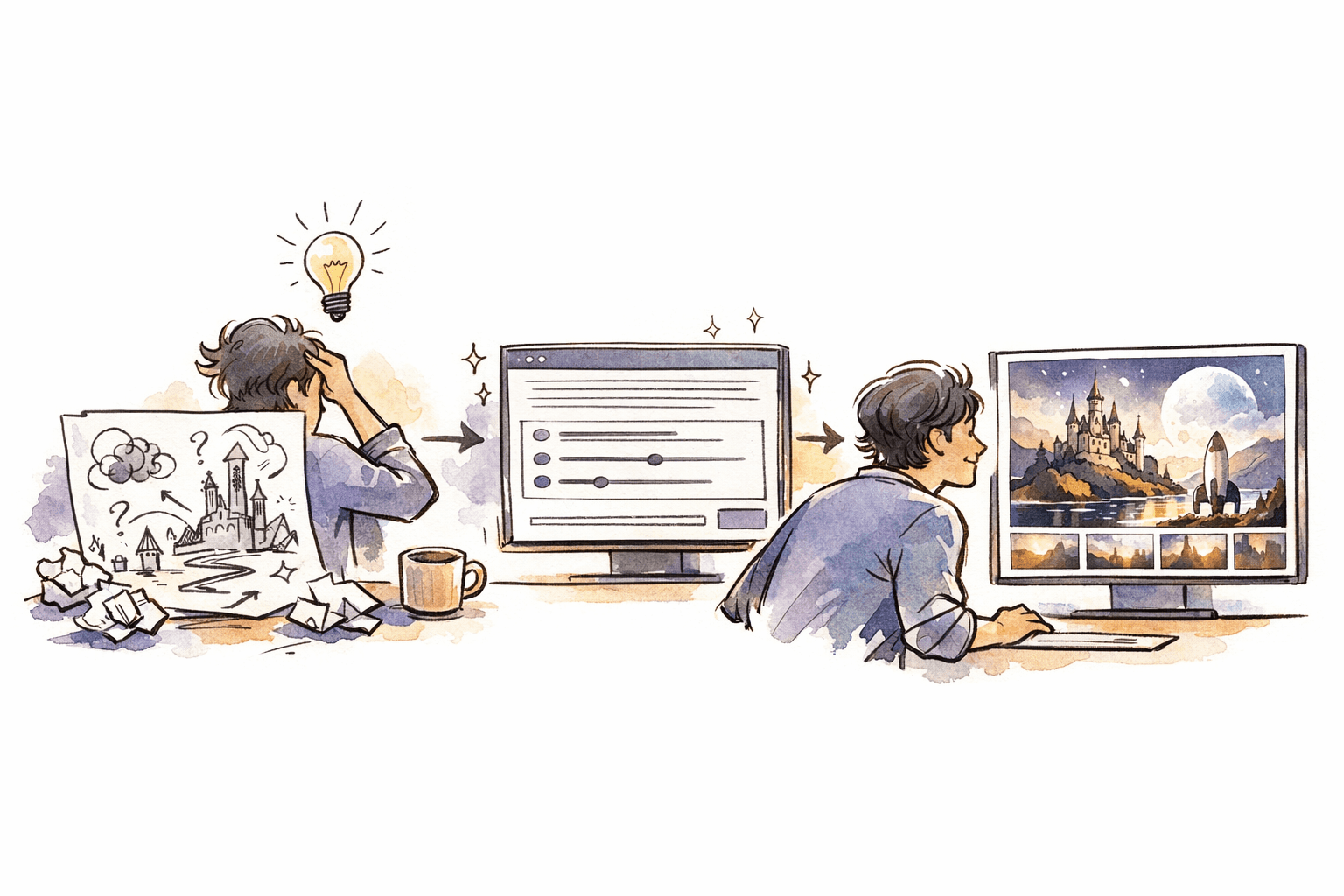
LlamaGen.AI is built for visual teams that need more than a simple caption. Convert references into prompts that capture subject, composition, lighting, palette, mood, and reusable production details. Start with one image, then upgrade when batch image-to-prompt and prompt history become part of your repeatable creative workflow.
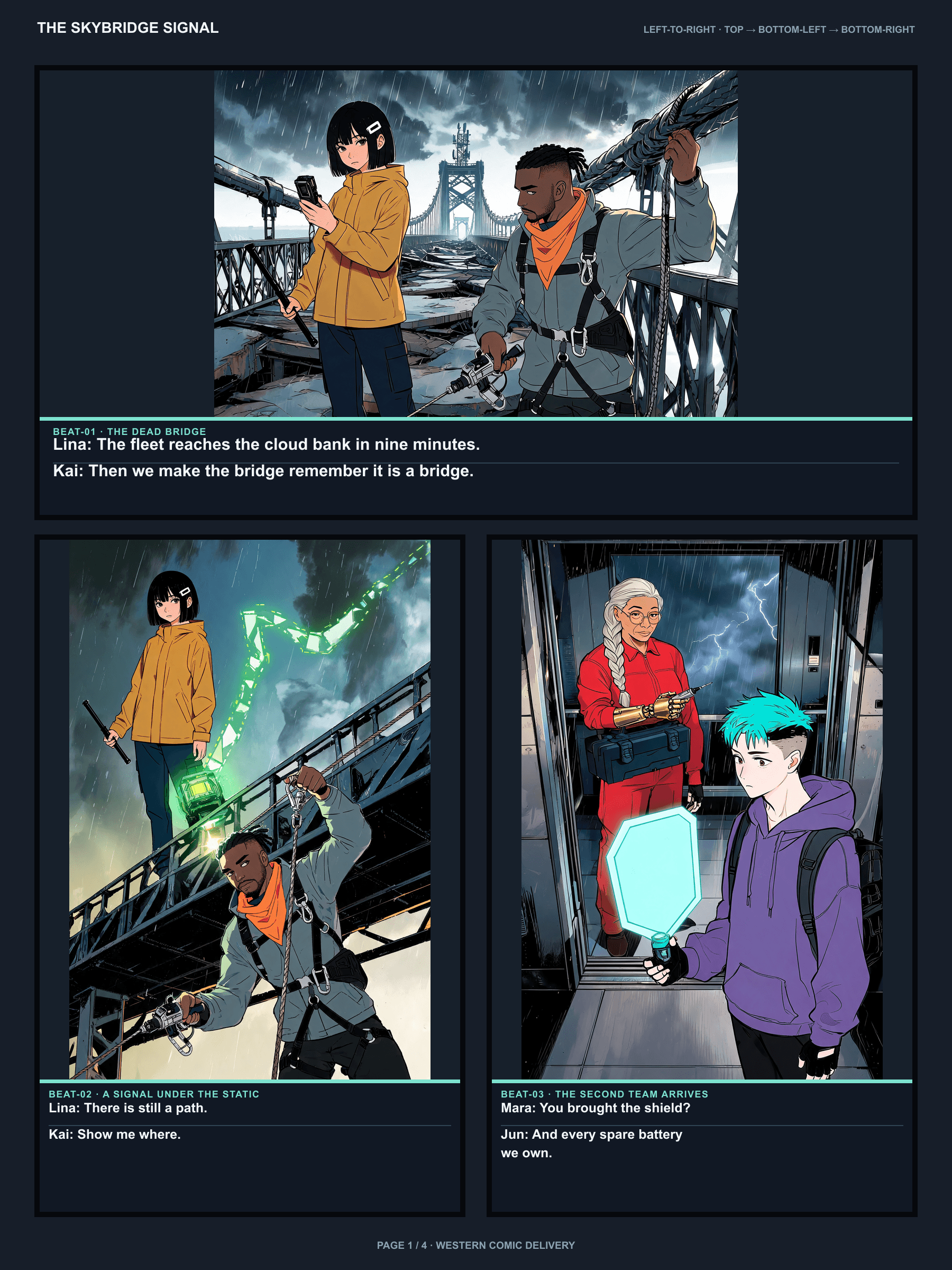
Comics, manga, webtoon, storybooks, storyboards, and motion in one studio—with the same cast.
Turn one story into a connected, editable comic sequence instead of generating isolated comic images.

Create 4-panel and short comic strips from a prompt, joke, or lesson.
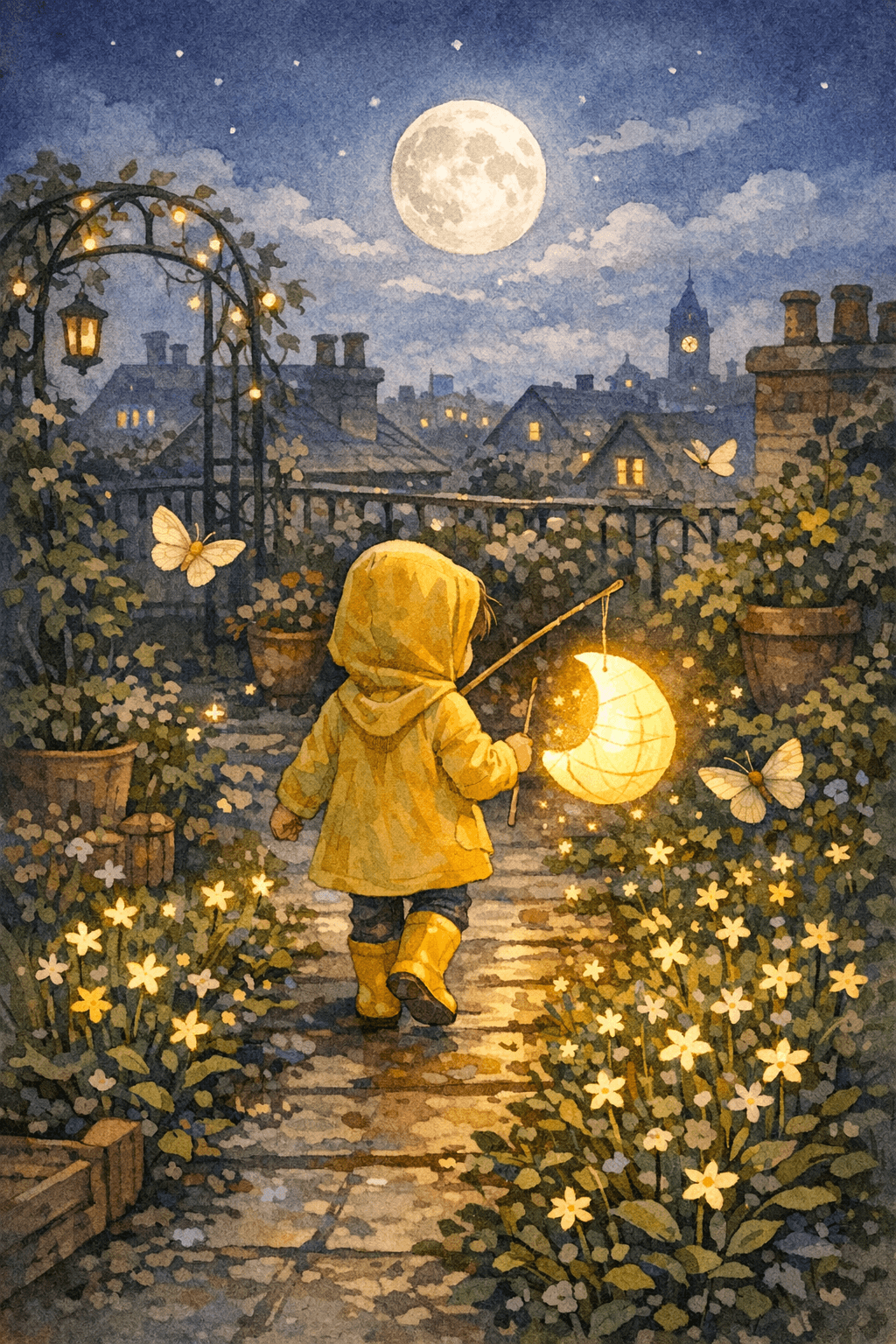
Create personalized bedtime picture books with one free preview and paid high-resolution PDF export.

Create Stunning Comics without Drawing Skills using our cutting-edge AI Comic Generator.
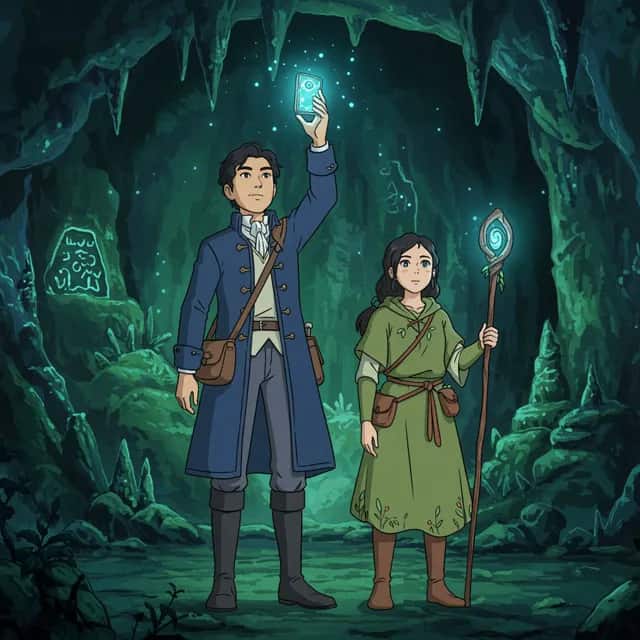
Start free: turn a story into a full comic book with chapters, locked characters, and PDF export. Free results include a watermark; credits apply after.
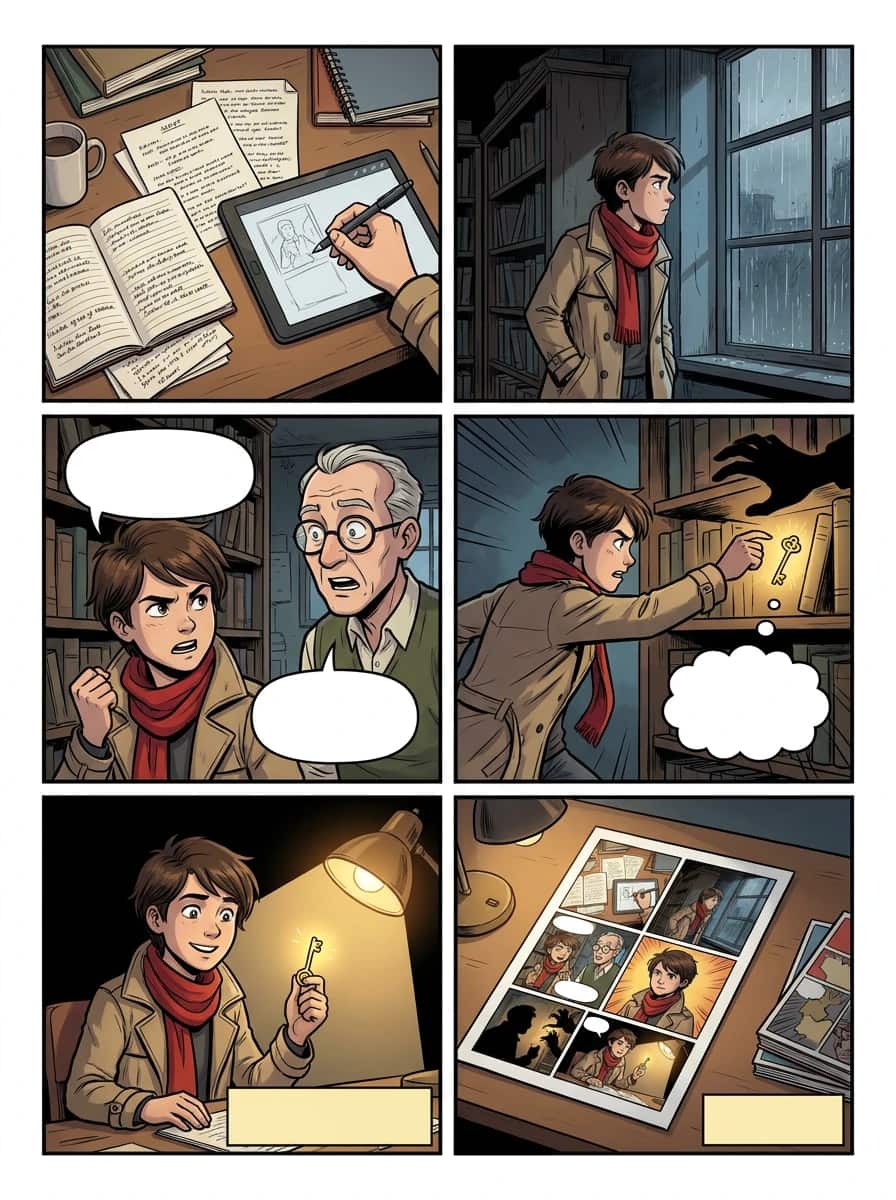
Import PDF, CBZ, ZIP, EPUB, or project JSON and keep editing the ordered comic in Studio.
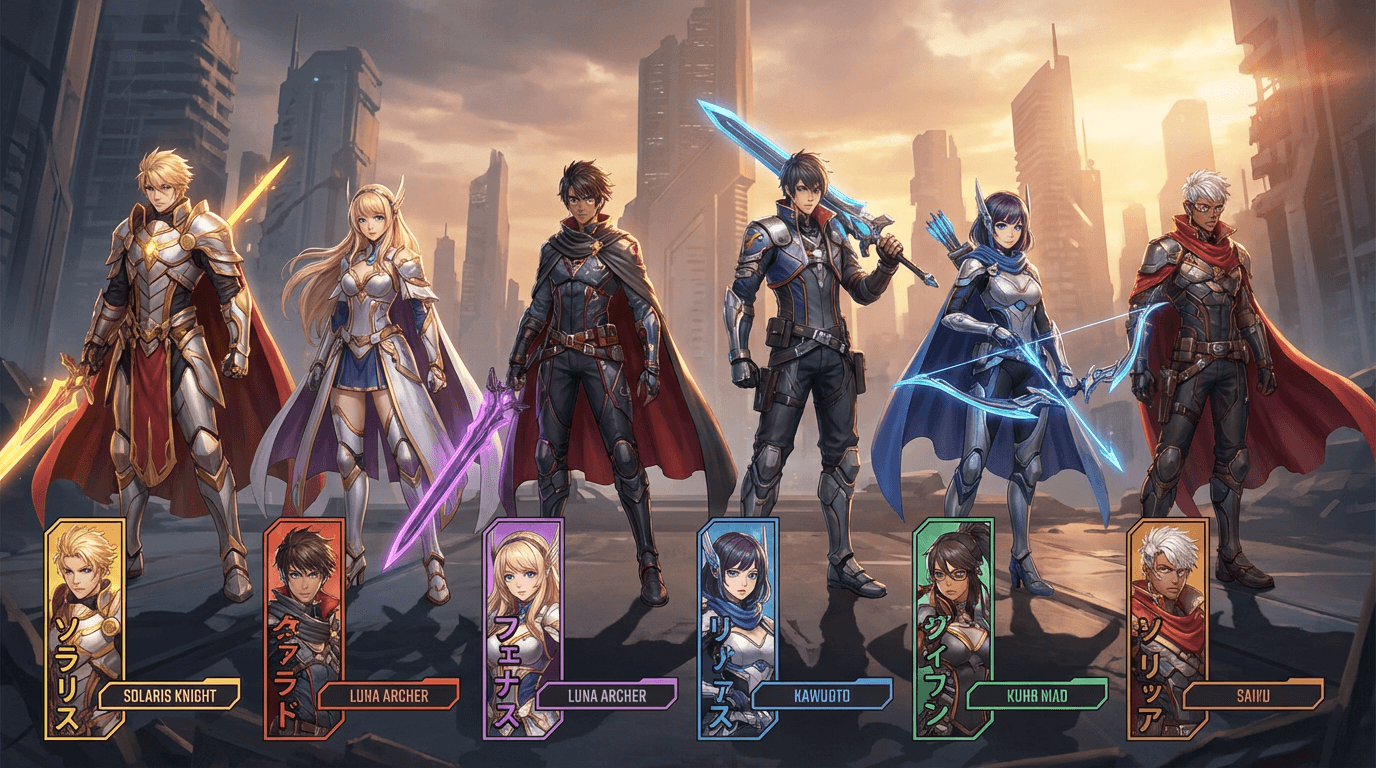
Import character sheets, ZIP turnarounds, PDF refs, or CSV rosters, then select them for comic generation.
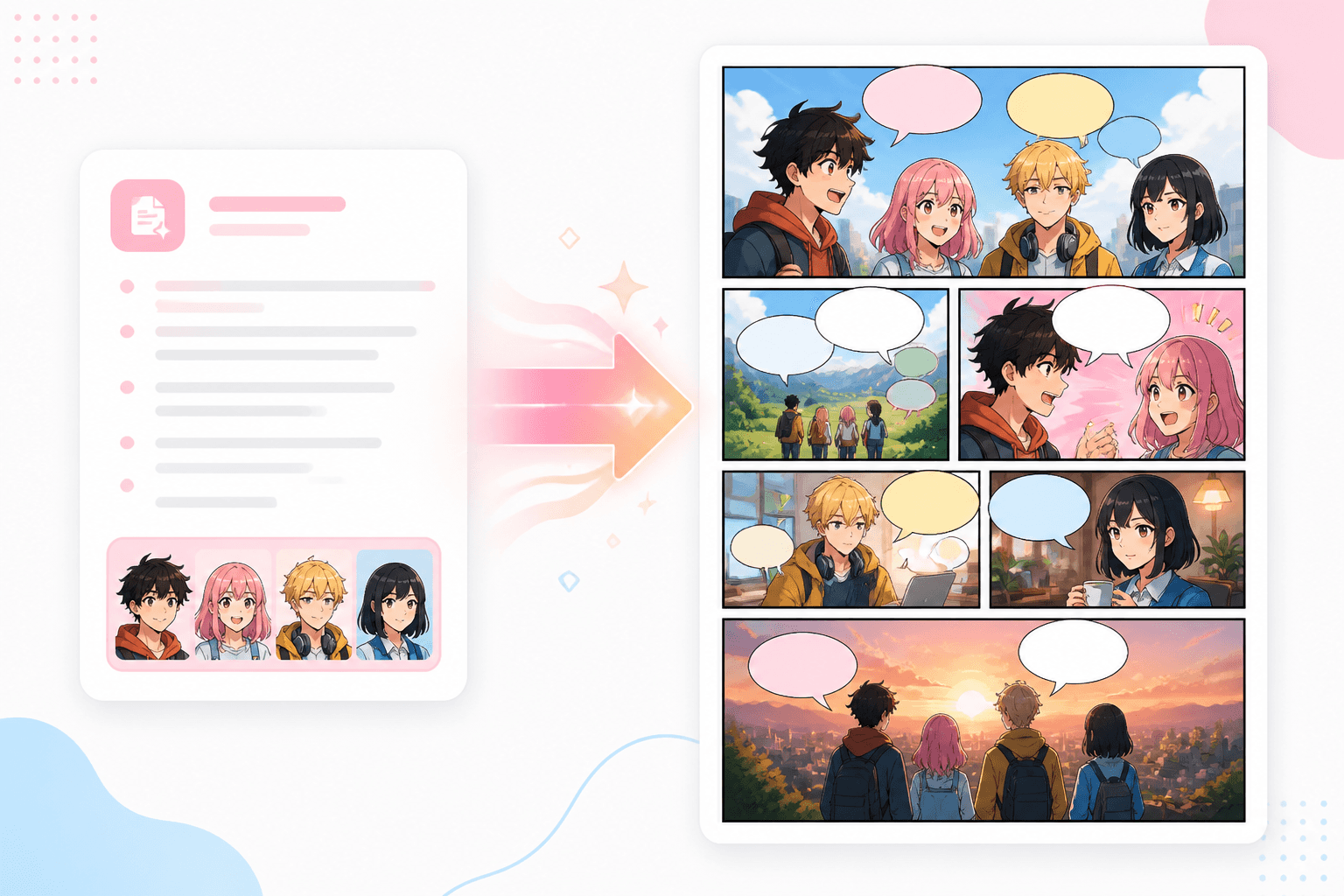
Turn a story, script, or dialogue into an editable comic sequence with consistent characters.
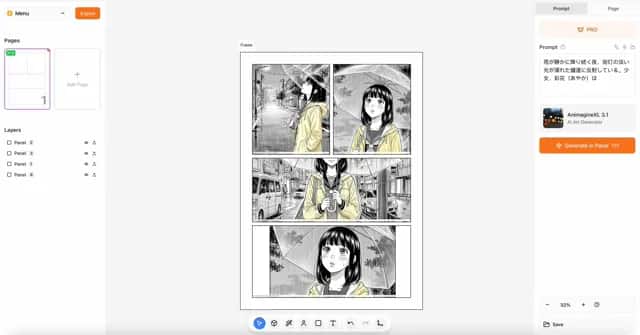
Create stunning manga with AI
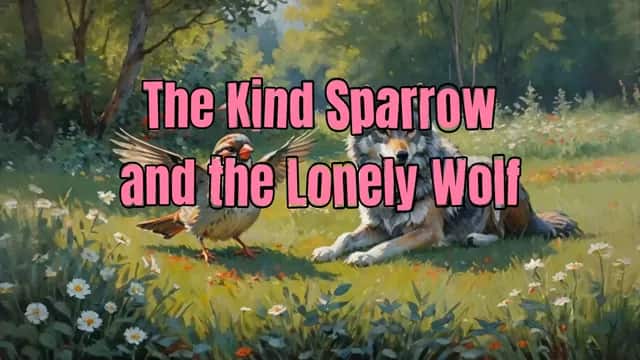
Unlock the power to create captivating videos that leave a lasting impression.

Sound in Motion
Move from audience and pain point to an aha prompt that is ready for generation, sharing, or workflow automation.
Use the tool when a reference image needs to become clear creative direction for a creator, marketer, teacher, product designer, or developer.
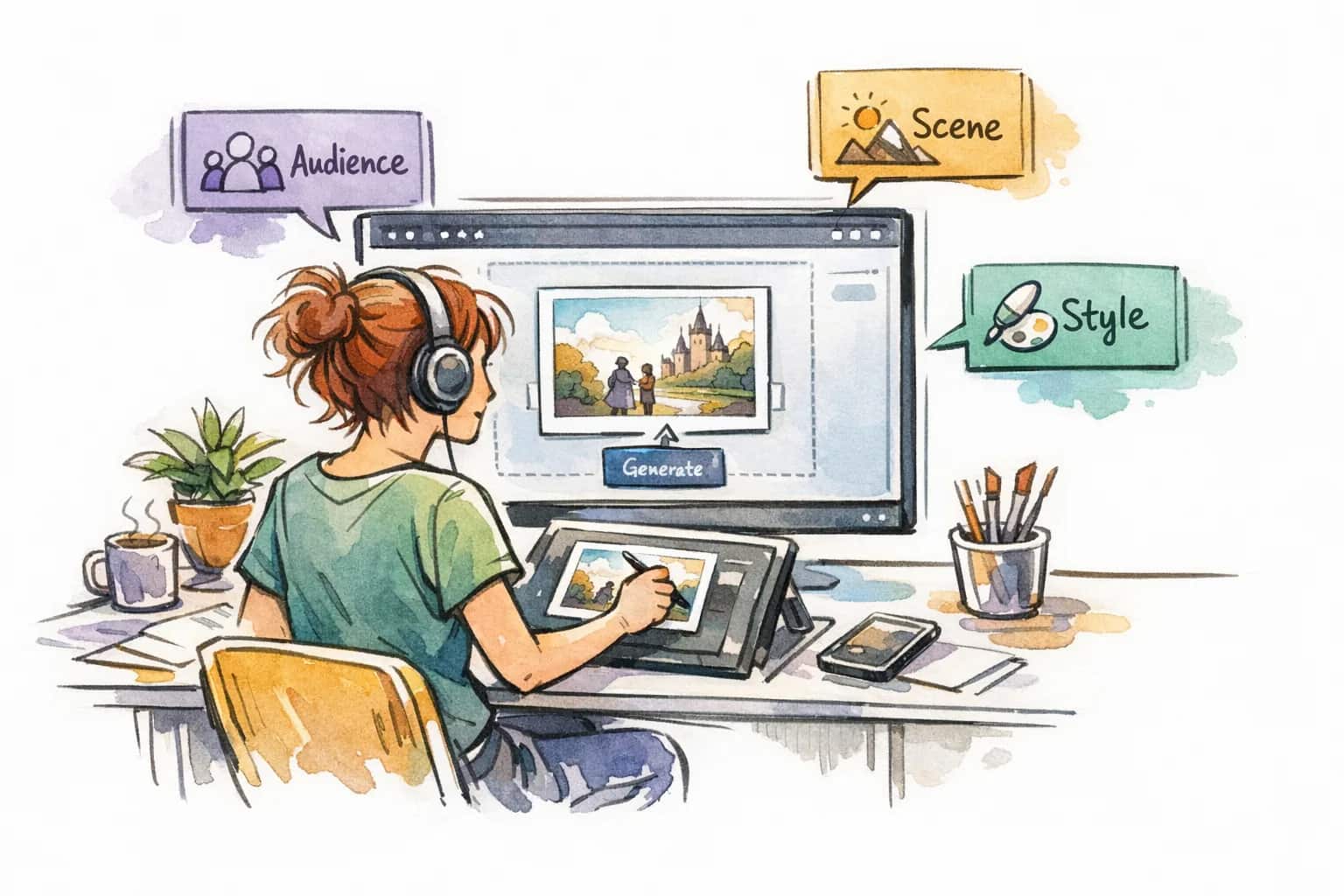
Drop in a PNG, JPG, or WEBP image up to 5MB, then choose general, structured, or JSON output and the prompt language.
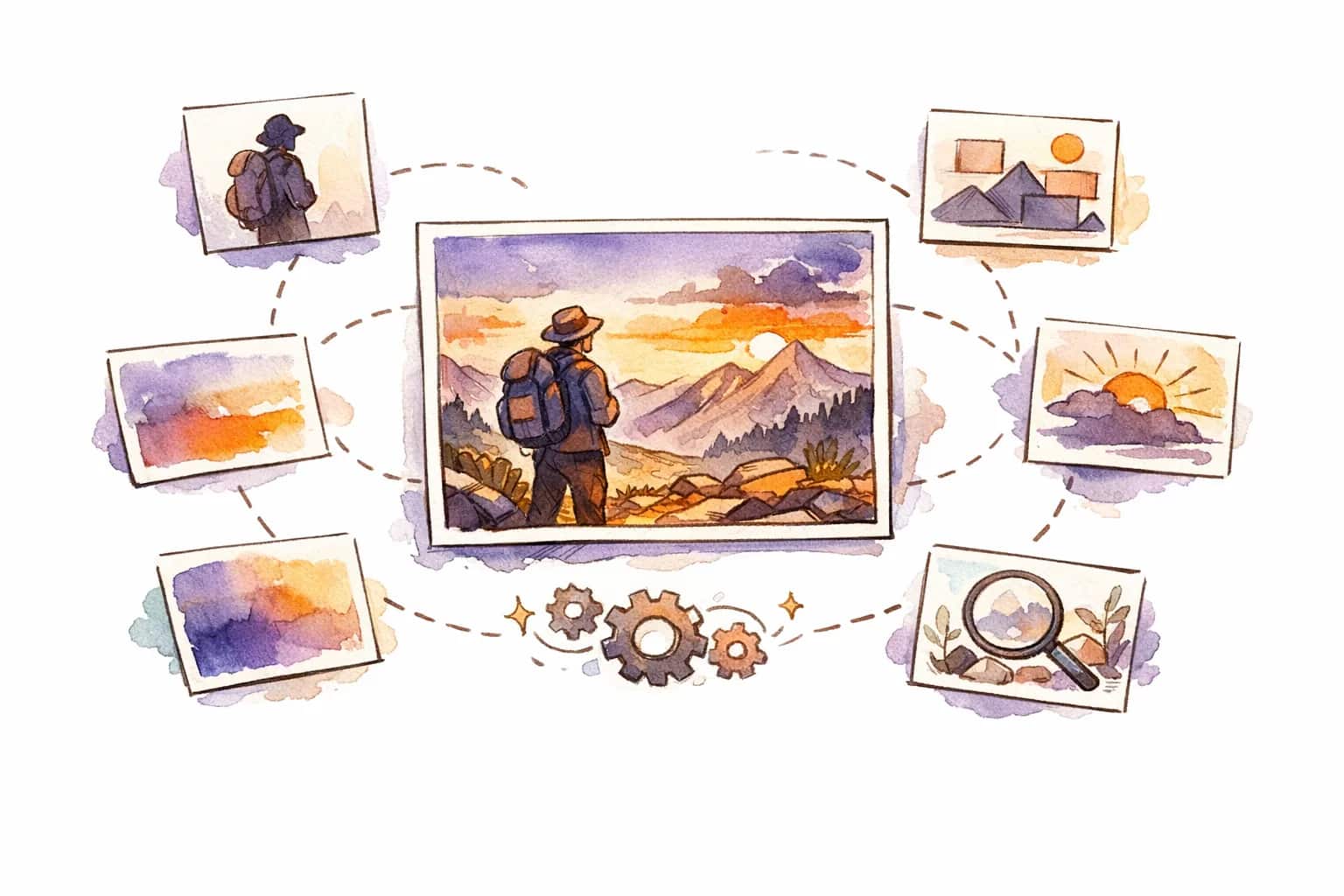
Use the generated prompt immediately, revisit it in history, or unlock batch processing when you need prompts from more than one image at once.
Built for people who turn visual references into repeatable creative direction: artists, marketers, product teams, educators, and API builders.
Use a general prompt for fast ideation, a structured prompt for art direction, or JSON when your team needs prompt data for automation.
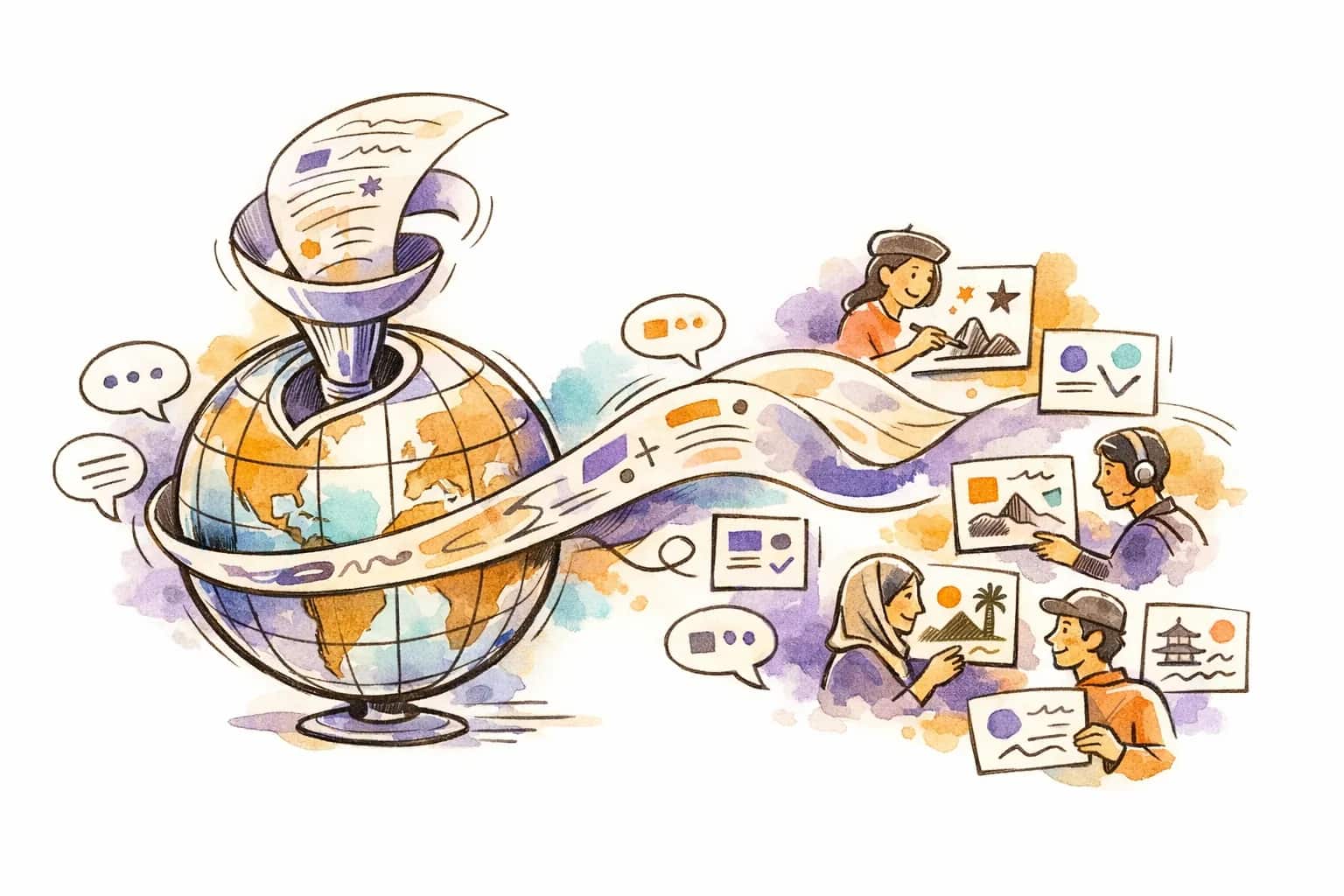
Create prompts in English, Chinese, Japanese, Korean, Spanish, French, and more so global teams can reuse the same visual reference.
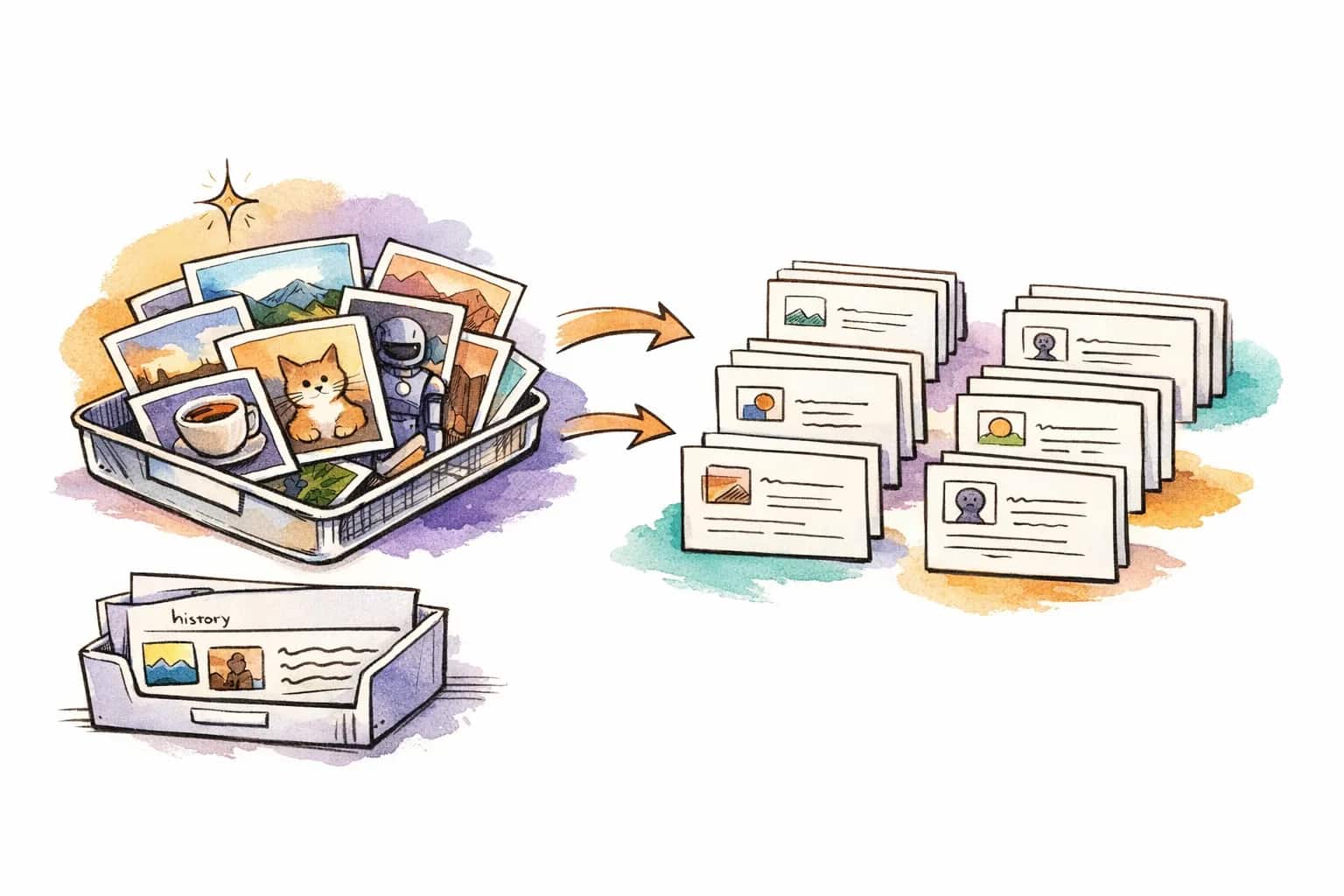
Batch Image to Prompt helps paid users process multiple references, while View History stores the original image and generated prompt together.
It is useful for AI artists, comic creators, marketers, educators, product designers, and developers who need to turn a visual reference into a reusable prompt.
You can upload, drag and drop, paste, or link PNG, JPG, and WEBP images up to 5MB.
General output is a polished paragraph, Structured output separates the prompt into editable sections, and JSON output is designed for APIs, prompt libraries, and automation.
Yes. Prompt Language lets you generate prompts in English, Simplified Chinese, Traditional Chinese, Japanese, Korean, Spanish, French, German, and other common languages.
When a prompt is generated, LlamaGen keeps it paired with the original reference image so you can revisit, copy, and reuse past results from your prompt history.
Free users can process one image at a time. Paid users can unlock more than one image in the same batch, which is useful for creating prompt libraries from references.