All posts
LlamaGen 1.0.44: LlamaGen.AI 1.0.44: Mangaka, Immersive Reading and Chapter Exports

Jay
November 12th, 2026
LlamaGen.AI 1.0.44: Mangaka, Immersive Reading and Chapter Exports
A comic needs a clear path from an idea to a finished chapter that someone else can read. This release brings existing work together in Mangaka, makes the intended page count easier to see, and improves the steps between reviewing a story and taking a copy with you.
Find the right work, then choose its length
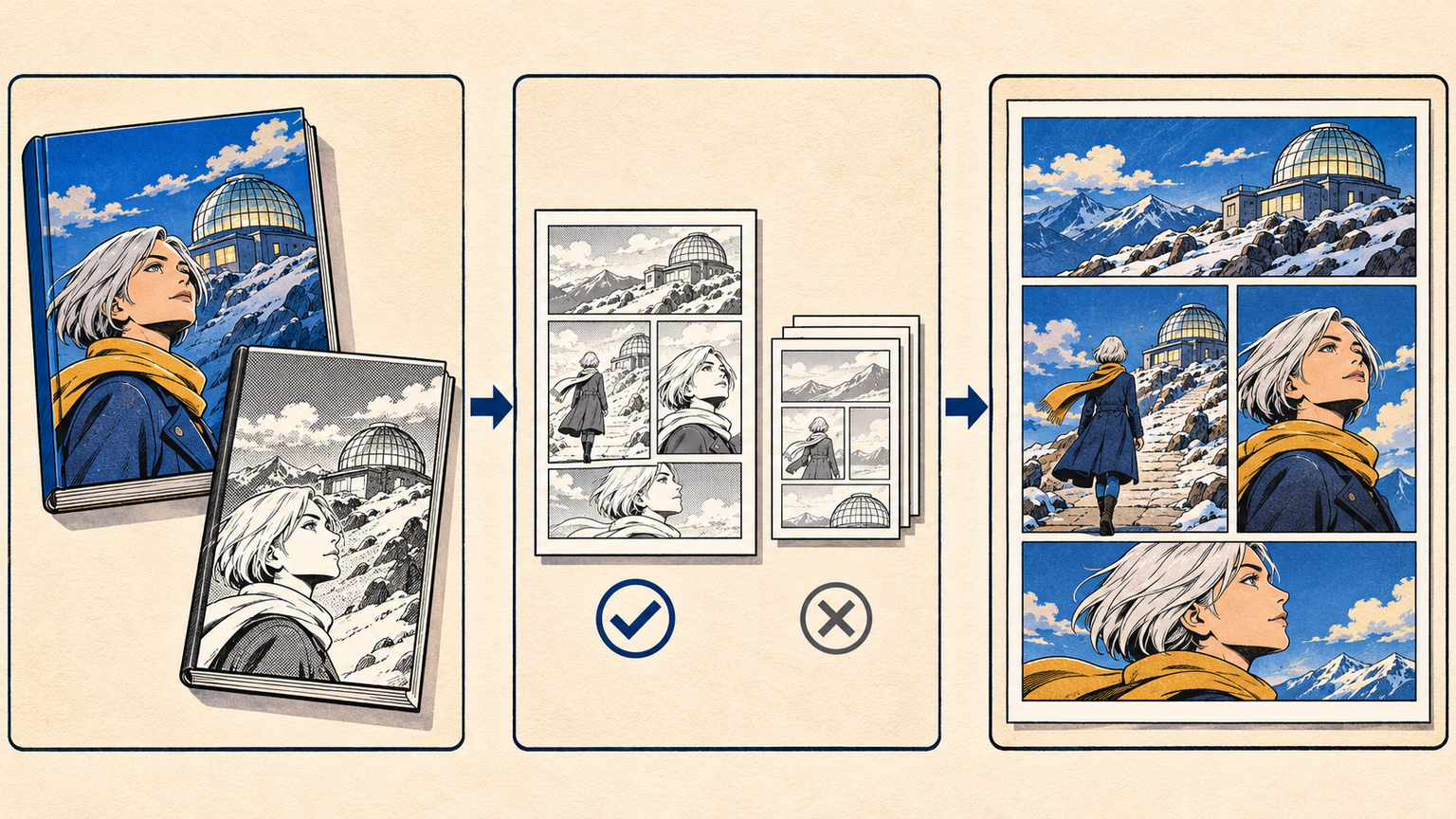
Open Mangaka and use My Comics to find Comics and Manga in one place. All Works brings both kinds of project into the same collection; the Comics and Manga filters narrow it when you already know what you want to continue. Each work keeps its own editing destination, so you can reopen it from the collection and carry on creating.
When starting something new, the page count is visible from the beginning. Quick starts with one page, and longer work uses an explicit page-count choice. Review that choice before creating so a short experiment and a longer sequence begin with the intended scope. Available longer-page choices continue to follow the creation options shown for your plan.
Keep your attention on the story
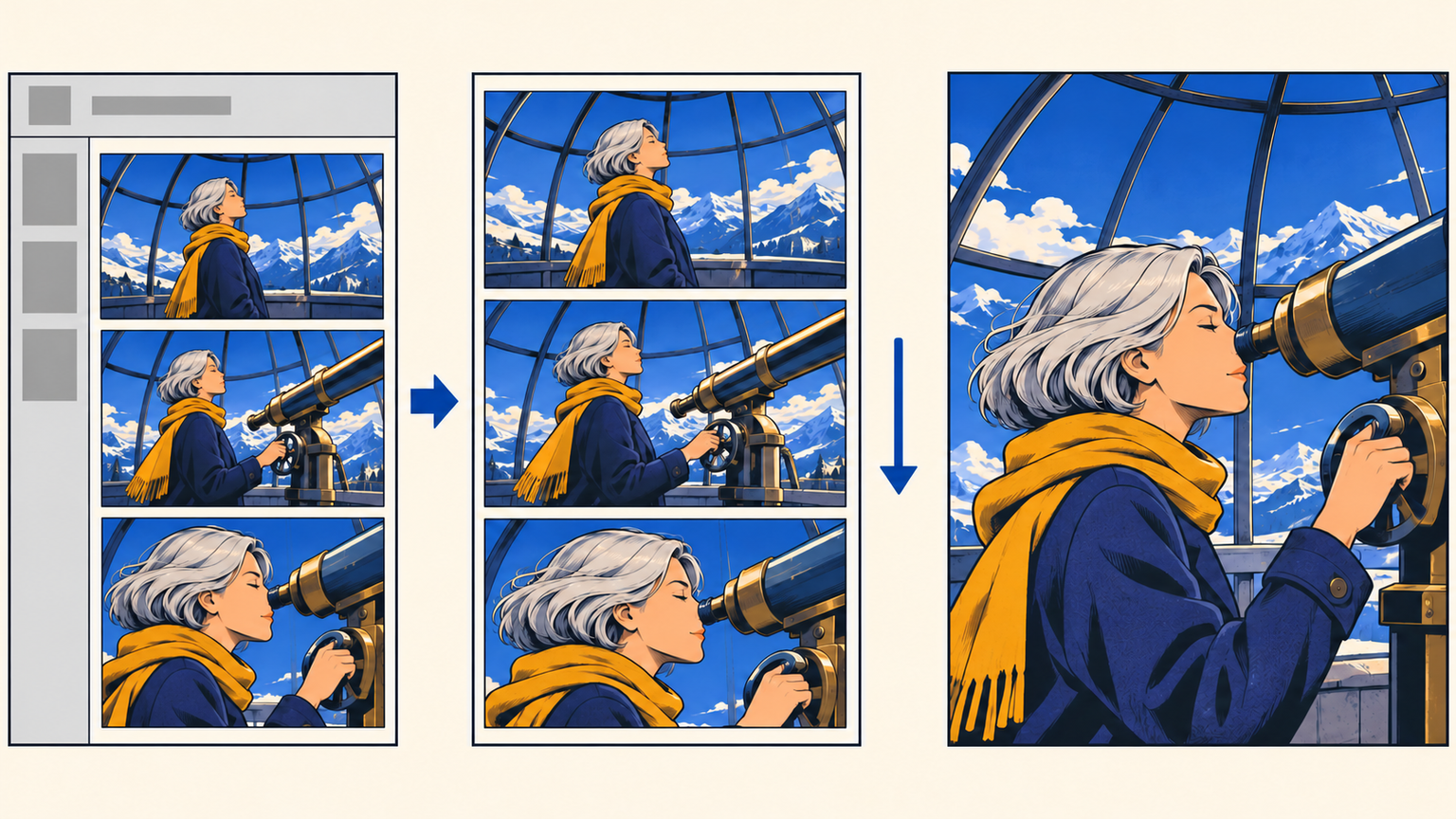
In the desktop reader's scrolling view, moving down the story hides the top controls and side page previews. Scroll back up, or return near the top, to bring the reading controls back. This keeps navigation within reach while giving the artwork more room during a continuous read.
For a closer look, open the image-only fullscreen view. The artwork fills the reading view without the surrounding controls or page strip. Press Esc or double-click to leave fullscreen and return to reading.
Rasplamsajte snove mladih
Gdje milioni priča oživljavaju
Pregled najnovijih izdanja LlamaGen funkcija, poboljšanja proizvoda, ažuriranja dizajna i važnih ispravki grešaka.