AI Story Board for Scene Planning

Arrange scenes on a shared story board. Review shot order, visual beats, and framing with your team before you shoot or animate.

Storyboard Showcase

AI Generated • Storyboard to Video

Scene planning board

Keep every scene on one story board

A story board is the shared surface a crew looks at before production. LlamaGen helps you pin scenes, check order, and mark missing beats without jumping between slides and chat threads.

Primary audience

Directors, producers, and classroom teams

Use this when you need a board the room can point at: scene order, framing notes, and the next shot to discuss.

Start a story board

Scenes live in too many files

Notes, stills, and comments sit in different docs, so nobody agrees on the current order.

The board is hard to rearrange

Moving one scene means rebuilding a slide deck or reprinting a paper grid.

Review stays verbal

Teams debate coverage in meetings instead of looking at the same sequence.

The aha moment

Before

A pile of scene notes and reference stills with no shared board.

After

One story board with ordered scenes, visual beats, and room for notes.

Story board workflow
  1. 1Add the scenes you already know.
  2. 2Place them on the board in shooting or story order.
  3. 3Mark framing, missing beats, and notes on each card.
  4. 4Share the board for review before production.
Planning payoff
1 board
Shared review surface

Writers, directors, and clients look at the same scene order.

Minutes
Reorder a scene

Move a card instead of rebuilding a deck.

Case study

Classroom short to a reviewable board

A teacher drops five scene cards onto one story board so students can argue shot order before anyone draws final frames.

Result

The class reviews pacing on the board, not in a long verbal recap.

LlamaGen story board, scene planning

Related writing workflow

Move the draft into screenplay form.

Use the AI Screenplay Editor when a script, fiction draft, storyboard brief, video idea, or canvas note needs proper scene headings, action, dialogue, parentheticals, cover pages, outlines, beats, and collaboration-ready revisions.

Hollywood formattingOutline, cover, and beatsAdvisor notes
Explore AI Screenplay Editor
Screenplay passReady

INT. COMMUNITY CENTER - NIGHT

Folded chairs. A storm outside. MAYA stands at the microphone with a page of notes she no longer needs.

MAYA

If the city will not read the record, we will read it out loud.

FormatHollywood
Beatslinked
Story board workflow

From scene cards to a shared board

Start with the scenes you already have. Place them on the board, mark missing beats, and keep the sequence in one place.

1

Collect the scenes

Add scene titles, notes, or stills you already use in planning.

2

Arrange the board

Put cards in story order or shooting order so the room can see the path.

3

Leave notes on each card

Mark framing, missing coverage, and questions before review.

4

Angles and motion

Tune angles in 3D and convert approved frames into animatic motion.

5

Export the package

Share shot lists, boards, animatics, and pitch-ready files with the team.

The board stays the source of truth while frames and notes change.
Scene planning board

Keep scenes, notes, andorder on one board

Use this story board when the job is planning, not generating a full package from a prompt. Pin scenes, check sequence, and hand the same board to the next review.
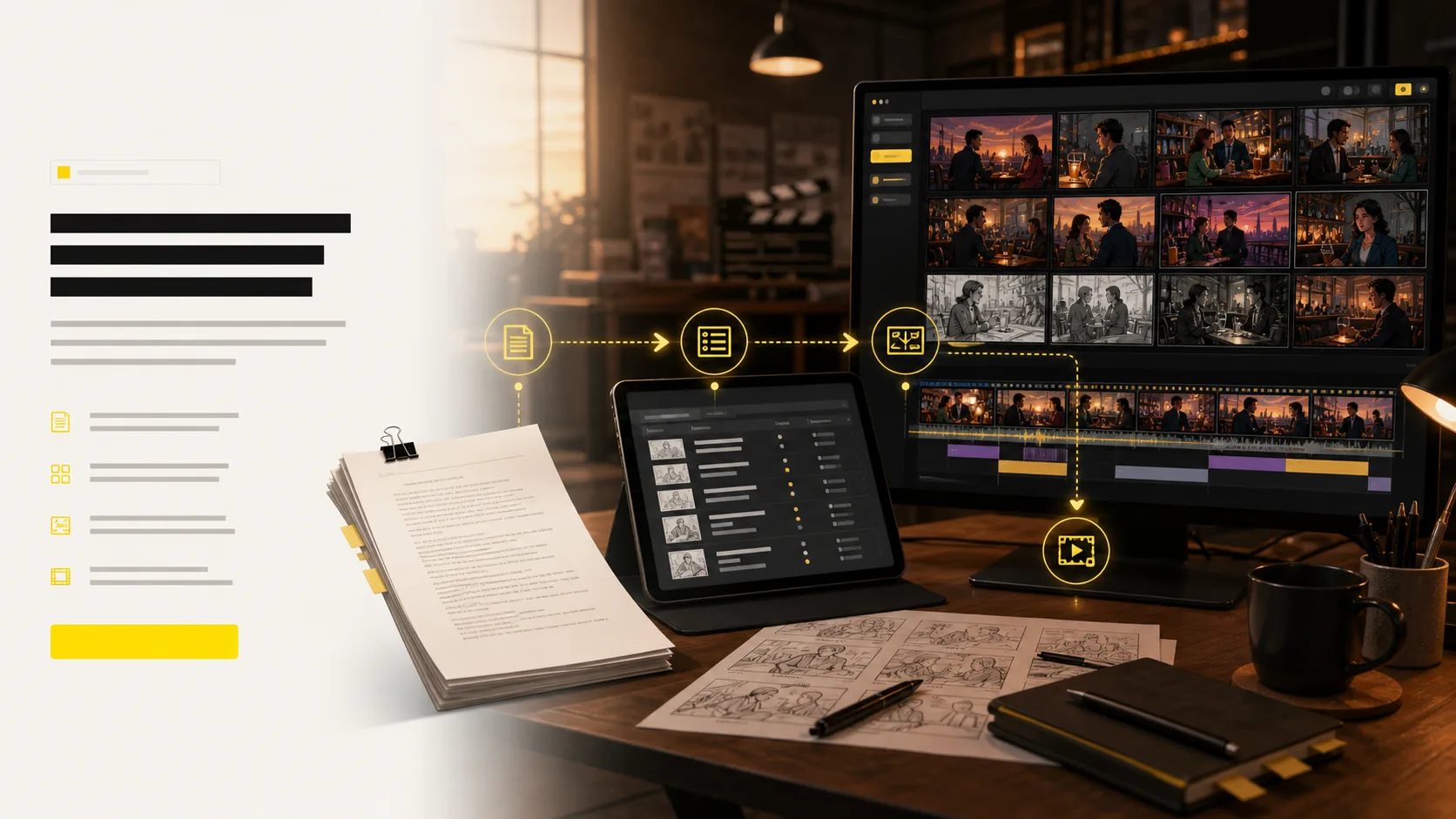
Scene cards
Board order
Review notes
Handoff
See the whole sequence without opening a slide deck.
Move a scene without rebuilding the plan.
Keep notes next to the card they belong to.
Share one board instead of a folder of stills.
Start a story board
Online story board with ordered scene cards and review notes
Outfit AI for storyboard continuity

Change the look once.Apply it to the right scenes.

Choose an approved OUTFIT asset, preview it on the character, and decide whether the change belongs in one scene, every following scene, or the entire project. The story gets a clear wardrobe timeline without identity drift.

Create character outfits
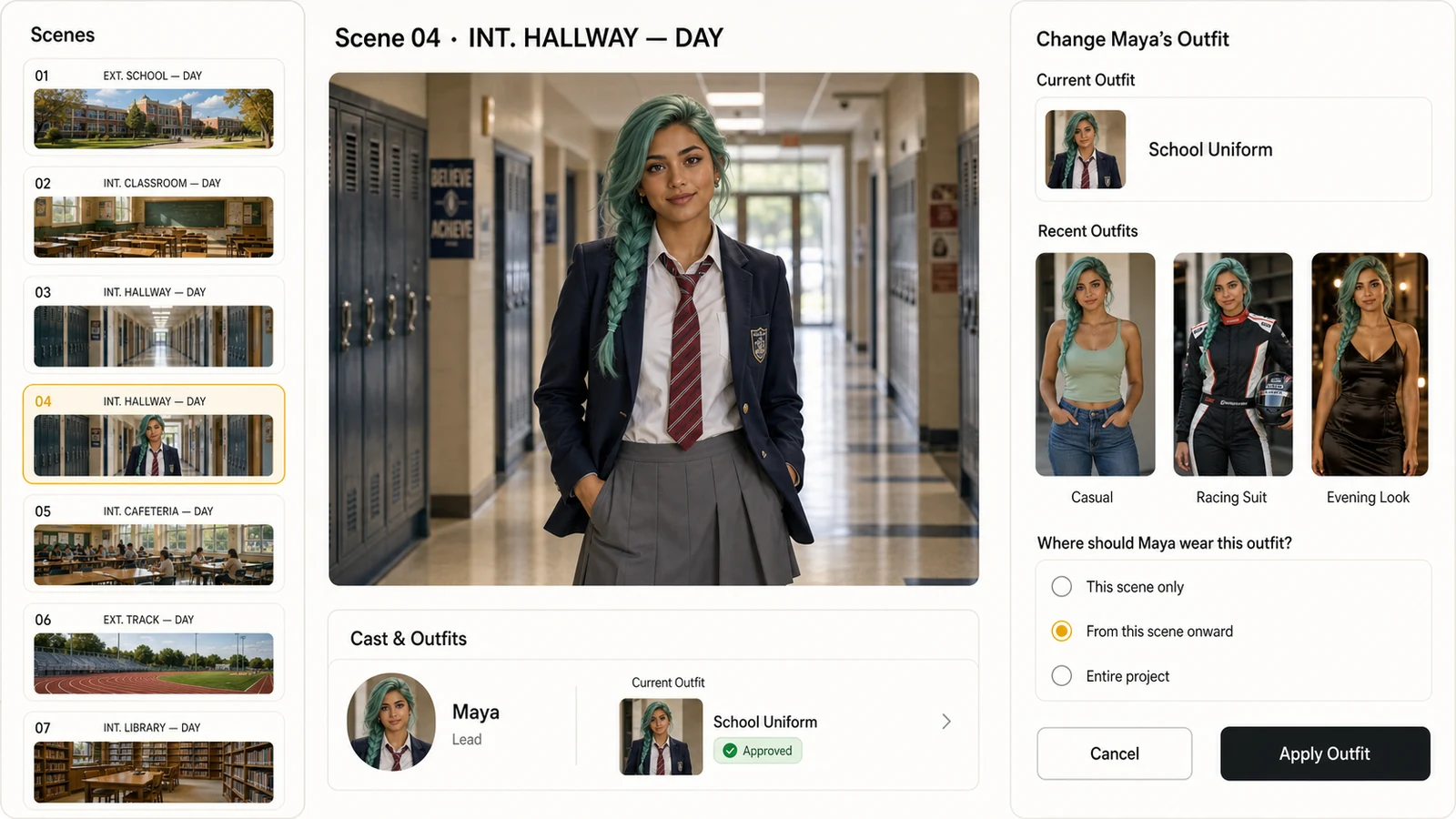
LlamaGen storyboard editor showing a photorealistic character, recent outfits, and controls for applying an outfit from the current scene onward
Scene-aware outfit continuity
01This scene only
02From this scene onward
03Entire project

Approved look

Select from approved character outfits instead of recreating the wardrobe inside every shot.

Scene range

Apply a look to one scene, all following scenes, or the whole project with an explicit range.

Identity continuity

Keep the same face, hair, body proportions, and visual identity while the clothes change.
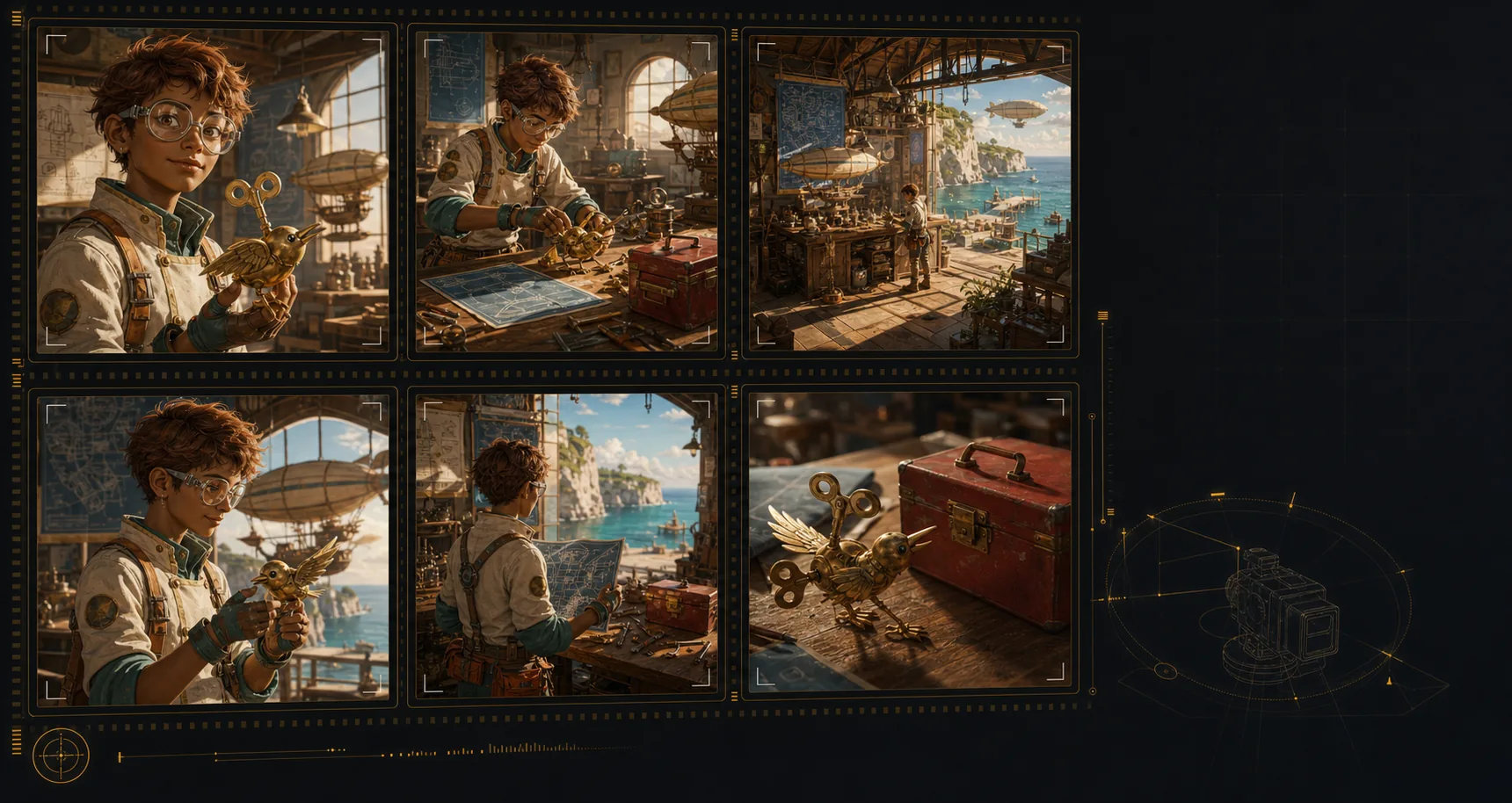
Generated storyboard panels showing consistent character, location, and prop continuity
Visual lock
Character
Location
Object
Continuity engine

Lock cast, props,and locations across shots

Create an AI storyboard where the same characters, environments, wardrobe, and hero objects remain recognizable across the sequence. That continuity makes each shot feel planned, connected, and ready for review.
Keep the same character identity, wardrobe cues, and silhouette from scene to scene.
Return to recognizable locations even when the shot size or camera angle changes.
Carry important props and objects through the board without visual drift.
Build a storyboard that reads like one production, not unrelated AI images.
Build a consistent storyboard
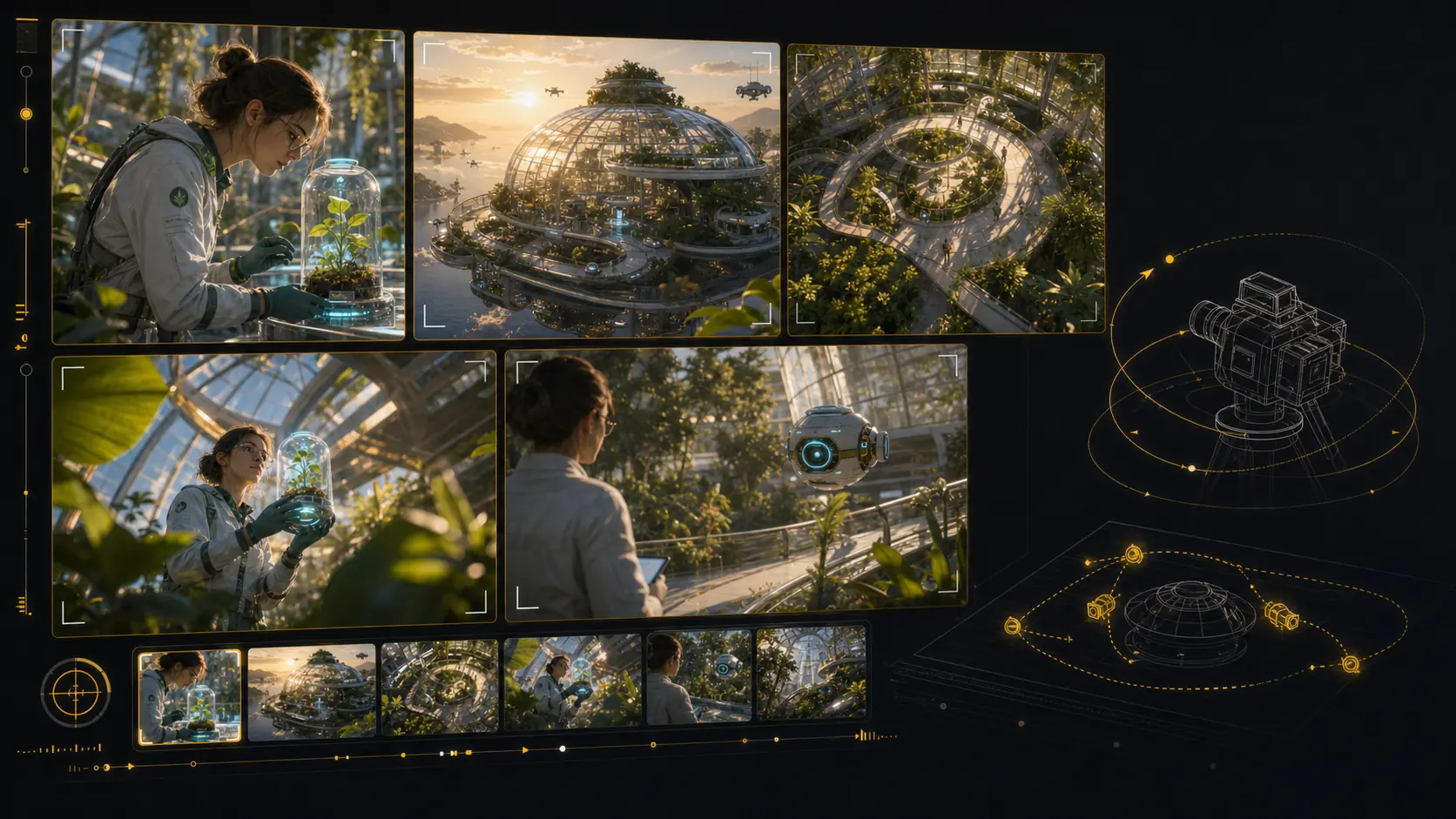
Generated 3D camera-angle storyboard tool with multiple framings of the same scene
Angle preview
Close
Wide
Top
Low
Shot framing control

Reframe shots with3D camera control

Test camera angles for an AI storyboard without rebuilding the scene from scratch. Reframe the setup, compare shot sizes, and give your director, DP, editor, or client a clearer visual decision.

Explore camera position in 3D space from the same storyboard setup.
Orbit, pan, tilt, and zoom to compare practical framing options.
Preview close-ups, wides, overheads, and low angles before the next render.
Share clear shot language for framing, height, lens feel, and blocking.
Reframe a storyboard shot
AI animatic studio

Generate animaticsfrom storyboard frames

Use LlamaGen as an AI storyboard video generator: choose a frame, describe the camera move and duration, then create a motion test that stays anchored to the approved shot. Static boards become pitch-ready animatics and multi-shot reviews without leaving the storyboard workflow.

Frame-to-clip

Start from an approved storyboard frame so the clip keeps the same composition.

Motion notes

Add a push-in, tracking move, orbit, hold, or timing beat before generation.

Animatic review

Compare generated clips with shot notes, scene order, and edit intent in one place.
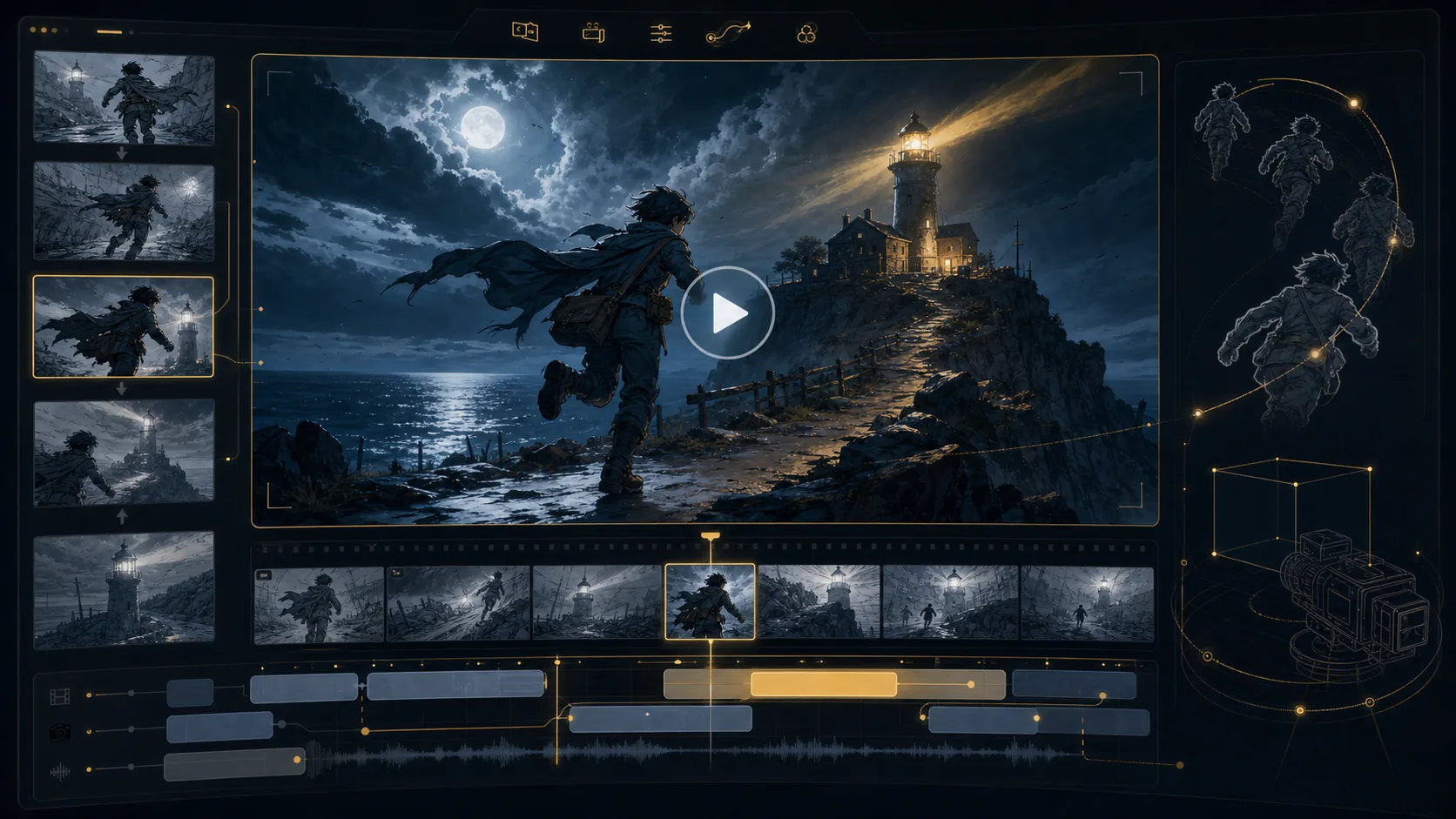
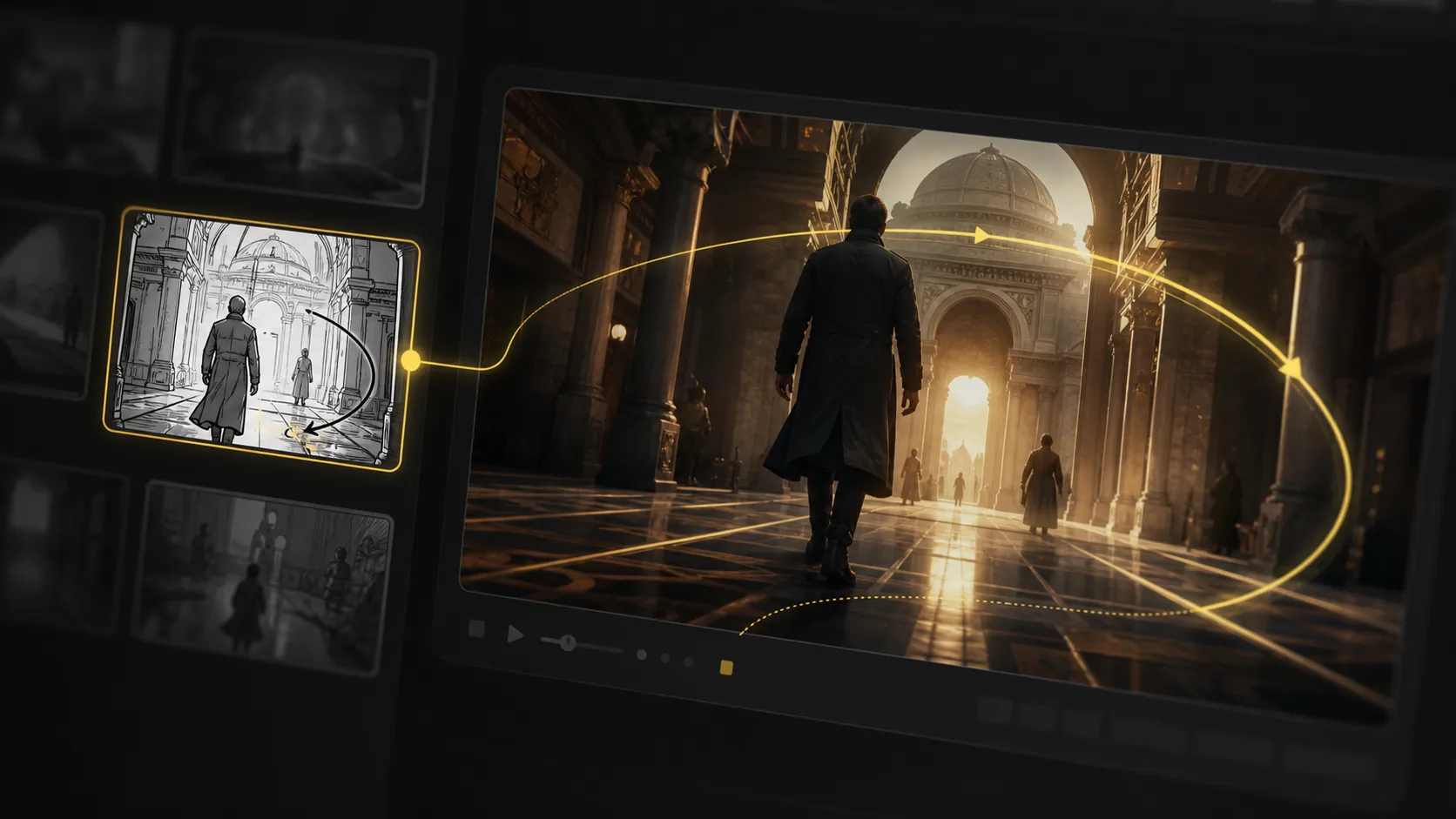
Final animatic preview
16:9
Generated AI storyboard video generation workspace preview
Generated AI storyboard video preview with camera motion path
Motion path
Generated storyboard camera angle pass prepared for animation
Angle pass
Generated storyboard pipeline preview for animatic handoff
Timeline handoff
Unlimited storyboard variations

Keep regenerating until the shot works.

Refine AI storyboard images through real creative rounds: alternate angles, cleaner compositions, different moods, and stronger visual continuity without treating every frame like a scarce credit.
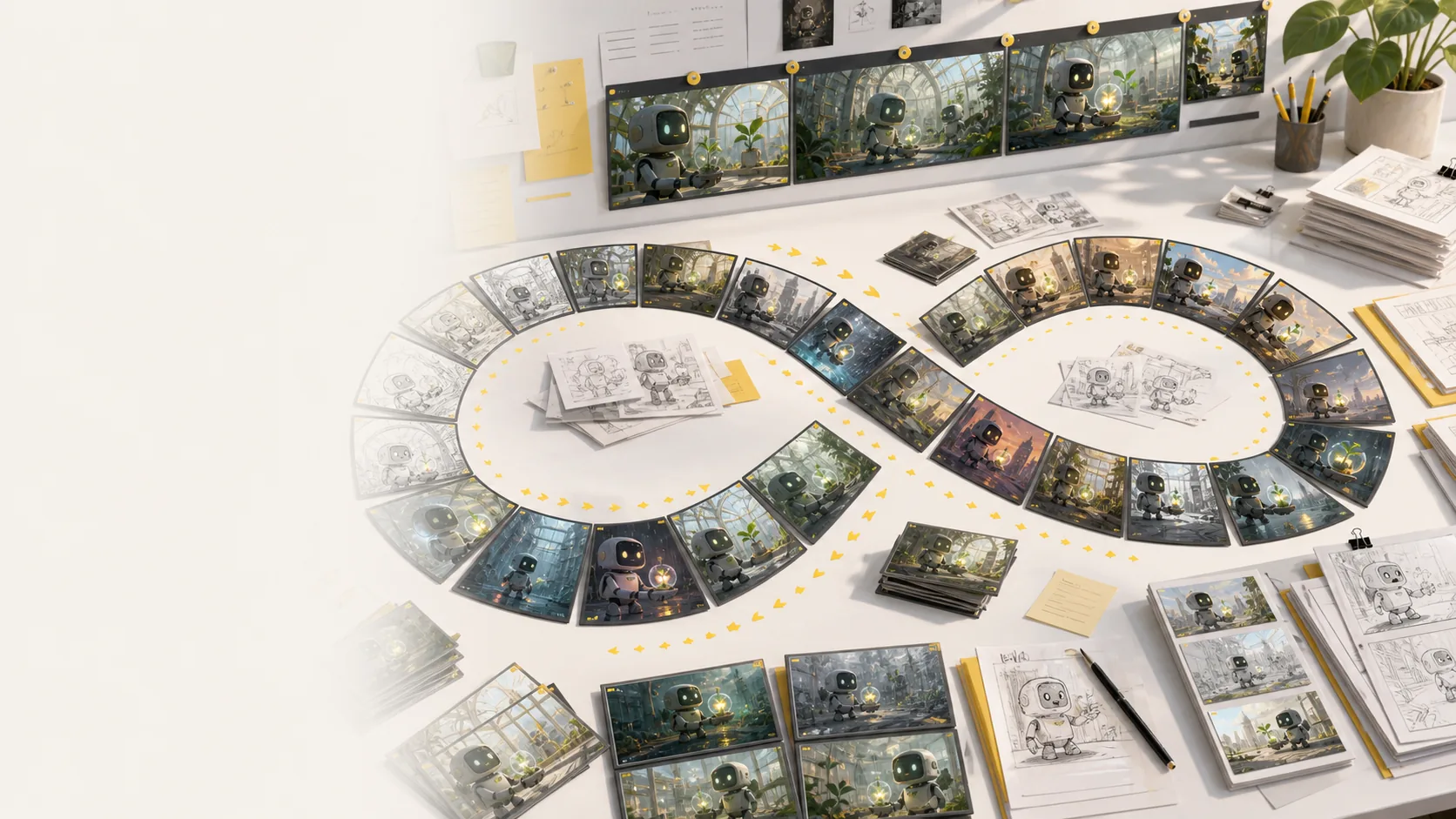
Generate more storyboard variations whenever a scene needs another pass.
No per-image credit counter interrupting exploration or client revisions.
Regenerate shots, revise framing, and compare style directions side by side.
Keep testing mood, lighting, layout, and camera ideas until the board works.
Explore more variations
Generated storyboard variation desk showing many AI storyboard frame options, sketches, and revisions
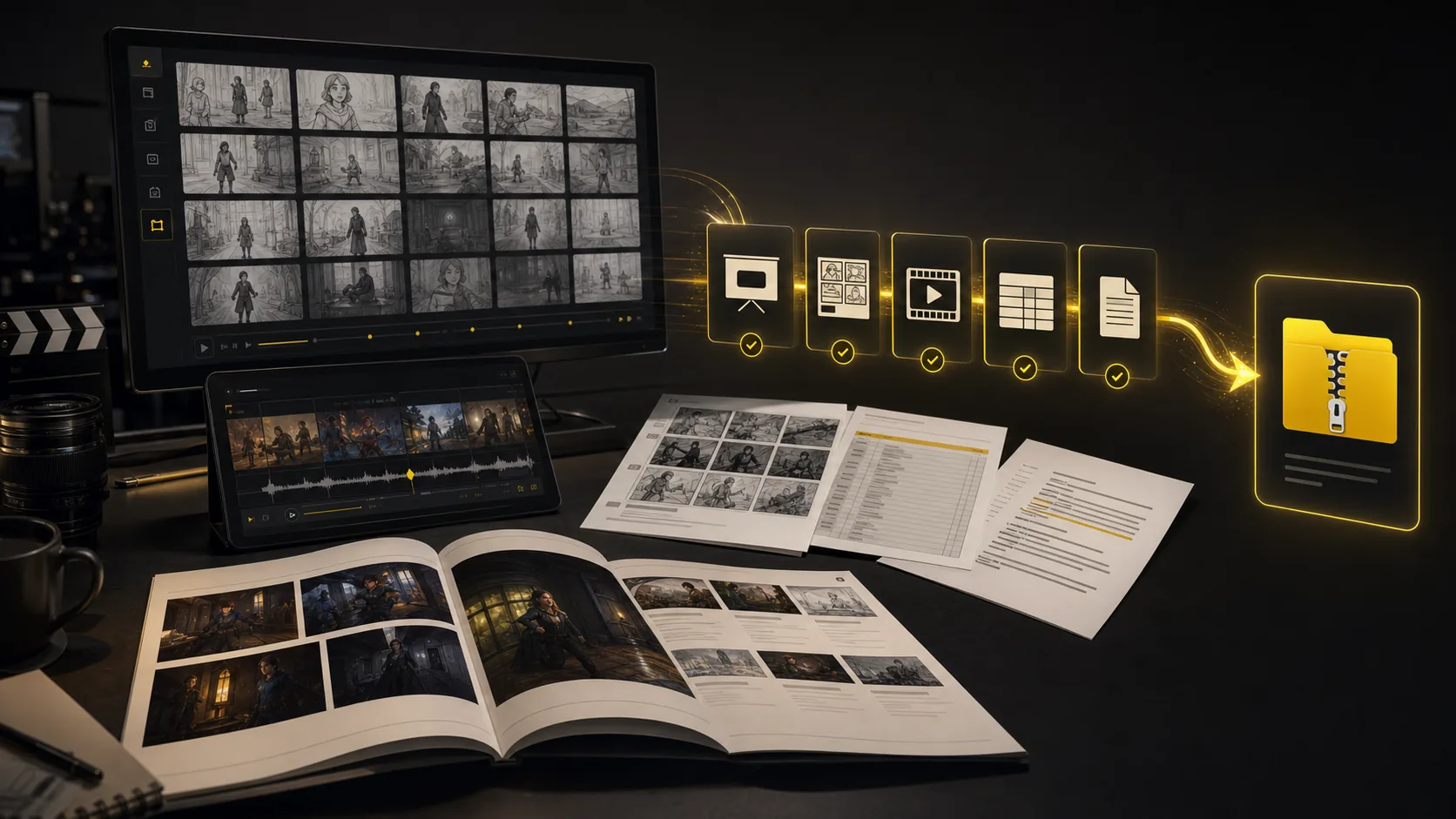
Generated storyboard export suite with PDF, XLSX, image ZIP, MP4 animatic, and XML handoff formats
One project, every handoff
Export suite

Export every storyboarddeliverable together

Turn a finished storyboard project into files a production team can use immediately: screenplay, shot-list, and storyboard PDFs; XLSX shot lists; image ZIPs; MP4 animatics; and XML handoff packages.

Screenplay and shot-list PDFs
Storyboard PDF and image ZIP
Shot list Excel (.xlsx)
MP4 animatic and XML package
Package the same AI storyboard for clients, editors, producers, and crew.
Export screenplay, shot-list, and storyboard PDFs plus XLSX shot lists.
Keep frames, scene notes, timing, camera direction, and revisions attached.
Move from creative review to production handoff while context is still intact.
Build a production handoff
All tools connected

Every pre-production tool lives in
one storyboard workspace

The core sections show the main workflow. This bento grid covers the supporting AI storyboard tools around it: inputs, styles, continuity, video, variations, camera planning, and production handoff.

Most popular

Storyboard-to-animatic clips

Generate AI animatics from approved storyboard frames with camera motion and timing notes.

Hover to preview
AI storyboard animatic preview generated from storyboard frames

Storyboard-to-animatic clips

Sketch cleanup

Turn rough boards, loose thumbnails, and scene notes into cleaner visual panels.

Hover to preview
AI storyboard workflow converting rough input into visual panels

Sketch cleanup

Style direction

Compare visual routes for tone, genre, lighting, and brand style before the board locks.

Hover to preview
AI storyboard style direction preview with consistent visual language
AI storyboard variations for style and mood direction

Style direction

Unlimited variations

Regenerate shots, moods, angles, and layouts without managing per-image credits.

Hover to preview
Unlimited AI storyboard variations preview

Unlimited variations

Continuity lock

Keep characters, props, wardrobe, and locations recognizable across generated shots.

Hover to preview
AI storyboard continuity lock for characters, locations, and objects

Continuity lock

Camera move planning

Plan tracking, push-in, orbit, and reveal moves before turning frames into video.

Hover to preview
AI storyboard camera movement planning preview

Camera move planning

Script, prompt, and PDF input

Start from a screenplay, treatment, PDF, scene note, or loose prompt and build the board from there.

Hover to preview
AI storyboard script and prompt input workflow
AI storyboard camera planning frame generated from input

Script, prompt, and PDF input

Production handoff

Export storyboard PDFs, shot list tables, animatic files, and review packages from one project.

Hover to preview
AI storyboard export suite with PDFs, shot lists, animatics, and handoff package

Production handoff

Story boards across planning jobs

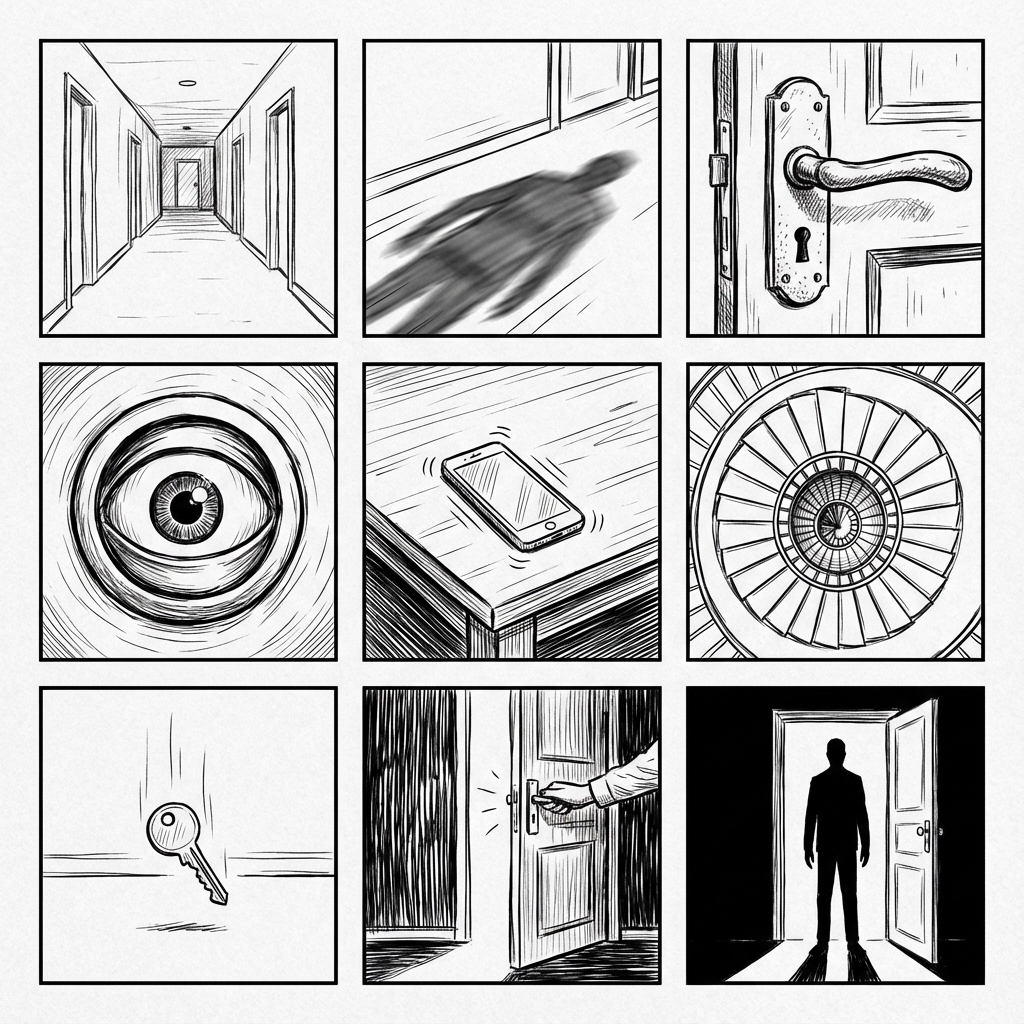
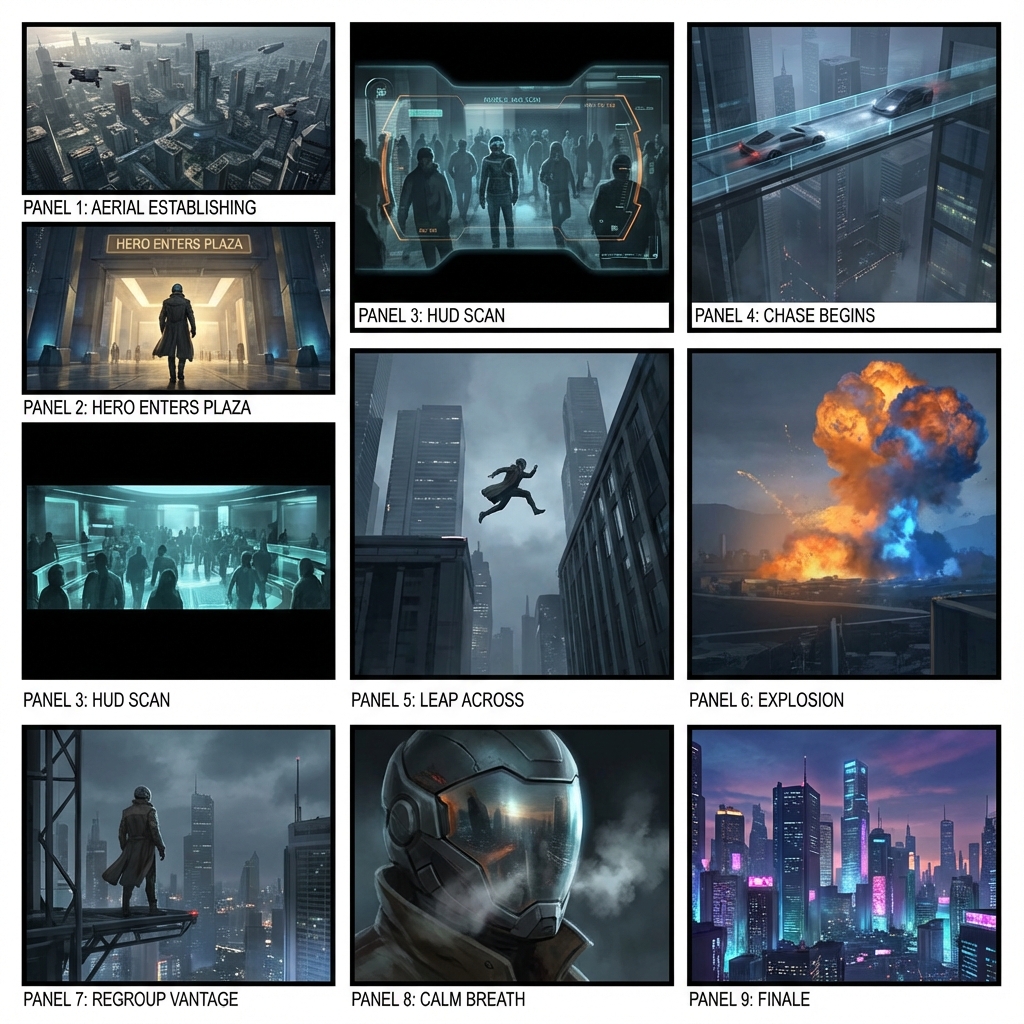
Examples of scene boards for shorts, lessons, ads, and pitch reviews.
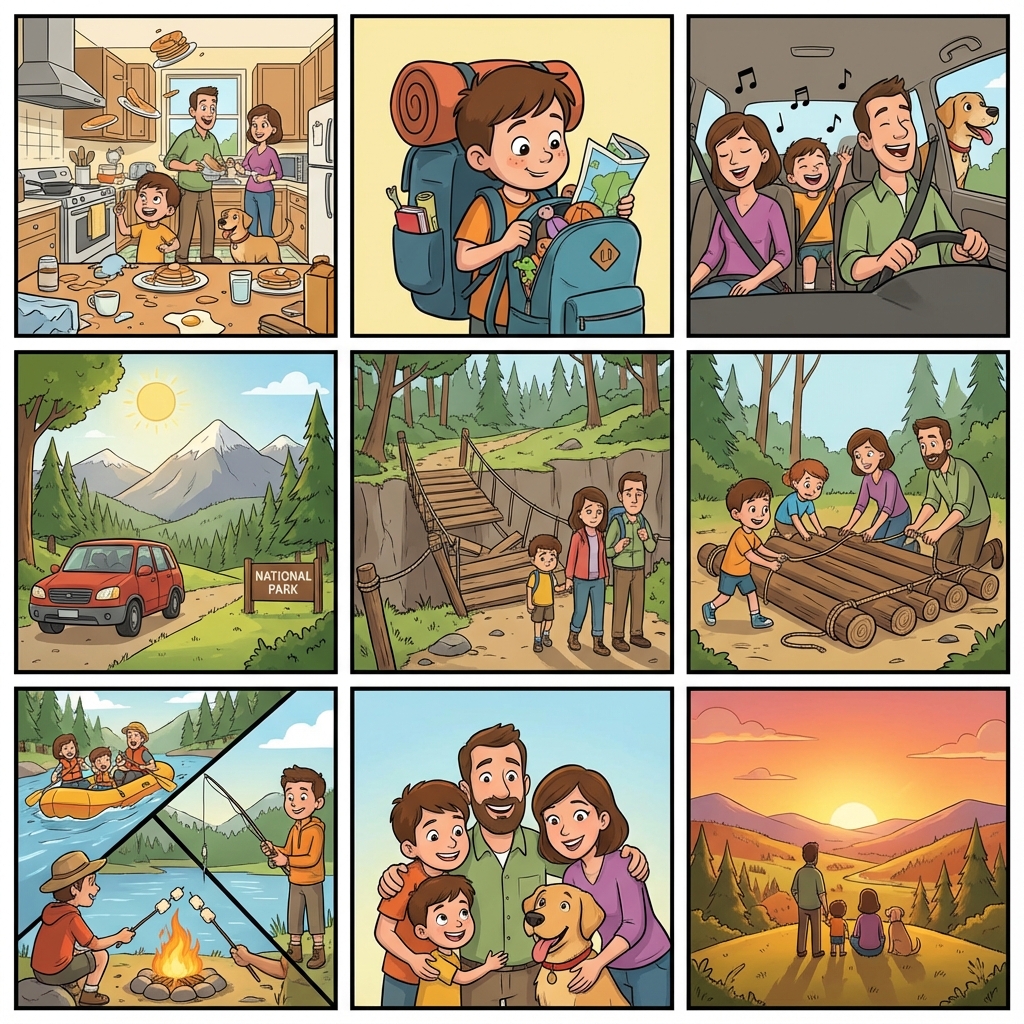
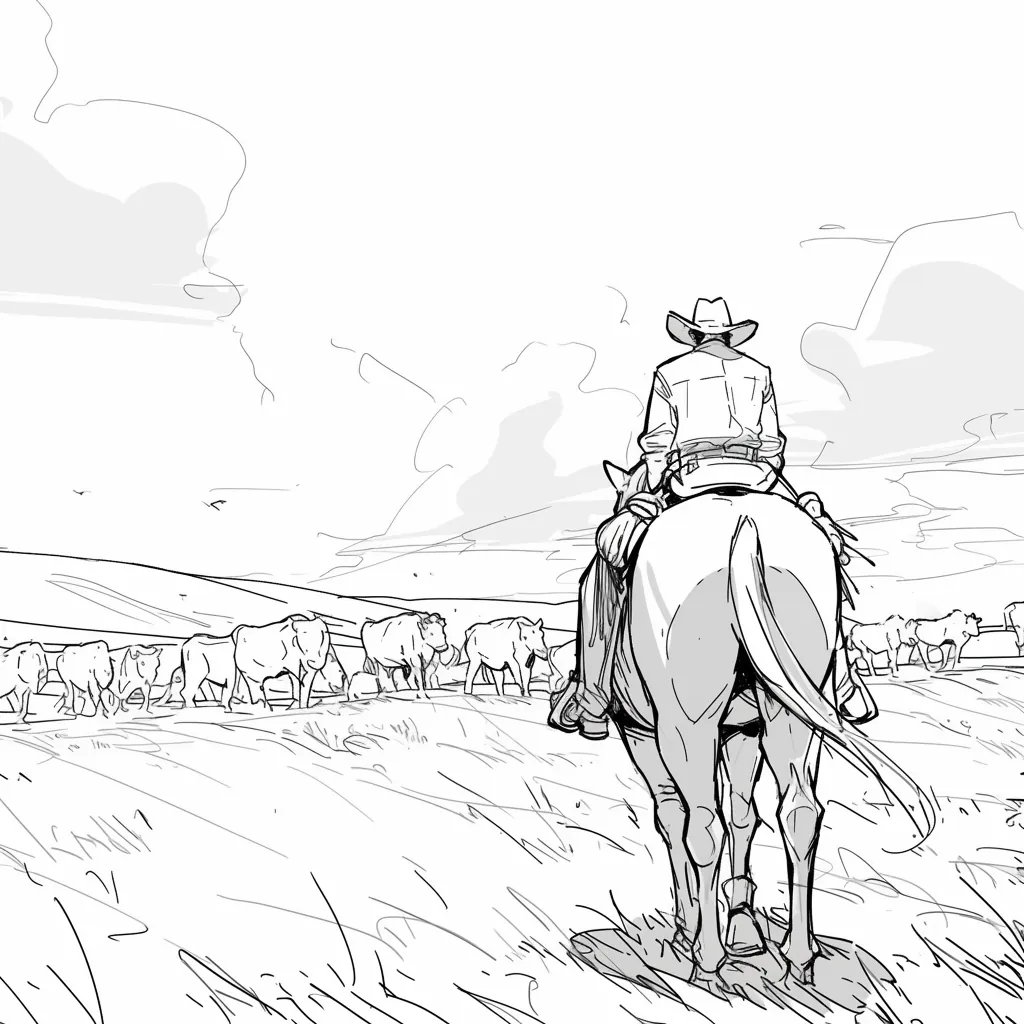
Classroom story board with ordered scene cards
Classroom scene board
Advertising story board for shot order review
Ad review board
Short film story board with scene sequence
Short film board

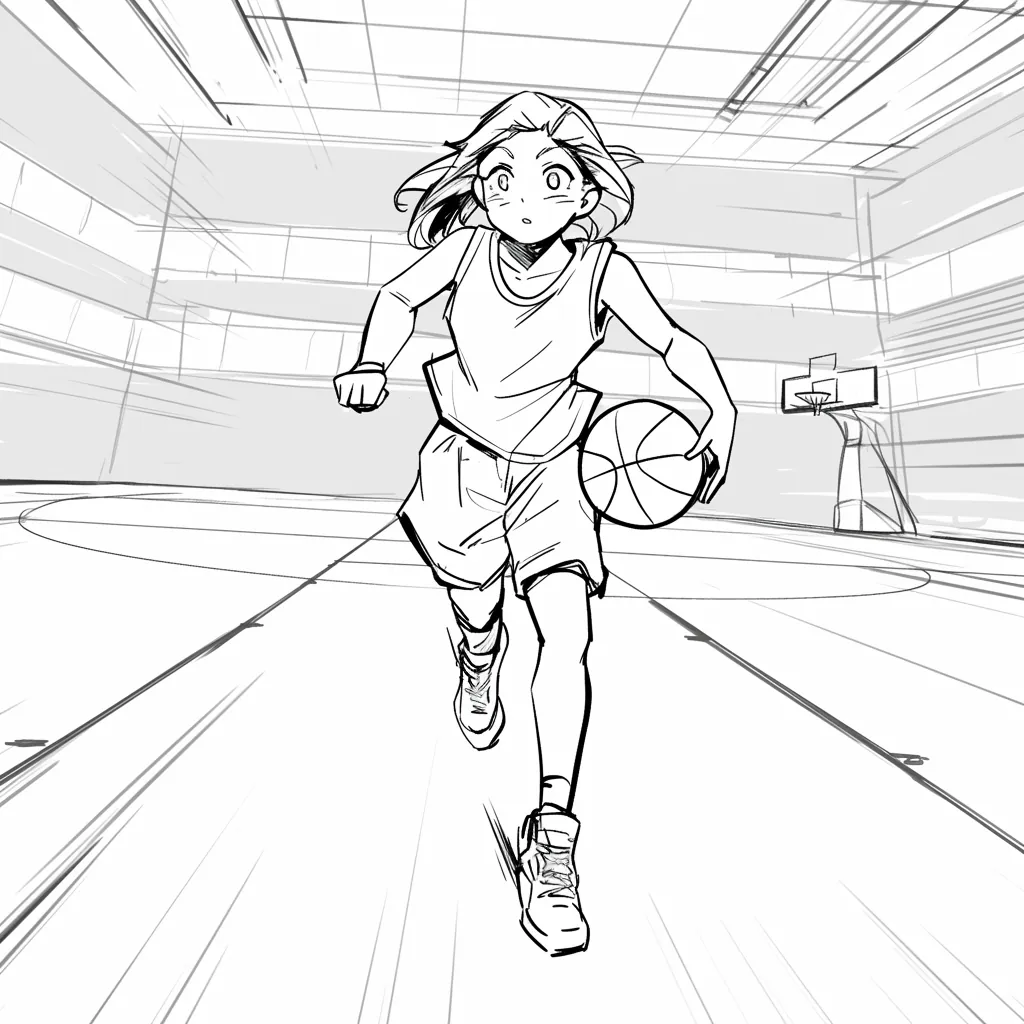
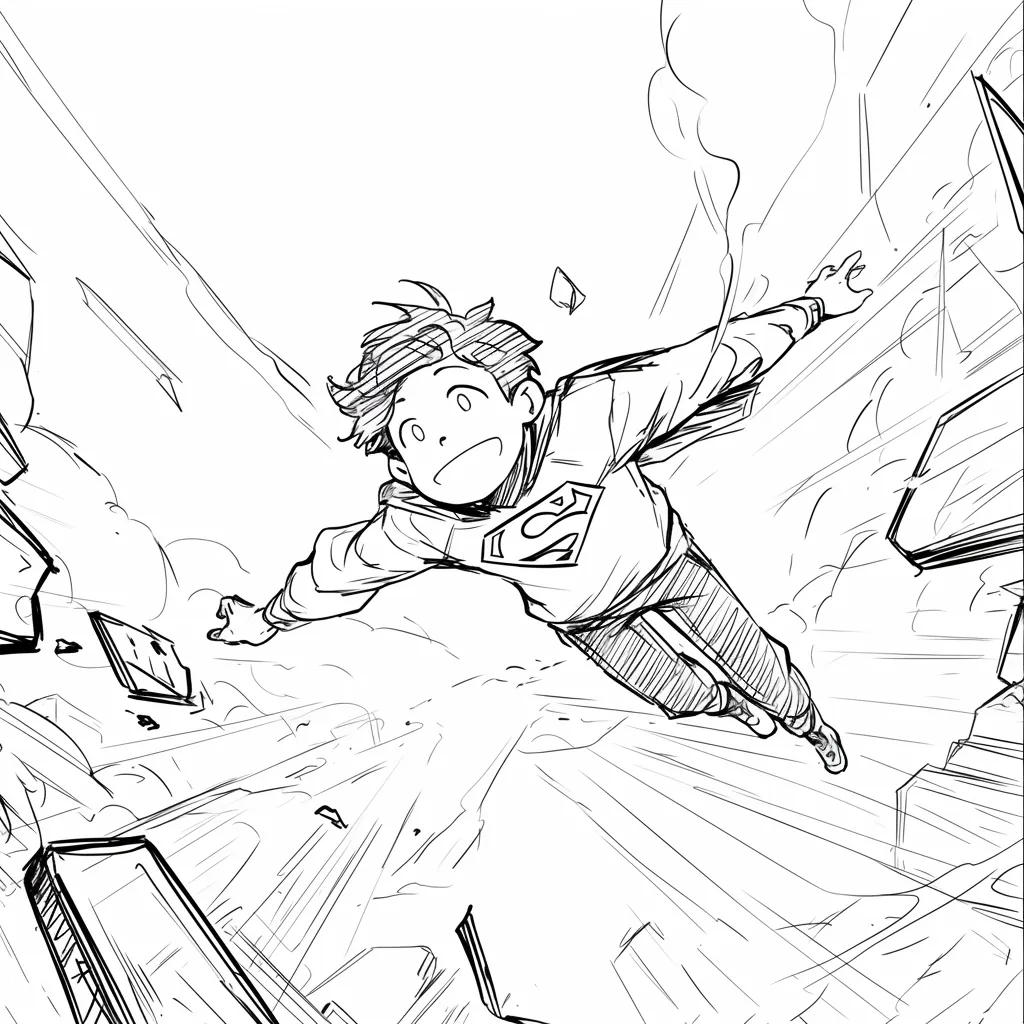
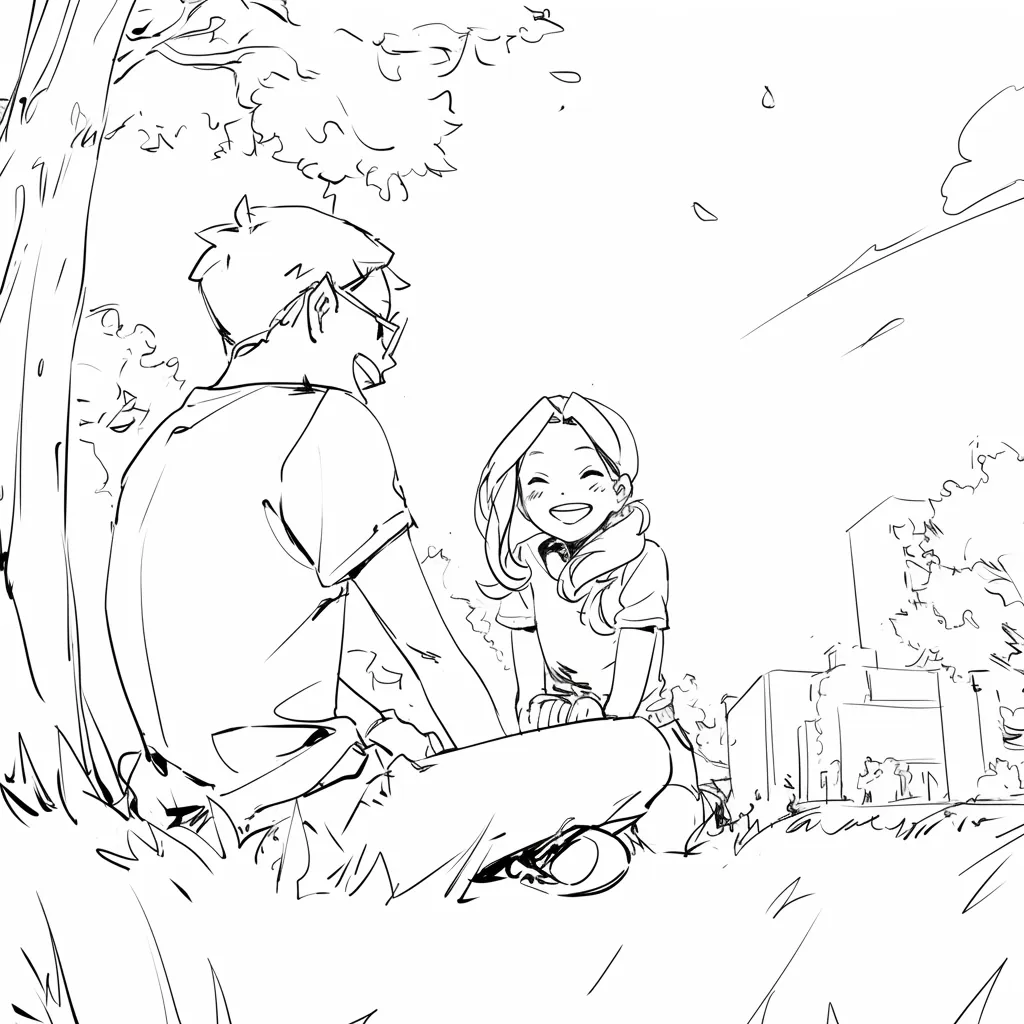
Why Lo-Fi & Grid?

Clarity over Details

High-fidelity AI images add unintentional details (lighting, textures) that distract stakeholders. Line art keeps the focus on composition and storytelling.
AI Storyboards 1
AI Storyboards 2
AI Storyboards 3
AI Storyboards 4
AI Storyboards 5
AI Storyboards 6
AI Storyboards 7
AI Storyboards 8

Opdag Hvorfor Folk Elsker LlamaGen.Ai

LlamaGen.Ai er et sted at skabe, generere og forbinde med AI.

Maya_Lee

Maya_Lee

@Maya_Lee

I love how simple it is to create unique anime characters. This anime AI really captures the details I envision, and it's perfect for my personal projects!
Sky_Walker

Sky_Walker

@Sky_Walker

This anime AI generator is amazing! It turned my descriptions into stunning anime art in seconds. Super easy to use and the results are always impressive!
Cre_Luna

Cre_Luna

@Cre_Luna

Incredible! The ability to generate anime art from text is a game-changer. It's fast, free, and the artwork is always top-notch. Highly recommend it!
juaner0211589

juaner0211589

@juaner0211589

Dette er et fantastisk AI-produkt. Det kan virkelig omdanne din fantasi til virkelighed. Det er virkelig sejt! Det åbner op for en ny æra af tegneserier! Mange tak for udviklernes hårde arbejde og dedikation.
Rubem Didini

Rubem Didini

@rubem-didini

AFSLØRING AF AI-VÆRKTØJER. Omdan tekst til fantastiske og engagerende tegneseriebilleder og striber - https://llamagen.ai
Cole Lawrence

Cole Lawrence

@refactorordie

Tak for at dele! Jeg håber, produktet er sjovt at bygge
Benoit

Benoit

@benoitst-laurent

Ja, jeg ville være super glad for at være i kontakt med folk på dit team og rapportere nogle indsigter og ideer!
Beau HU

Beau HU

@RealFeatBit

LlamaGen.Ai er et verdensklasse produkt, der revolutionerer animeverdenen. Dette kraftfulde AI-værktøj, skabt af et team, der er dybt passioneret omkring kunst og anime, ændrer stille og roligt, hvordan vi oplever dette elskede medie.
Jake M.

Jake M.

@jake-m

Som en ivrig skaber af tegneseriestil grafik, har jeg kæmpet for at finde et værktøj, der virkelig tillader mig at frigøre min kreativitet i stor skala. llamagen.ai bryder ikke kun grænser, men sprænger dem, hvilket giver uendelige muligheder for mine projekter. Det er den ultimative AI-drevne løsning, jeg har ventet på!
Michael B.

Michael B.

@michael-b

llamagen.ai har genantændt min passion for fortælling. Som en travl professionel kan det være udfordrende at finde tid til at forfølge kreative projekter. Men denne app har vist sig så nem at bruge... Det er som at have en kreativ ledsager ved min side!
Bill

Bill

@bill

Elsker dette produkt. Fortsæt det gode arbejde, og lad mig vide, om/hvordan jeg kan hjælpe.
Sarah L.

Sarah L.

@sarah-l

Jeg har prøvet adskillige AI-værktøjer til billedgenerering. Og de er ret sjove at lege med, men llamagen.ai er den første app, hvor jeg faktisk har set en potentiel anvendelse. Karakterkonsistensen fangede virkelig min opmærksomhed, da det er noget, jeg ikke havde set før, og jeg kan se appellen for både professionelle og amatører. Virkelig en revolution!
Suresh Gunasekaran

Suresh Gunasekaran

@digital-marketer-suresh

LlamaGen.Ai tilbyder en gratis AI-billedgenerator og AI-animationsgenerator. Det gør processen med at skabe tegneseriestriber lettere og hurtigere, med fokus på at skabe konsistente karakterer og kontrollere deres positur, komposition og stil.
Den

Den

@den

Endelig, jeg har færdiggjort min tegneserie 🙂 Mange tak for støtten!
Velika

Velika

@velika

LlamaGen.Ai er et banebrydende AI-designværktøj, der tilbyder en uovertruffen kreativ oplevelse for designere verden over. Dets AI-tegneseriegenerator og billedgenerator muliggør ubesværet og effektiv skabelse, der bryder grænserne for traditionelt design.

AI story board FAQ

Kunne du ikke finde noget? Send os en besked

Mere generativt design

Visual SuiteAI Comic StudioFree AI Comic Strip MakerAI børnebog-generatorgratis ai tegneseriegeneratorFree Comic Book MakerComic EditorCharacter EditorHistorie til tegneserie-generatorAI Manga StudioTegneserie Til VideoMusik til VideoGratis AI-bevægelsesdesignerVideo til TegneserieAI FilmfremstillerStemmehistoriegeneratorFree AI Cartoon GeneratorFree Photo to Comic AIFree Photo to Cartoon ConverterFree AI Webtoon GeneratorFree AI Manhwa GeneratorGratis AI Manga GeneratorTegneserier til sociale medierTegneserieskaber til BibelenFree Manga Speech Bubble GeneratorFree AI Storyboard GeneratorAI ManuskripteditorGratis storyboard-skabelonAI Script GeneratorFree AI Camera Angle ControlAI-baggrundsgeneratorAI-billedstiloverførselAI Depth Map GeneratorAI PoseringsgeneratorAI Karakter GeneratorAI Karakter DesignAI-animegeneratorAI Tegneserie FabrikAI Historie SkriverBørns billedbogsskaberGenerative arbejdsprocesserAI Storybook GeneratorFree Photo to Anime AIAI-manga-manuskriptgeneratorSort/hvid billedfilterAI-manga-farvelæggerManga-skaberFree Manga Translator AIFree Anime to Real LifeFree AI Anime Character GeneratorAI Pixel Art GeneratorVærktøj til beskæring af karakterbladVærktøj til segmentering af tegneseriepanelerFree AI Layer SplitterAI Billede GeneratorStory AIAI Text Adventure GeneratorBeskær billedeCompress ImageAI Akrylfigur GeneratorAI Karakterskema GeneratorAI Julekostume GeneratorAI Skrivebords-kæledyr GeneratorAI Duo-karakter GeneratorAI Fantasy-karakter GeneratorAI Figur GeneratorAI Galgame UI GeneratorAI Kæmpe Statue GeneratorAI Badge GeneratorAI Magasincover GeneratorAI Papirudklip GeneratorAI Polaroid GeneratorAI Samlekort GeneratorAvatar GeneratorAI Avatar GeneratorAI Video GeneratorAI Manga GeneratorAI Manhwa GeneratorTegneserie til Video AICanvas AIIndholdsgenereringsværktøjAI Historie SkriverStory DiffusionAI TegneserieredaktørTegneseriefigur Skaberwebtegneserie-makerGratis tegneserie-skaberAnime ForstørrerKonsekvente Karakterer VideoVisuel historieskrivningDrawGråtonet billedeDen tegneserieStoryboard ThatAI-animegeneratorComicgenAI-billedvektoriseringChibi-stickerfremstillerAnime Sticker MakerAI Sticker GeneratorAnime-figur-generatorAI BilledudvidelseAI Karakterskema GeneratorAI Foto-til-skitse KonverterGratis Ansigtsløs AI Video GeneratorYouTube Shorts videogeneratorUGC Reklamevideo GeneratorHistory Video GeneratorOldtidsvideo GeneratorWar Documentary GeneratorHistorie til Video GeneratorVoiceover Video GeneratorStemmehistoriegeneratorProfessional ServicesFree Cartoon to Realistic AITegnefilm til Virkelighed AIAI generator til video med flere optagelserVisuel FortællingsagentAI Manga GeneratorAI Magisk Pige GeneratorAI ELVER GeneratorAI BogskriverAI ManuskriptforfatterAI BoggeneratorManga Layout EditorManga Taleboble GeneratorManga Text-boblegeneratorManga Panel GeneratorSkyReels AI Video GeneratorSkyReels AI Tegneserie GeneratorAI Animationshistorie GeneratorAI Konsistent Karakter GeneratorAI Børns Godnathistorie GeneratorAI Komiko GeneratorAI Monster GeneratorAI Motiverende Historie GeneratorAI Filmposter GeneratorAI OC SkaberFree Comic Book MakerFantasy AI Kunst GeneratorFlux AI BilledgeneratorGratis AI Farvelægningsside GeneratorManga og Anime Bøger GeneratorStregmands Tegneserie GeneratorKlistermærke GeneratorVideoagentTegneserieagentVisuel FortællingsagentGenerative arbejdsprocesserTikTok Musikvideogenerator
Ready to plan the next scene?

Start with the board.Lock the order later.

Build an online story board your team can point at. Add scenes, move cards, and keep notes in one place before production.