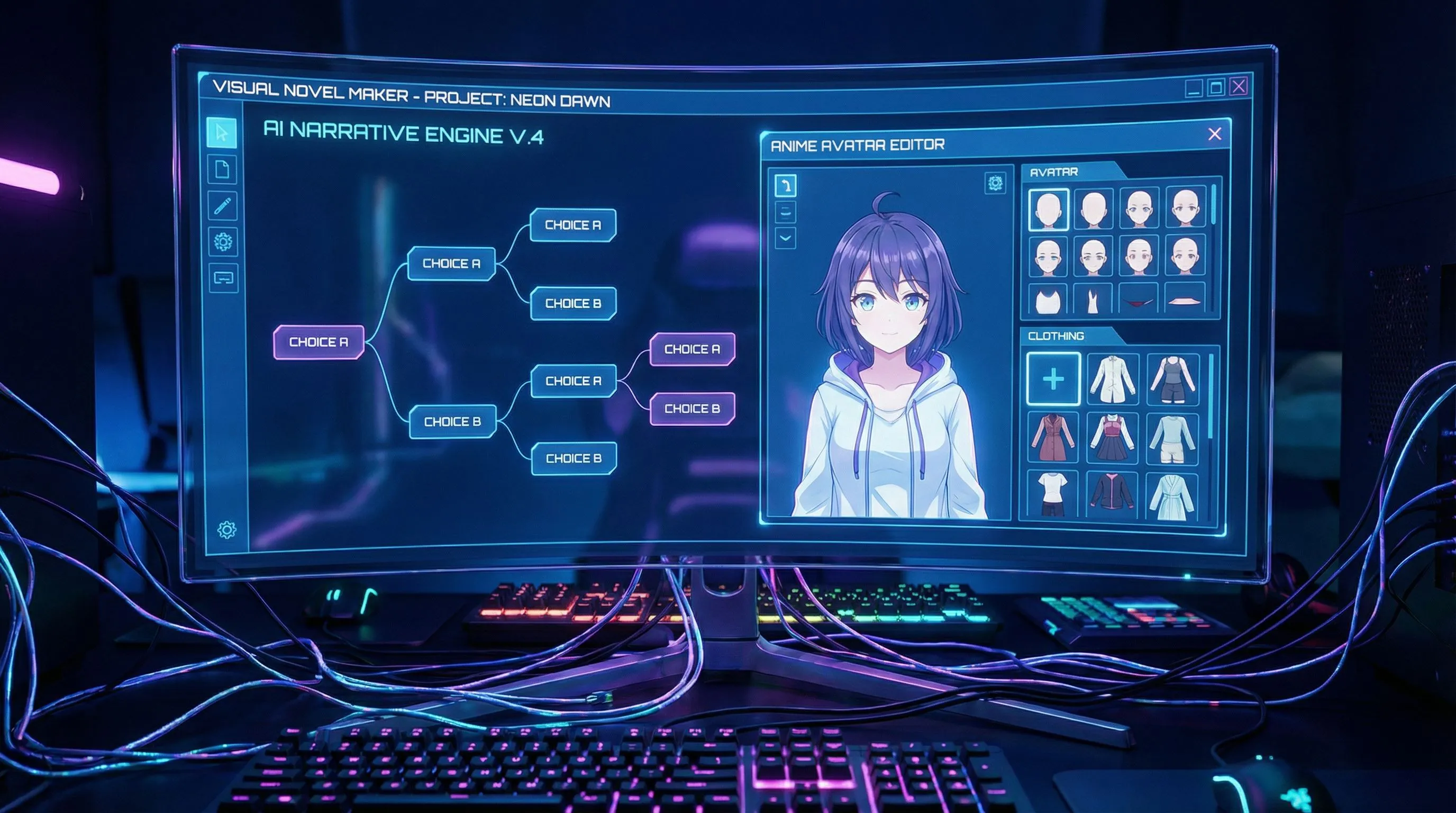
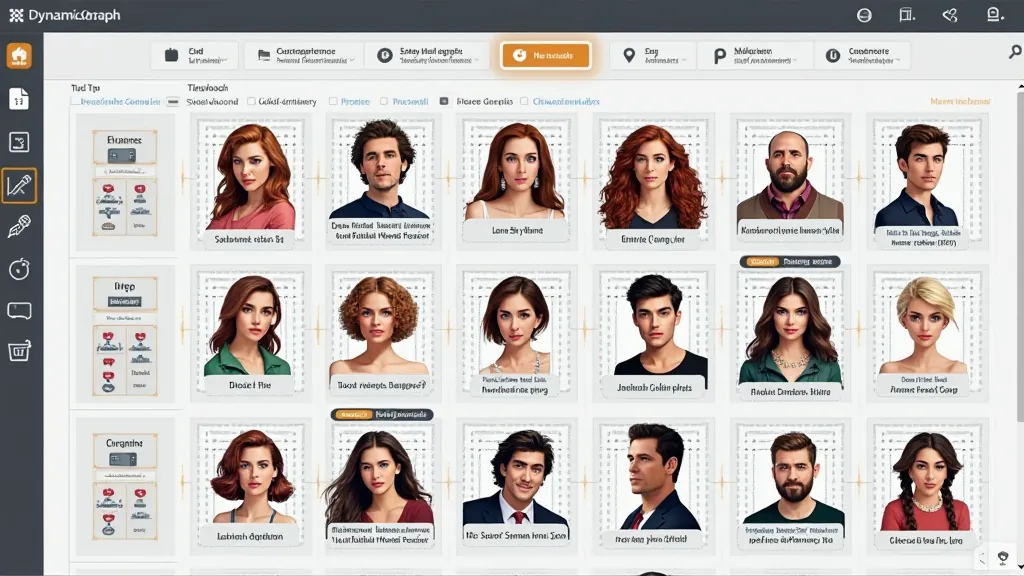
Comic API for production workflows

Build comic generation into your product.

Turn prompts, customer uploads, character references, and story briefs into structured comic pages through API and MCP workflows.

Comic API example

Comic generation becomes expensive when every workflow is custom.

Most teams can make one impressive comic demo. The hard part is turning that into a production path that accepts real inputs, keeps characters stable, returns usable assets, and hands the result to the next system.

01

The demo does not match real customer inputs

Customers upload photos, PDFs, scripts, or messy story notes. A prompt-only demo breaks when inputs are inconsistent. Comic API accepts prompt text, promptUrl, attachments, character references, location references, and style presets in one request.

02

The output is hard to automate

A single image URL is not enough for approval screens, print queues, campaign tools, or agent follow-up actions. Responses return generation status and structured comic page data, so your app can poll, render, save, or route each output.

03

Character consistency decides whether users trust it

Creators and customers notice when the same child, pet, mascot, or hero changes from panel to panel. Use comicRoles and comicLocations to pass stable identity and environment references into the generation request.

Production workflows Comic API can power.

Start from the workflow your product already has: customer orders, lesson content, creator briefs, or agent plans. Comic API turns those inputs into structured comic assets your app can review, store, revise, and deliver.

Personalized comic strip generated for an ecommerce workflow

01

Personalized photo-to-comic ecommerce

Customer upload -> order metadata -> Comic API generation -> approval preview -> print-ready delivery.

Educational comic output for a lesson workflow

02

Education and reading content generation

Lesson brief -> role/location references -> multi-panel comic -> review -> classroom or LMS publishing.

Creator tool comic output generated through an API workflow

03

Agent and creator-tool comic workflows

Agent plan -> MCP or REST request -> generated comic assets -> user review -> save, revise, or publish.

From source input to production-ready comic output.

Send the story context, references, panel settings, and attachments your product already collects. LlamaGen returns structured comic data and generated assets that fit preview screens, approval flows, fulfillment, and agent follow-ups.

Example production request

{
  "prompt": "Turn this customer pet photo into a warm one-page comic gift story.",
  "preset": "comicBookStyle",
  "size": "1024x1024",
  "fixPanelNum": 4,
  "language": "English",
  "comicRoles": [
    {
      "name": "Milo",
      "dress": "small red birthday scarf",
      "image": "https://s.llamagen.ai/comic-api/74740bf0-e2bb-43a5-a6cd-6dbfdef17e0e-tmpsugyn0s4.webp"
    }
  ],
  "attachments": [
    {
      "type": "image",
      "url": "https://s.llamagen.ai/comic-api/ac17632d-9be2-45db-a2c4-36323597b9d0-tmpfloqzfr.webp"
    }
  ]
}

Structured output your app can use

{
  "id": "gen_abc123",
  "status": "PROCESSED",
  "comics": [
    {
      "page": 0,
      "panels": [
        {
          "panel": 0,
          "caption": "Milo discovers the birthday map.",
          "assetUrl": "https://s.llamagen.ai/comic-api/result-panel-1.webp"
        }
      ]
    }
  ]
}


Three ways teams ship comics with the API.

Each pattern shows the input your product can send, the API flow LlamaGen handles, and the output your team can plug into reviews, publishing, or fulfillment.

01

Photo gift order to one-page comic

The store needs to turn a paid order into a reviewable comic preview without manual design work for every customer. Order data, uploaded photo, product theme, size, and preset are submitted to /v1/comics/generations. Generated comic assets are returned for approval, then pushed to print or download fulfillment.

02

Serialized story brief to visual draft

Editors and creators need a fast visual draft before committing illustration or storyboard resources. The publisher sends a script, character references, location references, and pagination settings. The response becomes a reviewable comic draft with stable characters and scene continuity.

03

AI agent plan to visual comic output

An agent can plan a story, but the user still needs a visual result that can be saved, revised, or shared. The agent calls Comic API or MCP with the story plan, selected style, roles, and output size. The agent receives structured assets and can continue with revision, publishing, or presentation steps.

Ready to connect your workflow?

API keys, authenticated playground, and billing stay with the live LlamaGen developer service.