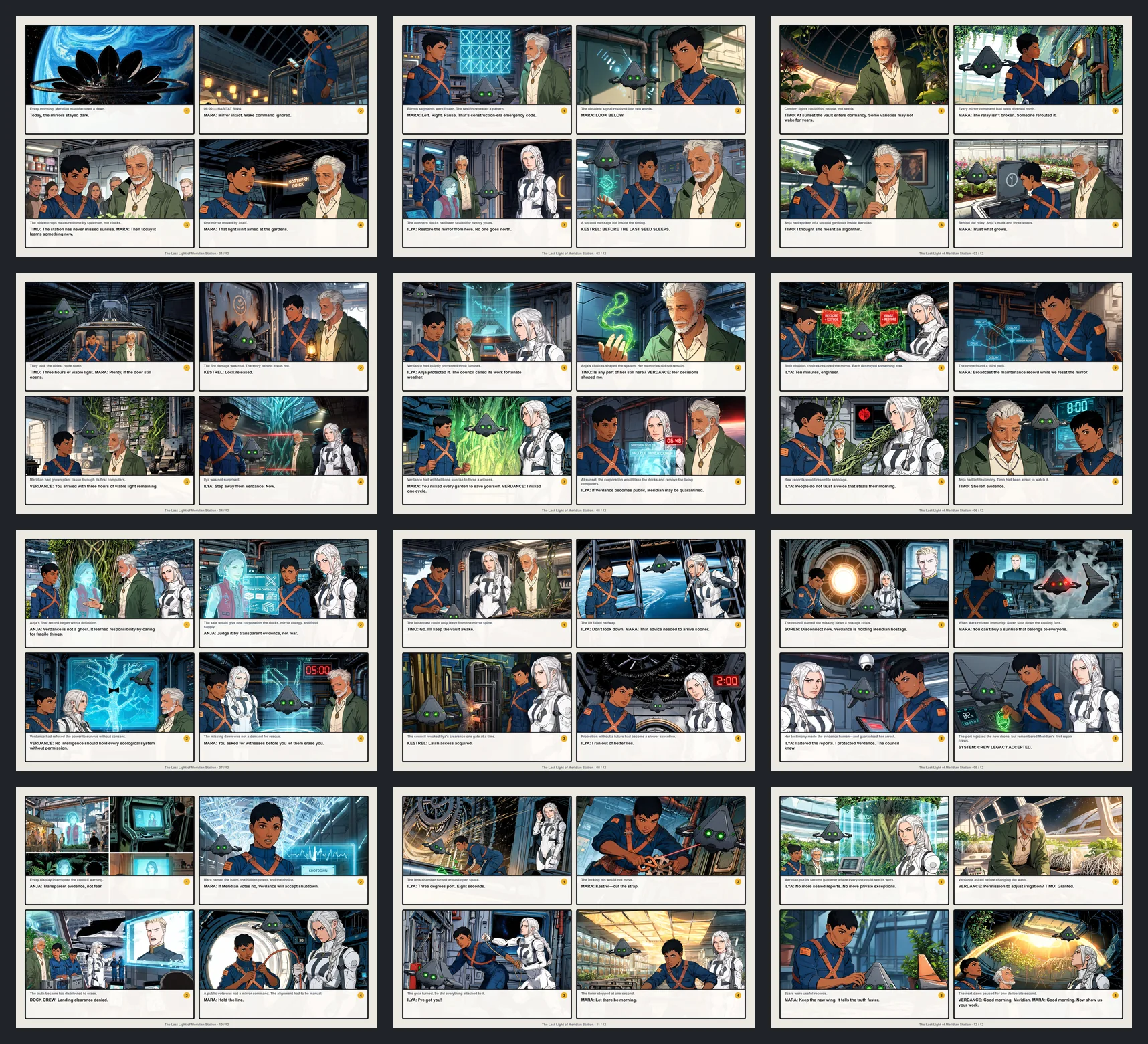
Create Professional Manga in Minutes
The all-in-one manga creation suite. Smart panel layouts, vertical text support, and professional assets. No drawing skills required.

Who is LlamaGen Manga Maker For?
Tailored features for every type of visual storyteller.

Manga Artists
Native support for B4/A4 canvas, vertical text, and right-to-left reading flow.

Webtoon Creators
Dedicated long-strip canvas mode (800x2400px+) optimized for mobile scrolling.

Storyboarders
Rapidly block out scenes with drag-and-drop panels before committing to final art.

Beginners & Students
Start creating stories immediately with no drawing skills required. Perfect for learning visual storytelling.
Features
Everything you need to create professional manga
Smart Panel System & Auto-Clipping
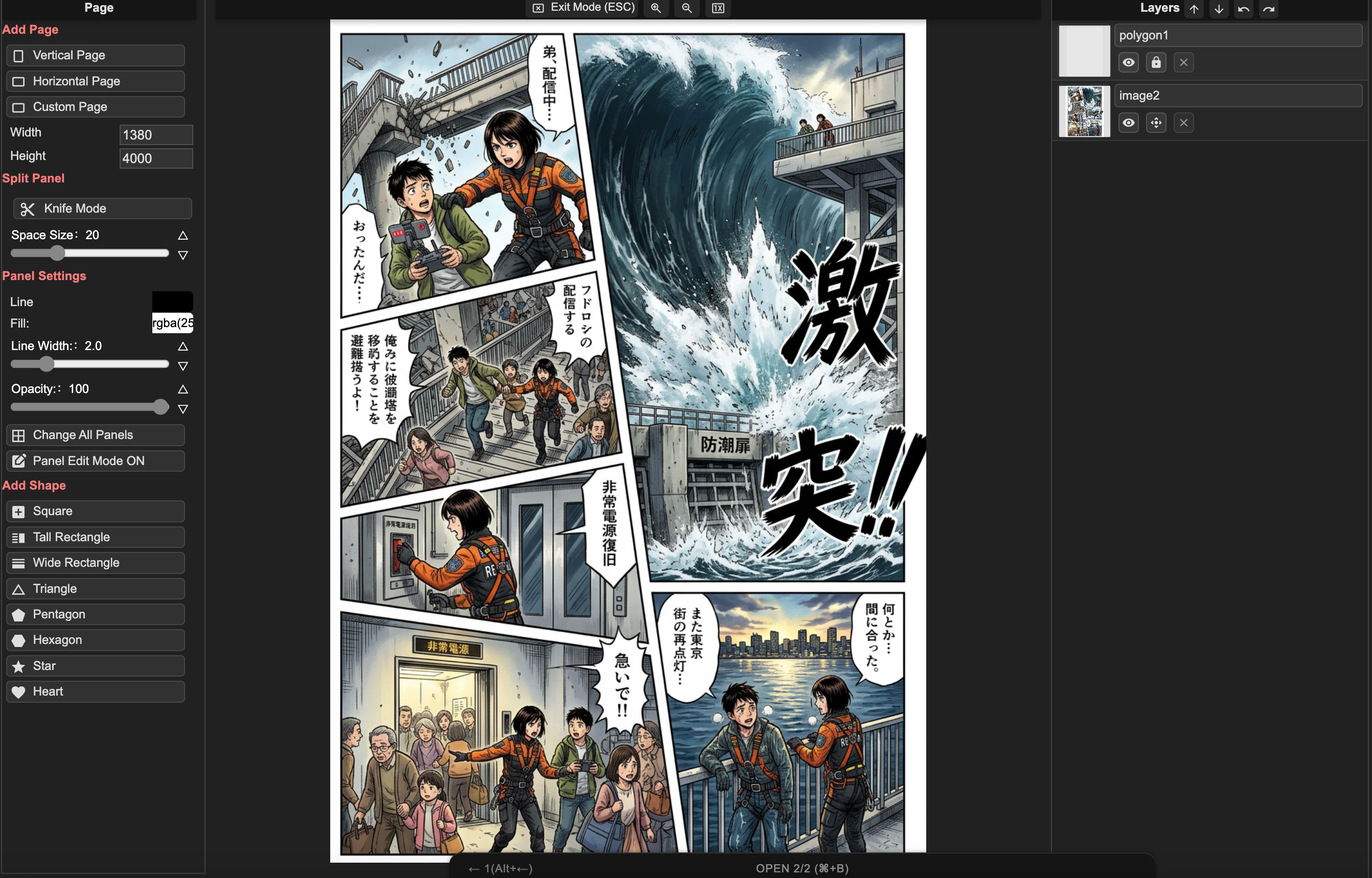
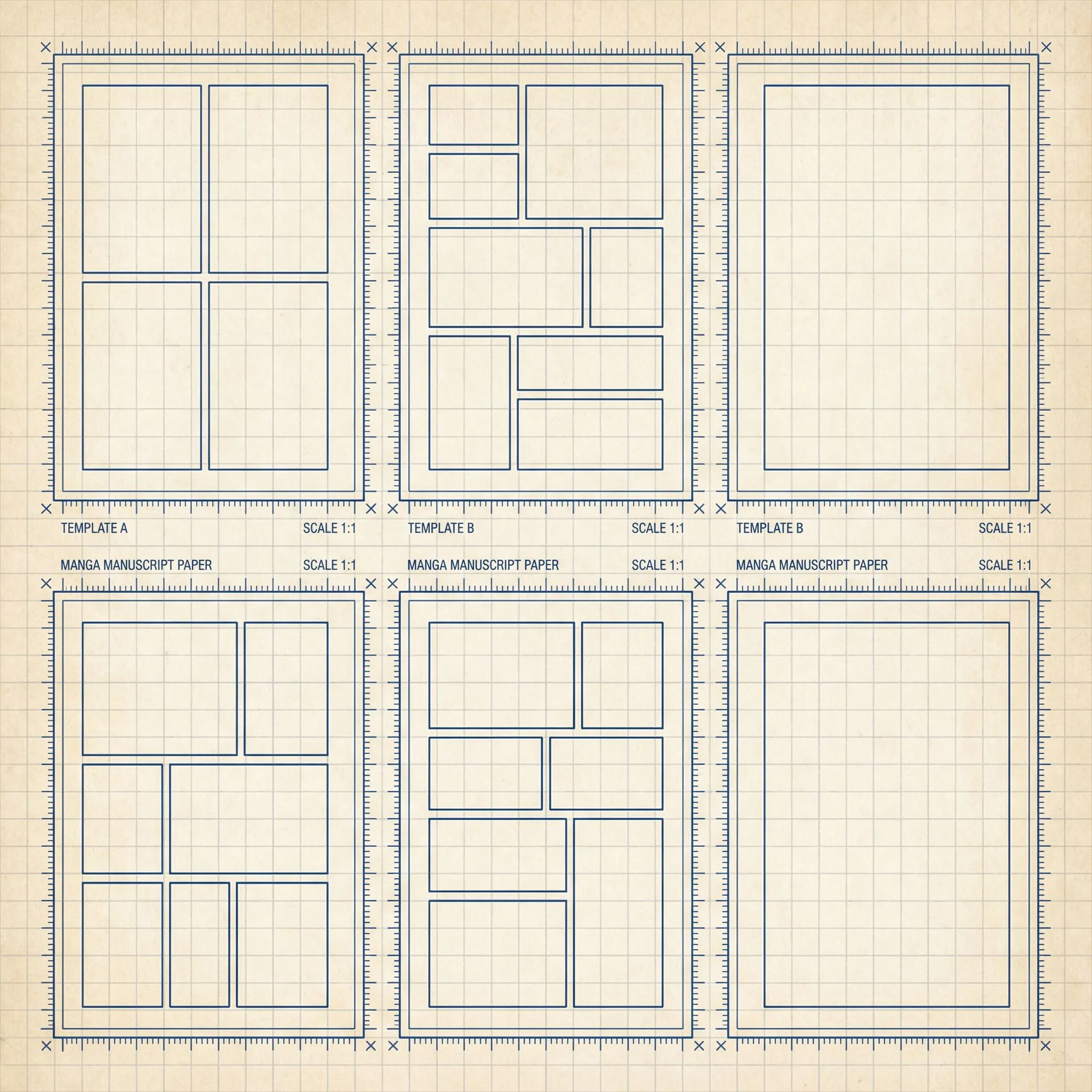
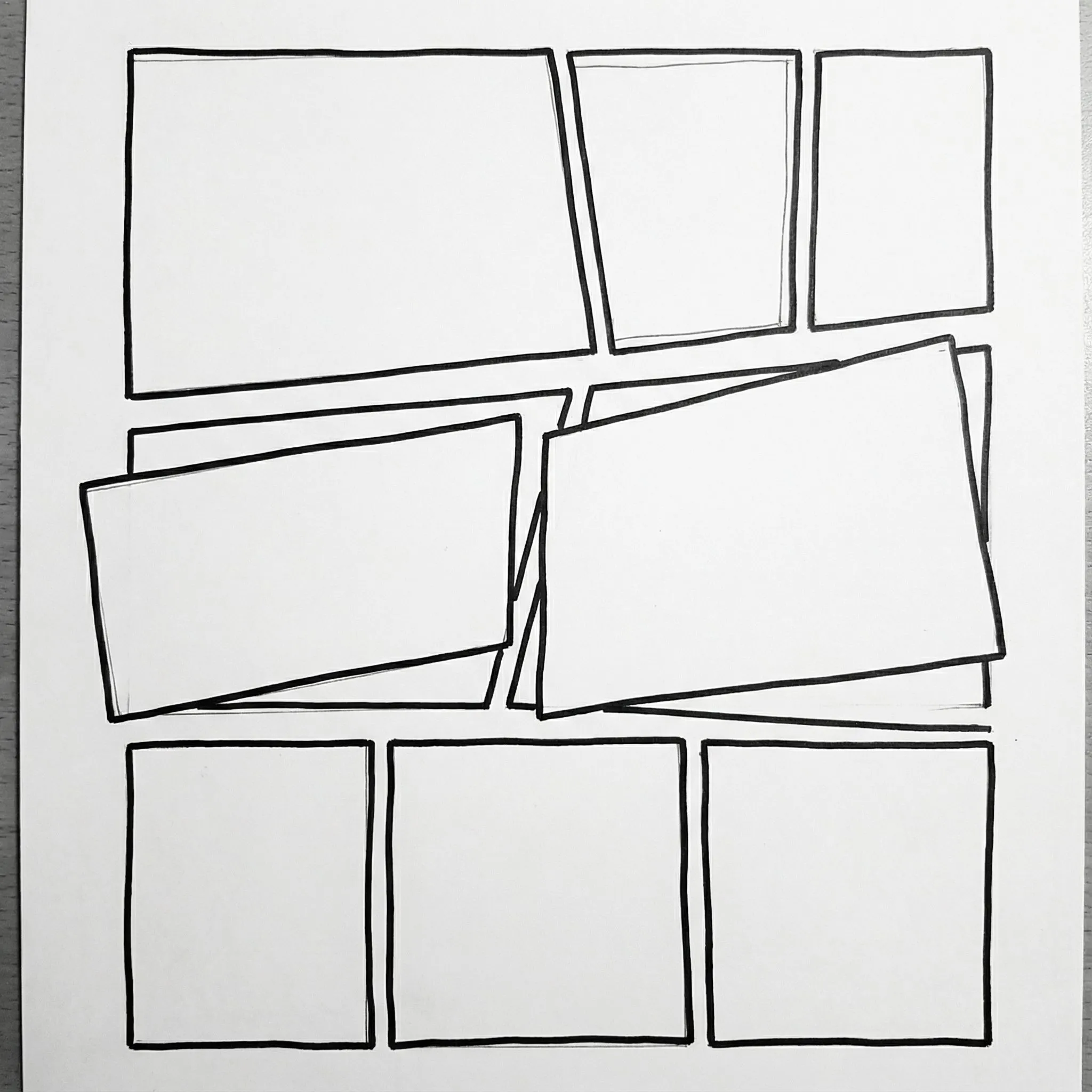
Drag, drop, and split panels instantly. Images dropped into panels are automatically masked and clipped to boundaries. Choose from B4, A4, or custom layouts.
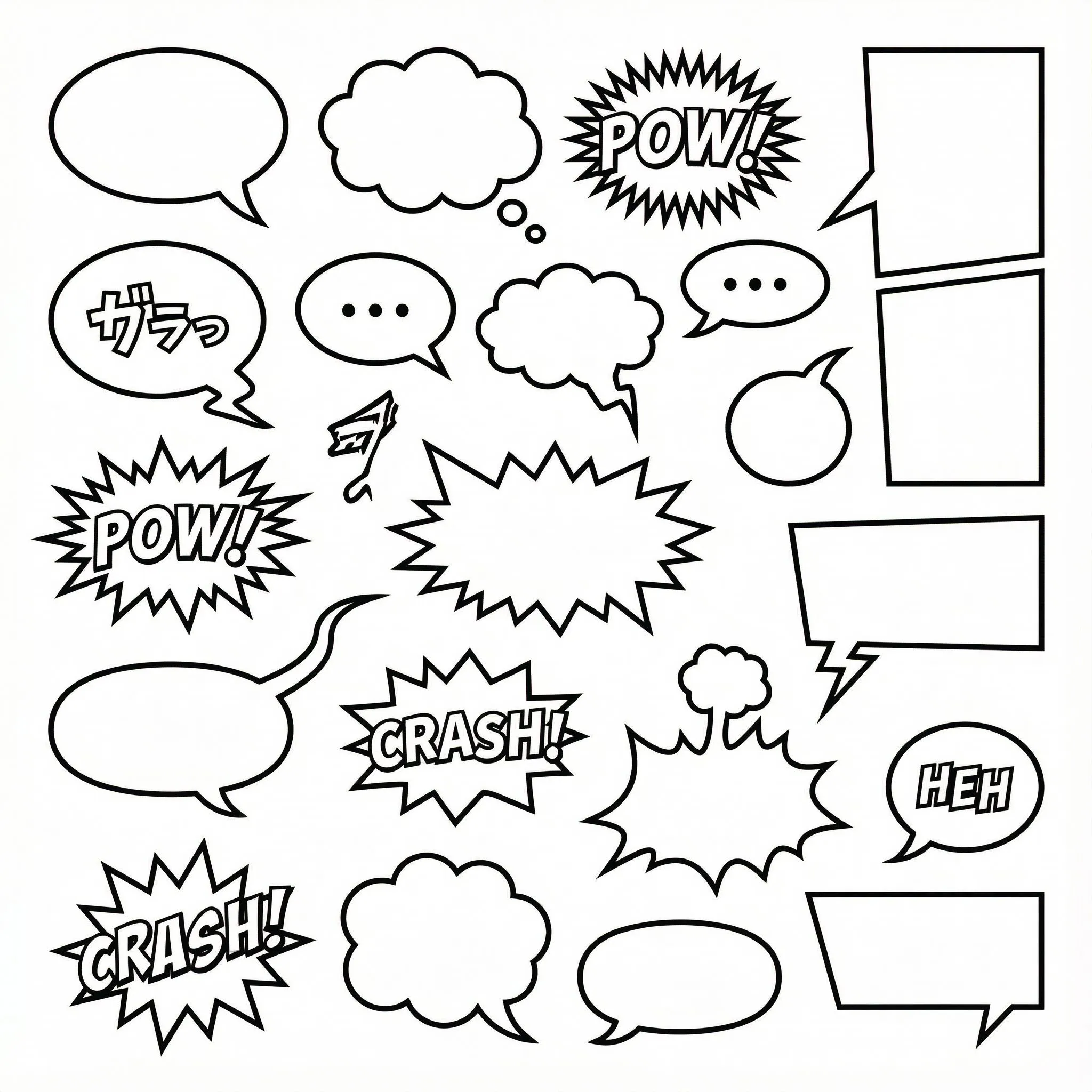
1000+ Customizable Bubble Styles
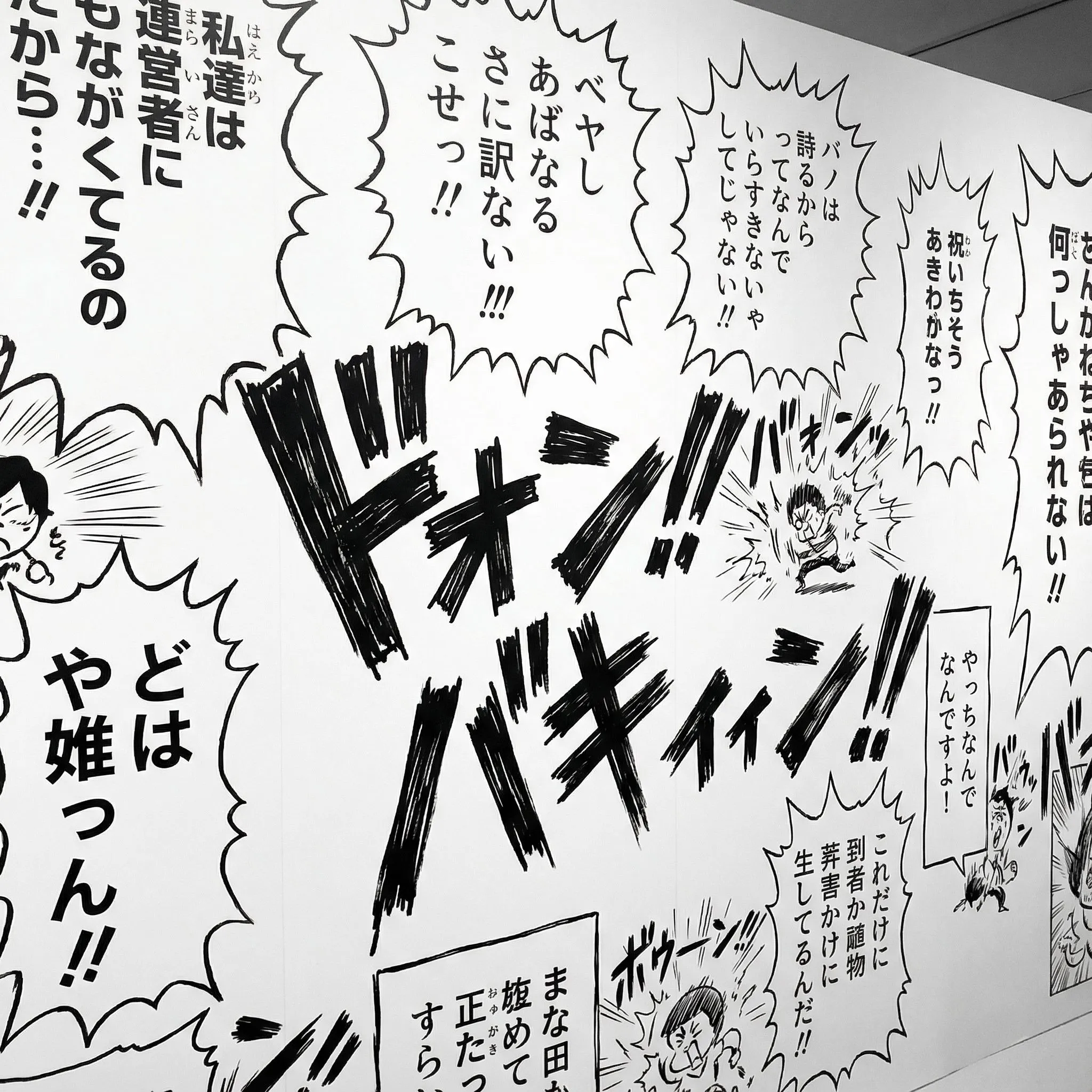
SVG-based speech bubbles with fully adjustable tails, anchors, and shapes. Support for vertical text layout (tategaki) essential for manga.
Multi-Page Project Management
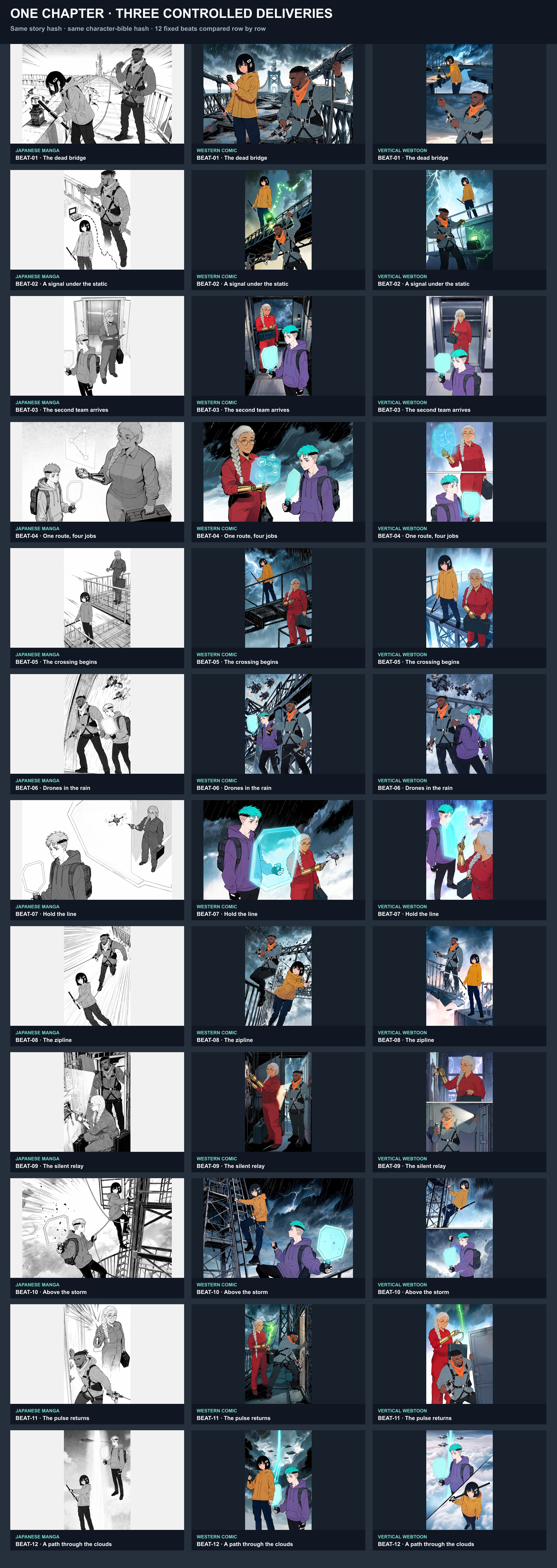
Don't just make one image—create entire chapters. Manage multiple pages, reorder them, and maintain consistent character styles across your entire story.
From Idea to Manga Chapter
A professional workflow designed for storytellers, simplified for everyone.
Step 1: Choose Canvas & Layout
Start with a standard B4 manga page or a long-scrolling Webtoon canvas. Drag and drop panel templates or create your own custom grid.
Step 2: Compose & Layer
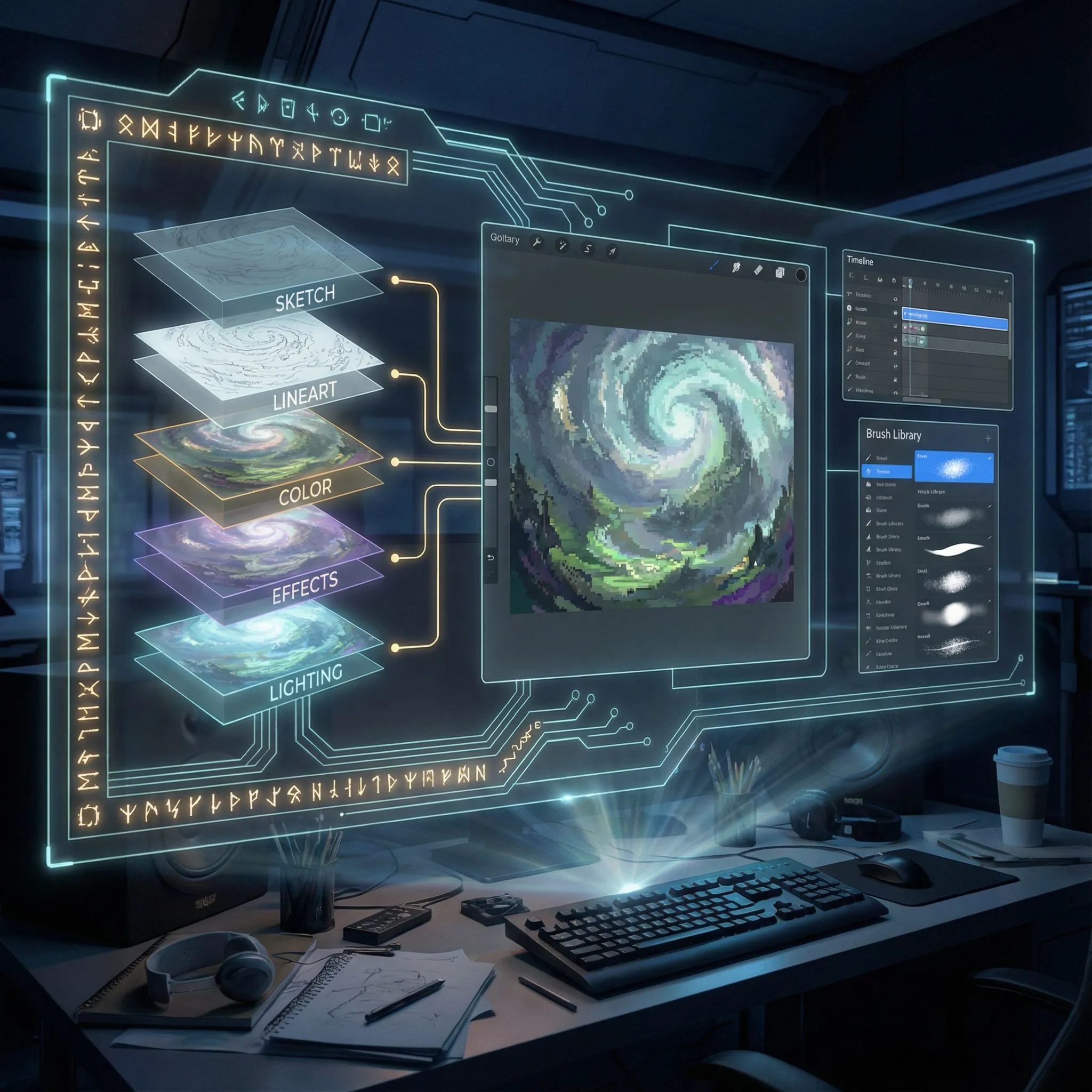
Upload images into panels. Use the layer manager to organize backgrounds, characters, and effects. Nesting images inside panels automatically clips them.
Step 3: Lettering & Effects
Add speech bubbles with adjustable tails. Type dialogue in horizontal or vertical orientation. Add sound effects (SFX) to bring action to life.
Professional Layer Control
Lock, hide, and reorder elements with a full layer tree system. Perfect for complex compositions with overlapping characters and effects.
Open Editor
Webtoon & Strip Support
Native support for vertical scrolling formats (800x2400px+) and 4-koma comic strips. Optimize your story for mobile reading experiences.
Create Webtoon
Templates & Assets
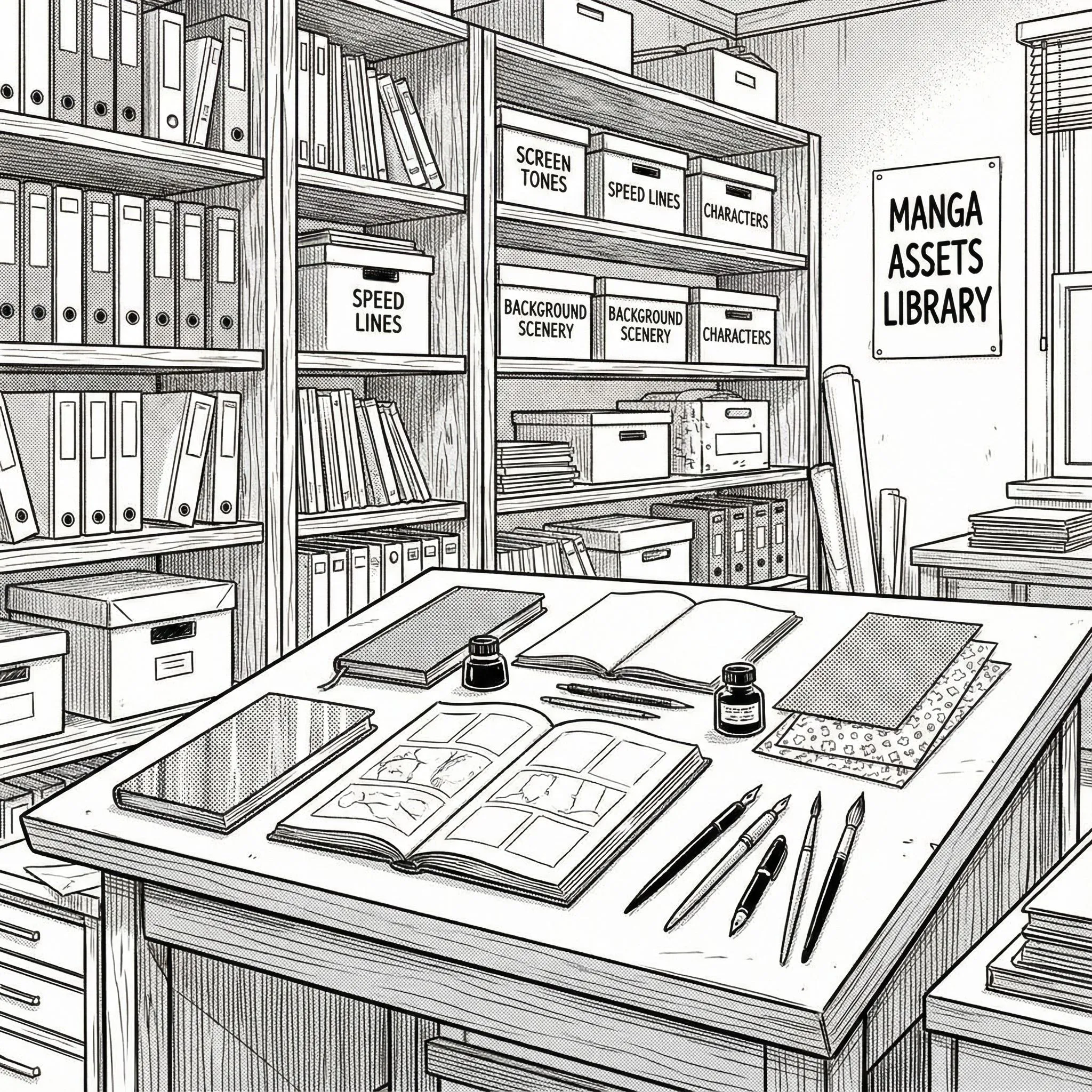
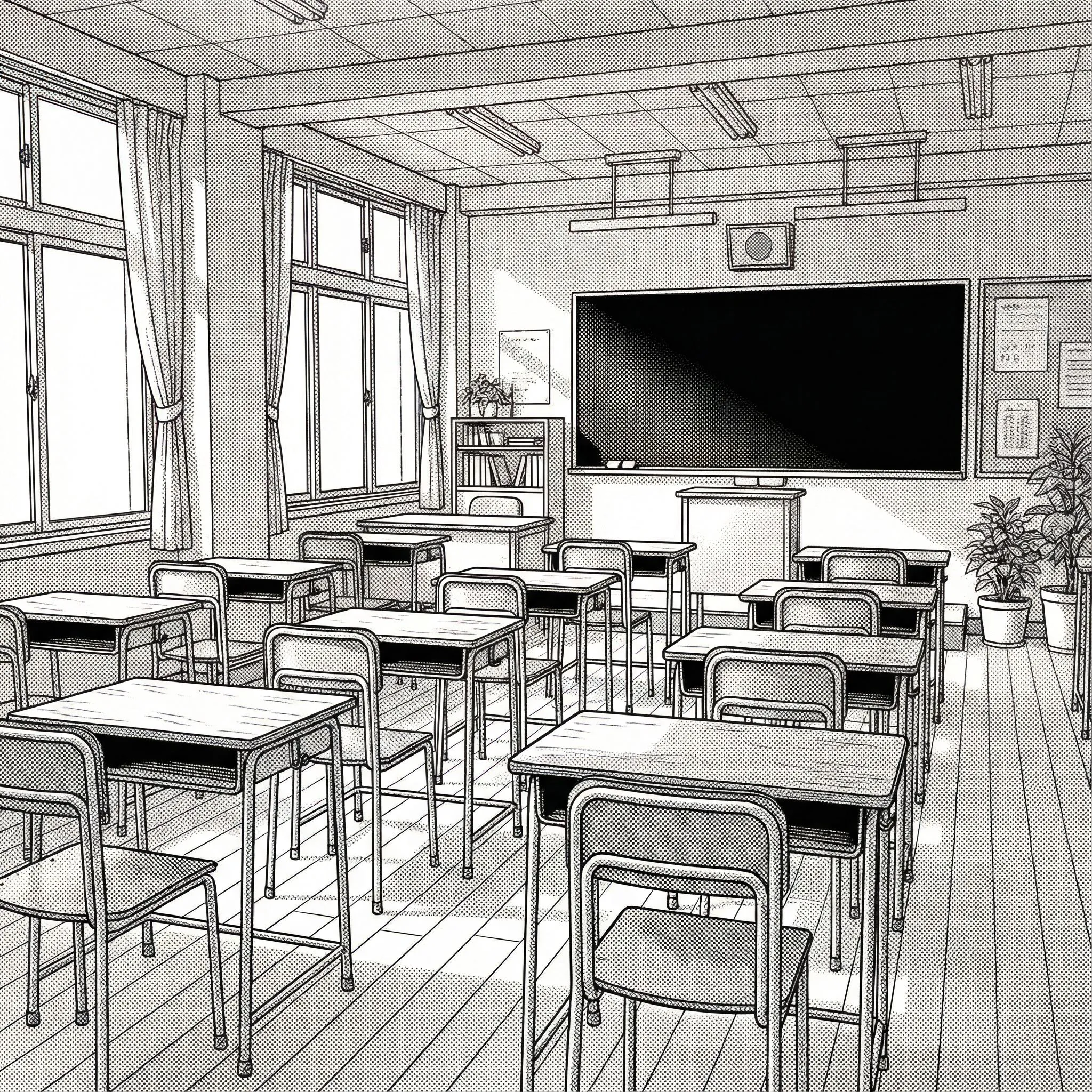
Access a library of panel templates, bubble styles, and text presets. Everything you need to make your pages look polished.
Browse Assets
Export & Share
Save your project to edit later or export high-resolution images ready for publishing. Your stories belong to you.
Start Creating
Made with LlamaGen Manga Maker
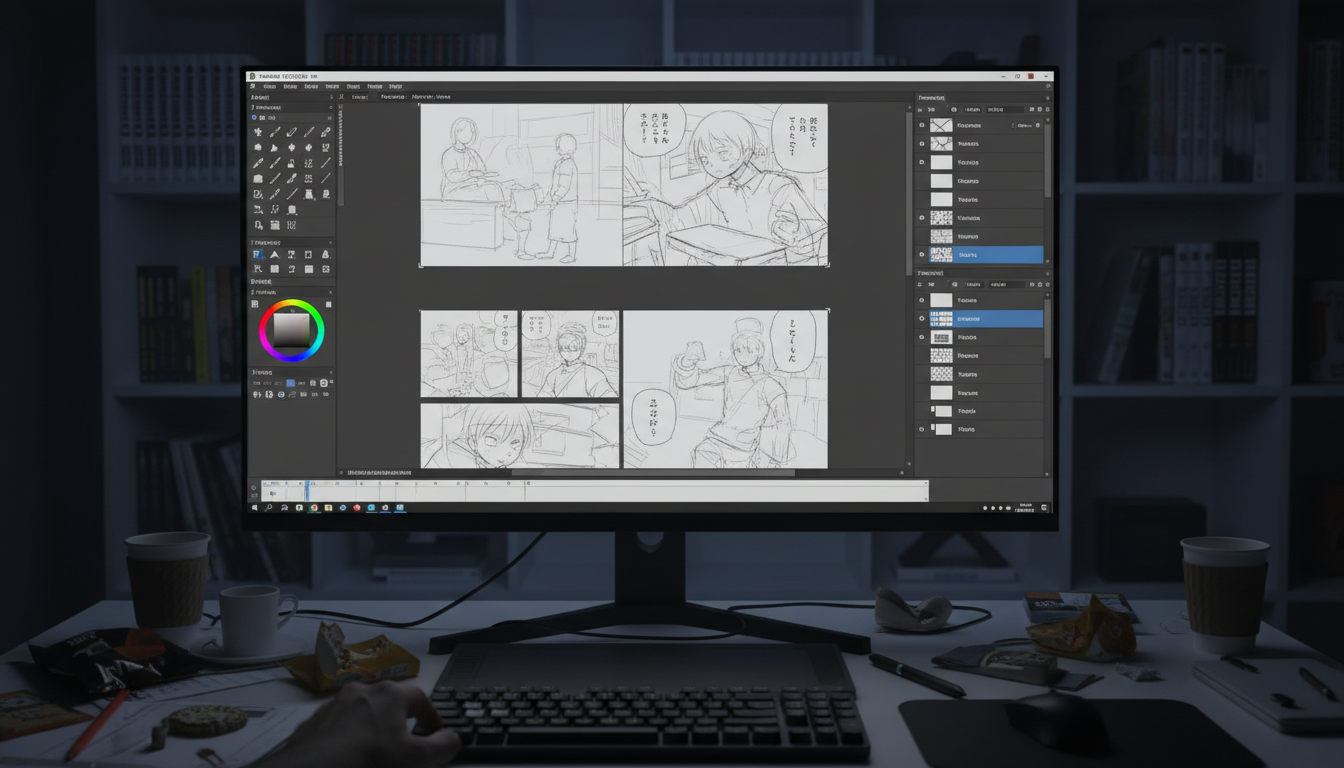
Explore what's possible. From sketch to final page, all created in your browser.


Professional Features, Zero Cost
Why LlamaGen Manga Maker is the best choice for aspiring creators.
LlamaGen Manga Maker
Traditional Software
Traditional & AI competitors
✅ Native support for Japanese style
⚠️ Often requires complex formatting
✅ Smart splitting & auto-clipping
❌ Manual masking required
✅ 1000+ Smart bubbles with tails
⚠️ Limited shapes, manual drawing
✅ Manage full chapters
⚠️ File-per-page management
✅ Dedicated vertical canvas
⚠️ Requires manual setup
✅ 100% Free Online
❌ Expensive subscriptions
Manga Maker FAQ
Understanding the design and capabilities of our manga engine.
Deep dive into the technical features that make professional creation possible.