

Comic page production
Comic Factory 2 Build a readable page with AI Comic Factory 2.
Try AI Comic Factory 2 with eligible free account credits. Set the requested panel count, style, layout and ratio, then review the single generated page image for reading order and lettering.
Start with a free account and available starter or earned free credits for eligible basic options. Sign in and review the cost; paid models and other plan limits still apply.
Your workspace
Use Comic Factory 2
Start with a free account and available starter or earned free credits for eligible basic options. Sign in and review the cost; paid models and other plan limits still apply.
Generates 4 panels. Requires credits.
Ready to Create
Enter your story details on the left and click Generate to see your AI comic come to life!
01 / A more useful starting point
Let the scene decide the panel count
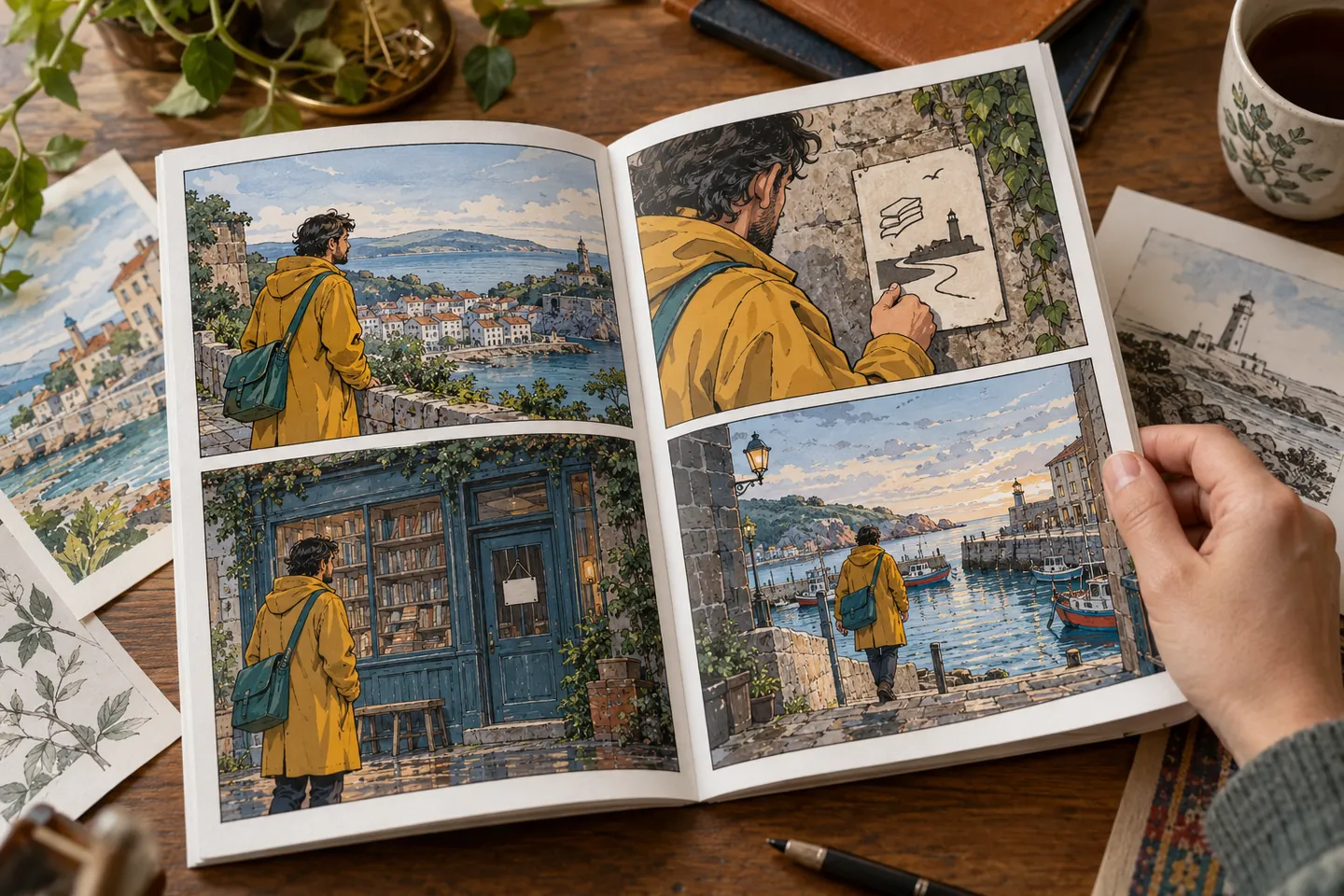
One clear action per panel is easier to read than a long paragraph squeezed into every frame. Choose the number of panels around the visible beats, then check whether the selected layout supports their rhythm.
Try Comic Factory 2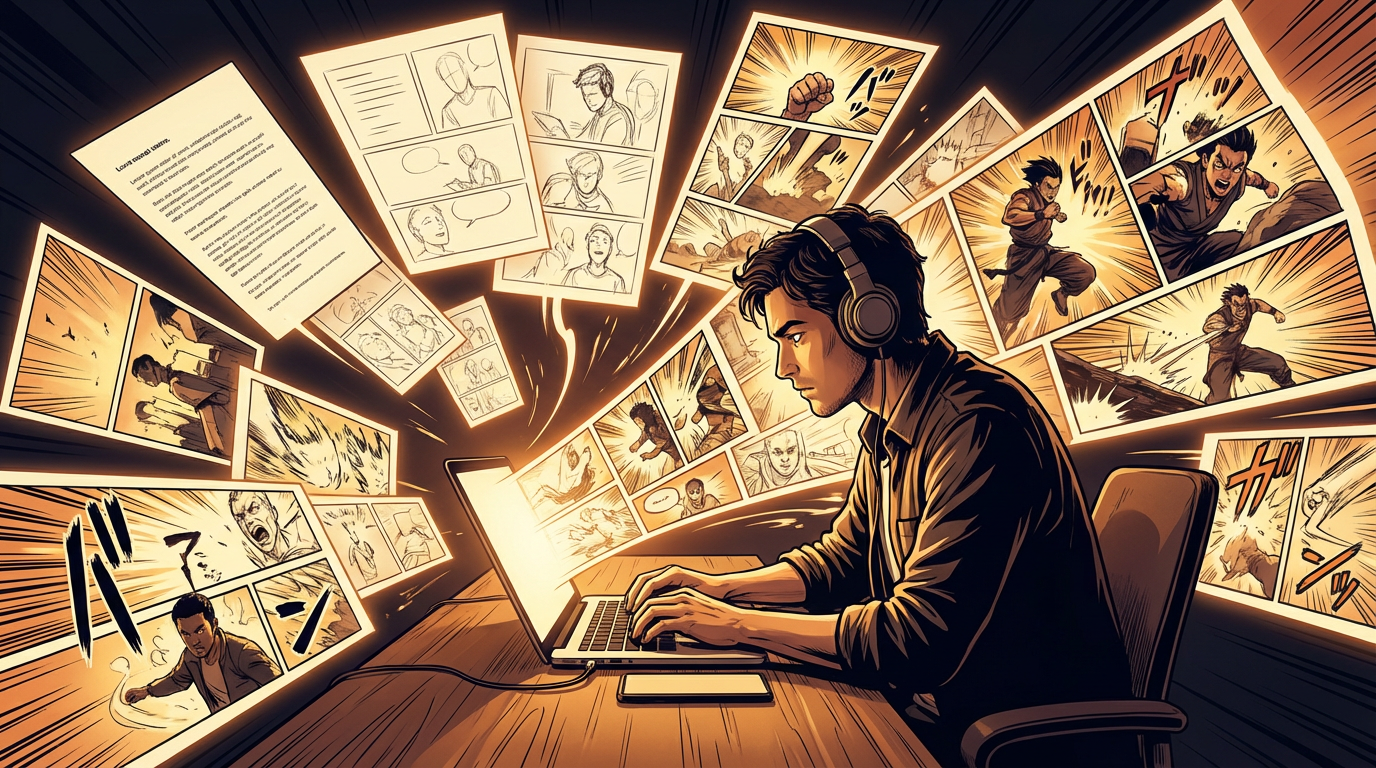
02 / A more useful starting point
Review the whole page before polishing a panel
The current workspace first expands the story prompt and then requests one image of the whole page. It does not create separately editable panel objects. Review the page at thumbnail size, then check each face, word and visual transition before using another editor for cleanup.
Try Comic Factory 2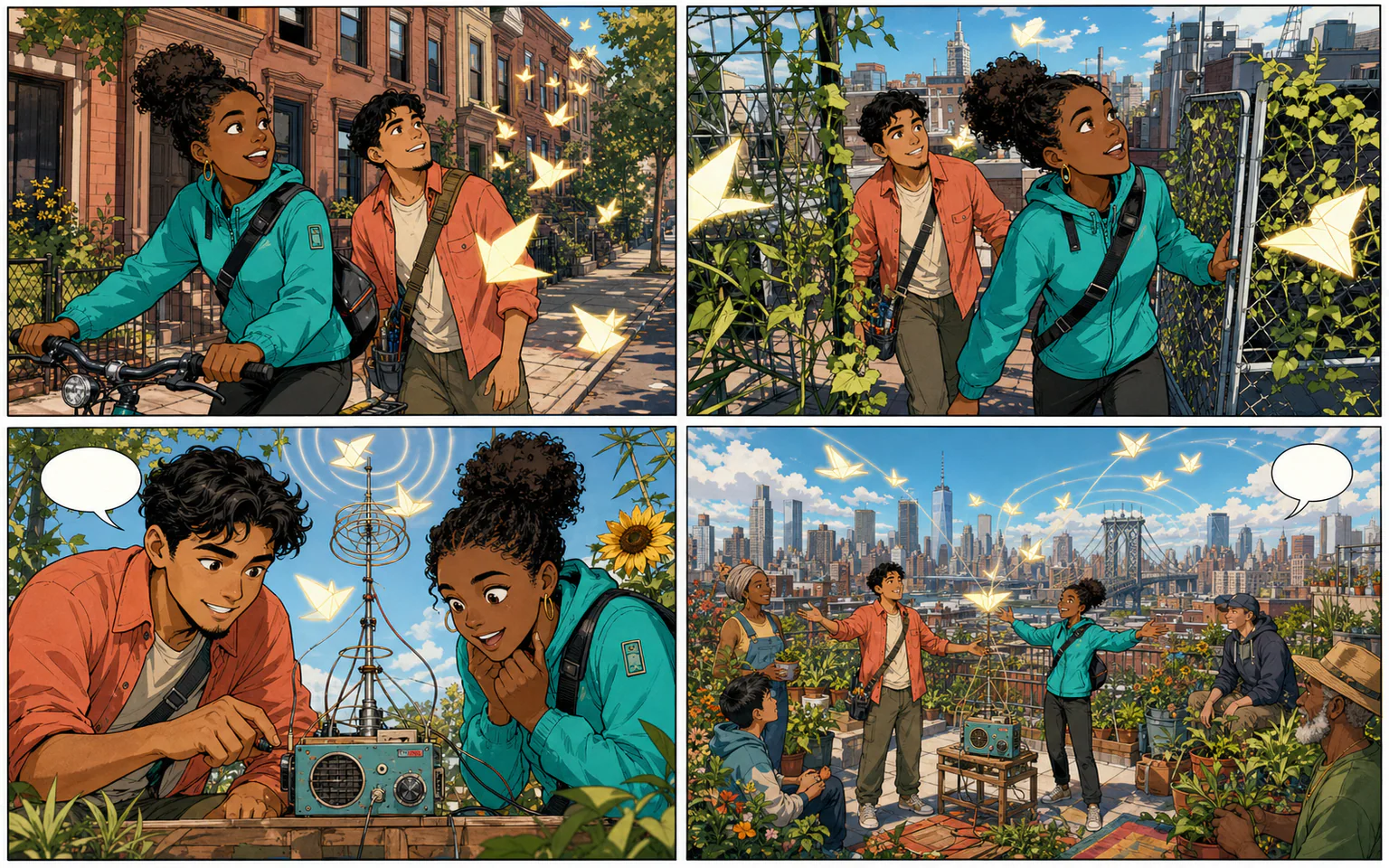
Three practical starting points
Try a brief. Check the result. Tweak one thing.
Try these exercises for Comic Factory 2, with concrete details to inspect. These are suggested exercises, not recorded customer projects.
A four-panel arrival
Suggested brief
An adult courier reaches a quiet town, checks an address, discovers a closed bookshop and finds a note directing them to the harbour.
- What to inspect
- Check that each panel reveals one new piece of information.
- What to change next
- Simplify the setting or split a complicated action before generating again.
A three-beat reaction
Suggested brief
An original character notices a misplaced parcel, checks the label and recognises an unexpected recipient.
- What to inspect
- Check the order of discovery and the visibility of the important prop.
- What to change next
- Add final readable label text in an editor instead of relying on model-generated writing.
A setting-led page
Suggested brief
Begin with a wide harbour view, move closer to a waiting traveller and finish on a small expression change.
- What to inspect
- Compare the traveller’s design and the direction of light across the page.
- What to change next
- Use a stronger reference or a more stable character brief when identity drifts.
From input to a useful output
How to use Comic Factory 2
Start with a small task first, then keep the steps that help your project.
- 01
Describe the scene
Write the visible action and essential character details.
Check: Keep the request small enough for one page.
- 02
Choose the page settings
Set the available panel count, art style, layout and aspect ratio.
Check: Review how the layout supports reading order.
- 03
Generate and review
Check the current account requirements and credit cost.
Check: Review the page as a whole before judging details.
- 04
Refine and download
Keep the page image with its settings. Use a suitable editor for lettering and layout changes; inspect the actual downloaded file before sharing.
Check: Verify lettering, export dimensions and the file before sharing.
Know the boundaries
What to check before you rely on the output
- Layouts and generative models can interpret a scene differently. No exact character-continuity or print-ready export guarantee is made here.
- Story expansion and page-image generation are separate credit-consuming steps. The requested panel count is a direction to the image model, not a guarantee of exact panel geometry or editable layers.
- Generated faces, hands, text and small details can vary. Review the output before using it in a larger project.
Comic Factory 2: your questions, answered
Is this the same page as the main comic generator?
This page focuses on the Comic Factory 2 page-building workspace. The main comic generator and manga workflows have their own pages.
How should I choose a layout?
Match the panel order and size to the scene’s beats. Test whether the page reads at a small scale.
Will every panel keep the same character?
Use stable descriptions and available references, then compare the results. Generative continuity requires review.
Can I use the output for print?
Inspect the actual export dimensions, lettering and printer requirements. A generated page is not automatically a print-ready file.
Can I try it for free?
Try eligible basic generation for free when your account has enough available starter or earned free credits. Sign in and review the model, cost and plan limits first. Each request consumes credits; paid-only options and further generations may require a paid plan or purchased credits.
Can I publish the result?
Use references you own or have permission to use. Publishing and commercial use depend on your plan, the Terms of Use and third-party rights; a generated image does not by itself clear those rights.
Sources and further reading
Check the guidance behind the workflow
Each source is linked with its scope. An external reference is not an endorsement or performance certification.
LlamaGen: create and review a first comic
First-party instructions for reviewing panels, correcting a draft and checking available exports. Model costs and controls differ across workspaces; this guide is not a result from this page.
LlamaGen controlled comic-delivery examples
Published first-party cases include inputs, finished comics, review definitions and limitations. They are controlled evaluations, not customer testimonials or tests of this exact entry.
LlamaGen plans, credits and account support
First-party plan information. Check the selected tool for model access and the cost of each generation; contact [email protected] for account questions.
Continue your creative project
Comic Factory 2
Start with one clear idea.
Start with a free account and available starter or earned free credits for eligible basic options. Sign in and review the cost; paid models and other plan limits still apply.
Try Comic Factory 2