

Pose & composition
3D Pose Maker Free 3D pose references before finished art.
Use the 3D pose maker for free to adjust a rig and prepare a reference. AI image generation is separate: sign in, review the model and credit cost, and compare the artwork with the pose.
Pose editing is free. AI image generation requires an account and available credits.
Your workspace
Create with 3D Pose Maker
Pose editing is free. AI image generation requires an account and available credits.
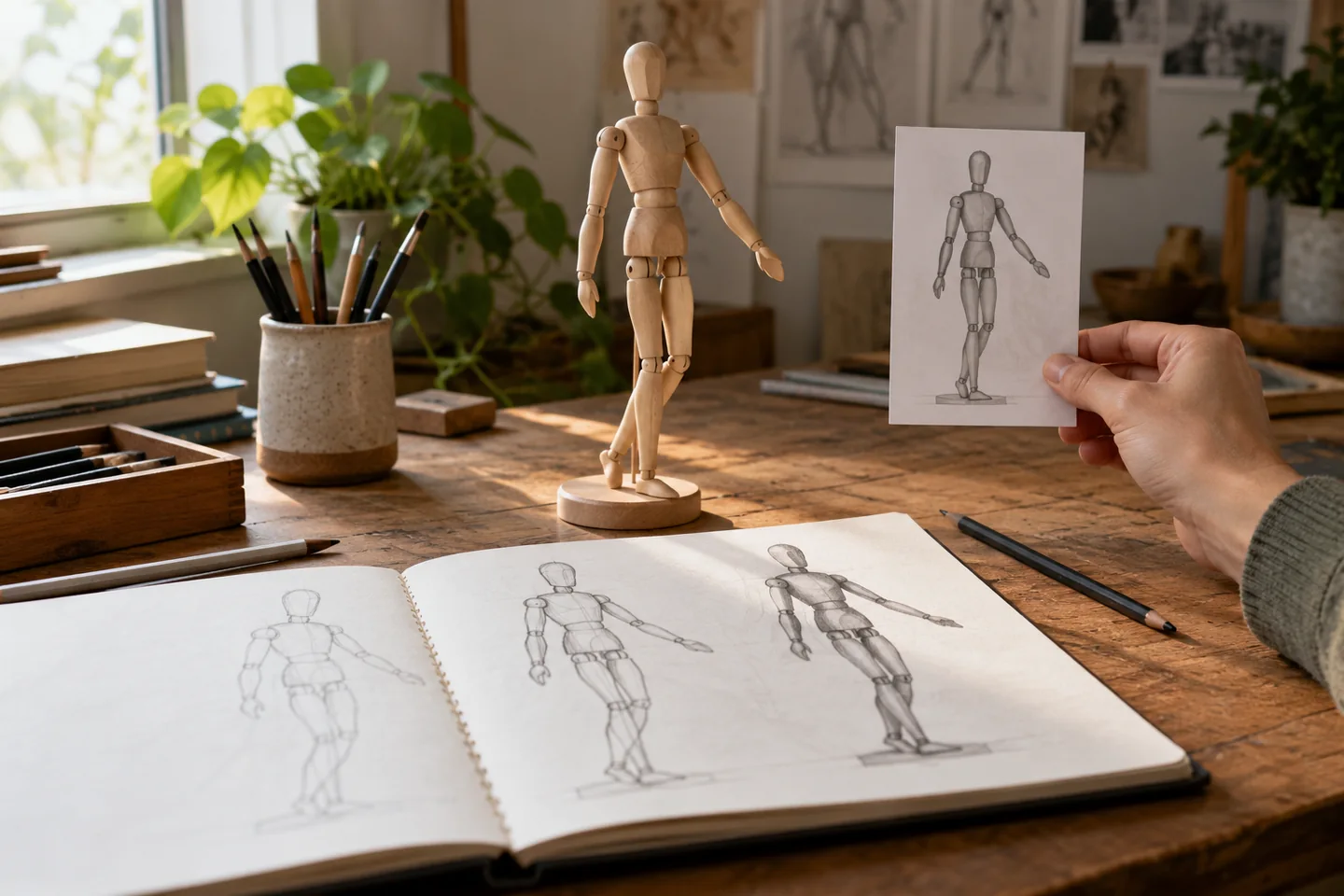
AI-generated concept: a physical pose reference and paper figure studies illustrate a drawing-planning use.
Use a larger screen for the full bone editor and precise pointer and keyboard controls.
01 / A more useful starting point
Make the action readable in silhouette
Begin with the line of action, balance and space between the limbs. A stance that reads clearly as a small silhouette is a better reference than one that only works when you can inspect every bone control.
Open 3D Pose Maker
02 / A more useful starting point
Check the camera as well as the body
The same pose can look balanced from one view and confusing from another. Set the intended camera angle, then check overlap, eyelines and the amount of space needed for another character or a prop.
Open 3D Pose Maker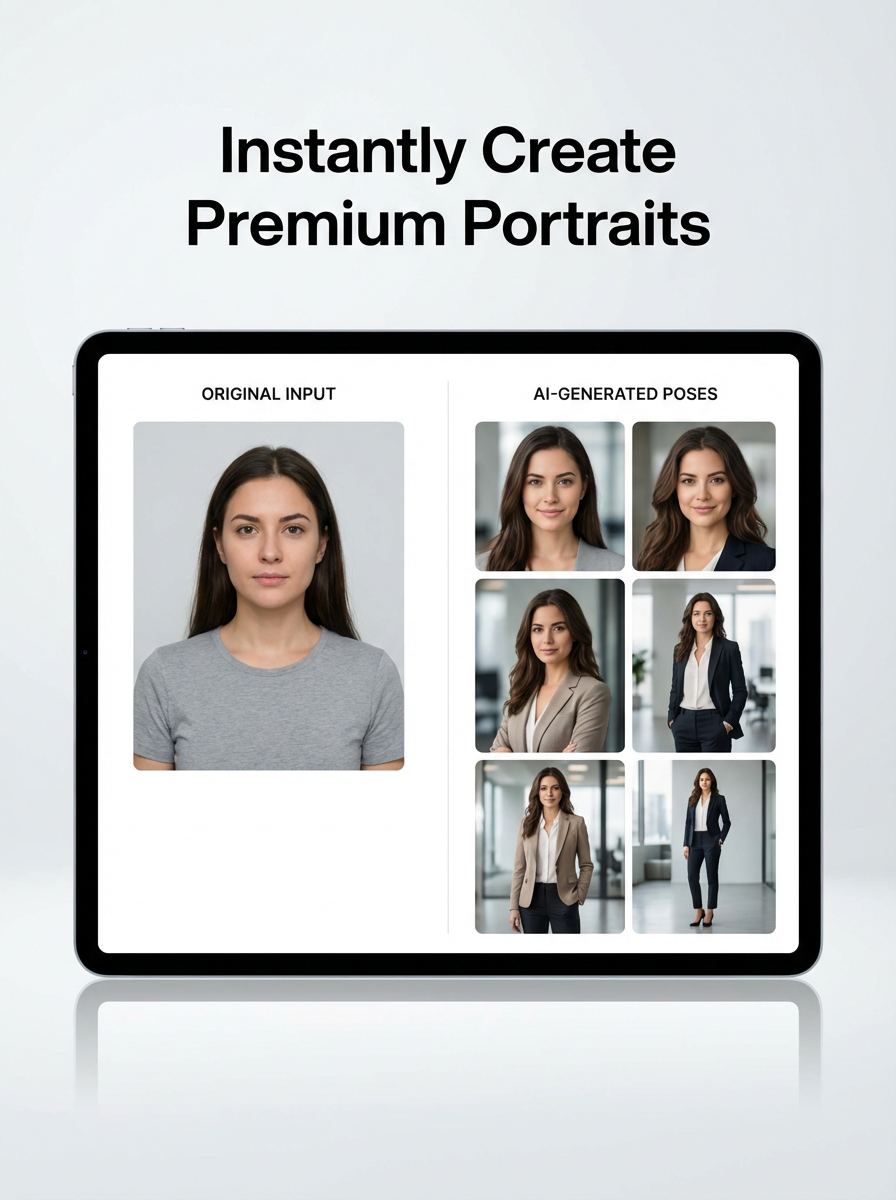
Three practical starting points
Try a brief. Check the result. Tweak one thing.
Try these exercises for 3D Pose Maker, with concrete details to inspect. These are suggested exercises, not recorded customer projects.
A courier turning to answer
Suggested brief
Pose a character with weight on one leg, shoulders turning towards the viewer and one arm held clear of the torso.
- What to inspect
- Check the arm–torso gap and the supporting foot from the intended camera, then rotate the view once to spot an impossible overlap. Return to the target camera before saving the reference.
- What to change next
- Move the arm slightly away from the body before adding clothing detail.
A two-character exchange
Suggested brief
Place two rigs at conversational distance, with their heads directed towards each other.
- What to inspect
- Inspect eyelines, relative scale and whether hands overlap awkwardly.
- What to change next
- Simplify the gesture or change the camera before generating final art.
A full-body illustration reference
Suggested brief
Build a balanced stance and save a viewport with hands and feet fully inside the frame.
- What to inspect
- Check negative space around the hands and a visible grounding point for the feet.
- What to change next
- Widen the view if any part of the silhouette is clipped.
From input to a useful output
How to use 3D Pose Maker
Start with a small task first, then keep the steps that help your project.
- 01
Choose a rig
Open the pose editor and start with an available character rig.
Check: Add a second rig only when the scene needs it.
- 02
Shape the body
Use visible controls and bone tools to adjust stance and direction.
Check: Check balance and limb overlap.
- 03
Set the view
Choose a camera position that explains the action.
Check: Keep hands and feet inside the intended frame.
- 04
Save or generate
Keep the viewport as a reference or use available image-generation controls.
Check: Generated art can depart from the reference; compare it before using it.
Choose the approach for your task
| Your goal | Start with | Before you finish |
|---|---|---|
| Drawing reference | Save a clear viewport | Check silhouette and camera angle. |
| Two-person scene | Use two rigs | Check distance, eyelines and overlap. |
| Finished character art | Continue into generation | Compare pose and identity after the model runs. |
Know the boundaries
What to check before you rely on the output
- A pose reference guides a model but does not guarantee exact anatomical placement in generated art.
- The tool is focused on posing and reference preparation; it is not a full 3D modelling or character-rigging suite.
3D Pose Maker: your questions, answered
Can I pose without generating an image?
Yes. The editor can be used to prepare a pose reference before any AI generation.
Can I add more than one character?
The current posing workflow supports adding another rig to plan a multi-character scene.
What should I inspect first?
Look at weight, silhouette, hand placement and the camera angle before refining small rotations.
Can the final art differ from the rig?
Yes. Inspect the result; the image model can reinterpret limbs, clothing and perspective.
Is pose editing free?
Pose editing is free. Image generation is a separate action that uses the model and credit options shown in the studio.
Can I use a character reference?
Use supported reference-image controls when continuing into generation, and upload only permitted images.
Sources and further reading
Check the guidance behind the workflow
Each source is linked with its scope. An external reference is not an endorsement or performance certification.
LlamaGen: reference-image guidelines
First-party public-tool guidance links to reference-image, upload and output-format help. Follow the controls shown by the selected tool; this is not an independent performance review.
LlamaGen plans, credits and account support
First-party plan information. Check the selected tool for model access and the cost of each generation; contact [email protected] for account questions.
Continue your creative project
3D Pose Maker
Start with one clear idea.
Pose editing is free. AI image generation requires an account and available credits.
Open 3D Pose Maker