1
Choose the real intent
Start from what the user is trying to do: generate from text, edit an image, restyle a reference, compare options, or make a specific asset.


Find the right LlamaGen workflow for text-to-image prompts, image-to-image transformations, AI image editing, character assets, covers, collectibles, and social-ready visuals.
Start from text, transform a reference image, edit an existing result, compare generators, or turn an image into video.
For creators comparing text-to-image, image-to-image, editing, and image-to-video workflows.
For creators comparing editors by identity preservation, prompt control, edit boundaries, and reusable output quality.
For creators who already have a reference image and want to restyle it, preserve identity, or turn it into a specific asset.
For users who want to refine an existing image: change outfit, fix composition, adjust style, or prepare a final shareable version.
For people comparing how AI image generation works before they choose a model, prompt, reference workflow, or output format.
For users who want a clear path from a plain idea to a finished image without learning prompt engineering first.
For users whose real goal is motion. Route them to video instead of forcing them through an image-only page.
Choose the asset you want to create, then open the workflow with the most relevant inputs and controls.
Start from what the user is trying to do: generate from text, edit an image, restyle a reference, compare options, or make a specific asset.
Each page explains the input, output, prompt examples, and quality checks for that job before sending the user into creation.
Create the first image, check identity and composition, then reuse the result across comics, product mockups, profile art, and campaign sets.
Start with the pages that represent the collection best: character presentations, physical-product mockups, cover formats, and playful object transformations.
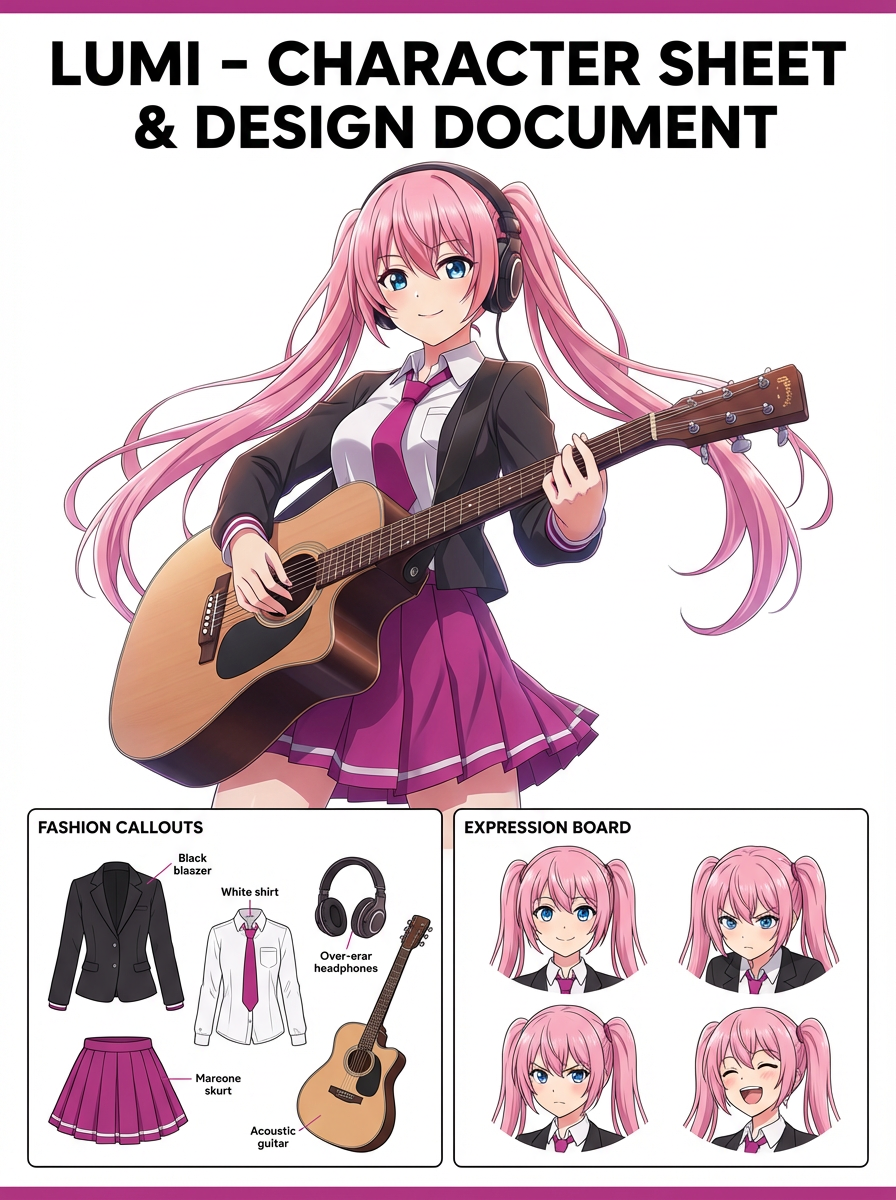
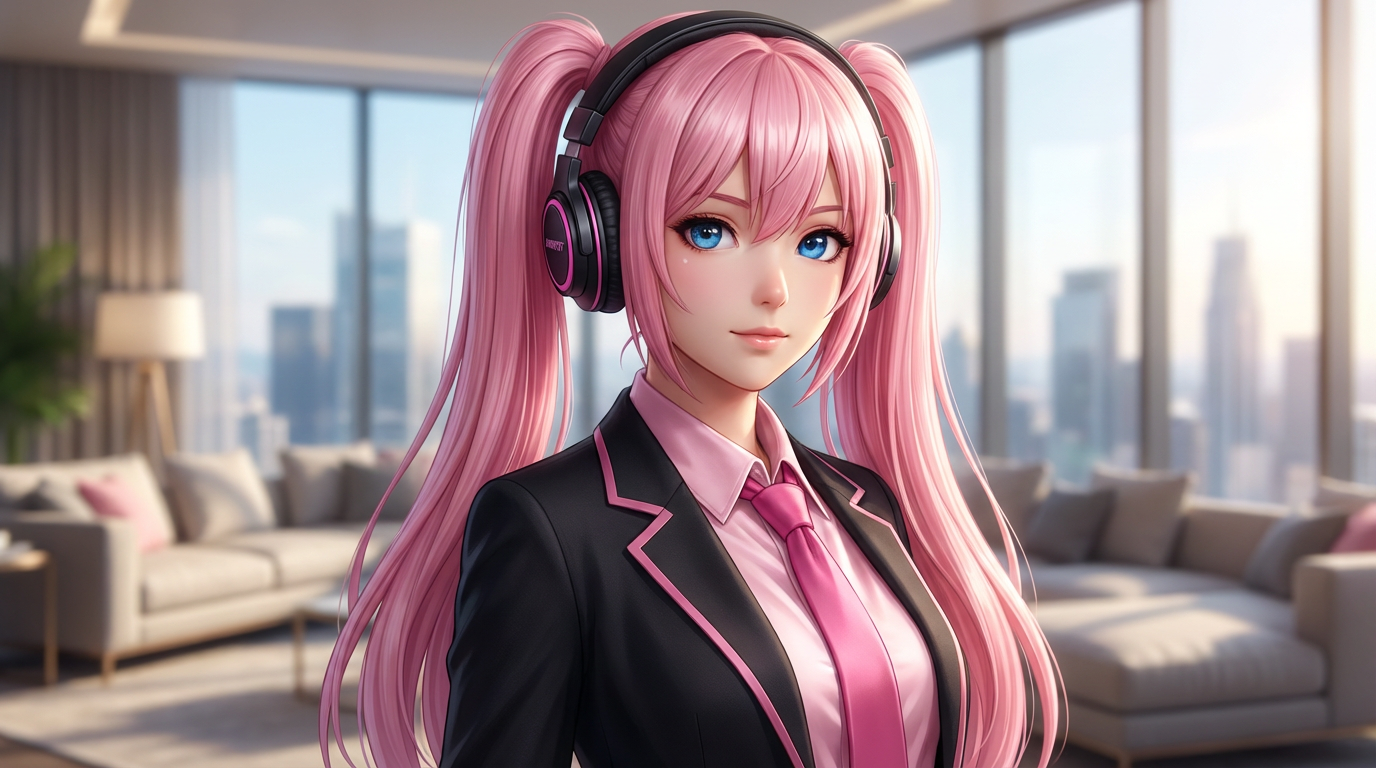
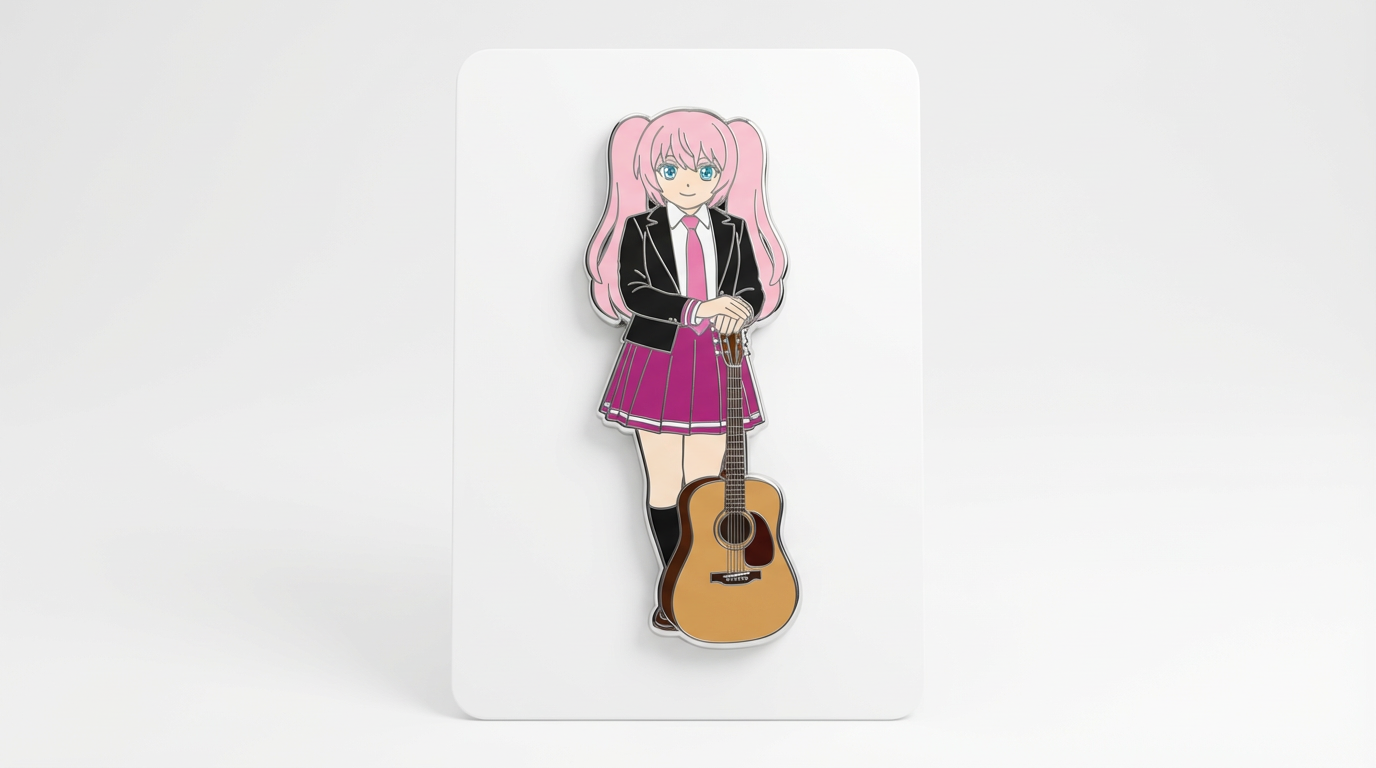
Each card includes examples, workflow guidance, practical answers, quality checks, and a direct creation path.
Compare LlamaGen image-generation workflows for text prompts, reference images, image editing, character consistency, and image-to-video handoff.
Evaluate AI image editors by control, identity preservation, prompt clarity, creative limits, and whether edited results are reusable.
Plan and create AI images with a workflow that separates text prompts, image-to-image references, editing goals, and final output checks.
Use an existing image as a reference, then turn it into a new style, asset, cover, mockup, badge, card, or character visual with AI.
Edit existing images with AI prompts for outfit changes, style fixes, composition cleanup, character variants, covers, badges, and campaign assets.

Compare what matters when choosing the best AI image generator for consistent characters, reference-based edits, comics, covers, and reusable assets.
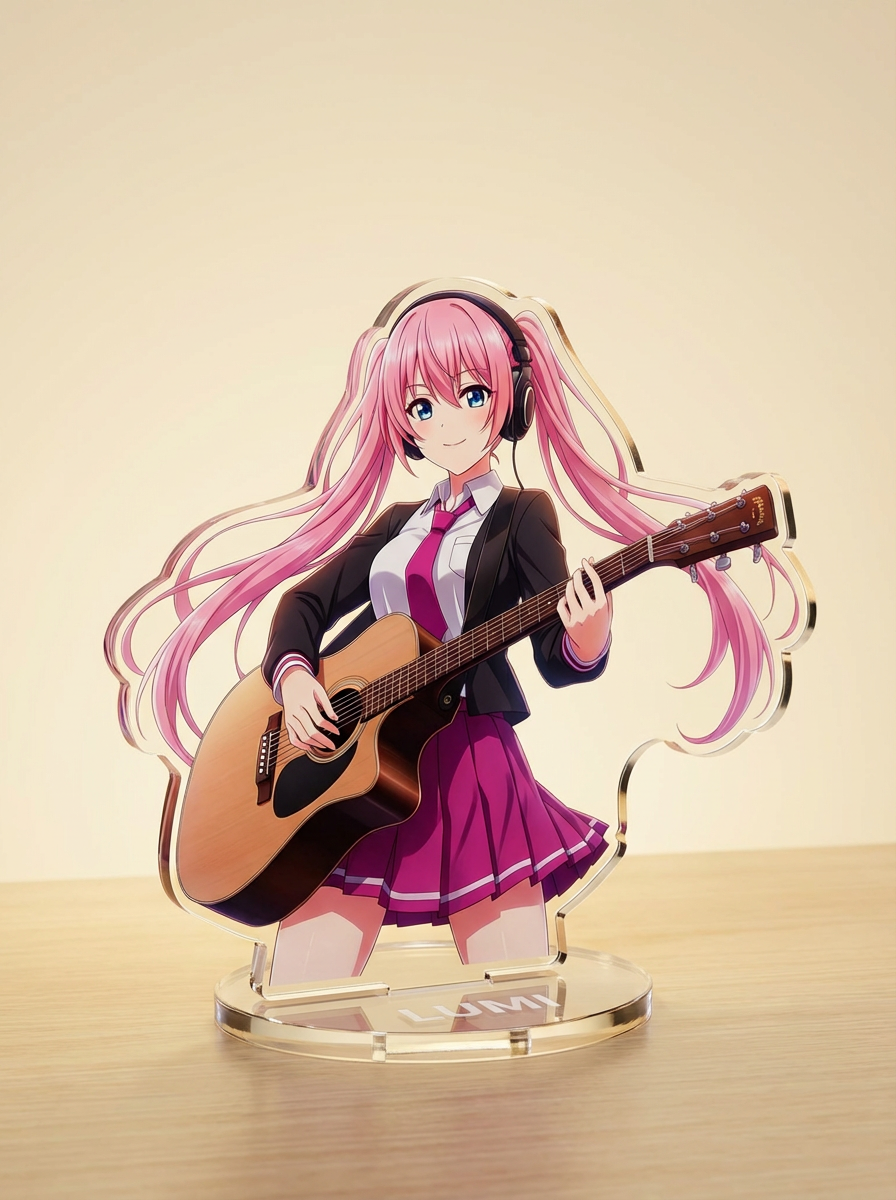
Generate images with AI from simple text prompts, then refine the subject, style, composition, and final asset format for practical creative use.
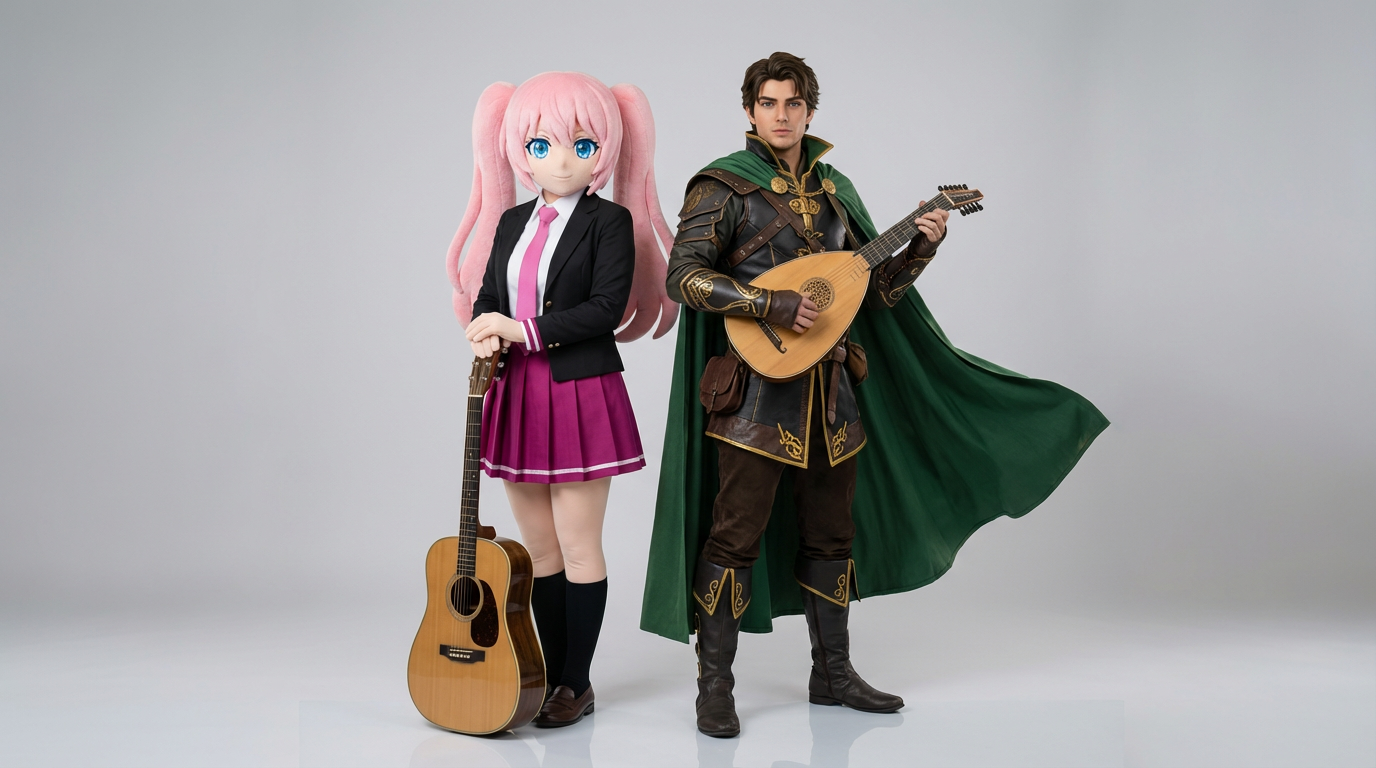
دو مرجع شخصیت را آپلود کنید و شاتهای تعاملی تمیز، ترکیببندیهای دونفره و کادربندی آمادهٔ صحنه بسازید.
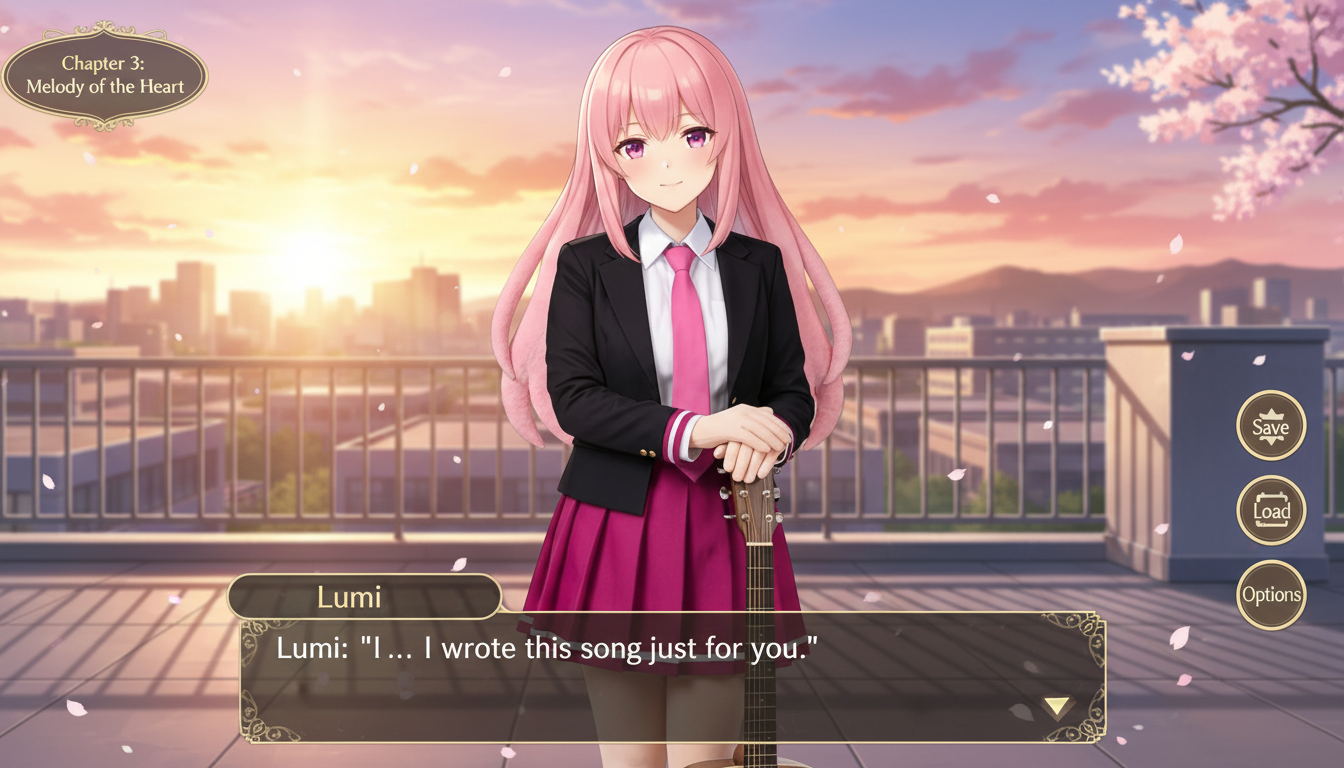
تصویر کاراکتر را به صحنهای با سبک رمان بصری تبدیل کنید؛ با کادربندی رابط، فضای مناسب دیالوگ و ترکیببندی شبیه صفحه بازی.
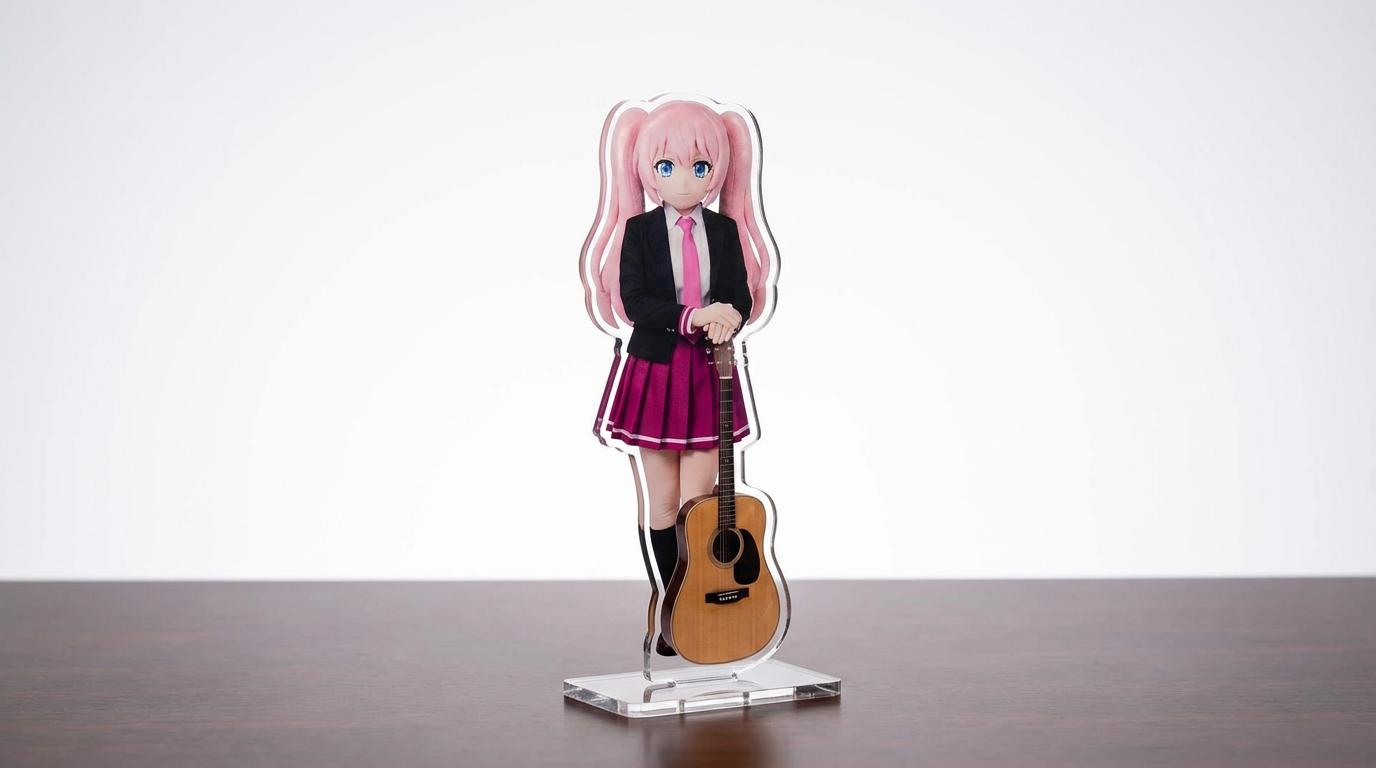
آرت کاراکتر، تصاویر حیوانات خانگی و طرحهای اختصاصی خود را با یک workflow قابل تنظیم و مبتنی بر Lumi به ماکاپ استندی آکریلیک تبدیل کنید.
شخصیتها را به تصاویری با سبک برش کاغذی تبدیل کنید؛ با لایههای دستساز، عمق ملموس و کنترل دقیق روی سیلوئت.
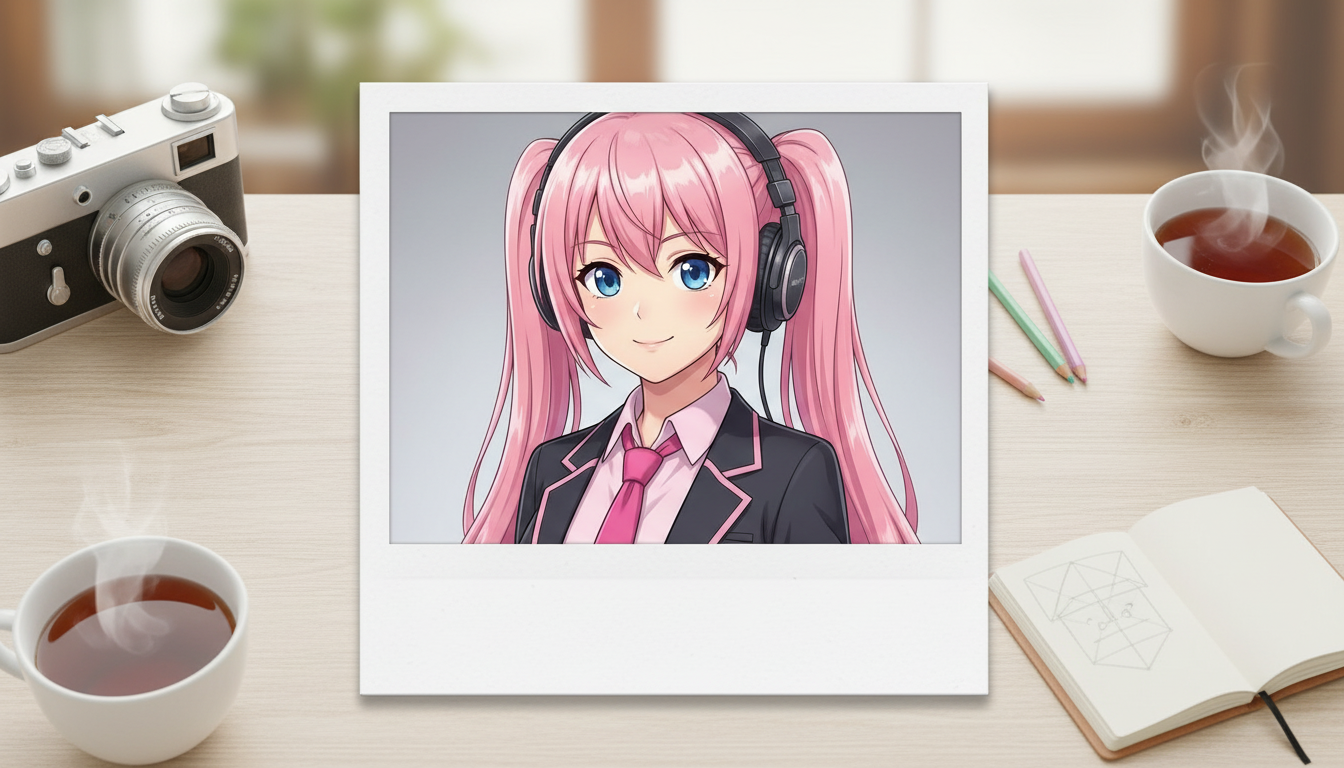
تصاویر کاراکتر را به خروجیهایی با حالوهوای پولاروید تبدیل کنید؛ با قاببندی نوستالژیک عکس فوری و حس یک عکس یادگاری کلکسیونی.
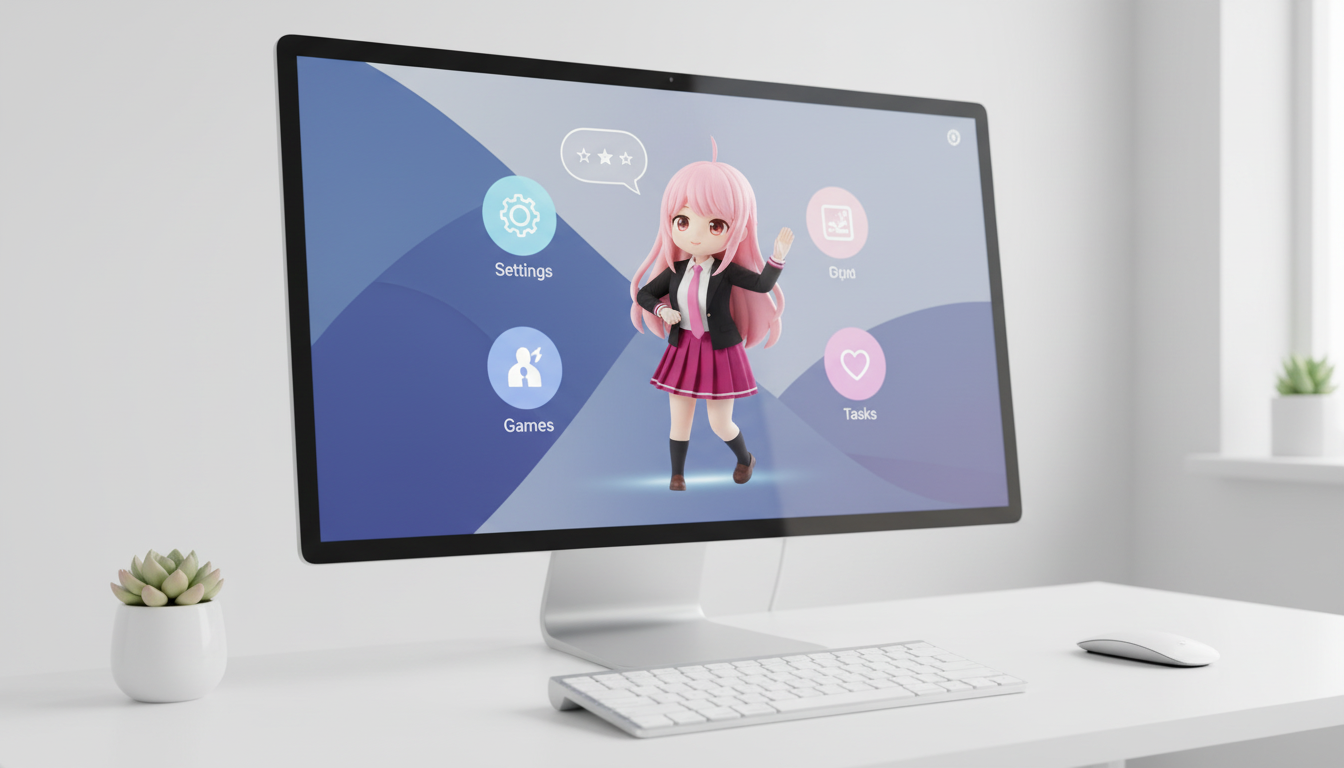
شخصیتها و OCهای خود را به تصاویر سبک حیوان خانگی دسکتاپ تبدیل کنید؛ با کادربندی هماهنگ با چیدمان برای نمایش بهتر روی صفحه.
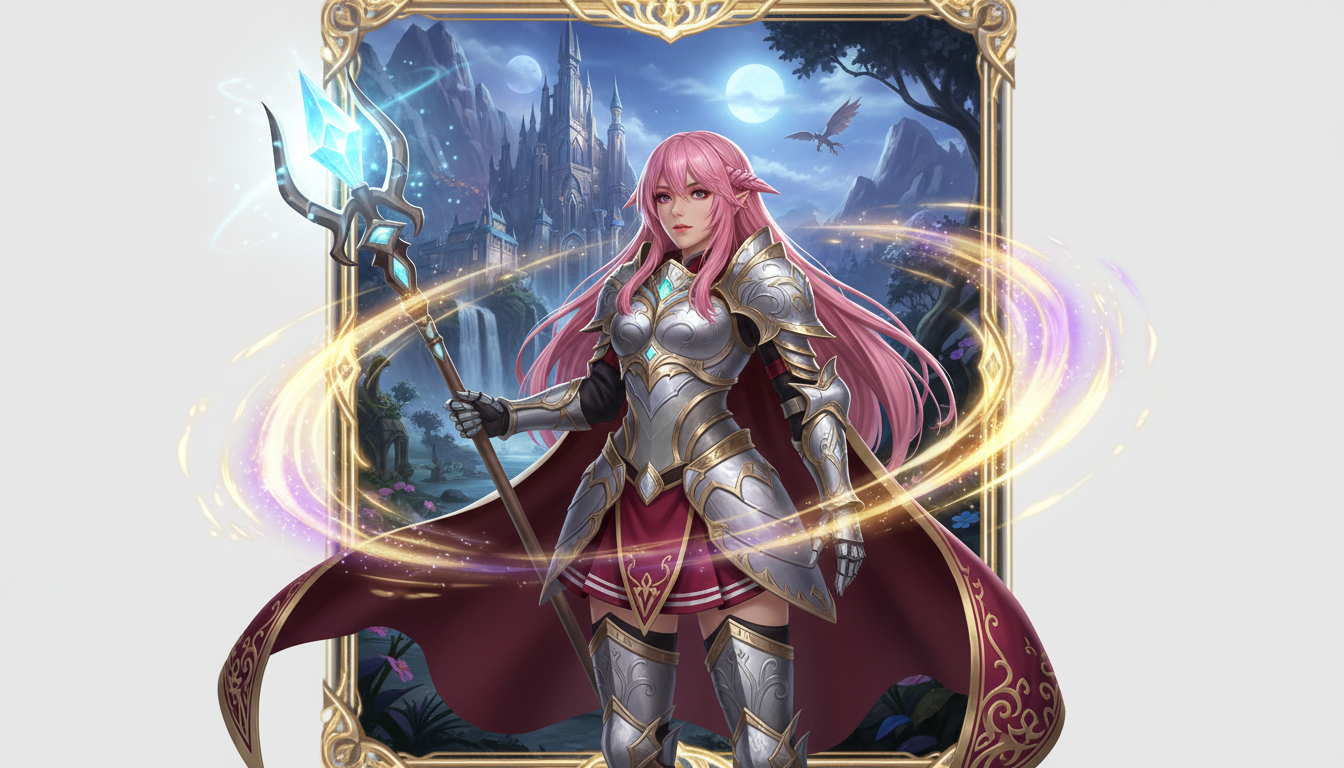
تصویر شخصیت را به یک ارائه قهرمان فانتزی تبدیل کنید؛ با استایل کلاس، حالوهوای RPG و انرژی کارتهای کلکسیونی.
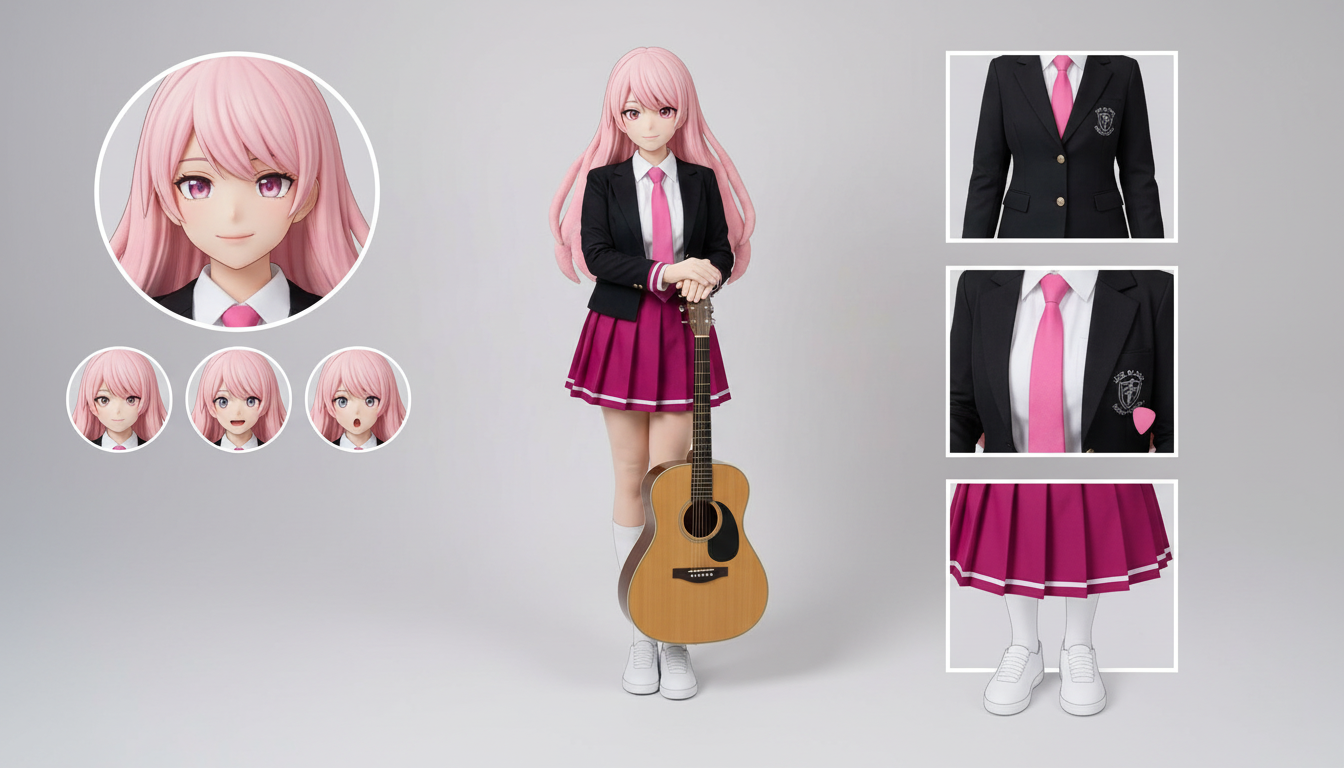
با یک طراحی آپلودشده، شیتهای شخصیت برای لباسها، حالتهای چهره، اکسسوریها و مرجع ژست بسازید.
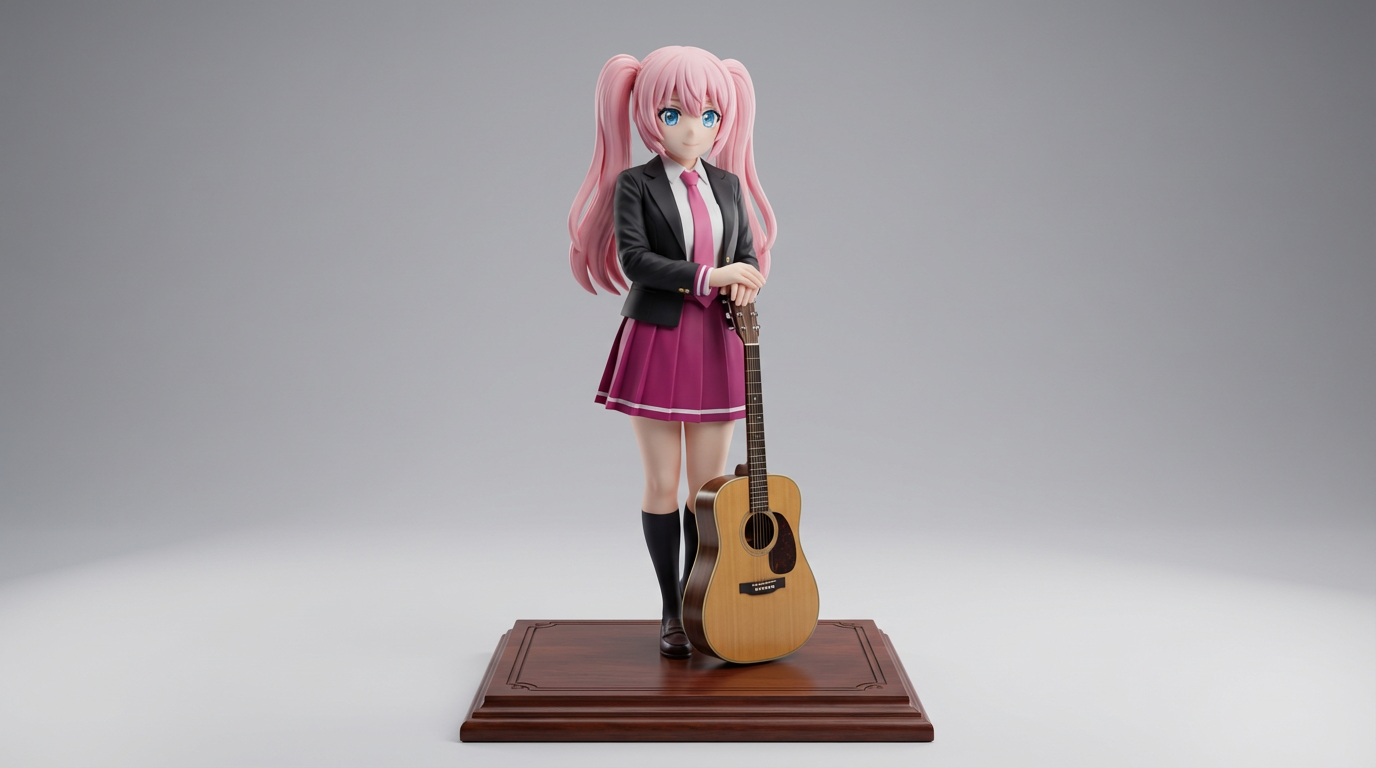
طراحی کاراکتر دوبعدی را به خروجیهایی با ظاهر فیگور کلکسیونی و ماکاپهای سبک محصول تبدیل کنید.
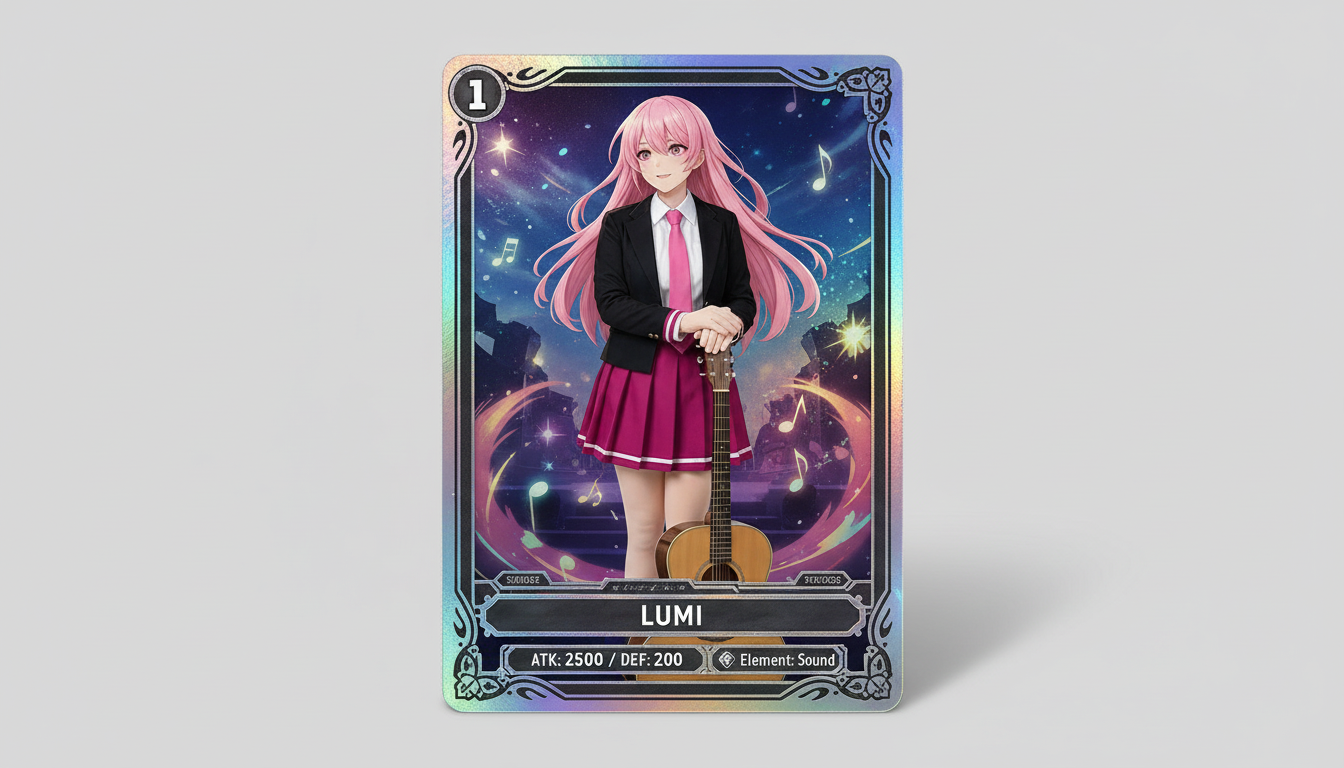
تصاویر کاراکتر را به خروجیهایی در سبک کارت کلکسیونی تبدیل کنید؛ با حس کمیابی، قاببندی آماری و ترکیببندی مناسب برای مرچ.
شخصیتها و OCهای خود را به کاورهای براق و ادیتوریال با کادربندی قوی، حالوهوای لوکس و چیدمان سبک مجله تبدیل کنید.
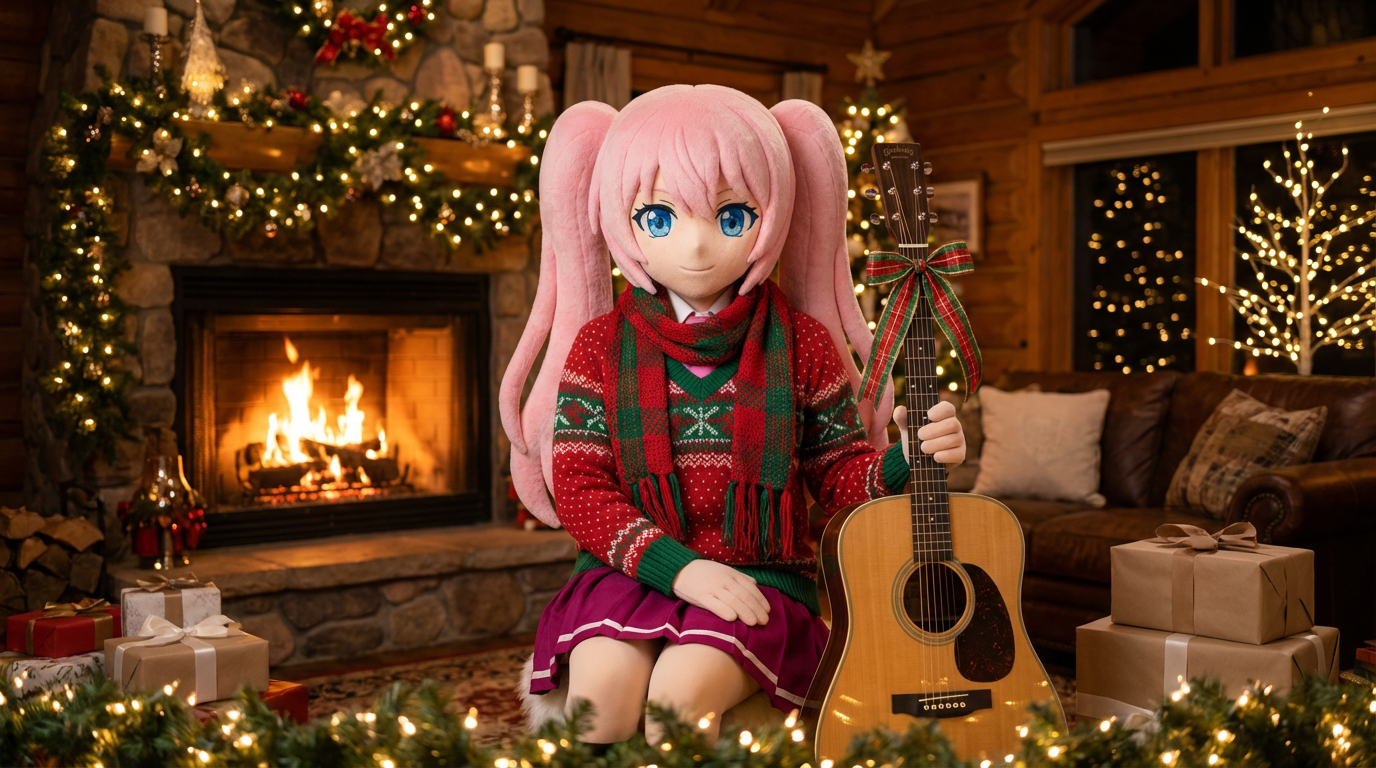
به پرترهها و طراحیهای کاراکتر، حالوهوای تعطیلات ببخشید؛ با شال، کلاه و ارائهای جشنمحور در سبک Lumi.
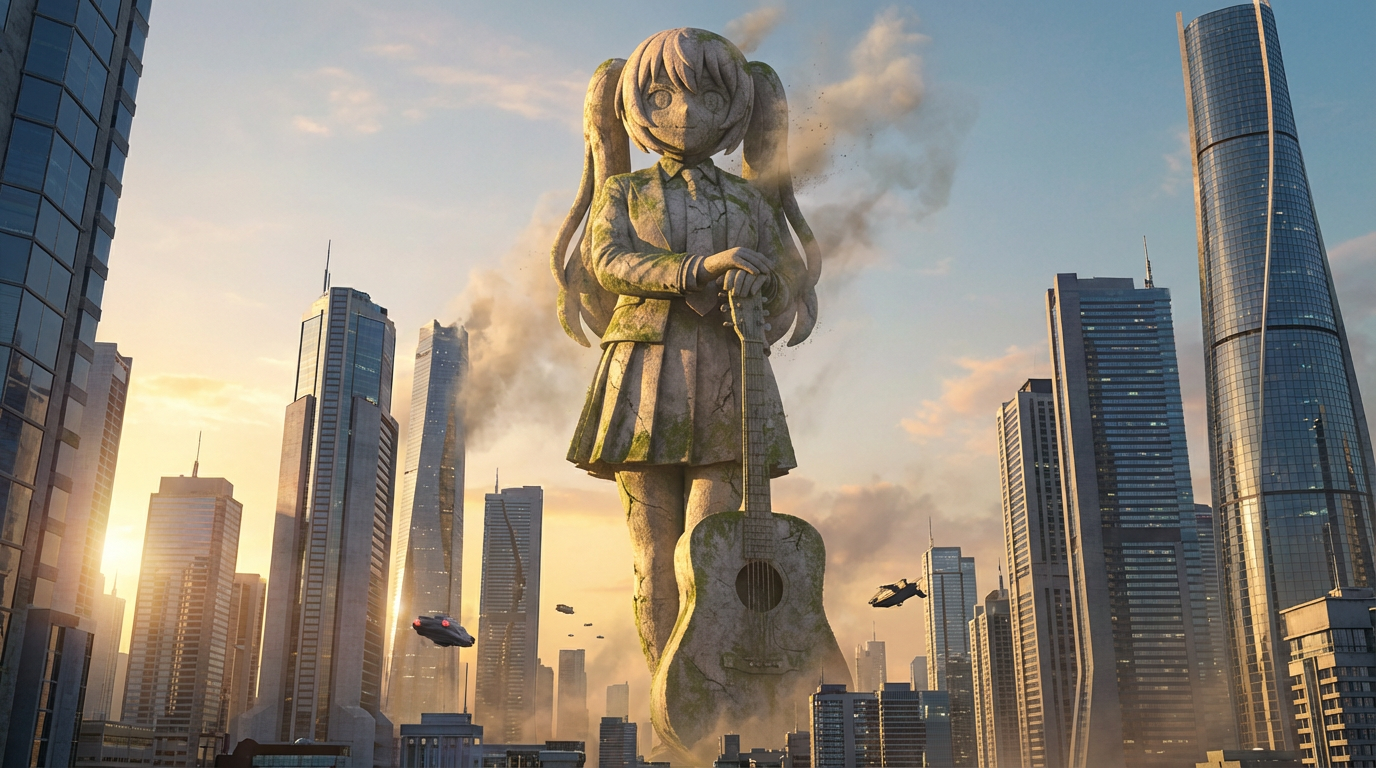
شخصیتها را به تصاویر مجسمههای غولپیکر با کادربندی در مقیاس شهری، پسزمینه خط آسمان و ارائهای شبیه نمادهای شهری تبدیل کنید.
آرت کاراکتر را به تصویرهایی در سبک نشان تبدیل کنید؛ با قاببندی دایرهای تمیز، حالوهوای مناسب مرچ و ترکیببندی سازگار با آیکن.
Use this page when you know the kind of visual asset you want, but not the exact prompt or workflow yet.
Search behavior has moved beyond one broad text-to-image query. Many users now start with an existing image, ask for an editor, or compare image generation workflows before they create.
Yes. Each page is built around a specific problem, such as turning a reference image into a new style, creating a character sheet, or making a magazine-cover visual.
Pick the page that matches your starting point. Use text-to-image when you only have an idea, image-to-image when you have a reference, and AI image editor when you need controlled changes.