

Käsikirjoitus tarvitsee rakenteen
Tarina pitää jakaa beateiksi ennen kuin siitä tulee ruutuja.
Käsikirjoituksesta visuaaliseksi tarinaksi
Muunna tarinaideat, käsikirjoitukset, dialogi ja kohtausten rungot sarjakuvajaksoiksi, joissa on ruudut, toistuvat hahmot ja toimiva visuaalinen rytmi.
Liitä juoni, kohtausrunko tai dialogikatkelma ja muunna se sarjakuvajaksoksi, jossa on toimiva ruuturytmi, hahmojen jatkuvuus ja selkeä polku tekstistä valmiiksi tarinaksi.
Lisää lyhyt tarina, kohtauslista tai dialogikäsikirjoitus.
Muotoile kerronta ruuduiksi, joissa on rytmi ja visuaalinen suunta.
Luo sarjakuvaruudut ja viimeistele hahmot, tunnelma ja asettelu.
Jaa olemassa oleva tarina visuaalisiksi beateiksi, kohtauksiksi ja toisiinsa liittyviksi sarjakuvaruuduiksi sen sijaan, että aloittaisit tyhjältä pohjalta.
Tarina pitää jakaa beateiksi ennen kuin siitä tulee ruutuja.
Sarjakuvatuloksessa pitäisi olla tilaa puhekuplille, kuvateksteille ja reaktiokuville.
Saman hahmokaartin pitäisi pysyä tunnistettavana koko generoidun jakson ajan.
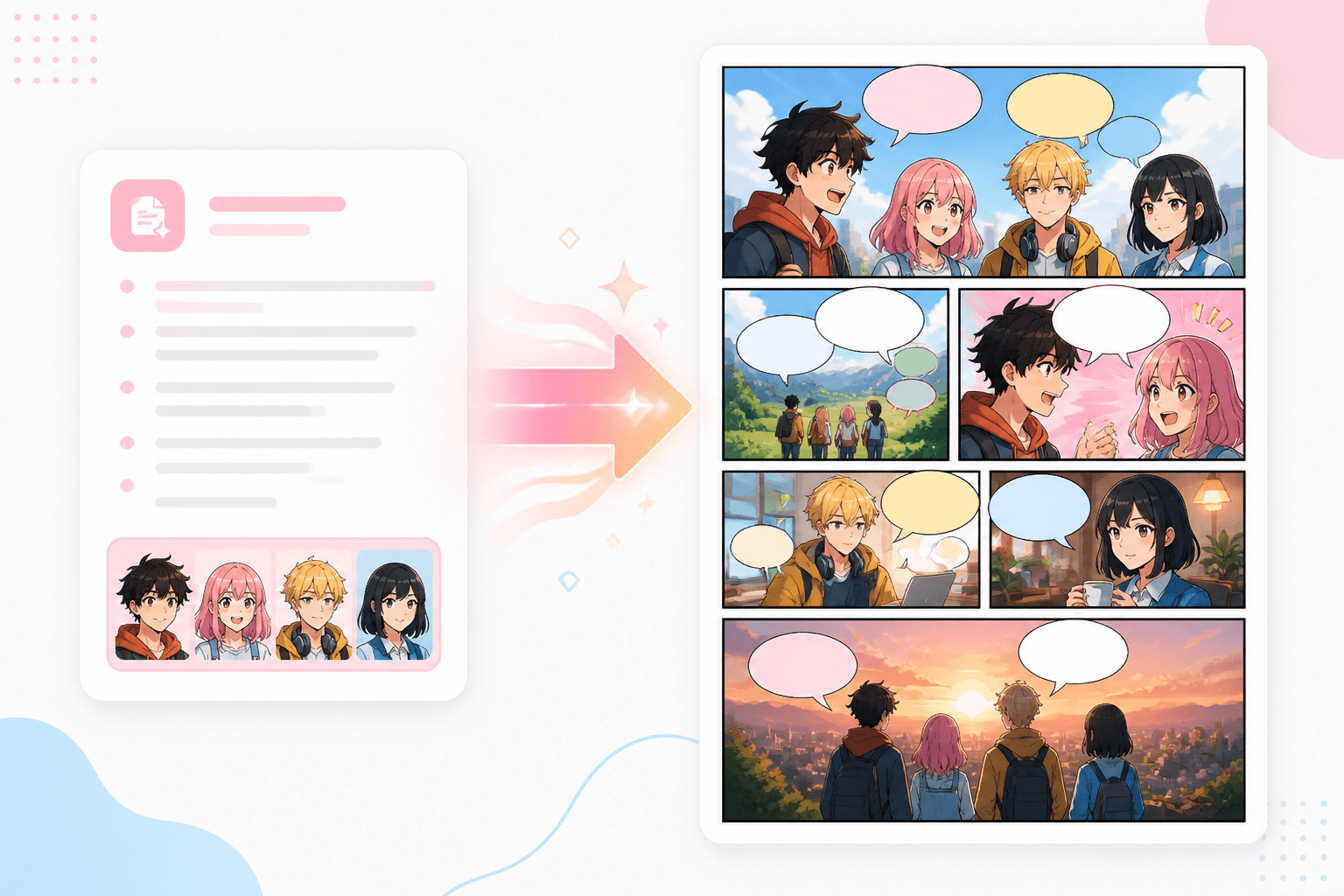
Kerronta
Muunna kappale, runko tai kohtaus visuaalisiksi hetkiksi, jotka voidaan generoida ruutu ruudulta.
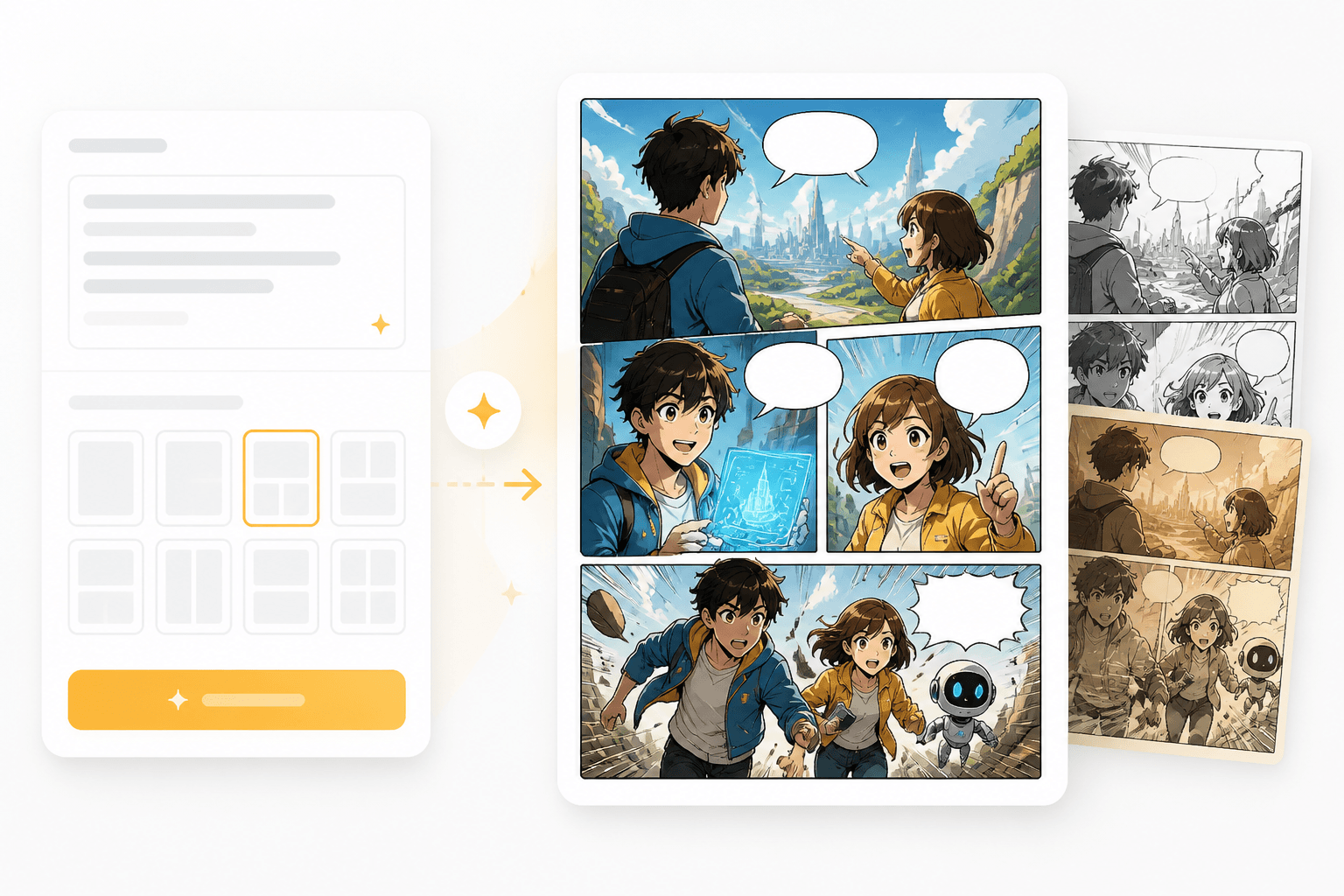
Ruudut
Jokaisesta beatista voi tulla ruutu, jossa on kuvakulma, tunnelma ja yhtenäiset hahmomuistiinpanot.
Workflow guide
Workflow auttaa pilkkomaan tarinan beateiksi ja ohjaa jokaisen beatin sarjakuvaan sopivaksi visuaaliseksi ruuduksi.
Lisää lyhyt tarina, kohtauslista tai dialogikäsikirjoitus.
Muotoile kerronta ruuduiksi, joissa on rytmi ja visuaalinen suunta.
Luo sarjakuvaruudut ja viimeistele hahmot, tunnelma ja asettelu.
Nämä esimerkit toimivat parhaiten, kun mukana ovat juoni, hahmot ja tunnetilan muutos.
Related writing workflow
Use the AI Screenplay Editor when a script, fiction draft, storyboard brief, video idea, or canvas note needs proper scene headings, action, dialogue, parentheticals, cover pages, outlines, beats, and collaboration-ready revisions.
INT. COMMUNITY CENTER - NIGHT
Folded chairs. A storm outside. MAYA stands at the microphone with a page of notes she no longer needs.
MAYA
If the city will not read the record, we will read it out loud.
Aloita tekstistä ja generoi sarjakuvaan sopivia ruutuja, joista voi kasvaa strippi, mangasivu tai webtoon-jakso.