

We independently review every app we recommend.
The best AI pixel art generator depends on the deliverable: choose LlamaGen PixelBox for character-to-sprite workflows, Sprite AI or PixelLab for game-focused sprite variants, and Aseprite or LibreSprite for final manual cleanup. Production-ready pixel art still requires testing at the target resolution, palette review, consistent animation frames, transparent exports, and a licensing check.
Pixel art is having a very strange second golden age.
It still looks retro. It still depends on readable silhouettes, limited palettes, clean grids, tiny gestures, and that magical "one pixel changes everything" discipline. But in 2026, the workflow around pixel art has changed completely.
You no longer have to draw every idle frame, attack pose, item icon, tile, background, and NPC variation from scratch. AI pixel art generators can now help with first drafts, sprite concepts, image-to-pixel conversion, animation previews, palette exploration, and even export-ready sprite sheets.
That does not mean AI replaces pixel artists. For polished hero characters, final animation frames, commercial games, and distinctive art direction, human cleanup still matters. But for prototypes, game jams, placeholder assets, indie RPGs, pitch decks, web games, and fast iteration, AI pixel art tools can save a painful amount of time.
This guide compares the best AI pixel art generators in 2026, including LlamaGen PixelBox, Sprite AI, PixelLab, SeaArt, OpenArt, Adobe Firefly, DeepAI, Perchance, AI Pixel Art Generator, Pixelicious, Pixel It, Aseprite, Piskel, Pixilart, GraphicsGale, and LibreSprite.
The best AI pixel art generator depends on what you are making.
| Use Case | Best Tool |
|---|---|
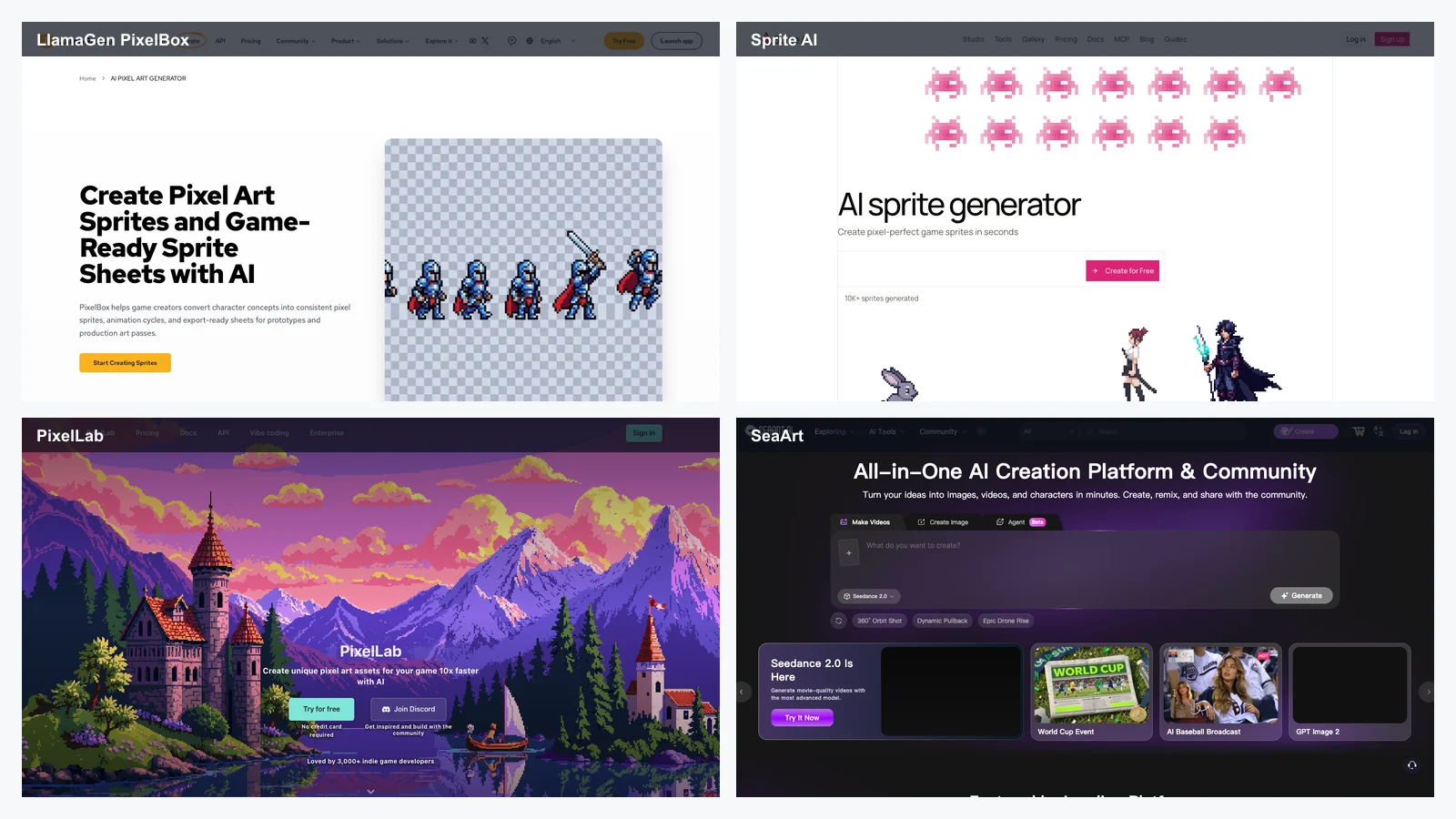
| Best overall for character-to-pixel sprites and animation sheets | LlamaGen PixelBox |
| Best for game-ready sprite generation with built-in editing and animation |
| Sprite AI |
| Best for isometric sprites and directional character variants | PixelLab |
| Best general AI art platform for text-to-pixel and image-to-pixel experiments | SeaArt |
| Best general AI art platform with pixel and sprite styles | OpenArt |
| Best for commercial-friendly Adobe ecosystem workflows | Adobe Firefly |
| Best simple prompt-based pixel art tool | DeepAI Pixel Art Generator |
| Best lightweight free prompt tool | Perchance |
| Best image-to-pixel converter | Pixelicious |
| Best browser image pixelation tool | Pixel It |
| Best manual pixel art editor | Aseprite |
| Best free browser-based pixel editor | Piskel |
| Best pixel art editor with community features | Pixilart |
| Best open-source Aseprite-style editor | LibreSprite |
For most serious pixel art workflows, the best answer is not one tool. It is a stack:
Most AI image generators are built for large illustrations. That is a problem for pixel art.
A beautiful 1024x1024 fantasy character is not automatically useful as a 32x32 RPG sprite. Pixel art has stricter constraints:
That is why the best AI pixel art tools in 2026 are not just "AI art tools with a pixel style." The strongest options understand sprites, sprite sheets, animation cycles, tilemaps, pixel density, and game asset handoff.
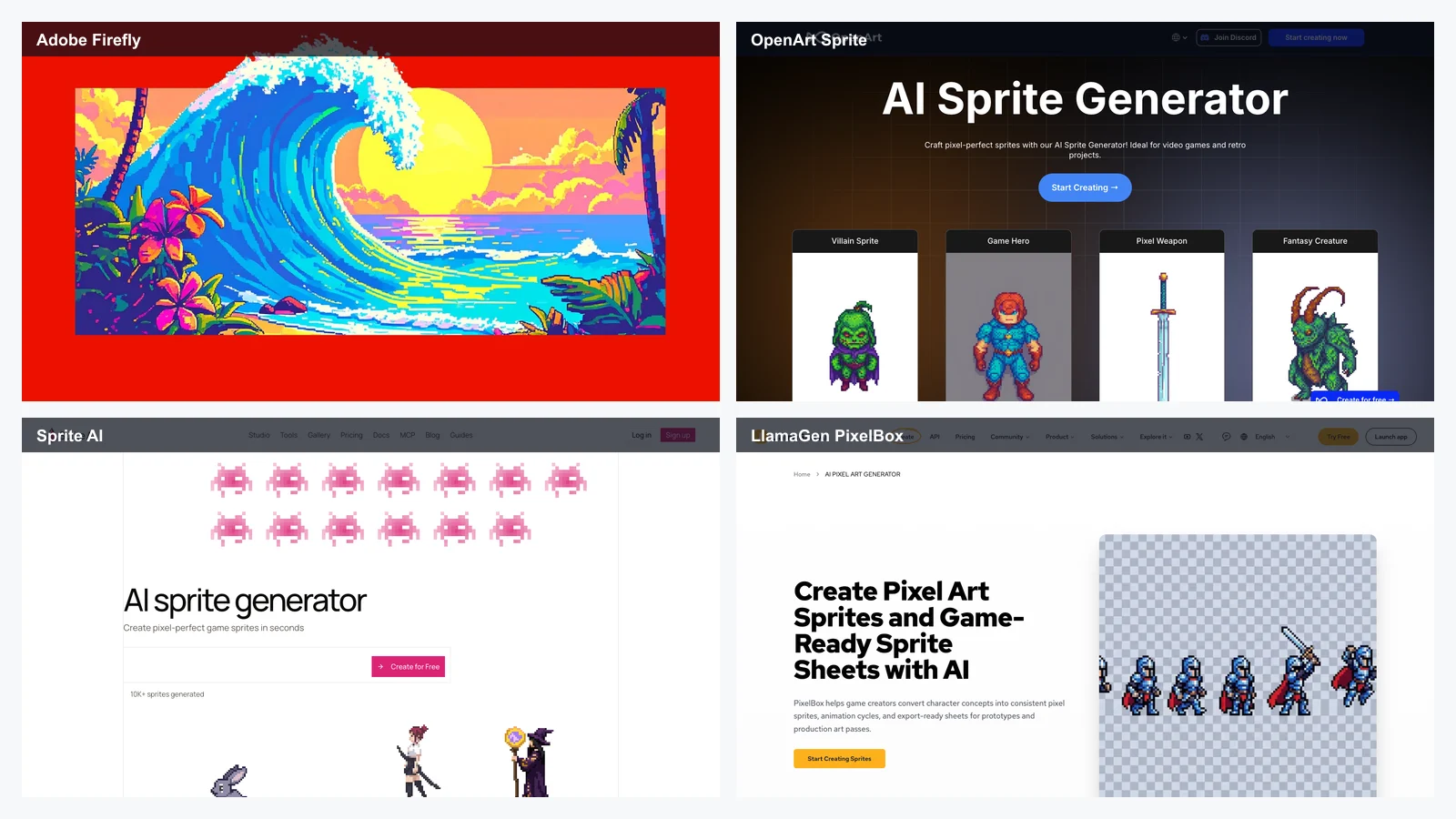
A useful AI pixel art generator should be evaluated by production criteria, not only image quality.
| Criterion | Why It Matters |
|---|---|
| True pixel readability | The output must look good at 1x, 2x, and actual in-game scale. |
| Sprite size control | Game assets often need 16x16, 24x24, 32x32, 48x48, 64x64, or 128x128 outputs. |
| Character consistency | Idle, walk, run, attack, jump, and death frames should still look like the same character. |
| Sprite sheet export | Developers need PNG sprite sheets, GIF previews, atlases, or transparent assets. |
| Animation support | A single sprite is useful; animated cycles are much more useful. |
| Palette control | Pixel art often depends on limited palettes and consistent color ramps. |
| Manual editing | AI drafts still need cleanup, especially for hero characters. |
| Game engine handoff | Unity, Godot, GameMaker, RPG Maker, and web games need predictable asset formats. |
| Commercial rights | Game assets, Steam releases, mobile apps, client work, and marketplaces require clear terms. |
© 2026 LlamaGen.Ai Alle rettigheter reservert
I front for fremtidens AI-tegneserieskaping