Best AI Manga Generators in 2026: LlamaGen.AI, ComicsAI, Jenova, OpenArt, Canva, Canvas and More
Por LlamaGen Team · June 8th, 2026
We independently review every app we recommend.
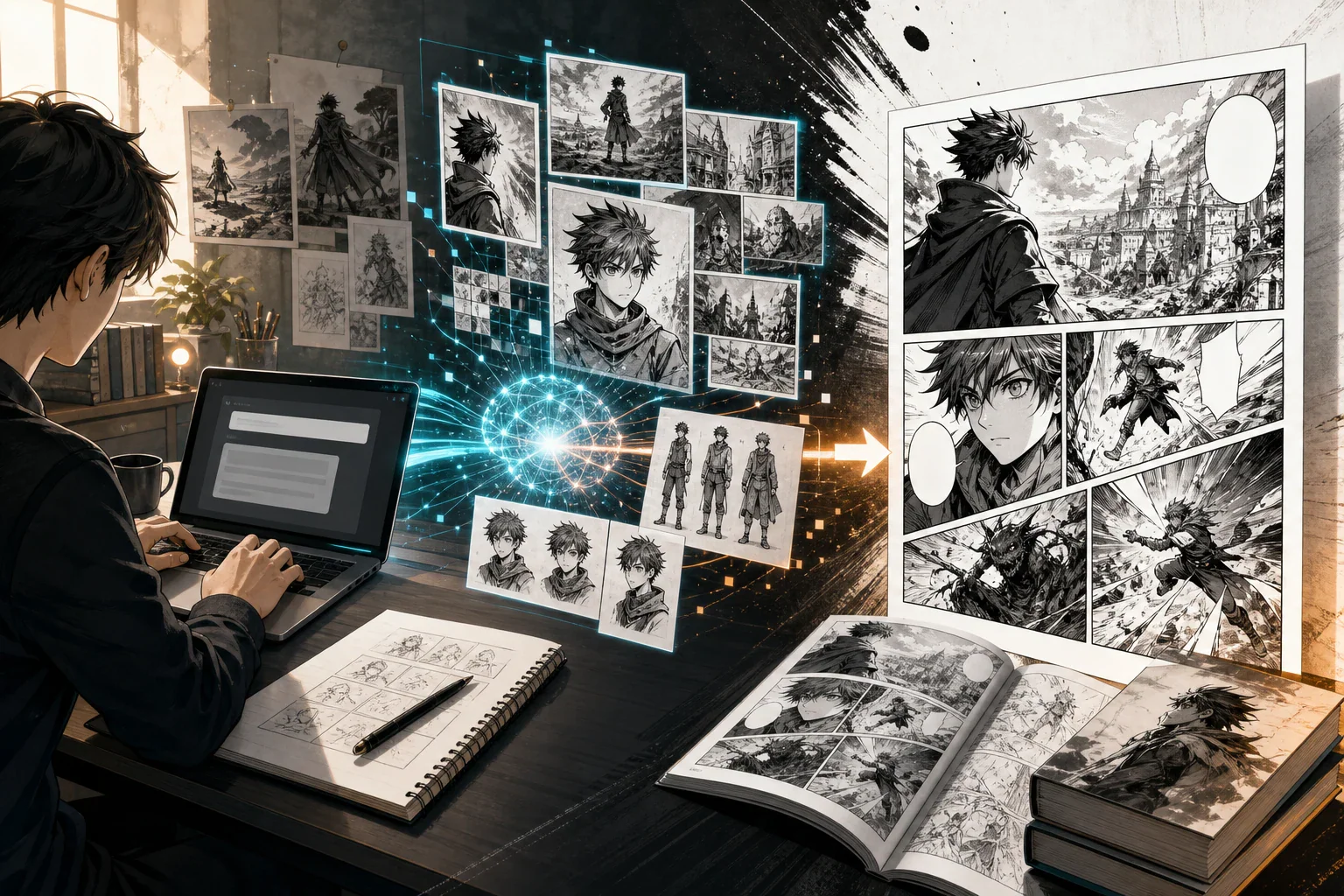
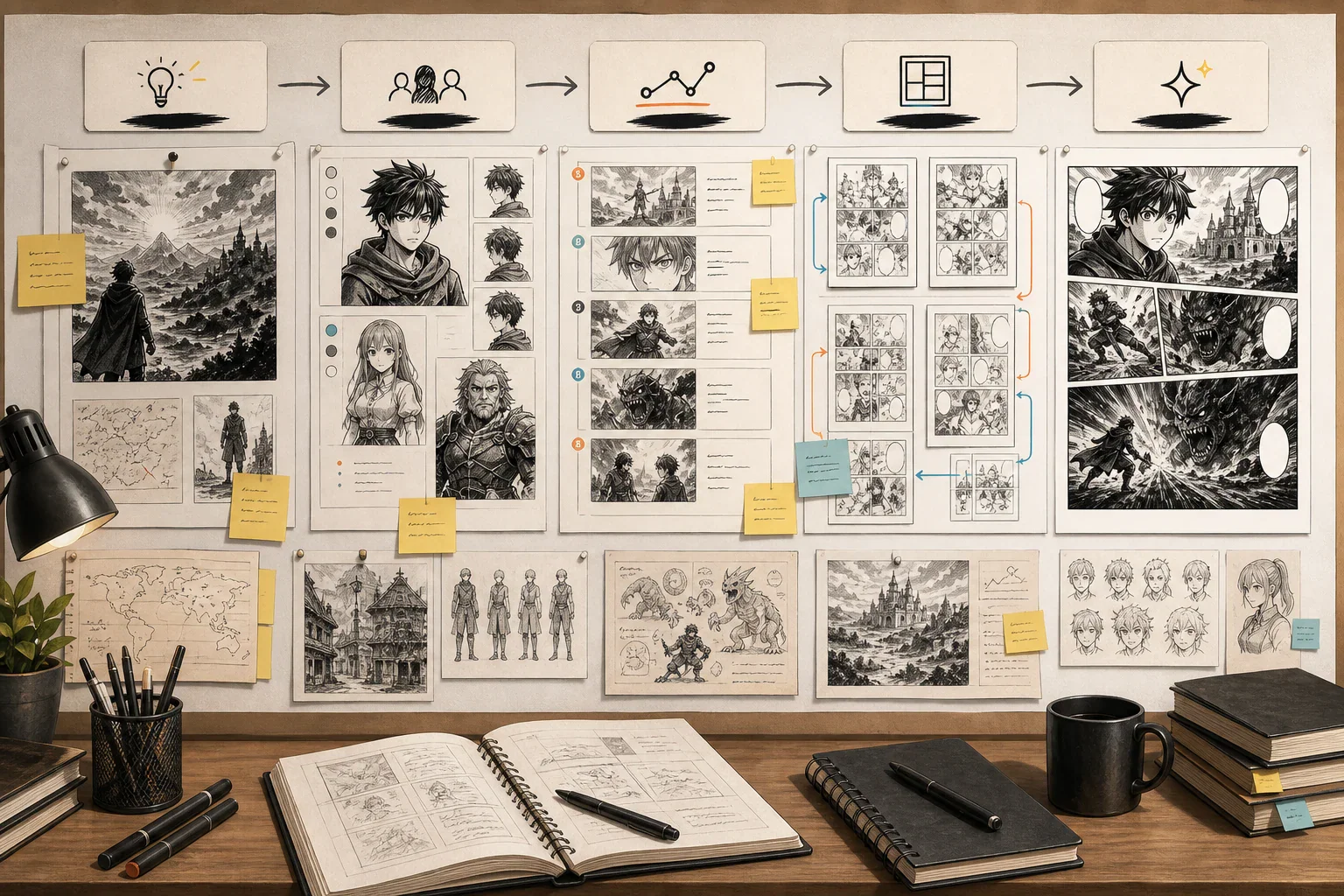
AI manga generators have changed fast. In 2026, the best tools are no longer judged by whether they can create one beautiful anime-style image. The real question is whether they can help you build a readable manga project: recurring characters, panels, storyboards, speech bubbles, webtoon layouts, page exports, and a workflow you can repeat.
A manga page is not just an illustration. It is sequential storytelling.
That is why this guide compares tools by workflow, not only image quality. We will look at LlamaGen, ComicsAI, Jenova Manga Creator, OpenArt, Canva, WEBTOON CANVAS, Midjourney, Stable Diffusion, ComfyUI, and other supporting tools for manga and webtoon creation.
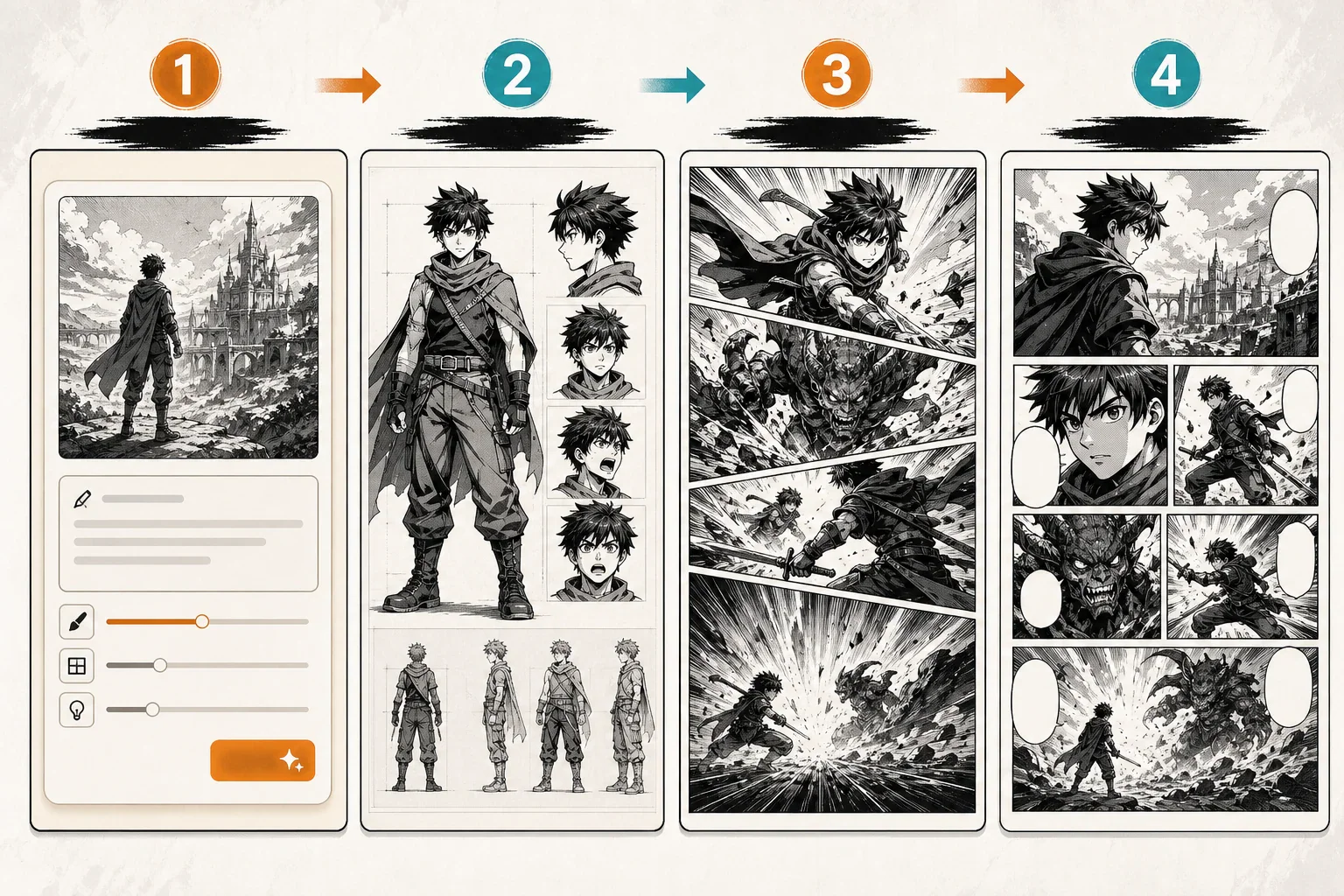
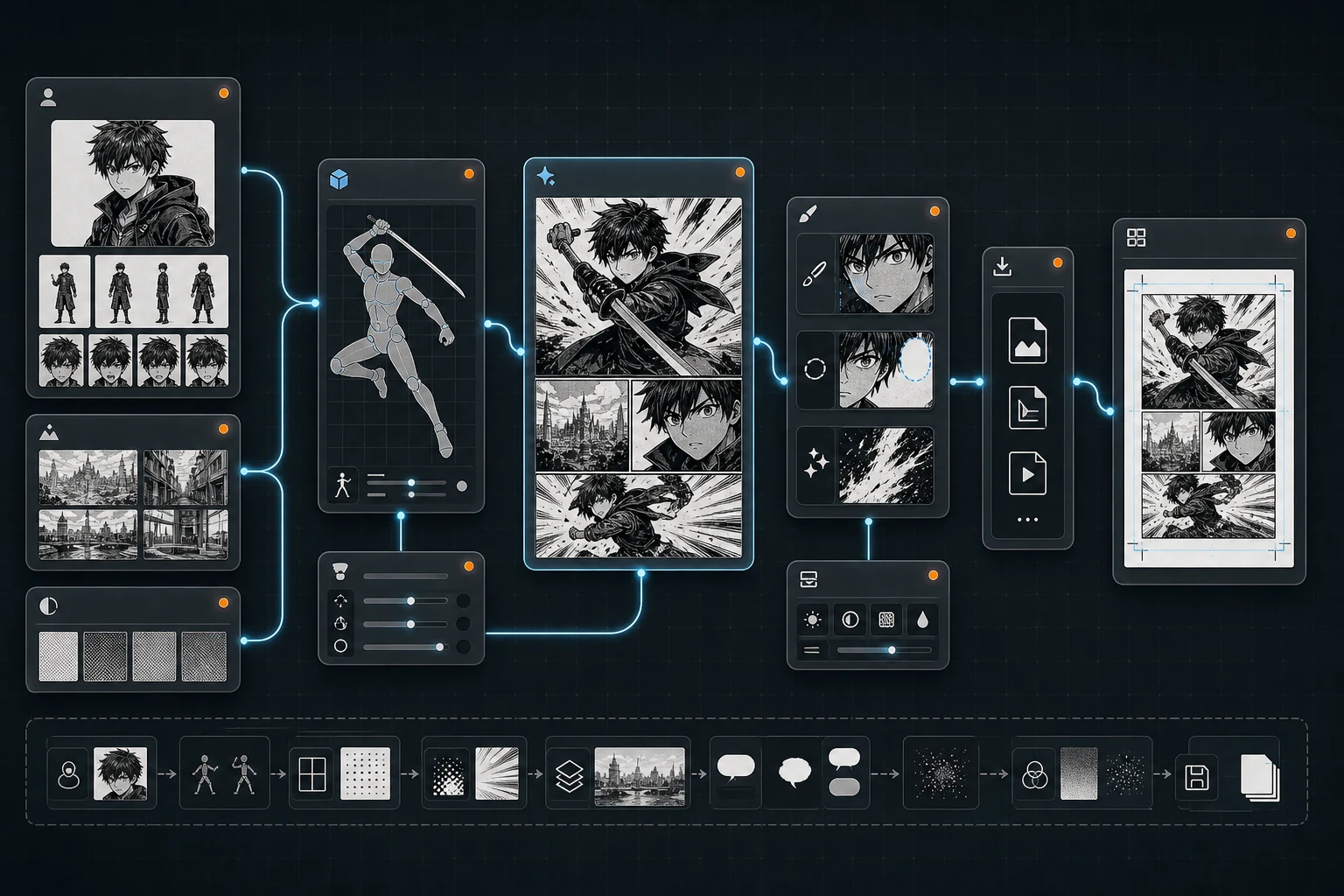
For most creators, the best 2026 setup is not one tool. It is a stack:
Use an AI manga generator to create characters and panels.
Use a story or agent workflow to manage continuity.
Use a canvas or layout editor to assemble pages.
Use a publishing platform when the episode is ready.
Review everything manually before release.
What Makes a Great AI Manga Generator?
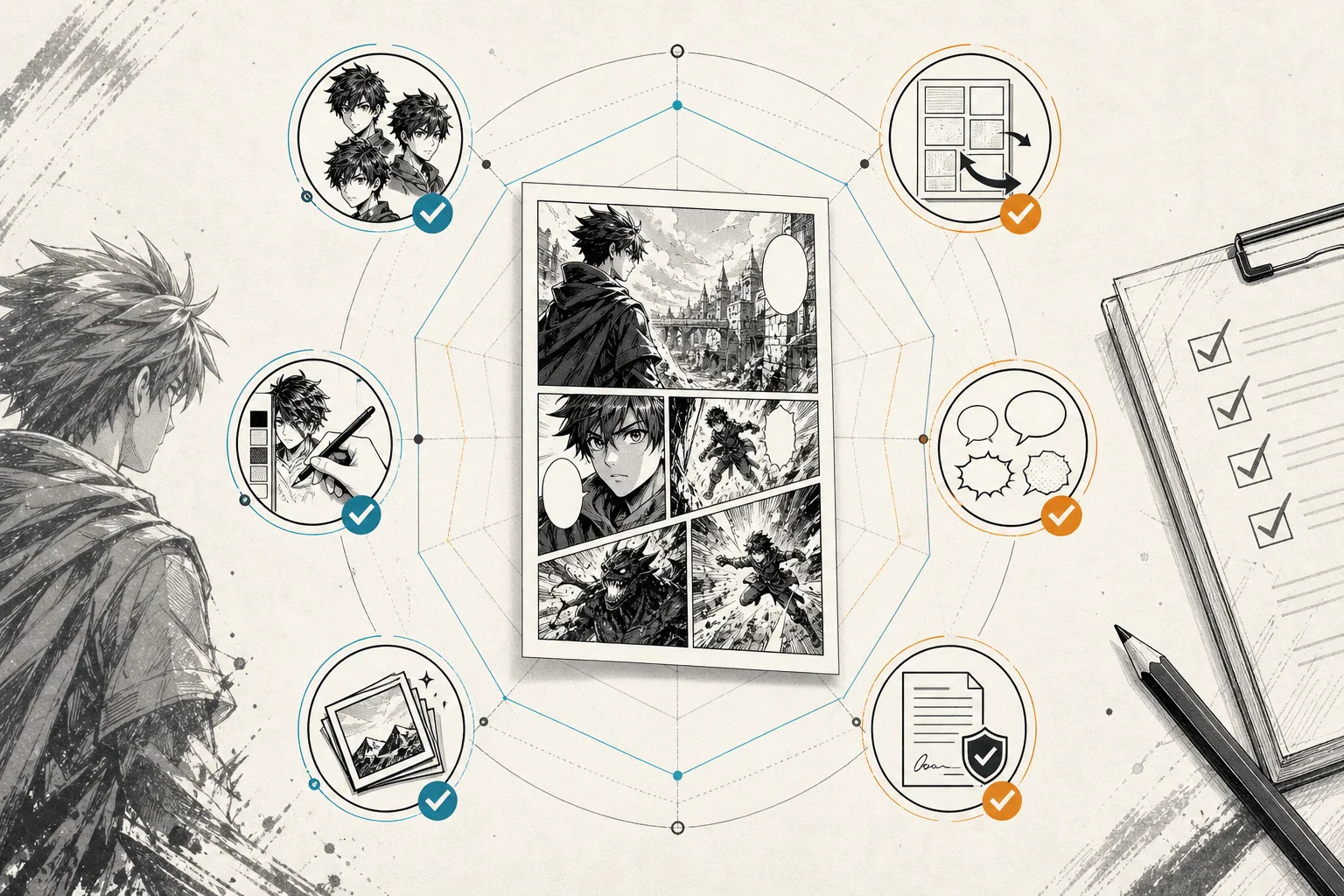
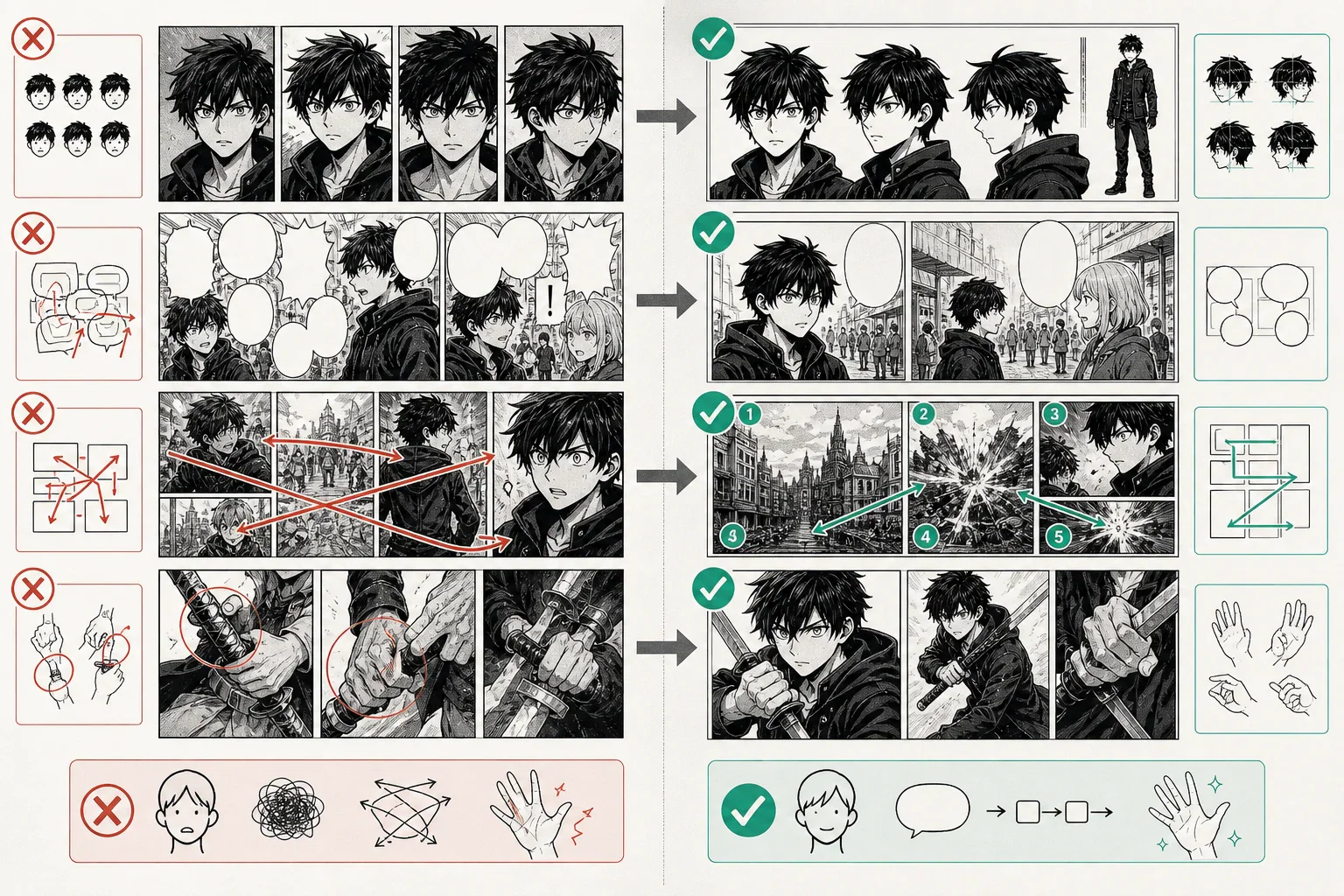
A strong AI manga generator should support more than text-to-image. Manga creation needs repeatable visual storytelling.
Criterion
Why It Matters
Character consistency
Readers must recognize the same character across panels, scenes, emotions, outfits, and angles.
Panel workflow
Manga depends on close-ups, reaction shots, wide shots, action beats, silence, and pacing.
Manga style control
Shonen, shojo, seinen, horror, romance, chibi, fantasy and webtoon styles use different visual language.
Speech bubble space
Manga pages need room for dialogue, captions, SFX and translated text.
Page layout
Individual panels must become readable pages or vertical episodes.
Webtoon support
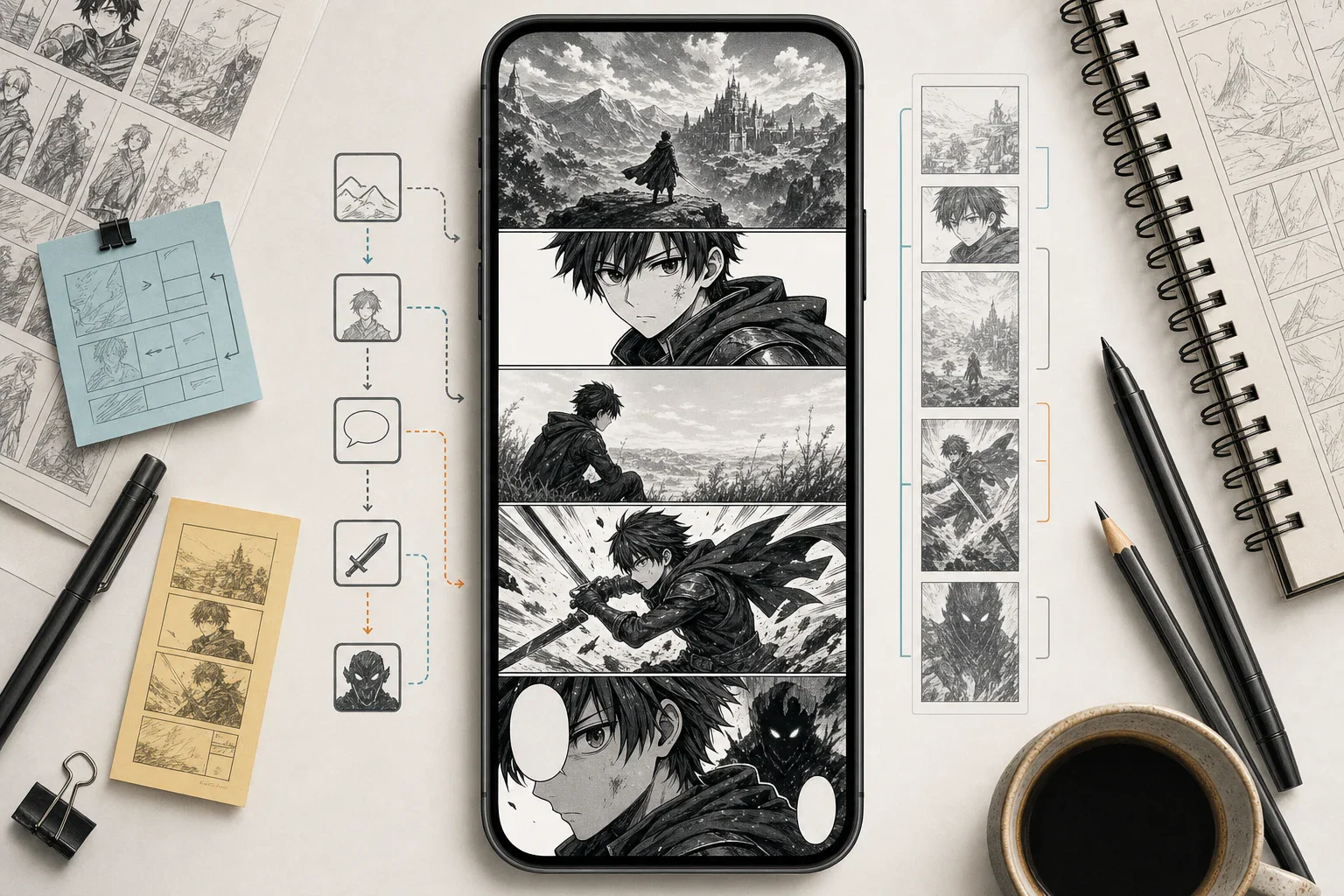
Vertical scrolling requires tall canvas formats, mobile spacing and episode hooks.
Editing tools
Creators need to redraw weak panels, fix expressions, adjust hands and revise backgrounds.
Export quality
Publishing requires clean files, practical resolution and predictable formats.
Commercial clarity
Serious creators need to check ownership, usage rights, watermarks and platform terms.
1. LlamaGen — Best Overall for AI Manga, Comics, Manhwa and Webtoon Workflows
Best for: creators who want an all-in-one AI comic platform for manga, manhwa, webtoons, character consistency and multi-format visual storytelling.
LlamaGen is one of the most important tools to include in a 2026 AI manga generator list because it focuses on comic creation rather than only general image generation. Its AI comic workflow is designed for prompts, story ideas, character descriptions, images, manga, manhwa and webtoon-style projects.
For manga-specific work, LlamaGen AI Manga Generator and LlamaGen Manga Maker are especially relevant because they focus on story-first manga pages, panels, reusable characters, covers, black-and-white manga drafts, speech bubbles, page layouts and webtoon-style creation.
Why LlamaGen stands out
LlamaGen is useful when the goal is to make a readable visual story, not just one attractive image. It can fit creators who need:
text-to-manga workflows,
recurring manga characters,
black-and-white manga storyboards,
manga panels and page drafts,
manhwa and webtoon formats,
speech bubbles and captions,
comic-to-motion or video-ready assets,
long-form production experiments.
Best workflow
Start with a short story idea, generate character references, test the protagonist across several camera angles, then create panel sequences. After that, assemble or refine the page layout before publishing.
Watch out for
Even if a tool supports character consistency, long-form manga still needs a human-managed character bible. Save the exact character description, reference images, outfit notes and personality traits before generating a full chapter.
2. ComicsAI — Best for Beginner-Friendly Text-to-Manga Panels
Best for: beginners, writers, creators and small teams who want a direct text-to-manga workflow.
ComicsAI is built around comic, manga and webtoon-style visual storytelling. Its guide to the best AI manga generators in 2026 emphasizes manga workflows, text-to-manga panels, creator use cases and the difference between comic tools and general image generators.
This makes ComicsAI a strong option for creators who want to test a scene quickly.
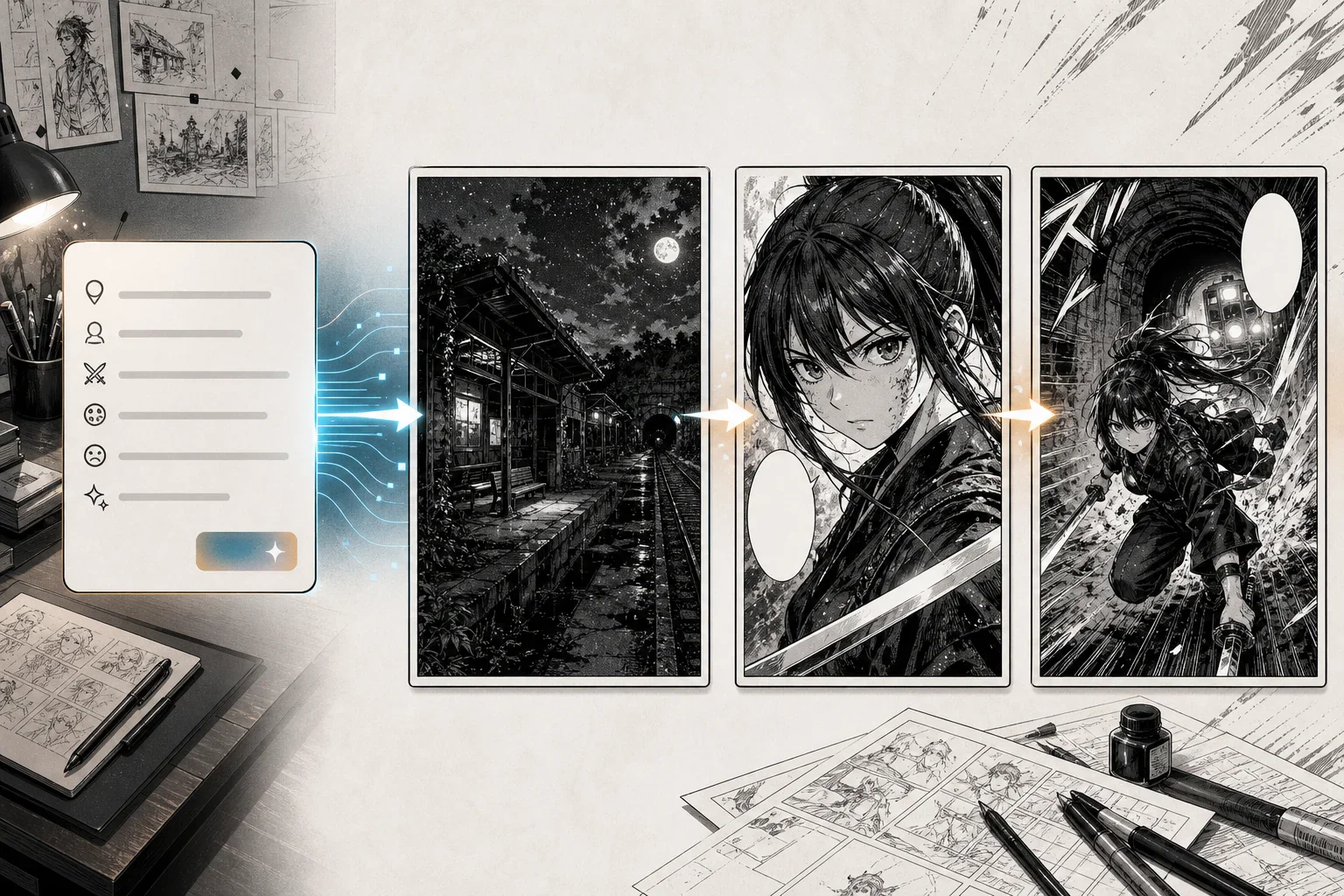
Example story beat:
A teenage swordswoman enters an abandoned train station at midnight and hears her missing brother's voice from the tunnel.
From that one beat, a creator can generate a manga-style panel, refine the character description, test camera angles and build a short sequence.
Why ComicsAI is useful
ComicsAI is a good fit for:
fast manga panel drafts,
text-to-manga experiments,
visual storyboards,
webtoon concept testing,
creator-friendly prompting,
short comic scenes,
early-stage manga pitches.
Best workflow
Use ComicsAI to generate early panels and storyboards. Then move the best images into a layout tool such as Canva, Clip Studio Paint or another canvas editor for bubble placement and page assembly.
Watch out for
For longer manga projects, do not rely on vague prompts like "same boy" or "same girl". Keep a fixed character sheet and repeat core visual details in every important prompt.
3. Jenova Manga Creator — Best for Story-First Manga Projects
Best for: novelists, screenwriters, story-driven creators and long-form manga concepts.
Jenova Manga Creator is positioned as a story-first manga creation workflow. It is useful for creators who already have a plot, character arc or written scene and want to turn it into visual manga pages.
Jenova's strength is not just image creation. It focuses on character references, story continuity, panel direction and guided manga production.
Why Jenova is useful
Jenova is a good fit for creators who need:
story-to-manga conversion,
character reference sheets,
long-form continuity,
panel-by-panel planning,
serialized project structure,
agent-style creative guidance.
Best workflow
Start with a premise, create main character references, define chapter beats, then generate scenes one at a time. After each scene, review pacing, expressions, panel order and dialogue clarity.
Watch out for
Agent-style tools can speed up planning, but creators still need to edit the final manga. Check dialogue, pacing, continuity, panel readability and originality before publishing.
4. OpenArt — Best for Manga-Style Art, Character Exploration and Visual Assets
Best for: character design, visual development, scene concepts, covers, art direction and AI image editing.
OpenArt Manga Art Generator is useful for creators who want manga-style characters and scenes from text prompts. OpenArt Creator Studio also supports broader creative workflows around images, video, characters, worlds, audio and story.
That makes OpenArt especially valuable during the visual development stage.
Before producing a full manga page, you can use OpenArt to explore:
protagonist designs,
rival characters,
costume ideas,
school uniforms,
fantasy weapons,
cyberpunk city backgrounds,
cover concepts,
lighting styles,
expression studies,
mood boards.
Why OpenArt is useful
OpenArt is strong when you need to explore visual possibilities quickly. It can help you create character concepts and scene references before committing to a full manga production pipeline.
Best workflow
Use OpenArt for visual asset creation, then move selected designs into a manga-specific tool for panel continuity or a layout editor for final assembly.
Watch out for
OpenArt is best used as a visual creation and editing layer. If your goal is a multi-page manga chapter with tight continuity, combine it with a story, panel or layout workflow.
5. Canva and Canvas-Style Editors — Best for Layout, Grids, Frames and Speech Bubbles
Best for: comic layout, page assembly, speech bubbles, covers, thumbnails, social posts and beginner-friendly design.
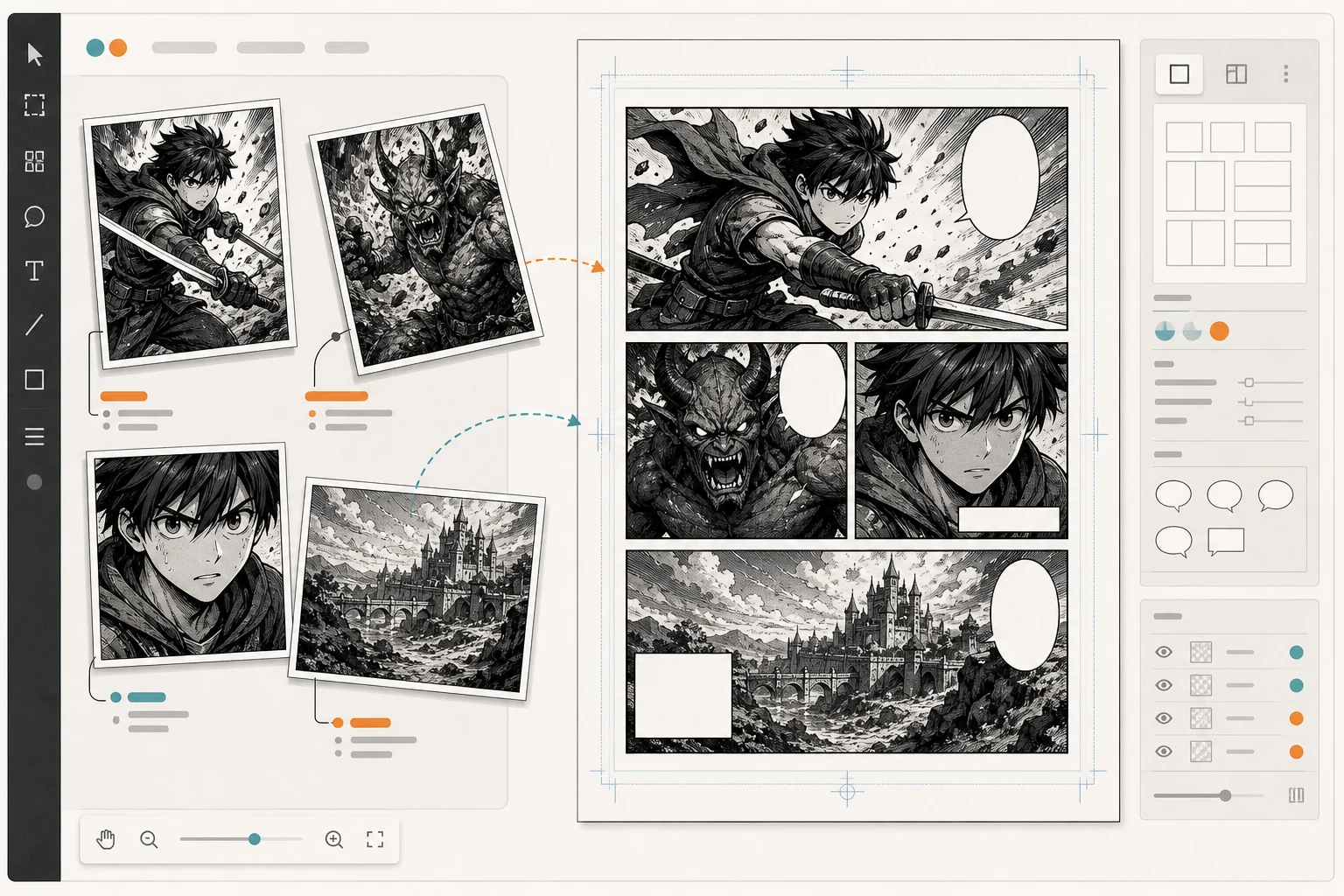
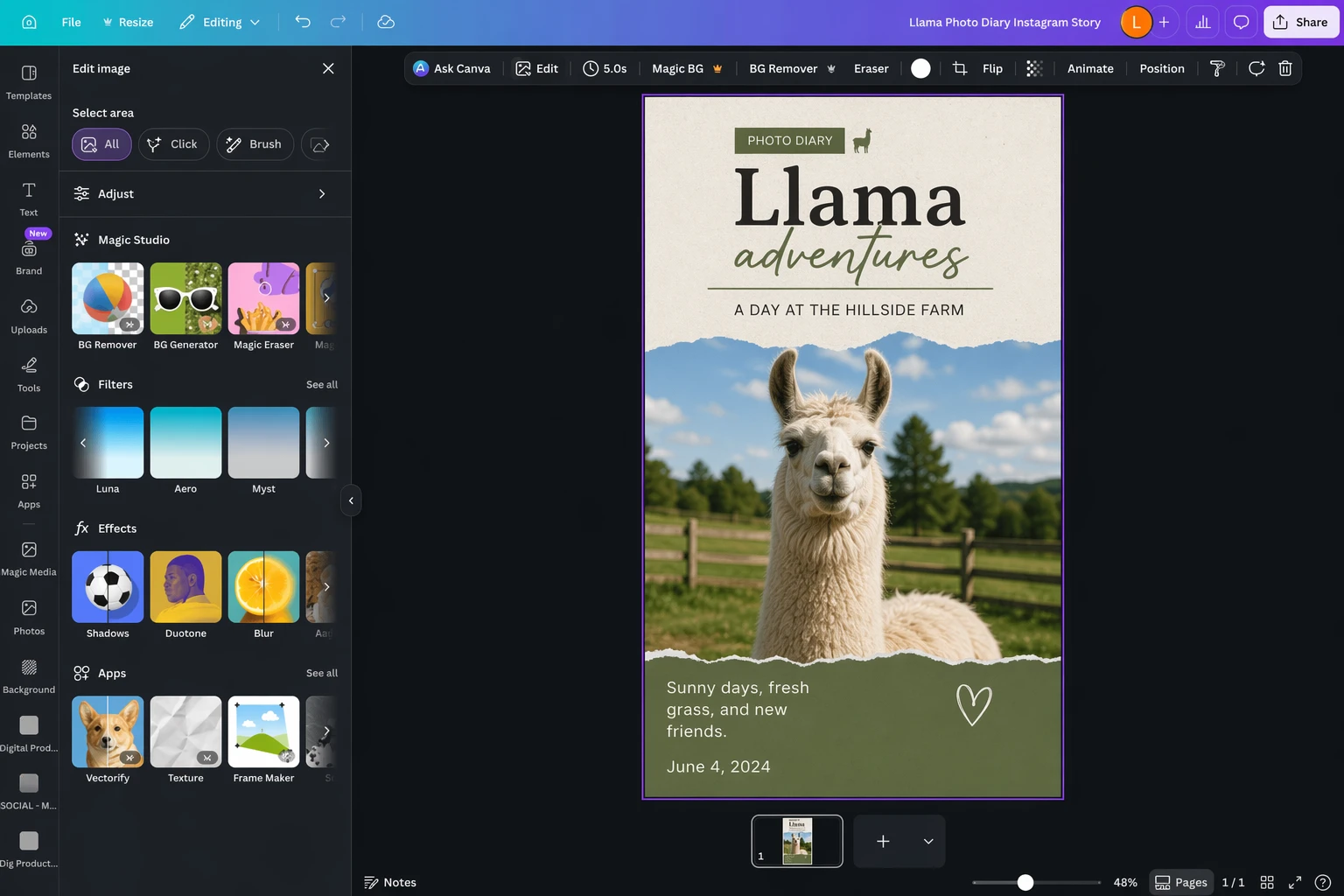
Many creators say "canvas" when they mean a layout workspace. In this sense, Canva Comic Strip Maker is useful because it gives creators a drag-and-drop editor, comic templates, grids and frames. Canva AI Comic Generator is also useful for creators who want AI-generated comic visuals inside a design workflow.
This matters because AI image tools often give you panels, not a finished manga page.
Why Canva is useful
Canva can help with:
arranging panels,
using grids,
creating gutters,
placing speech bubbles,
adding captions,
designing chapter covers,
creating thumbnails,
exporting social-ready comic posts,
making short educational comics,
building pitch visuals.
Best workflow
Generate panels in LlamaGen, ComicsAI, OpenArt or another AI image tool. Then import the best panels into Canva or another canvas editor to control layout, text and final presentation.
Watch out for
Canva is not mainly a character-consistency engine. Treat it as a layout and presentation layer rather than the only tool for serious manga generation.
6. WEBTOON CANVAS — Best for Publishing Independent Webtoons
Best for: creators who want to publish vertical comics and grow an audience.
"Canvas" can also refer to WEBTOON CANVAS, WEBTOON's self-publishing platform for independent creators. This is different from Canva the design tool.
WEBTOON CANVAS matters because many AI-assisted manga creators are not only generating pages. They want to publish episodes, test reader response and build an audience.
Why WEBTOON CANVAS is useful
WEBTOON CANVAS is relevant for:
independent webtoon publishing,
audience growth,
mobile-first episodes,
creator dashboards,
webcomic serialization,
community feedback,
monetization paths,
translation and localization workflows.
WEBTOON also announced CANVAS translation-related updates in 2026, including an optional AI-powered translation program for eligible creators. For AI-assisted creators, this makes localization an important topic to watch.
Best workflow
Create your manga or webtoon episode with AI tools, assemble and edit it manually, export in the correct vertical format, then publish on WEBTOON CANVAS when the episode is ready.
Watch out for
Publishing platforms have their own policies, formatting rules and content guidelines. Always check the latest WEBTOON CANVAS requirements before uploading AI-assisted work.
7. Midjourney — Best for Manga Covers, Splash Art and Promotional Images
Best for: polished single images, dramatic covers, character posters, splash pages and campaign visuals.
Midjourney remains popular for high-impact AI images. For manga creators, it can be useful for cover art, mood boards, character posters and promotional visuals.
Why Midjourney is useful
Midjourney-style workflows are strong for:
dramatic cover concepts,
cinematic lighting,
poster-style images,
high-impact character art,
mood boards,
social media promotional images,
alternate visual directions.
Best workflow
Use Midjourney for concept art and marketing images. For actual manga pages, combine it with tools that handle panels, layout, text and character continuity.
Watch out for
A beautiful image is not the same as a manga chapter. If characters change faces across panels, readers will notice immediately.
8. Stable Diffusion and ComfyUI — Best for Technical Control and Custom Pipelines
Best for: technical creators, advanced artists, studios and teams that want local or highly customizable workflows.
Stable Diffusion and ComfyUI are useful when you need deep control over generation. ComfyUI is especially relevant for node-based workflows, custom models, repeatable pipelines and advanced image generation setups.
Why this workflow is useful
Stable Diffusion and ComfyUI can support:
character LoRA workflows,
pose control,
image-to-image refinement,
local generation,
custom model pipelines,
consistent visual styles,
advanced inpainting,
background generation,
batch production.
Best workflow
Use this path if you are comfortable with technical setup. Build a repeatable pipeline for characters, poses, scenes and page assets, then assemble the final page in Clip Studio Paint, Canva or another layout tool.
Watch out for
This is powerful but not beginner-friendly. You may spend more time building the pipeline than writing the manga unless you already enjoy technical workflows.
9. Clip Studio Paint — Best for Professional Manga Finishing
Best for: final page production, panels, speech balloons, effect lines, black-and-white manga and professional comic workflows.
Clip Studio Paint is not primarily an AI manga generator, but it is one of the most useful finishing tools for manga and webtoon creators. It supports comic and manga-specific features such as panels, speech balloons, effect lines and webtoon workflows.
Why Clip Studio Paint is useful
Use it for:
final panel layout,
speech balloons,
lettering,
screentones,
effect lines,
page management,
webtoon formatting,
print-ready manga pages,
manual corrections.
Best workflow
Generate AI-assisted panels elsewhere, then use Clip Studio Paint for final production, corrections, lettering and export.
Panels, balloons, tones, effect lines and page production
Not a one-click AI manga generator
Recommended AI Manga Workflow for 2026
The strongest manga workflow usually combines tools.
Step 1: Write the core premise
Start with one sentence.
A powerless teenager enters an elite magic academy and secretly builds mechanical weapons to compete with gifted sorcerers.
A good premise includes:
protagonist,
setting,
conflict,
visual hook,
emotional direction.
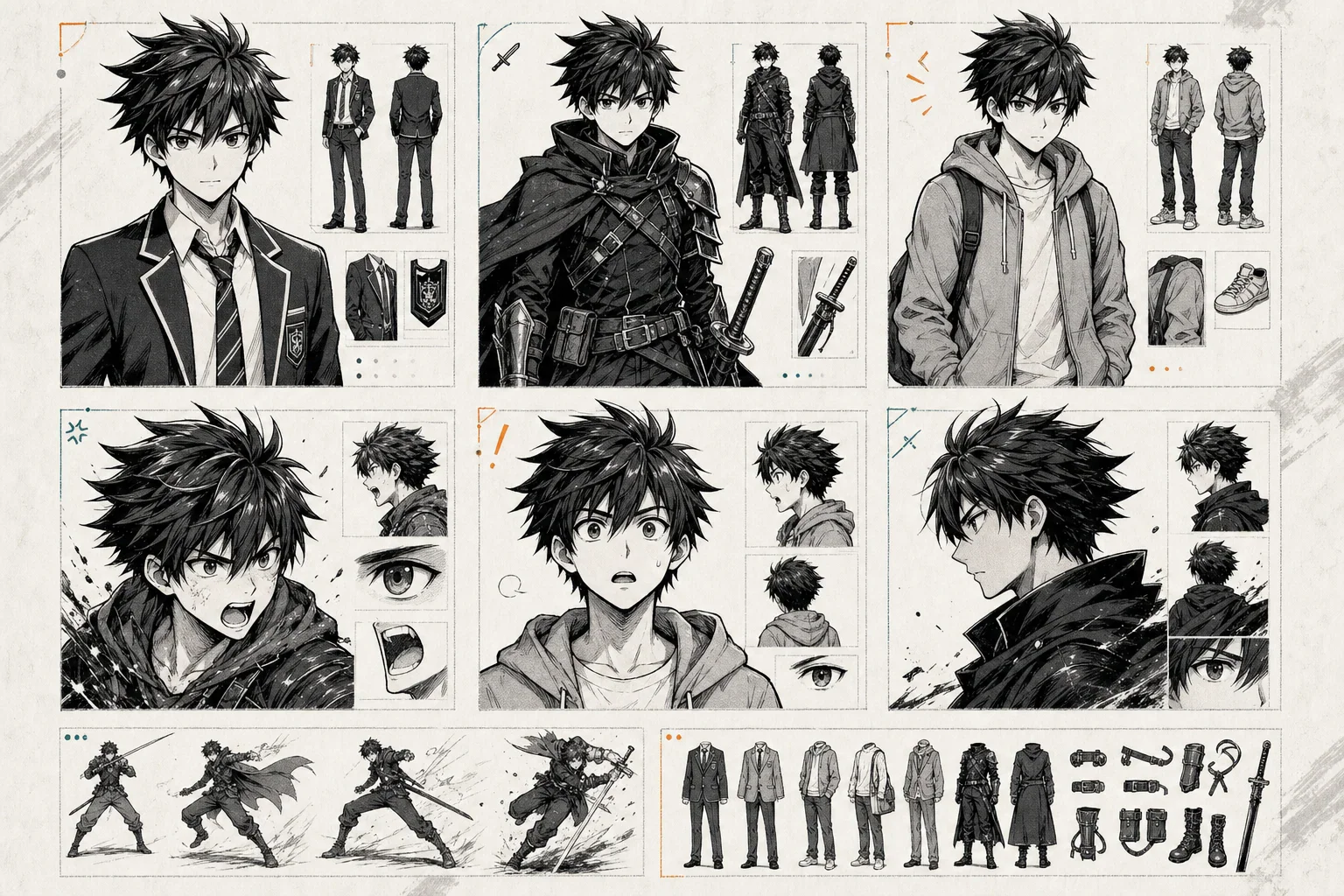
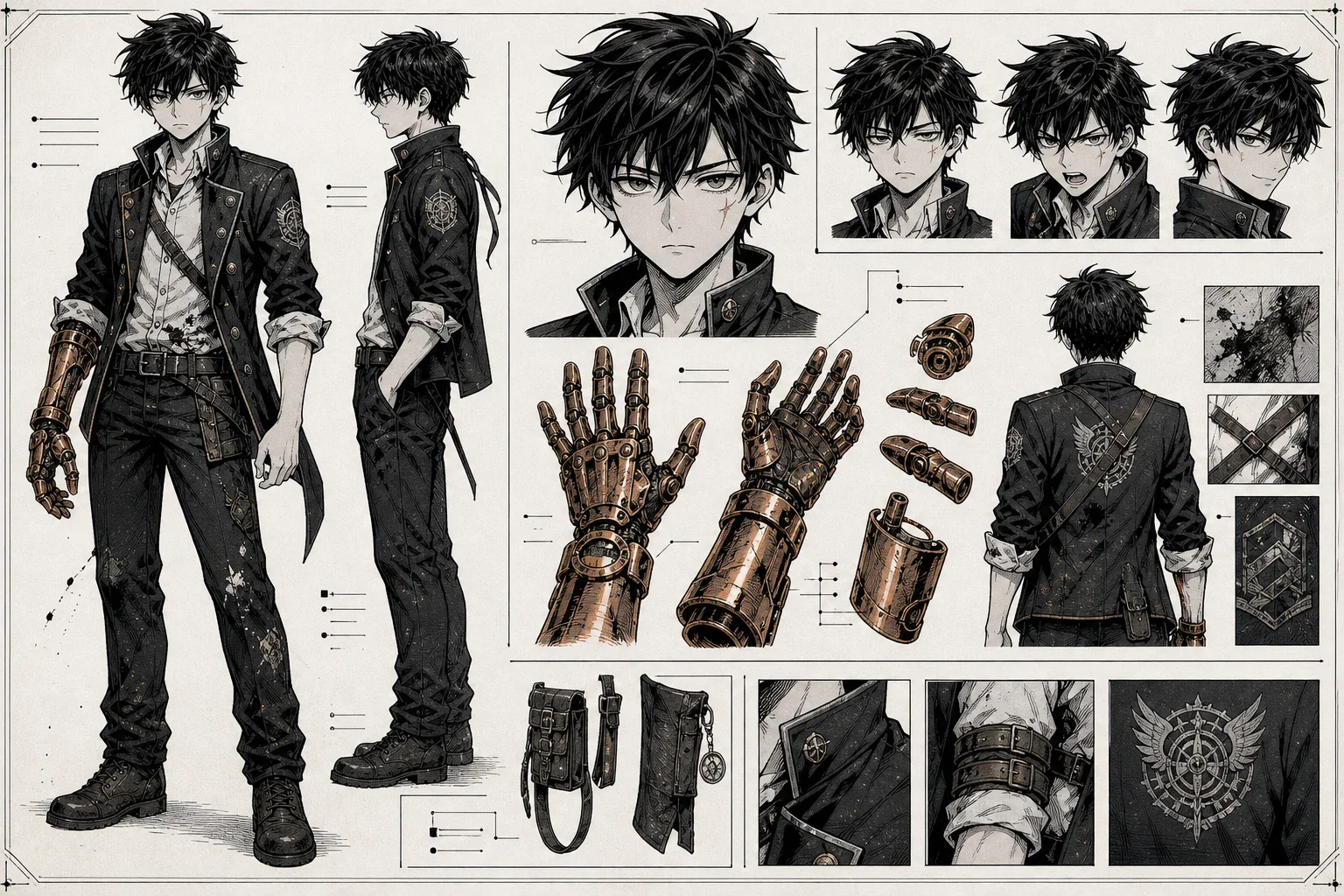
Step 2: Build a character bible
Do this before generating many panels.
Name: Kai
Age: 16
Role: First-year student at a magic academy
Hair: Short black hair, slightly messy
Eyes: Gray, sharp, tired-looking
Face: Small scar under the left eye
Body: Lean, wiry, slightly underfed
Outfit: Old academy uniform, rolled sleeves, oil stains
Signature item: Copper mechanical glove on right hand
Personality: Stubborn, clever, sarcastic, secretly kind
Visual style: High-contrast black-and-white shonen manga
Repeat the key visual details in every important prompt.
Step 3: Generate character references
Before making full pages, generate:
front view,
side view,
expression sheet,
action pose,
casual pose,
dramatic close-up,
outfit reference,
signature prop reference.
Step 4: Generate panels one scene at a time
Do not ask the AI to create a full chapter immediately. Start with one scene.
Create a black-and-white shonen manga panel.

Character:
Kai, 16, short messy black hair, gray eyes, small scar under his left eye, old academy uniform with rolled sleeves, copper mechanical glove on his right hand.

Scene:
Kai stands in a broken training arena at night. Sparks fly from his glove as a fire spell crashes toward him.

Emotion:
Fear mixed with determination.

Composition:
Low-angle close-up, glove in the foreground, Kai's face partially shadowed, fire attack entering from the left.

Manga effects:
Speed lines, screen tones, heavy ink shadows, dramatic impact lines.

Layout requirement:
Leave clean empty space in the upper-right corner for a speech bubble.
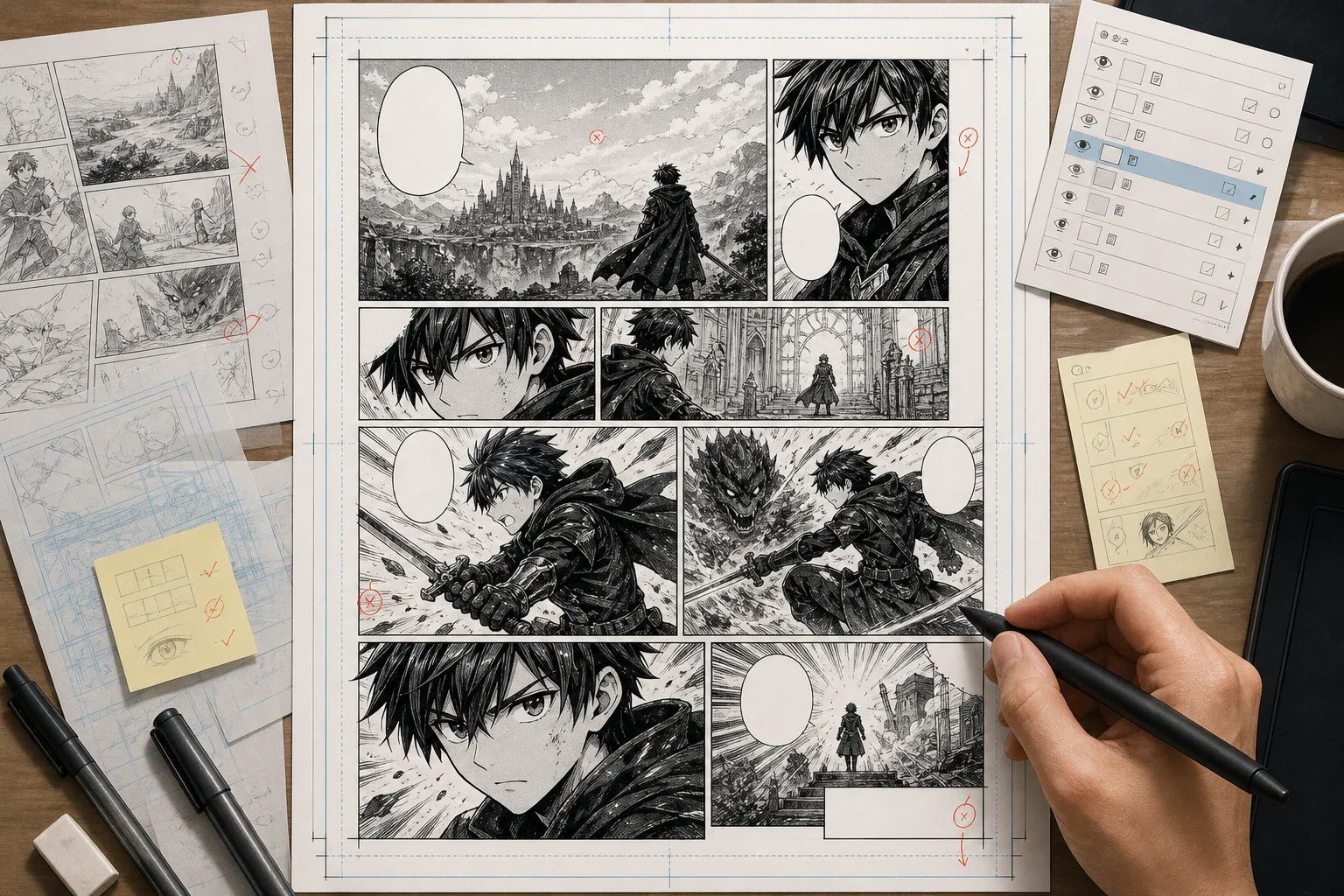
Step 5: Assemble the page on a canvas
After generating panels, assemble them in a layout tool such as Canva, Clip Studio Paint or another canvas-style editor.
Check:
reading order,
panel size hierarchy,
speech bubble placement,
margins,
gutters,
visual rhythm,
dialogue readability,
mobile crop safety,
export dimensions.
Step 6: Add lettering and SFX
Lettering controls pacing. Keep dialogue short and readable.
Use:
clear speech bubbles,
consistent fonts,
readable captions,
clean SFX placement,
speaker tails that point clearly,
enough white space around text.
Step 7: Review before publishing
Before publishing, check:
character consistency,
hands and faces,
panel continuity,
confusing camera angles,
repeated backgrounds,
awkward dialogue,
copyright risks,
export quality,
platform rules.
AI can accelerate production, but human editing decides whether the manga is readable.
AI output can contain visual mistakes, continuity problems, awkward hands, inconsistent faces or unclear panel flow. Always edit.
AI Manga Prompt Template
Use this template with LlamaGen, ComicsAI, Jenova, OpenArt, Stable Diffusion or another image tool.
Create a [manga genre] manga panel.

Character:
[Name, age, hairstyle, eyes, face details, outfit, body type, signature item]

Action:
[What the character is doing]

Scene:
[Location, time of day, background, weather, atmosphere]

Emotion:
[Specific emotional state]

Composition:
[Close-up / wide shot / low angle / high angle / over-the-shoulder / diagonal action shot]

Manga effects:
[Speed lines, screen tones, ink shadows, SFX space, impact lines, motion blur]

Continuity:
[Repeat the fixed character details that must not change]

Layout:
[Speech bubble space, reading direction, webtoon vertical format, page panel ratio]
Example Prompt: Shonen Action Panel
Create a black-and-white shonen manga action panel.

Character:
Kai, 16, short messy black hair, gray eyes, small scar under his left eye, old academy uniform with rolled sleeves, copper mechanical glove on his right hand.

Action:
Kai blocks a huge fire spell with his mechanical glove while sliding backward across a cracked arena floor.

Scene:
Nighttime magic academy arena, broken stone tiles, sparks, smoke, blurred students watching from the background.

Emotion:
Terrified but refusing to give up.

Composition:
Low-angle diagonal action shot. The mechanical glove is large in the foreground. Kai's face is visible behind it, half-shadowed.

Manga effects:
Strong speed lines, screen tones, heavy black ink shadows, impact burst where fire hits the glove.

Continuity:
Keep Kai's short black hair, gray eyes, left-eye scar, old uniform and copper glove consistent.

Layout:
Leave clean space in the upper-right corner for a speech bubble. Right-to-left manga reading flow.
External Resources for AI Manga Creators
Use these official pages and creator resources to compare tools, workflows and publishing options:
Can AI manga generators create full manga chapters?
Some tools can help create multi-page drafts, recurring characters and structured scenes. However, full manga chapters still need human planning, editing, lettering, continuity checks and publishing review.
What is the best AI manga generator for beginners?
LlamaGen, ComicsAI, OpenArt and Canva are good starting points because they reduce technical setup. Beginners should focus on creating one short readable scene before attempting a full chapter.
Is LlamaGen good for manga and webtoons?
Yes. LlamaGen is relevant for creators who want a broader AI comic workflow covering manga, manhwa, webtoons, panels, characters and page creation.
Is OpenArt a full manga generator?
OpenArt is best understood as a strong visual creation and editing tool. It can generate manga-style characters and scenes, but many creators will still pair it with a manga layout or story workflow.
Is Canva enough to make manga?
Canva can help with comic layout, speech bubbles, grids, frames and social-ready exports. It is useful for assembling pages, but it is not the strongest choice for long-form character consistency by itself.
What is the difference between Canva and WEBTOON CANVAS?
Canva is a design and layout tool. WEBTOON CANVAS is a publishing platform for independent webtoon creators. A creator might use Canva to assemble a page and WEBTOON CANVAS to publish the finished episode.
Should I use Midjourney for manga?
Use Midjourney for covers, concept art, mood boards and promotional visuals. For complete manga pages, combine it with tools that support panels, continuity, lettering and layout.
Can I use AI manga commercially?
It depends on the tool and platform. Always check commercial rights, watermark rules, export limits, model restrictions and publishing policies before selling or publishing AI-assisted manga.
Final Verdict
The best AI manga generator in 2026 is not simply the one that makes the prettiest image. The best choice is the tool that fits your production workflow.
Choose LlamaGen if you want a broad AI comic platform for manga, manhwa, webtoons, characters and page creation.
Choose ComicsAI if you want a simple text-to-manga workflow for panels and early visual drafts.
Choose Jenova Manga Creator if your project is story-first and you want help with character references, panel flow and long-form continuity.
Choose OpenArt if you need manga-style art, character exploration, visual assets and AI image editing.
Choose Canva if you need to assemble panels, add bubbles, control layout and export simple comic pages.
Choose WEBTOON CANVAS if you want to publish vertical webtoons and build an audience.
Choose Midjourney for polished covers and concept art.
Choose Stable Diffusion and ComfyUI if you want deep technical control and custom character pipelines.
For serious manga creation, the winning setup is usually a workflow, not a single button: write the story, lock the characters, generate panels, assemble pages, letter carefully, edit manually and only then publish.