Tất cả bài đăng
LlamaGen 1.0.43: LlamaGen.AI 1.0.43: Scene Library and Sketch References

Jay
ngày 5 tháng 11 năm 2026
LlamaGen.AI 1.0.43: Scene Library and Sketch References
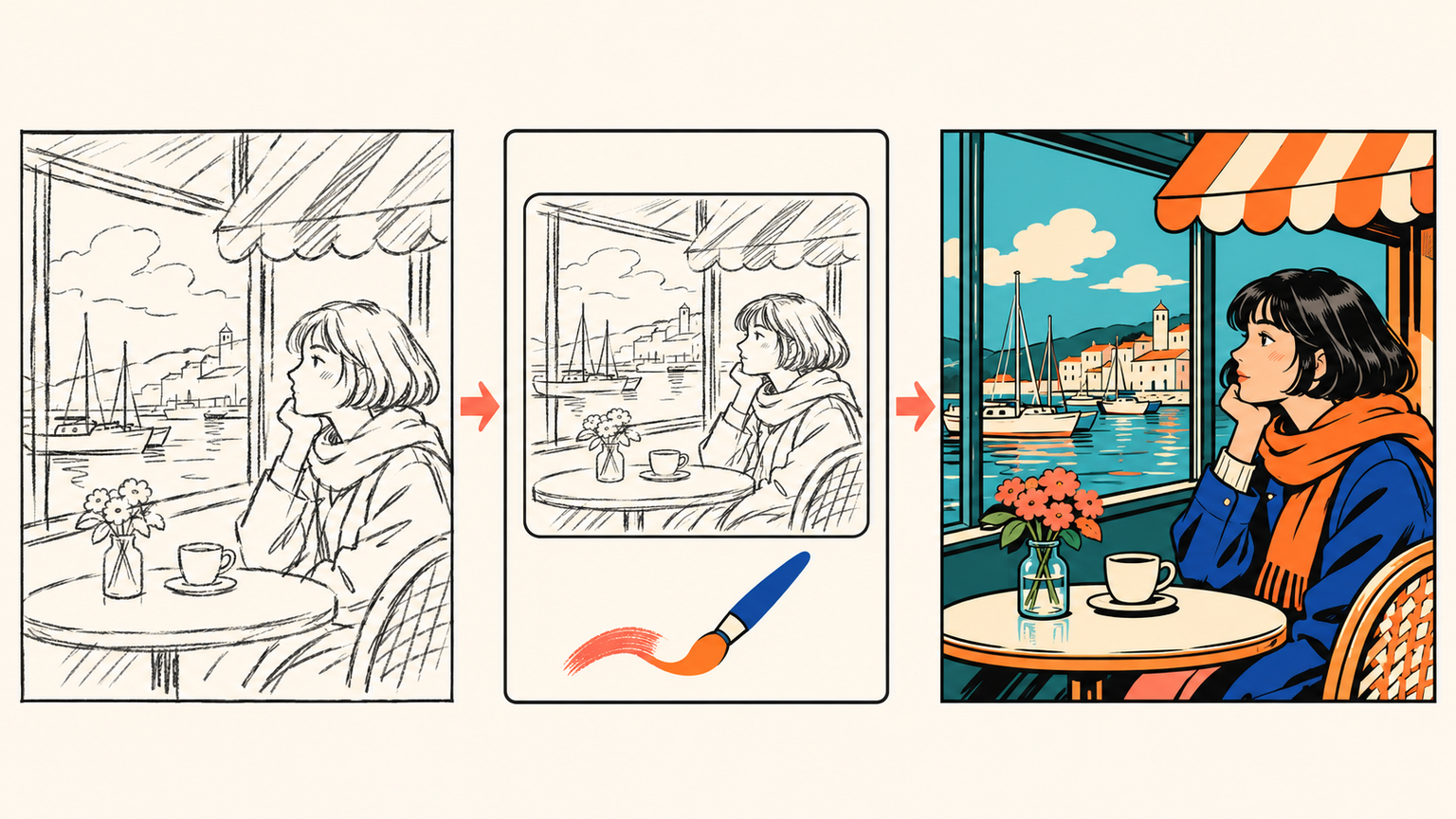
A background and a rough composition can communicate a scene faster than a long description alone. This release gives creators a larger starting library, clearer ways to carry a scene selection into a project, and a simple sketching tool for expressing visual direction before making the next image.
Find the setting that fits the story
The scene library now contains 1,100 curated background views across 350 locations. Explore anime, black-and-white manga, Western comic, and storyboard styles, then narrow the collection by the setting or visual direction the sequence needs.
Search, category filters, and previews make it easier to compare a school, home, cafe, street, or other location before choosing it. A dedicated storyboard selection provides additional starting points for planning scenes. A different crop of a background can help frame a shot; a crop remains a new framing of the same view.
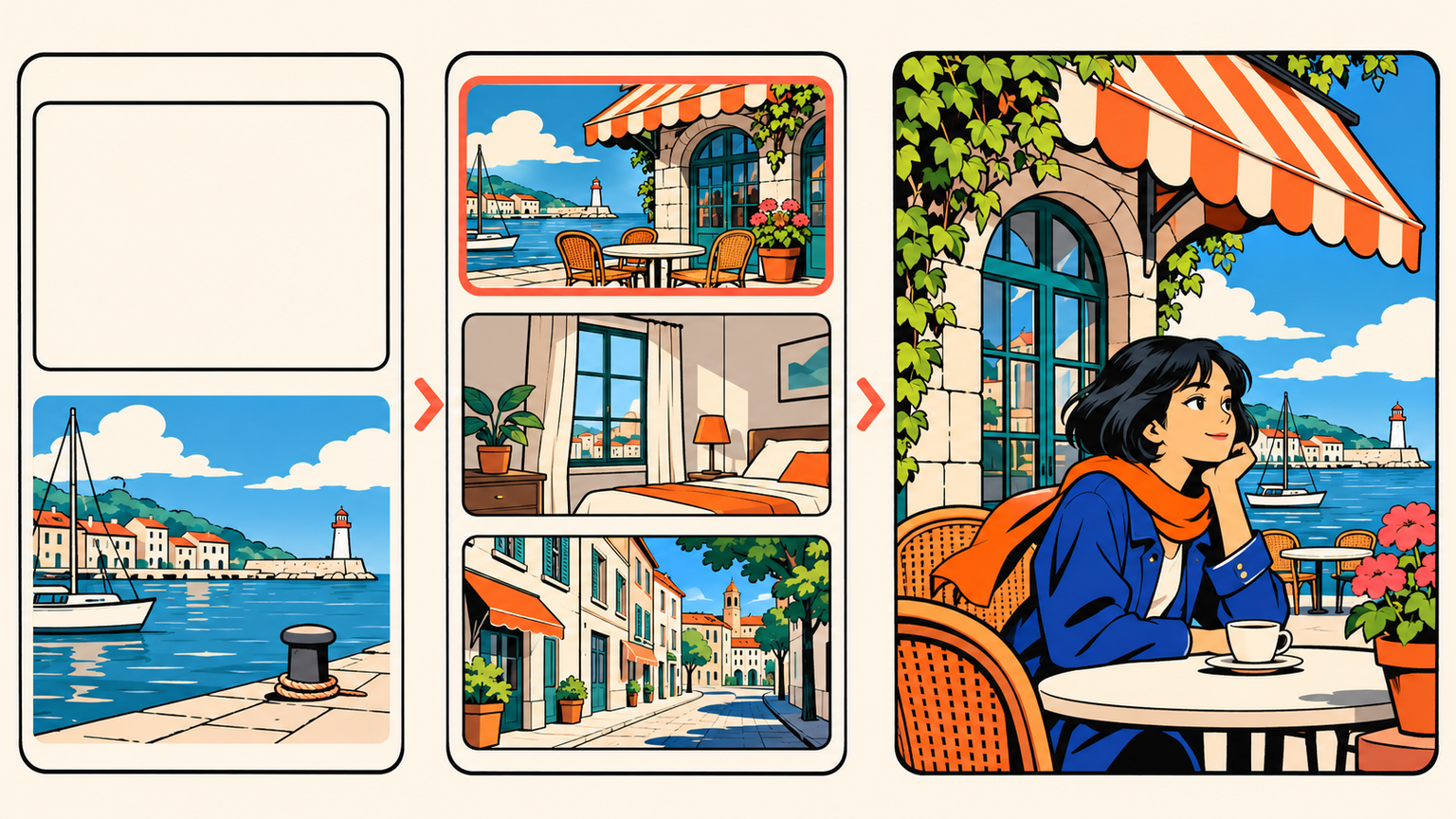
Select backgrounds, then choose where they belong
Keep a group of backgrounds selected while browsing and use the selection actions to add them to an existing comic or storyboard, or start a new comic or storyboard with that collection. Existing-project choices show covers and names so the destination is easier to recognize before confirming.
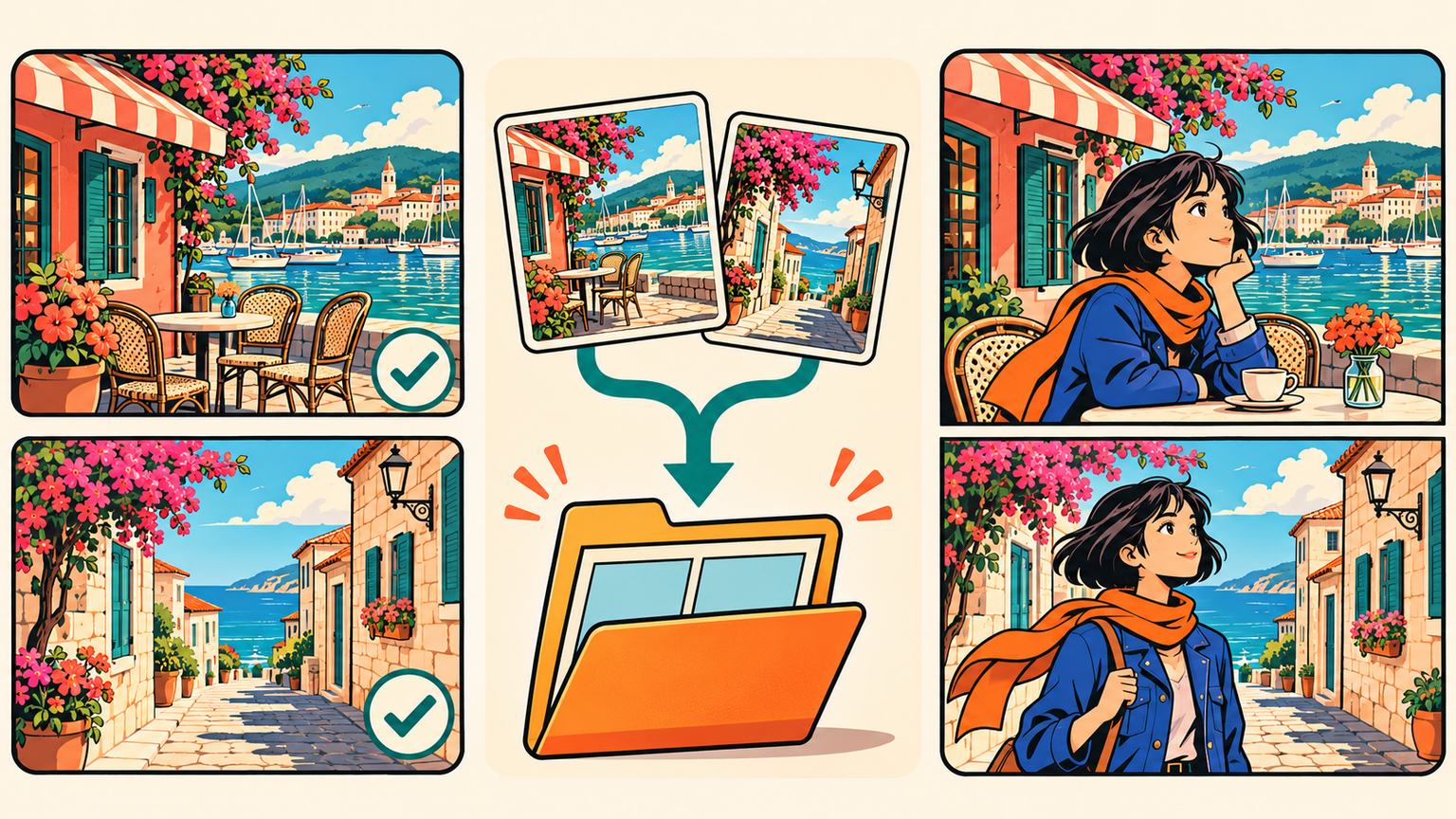
Inside comic creation, My Backgrounds and Explore Scenes bring saved backgrounds and the scene collection into the same selection flow. Preview and adjust the selection, then confirm when it is ready to apply. The collection identifies the scenes that require an eligible plan before they are added.
Khơi dậy ước mơ cho thế hệ trẻ
Nơi hàng triệu câu chuyện trở nên sống động
Tổng hợp các tính năng mới nhất của LlamaGen, cải tiến sản phẩm, cập nhật thiết kế và các bản sửa lỗi quan trọng.