Parents and families
Create personalized coloring pages for your children at home. Match the complexity to their age and interests for engaging screen-free activity.


Upload a photo or describe an idea. Turn it into printable black-and-white line art to review in LlamaGen Studio.
Upload a photo to make a coloring page
Sign in to upload · PNG, JPG, WebP or PDF · up to 20 MB
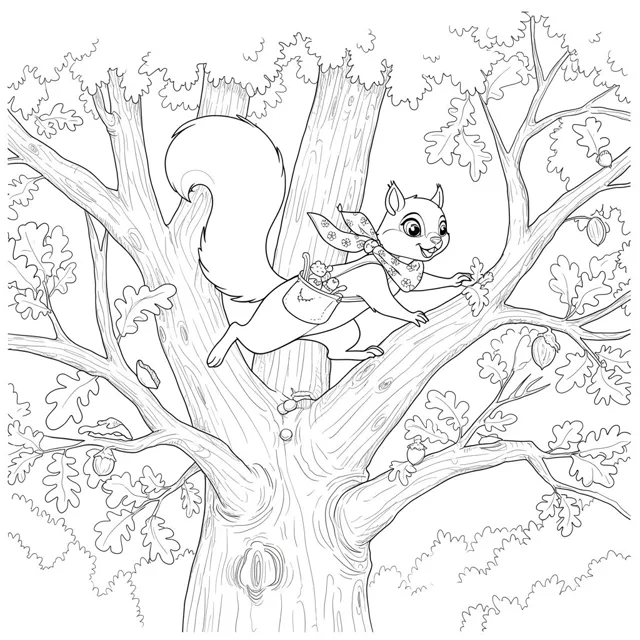
Upload a photo or sketch you have permission to use, or describe a scene in your own words. Choose a line-art style and generate black outlines with open areas to color. Check the result in Studio: small details and open shapes may need another pass.
Generate a coloring page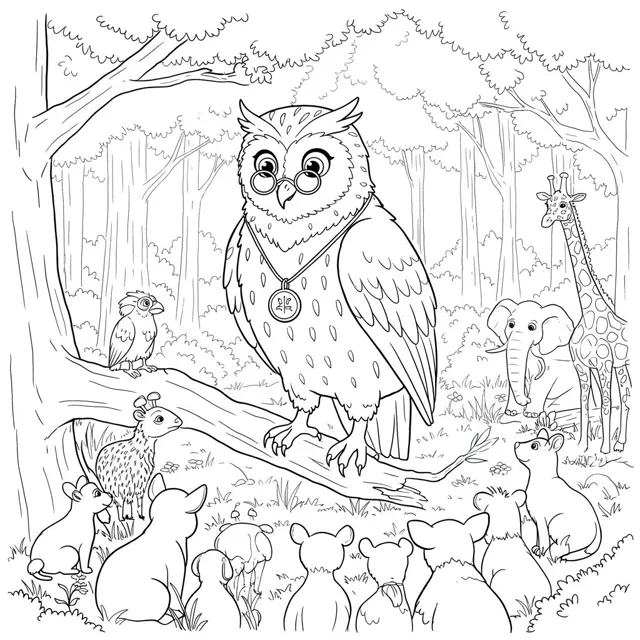
Select a single page or ask for four related pages around one theme. Describe the age range, line weight, and background detail so each draft has a useful level of complexity. Review the pages separately before arranging them into a book.
Generate a coloring pageInspect outlines, content, resolution, and margins in LlamaGen Studio. Export a page image with the options available to your account. To assemble several saved page images into a PDF, use the separate Comic PDF Maker and check a sample print.
Generate a coloring page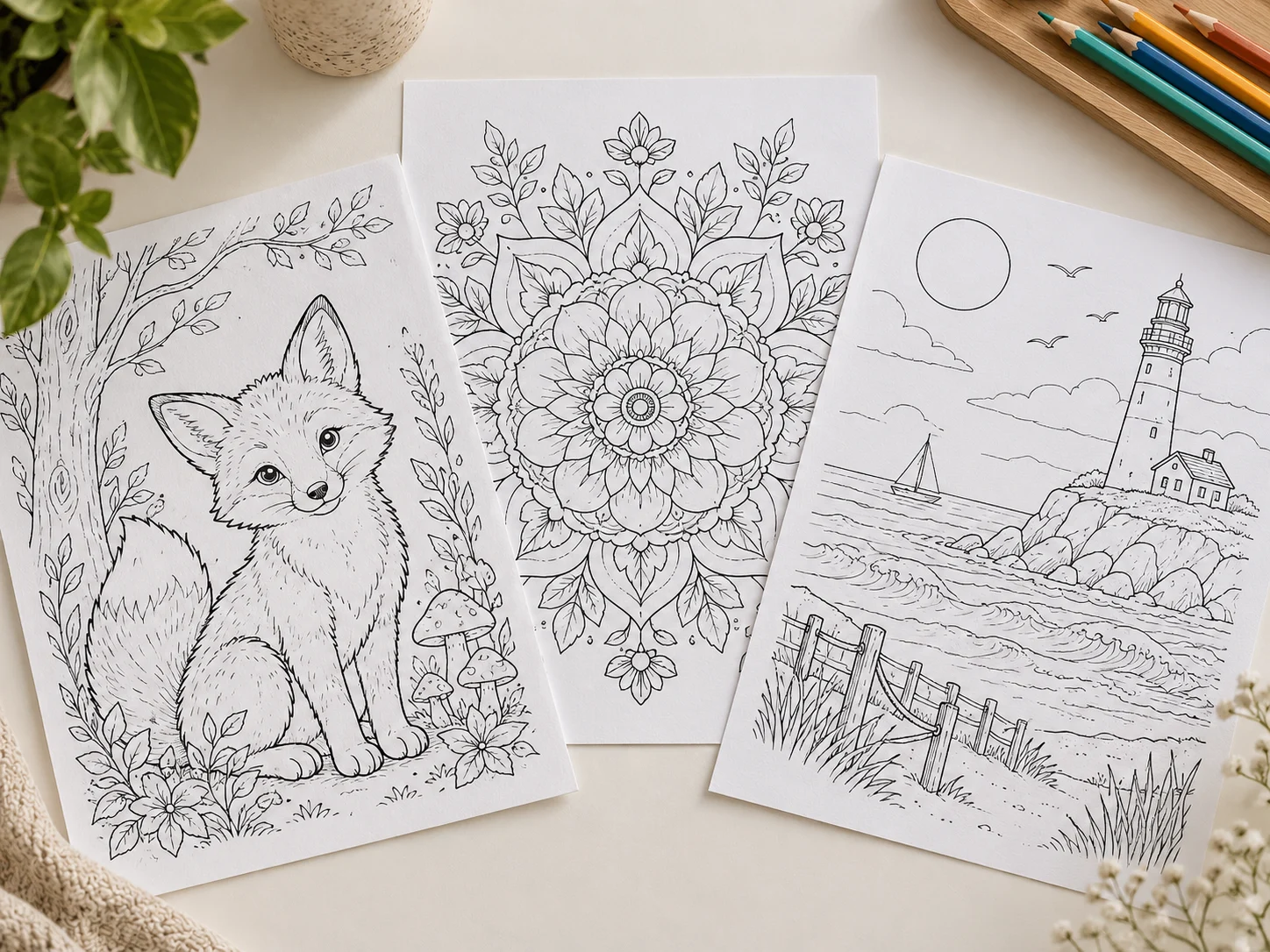
For children, ask for age-appropriate subjects and inspect every generated page before use. Upload only photos you own or have permission to use. AI art can contain unexpected details or resemble existing work, so review the result and applicable rights before printing, sharing, or publishing it.

Create personalized coloring pages for your children at home. Match the complexity to their age and interests for engaging screen-free activity.
Build custom worksheets and coloring activities aligned to your lesson plans. Add counting objects, letters, or science themes to reinforce learning.
Draft original coloring book pages around a theme, inspect the line art, and check rights and export quality before publishing.
Capabilities
Describe a subject, theme, or lesson idea and the generator translates it into clean black-and-white line art.
Extra-thick closed outlines, large open coloring areas, and minimal background for preschool and early elementary children.
Add an age range and detail level to your prompt so the page suits its intended audience.
Signed-in users can upload a photo or sketch they have permission to use as a visual reference.
Describe the subject, composition, line style, background, and details to avoid in plain language.
Create one portrait page or a themed four-page pack while keeping consistent line weight and style.
The generation prompts request black outlines on white; review each draft for accidental shading.
Successful generations open in LlamaGen Studio for review, further editing, and export.
Single-page styles use portrait dimensions. Check margins and resolution before printing.
Choose a themed mini pack when you want several related coloring pages in one project.
An account may include free credits. Each generation uses credits, and available upload and export options depend on the plan.
Add countable objects, letters, or science themes to turn coloring pages into interactive learning worksheets.
Describe thick or fine outlines in your prompt to guide the style; inspect the result before printing.
Ask for a blank background, a few supporting objects, or a more detailed scene.
Export a finished page image from Studio with the options available to your account, then check resolution and margins before printing.
Mô tả chủ đề hoặc đối tượng mà bạn muốn cho trang tô màu (ví dụ: 'mèo dễ thương', 'siêu anh hùng', 'thế giới dưới nước').
Chỉ định phong cách và mức độ phức tạp mong muốn, như 'nét vẽ đơn giản cho trẻ nhỏ' hoặc 'họa tiết hoa chi tiết'.
Nhấp 'Tạo' để tạo trang tô màu độc đáo cho bạn. Tải về, in ra và bắt đầu tô màu!
Có, các trang tô màu được tạo thường miễn phí cho mục đích cá nhân, phi thương mại. Vui lòng kiểm tra điều khoản cụ thể nếu có.
Trang tô màu thường được cung cấp dưới các định dạng hình ảnh phổ biến như PNG hoặc JPG, phù hợp để in dễ dàng.
Có, bạn có thể mô tả nhân vật, đối tượng hay cảnh cụ thể trong phần gợi ý để hướng dẫn AI tạo ra nội dung.
Describe a theme or upload a reference image, then refine your result in LlamaGen Studio.
Create now