

What is Image to Image AI?
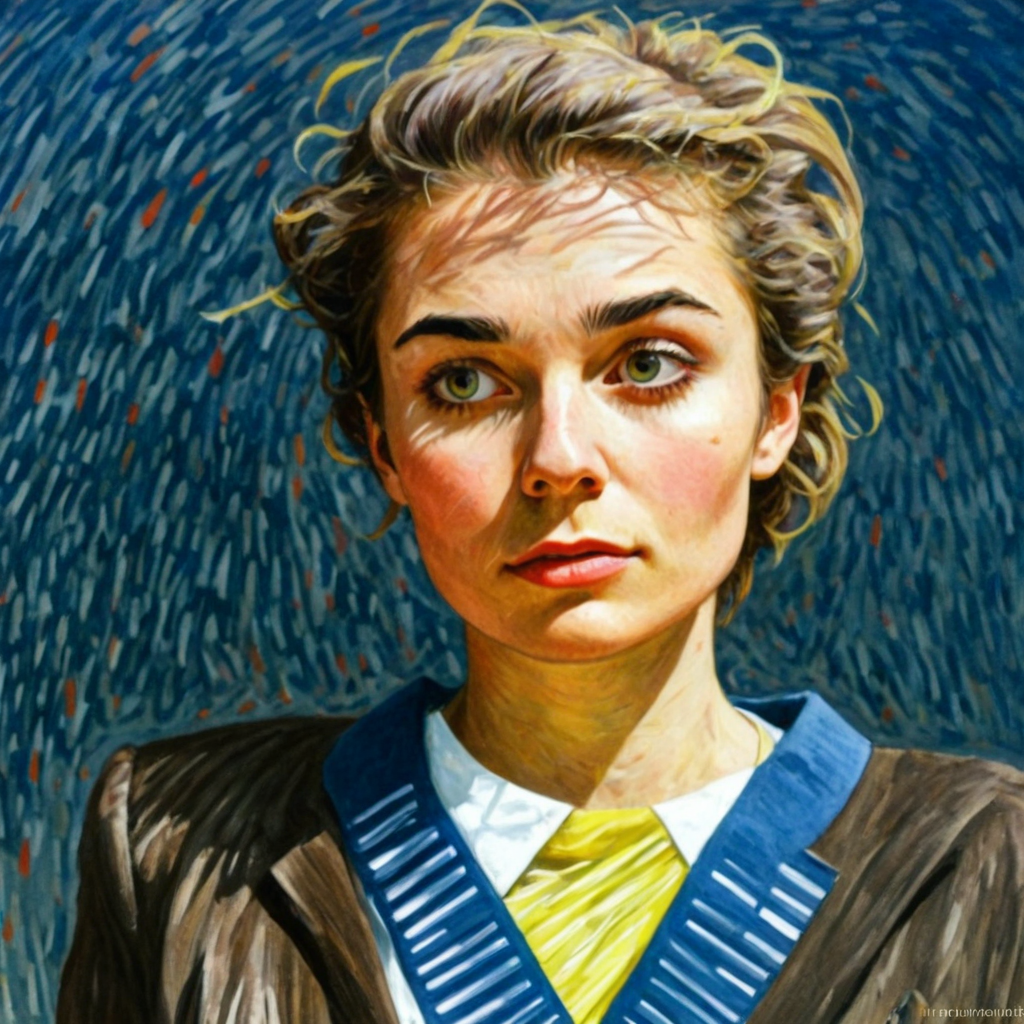
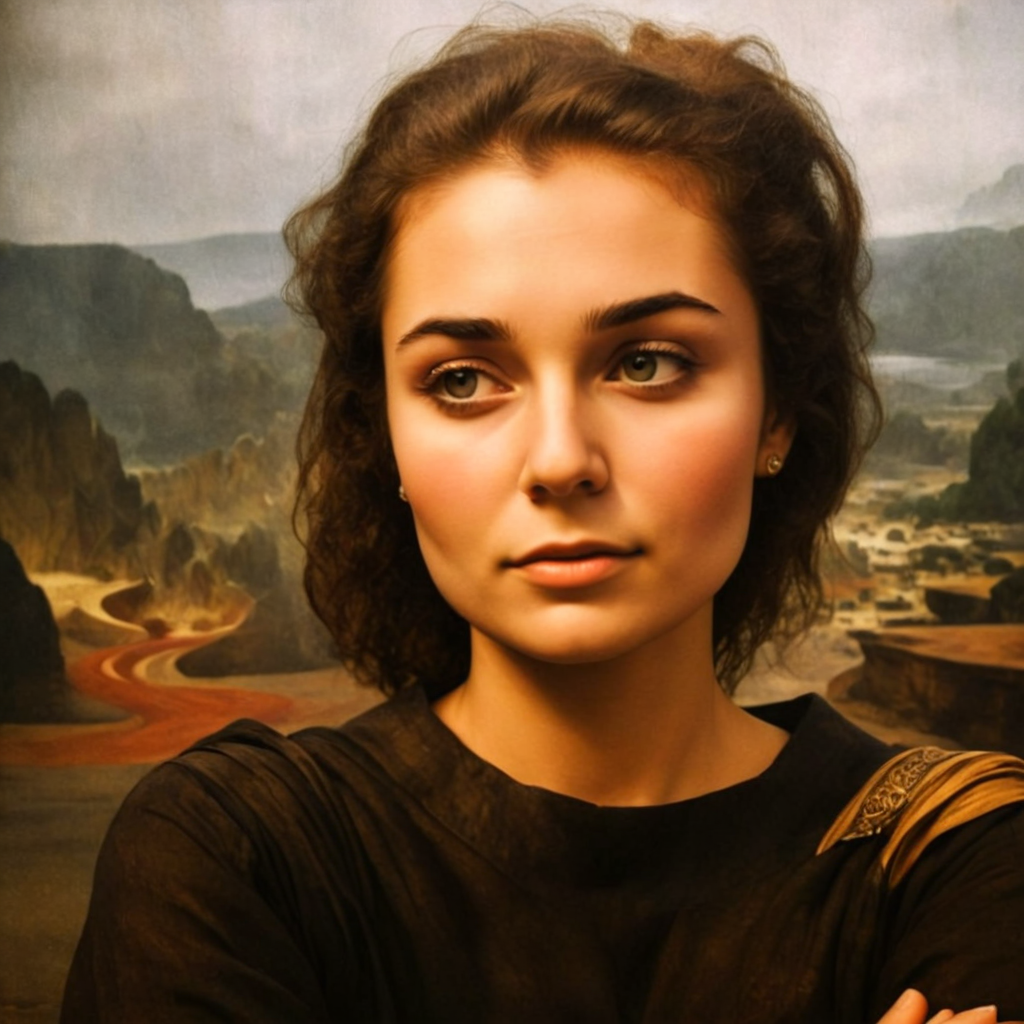
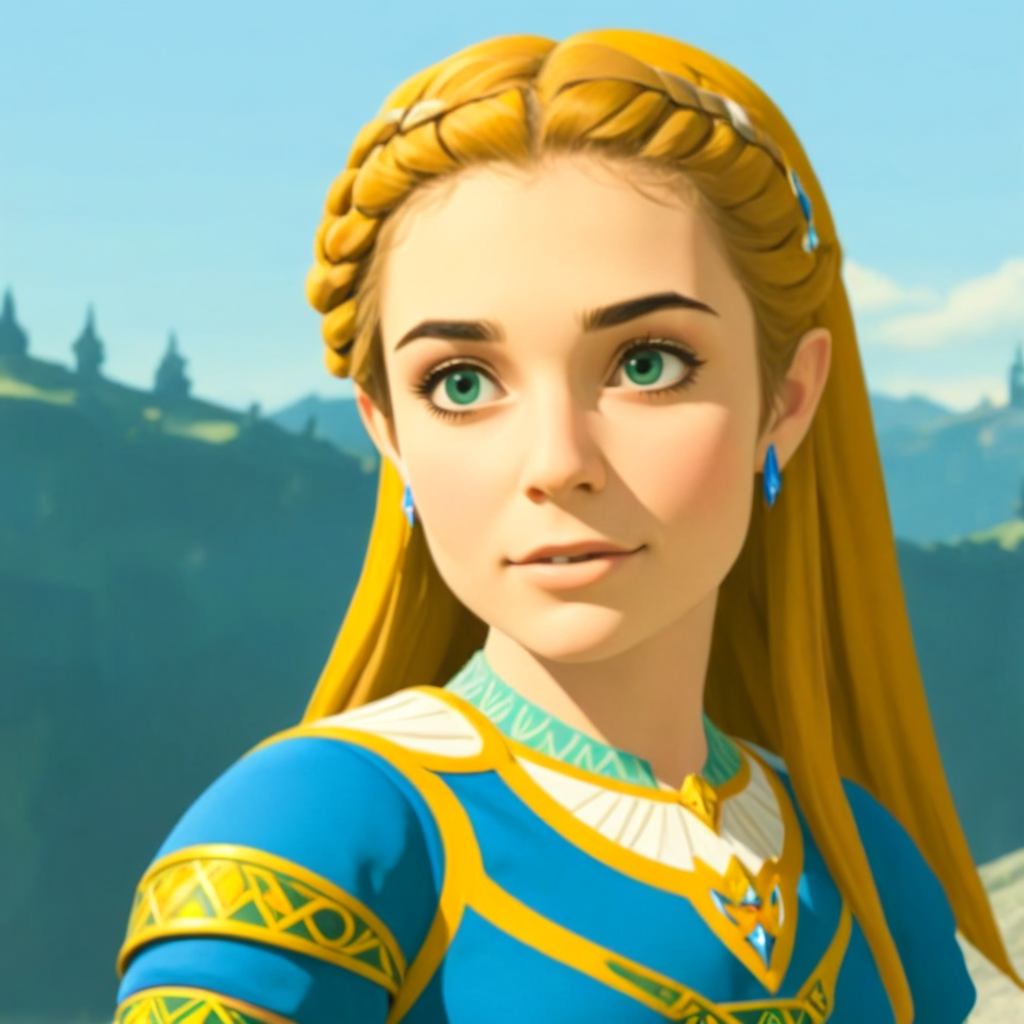
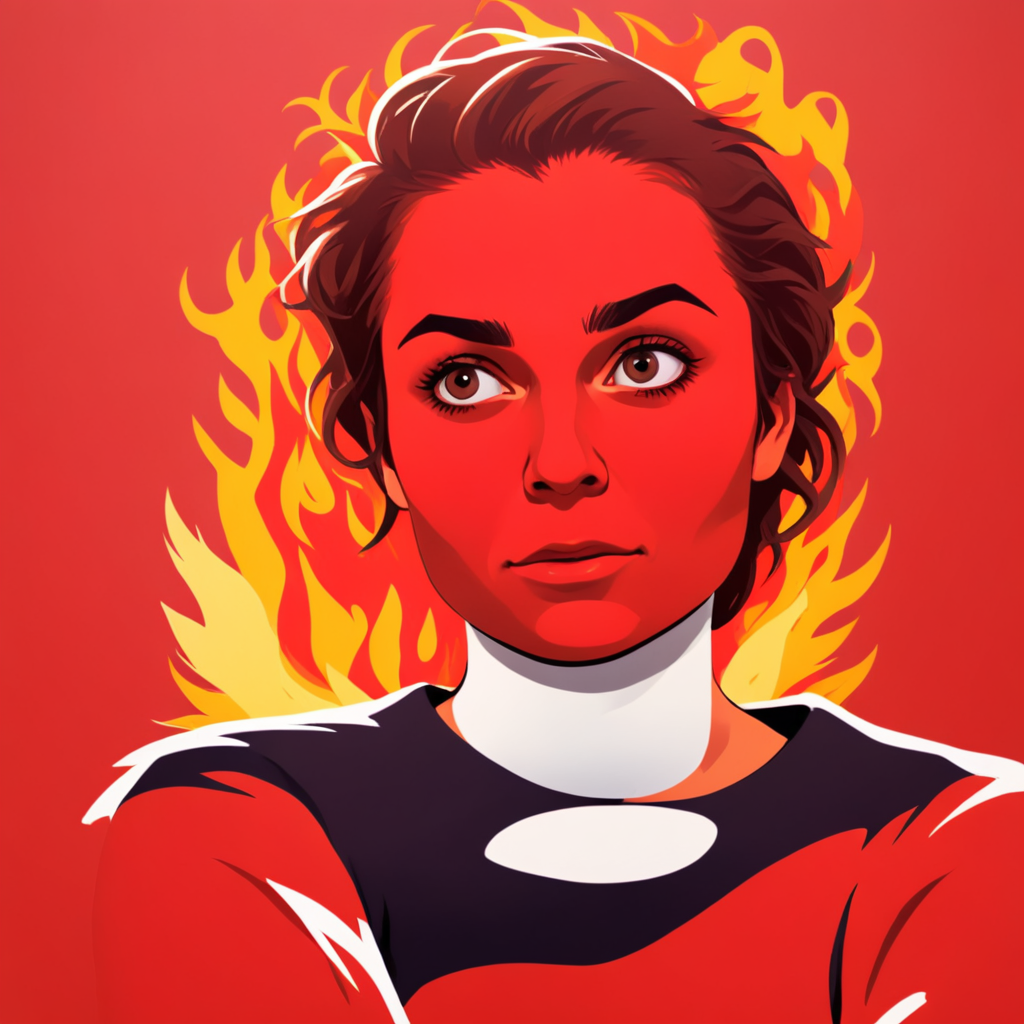
Image to Image AI turns a source photo into a new visual with text-guided edits. Unlike filters, it preserves composition and subjects while restyling art direction, lighting, clothing, or scene details—so you get controlled creative variations instead of starting from a blank canvas.
How to use this free Image to Image AI tool
Three steps from upload to download-ready results.
Upload your image
Add a clear JPG, PNG, or WEBP photo as your reference. Keep the source aspect ratio close to your target output for better structure preservation.
Adjust strength and prompt
Lower strength keeps the result closer to the original. Write a specific prompt for style, colors, or edits—then choose how many variations to generate.
Generate and download
Run the Image to Image AI generator, review options, and download high-quality images for personal or commercial projects.
Image to Image AI use cases
Cover the workflows people search for—restyle, consistent characters, product shots, and game art.
Style transfer and restyling
Turn photos into anime, oil painting, watercolor, cyberpunk, or realistic looks while keeping the original pose and framing.
Consistent characters for comics and stories
Reuse a character reference across panels and scenes so facial features, outfits, and art style stay coherent.
Game assets and concept art
Convert sketches and mockups into polished characters, environments, and props for faster prototyping.
Marketing and product visuals
Create campaign variations, lifestyle scenes, and social creatives from a single product photo without reshoots.
More than Image to Image
Powering 10M+ image generations monthly
AI Image Generator
Text to Image generation online
AI Photo Editor
Modify images with AI text prompts
Video Generator
Create captivating 4-second video clips
Frequently Asked Questions about Image to Image AI
What is Image to Image AI?
Image to Image AI (also called img to img) lets you upload an existing photo and transform it with a text prompt—changing style, mood, or details while keeping the original composition and key subjects.
What can you do with the Image to Image AI tool?
Restyle photos into anime, watercolor, or cyberpunk looks; create consistent characters for comics and game assets; refine product and marketing visuals; and generate multiple creative variations from one source image.
How does Image to Image differ from Text to Image generation?
Image to Image uses an existing image as a reference, maintaining its structure while applying modifications. Text to Image creates images from scratch based on text descriptions alone.
Is this Image to Image AI generator free?
Yes. You can start free with monthly image credits and no credit card required. Paid plans unlock higher limits for commercial and high-volume use.
What types of images work best with Image to Image AI?
Clear, well-lit images with good resolution work best—portraits, landscapes, product shots, sketches, and concept art. Match the source aspect ratio to your output for stronger results.
Can I use generated images commercially?
Yes. Generated images can be used for personal and commercial projects such as marketing creatives, game assets, comics, and social content, subject to LlamaGen terms.