

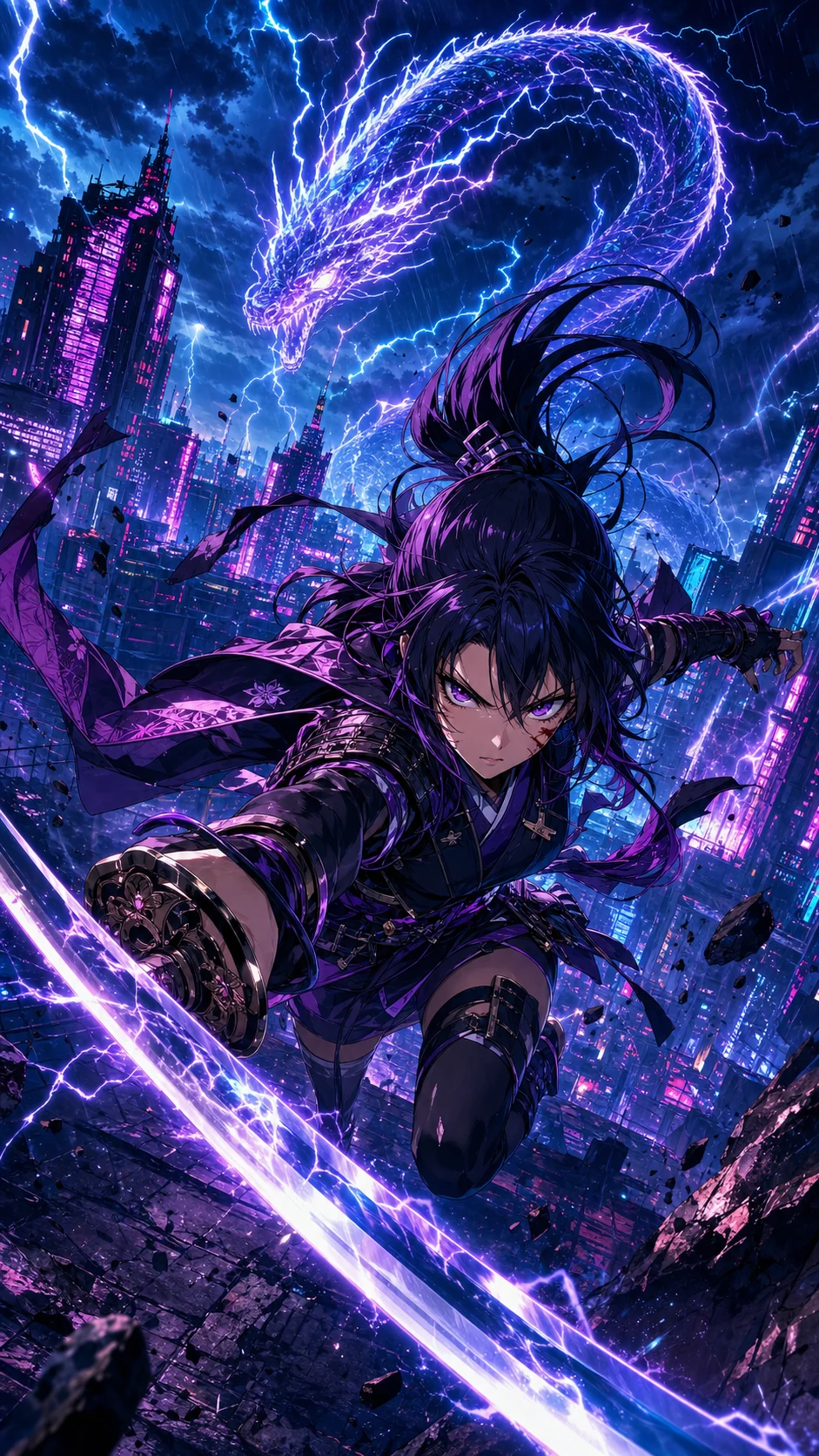


Comic to video AI
Upload finished panels and generate motion without rebuilding every shot in a timeline editor.
圍繞漫畫連貫畫面設計,而唔係單一靜態圖片
專為 Shorts、TikTok、Reels 同預告片而設
動態、節奏、對白提示同輸出規劃一次完成
What is comic to video?
A comic to video AI converter turns finished comic panels, comic strips, comic books, manga pages, or webtoon art into a short animated video. Unlike image to video, it follows panel order, dialogue timing, and story continuity so the clip still reads as the original comic.
Creators use a comic to video maker when they already have sequential art and need a social teaser, pitch preview, or episode hook. LlamaGen starts from the page you uploaded, then plans camera motion, speech cues, and export format in one workflow.
Upload finished panels and generate motion without rebuilding every shot in a timeline editor.
Keep page order, character framing, and dialogue beats when a printed or digital comic becomes a clip.
Turn a 3- or 4-panel gag into a timed short with holds, punchline pacing, and vertical export.
LlamaGen 係圍繞已完成漫畫頁面同分鏡序列而設,唔係由空白文字轉影片提示詞開始。
動畫製作唔容易
創作者已經花咗好多時間規劃角色、分鏡、對白同節奏。將呢一頁變成直向影片,通常代表要再開一條製作流程:逐格裁切、重建鏡頭、安排對白時間、揀動作、剪接轉場同輸出多種格式。
頓悟時刻
唔使由空白動畫時間軸開始,LlamaGen 會讀取漫畫序列,將既有故事節拍轉成動態選擇。
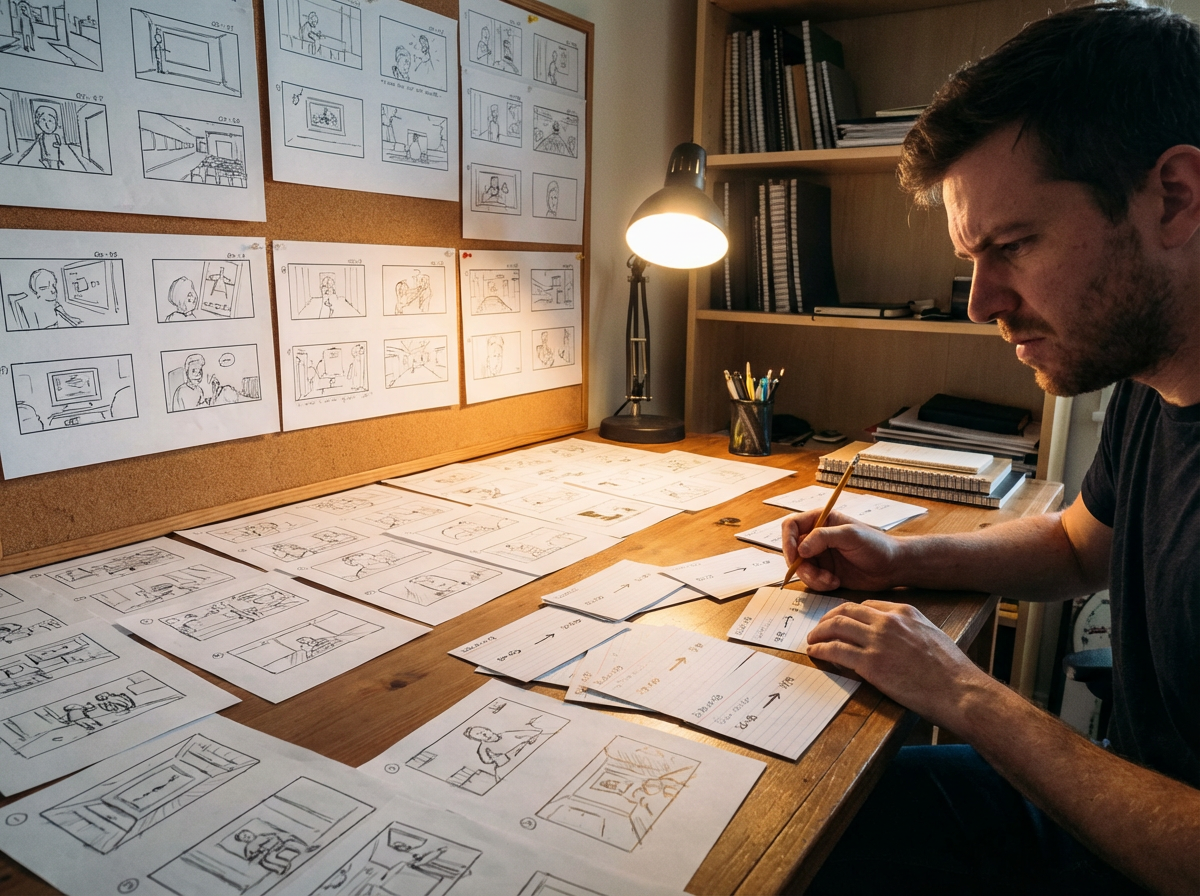
由頁面出發
一個四格笑位、戰鬥節拍,或者網絡漫畫向下捲動畫面,都可以變成一段跟住原本版面節奏嘅短片。
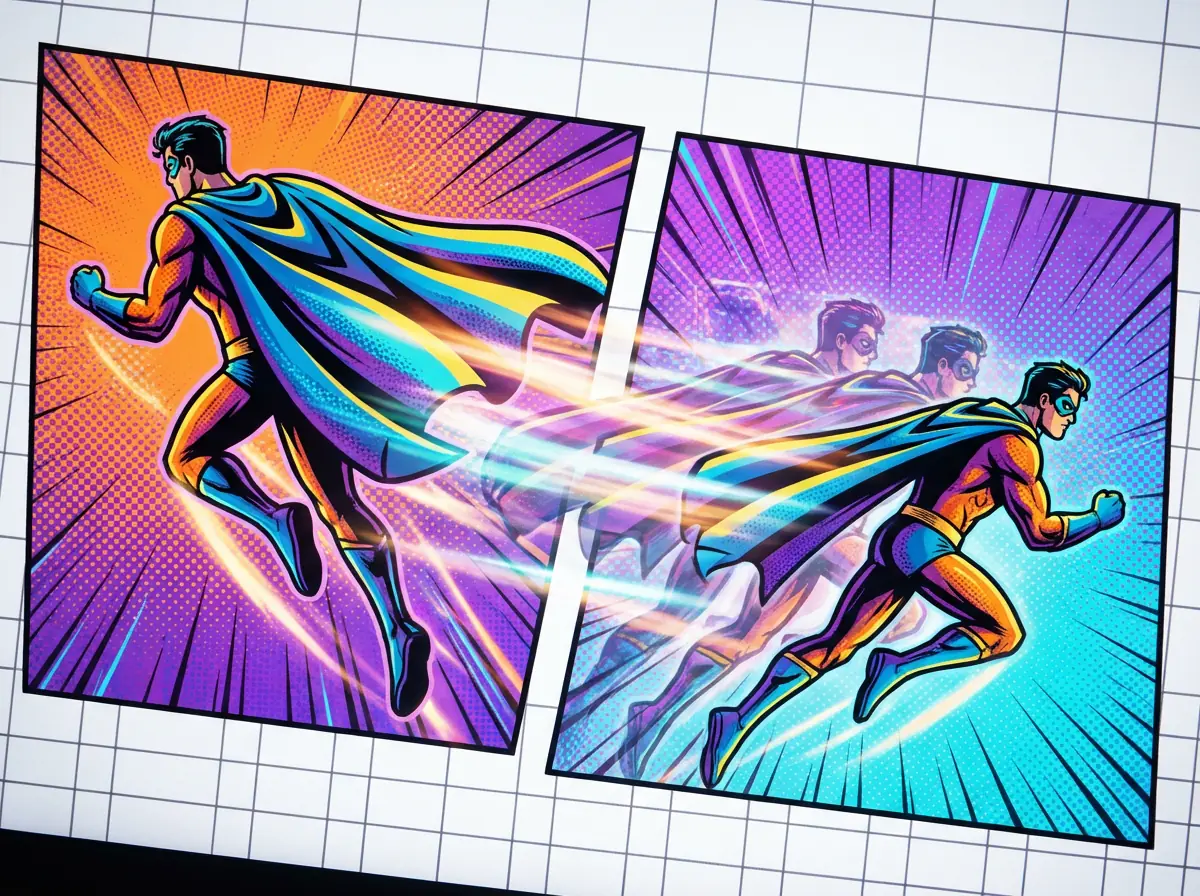
變成動態
用推鏡、橫移、衝擊框同轉場,令靜態分鏡更有生命力,同時保留原畫構圖。
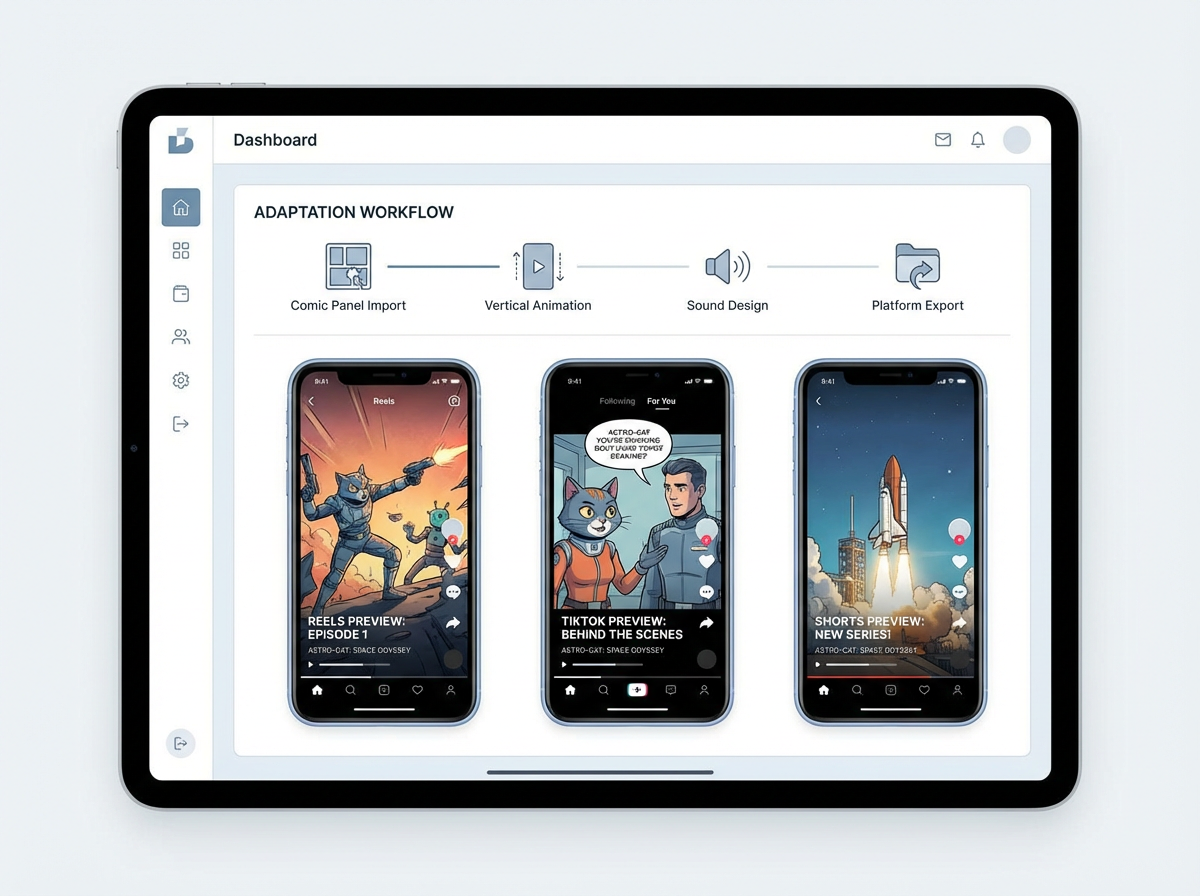
發佈出去
製作直向預告、場景預覽,或者提案草稿,唔使喺剪接軟件入面手動重建整套漫畫。
Veo 3.1 質素
三張原創動漫封面,以同一套原圖動畫化成精緻 8 秒直向短片。唔係普通示範片,亦唔係無關素材片段。

Monica
將呢個四格漫畫動畫化,內容係一個機械人發現友情。保持分鏡次序,加少少溫和推鏡,安排對話氣泡節奏,並輸出一段 9:16 YouTube Shorts 預告。
創作者工作流程
已完成短篇一集嘅創作者,可以喺正式發佈完整漫畫前,先將最有力嘅一段轉成動態預告。
上載已完成嘅分鏡序列,包含對話氣泡、動作節拍同清晰閱讀次序。
要求輸出一段直向預告,加上戲劇性推鏡、對白節奏同結尾標題畫面。
輸出一段短動畫預覽,可用作上線引子,或者放入提案簡報。
創作者回報
價值唔止係多一個影片檔。重點係將完成分鏡變成可重用嘅宣傳素材,而唔使再另開一套動畫製作流程。
取代手動裁切、節奏設定、動態規劃、剪接同輸出設定。
適用於社交預告、提案預覽同動態故事板草稿。
保留你原本嘅漫畫分鏡作為創作唯一準則。


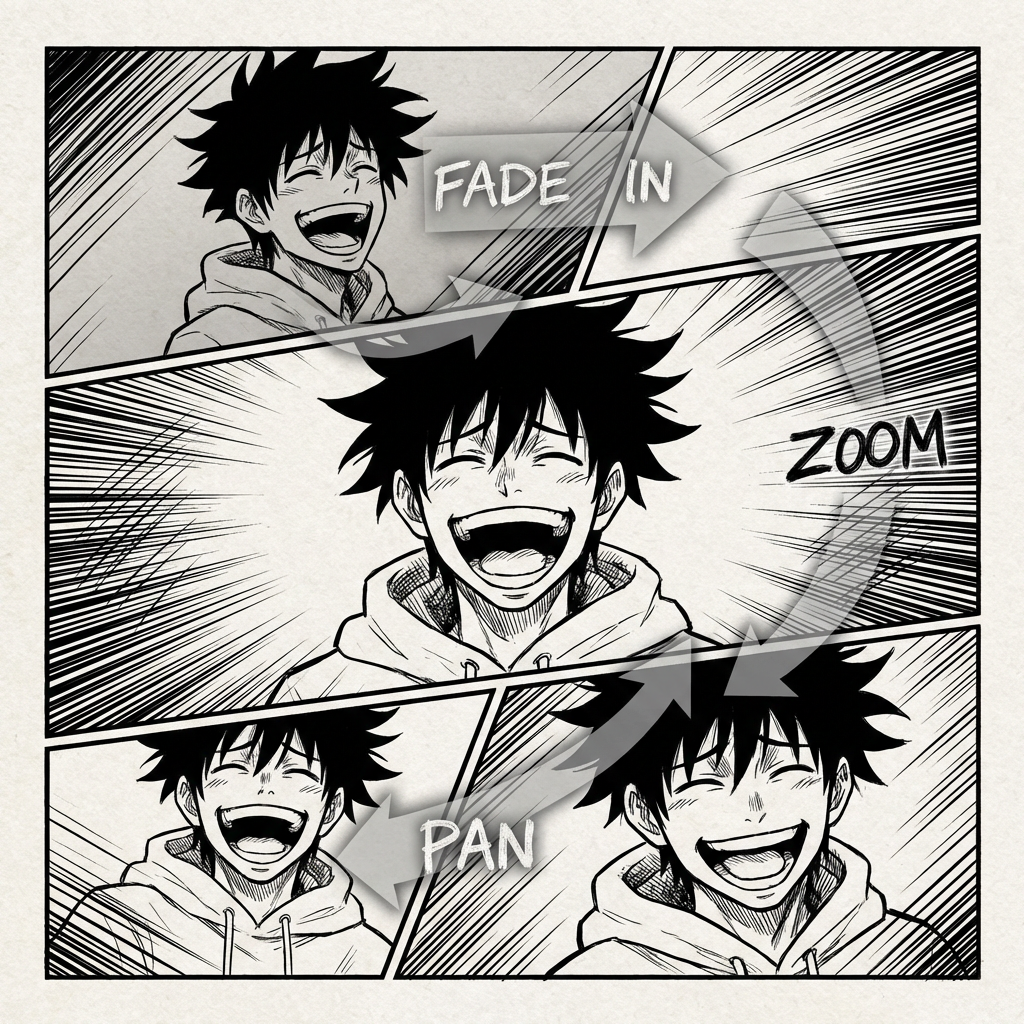

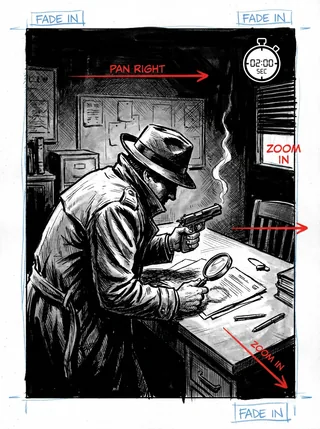
漫畫動畫嘅未來
漫畫轉影片專為已經喺頁面上完成故事嘅創作者而設。佢會讀取分鏡次序、保持場景連貫,幫你將靜態漫畫版面變成動畫短片,毋須由零重新重建整個序列。
舊式動畫工作流程
由漫畫分鏡走去動畫,通常代表要重新搭鏡頭、處理對白節奏同重新剪輯故事節奏。呢個流程慢,而且好容易破壞你原本喺頁面上建立好嘅節奏。
你喺頁面上講故事好順,但轉成動態、節奏、鏡頭角度同轉場時,就會變成一個複雜難題。
每段動態短片都要令主角仍然係同一個主角,即使鏡頭移動、場景轉換都一樣要認得出。
音樂、效果同配音都要配合漫畫語氣、對白節奏同場景轉換。
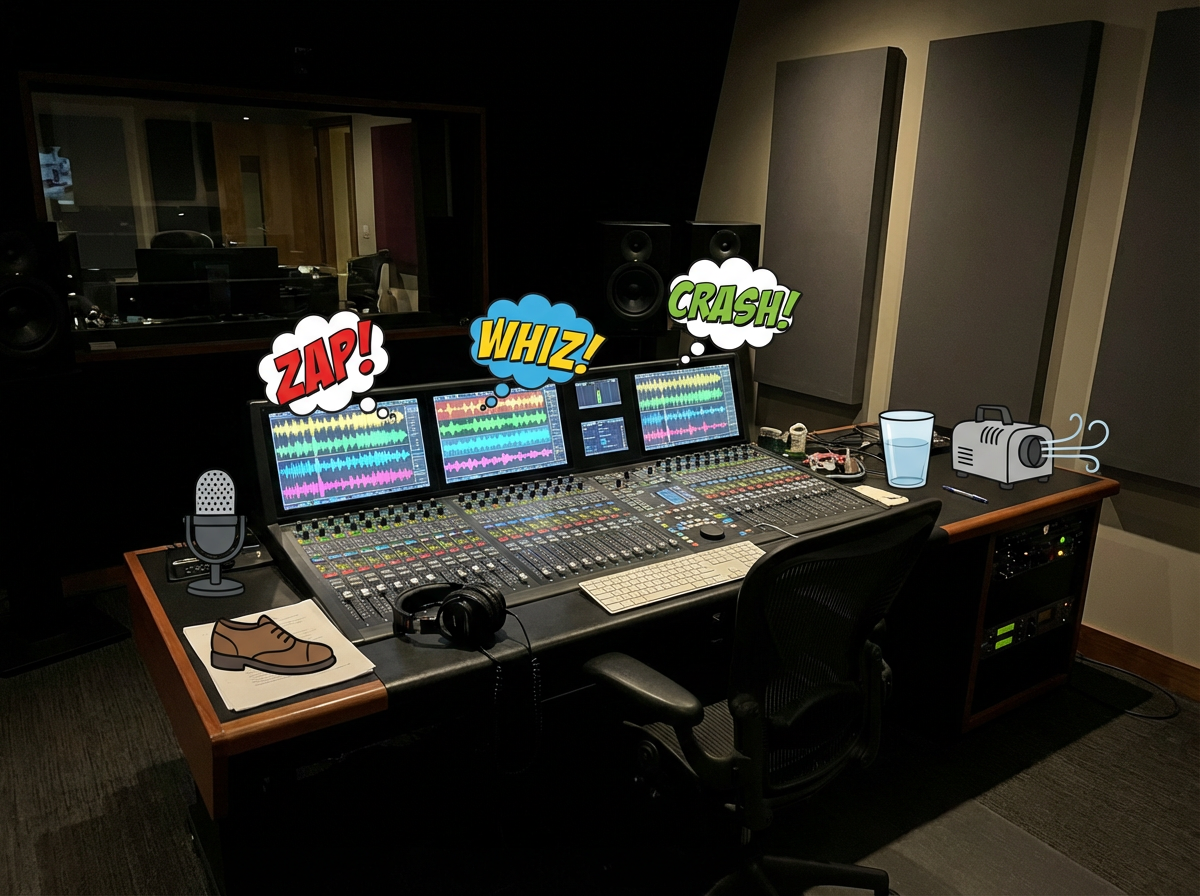
你要等輸出、發現節奏問題,再重複剪輯流程,短片先可以分享。
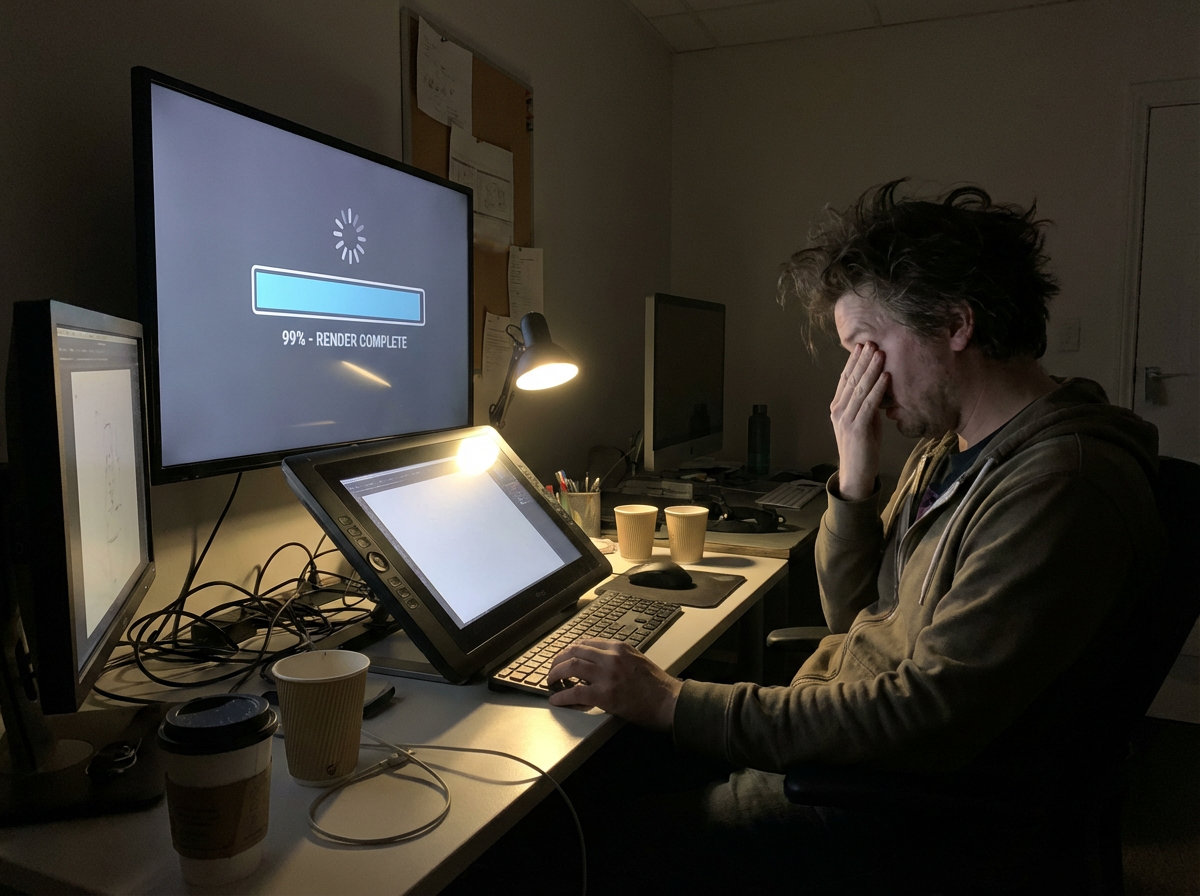
完成咗嘅動畫,仲要再調整尺寸同重剪,先可以用喺 TikTok、YouTube Shorts、Reels 同提案簡報。
如果你嘅漫畫分鏡其實已經包含影片藍圖,會點?
|令你嘅漫畫活起來
一直都係大家嘅夢想。
而家,第一個動態草稿由分鏡開始。
呢個工作流程係專為漫畫而設:讀取分鏡序列、保留連貫性、加入動態,再輸出一段仍然保留原故事感覺嘅短片。
工作流程會讀取上載頁面或分鏡序列,識別次序、角色、對白同場景轉換,再由漫畫結構本身建立影片藍圖。
系統會喺分鏡之間建立動作同轉場,令短片有動畫感,同時保留原本漫畫入面已定義好嘅故事節拍。
可圍繞對話氣泡同場景節奏,規劃對白提示、音效同背景音樂。
系統會將序列剪成連貫嘅短篇故事短片,平衡分鏡節奏、轉場同場景重點。
輸出動畫故事短片,用作預覽、社交分享、提案,或者喺更大嘅影片工作流程入面繼續編輯。
免費漫畫轉影片 AI
上載漫畫條漫、日漫頁面、韓漫場景或網絡漫畫分鏡,即可轉成 AI 動態影片,適合 TikTok、YouTube Shorts、提案簡報同創作者宣傳。
Updated September 2026
Best comic to video AI 2026
A ranked list of comic to video AI converters you can try in 2026. These are tools that start from finished comics, keep panel order, and export a shareable clip — not generic text-to-video apps.
Ranked September 2026 on panel-first workflow, free start, visible pricing, continuity, and social-ready export.
Best comic to video AI for finished comic, manga, manhwa, and webtoon panels.
Best for: Creators who already have sequential art and need a free comic to video maker for teasers, Shorts, and pitches.
Panel-first workflow, format presets for manga / webtoon / manhwa, visible pricing, and a free start without a card.
Best when you want a multi-scene comic-to-movie with a locked cast.
Best for: Teams already building comics inside ComicInk who need spoken dialogue, captions, and a 720p film export.
Strong character lock and scene assembly. Weaker if you only need a fast panel-to-social converter.
Solid comic book to video AI for narrative continuity.
Best for: Illustrated stories that need pacing and transitions more than format-specific manga or webtoon presets.
Clear comic-to-video positioning. Less specific about free credits and social export defaults.
Best comic video maker if you start from text or mixed models.
Best for: Users who want Seedance, Kling, or MiniMax to generate or animate comic-style shots.
Flexible models and aspect ratios. Closer to a generic comic video generator than a panel-sequence converter.
Comic book to video converter with voices and lip-sync.
Best for: Narrated comic-book adaptations when voiceover matters more than preserving the original panel grid.
Useful voice features. The workflow can drift toward script-to-video instead of finished-page conversion.
FORMAT-SPECIFIC WORKFLOWS
Manga, webtoon, and manhwa use different reading directions, pacing, language defaults, and publishing formats.
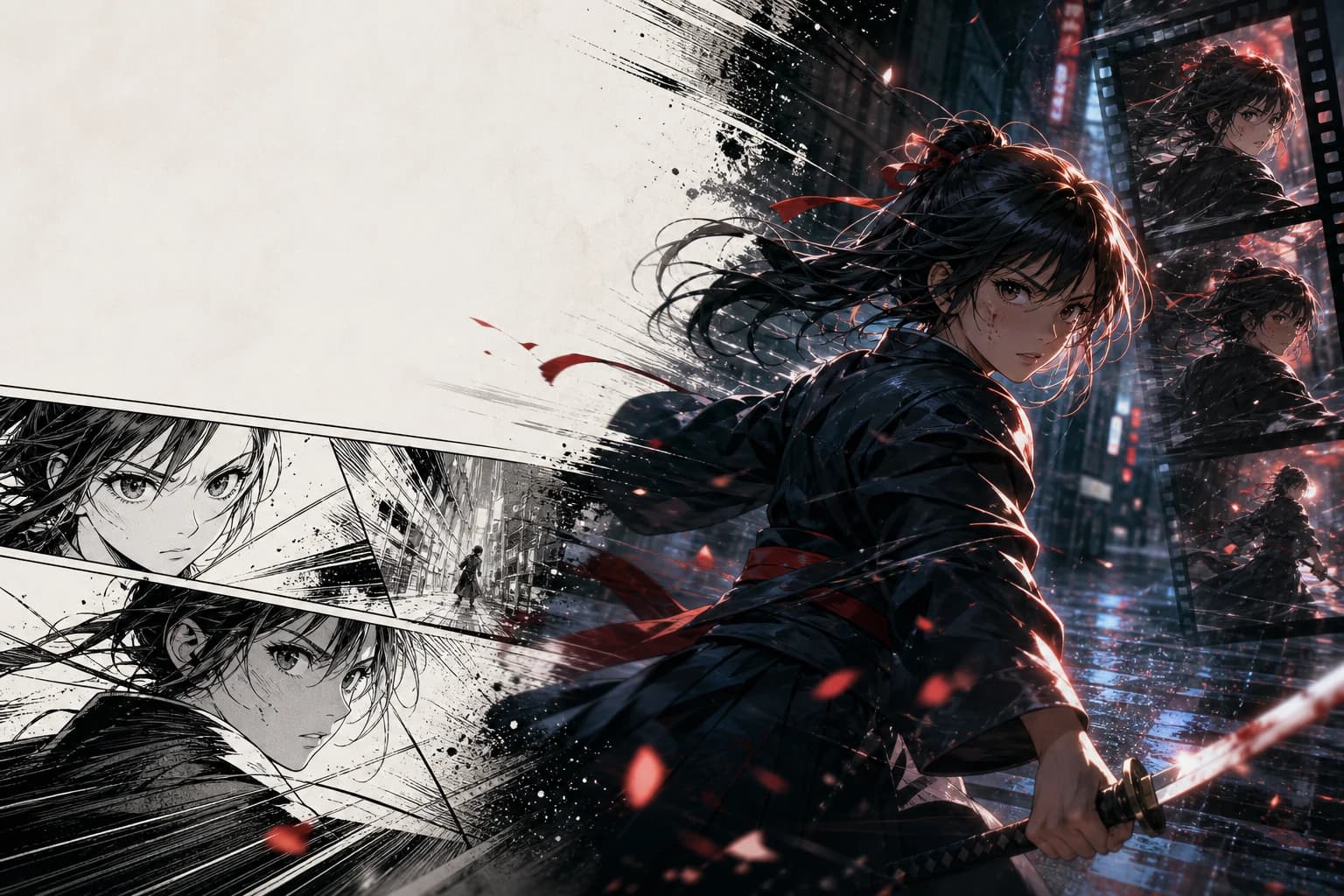
JA voice · RTL sequence · 16:9 PV
Animate finished manga pages with right-to-left sequence awareness, Japanese dialogue timing, and the punchy editorial rhythm of a manga PV.
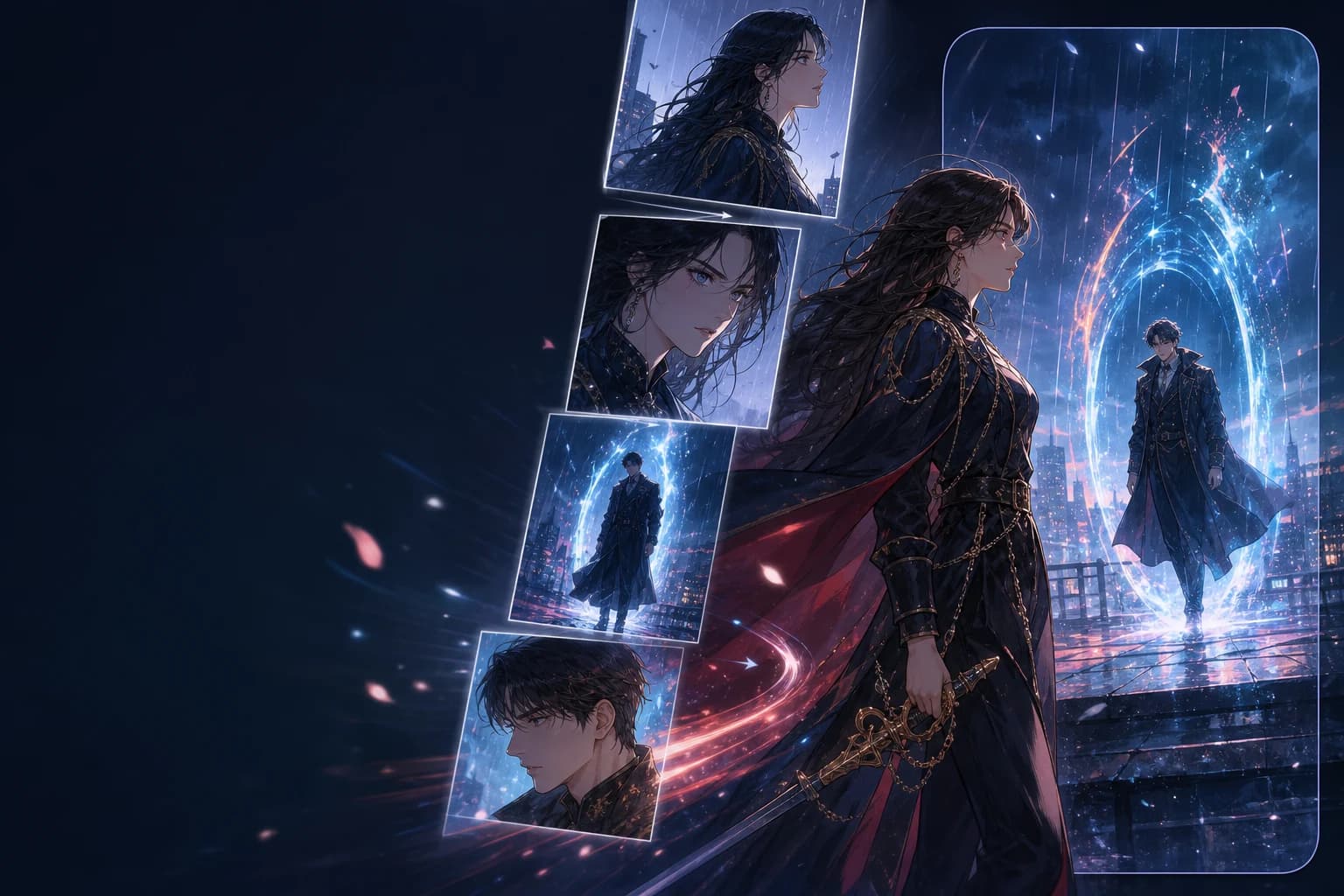
EN voice · vertical order · 9:16
Preserve top-to-bottom story order, episode rhythm, and full-color character continuity while reframing key beats for 9:16 video.
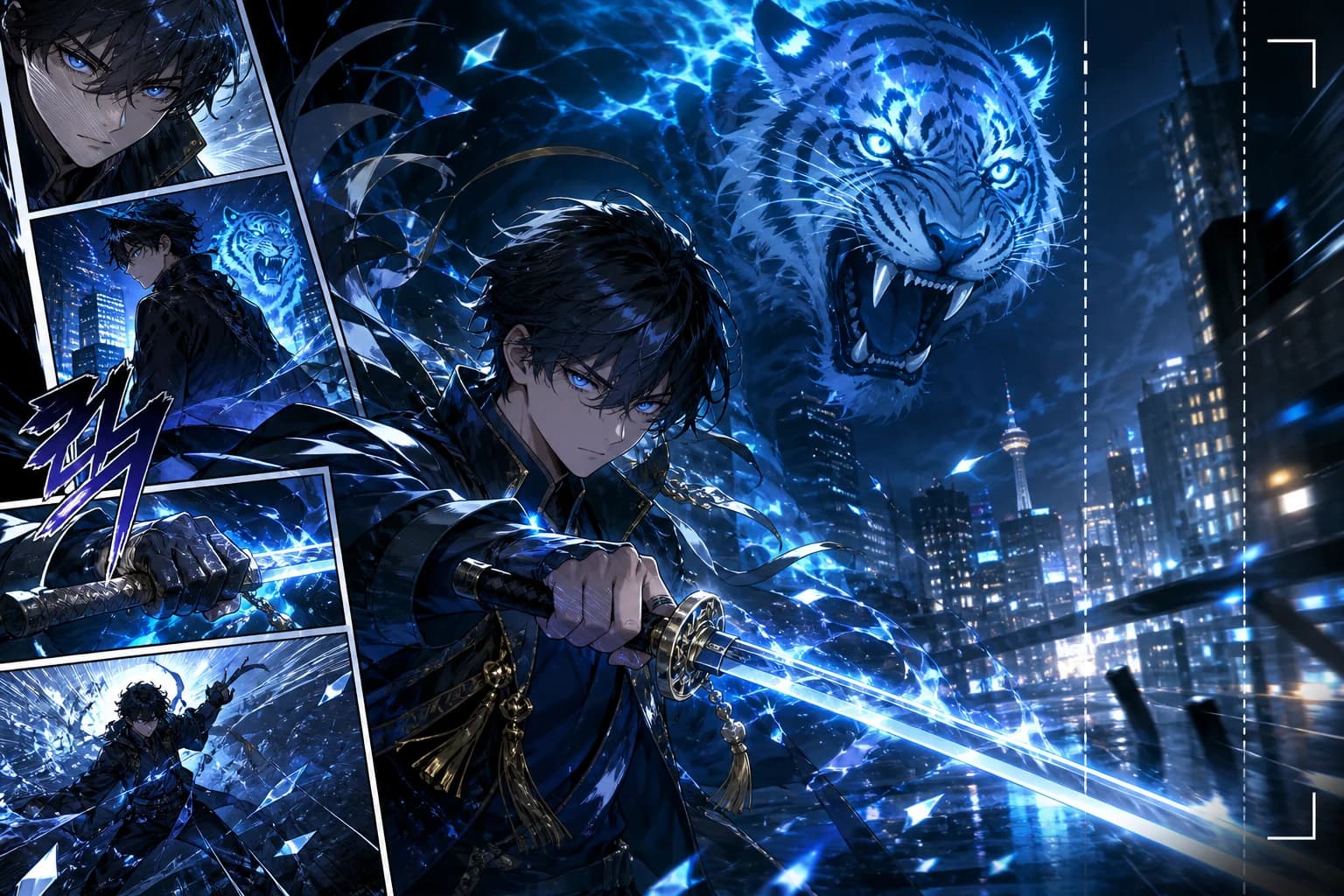
KO voice · vertical order · 9:16
Build Korean-language action, romance-fantasy, and level-up teasers with character continuity, vertical framing, and motion designed around the chapter beat.
關於將漫畫頁面、日漫分鏡同網絡漫畫場景轉成動畫影片嘅實用答案。
Related comic workflows
If you are making the pages first, or you need a format-specific converter, these are the closest next steps: manga to video, webtoon to video, image to video, and comic strip maker.
Right-to-left manga pages into PV-style motion.
Vertical episodes into 9:16 teasers.
Full-color Korean chapters into motiontoon clips.
Single stills, not multi-panel comics.
Create the panels before you convert them.
Generate pages, then run comic to video.
Photo to comic page, then animate the page.
Broader video models when you are not starting from comics.