

Understand the difference between a generated PNG layer sheet and extracted transparent PNG parts, with checks for edges, missing detail and editable raster output.
AI Layer Splitter guide library
Turn a layer sheet into a practical editing plan
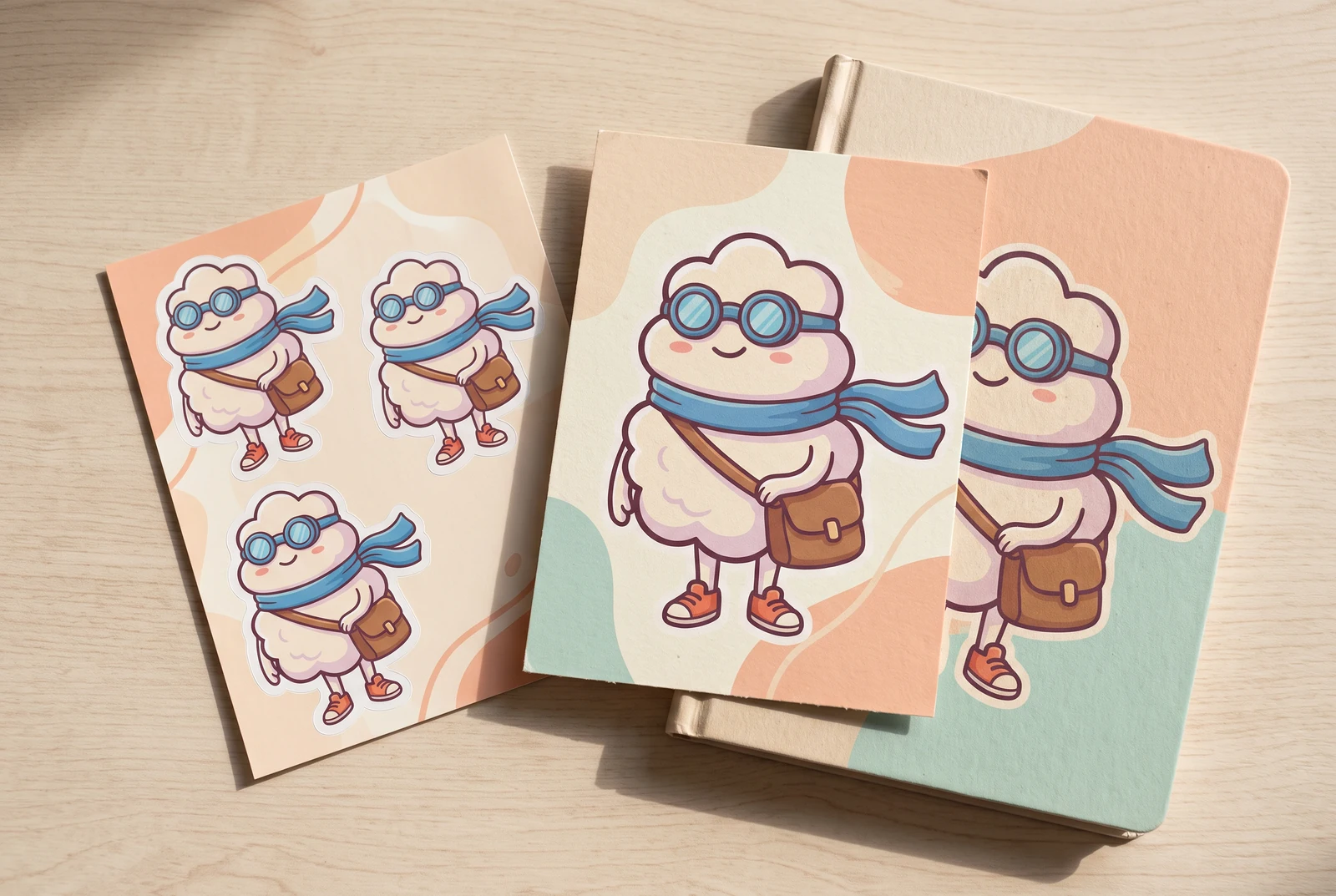
AI-generated lifestyle concepts. Printed pieces and device scenes illustrate possible downstream uses after manual preparation; they are not customer photos or verified export or rigging results.
A flattened character image does not contain the editable source layers that created it. LlamaGen AI Layer Splitter generates a new arrangement of visible parts so you can review what is useful before continuing. These guides explain what to inspect in real gallery examples, when a second extraction pass helps, and where manual cleanup remains necessary.
See the finished artwork in everyday life
Explore how prepared character artwork could appear on personal prints, devices and coordinated creative sets.
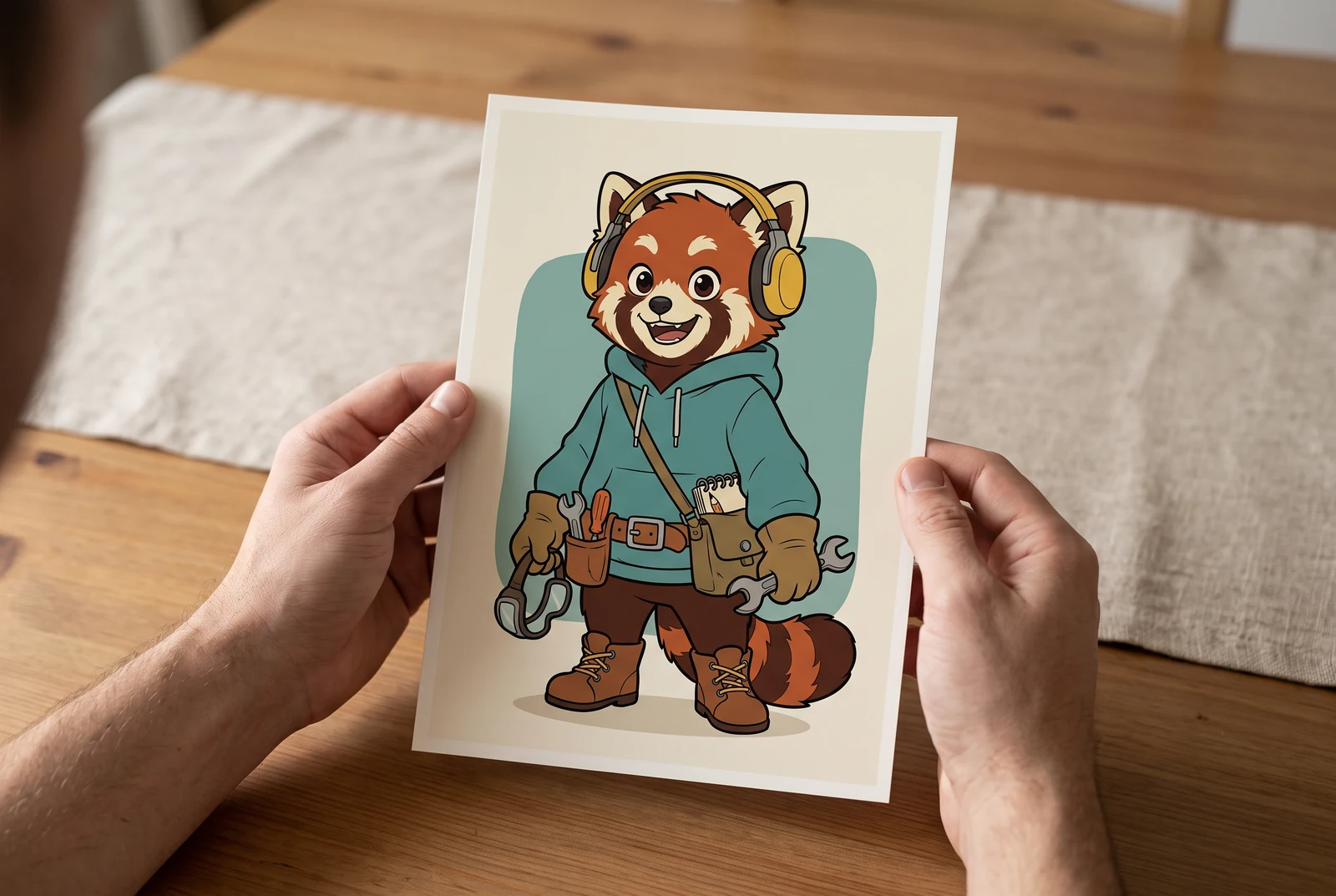
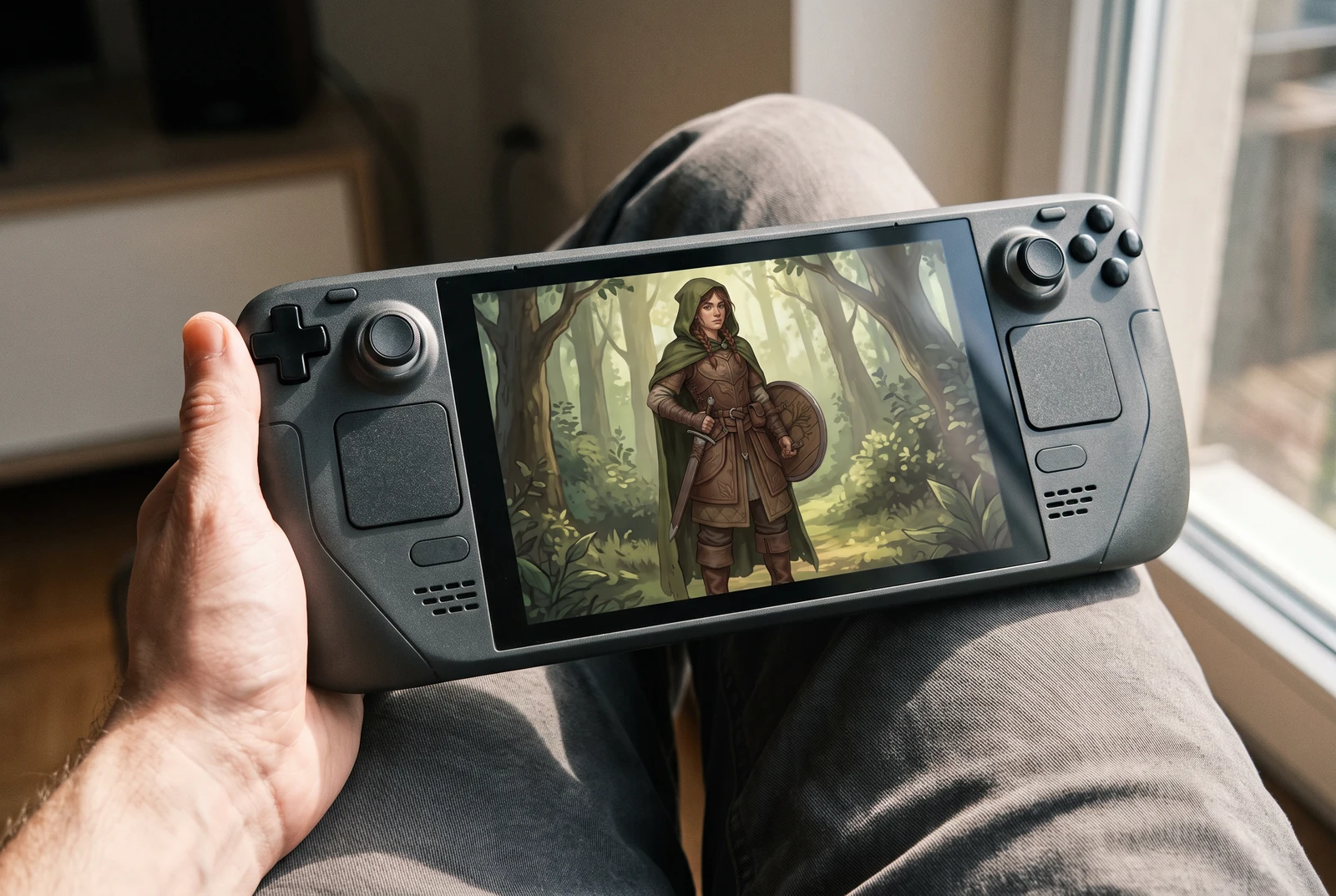
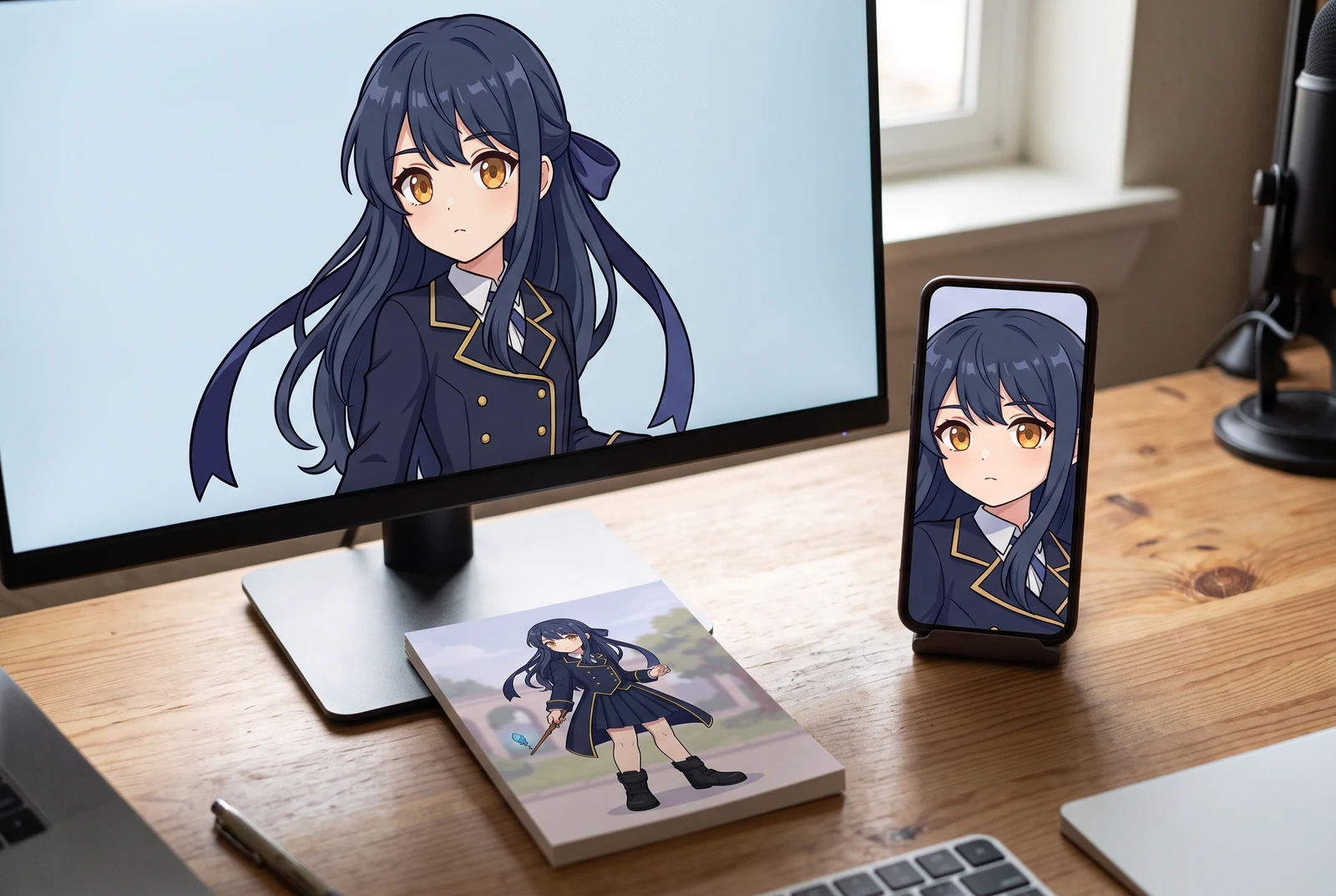
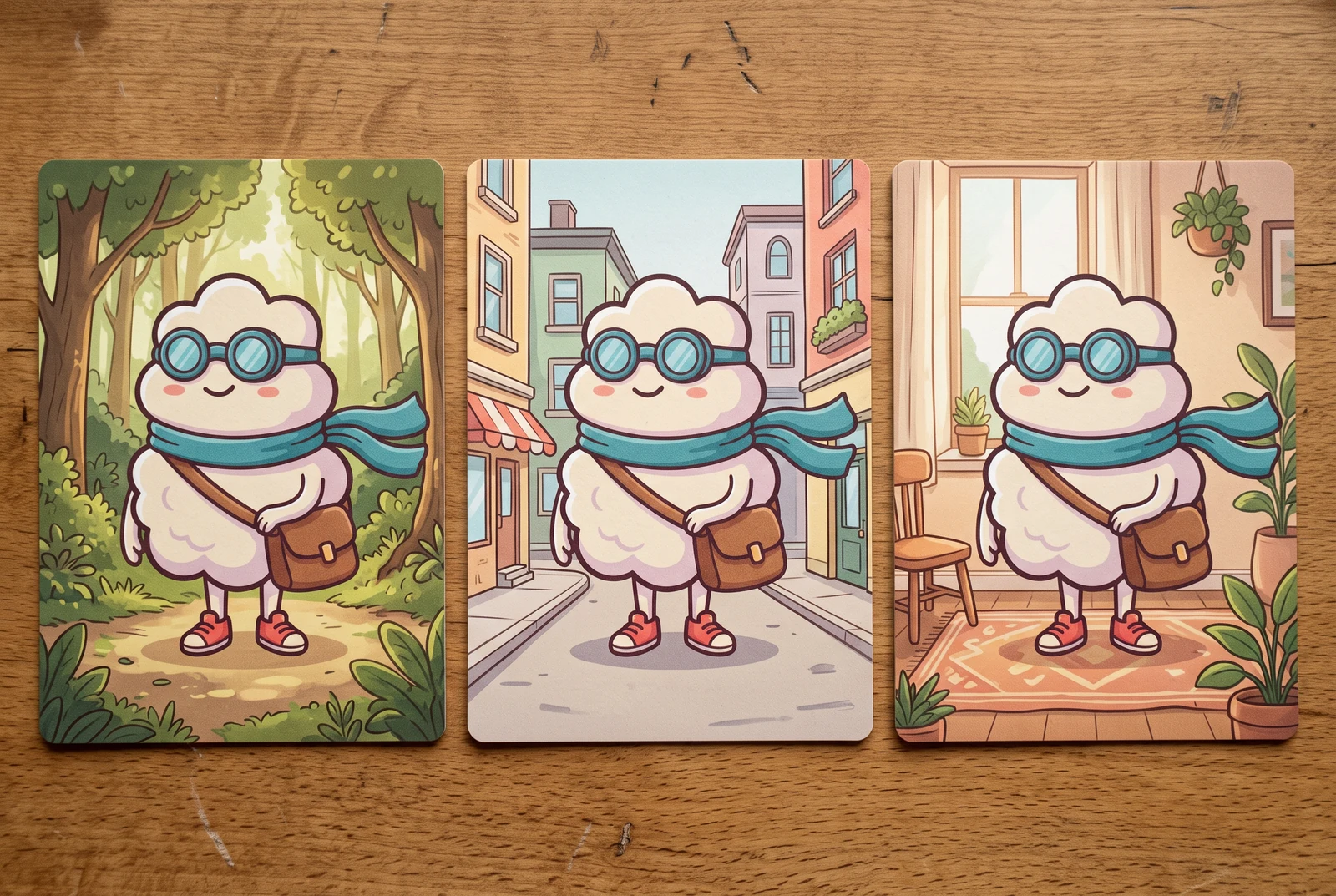
AI-generated lifestyle concepts. Printed pieces and device scenes illustrate possible downstream uses after manual preparation; they are not customer photos or verified export or rigging results.
Inspect the published layer-sheet example
Gallery example: this comparison shows a source image and one generated PNG sheet. It does not demonstrate individual extracted PNG files, a ZIP, or a PSD.
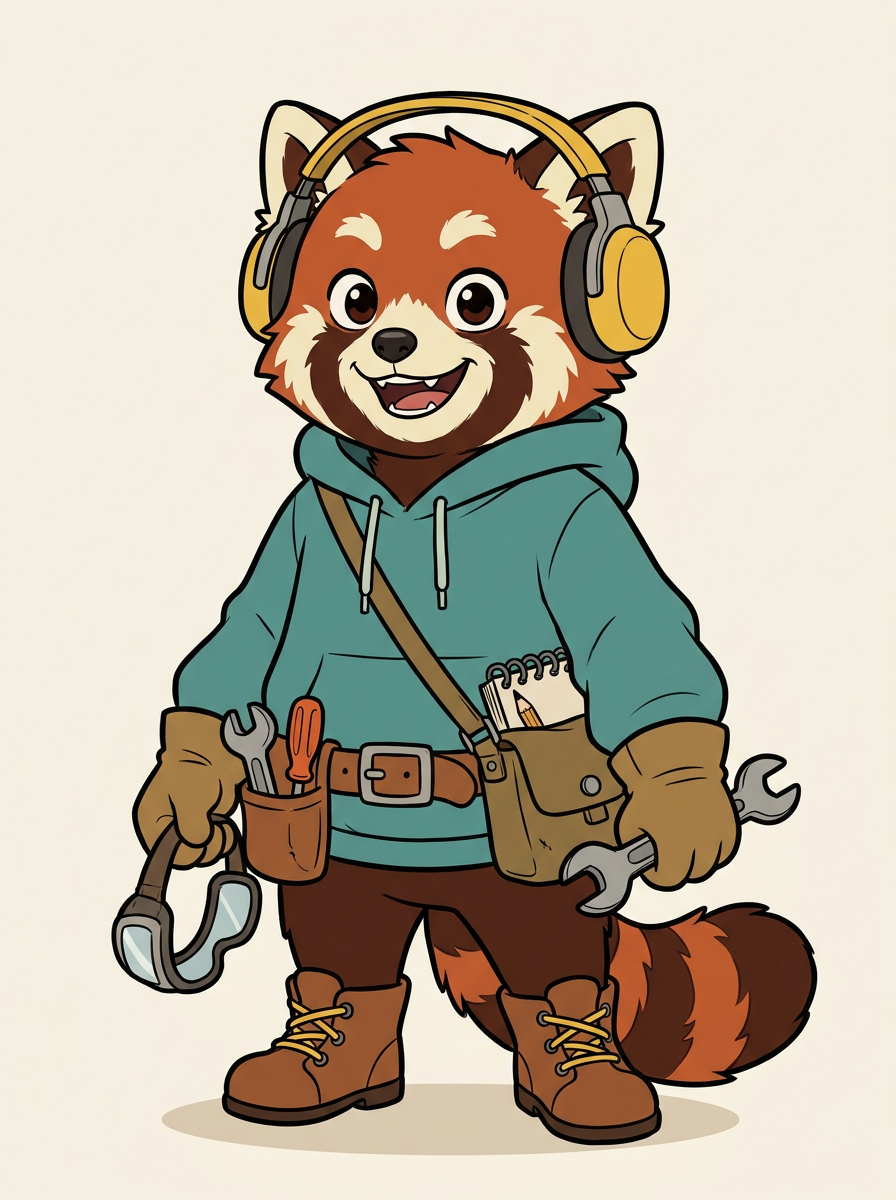
Original character image
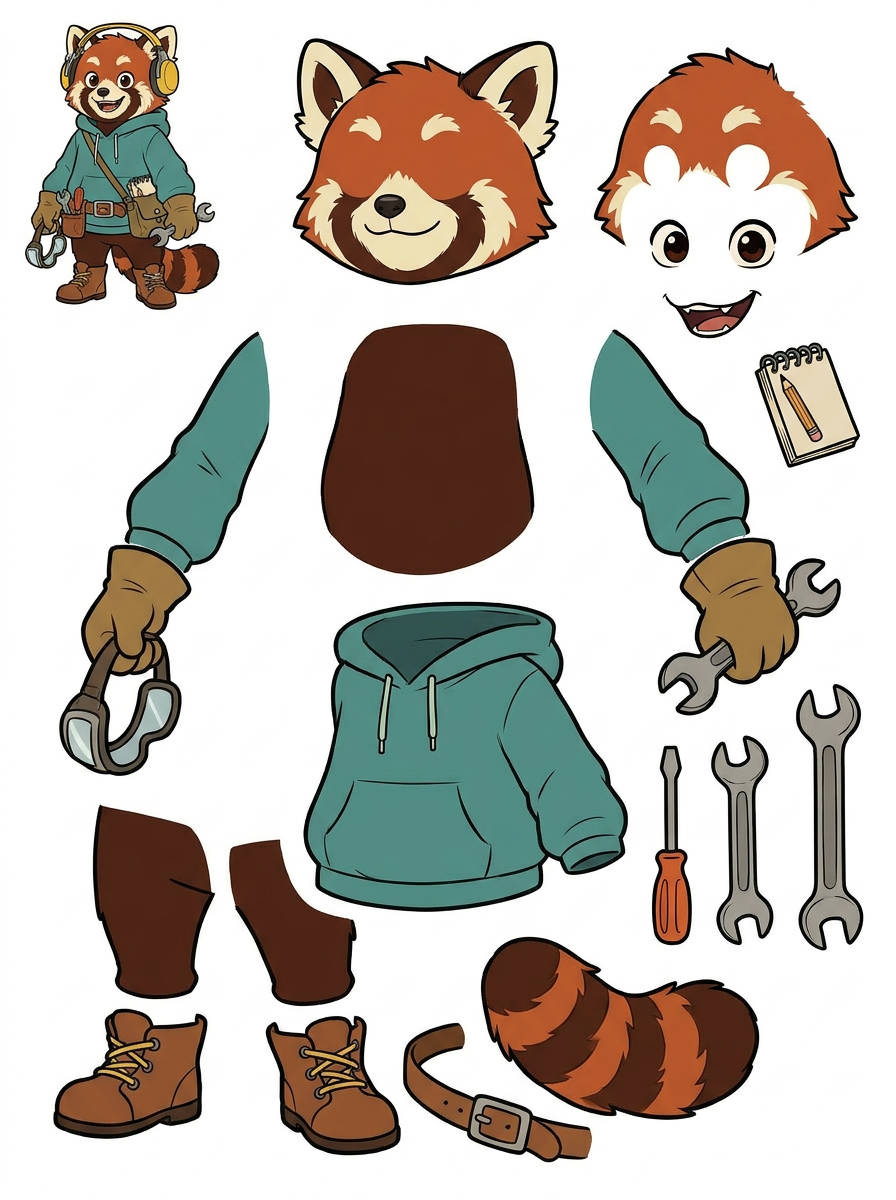
Generated single PNG layer sheet
A practical workflow
Start with a reviewable sheet
Upload an image in the live tool and generate a single PNG sheet of proposed parts. Free-plan generation uses credits; PRO offers an improved sheet option. Review the result before treating any part as ready for another application.
Separate inspection from extraction
The sheet is one image. An eligible paid second extraction pass creates individual transparent raster PNGs, a ZIP, and a starter PSD. Check current plan eligibility and credits in the tool before choosing this step.
Check the destination workflow
Transparent image parts, game assets and Live2D materials have different requirements. Choose a guide below, inspect overlaps and boundaries, then finish naming, alignment, cleanup or rigging in the application you use.
Examples you can inspect, claims you can check
Each guide pairs a real gallery source image with its generated sheet and calls out visible strengths and limits. Use these comparisons to plan an inspection of your own output. For product behavior and plan availability, follow the live tool and pricing links; for editing concepts, consult the original technical documentation linked below.
- Generation does not recover an image's original source layers. Hidden artwork may need to be drawn or reconstructed manually.
- Outputs are raster assets. A starter PSD does not create native text, vector shapes, or a finished animation rig.
- Results depend on the input and require visual inspection. A separated part in a gallery sheet is not evidence that every export has clean transparency.
Choose your next step
Prepare character artwork for a game asset workflow. Inspect equipment, fused limbs, overlap and alignment before exporting raster parts to your preferred tools.
Review AI-separated character artwork for a Live2D workflow. Check facial parts, hair overlap, fused clothing and PSD structure before manual material preparation.
Plan simple mascot motion using separated raster parts. Inspect scarf, arms, shoes and body overlap before extraction, cleanup and animation in your editor.
Inspect character edges, ground shadows and missing areas before background replacement. Understand where a layer sheet helps and where manual masking is needed.
Questions before you start
Does the first generation give me separate transparent PNGs?
No. The first result is a single PNG sheet for review. Individual transparent raster files are produced by an eligible paid second extraction pass. Check the live tool for the current options.
Are these examples finished game assets or Live2D models?
No. The illustrated examples show generated sheets. They help you assess visible separation, including parts that remain fused. They do not demonstrate rigging, animation, engine import, or the extracted file package.
Who maintains these guides?
The LlamaGen team maintains this guide library and its product explanations. The linked technical references describe concepts such as layers, transparency and Live2D material preparation; they are not endorsements of LlamaGen or independent product tests.