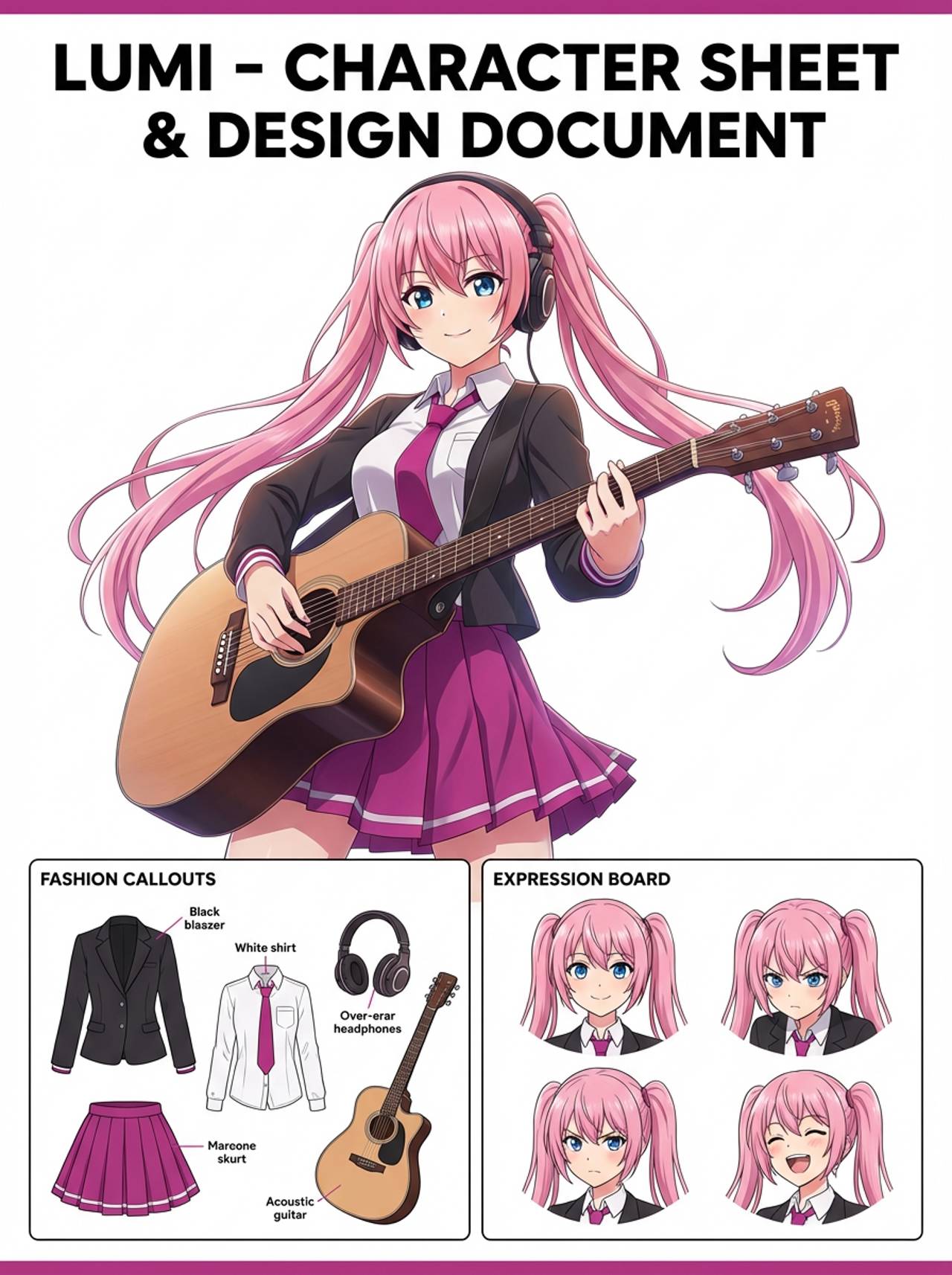
Problem
Paper-cutout art needs controlled layers and shadows; a normal style prompt can become flat or messy without structural guidance.


Transform characters, portraits, or scene ideas into paper-cutout style images with layered craft shapes, tactile depth, and clean silhouettes.
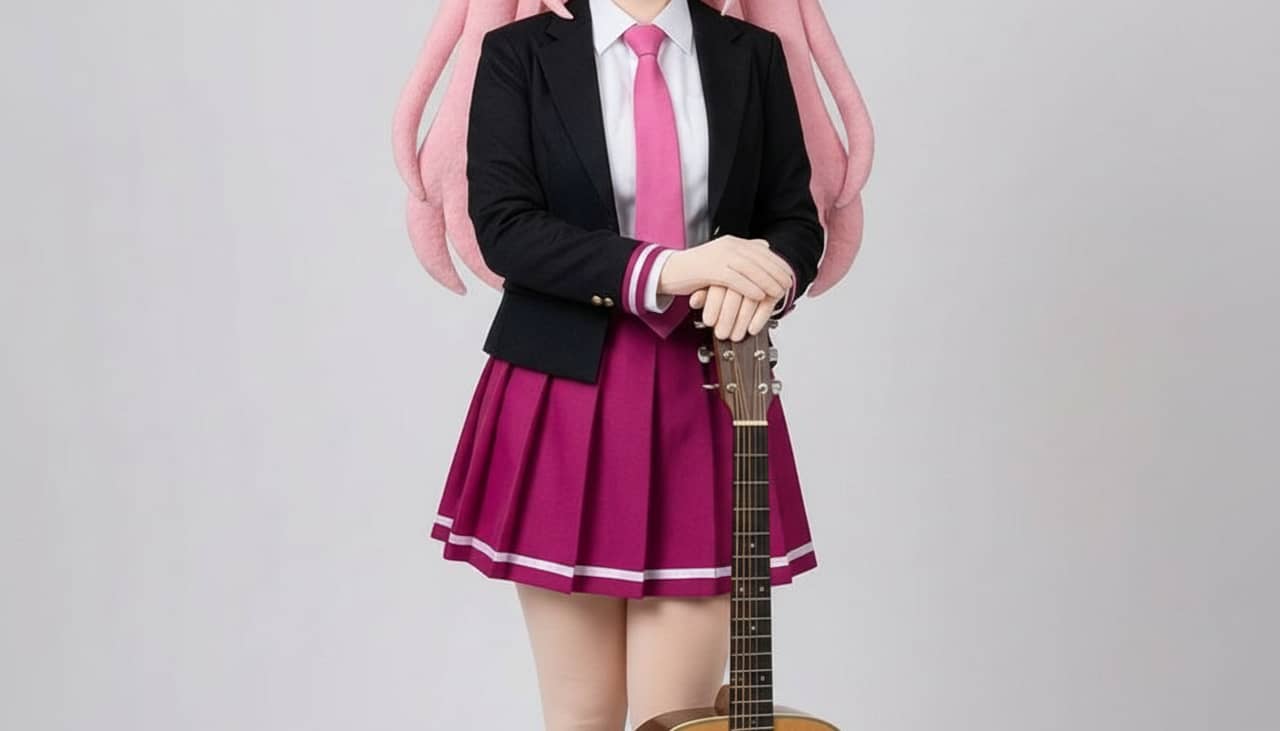
Match your starting point to a clear output, workflow, and quality bar before opening the generator.
Paper-cutout art needs controlled layers and shadows; a normal style prompt can become flat or messy without structural guidance.
Storybook visuals, classroom art, craft-inspired posters, character variants, greeting cards, and handmade-style social images.
A layered paper-cutout style image with tactile shapes, shadow depth, and clean silhouette control.
Start with the right input, define the paper cutout art output, and check the result before using it in a real project.
Use a text prompt for new ideas or upload a reference image when identity, pose, product shape, or character continuity matters.
Ask for layered paper shapes, soft cast shadows, visible cut edges, simple color blocks, and clean craft composition. Name what must stay unchanged and what can be redesigned.
Create the image, then check layer separation, clean silhouettes, shadow direction, simple details, and whether the subject remains readable before downloading or using the result elsewhere.
Example directions for turning prompts or references into paper cutout art outputs.
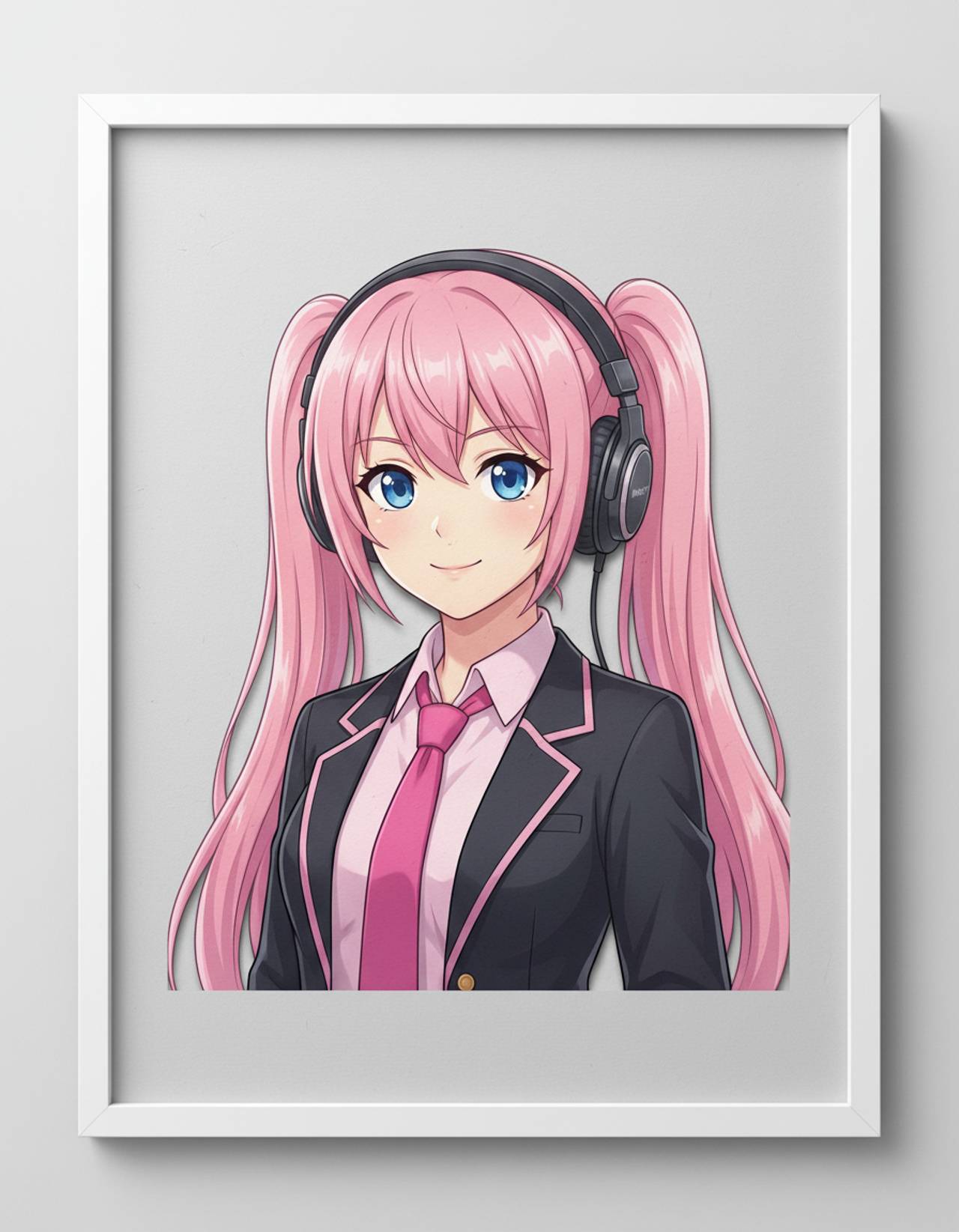
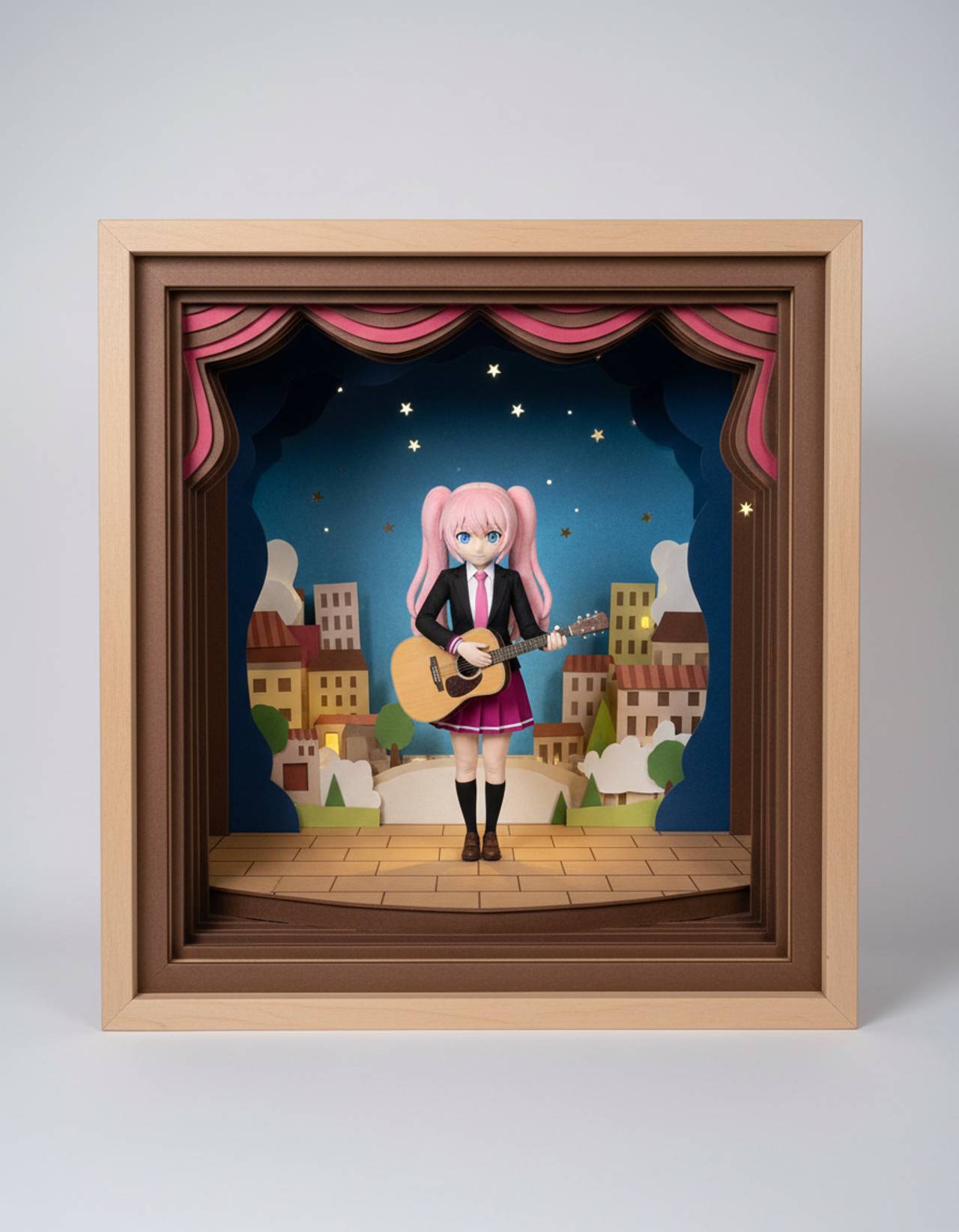
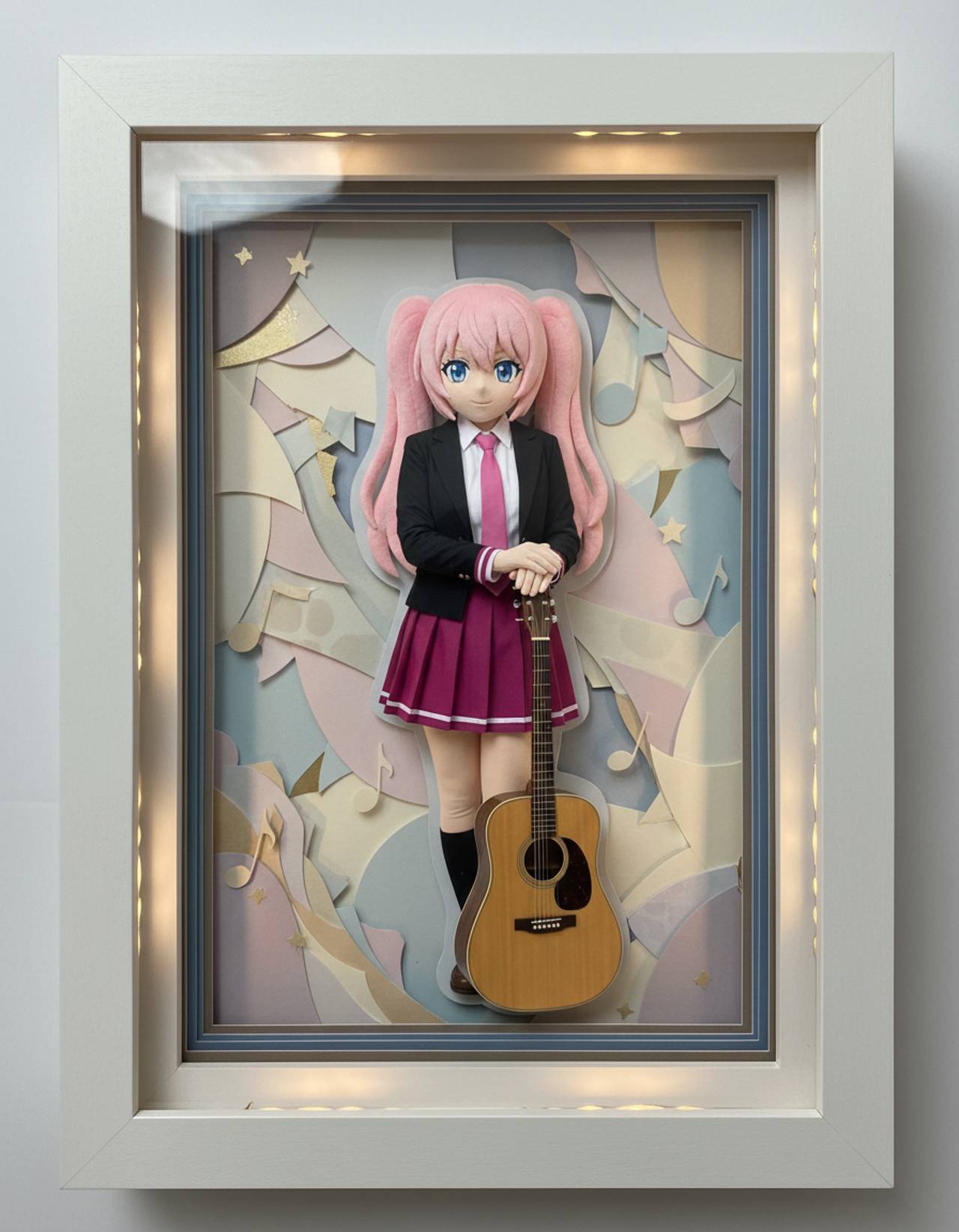
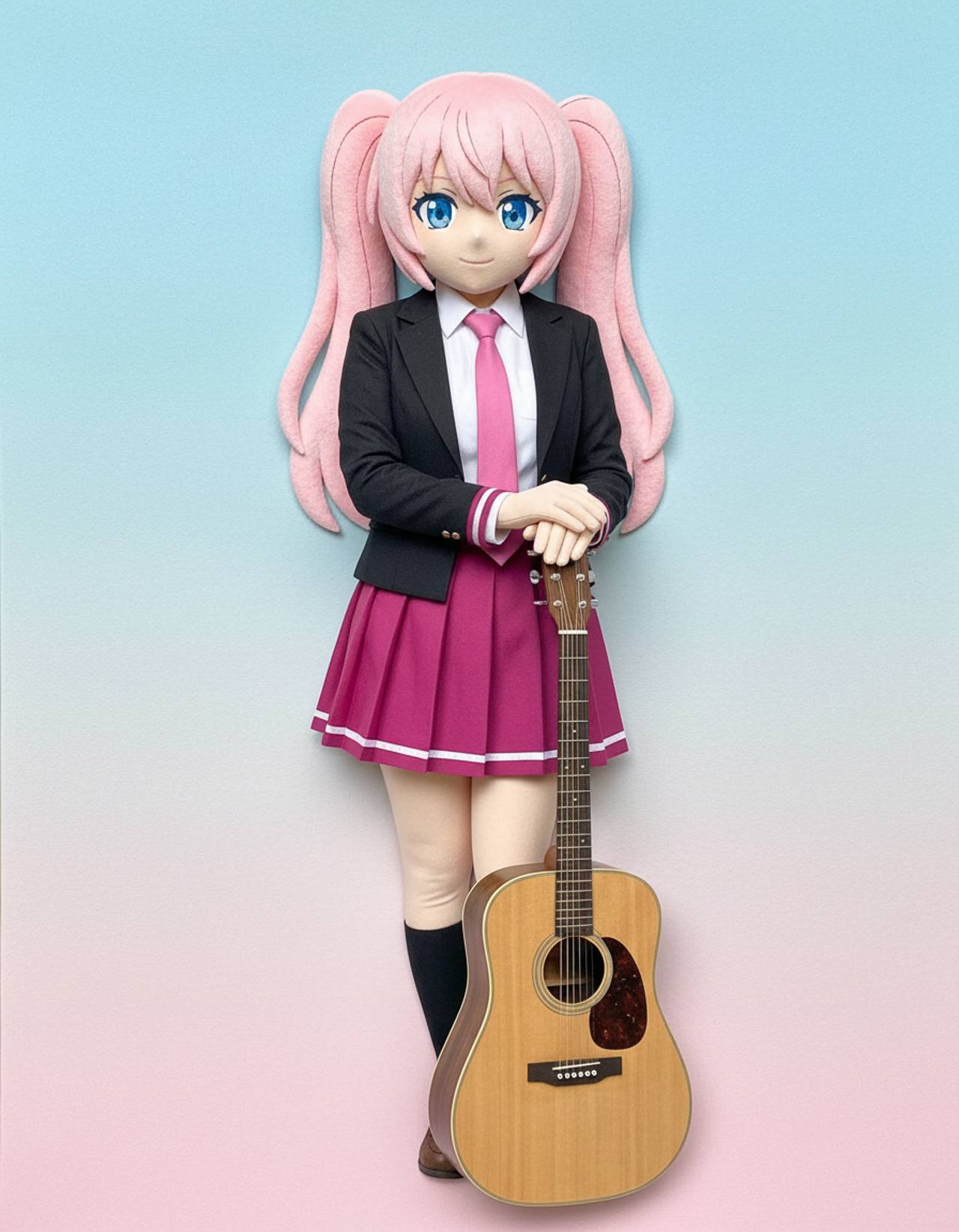
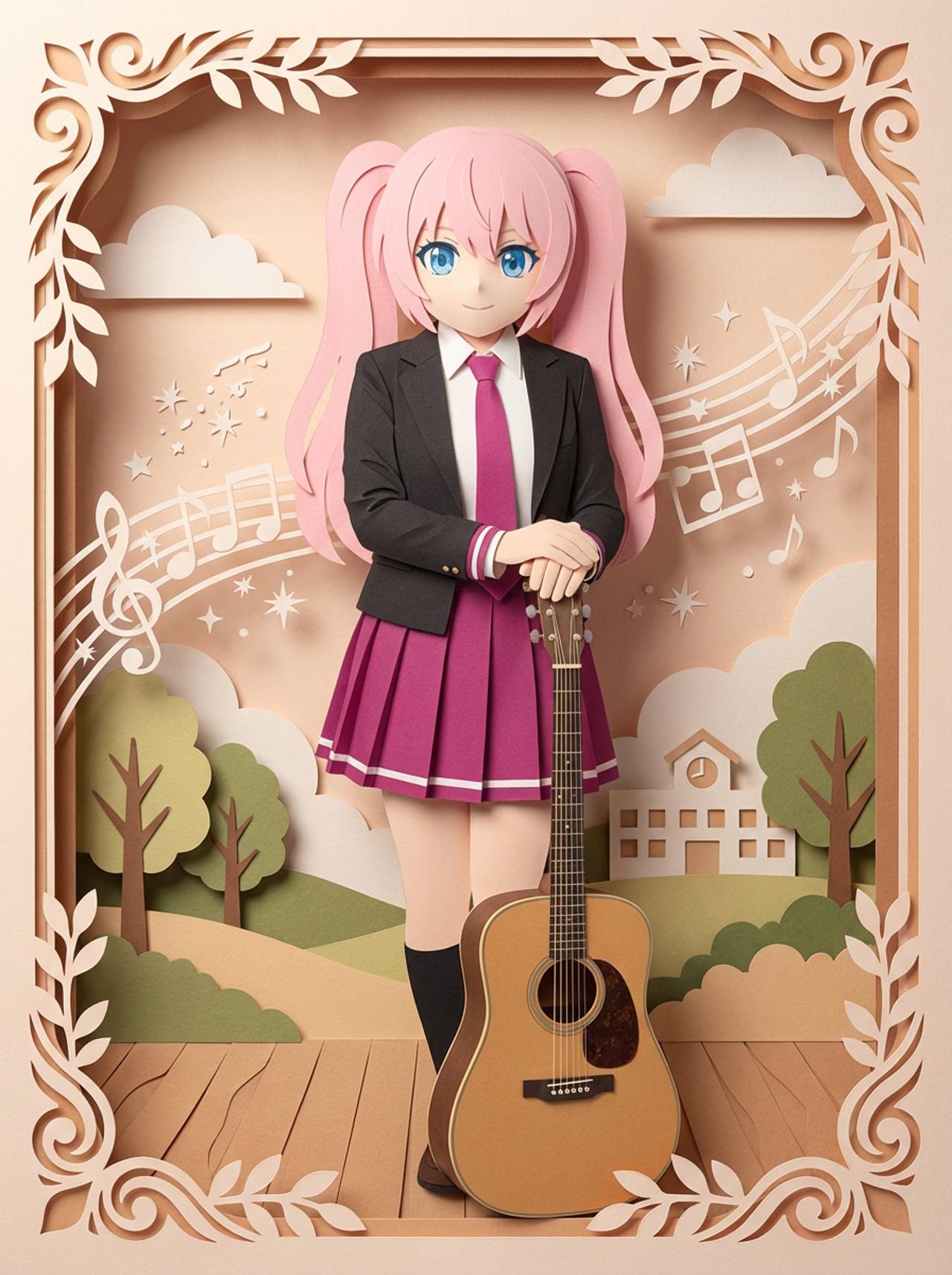
The page focuses on the decisions that make paper cutout art outputs usable: input clarity, format constraints, and a practical quality check.
Encourages visible paper layers, depth, and cut edges rather than a flat filter.
Helps reduce clutter so the image feels crafted and readable.
Useful for classroom visuals, kids content, cards, and soft narrative scenes.
Use these prompts as starting points. Replace the subject, source image, style, and destination with your own project details.
Use my uploaded image as the identity reference. Create paper cutout art with layered paper shapes, soft cast shadows, visible cut edges, simple color blocks, and clean craft composition. Keep the key face, color, outfit, and silhouette details recognizable.
This tells the model what must stay stable before asking it to change the presentation.
Create paper cutout art for a handmade-style storybook or poster image. Use a clear main subject, strong composition, and layered paper shapes, soft cast shadows, visible cut edges, simple color blocks, and clean craft composition.
This works when you do not have a reference image yet but still need a practical output format.
Refine this result into a polished paper cutout art. Prioritize layer separation, clean silhouettes, shadow direction, simple details, and whether the subject remains readable. Remove distracting artifacts and keep the final image easy to reuse.
This turns a first draft into a more useful asset by naming the quality checks directly.
Before treating an AI result as finished, review whether it solves the real creative job and survives practical reuse.
Compare the result with the source or brief. The face, silhouette, palette, and signature details should still feel intentional.
The image should clearly read as paper cutout art, not as a generic portrait with a light style change.
Check crop, negative space, subject scale, and whether the image will work as a cover, icon, card, mockup, or scene.
Inspect hands, edges, fake text, small accessories, background clutter, and repeated patterns before publishing.
A useful image should be easy to crop, edit, reference, or hand off to a collaborator without explaining hidden context.
Yes. Paper-cutout style is strongest when the prompt uses bold shapes, fewer tiny details, and clear subject-background separation.
Move to the neighboring workflow when your starting point changes from text, to a reference image, to editing, to video.
These nearby intents help users choose the right workflow instead of landing on a page that only half-matches their need.