

بديل LlamaGen لـ InstaComic
صورتك. لحظتك.قصتك المصورة.
حوّل صورة واحدة إلى قصة من أربع لوحات. اختر اللحظة، حدد الأسلوب، وواصل التحرير بعد التوليد.
01 · أضف صورةJPG · PNG · WebP
أسقط صورتك هنا
أو اضغط للاختيار · حتى ٢٠ ميجابايت
المعاينة تبقى محلية حتى تبدأ التوليد
02 · وجه القصة
ماذا سيحدث لاحقًا؟
سجّل الدخول للتوليد · سيفتح في استوديو تعديل القصص المصورة
صورة واحدة، حكاية أطول
شاهد صورة واحدة تتحول إلى تسلسل أحداث.
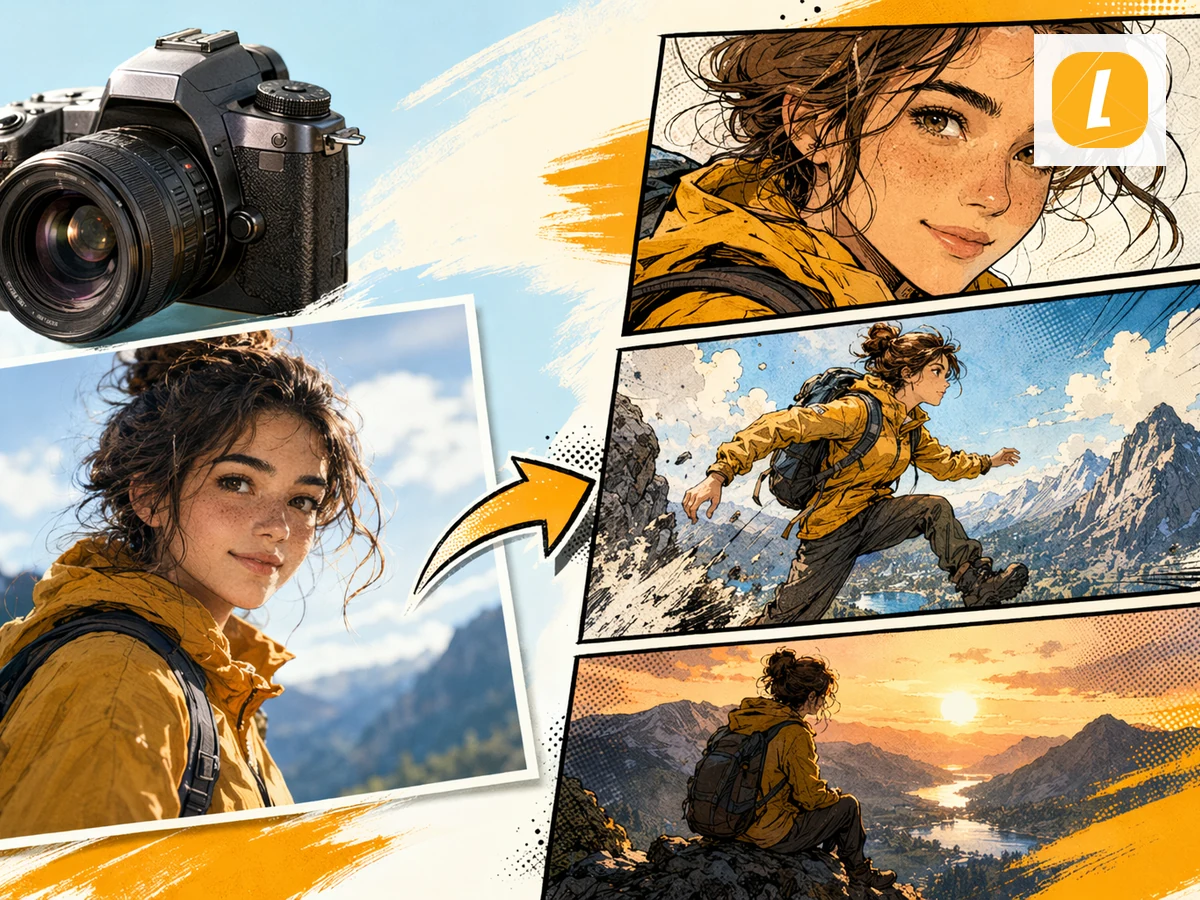
امنح صورة يومية مقدمة وتغيّر وردة فعل وخاتمة—دون بناء كل لوحة من الصفر.
اجعل الشخص في المنتصف
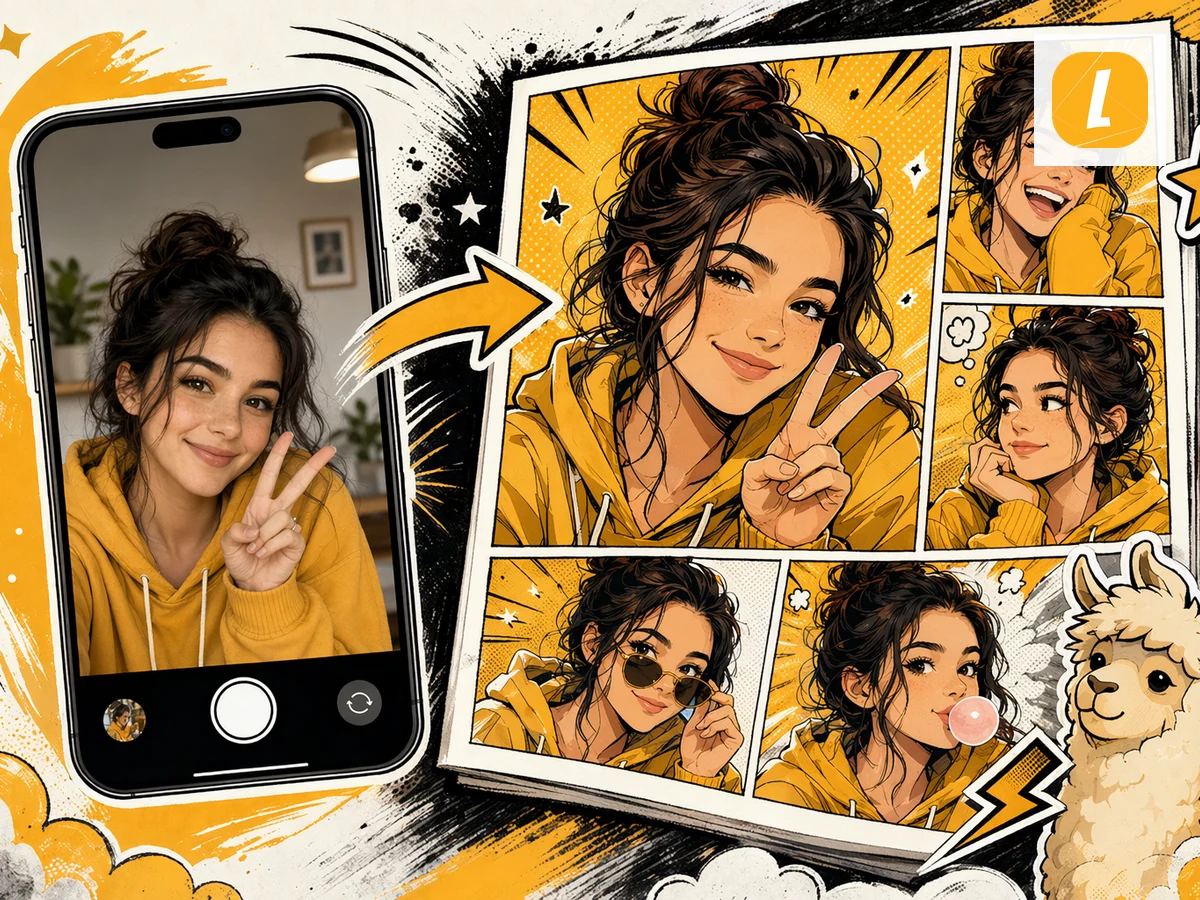
02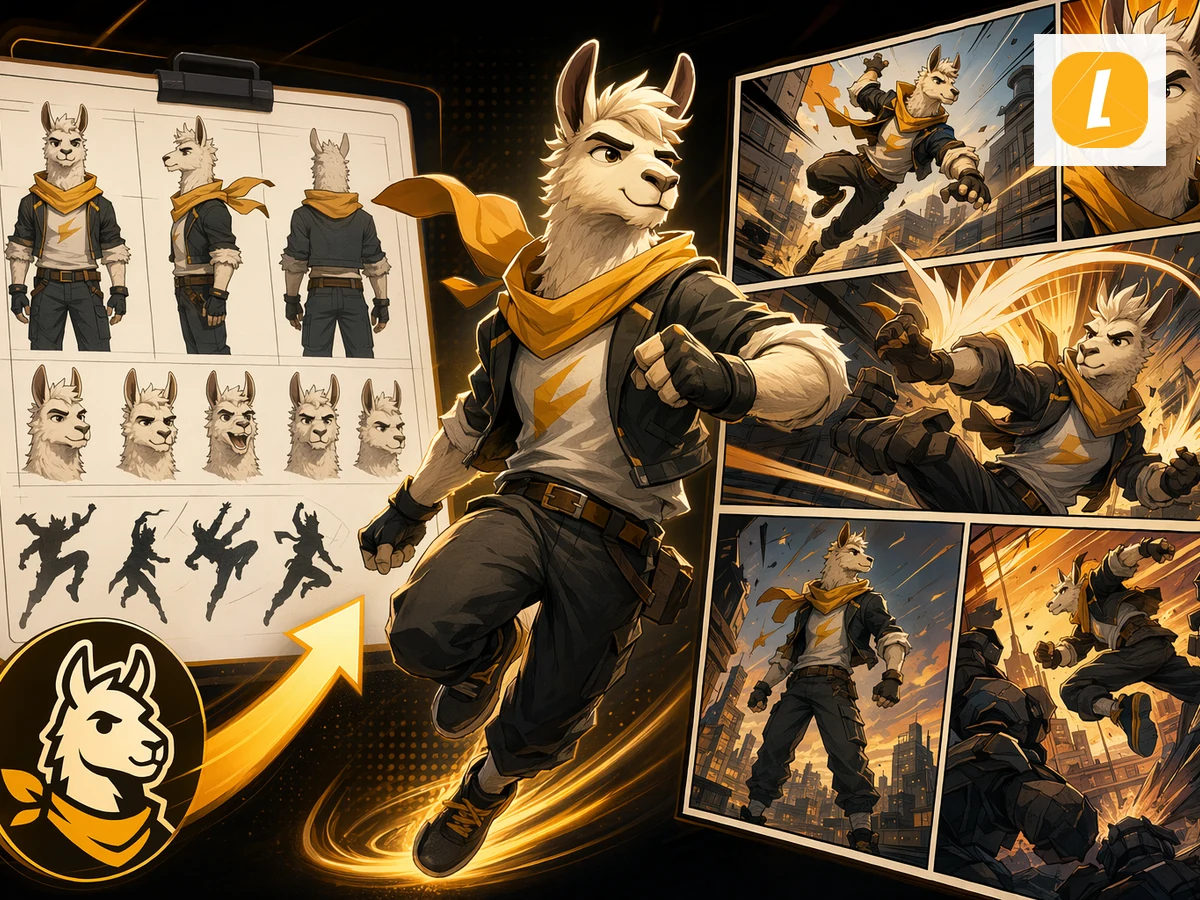
كوّن لحظة يقودها الشخصية
03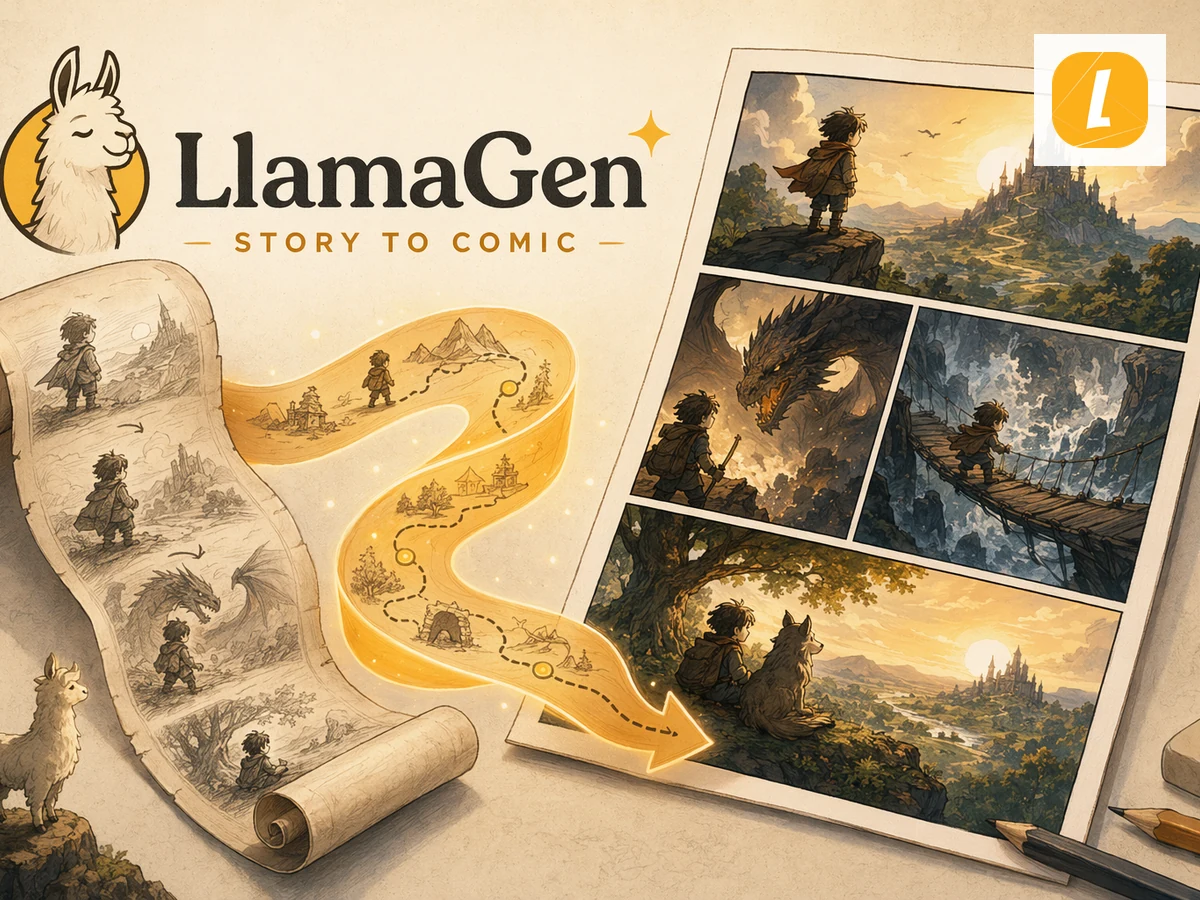
حوّل لقطة واحدة إلى تسلسل
04من لقطة إلى لوحات
أربع خطوات صغيرة. لحظة قصة مصورة كاملة.
01
ارفع صورة
اختر صورة واضحة تضم الشخص أو اللحظة التي ترغب في إبرازها.
02
ابتكر المشهد
اكتب سيناريو مرح واحد أو ابدأ بفكرة قصة جاهزة.
03
حافظ على الهوية
تسافر الصورة مع الطلب كمرجع بصري عبر اللوحات الأربع.
04
حرّر في الاستوديو
عدّل اللوحات والتعليقات والحوار والتصميم بعد التوليد الأول.
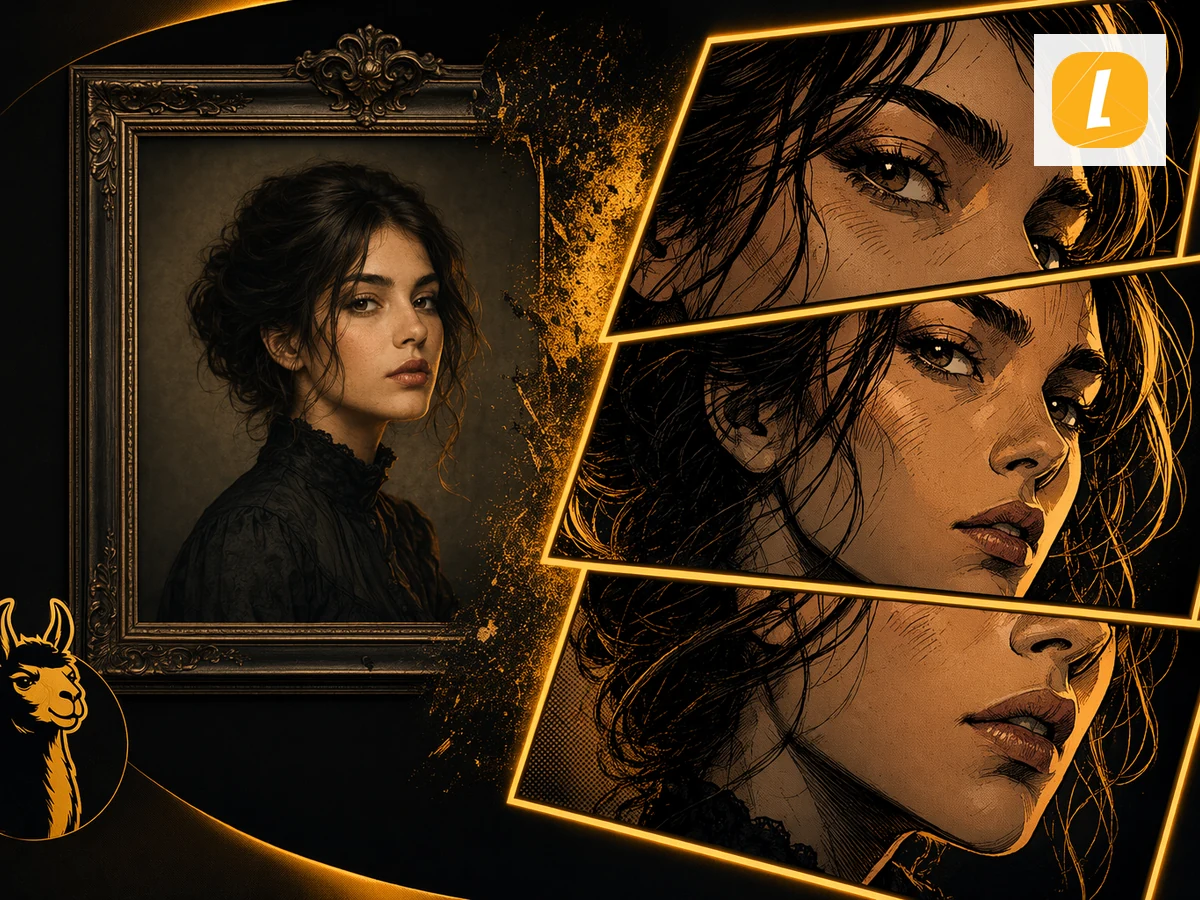
مرجع واحد مستخدم في كل لوحة
استمرارية الشخصية
حافظ على ظهور الشخص بشكل يمكن التعرف عليه مع تقدم القصة.
The uploaded image is attached as the visual anchor, while your scenario controls the action. That gives the generator a clearer identity target than a text-only prompt.
- توليد من أربع لوحات مع وعي بالصورة
- قوس قصصي واضح بدلاً من أربع صور متفرقة
- إمكانية تعديل التعليقات واللوحات والتصاميم بعد التوليد
أكثر من نتيجة بنقرة واحدة
أنشئ بسرعة. وأنهِ بتحكم.
أول قصة مصورة هي نقطة البداية. واصل التحرير في الاستوديو إذا احتاجت القصة لتعبير أقوى أو نص أوضح أو إيقاع لوحات مختلف.
تكرار على مستوى اللوحة
أعد توليد أو صقّل الأجزاء التي تحتاج تدخلاً إضافياً دون أن تفقد المشروع الكامل.
التصميم والتدرج الزمني
عدّل تقسيم اللوحات كي تقع المقدمة والتغير وردة الفعل والخاتمة بالترتيب الصحيح.
التعليقات والحوار
واصل صياغة الكلمات بعد التوليد بدلاً من تثبيت كل قرار إبداعي في أمر واحد.
أسئلة
قبل أن تبدأ أول لوحة.
01ما هو بديل InstaComic في LlamaGen؟
إنها طريقة مستقلة من LlamaGen لتحويل الصور إلى القصص المصورة. حمّل صورة واحدة، وصف سيناريو أصلي، اختر الأسلوب البصري، وأنشئ قصة مصورة من أربع لوحات يمكنك الاستمرار في تعديلها داخل LlamaGen Studio.
02هل LlamaGen مرتبط بـ Instacomic أو Dashtoon؟
لا. هذه الصفحة بديل مستقل من LlamaGen وليست مرتبطة أو مدعومة من Instacomic أو Dashtoon.
03ما هي صيغ الصور التي يمكنني رفعها؟
يمكنك رفع صورة بصيغة JPG أو PNG أو WebP حتى ٢٠ ميجابايت. عادةً ما توفر الصورة الواضحة مع موضوع رئيسي واحد أفضل مرجعية بصرية لعملية التوليد.
04هل يمكنني تعديل القصة بعد توليدها؟
نعم. بعد نجاح التوليد تفتح القصة في LlamaGen Studio، حيث يمكنك تعديل اللوحات، والتعليقات، والحوار، والتصاميم، وتفاصيل القصة.
05هل يتم رفع صورتي فورًا؟
لا. اختيار صورة ينشئ معاينة محلية أولًا في المتصفح. تُرفع الصورة فقط بعد الضغط على زر "أنشئ قصتي المصورة" وتسجيل الدخول.
ألبوم كاميرتك يضم قصة بالفعل.
اختر صورة واحدة، وتخيل ما سيحدث بعدها، وحوّل اللحظة إلى قصة مصورة قابلة للتعديل من أربع لوحات.
جرب بديل InstaComicواصل الإبداع مع LlamaGen
انتقل من صورة أو فيديو واحد منشأ إلى قصص مصورة ومانجا ولوحات سردية وحكايات بصرية مترابطة.