1
Choose the real intent
Start from what the user is trying to do: generate from text, edit an image, restyle a reference, compare options, or make a specific asset.


Find the right LlamaGen workflow for text-to-image prompts, image-to-image transformations, AI image editing, character assets, covers, collectibles, and social-ready visuals.
Start from text, transform a reference image, edit an existing result, compare generators, or turn an image into video.
For creators comparing text-to-image, image-to-image, editing, and image-to-video workflows.
For creators comparing editors by identity preservation, prompt control, edit boundaries, and reusable output quality.
For creators who already have a reference image and want to restyle it, preserve identity, or turn it into a specific asset.
For users who want to refine an existing image: change outfit, fix composition, adjust style, or prepare a final shareable version.
For people comparing how AI image generation works before they choose a model, prompt, reference workflow, or output format.
For users who want a clear path from a plain idea to a finished image without learning prompt engineering first.
For users whose real goal is motion. Route them to video instead of forcing them through an image-only page.
Choose the asset you want to create, then open the workflow with the most relevant inputs and controls.
Start from what the user is trying to do: generate from text, edit an image, restyle a reference, compare options, or make a specific asset.
Each page explains the input, output, prompt examples, and quality checks for that job before sending the user into creation.
Create the first image, check identity and composition, then reuse the result across comics, product mockups, profile art, and campaign sets.
Start with the pages that represent the collection best: character presentations, physical-product mockups, cover formats, and playful object transformations.
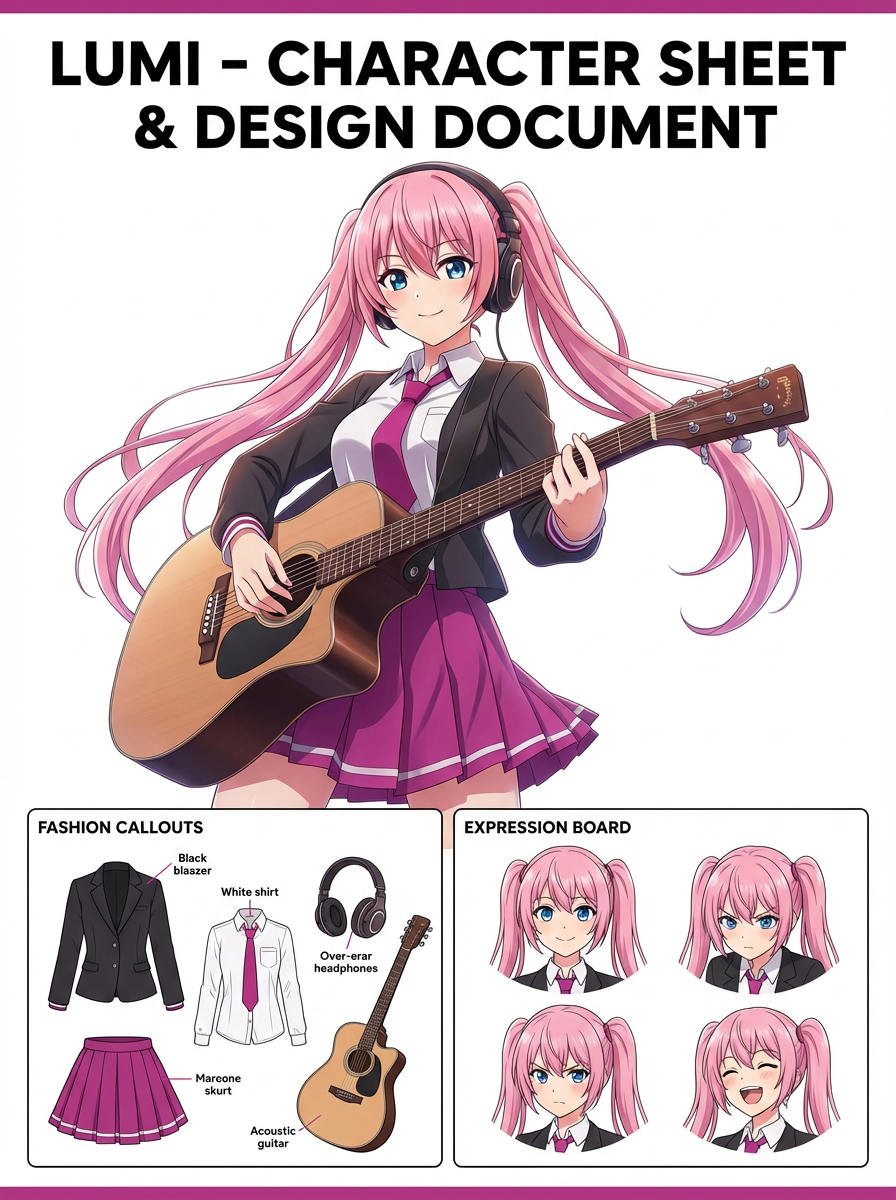
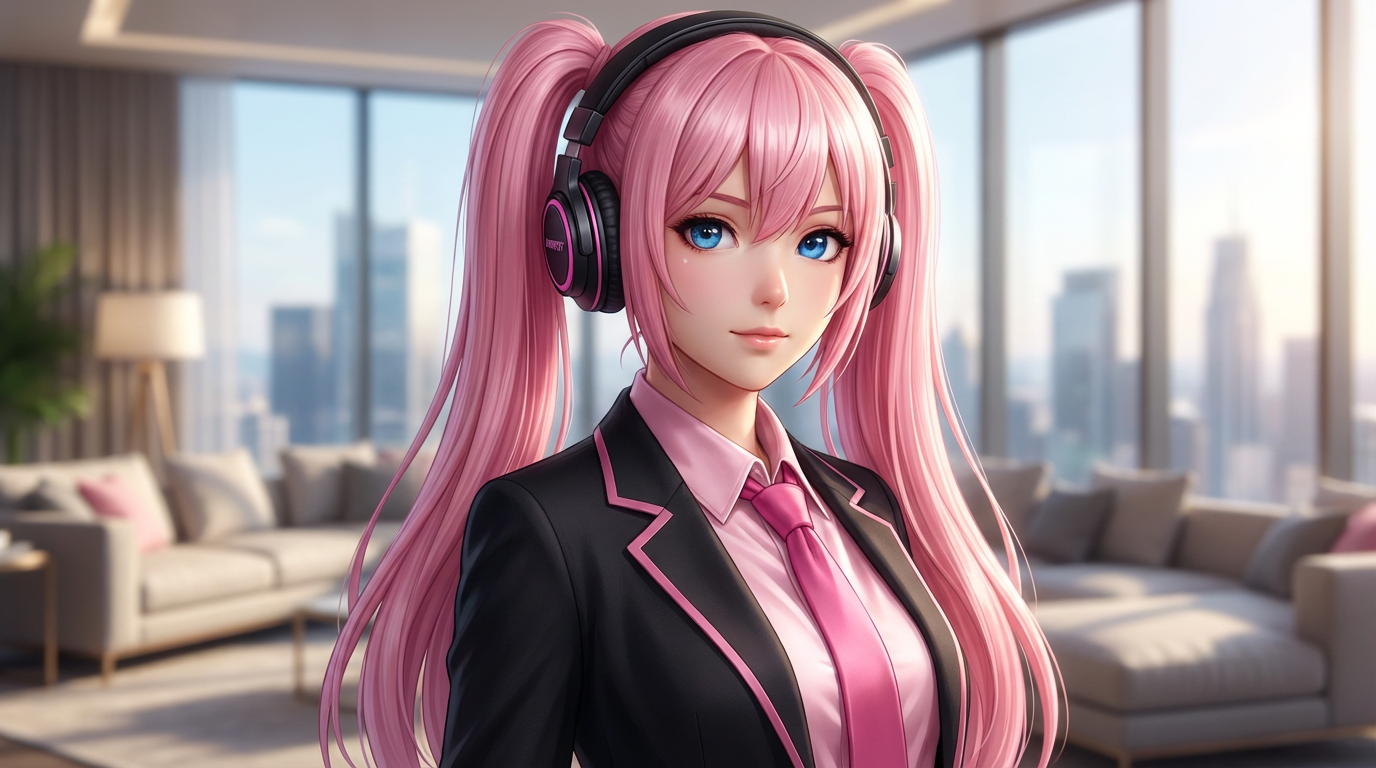
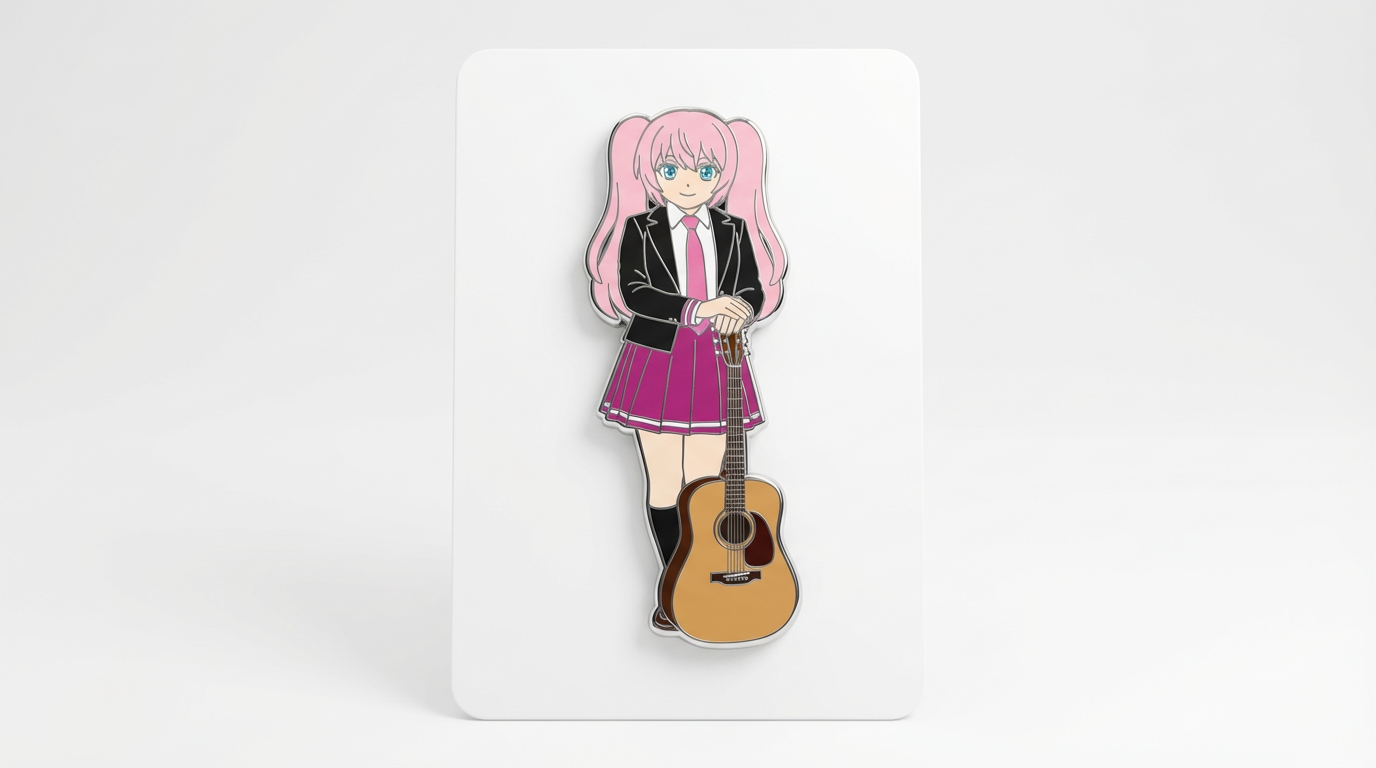
Each card includes examples, workflow guidance, practical answers, quality checks, and a direct creation path.
Vergleiche LlamaGen-Bildgenerierungs-Workflows für Text-Prompts, Referenzbilder, Bildbearbeitung, Charakter-Konsistenz und Übergabe zu Bild-zu-Video.
Bewerte KI-Bildeditoren nach Steuerung, Identitätswahrung, Klarheit der Prompts, kreativen Grenzen und ob bearbeitete Ergebnisse wiederverwendbar sind.
Plane und erstelle KI-Bilder mit einem Workflow, der Textprompts, Bildreferenzen, Bearbeitungsziele und finale Qualitätschecks trennt.
Nutze ein vorhandenes Bild als Referenz und verwandle es per KI in einen neuen Stil, Asset, Cover, Mockup, Badge, Karte oder Charakterbild.
Bearbeite vorhandene Bilder mit KI-Prompts für Outfitwechsel, Stilkorrekturen, Aufräumen der Komposition, Charaktervarianten, Cover, Badges und Kampagnenassets.

Vergleiche, worauf es ankommt, wenn du den besten KI-Bildgenerator für konsistente Charaktere, Referenz-basiertes Bearbeiten, Comics, Cover und wiederverwendbare Assets auswählst.
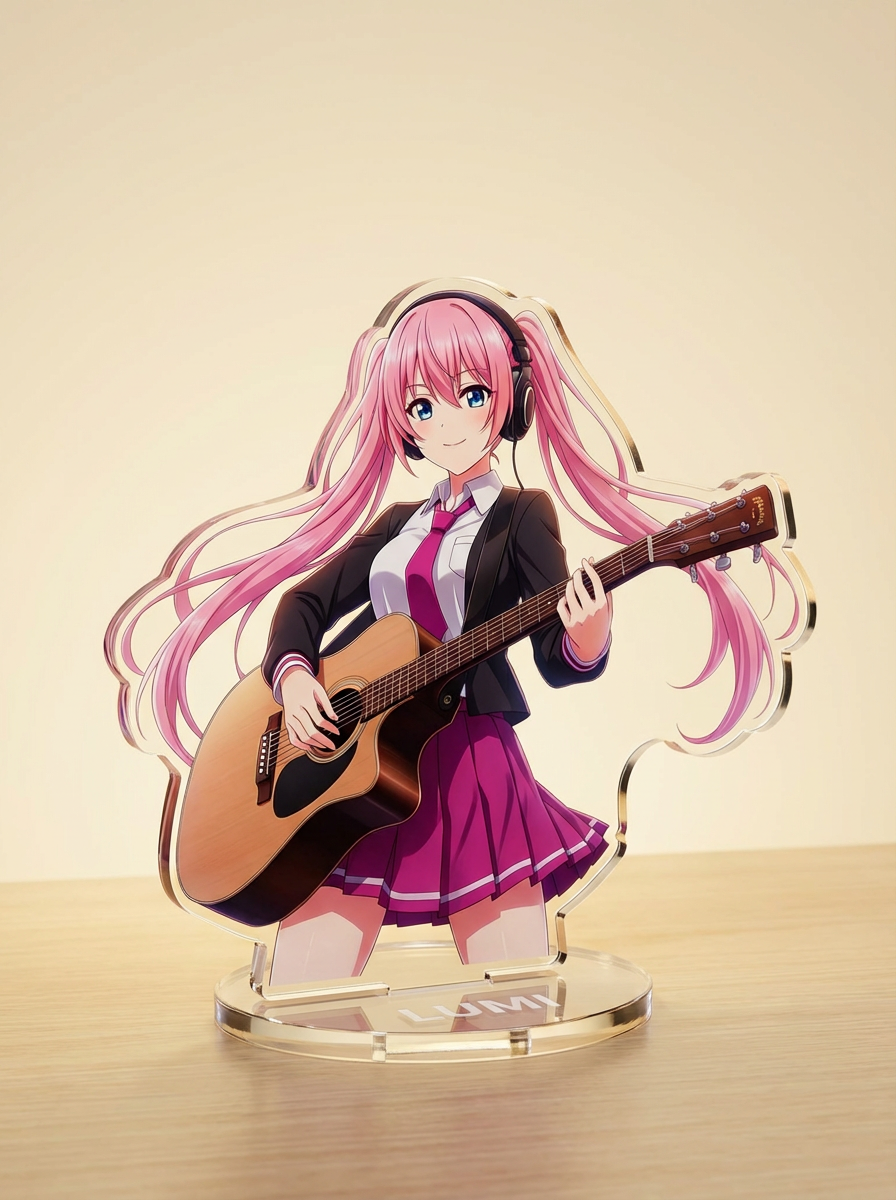
Erstelle Bilder mit KI aus einfachen Texteingaben und passe Motiv, Stil, Komposition und Zielformat für den kreativen Einsatz an.
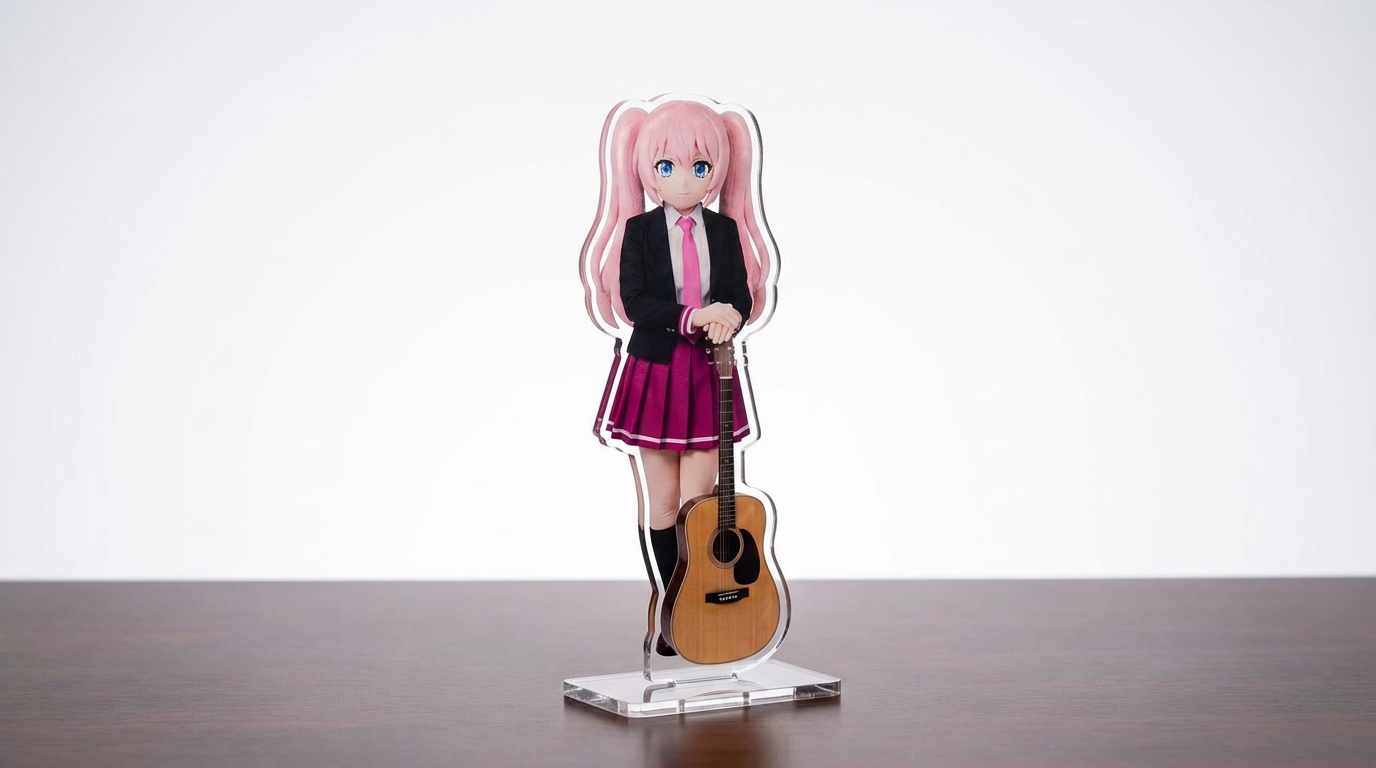
Verwandle Charakter-Artworks, Haustiere und eigene Designs mit einem konfigurierbaren Lumi-First-Workflow in Acryl-Standee-Mockups.
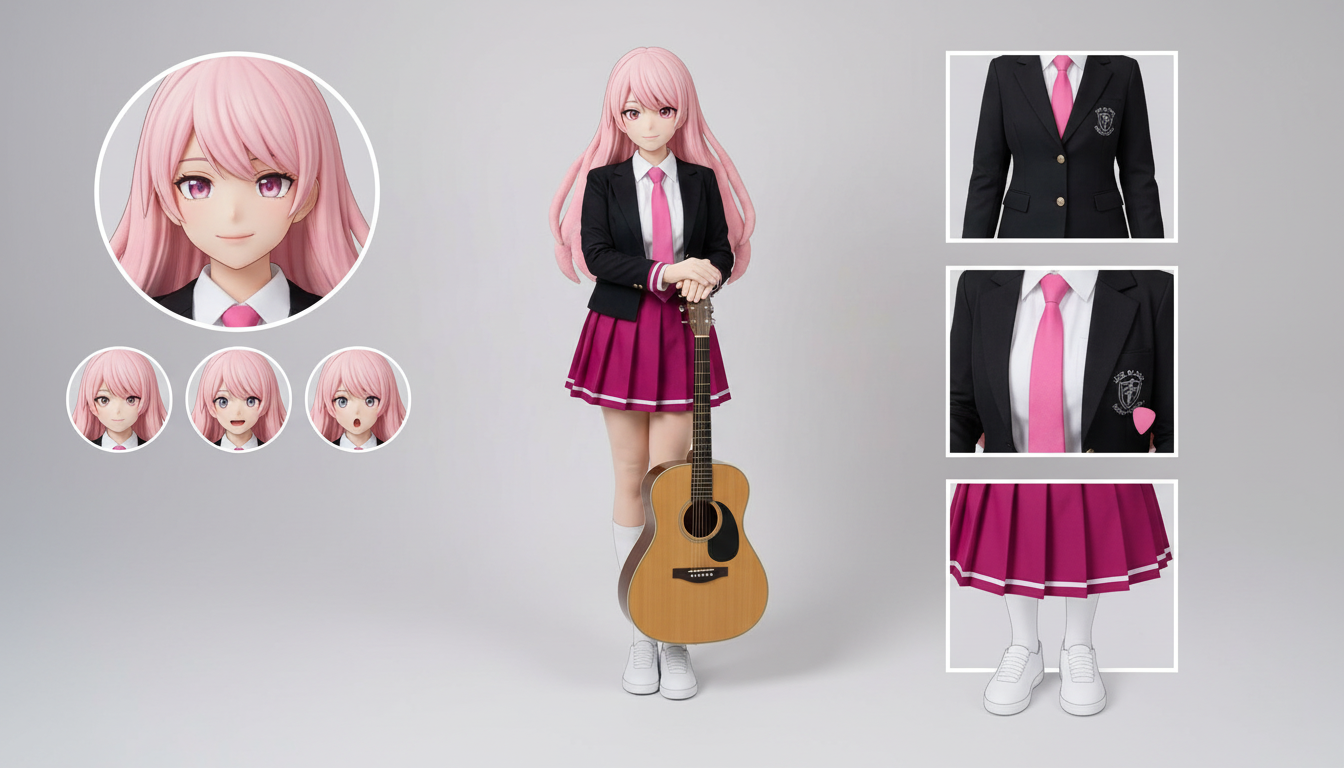
Erstelle Character-Sheet-Layouts für Outfits, Ausdrücke, Accessoires und Posen-Referenzen aus einem einzigen hochgeladenen Design.
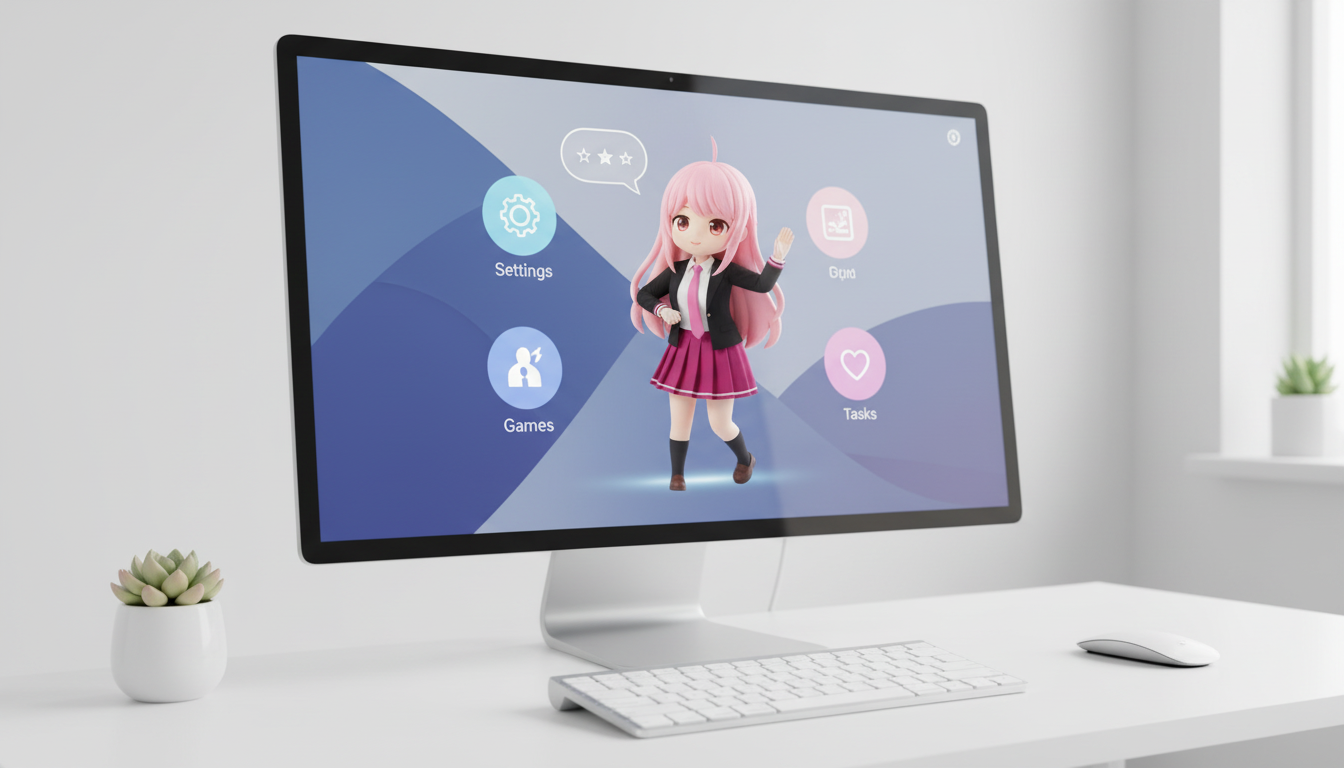
Verwandle Charaktere und OCs in Desktop-Pet-Visuals mit layoutoptimierter Bildkomposition für eine starke Präsenz auf dem Bildschirm.
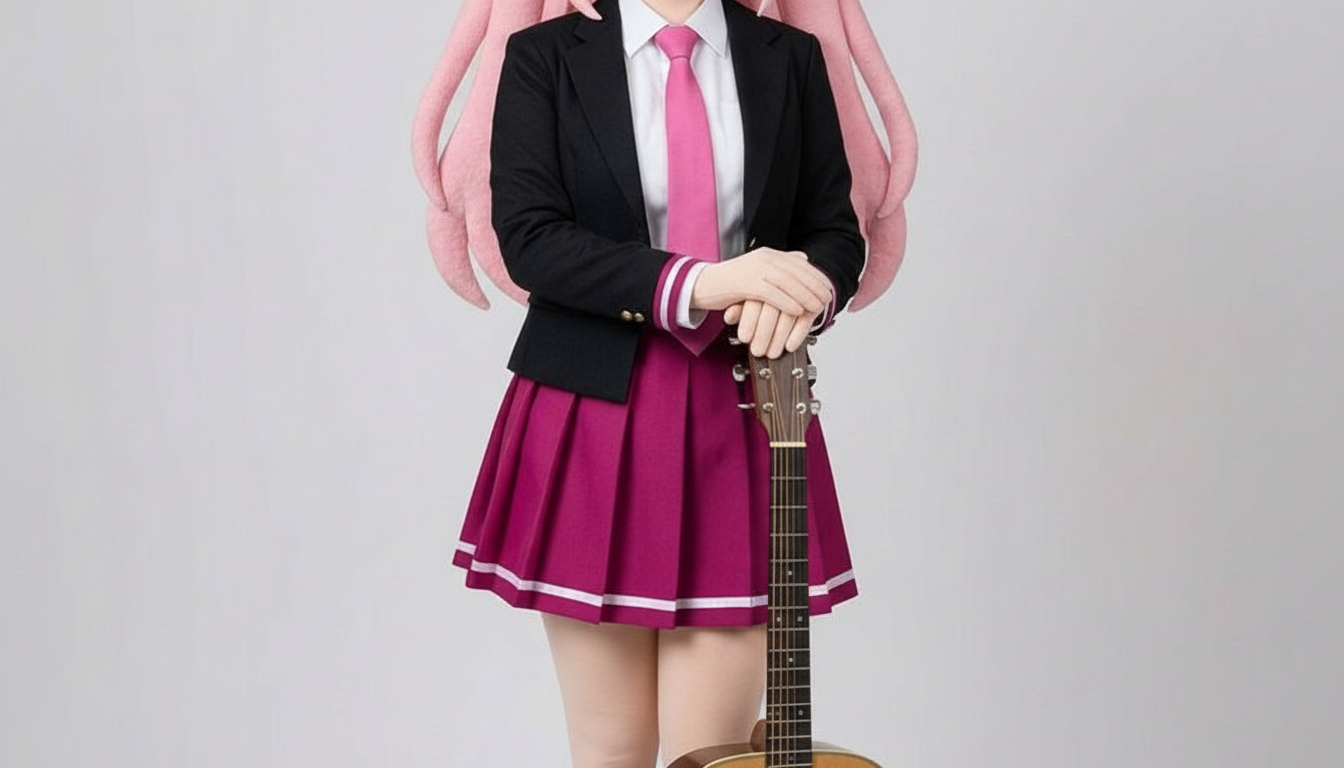
Verwandle Figuren in Bilder im Paper-Cutout-Stil – mit geschichteten Papierformen, spürbarer Tiefe und klarer Silhouettenkontrolle.
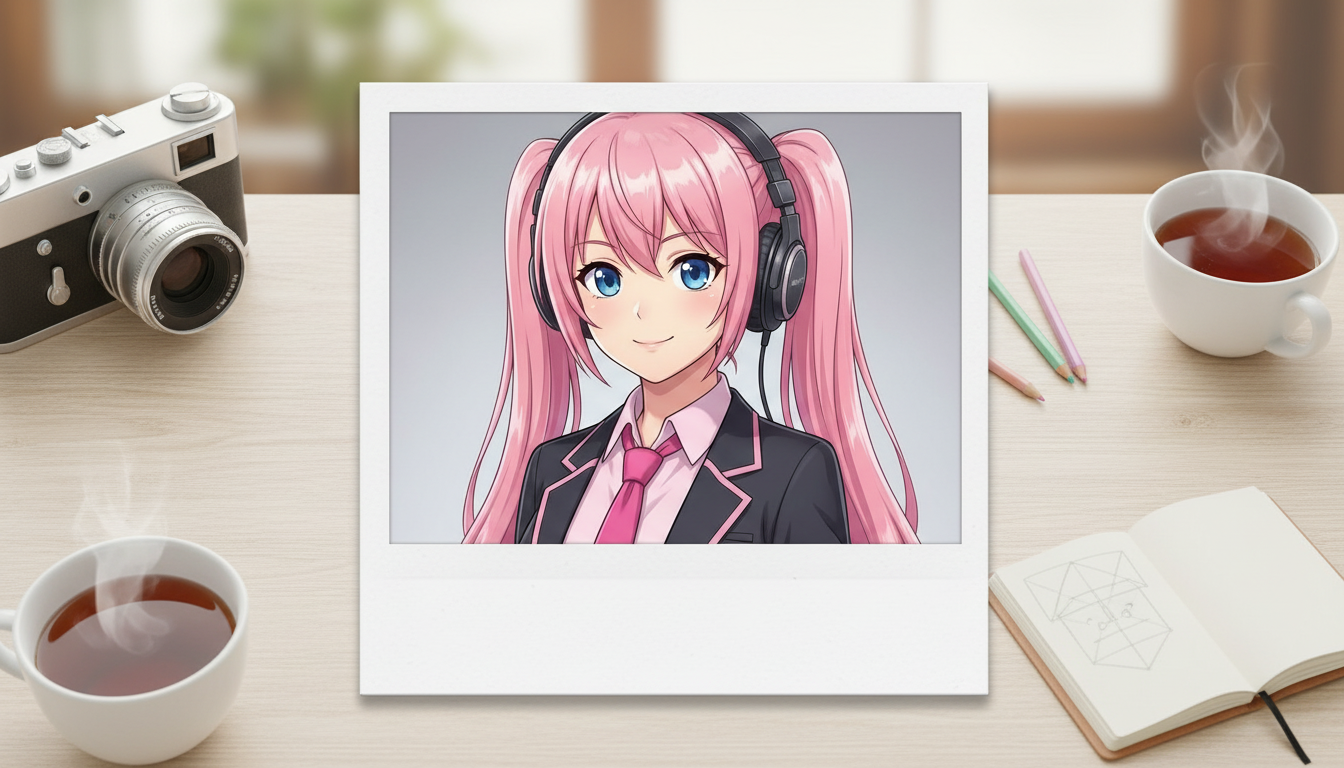
Verwandle Charakterbilder in Polaroid-ähnliche Motive mit nostalgischem Sofortbild-Rahmen und dem Charme sammelbarer Schnappschüsse.
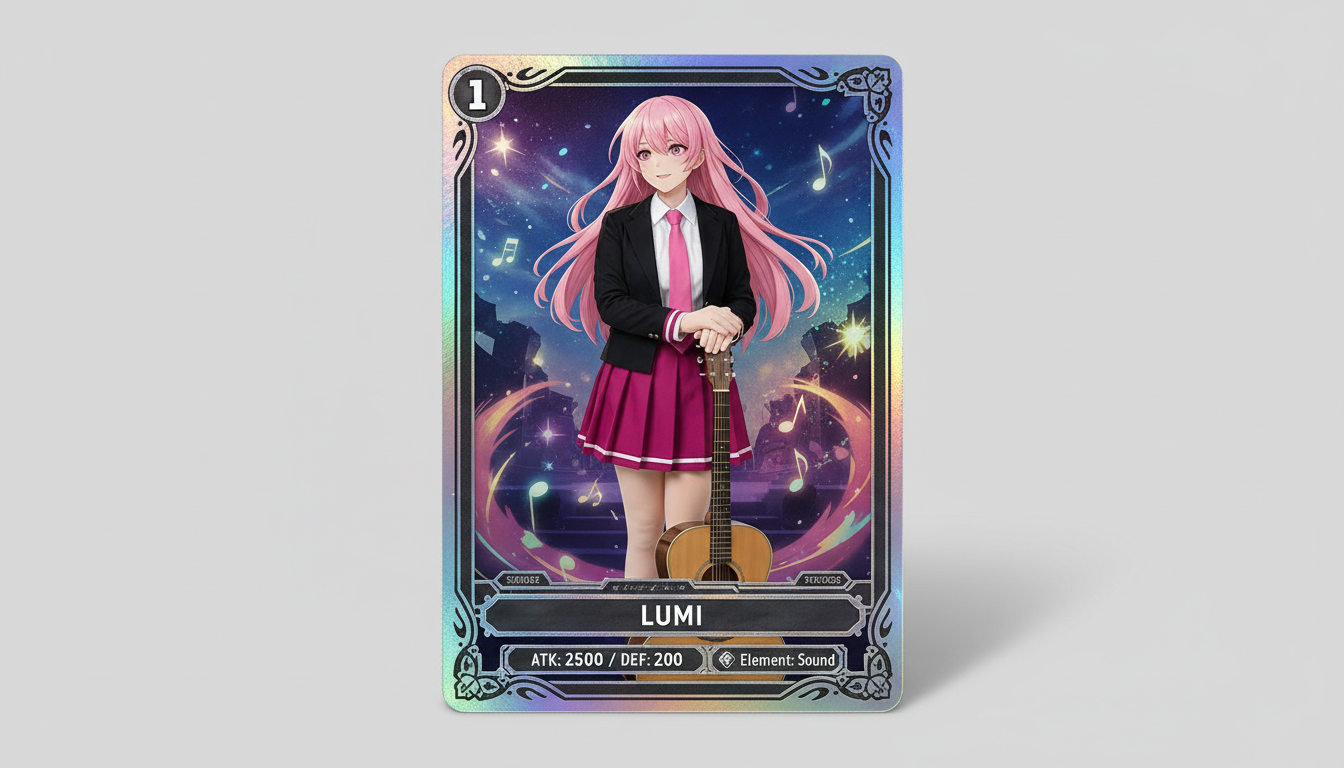
Verwandle Charakterbilder in sammelwürdige Trading-Card-Visuals – mit Seltenheits-Vibe, gerahmter Werteoptik und einer Komposition, die sich auch für Merchandise eignet.
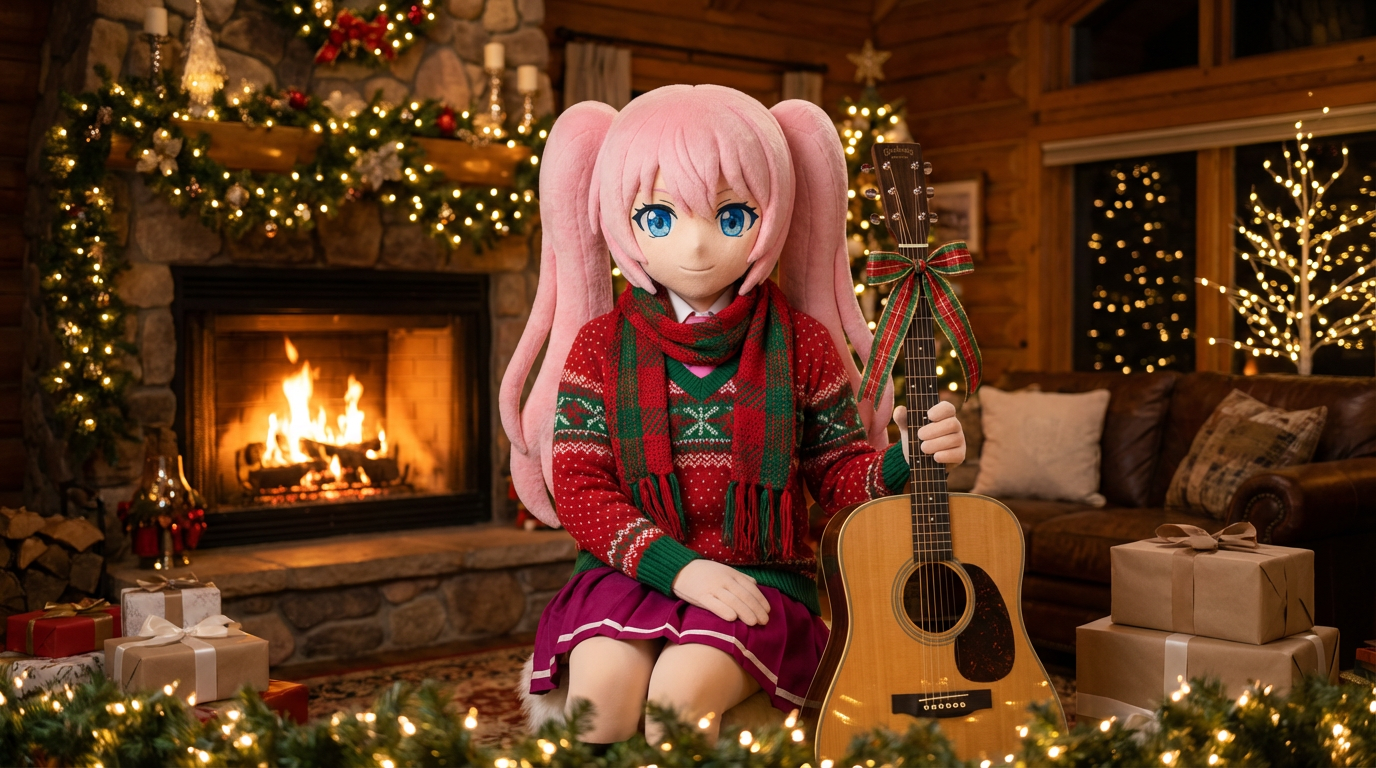
Verleihe Porträts und Charakter-Artworks mit Schals, Mützen und einer festlichen Präsentation im Lumi-Stil einen weihnachtlichen Look.
Verwandle Character-Art in badgeartige Visuals mit sauberem Kreisrahmen, Merch-Charakter und icon-tauglicher Komposition.
Verwandle Charaktere und OCs in glänzende Editorial-Cover mit starker Bildkomposition, Premium-Stimmung und typischer Magazin-Inszenierung.
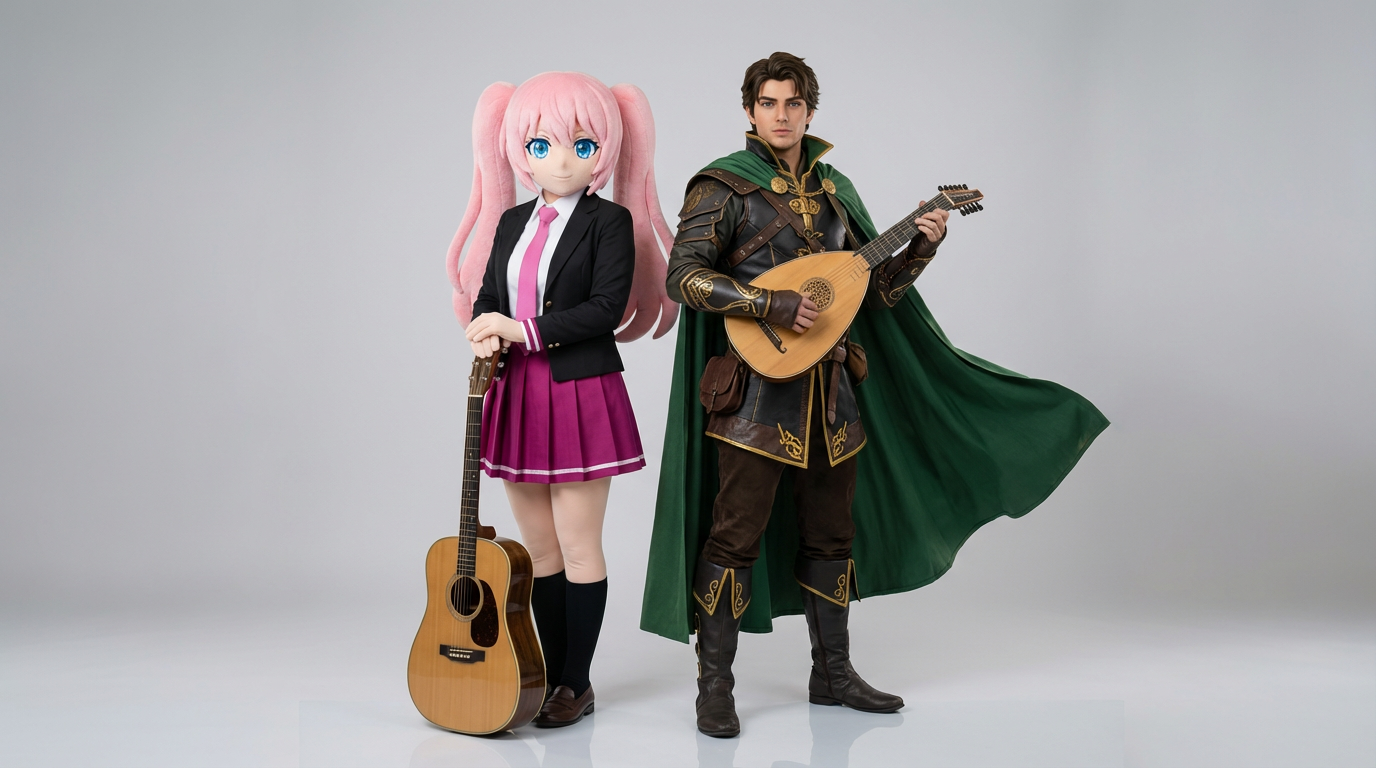
Lade zwei Charakter-Referenzen hoch und erstelle klare Interaktionsszenen, stimmige Paar-Kompositionen und duo-taugliche Bildausschnitte für fertige Szenen.
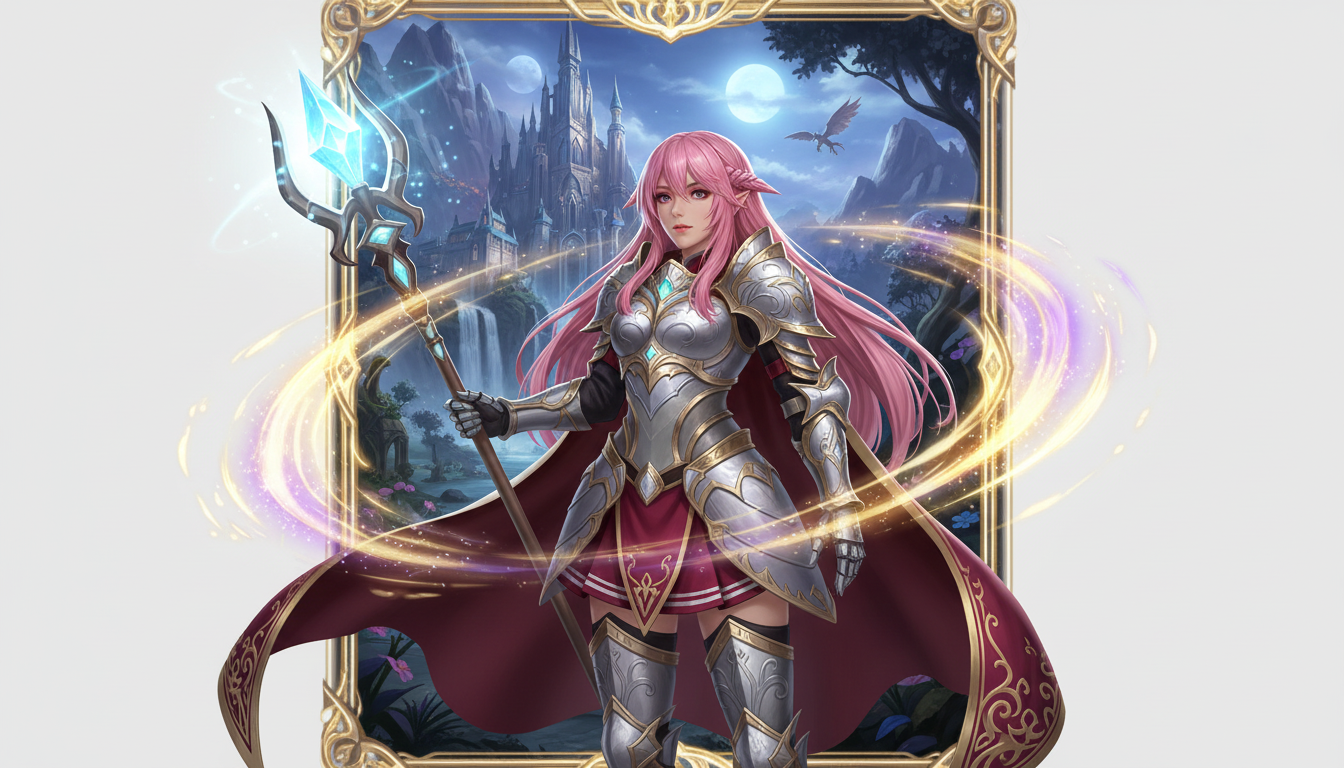
Verwandle ein Charakterbild in eine Fantasy-Heldenpräsentation mit klassenspezifischem Stil, RPG-Flair und der Energie einer Sammelkarte.
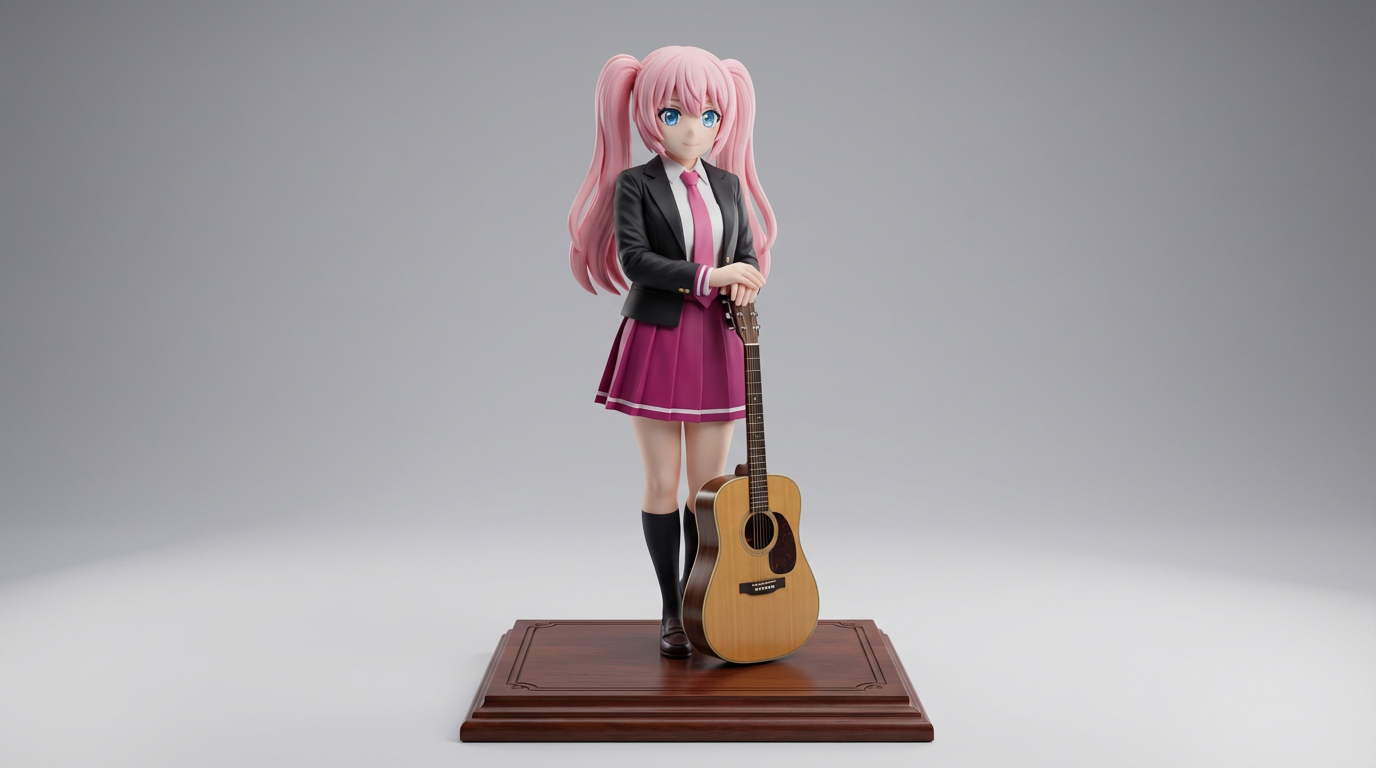
Verwandle flache Charaktergrafiken in Ausgaben im Stil von Display-Figuren – ideal für Sammler-Konzepte und produktnahe Figuren-Visuals.
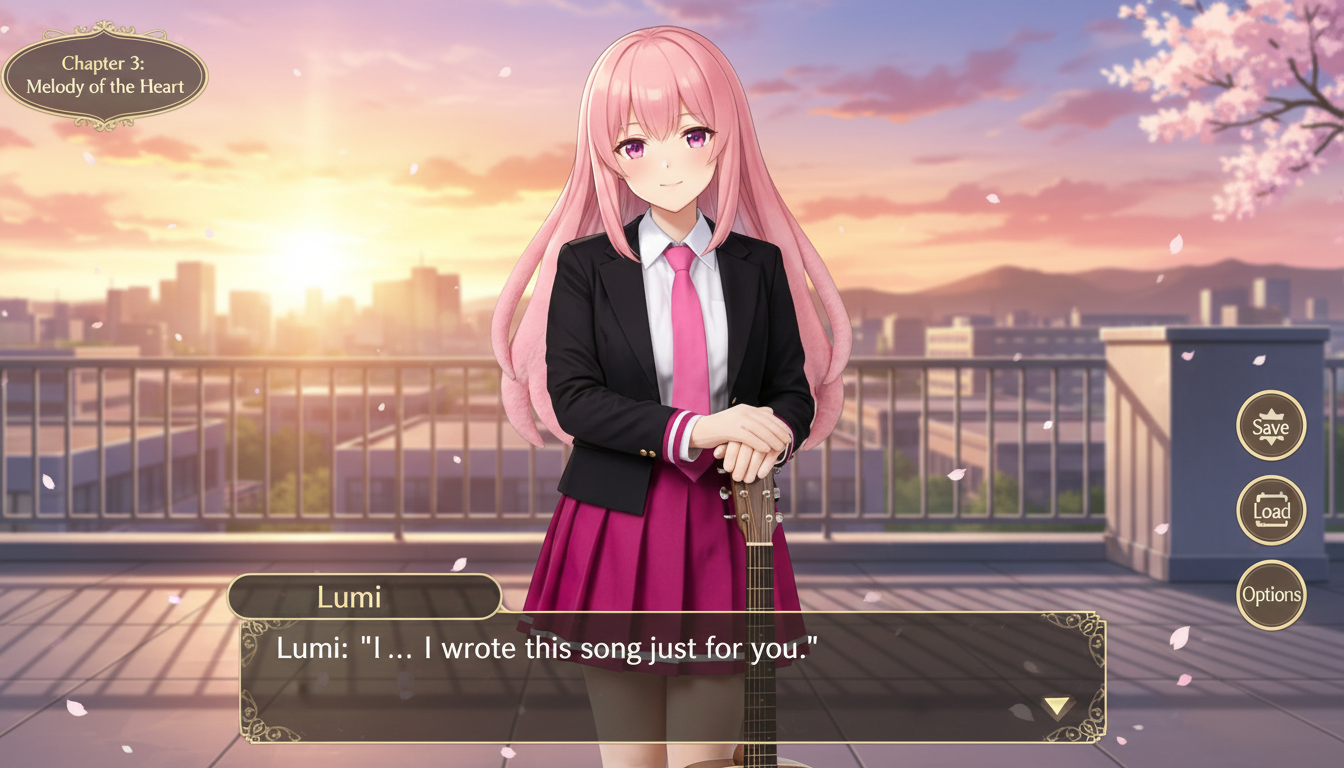
Verwandle ein Charakterbild in eine Szene im Visual-Novel-Stil – mit Interface-Rahmung, Raum für Dialoge und einer Komposition wie auf einem Game-Screen.
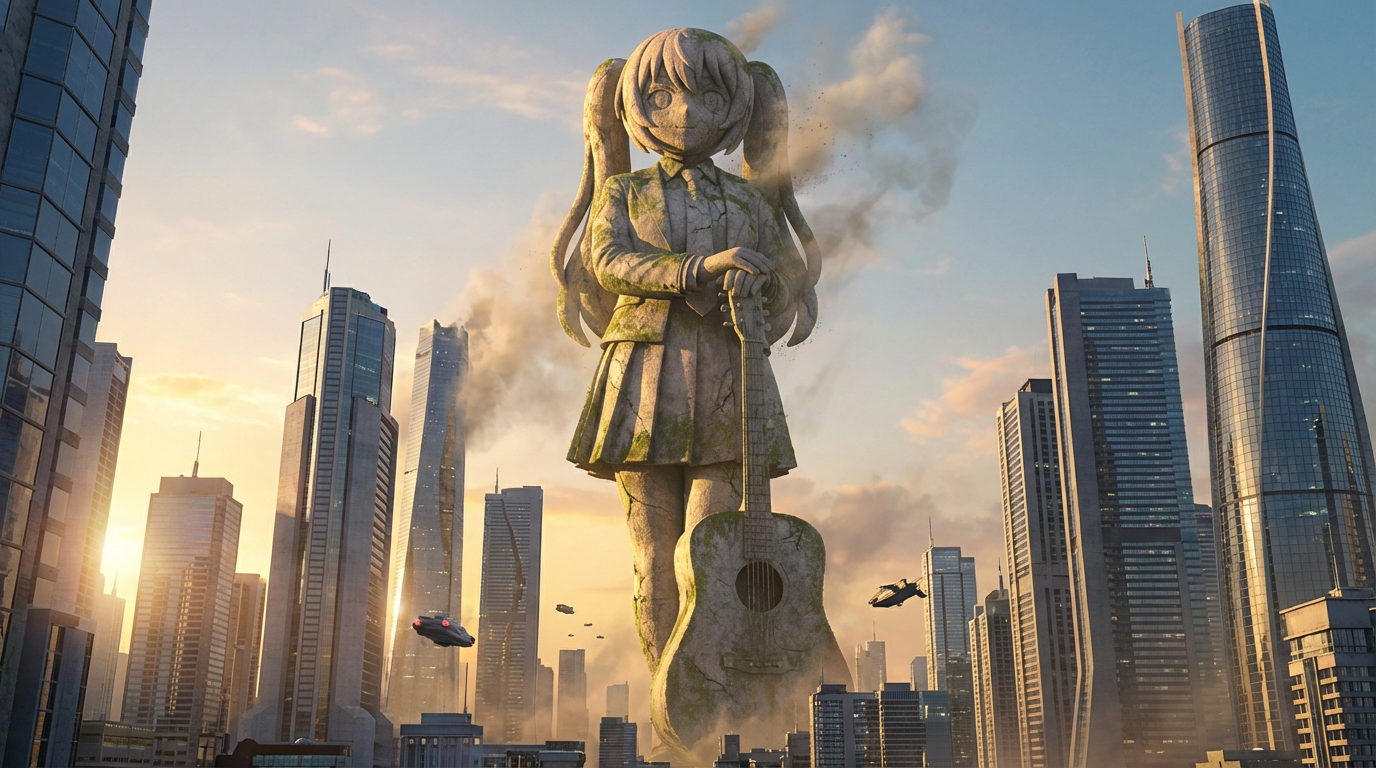
Verwandle Charaktere in monumentale Statuenbilder mit städtischer Größenwirkung, Skyline-Kulisse und ikonischer Wahrzeichen-Inszenierung.
Use this page when you know the kind of visual asset you want, but not the exact prompt or workflow yet.
Search behavior has moved beyond one broad text-to-image query. Many users now start with an existing image, ask for an editor, or compare image generation workflows before they create.
Yes. Each page is built around a specific problem, such as turning a reference image into a new style, creating a character sheet, or making a magazine-cover visual.
Pick the page that matches your starting point. Use text-to-image when you only have an idea, image-to-image when you have a reference, and AI image editor when you need controlled changes.