

Character & image creation
Anime Upscaler Use the anime upscaler, then inspect the linework.
Try the anime upscaler preset with eligible free account credits. Compare eyes, lettering and fine lines against the source, and check the actual output dimensions before keeping an enlargement.
Start with a free account and available starter or earned free credits for eligible basic options. Sign in and review the cost; paid models and other plan limits still apply.
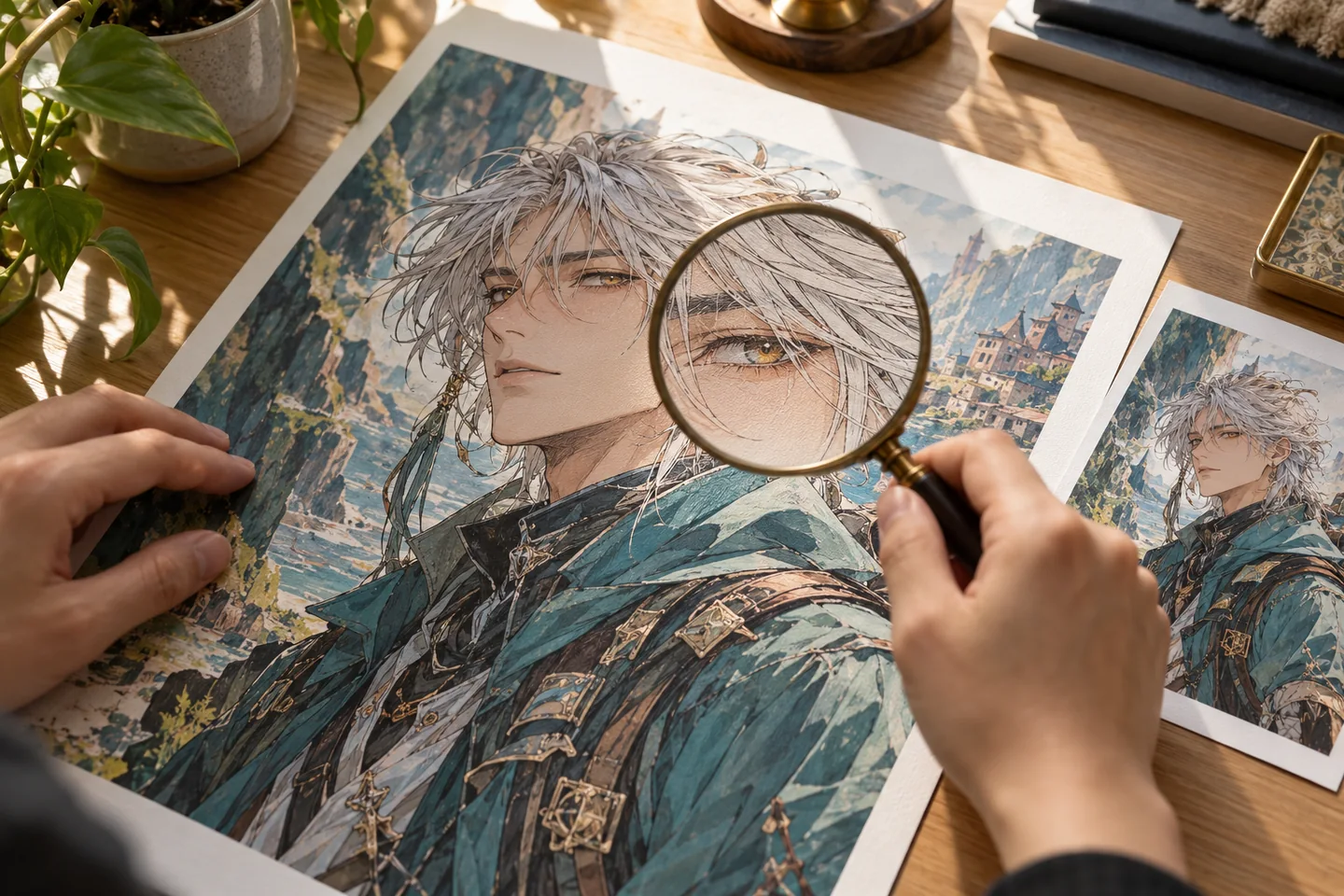
Your workspace
Use the anime upscaler
Start with a free account and available starter or earned free credits for eligible basic options. Sign in and review the cost; paid models and other plan limits still apply.
AI Support for Illustration Creation
Upload images and apply creative effects. Use the left panel to browse presets.
Customized
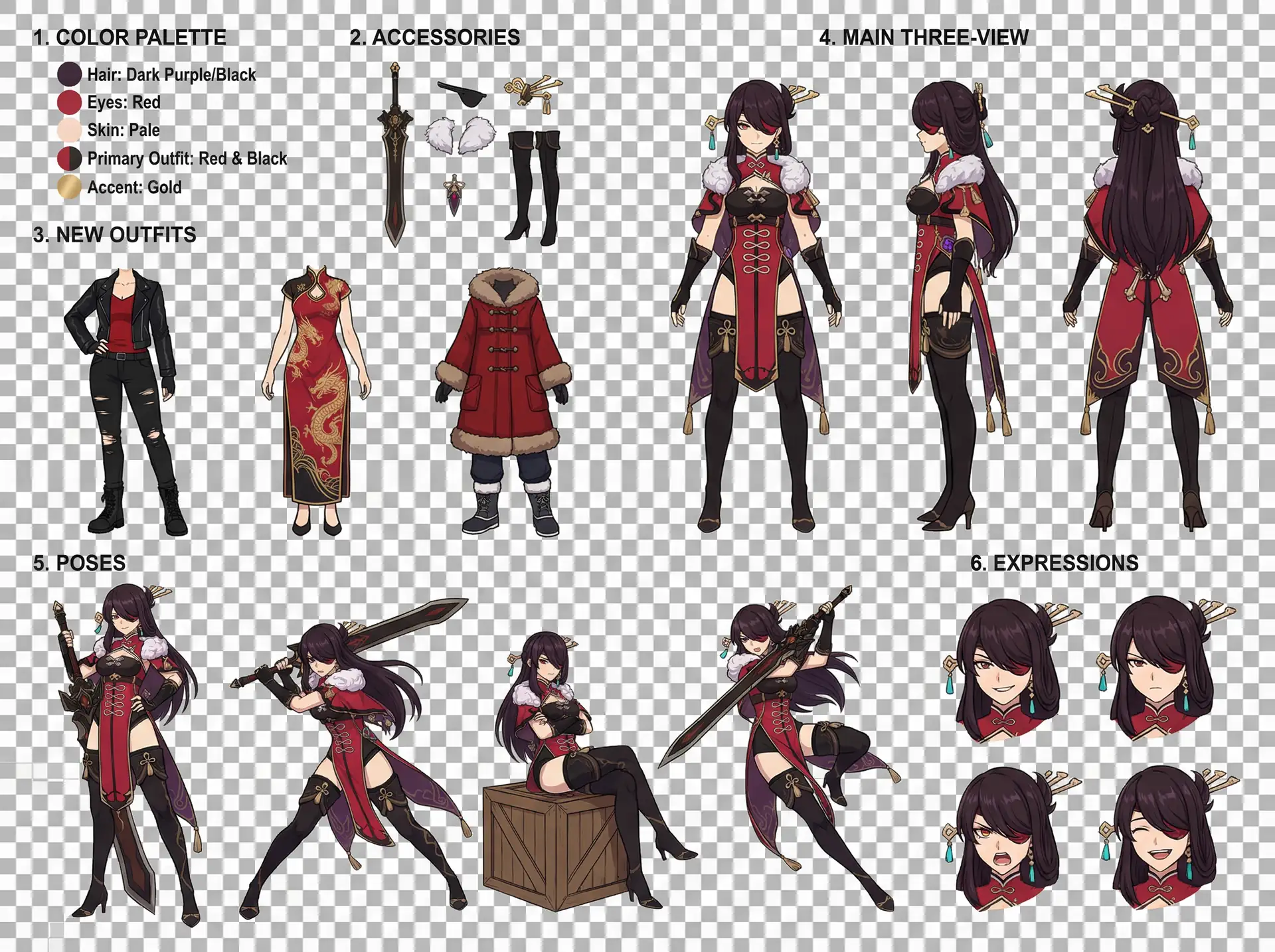
Character Design Reference Sheet
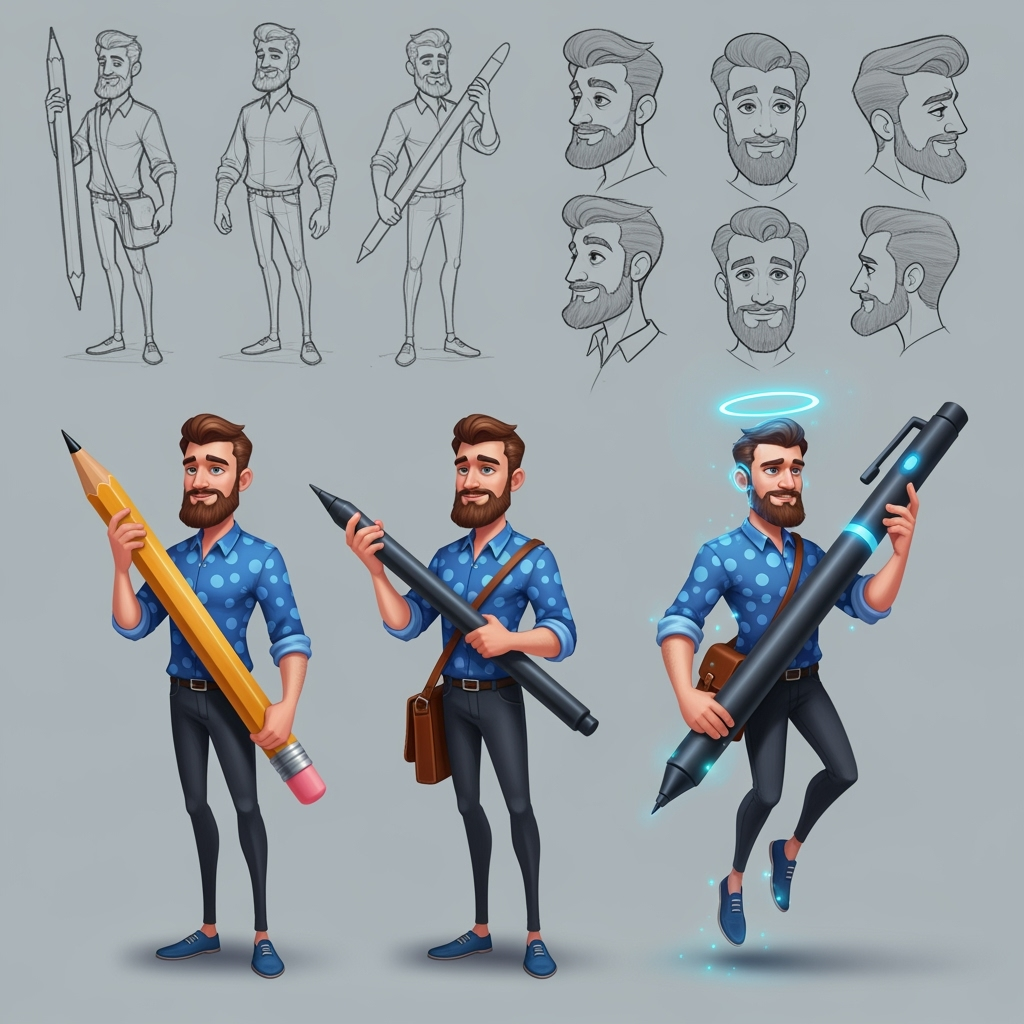
Character Sheet
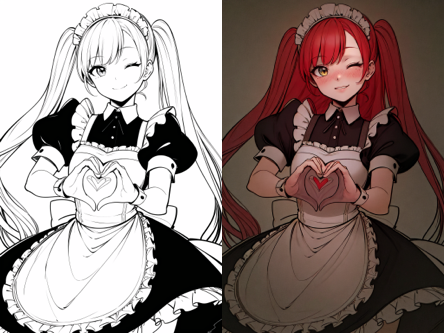
Line Art Colorization
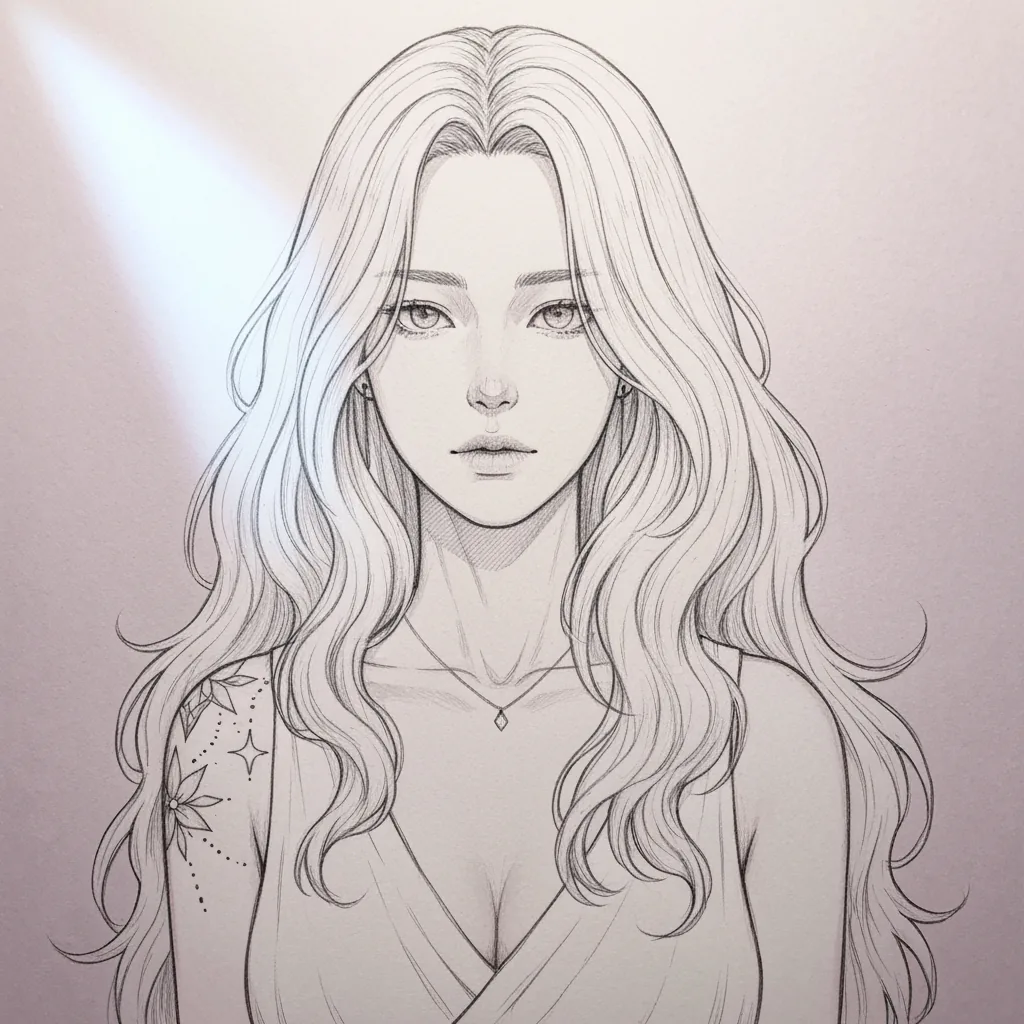
Sketch Simplification
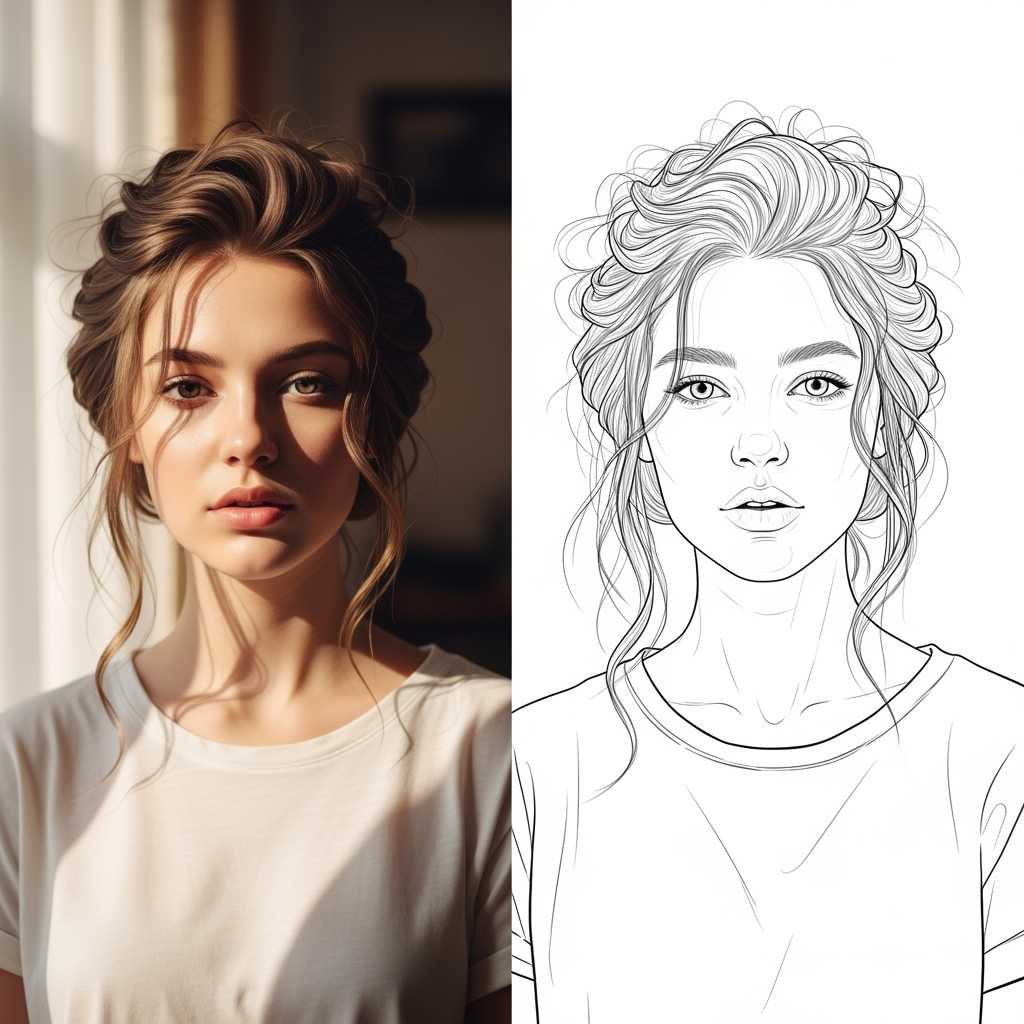
AI Line Art
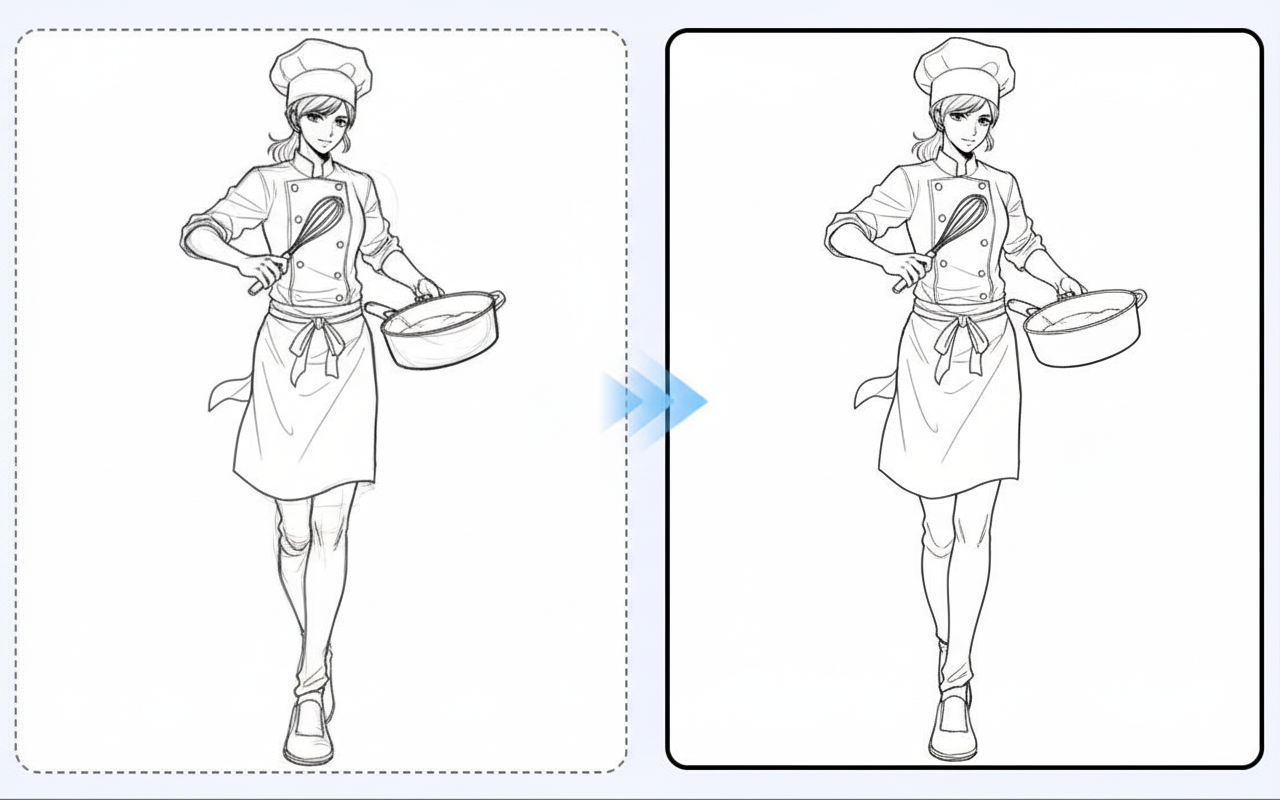
Line Art Beautification
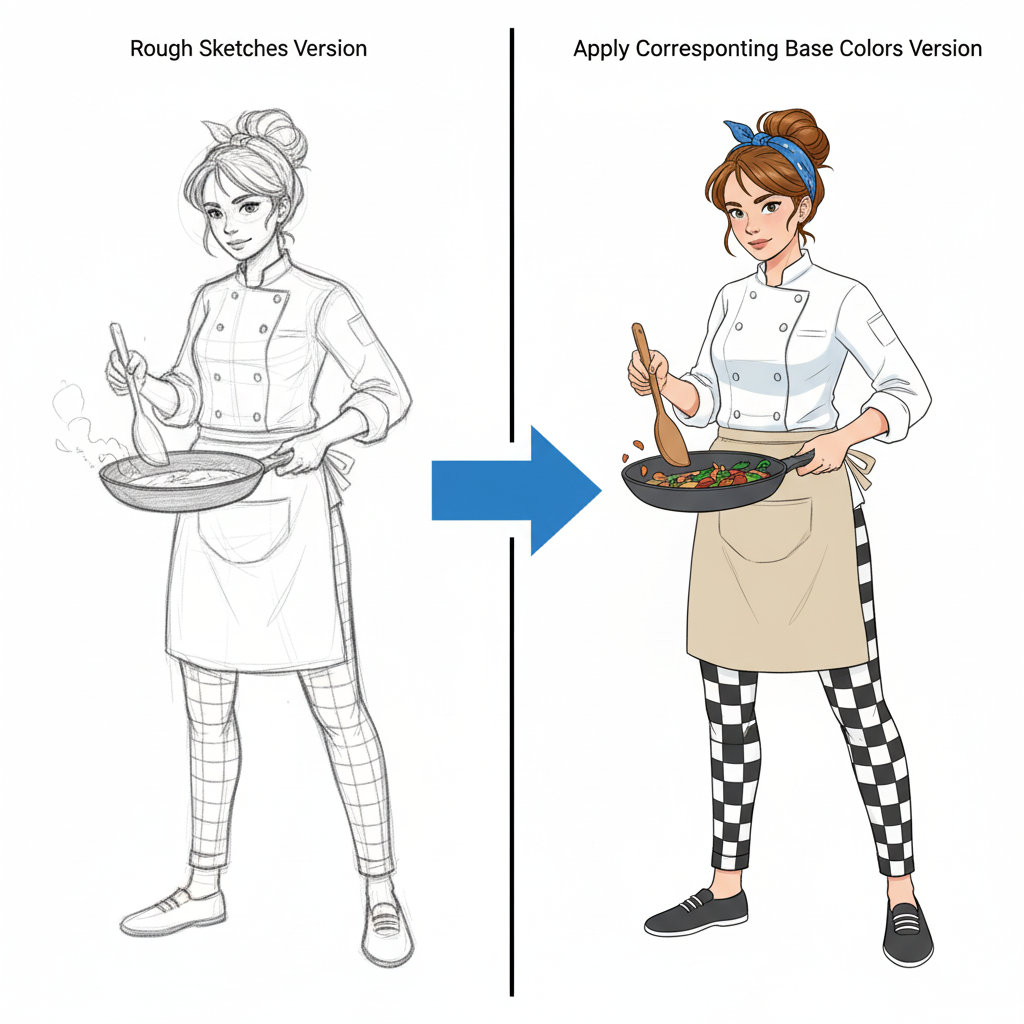
Character Colouring
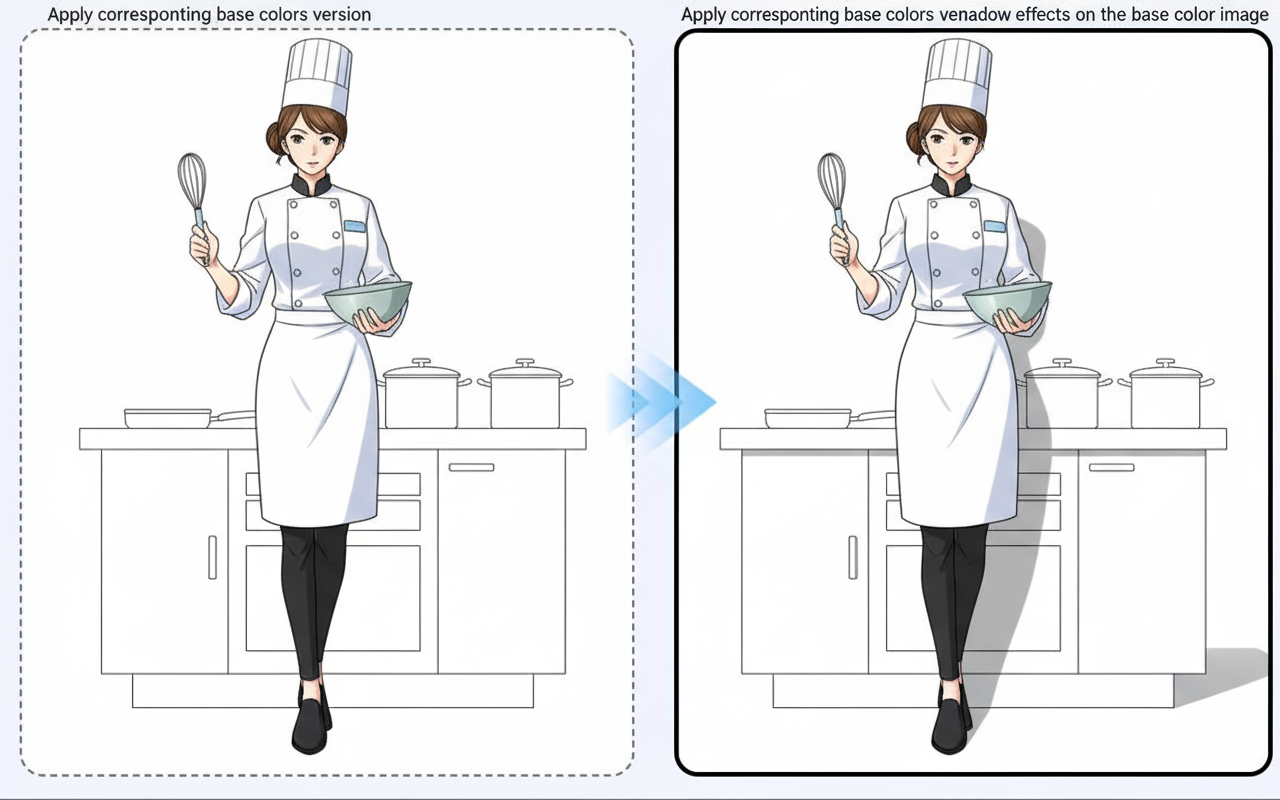
Shadow Generation
01 / A more useful starting point
Use the original file when you can
A screenshot of a preview can contain compression, interface elements and missing detail. Start from the source artwork rather than repeatedly enlarging copies of a web preview.
Try Anime Upscaler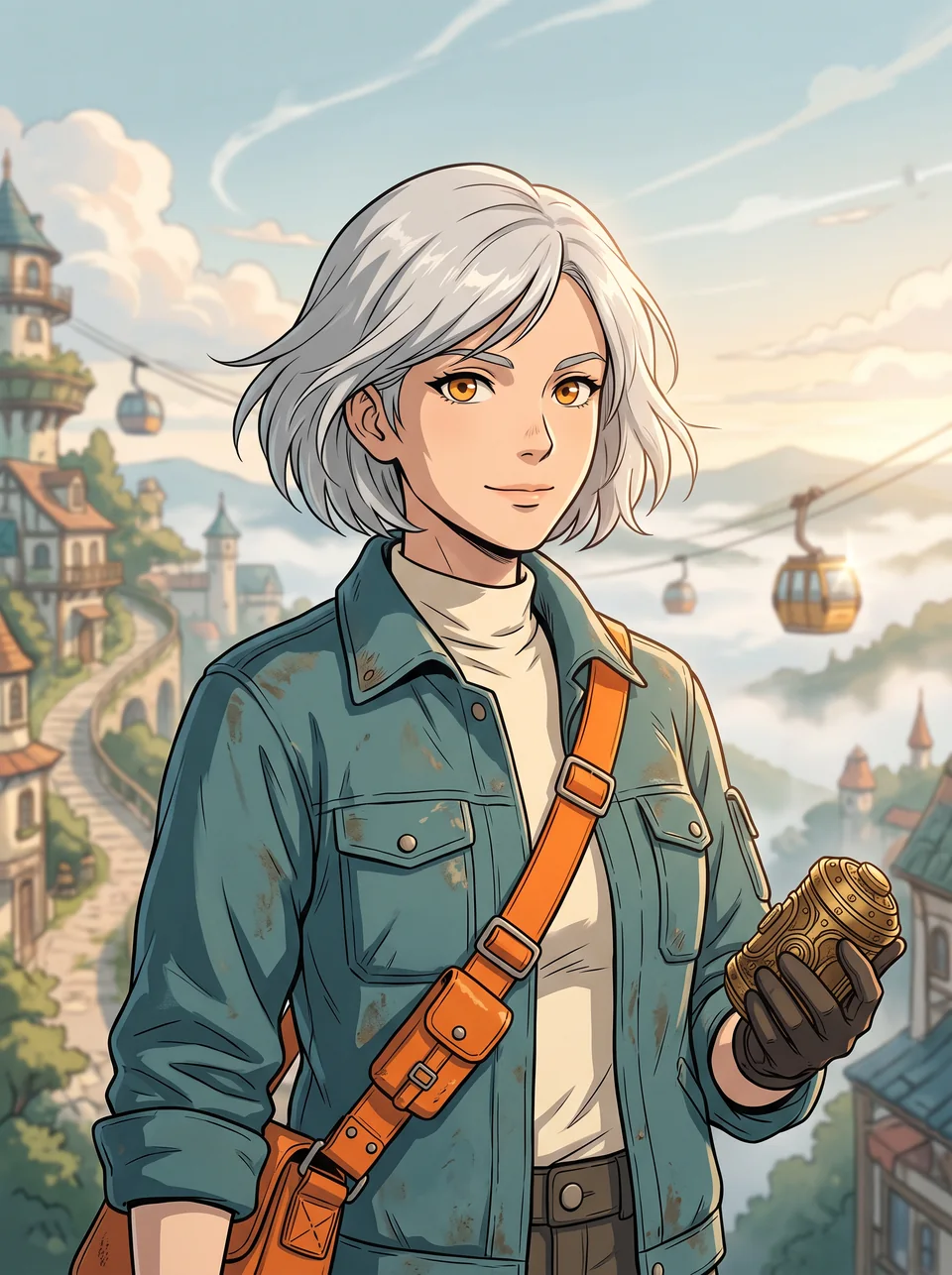
02 / A more useful starting point
Judge details, not just dimensions
A larger output can introduce invented eyelashes, altered lettering or harder edges. Compare the same small area of the original and the result at a consistent viewing scale before calling it an improvement.
Try Anime Upscaler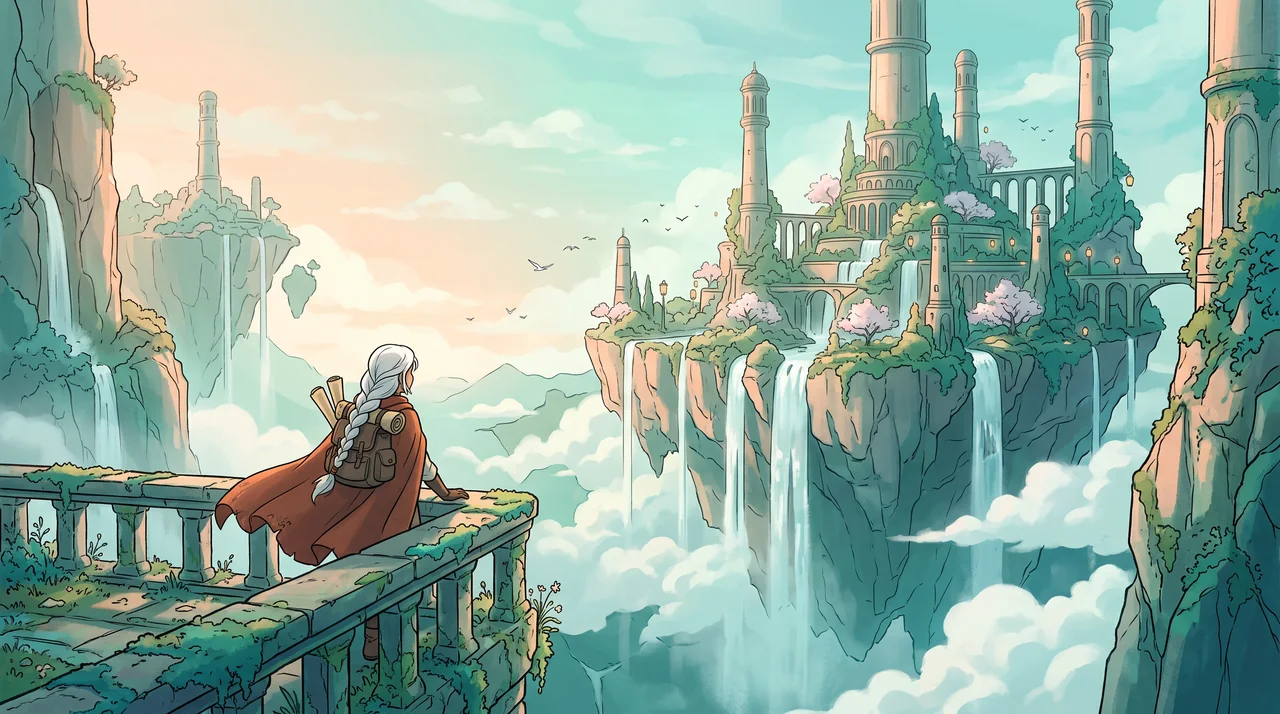
Three practical starting points
Try a brief. Check the result. Tweak one thing.
Try these exercises for Anime Upscaler, with concrete details to inspect. These are suggested exercises, not recorded customer projects.
A character portrait
Suggested brief
Use a clean anime portrait and compare the eyes, mouth and hair strands before and after processing.
- What to inspect
- Compare matching eye and hair regions at 100% zoom and at the intended display size. Check the exported dimensions separately; sharper-looking lines do not establish a measured resolution gain.
- What to change next
- Keep the original if added detail changes the character identity.
A comic panel
Suggested brief
Use a single panel with thin ink lines and dialogue, keeping a separate copy of the original.
- What to inspect
- Read every word and inspect bubble outlines after processing.
- What to change next
- Re-add final lettering in the editor if the image operation changes it.
A cover illustration
Suggested brief
Prepare an illustration for a larger digital canvas, checking the intended display dimensions first.
- What to inspect
- Review the face, hands and textured background at actual use size.
- What to change next
- Avoid repeated processing when the source already looks clear enough.
From input to a useful output
How to use Anime Upscaler
Start with a small task first, then keep the steps that help your project.
- 01
Open the preset
Use the anime upscaler entry in the image-effects workspace.
Check: Verify the active preset before starting.
- 02
Upload the source
Choose a file you own or are allowed to process.
Check: Prefer the original artwork to a compressed thumbnail.
- 03
Run the available workflow
Review model availability and the displayed credit cost.
Check: No fixed multiplier or output resolution is promised here.
- 04
Compare the output
Inspect matching regions and keep both files.
Check: Check real pixel dimensions and visible changes before publishing.
Know the boundaries
What to check before you rely on the output
- Enlargement cannot recover the exact information that was never recorded in the original. AI can invent new detail.
- Available resolution and model behaviour depend on the current workspace; this page does not promise a fixed 2× or 4× output.
- Generated faces, hands, text and small details can vary. Review the output before using it in a larger project.
Anime Upscaler: your questions, answered
Does upscaling recover the exact original detail?
No. A model can infer or invent detail. Compare the result with the original when character identity or lettering matters.
Which source is best?
Use the cleanest original file available, without interface overlays or repeated screenshot compression.
Will speech-bubble text stay unchanged?
Do not assume so. Inspect every line and preserve the original lettering separately when possible.
Is a larger file always better?
No. Check the dimensions, visible detail and target display size; a larger byte count is not a quality score.
Can I try it for free?
Try eligible basic generation for free when your account has enough available starter or earned free credits. Sign in and review the model, cost and plan limits first. Each request consumes credits; paid-only options and further generations may require a paid plan or purchased credits.
Can I publish the result?
Use references you own or have permission to use. Publishing and commercial use depend on your plan, the Terms of Use and third-party rights; a generated image does not by itself clear those rights.
Sources and further reading
Check the guidance behind the workflow
Each source is linked with its scope. An external reference is not an endorsement or performance certification.
LlamaGen: reference-image guidelines
First-party public-tool guidance links to reference-image, upload and output-format help. Follow the controls shown by the selected tool; this is not an independent performance review.
LlamaGen plans, credits and account support
First-party plan information. Check the selected tool for model access and the cost of each generation; contact [email protected] for account questions.
Continue your creative project
Anime Upscaler
Start with one clear idea.
Start with a free account and available starter or earned free credits for eligible basic options. Sign in and review the cost; paid models and other plan limits still apply.
Try Anime Upscaler