Logo de LlamaGenmarca LlamaGen
Iniciar SesiónSuscríbete ahora20% de descuento
  1. Inicio
Novel to Comic Adaptation: What to Cut, Keep, and Visualize
Todos los posteos

Novel to Comic Adaptation: What to Cut, Keep, and Visualize

Jay
Jay
24 de agosto de 2026
Copiar enlace
  • The Short Answer
  • Why Novel Adaptation Feels Hard
  • Test Setup
  • Source Scene
  • Step 1: Sort the Scene into Cut, Keep, and Visualize
  • Step 2: Convert Paragraphs into Scene Jobs
  • Step 3: Turn Internal Monologue into Visible Evidence
  • Step 4: Build a Visual Bible Before Pages
  • Step 5: Upload the Manuscript for an Adaptation Map
  • Step 6: Choose the Right Visual Format
  • Failed Pass: The One-Step Adaptation
  • A Reusable Adaptation Checklist
  • FAQ
  • Should I adapt the whole novel at once?
  • Should I keep the narrator?
  • Can this work for visual novels?
  • Where should I start in LlamaGen.AI?
  • Final Takeaway
elevate-your-comics.png
Llevá tus historietas al siguiente nivel con LlamaGen

The Short Answer

A novel should not be copied into comic panels sentence by sentence.

A good adaptation separates the manuscript into three decisions:

cut -> keep -> visualize

Cut the prose that only repeats information. Keep the beats that change the story. Visualize the moments a reader can understand through action, expression, setting, objects, camera distance, and silence.

For a faster first pass, upload your manuscript or chapter to LlamaGen.AI Upload and ask for an adaptation map before generating finished panels.

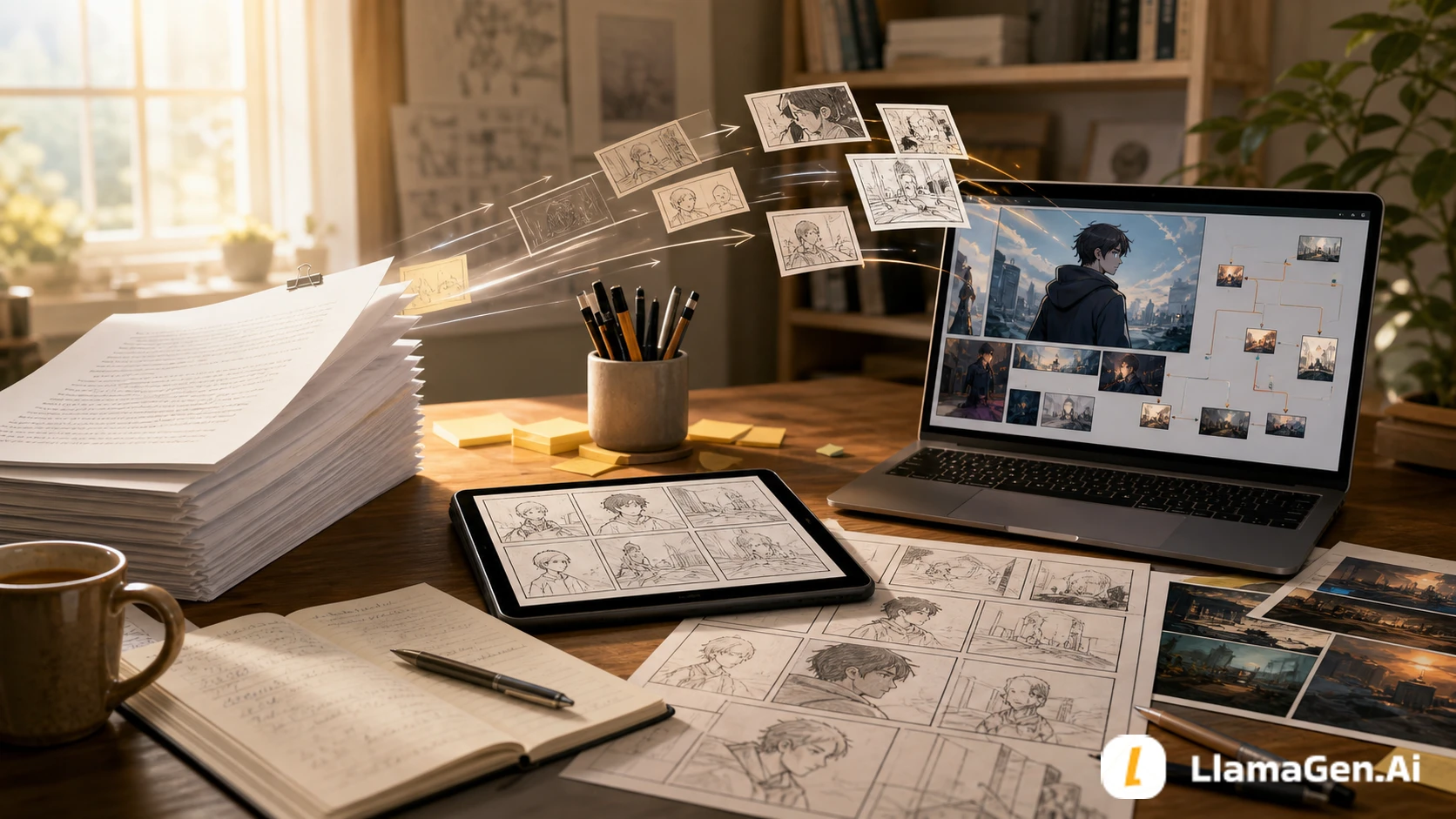
A manuscript turning into comic panels and a visual novel scene workflow

Why Novel Adaptation Feels Hard

Novelists usually work with tools that comics do not use directly:

Novel toolWhy it breaks in comicsAdaptation move
Internal monologueThe reader cannot see it unless it becomes behaviorTurn thought into action, pause, object, or framing
Long descriptionA panel can become crowdedChoose one story-relevant visual signal
SummaryIt skips time efficiently in proseConvert only the key change into a visual beat
BackstoryIt can stop the page
Registro de cambios

Encendé sueños para los más chicos
Donde millones de historias cobran vida

Un resumen de los últimos lanzamientos de funciones de LlamaGen, mejoras del producto, actualizaciones de diseño y correcciones importantes de errores.

✦
✧
✦
✧

Un nuevo medio para contar historias

Creá sin límites historias, cómics, animaciones, juegos y más, en segundos, que conectan con audiencias modernas

Use a prop, location, flash image, or short caption
VoiceIt lives in sentence rhythmPreserve it through captions, dialogue, and visual contrast

The goal is not to remove the writer's voice. The goal is to decide where the voice belongs.

Test Setup

This tutorial uses an original short scene to test the workflow.

Test itemSetup
Date testedAugust 24, 2026
SourceOne prose scene from a fictional long-form story
Target formatsComic page, webtoon episode, visual novel scene
Main tool entryLlamaGen.AI Upload
Output targetAdaptation map, visual beat list, visual bible, panel brief
Active editing timeAbout 28 minutes
Total elapsed timeAbout 55 minutes including one failed pass
Editorial noteThis is a workflow test, not a pricing benchmark. Generation time and workspace settings can vary.

The test question was:

Can a novelist turn prose into visual story decisions before generating final comic pages?

Source Scene

Here is the original prose summary:

Mira returns to the apartment she left three years ago. She tells herself she only came to pick up her father's old field notebook, but the room still looks arranged for someone who expected her back.

The window is open. The desk lamp is on. A cup sits beside the chair, still clean except for one ring of tea at the bottom.

Mira remembers every promise she made in this room. She also remembers breaking the important one.

When she opens the notebook, a train ticket slips out. The destination is not printed, but the date is tomorrow.

This is a strong prose moment. It has memory, guilt, setting, and a final object reveal.

But if we adapt every sentence, the comic becomes stiff. The scene needs a visual plan.

Step 1: Sort the Scene into Cut, Keep, and Visualize

The first pass is not panel layout. It is triage.

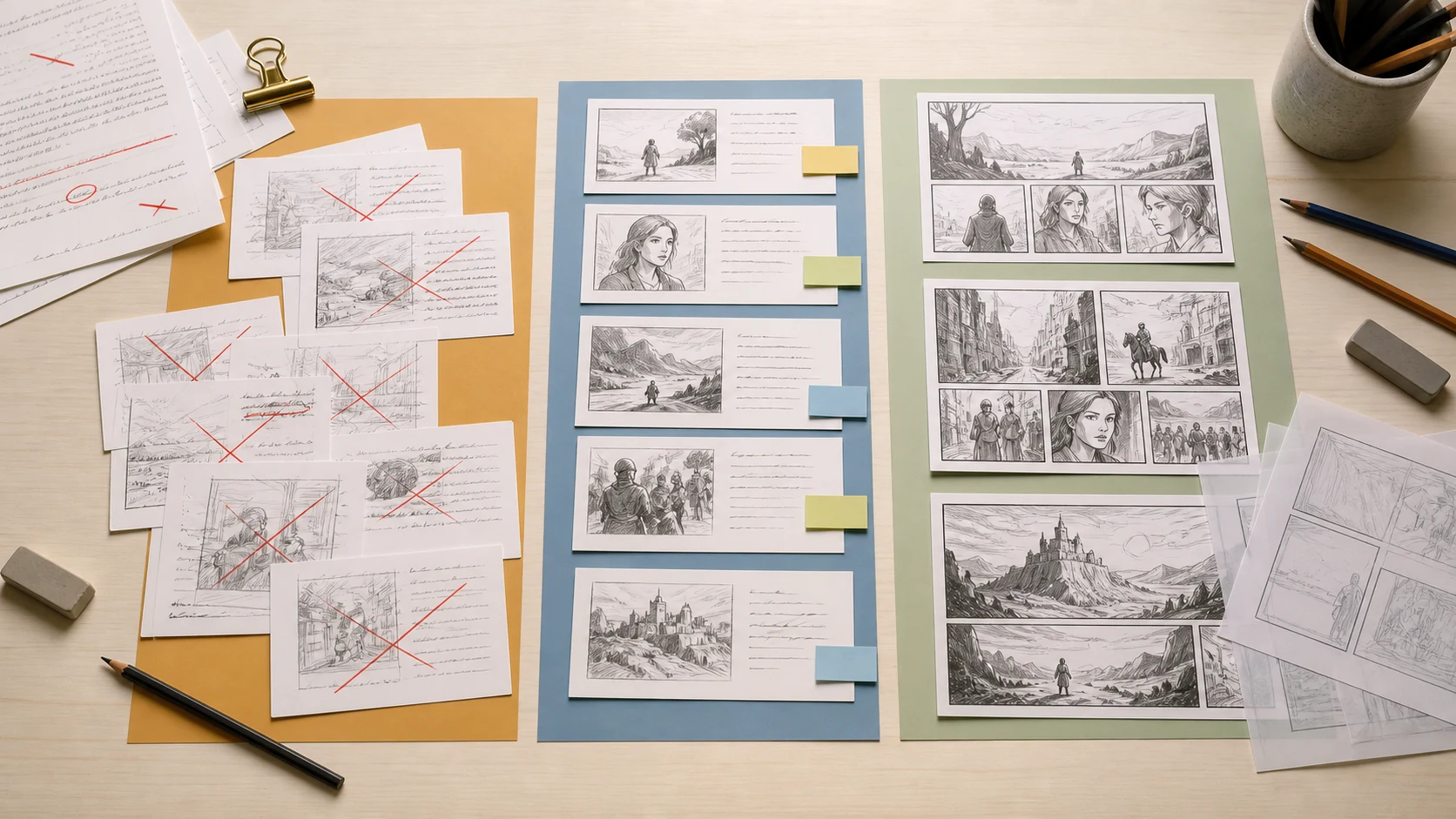
A cut, keep, and visualize adaptation board for turning prose into comic panels

Use this table:

Manuscript elementAdaptation decisionWhy
Mira returns after three yearsKeepIt defines the emotional pressure
She tells herself she came for the notebookKeep, but compressThis can become a caption or a look toward the desk
Room arranged as if expectedVisualizeThe setting can say this without dialogue
Window open, lamp on, clean cupVisualizeThese are story clues
She remembers promisesCut from literal proseToo abstract if repeated in full
She broke the important promiseKeep as subtextShow hesitation before touching the notebook
Train ticket with tomorrow's dateVisualizeThis is the page-turn reveal

The strongest adaptation choice is this:

Do not explain that Mira feels watched by the past.
Show a room that behaves as if it waited for her.

Step 2: Convert Paragraphs into Scene Jobs

Do not ask:

How do I turn this paragraph into a panel?

Ask:

What job should this moment do for the reader?

For this scene:

Scene jobVisual solution
Establish returnWide shot of old apartment doorway
Show emotional resistanceMira pauses before entering
Make the room feel activeOpen window, lamp, clean cup
Reveal guilt without explaining itMira cannot touch the notebook at first
End with a hookTicket falls from notebook

This keeps the story alive. You are adapting function, not grammar.

Step 3: Turn Internal Monologue into Visible Evidence

Interior voice is where many novel-to-comic adaptations lose power. The answer is not to delete thought. The answer is to assign it a visible container.

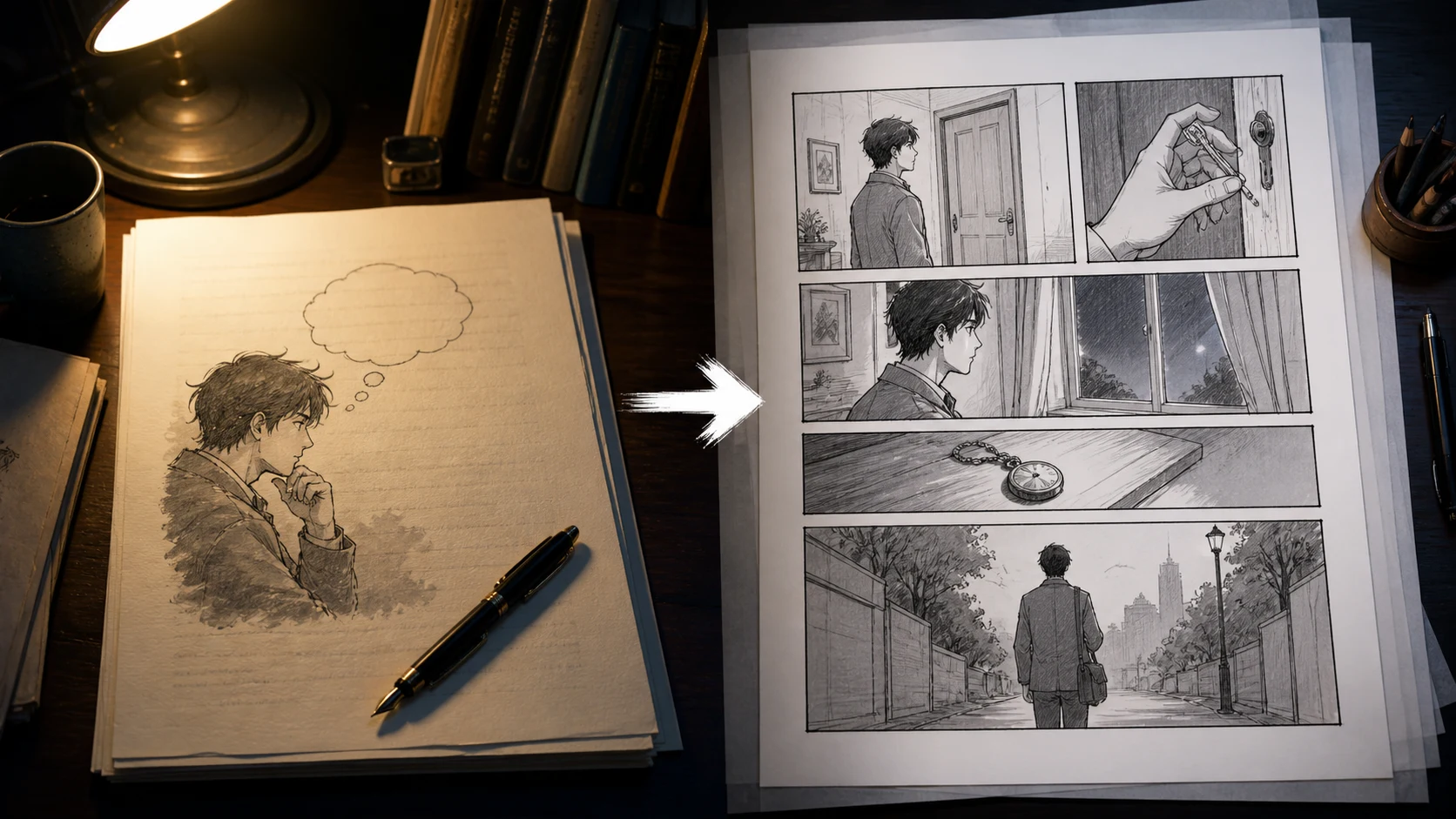
A novelist turning internal monologue into observable comic panel actions

Use this conversion table:

Prose thoughtComic version
"She did not want to be here."Mira stands outside the open door, one foot still in the hallway
"The room expected her."Lamp on, chair pulled out, window moving the curtain
"She remembered the promise."Close-up of her hand stopping above the notebook
"She knew tomorrow would not wait."Ticket lands face-up in a pool of light

If the thought is important, give it a body.

Step 4: Build a Visual Bible Before Pages

Long-form adaptation needs continuity. A single page can survive loose planning. A chapter, episode, or visual novel route cannot.

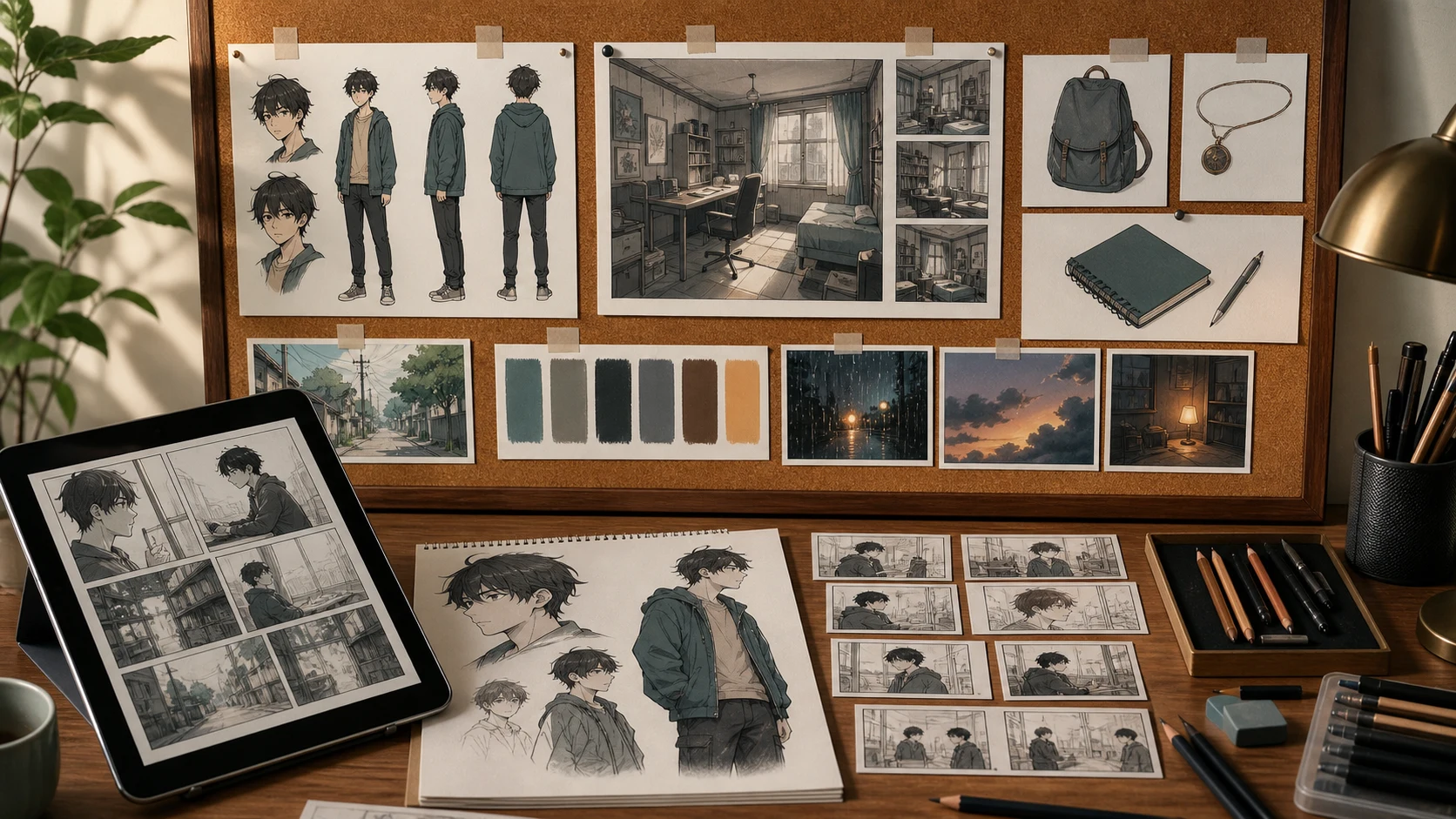
A visual bible desk with character, location, prop, mood, and storyboard reference cards

Create a simple visual bible:

Story bible itemVisual bible version
Character descriptionFront, side, expressions, outfit notes
Setting descriptionRoom angle, light source, recurring props
Important objectNotebook, ticket, cup, desk lamp
Emotional toneColor palette, shadow level, camera distance
Timeline clueWhat changes between first visit and return

For writers, this is the bridge between prose continuity and visual continuity.

Step 5: Upload the Manuscript for an Adaptation Map

Use LlamaGen.AI Upload as the first production step.

Start with a short instruction:

I am adapting this prose scene into comics, manga, webtoon, or a visual novel.

Please return:
1. What to cut.
2. What to keep.
3. What to visualize.
4. The scene job.
5. A 6-8 beat visual sequence.
6. Character continuity notes.
7. Location and prop notes.
8. A failed adaptation risk list.
9. A panel prompt brief for the first version.

Do not adapt sentence by sentence. Preserve the emotional core and make the scene readable visually.

Then upload the manuscript or chapter.

The useful output is not the final image yet. The useful output is the adaptation map.

Step 6: Choose the Right Visual Format

The same novel scene can become different outputs.

FormatBest useAdaptation rule
Comic pageDense story change5-8 panels, strong page turn
Manga pageMood and reactionMore close-ups, more silence
Webtoon episodeScroll rhythmOne beat per vertical section
Visual novel sceneDialogue and choicesBackground, sprite states, choice moment
Pitch packageTesting market fitCharacter sheet, sample page, scene board

Do not choose the format only because it looks good. Choose it because it matches the reading rhythm.

Failed Pass: The One-Step Adaptation

The failed prompt was:

Turn this novel scene into a comic.

It produced a page with nice images, but the story weakened.

ProblemWhy it happenedFix
Too much caption textThe prose was copied directlyCut narration before panel planning
Room clues disappearedThe prompt focused on character emotionGive each clue a visual job
Mira looked different across panelsNo visual bibleLock character references first
The ticket reveal was too smallNo page-turn planningAssign the reveal its own panel
The tone became melodramaticNo mood constraintsDefine camera distance and silence

The repair was simple: go back to cut, keep, visualize.

A Reusable Adaptation Checklist

Before generating final pages, ask:

QuestionPass condition
What changes in this scene?One sentence answer
Which prose can be removed?Anything repeated by image or action
Which image carries the hook?One clear reveal panel
Which object repeats later?Add it to the visual bible
Which emotion must survive?Convert it into posture, distance, or choice
Which format are we making?Comic, webtoon, manga, visual novel, or pitch

FAQ

Should I adapt the whole novel at once?

No. Start with one chapter or one scene. If that sample works visually, you can scale the method.

Should I keep the narrator?

Sometimes. Keep narration when it adds voice or irony. Cut it when the image already communicates the same information.

Can this work for visual novels?

Yes. The same adaptation map can become background notes, sprite states, CG scene ideas, dialogue beats, and choice points.

Where should I start in LlamaGen.AI?

Start at LlamaGen.AI Upload. Upload a chapter, ask for an adaptation map, then turn the strongest beats into visual prompts.

Final Takeaway

Novel adaptation is not compression. It is translation.

You are translating prose tools into visual tools: thought into action, description into setting, memory into props, and chapter rhythm into panels or scenes.

Upload one chapter to LlamaGen.AI Upload, ask for cut, keep, visualize, and build the visual plan before making final comic pages.

Related hot tags

Writers

Novel Adaptation

Cómic de IA

Visual Novel

Herramientas populares de creadores

Convertí tu inspiración en tu próxima historia

Creá cómics, storyboards y fotos estilizadas con LlamaGen.

01

Generador de Cómics de IA

Convertí una idea en tiras cómicas terminadas en minutos.

Crear cómics
02

Generador de Manga de IA

Creá arte manga expresivo y relatos en múltiples paneles.

Creá manga con IA
03

Generador de Storyboard de IA

Visualizá cada escena antes de arrancar la producción.

Creá storyboards con IA
04

Convertí imagen en cómic

Transformá cualquier foto en una ilustración estilo cómic.

Creá cómics a partir de imágenes
05

Creador de Tiras de Cómics de IA

Armá tiras para compartir con personajes consistentes.

Creá tiras cómicas con IA

LlamaGen community

checkmark

Get hands-on help with your comics

checkmark

Showcase your comics to fellow LlamaGen creators

checkmark

Participate in special events to win gifts

Logo de LlamaGen
  • United States
  • Español
  • Français (France)
  • 日本語
  • 한국어
  • Deutsch
  • 繁體中文 (台灣)
  • 繁體中文 (香港)
  • 简体中文
  • Português
  • Italiano
  • Español (México)
  • العربية
  • Русский
  • Português (Brasil)
  • Tiếng Việt
  • Español (Argentina)

Descargá LlamaGen gratis

iOSEscritorio

Producto

  • Inicio
  • Artículos
  • Blog
  • Crear

Consultale a la IA sobre LlamaGen

Últimos lanzamientos
  • Características
  • Creador de tiras cómicas
  • Comic StoresNuevo
  • Estudio de mangaNuevo
  • Convertí Imagen en Cómic
  • Cómic a Video
  • Fábrica de Cómics de IA
  • Agente de cómic
  • iOS y Android
  • Mac y Windows
  • Descargar
  • Comic ZapNuevo
  • Generador de Cómics de IA
  • Generador de Dibujos Animados de IA
  • Generador de Webtoon de IA
  • Creador de Tiras Cómicas
  • Convertí Imagen en Cómic
  • Generador de Manga de IA
  • Traductor de Manga
  • Foto a anime
  • Anime a vida real
  • Coloreador de manga
  • Generador de personajes de anime
  • Herramientas para assets de juegos pixelados
  • Generador de hojas de sprites con IA
  • Mejores herramientas para juegos pixelados 2026
  • Creador de historietas con fotos
  • Alternativa a Comic Life
  • Productos relacionados

    • Familia LlamaGen
    • CineoBoardNuevo
    • API de cómics

    Planes

    • Precios
    • Inicial
    • Pro

    Comunidad

    • Creadores
    • Afiliados
    • Socio

    AI Models

    • Grok Imagine Image 2.0
    • Wan 3.0
    • Wan 3.0 Prime
    • Seedance 2.5
    LinkedInX (Twitter)
  • Precios
  • API
  • Affiliate ProgramNEW
  • Liderando el futuro de la generación de cómics con IA

    • soporte 24/7
    • Actualizaciones semanales
    • Seguro y conforme
    • 99.9% de tiempo de actividad
  • Comic Zap
  • Velika
  • Empresa
  • Educación
  • API de cómics
  • Contactar con Ventas
  • Planes educativos
  • Profesores
  • Estudiantes
  • Profesores y estudiantes
  • Empresas emergentes
  • Descuentos educativos
  • Empresa

    • Hablá con nuestro fundador
    • Acerca de
    • Hoja de Ruta del Producto
    • Carreras
    • Envíanos un correo electrónico
    • El mundo de nuestra mascota
    • Kit de medios
    • Alianzas con KOL
    • Contenido

    Ayuda

    • Centro de Ayuda
    • Confianza
    • IA segura
    • Servicios profesionales
    • Preguntas Frecuentes
    • Seguridad
    • Accesibilidad
    • Tutorial en video
    • Contáctanos
    • Mapa del sitio
    Testimonios
  • Muro del Amor
  • LlamaGen MCPNuevo
  • Desarrollador de LlamaGen
  • Recursos

    • Registro de cambios
    • Blog
    • Guías
    • Cómics personalizados
    • Características
    • Alternativas
    • Mejores apps de IA
    • Guía de coloreo de manga con GPT-6
    • Herramienta de cómics para Claude
    • Guía de cómics con IA de Gemini
    • Cómic That
    • Descuentos educativos
    • Descuento para estudiantes

    Herramientas

    • Generador de logos con IA
    • Generador de personajes estilo Grokbot
    • Convertir PNG a cómic
    • Texto a cómic
    • Convertir PDF a cómic
    • Convertir guion a cómic
    • Libro a cómic
    • Convertí Imagen en Cómic
    • Generador de Pixel Art con IA
    • Cómics educativos
    • Generador de Video AI
    • Generador de videos con Gemini AI
    • Generador Gratuito de Videos Anónimos con IA
    • Cómic a Video
    • Software para crear storyboards
    • Generador de Storyboard de IA
    • Software para escribir guiones
    • Editor de guiones
    • IA de historias
    • Generador de Historias de IA
    • Generador de libros ilustrados
    • Generador de Imagen de IA
    • Divisor de capas con IA
    • Control de ángulo de cámara con IA
    • Generador de Pixel Art con IA
    • Herramientas para assets de juegos pixelados
    • Generador de hojas de sprites con IA
    • Cortador de hojas de sprites
    • Mejores herramientas para juegos pixelados 2026
    • API de animación
    • Plugin ChatGPT/Codex
    • Guía de instalación de ChatGPT
    • Plugin Claude Code
    • Guía de instalación de Claude Code
  • MiniMax H3
  • Nano Banana 2.1
  • Nano Banana 2 Lite
  • Seedream 5.0 Flash
  • Seedream 5.0 Pro
  • Seedance 2.0 Mini
  • Kling 3.0 Turbo
  • Nano Banana 2
  • Imagen GPT 2
  • Gemini Omni Flash
  • All AI Models
  • Herramientas AI

    • Extractor de Outfits con IA
    • Cambiador de Peinados con IA
    • Cambiador de Peinado de Manga con IA
    • Generador de Efecto de Viento con IA
    • Generador de Mapas de Profundidad con IA
    • Fondo Blanco con IA
    • Removedor de Objetos con IA
    • Probador Virtual de Ropa con IA
    • Desenfocar imágenes con IA
    • Eliminación de ruido con IA
    • Restauración de fotos con IA
    • Sombras de producto con IA
    • Generador de fondos con IA
    • Generador de fotos tipo CV con IA
    • Creador de emojis con IA
    • Cambiador de fondos con IA
    • Abrir ojos con IA
    • Belleza con IA
    • Fotografía de producto con IA
    Instagram
    YouTube
    Grupo de Facebook
    Reddit
    Discord
    Soporte por correo electrónico
    PrivacidadTérminosMapa del sitio
    Descargar activos de marca
    © 2026 LlamaGen.Ai Todos los derechos reservadosTodos los servicios están en línea
    Novel to Comic Adaptation: What to Cut, Keep, and Visualize - LlamaGen.AI Blog

    Blogs anteriores

    Storyboard-to-Video Handoff Checklist: Shots, Timing, Audio, and Continuity

    Storyboard-to-Video Handoff Checklist: Shots, Timing, Audio, and Continuity

    Turn approved storyboard frames into a clear video handoff with stable shot IDs, timing, motion note

    Jay
    Jay
    1 de noviembre de 2026
    How to Localize a Comic Without Redrawing the Artwork

    How to Localize a Comic Without Redrawing the Artwork

    Preserve approved comic art while translating dialogue, rebuilding editable lettering, checking read

    Jay
    Jay
    31 de octubre de 2026
    Batch Comic Production Workflow: Draft, Approve, Repair, and Export 40 Pages

    Batch Comic Production Workflow: Draft, Approve, Repair, and Export 40 Pages

    Plan a 40-page AI comic with a pilot, reviewable batches, a page ledger, selective repairs, and expo

    Jay
    Jay
    30 de octubre de 2026
    From a Flat AI Image to an Editable Comic Page

    From a Flat AI Image to an Editable Comic Page

    Turn a finished comic image into an editable comic page by reviewing an asset sheet, extracting tran

    Jay
    Jay
    28 de octubre de 2026
    Ver todos los blogs