A novel should not be copied into comic panels sentence by sentence.
A good adaptation separates the manuscript into three decisions:
cut -> keep -> visualize
Cut the prose that only repeats information. Keep the beats that change the story. Visualize the moments a reader can understand through action, expression, setting, objects, camera distance, and silence.
For a faster first pass, upload your manuscript or chapter to LlamaGen.AI Upload and ask for an adaptation map before generating finished panels.
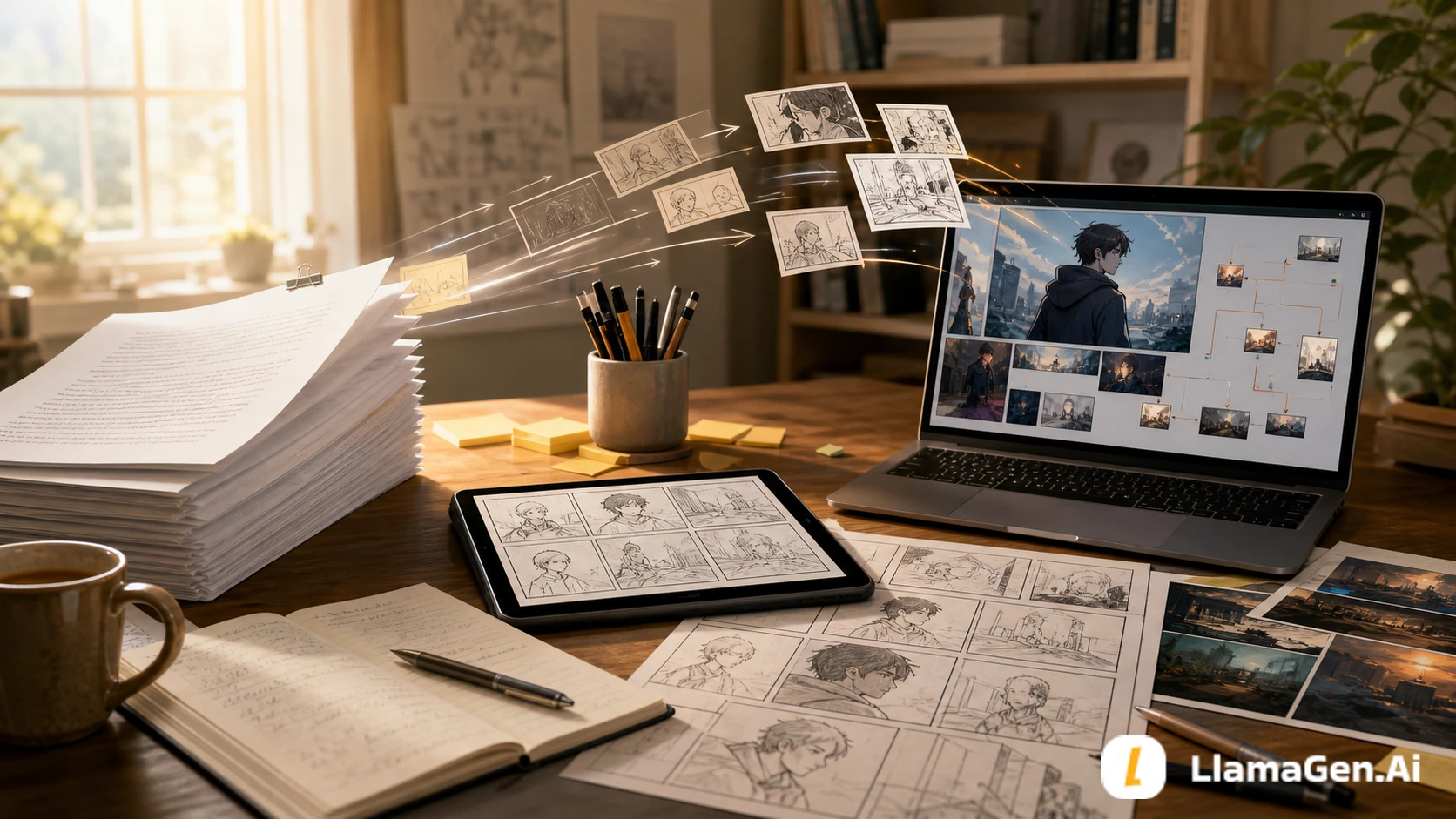
Novelists usually work with tools that comics do not use directly:
| Novel tool | Why it breaks in comics | Adaptation move |
|---|---|---|
| Internal monologue | The reader cannot see it unless it becomes behavior | Turn thought into action, pause, object, or framing |
| Long description | A panel can become crowded | Choose one story-relevant visual signal |
| Summary | It skips time efficiently in prose | Convert only the key change into a visual beat |
| Backstory | It can stop the page | Use a prop, location, flash image, or short caption |
| Voice | It lives in sentence rhythm | Preserve it through captions, dialogue, and visual contrast |
The goal is not to remove the writer's voice. The goal is to decide where the voice belongs.
This tutorial uses an original short scene to test the workflow.
| Test item | Setup |
|---|---|
| Date tested | August 24, 2026 |
| Source | One prose scene from a fictional long-form story |
| Target formats | Comic page, webtoon episode, visual novel scene |
| Main tool entry | LlamaGen.AI Upload |
| Output target | Adaptation map, visual beat list, visual bible, panel brief |
| Active editing time | About 28 minutes |
| Total elapsed time | About 55 minutes including one failed pass |
| Editorial note | This is a workflow test, not a pricing benchmark. Generation time and workspace settings can vary. |
The test question was:
Can a novelist turn prose into visual story decisions before generating final comic pages?
Here is the original prose summary:
Mira returns to the apartment she left three years ago. She tells herself she only came to pick up her father's old field notebook, but the room still looks arranged for someone who expected her back.

The window is open. The desk lamp is on. A cup sits beside the chair, still clean except for one ring of tea at the bottom.

Mira remembers every promise she made in this room. She also remembers breaking the important one.

When she opens the notebook, a train ticket slips out. The destination is not printed, but the date is tomorrow.
This is a strong prose moment. It has memory, guilt, setting, and a final object reveal.
But if we adapt every sentence, the comic becomes stiff. The scene needs a visual plan.
The first pass is not panel layout. It is triage.
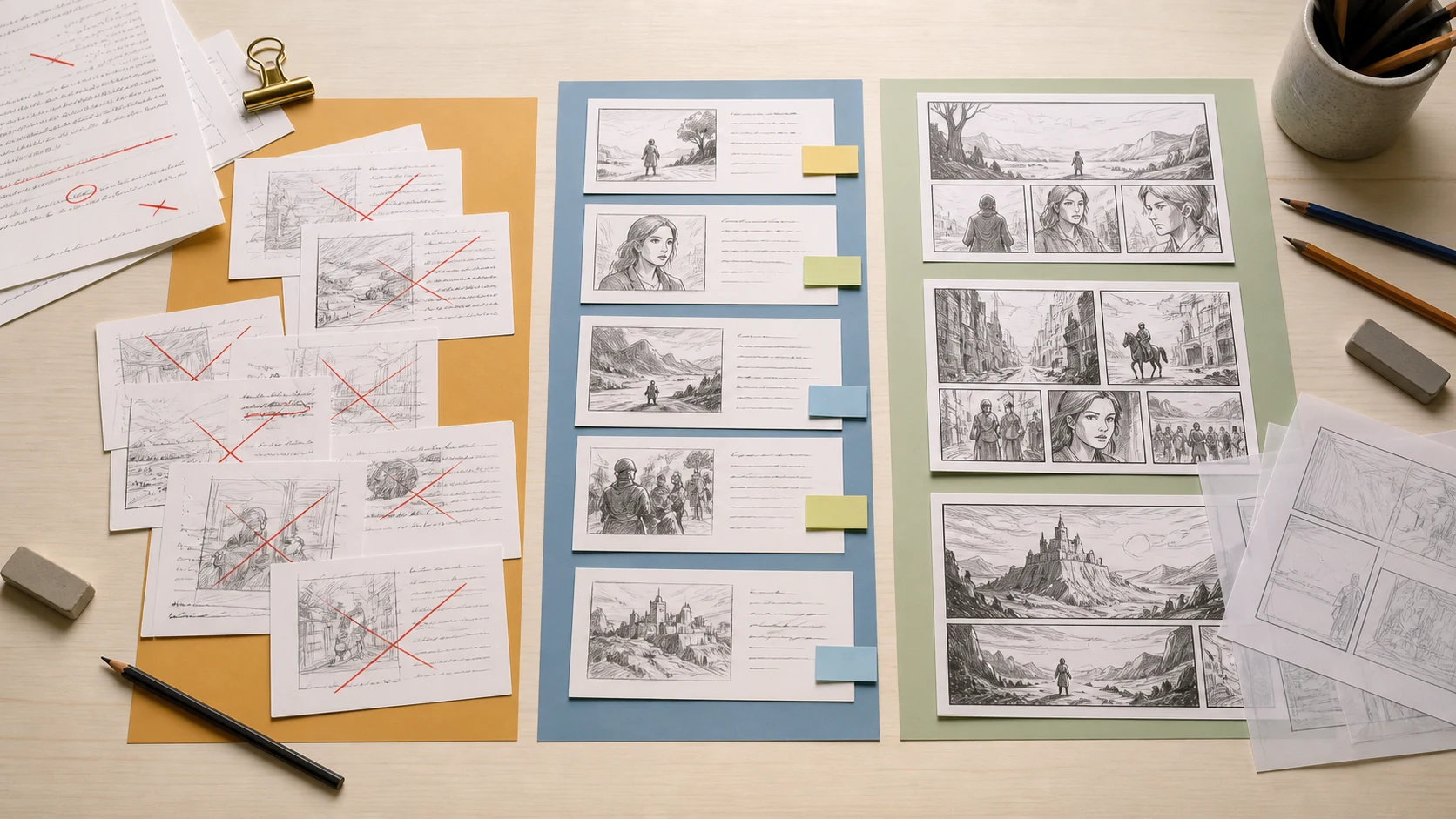
Use this table:
| Manuscript element | Adaptation decision | Why |
|---|---|---|
| Mira returns after three years | Keep | It defines the emotional pressure |
| She tells herself she came for the notebook | Keep, but compress | This can become a caption or a look toward the desk |
| Room arranged as if expected | Visualize | The setting can say this without dialogue |
| Window open, lamp on, clean cup | Visualize | These are story clues |
| She remembers promises | Cut from literal prose | Too abstract if repeated in full |
| She broke the important promise | Keep as subtext | Show hesitation before touching the notebook |
| Train ticket with tomorrow's date | Visualize | This is the page-turn reveal |
The strongest adaptation choice is this:
Do not explain that Mira feels watched by the past.
Show a room that behaves as if it waited for her.
Do not ask:
How do I turn this paragraph into a panel?
Ask:
What job should this moment do for the reader?
For this scene:
| Scene job | Visual solution |
|---|---|
| Establish return | Wide shot of old apartment doorway |
| Show emotional resistance | Mira pauses before entering |
| Make the room feel active | Open window, lamp, clean cup |
| Reveal guilt without explaining it | Mira cannot touch the notebook at first |
| End with a hook | Ticket falls from notebook |
This keeps the story alive. You are adapting function, not grammar.
Interior voice is where many novel-to-comic adaptations lose power. The answer is not to delete thought. The answer is to assign it a visible container.
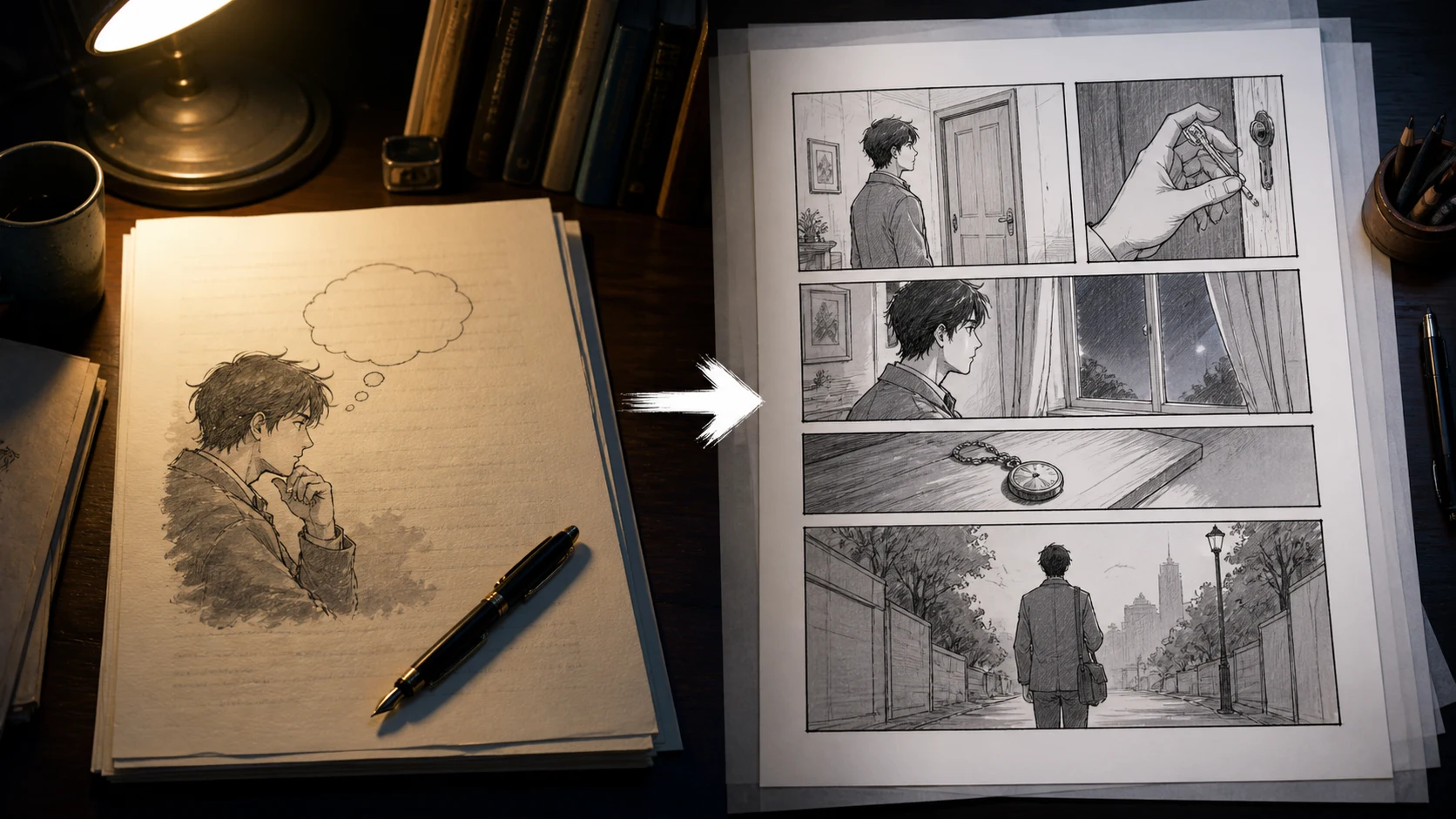
Use this conversion table:
| Prose thought | Comic version |
|---|---|
| "She did not want to be here." | Mira stands outside the open door, one foot still in the hallway |
| "The room expected her." | Lamp on, chair pulled out, window moving the curtain |
| "She remembered the promise." | Close-up of her hand stopping above the notebook |
| "She knew tomorrow would not wait." | Ticket lands face-up in a pool of light |
If the thought is important, give it a body.
Long-form adaptation needs continuity. A single page can survive loose planning. A chapter, episode, or visual novel route cannot.
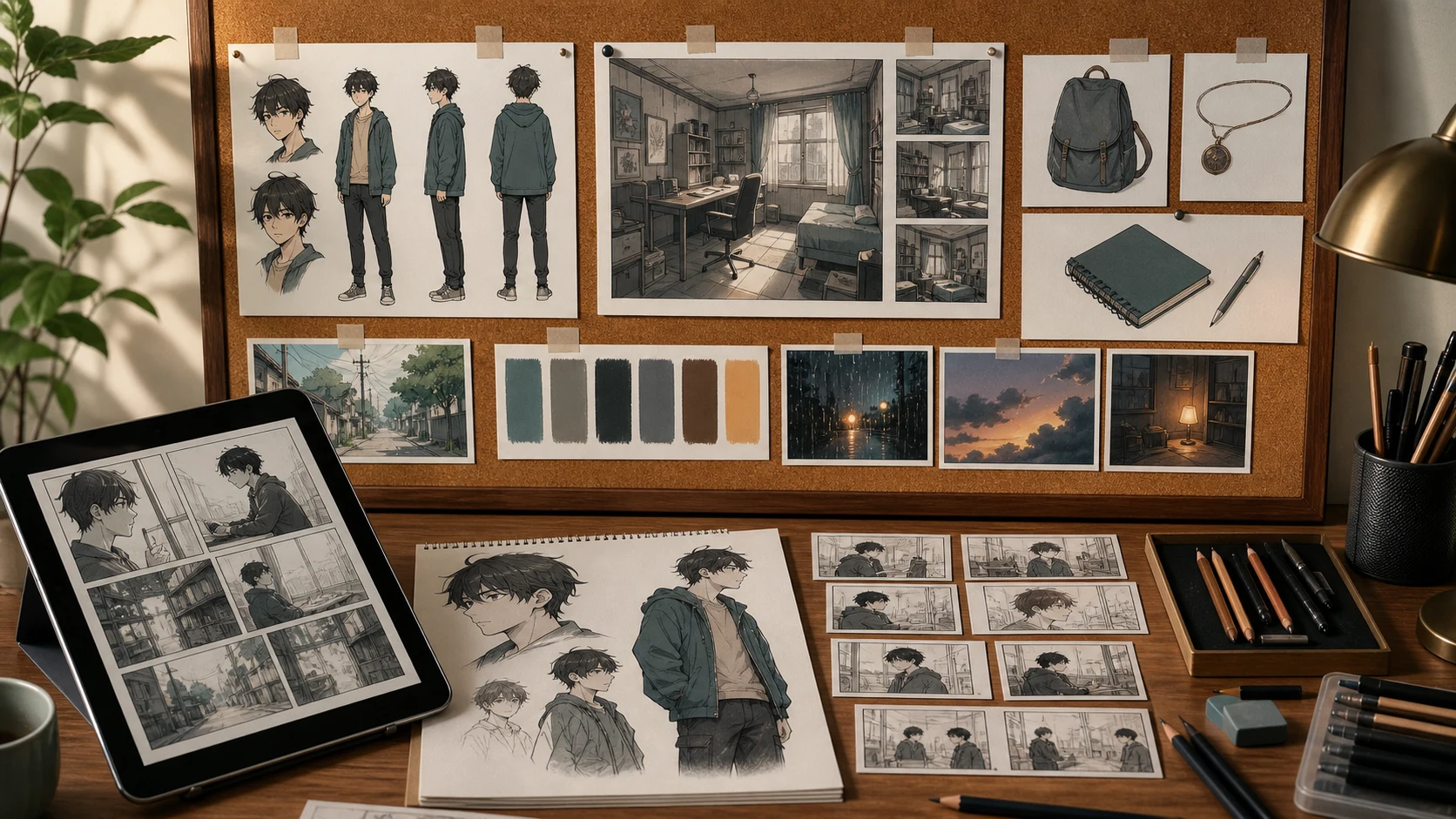
Create a simple visual bible:
| Story bible item | Visual bible version |
|---|---|
| Character description | Front, side, expressions, outfit notes |
| Setting description | Room angle, light source, recurring props |
| Important object | Notebook, ticket, cup, desk lamp |
| Emotional tone | Color palette, shadow level, camera distance |
| Timeline clue | What changes between first visit and return |
For writers, this is the bridge between prose continuity and visual continuity.
Use LlamaGen.AI Upload as the first production step.
Start with a short instruction:
I am adapting this prose scene into comics, manga, webtoon, or a visual novel.

Please return:
1. What to cut.
2. What to keep.
3. What to visualize.
4. The scene job.
5. A 6-8 beat visual sequence.
6. Character continuity notes.
7. Location and prop notes.
8. A failed adaptation risk list.
9. A panel prompt brief for the first version.

Do not adapt sentence by sentence. Preserve the emotional core and make the scene readable visually.
Then upload the manuscript or chapter.
The useful output is not the final image yet. The useful output is the adaptation map.
The same novel scene can become different outputs.
| Format | Best use | Adaptation rule |
|---|---|---|
| Comic page | Dense story change | 5-8 panels, strong page turn |
| Manga page | Mood and reaction | More close-ups, more silence |
| Webtoon episode | Scroll rhythm | One beat per vertical section |
| Visual novel scene | Dialogue and choices | Background, sprite states, choice moment |
| Pitch package | Testing market fit | Character sheet, sample page, scene board |
Do not choose the format only because it looks good. Choose it because it matches the reading rhythm.
The failed prompt was:
Turn this novel scene into a comic.
It produced a page with nice images, but the story weakened.
| Problem | Why it happened | Fix |
|---|---|---|
| Too much caption text | The prose was copied directly | Cut narration before panel planning |
| Room clues disappeared | The prompt focused on character emotion | Give each clue a visual job |
| Mira looked different across panels | No visual bible | Lock character references first |
| The ticket reveal was too small | No page-turn planning | Assign the reveal its own panel |
| The tone became melodramatic | No mood constraints | Define camera distance and silence |
The repair was simple: go back to cut, keep, visualize.
Before generating final pages, ask:
| Question | Pass condition |
|---|---|
| What changes in this scene? | One sentence answer |
| Which prose can be removed? | Anything repeated by image or action |
| Which image carries the hook? | One clear reveal panel |
| Which object repeats later? | Add it to the visual bible |
| Which emotion must survive? | Convert it into posture, distance, or choice |
| Which format are we making? | Comic, webtoon, manga, visual novel, or pitch |
No. Start with one chapter or one scene. If that sample works visually, you can scale the method.
Sometimes. Keep narration when it adds voice or irony. Cut it when the image already communicates the same information.
Yes. The same adaptation map can become background notes, sprite states, CG scene ideas, dialogue beats, and choice points.
Start at LlamaGen.AI Upload. Upload a chapter, ask for an adaptation map, then turn the strongest beats into visual prompts.
Novel adaptation is not compression. It is translation.
You are translating prose tools into visual tools: thought into action, description into setting, memory into props, and chapter rhythm into panels or scenes.
Upload one chapter to LlamaGen.AI Upload, ask for cut, keep, visualize, and build the visual plan before making final comic pages.
熱門創作工具
使用 LlamaGen 創作漫畫、分鏡同風格化相片。
彙整最新的 LlamaGen 功能發布、產品強化、設計更新與重要錯誤修正。
引領 AI 漫畫生成的未來





© 2026 LlamaGen.Ai 版權所有


