How to Storyboard Your Film in Minutes Using AI (2025 Guide) - LlamaGen.AI Blog
Logotipo de LlamaGenmarca LlamaGen
Iniciar SesiónSuscríbete ahora20% de descuento
  1. Inicio
How to Storyboard Your Film in Minutes Using AI (2025 Guide)
Todos los posts

How to Storyboard Your Film in Minutes Using AI (2025 Guide)

Monica
Monica
27 de febrero de 2026
Copiar enlace
  • Storyboarding Made Effortless: Harnessing AI for Fast, Cinematic Visualization (2025 Guide)
  • Remember When Storyboarding Was a Struggle?
  • What Is Storyboarding — And Why Does It Matter?
  • Why AI-Powered Storyboarding Is a Game Changer
  • How to Storyboard Your Film with AI (Step-by-Step Guide)
  • 1. Import or Write Your Script
  • 2. Break Down the Script Into Shots
  • 3. Choose Your Art Style
  • 4. Describe Each Scene in Detail
  • 5. Define and Save Your Characters
  • 6. Generate, Refine, and Iterate
  • 7. Create an Animatic (Optional)
  • Expert Tips for Maximizing Your AI Storyboards
  • The Future of Storyboarding Is Here — And It’s in Your Hands
elevate-your-comics.png
Eleva tus cómics con LlamaGen

Storyboarding Made Effortless: Harnessing AI for Fast, Cinematic Visualization (2025 Guide)

Remember When Storyboarding Was a Struggle?

If you’ve ever spent sleepless nights laboring over rough sketches, wrestling with stick figures, and erasing until your page was a smudged mess, you know storyboarding used to be a daunting part of filmmaking. Fast-forward to 2025: those days are officially behind us. Thanks to advances in artificial intelligence, you can now generate polished, cinematic storyboards for your entire film in just a matter of minutes — no drawing skills required.

What Is Storyboarding — And Why Does It Matter?

Storyboarding is the process of visually mapping out your film, scene by scene and shot by shot. Each frame in a storyboard serves as a blueprint for your production, capturing essential details like:

  • Camera angle and framing
  • Character positions and expressions
  • Movement and action
  • Mood and atmosphere
  • Visual tone and color palette

Storyboards help directors, cinematographers, production designers, and even actors to understand the vision before a single lens cap comes off. They’re not just sketches; they’re the backbone of pre-production planning, enabling teams to foresee challenges, refine creative choices, and communicate ideas clearly.

For example, imagine planning a suspenseful chase sequence. With storyboards, you can plot out every dynamic angle, anticipate lighting challenges, and ensure the pacing is tight — all before stepping onto set.

Why AI-Powered Storyboarding Is a Game Changer

Let’s face it: most filmmakers aren’t professional artists, and hiring a storyboard artist for dozens of frames can be costly and time-consuming. Deadlines loom, budgets get tight, and creative momentum can stall.

AI tools like llamagen.ai provide a revolutionary alternative:

  • Speed and Efficiency: Generate entire sequences in minutes, not days.
Registro de cambios

Enciende sueños para los jóvenes
Donde millones de historias cobran vida

Un resumen de los últimos lanzamientos de funciones de LlamaGen, mejoras del producto, actualizaciones de diseño y correcciones importantes de errores.


✦
✧
✦
✧

Un nuevo medio para contar historias

Crea historias, cómics, animaciones, juegos y más sin límite, en segundos y con un estilo que conecta con las audiencias modernas

  • Accessibility: No need for sketching skills or expensive illustrators.
  • Flexibility: Instantly edit, iterate, and refine your storyboards as your vision evolves.
  • Collaboration: Easily share interactive boards with your team, no matter where they are.
  • Creative Freedom: Experiment with different visual styles and moods to find the perfect look for your project.
  • Whether you’re a seasoned director, an indie filmmaker, or a student working on your first short, AI storyboarding empowers you to visualize your ideas with professional clarity.

    How to Storyboard Your Film with AI (Step-by-Step Guide)

    AI platforms like llamagen.ai have streamlined the entire process. Here’s how you can go from script to storyboard in record time:

    1. Import or Write Your Script

    Start by uploading your full screenplay, a short film script, or even a simple scene concept. The AI can read standard script formats or plain text, making it easy to get started whether you have a finished draft or a rough outline.

    Pro Tip: If you’re working on commercials, music videos, or documentaries, you can input shot lists or scene descriptions just as easily.

    2. Break Down the Script Into Shots

    The software can automatically parse your script and identify individual shots, or you can manually create shot descriptions for extra control.

    Example: For a dialogue-heavy scene, the AI might suggest alternating close-ups and over-the-shoulder shots. You can edit, reorder, or add new shots as needed.

    Best Practice: Review the AI’s shot breakdown and adjust for pacing, emotional beats, and key story moments.

    3. Choose Your Art Style

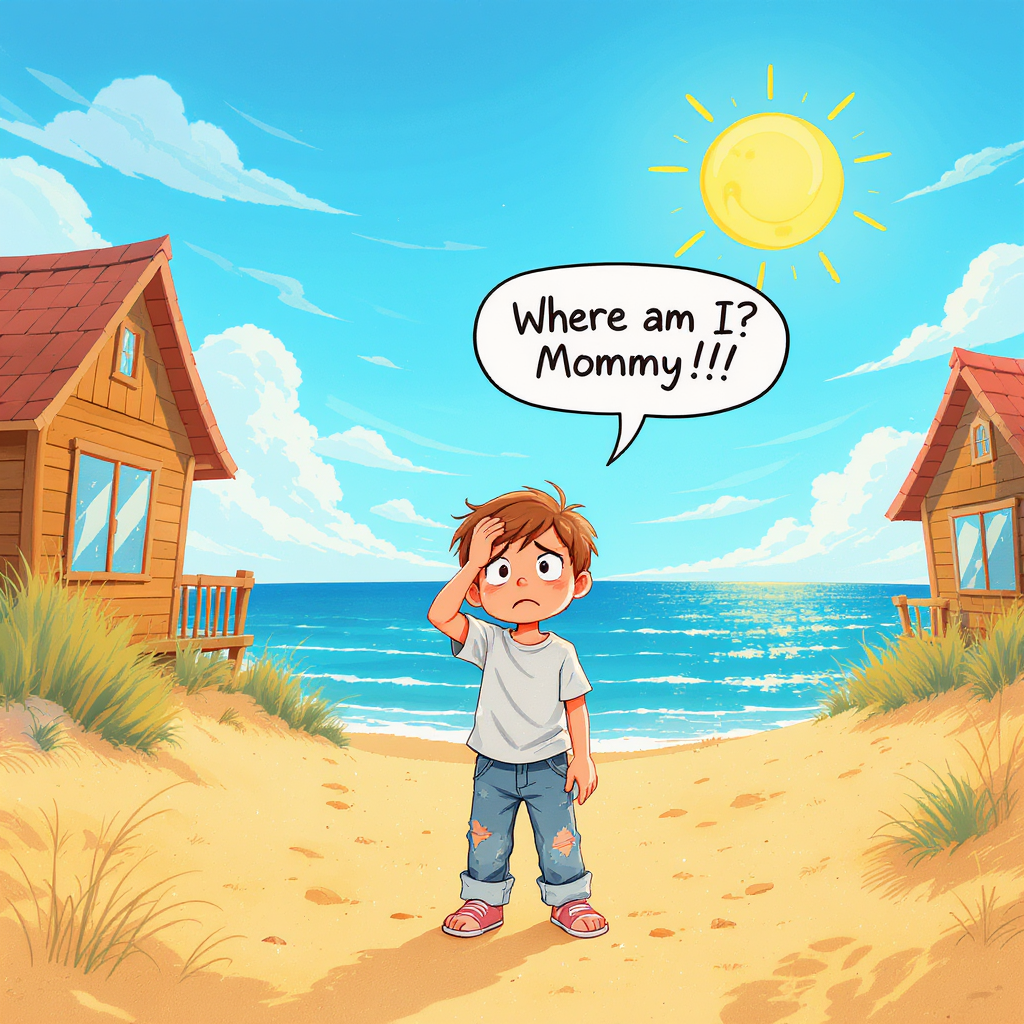
    Select an art style that matches the mood and genre of your film. Options typically include:

    • Comic book
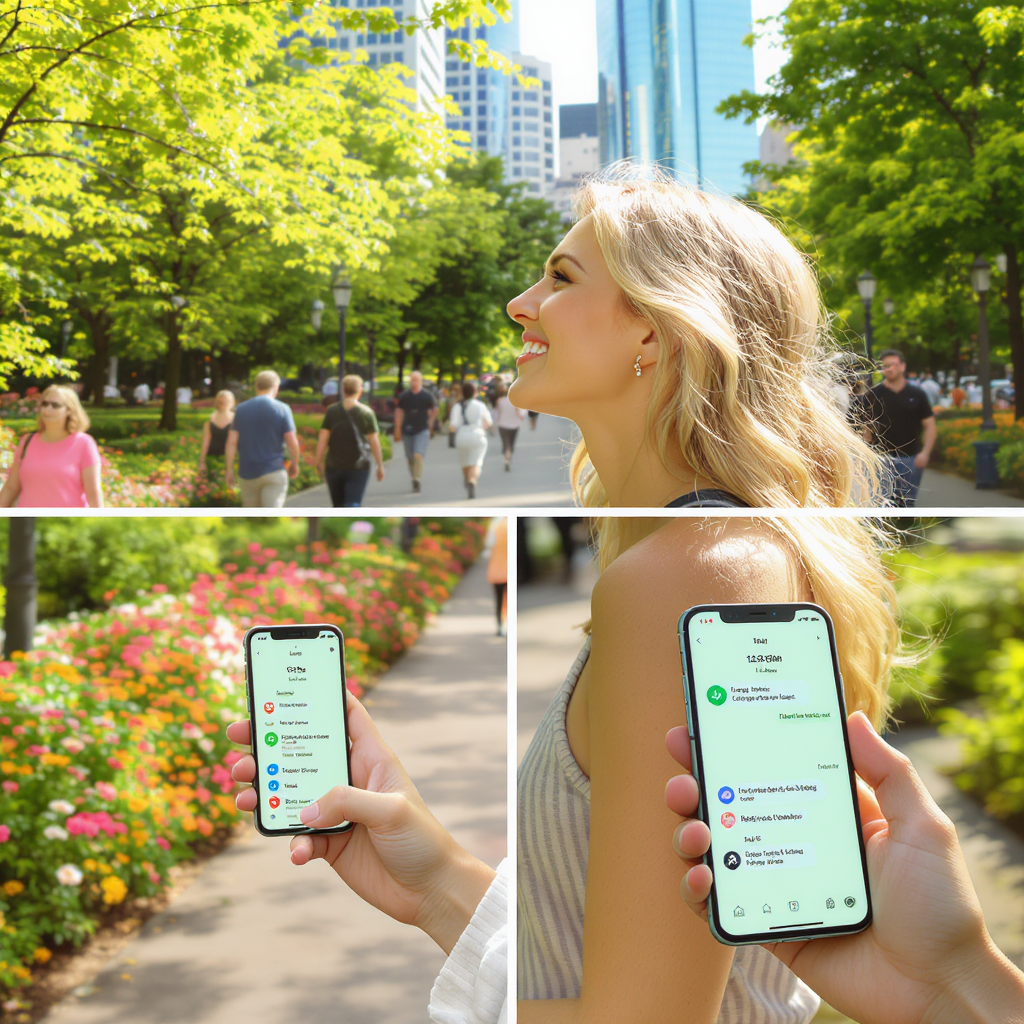
    • Photorealistic
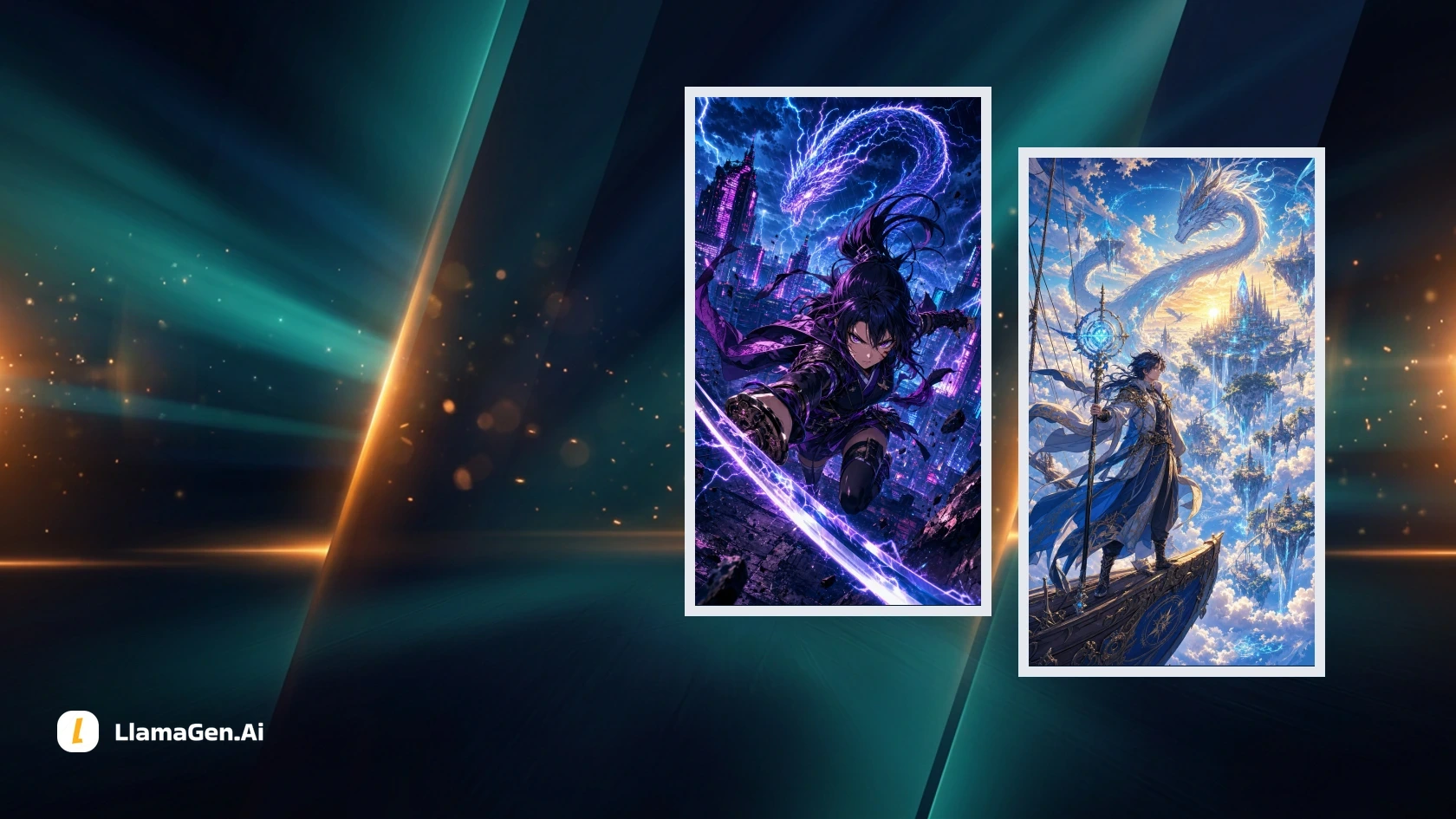
    • Anime
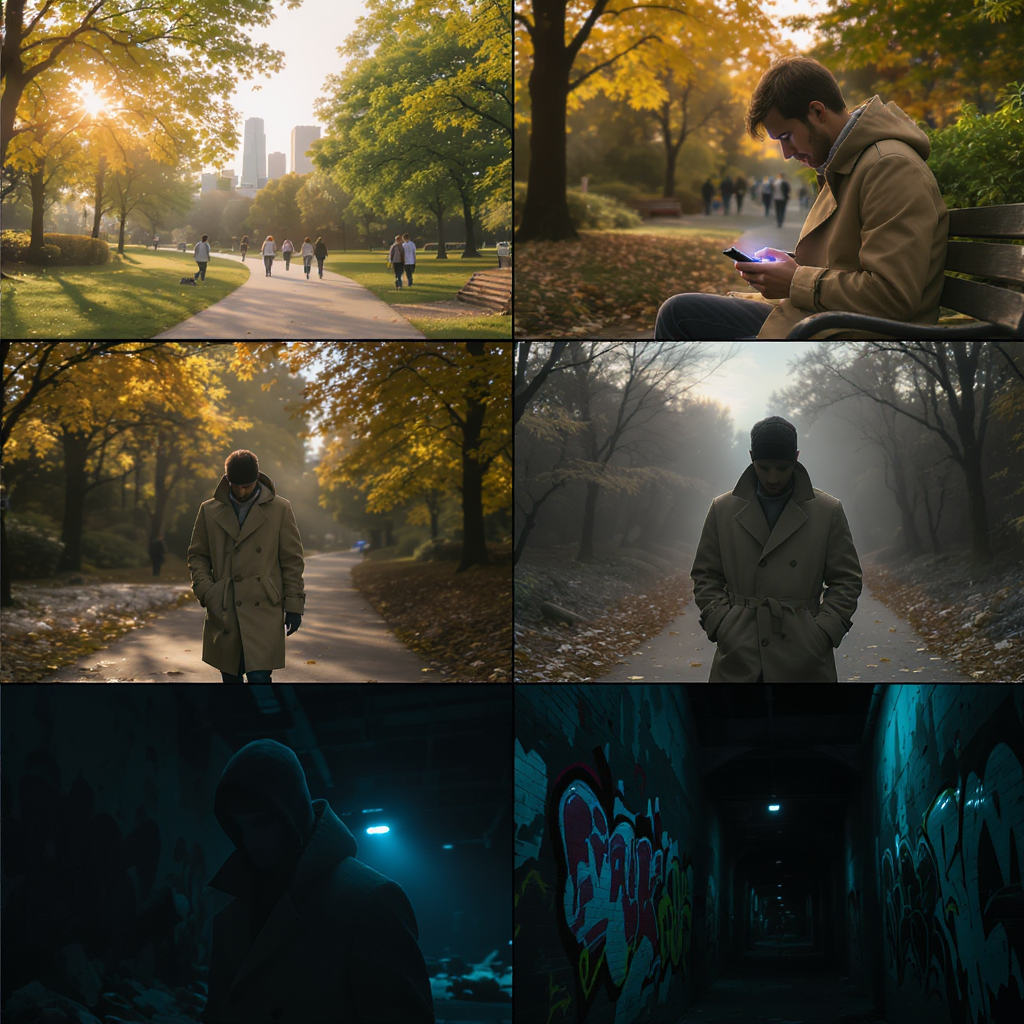
    • Noir
    • Watercolor
    • Minimalist

    Insight: Consistent art style helps maintain tone and clarity throughout your storyboard. For a gritty crime drama, noir styling with high contrast shadows may be ideal; for a whimsical animation, a bright cartoon style can set the right mood.

    4. Describe Each Scene in Detail

    Provide specific prompts for each shot to guide the AI’s visual generation.

    Example Prompt:

    “Medium shot of a woman sitting in a cozy café, raindrops streaking the window behind her, lost in thought, warm ambient lighting.”

    Actionable Tip: The more detail you include about location, lighting, mood, character action, and camera angle, the better the results. Don’t just say “a man in a room” — say “wide shot of a nervous man pacing in a cluttered detective’s office, city lights glowing outside.”

    5. Define and Save Your Characters

    Upload reference images, cast photos, or provide detailed written descriptions for each character.

    Example:

    “Early 30s, Black woman, short curly hair, wearing a red trench coat, expressive eyes.”

    Best Practice: Once you’re happy with a character’s look, save them as a template for consistent appearances across all scenes. This ensures continuity and makes future iterations faster.

    6. Generate, Refine, and Iterate

    With your scenes and characters set, let the AI generate your storyboard frames. You can:

    • Use “Variation” tools to tweak backgrounds, props, character poses, and framing
    • Instantly replace elements or try alternative camera angles
    • Adjust lighting, color grading, and visual effects to match your desired tone

    Insight: Iteration is key — the beauty of AI is that you can rapidly explore different creative options. Don’t settle for your first draft; experiment until you find visuals that perfectly match your vision.

    7. Create an Animatic (Optional)

    Transform your storyboard into an animatic for a dynamic preview. This feature adds real camera movement, transitions, and timing, allowing you to:

    • Preview pacing and rhythm before shooting
    • Share a moving storyboard with collaborators or investors
    • Spot potential issues with shot flow or continuity

    Use Case: Directors can use animatics to block complex action scenes, while editors can anticipate cutting points and transitions.

    Expert Tips for Maximizing Your AI Storyboards

    • Be Hyper-Specific: Detailed prompts yield the best visuals. “Close-up of a sweaty boxer under a flickering gym light” will communicate more than “boxer in gym.”
    • Save Character Profiles: Lock in your characters’ appearances for consistency across every frame.
    • Maintain Visual Cohesion: Stick to one art style per project to avoid jarring tonal shifts.
    • Iterate Boldly: Don’t hesitate to redo or tweak frames. AI lets you experiment without wasting time or resources.
    • Collaborate and Share: Use commenting and sharing features to gather feedback from your team.
    • Plan for Production: Use storyboards to inform location scouting, costume design, and shot lists — not just creative visualization.
    • Leverage AI for Revisions: When scripts change, update your storyboards in real-time to keep everyone aligned.

    The Future of Storyboarding Is Here — And It’s in Your Hands

    Storyboarding has evolved from a technical hurdle into a creative superpower. No longer limited by artistic skill or budget, filmmakers can now translate their cinematic ideas into vivid visuals with unprecedented speed and flexibility. All you need is your story, your imagination, and the right AI-powered tool.

    Whether you’re prepping a blockbuster, crafting a short film, or planning branded content, AI storyboarding puts professional-quality visualization within reach. Embrace the technology, streamline your workflow, and bring your vision to life faster than ever before.

    🎬 Ready to transform your filmmaking process? Start storyboarding with AI and unlock your creative potential today.

    🎬 Start storyboarding with AI now

    🎬 Start creating Comic with AI now

    Related hot tags

    AI storyboarding

    filmmaking tools

    llamagen.ai

    film pre-production

    digital storyboard

    Herramientas populares para creadores

    Convierte tu inspiración en tu próxima historia

    Crea cómics, storyboards y fotos estilizadas con LlamaGen.

    01

    Generador de Cómics de IA

    Convierte una idea en tiras cómicas pulidas en minutos.

    Crear cómics
    02

    Generador de Manga de IA

    Crea arte manga expresivo y relatos de varias viñetas.

    Crea manga con IA
    03

    Generador de Storyboard de IA

    Visualiza cada escena antes de empezar la producción.

    Crea storyboards con IA
    04

    Convierte imagen en cómic

    Transforma cualquier foto en una ilustración estilo cómic.

    Crea cómics a partir de imágenes
    05

    Creador de Tiras de Cómics de IA

    Arma tiras listas para compartir con personajes consistentes.

    Crea tiras cómicas con IA

    LlamaGen community

    checkmark

    Get hands-on help with your comics

    checkmark

    Showcase your comics to fellow LlamaGen creators

    checkmark

    Participate in special events to win gifts

    Logotipo de LlamaGen
    • United States
    • Español
    • Français (France)
    • 日本語
    • 한국어
    • Deutsch
    • 繁體中文 (台灣)
    • 繁體中文 (香港)
    • 简体中文
    • Português
    • Italiano
    • Español (México)
    • العربية
    • Русский
    • Português (Brasil)
    • Tiếng Việt

    Descarga LlamaGen gratis

    iOSEscritorio

    Producto

    • Inicio
    • Artículos
    • Blog
    • Crear

    Pregunta a la IA sobre LlamaGen

    Últimos lanzamientos
  • Características
  • Creador de tiras cómicas
  • Comic StoresNuevo
  • Estudio de mangaNuevo
  • Convierte Foto en Cómic
  • Cómic a Video
  • Fábrica de Cómics de IA
  • Agente de cómic
  • iOS y Android
  • Mac y Windows
  • Descargar
  • Comic ZapNuevo
  • Generador de Cómics de IA
  • Generador de Dibujos Animados de IA
  • Generador de Webtoon de IA
  • Creador de Tiras Cómicas
  • Convierte Foto en Cómic
  • Generador de Manga de IA
  • Traductor de Manga
  • Foto a anime
  • Imagen a Aviso
  • Anime a vida real
  • Coloreador de manga
  • Generador de personajes de anime
  • Herramientas para assets de juegos pixelados
  • Generador de hojas de sprites con IA
  • Mejores herramientas para juegos pixelados 2026
  • Creador de cómics con fotos
  • Alternativa a Comic Life
  • Productos relacionados

    • Familia LlamaGen
    • CineoBoardNuevo
    • API de Cómics

    Planes

    • Precios
    • Inicial
    • Pro

    Comunidad

    • Creadores
    • Afiliados
    • Socio

    AI Models

    • GPT Image 2.6 Flare
    • GPT Image 2.6 Sunburst
    • Grok Imagine Image 2.0
    LinkedInX (Twitter)
  • Precios
  • API
  • Affiliate ProgramNEW
  • Liderando el futuro de la generación de cómics con IA

    • soporte 24/7
    • Actualizaciones semanales
    • Seguro y conforme
    • 99.9% de tiempo de actividad
  • Comic Zap
  • Velika
  • Empresa
  • Educación
  • API de cómics
  • Contactar con Ventas
  • Planes educativos
  • Profesores
  • Estudiantes
  • Profesores y estudiantes
  • Empresas emergentes
  • Descuentos educativos
  • Empresa

    • Habla con nuestro fundador
    • Acerca de
    • Hoja de Ruta del Producto
    • Carreras
    • Envíanos un correo electrónico
    • El mundo de nuestra mascota
    • Kit de medios
    • Colaboración con KOL
    • Contenido

    Ayuda

    • Centro de Ayuda
    • Confianza
    • IA segura
    • Servicios profesionales
    • Preguntas Frecuentes
    • Seguridad
    • Accesibilidad
    • Tutorial en video
    • Contáctanos
    • Mapa del sitio
    Testimonios
  • Muro del Amor
  • MCP de LlamaGenNuevo
  • Desarrollador de LlamaGen
  • Recursos

    • Registro de cambios
    • Blog
    • Guías
    • Cómics personalizados
    • Características
    • Alternativas
    • Mejores apps de IA
    • Guía de coloreo de manga con GPT-6
    • Habilidad de Claude para cómic
    • Guía de cómic con IA de Gemini
    • Cómic That
    • Descuentos educativos
    • Descuento para estudiantes

    Herramientas

    • Generador de logotipos con IA
    • Generador de personajes estilo Grokbot
    • PNG a cómic
    • Texto a cómic
    • PDF a cómic
    • Guion a cómic
    • Libro a cómic
    • Convierte Foto en Cómic
    • Generador de Pixel Art con IA
    • Cómics educativos
    • Generador de Video AI
    • Generador de videos Gemini AI
    • Generador Gratuito de Videos Anónimos con IA
    • Cómic a Video
    • Software para crear guiones gráficos
    • Generador de Storyboard de IA
    • Software de escritura de guiones
    • Editor de guiones
    • IA de historias
    • Generador de Historias de IA
    • Generador de cuentos ilustrados
    • Generador de Imagen de IA
    • Divisor de capas con IA
    • Control de ángulo de cámara con IA
    • Generador de Pixel Art con IA
    • Herramientas para assets de juegos pixelados
    • Generador de hojas de sprites con IA
    • Cortador de hojas de sprites
    • Mejores herramientas para juegos pixelados 2026
    • API de Animación
    • ChatGPT/Plugin de Codex
    • Guía de instalación de ChatGPT
    • Plugin de Claude Code
    • Guía de instalación de Claude Code
    Wan 3.0
  • Wan 3.0 Prime
  • Seedance 2.5
  • MiniMax H3
  • Nano Banana 2.1
  • Nano Banana 2 Lite
  • Seedream 5.0 Flash
  • Seedream 5.0 Pro
  • Seedance 2.0 Mini
  • Kling 3.0 Turbo
  • Nano Banana 2
  • Imagen GPT 2
  • Gemini Omni Flash
  • All AI Models
  • Herramientas AI

    • Extractor de atuendos con IA
    • Cambiador de peinados con IA
    • Cambiador de peinados de manga con IA
    • Generador de efecto viento con IA
    • Generador de mapas de profundidad con IA
    • Fondo blanco con IA
    • Eliminador de objetos con IA
    • Probar ropa virtual con IA
    • Desenfocar imágenes con IA
    • Reducir ruido con IA
    • Restauración de fotos con IA
    • Sombras de producto con IA
    • Generador de fondos con IA
    • Generador de fotos de perfil con IA
    • Creador de emojis con IA
    • Cambiador de fondo con IA
    • Abrir ojos con IA
    • Belleza con IA
    • Fotografía de productos con IA
    Instagram
    YouTube
    Grupo de Facebook
    Reddit
    Discord
    Soporte por correo electrónico
    PrivacidadTérminosMapa del sitio
    Descargar activos de marca
    © 2026 LlamaGen.Ai Todos los derechos reservadosTodos los servicios están en línea

    Blogs anteriores

    Best AI Anime Video Generators in 2026: Motion, Consistency, and Cost

    Best AI Anime Video Generators in 2026: Motion, Consistency, and Cost

    A practical comparison of anime video tools by input type, character control, and cost, with real cl

    Jay
    Jay
    5 de noviembre de 2026
    Storyboard-to-Video Handoff Checklist: Shots, Timing, Audio, and Continuity

    Storyboard-to-Video Handoff Checklist: Shots, Timing, Audio, and Continuity

    Turn approved storyboard frames into a clear video handoff with stable shot IDs, timing, motion note

    Jay
    Jay
    1 de noviembre de 2026
    How to Localize a Comic Without Redrawing the Artwork

    How to Localize a Comic Without Redrawing the Artwork

    Preserve approved comic art while translating dialogue, rebuilding editable lettering, checking read

    Jay
    Jay
    31 de octubre de 2026
    Batch Comic Production Workflow: Draft, Approve, Repair, and Export 40 Pages

    Batch Comic Production Workflow: Draft, Approve, Repair, and Export 40 Pages

    Plan a 40-page AI comic with a pilot, reviewable batches, a page ledger, selective repairs, and expo

    Jay
    Jay
    30 de octubre de 2026
    Ver todos los blogs