LlamaGen 標誌LlamaGen 品牌
登入立即訂閱八折優惠
  1. 首頁
How to Storyboard Your Film in Minutes Using AI (2025 Guide)
所有文章

How to Storyboard Your Film in Minutes Using AI (2025 Guide)

Monica
Monica
2026年2月27日
複製連結
  • Storyboarding Made Effortless: Harnessing AI for Fast, Cinematic Visualization (2025 Guide)
  • Remember When Storyboarding Was a Struggle?
  • What Is Storyboarding — And Why Does It Matter?
  • Why AI-Powered Storyboarding Is a Game Changer
  • How to Storyboard Your Film with AI (Step-by-Step Guide)
  • 1. Import or Write Your Script
  • 2. Break Down the Script Into Shots
  • 3. Choose Your Art Style
  • 4. Describe Each Scene in Detail
  • 5. Define and Save Your Characters
  • 6. Generate, Refine, and Iterate
  • 7. Create an Animatic (Optional)
  • Expert Tips for Maximizing Your AI Storyboards
  • The Future of Storyboarding Is Here — And It’s in Your Hands
elevate-your-comics.png
用 LlamaGen 提升你的漫畫質素

Storyboarding Made Effortless: Harnessing AI for Fast, Cinematic Visualization (2025 Guide)

Remember When Storyboarding Was a Struggle?

If you’ve ever spent sleepless nights laboring over rough sketches, wrestling with stick figures, and erasing until your page was a smudged mess, you know storyboarding used to be a daunting part of filmmaking. Fast-forward to 2025: those days are officially behind us. Thanks to advances in artificial intelligence, you can now generate polished, cinematic storyboards for your entire film in just a matter of minutes — no drawing skills required.

What Is Storyboarding — And Why Does It Matter?

Storyboarding is the process of visually mapping out your film, scene by scene and shot by shot. Each frame in a storyboard serves as a blueprint for your production, capturing essential details like:

  • Camera angle and framing
  • Character positions and expressions
  • Movement and action
  • Mood and atmosphere
  • Visual tone and color palette

Storyboards help directors, cinematographers, production designers, and even actors to understand the vision before a single lens cap comes off. They’re not just sketches; they’re the backbone of pre-production planning, enabling teams to foresee challenges, refine creative choices, and communicate ideas clearly.

For example, imagine planning a suspenseful chase sequence. With storyboards, you can plot out every dynamic angle, anticipate lighting challenges, and ensure the pacing is tight — all before stepping onto set.

Why AI-Powered Storyboarding Is a Game Changer

Let’s face it: most filmmakers aren’t professional artists, and hiring a storyboard artist for dozens of frames can be costly and time-consuming. Deadlines loom, budgets get tight, and creative momentum can stall.

AI tools like llamagen.ai provide a revolutionary alternative:

  • Speed and Efficiency: Generate entire sequences in minutes, not days.
更新日誌

點燃年輕人的夢想
讓數百萬個故事活靈活現

彙整最新的 LlamaGen 功能發布、產品強化、設計更新與重要錯誤修正。

✦
✧
✦
✧

全新的媒介,為了 故事創作

用靈感在幾秒內創作無限的故事、漫畫、動畫、遊戲等內容,打動現代觀眾

  • Accessibility: No need for sketching skills or expensive illustrators.
  • Flexibility: Instantly edit, iterate, and refine your storyboards as your vision evolves.
  • Collaboration: Easily share interactive boards with your team, no matter where they are.
  • Creative Freedom: Experiment with different visual styles and moods to find the perfect look for your project.
  • Whether you’re a seasoned director, an indie filmmaker, or a student working on your first short, AI storyboarding empowers you to visualize your ideas with professional clarity.

    How to Storyboard Your Film with AI (Step-by-Step Guide)

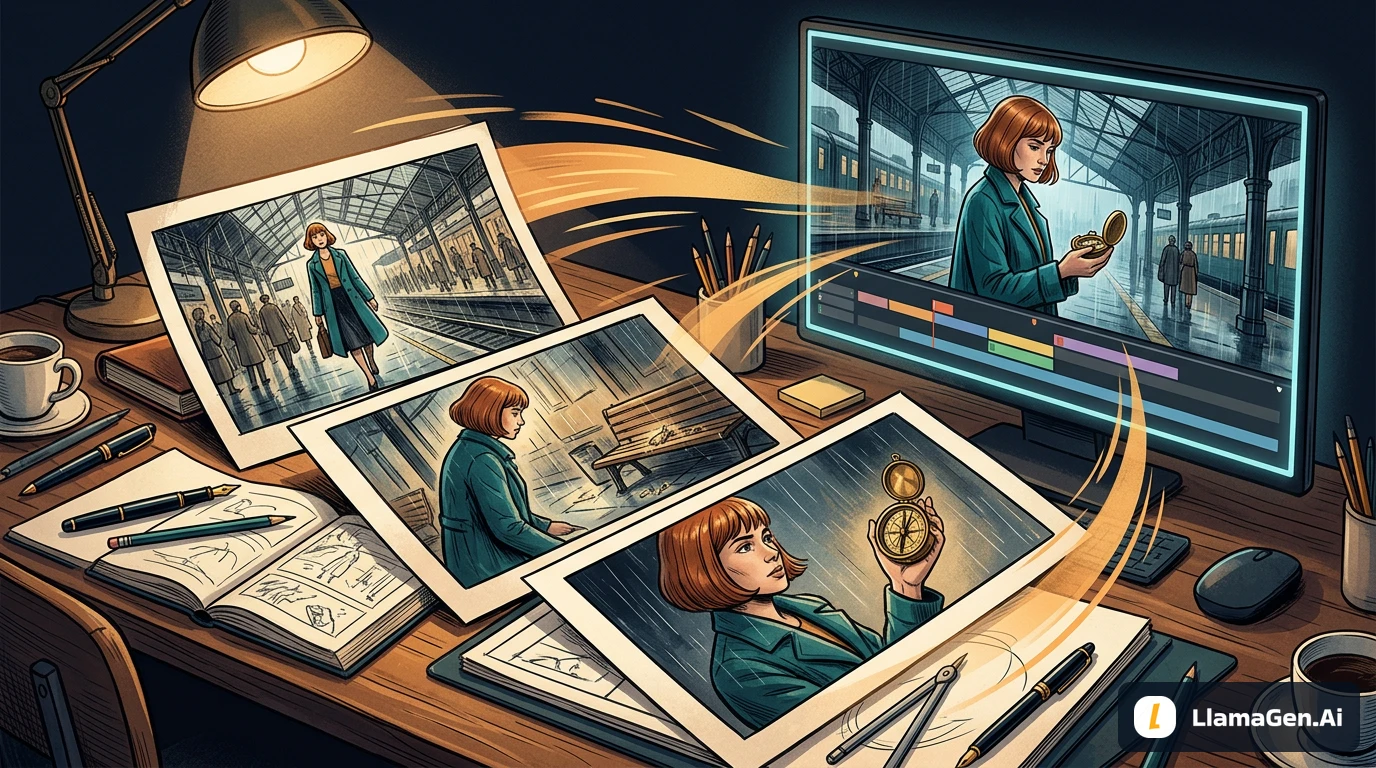
    AI platforms like llamagen.ai have streamlined the entire process. Here’s how you can go from script to storyboard in record time:

    1. Import or Write Your Script

    Start by uploading your full screenplay, a short film script, or even a simple scene concept. The AI can read standard script formats or plain text, making it easy to get started whether you have a finished draft or a rough outline.

    Pro Tip: If you’re working on commercials, music videos, or documentaries, you can input shot lists or scene descriptions just as easily.

    2. Break Down the Script Into Shots

    The software can automatically parse your script and identify individual shots, or you can manually create shot descriptions for extra control.

    Example: For a dialogue-heavy scene, the AI might suggest alternating close-ups and over-the-shoulder shots. You can edit, reorder, or add new shots as needed.

    Best Practice: Review the AI’s shot breakdown and adjust for pacing, emotional beats, and key story moments.

    3. Choose Your Art Style

    Select an art style that matches the mood and genre of your film. Options typically include:

    • Comic book
    • Photorealistic
    • Anime
    • Noir
    • Watercolor
    • Minimalist

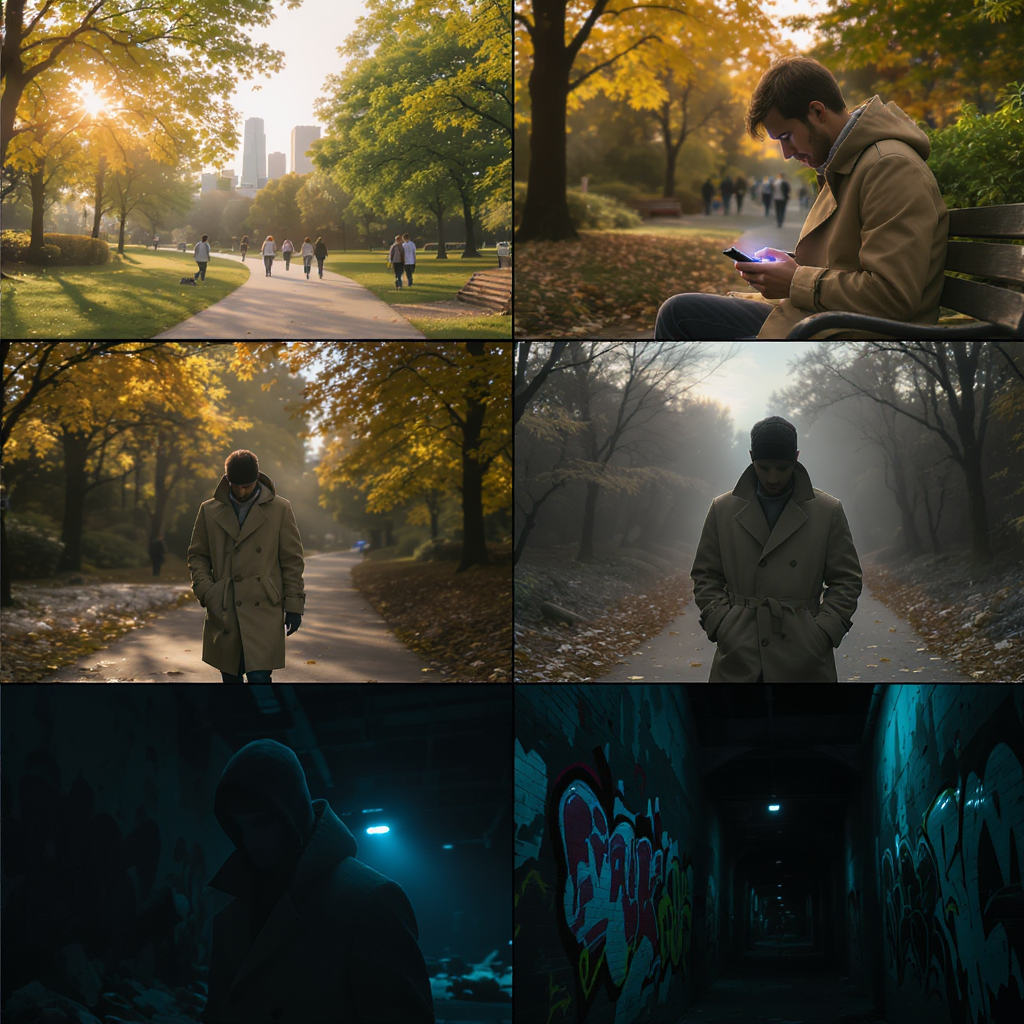
    Insight: Consistent art style helps maintain tone and clarity throughout your storyboard. For a gritty crime drama, noir styling with high contrast shadows may be ideal; for a whimsical animation, a bright cartoon style can set the right mood.

    4. Describe Each Scene in Detail

    Provide specific prompts for each shot to guide the AI’s visual generation.

    Example Prompt:

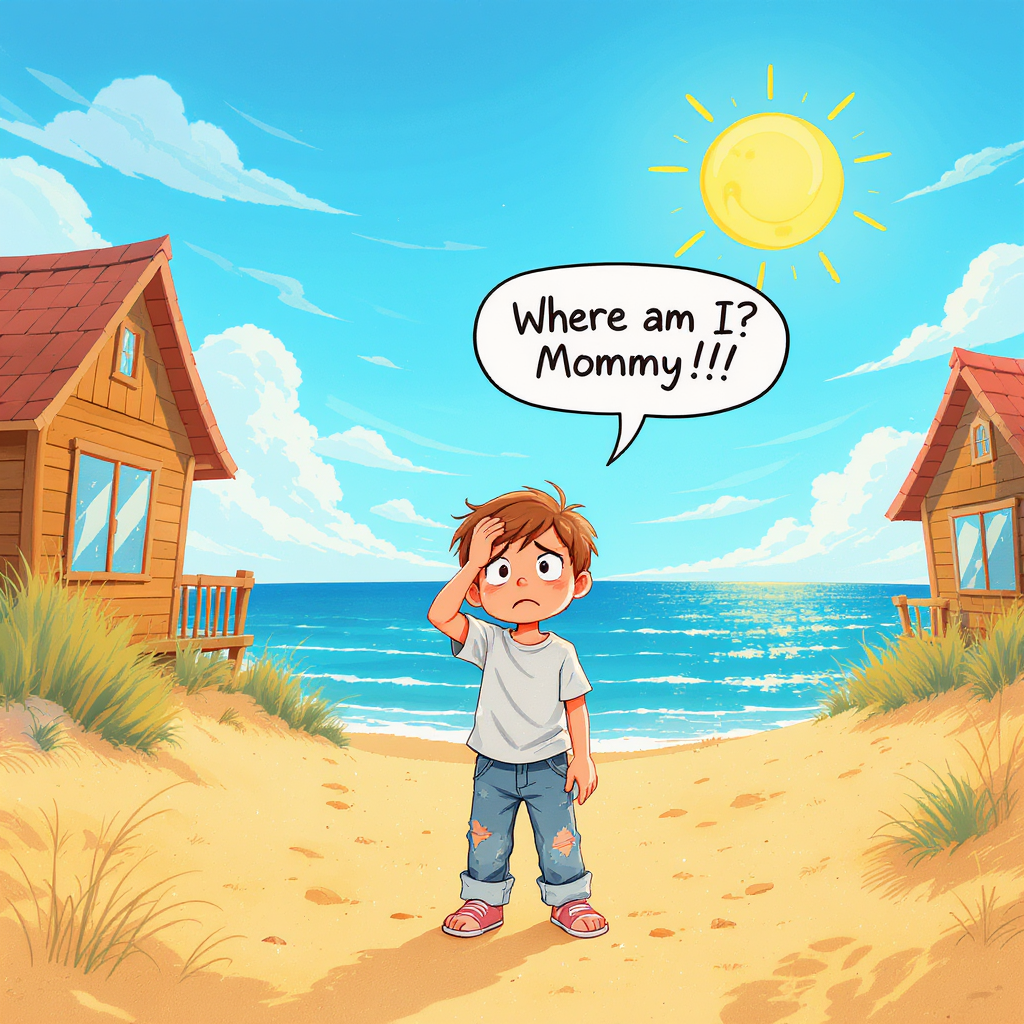
    “Medium shot of a woman sitting in a cozy café, raindrops streaking the window behind her, lost in thought, warm ambient lighting.”

    Actionable Tip: The more detail you include about location, lighting, mood, character action, and camera angle, the better the results. Don’t just say “a man in a room” — say “wide shot of a nervous man pacing in a cluttered detective’s office, city lights glowing outside.”

    5. Define and Save Your Characters

    Upload reference images, cast photos, or provide detailed written descriptions for each character.

    Example:

    “Early 30s, Black woman, short curly hair, wearing a red trench coat, expressive eyes.”

    Best Practice: Once you’re happy with a character’s look, save them as a template for consistent appearances across all scenes. This ensures continuity and makes future iterations faster.

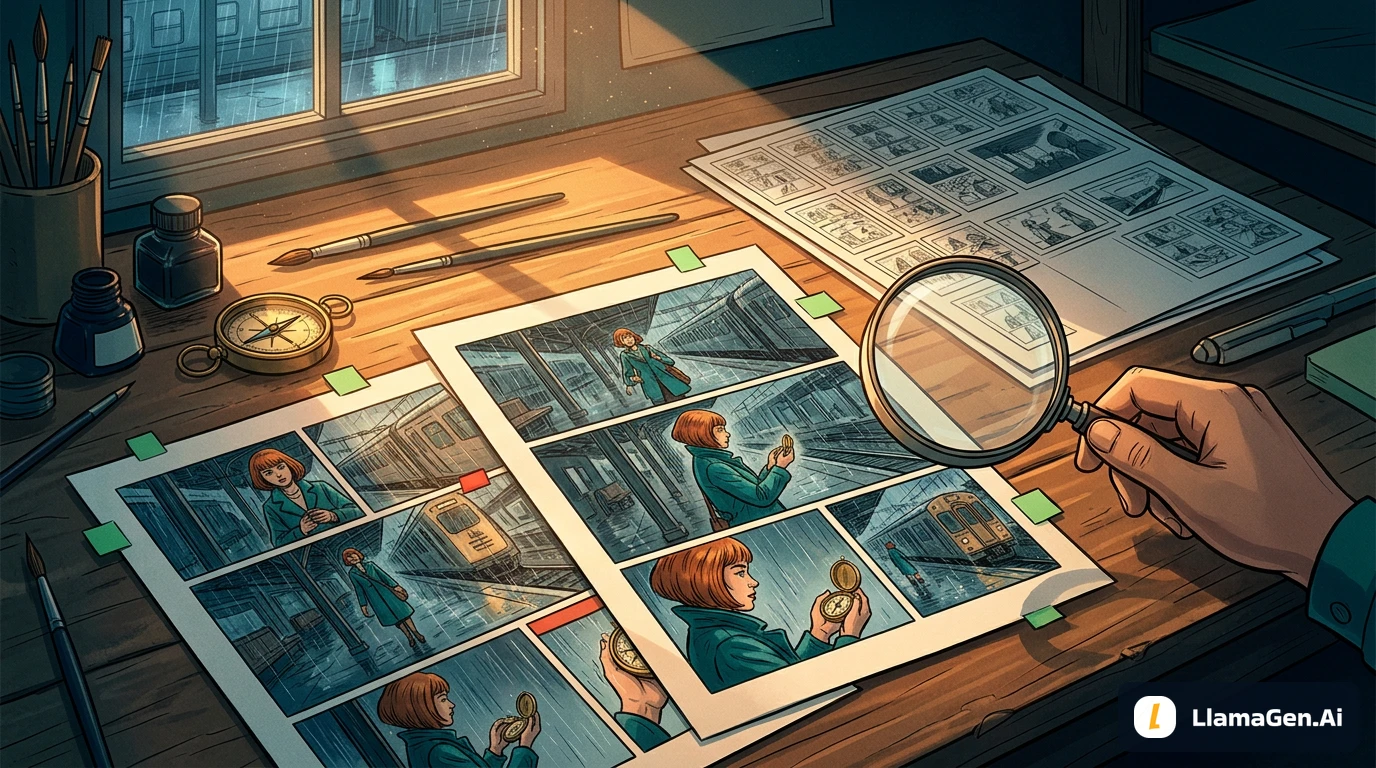
    6. Generate, Refine, and Iterate

    With your scenes and characters set, let the AI generate your storyboard frames. You can:

    • Use “Variation” tools to tweak backgrounds, props, character poses, and framing
    • Instantly replace elements or try alternative camera angles
    • Adjust lighting, color grading, and visual effects to match your desired tone

    Insight: Iteration is key — the beauty of AI is that you can rapidly explore different creative options. Don’t settle for your first draft; experiment until you find visuals that perfectly match your vision.

    7. Create an Animatic (Optional)

    Transform your storyboard into an animatic for a dynamic preview. This feature adds real camera movement, transitions, and timing, allowing you to:

    • Preview pacing and rhythm before shooting
    • Share a moving storyboard with collaborators or investors
    • Spot potential issues with shot flow or continuity

    Use Case: Directors can use animatics to block complex action scenes, while editors can anticipate cutting points and transitions.

    Expert Tips for Maximizing Your AI Storyboards

    • Be Hyper-Specific: Detailed prompts yield the best visuals. “Close-up of a sweaty boxer under a flickering gym light” will communicate more than “boxer in gym.”
    • Save Character Profiles: Lock in your characters’ appearances for consistency across every frame.
    • Maintain Visual Cohesion: Stick to one art style per project to avoid jarring tonal shifts.
    • Iterate Boldly: Don’t hesitate to redo or tweak frames. AI lets you experiment without wasting time or resources.
    • Collaborate and Share: Use commenting and sharing features to gather feedback from your team.
    • Plan for Production: Use storyboards to inform location scouting, costume design, and shot lists — not just creative visualization.
    • Leverage AI for Revisions: When scripts change, update your storyboards in real-time to keep everyone aligned.

    The Future of Storyboarding Is Here — And It’s in Your Hands

    Storyboarding has evolved from a technical hurdle into a creative superpower. No longer limited by artistic skill or budget, filmmakers can now translate their cinematic ideas into vivid visuals with unprecedented speed and flexibility. All you need is your story, your imagination, and the right AI-powered tool.

    Whether you’re prepping a blockbuster, crafting a short film, or planning branded content, AI storyboarding puts professional-quality visualization within reach. Embrace the technology, streamline your workflow, and bring your vision to life faster than ever before.

    🎬 Ready to transform your filmmaking process? Start storyboarding with AI and unlock your creative potential today.

    🎬 Start storyboarding with AI now

    🎬 Start creating Comic with AI now

    Related hot tags

    AI storyboarding

    filmmaking tools

    llamagen.ai

    film pre-production

    digital storyboard

    熱門創作工具

    將靈感變成下一個故事

    使用 LlamaGen 創作漫畫、分鏡同風格化相片。

    01

    AI漫畫生成器

    幾分鐘內將構思變成精美條漫。

    製作漫畫
    02

    AI漫畫生成器

    創作生動漫畫畫面同多格故事。

    用 AI 創作日漫
    03

    AI 故事板生成器

    製作前預覽每個場景。

    用 AI 製作分鏡
    04

    相片轉漫畫

    將相片轉成漫畫風格插畫。

    將相片轉成漫畫
    05

    AI漫畫製造器

    保持角色一致性,製作方便分享嘅條漫。

    用 AI 創作條漫

    LlamaGen community

    checkmark

    Get hands-on help with your comics

    checkmark

    Showcase your comics to fellow LlamaGen creators

    checkmark

    Participate in special events to win gifts

    LlamaGen 標誌
    • United States
    • Español
    • Français (France)
    • 日本語
    • 한국어
    • Deutsch
    • 繁體中文 (台灣)
    • 繁體中文 (香港)
    • 简体中文
    • Português
    • Italiano
    • Español (México)
    • العربية
    • Русский
    • Português (Brasil)
    • Tiếng Việt

    引領 AI 漫畫生成的未來

    • 全天候支援
    • 每週更新
    • 安全且符合規定
    • 99.9%的運行時間

    免費下載 LlamaGen

    iOS桌面版

    向 AI 詢問 LlamaGen 相關問題

    產品

    • 最新推出
    • 特性
    • 漫畫條製作器
    • Comic Stores新
    • 日漫工作室新
    • 圖片轉漫畫
    • 漫畫轉視頻
    • AI漫畫工廠
    • 漫畫代理
    • iOS和Android
    • Mac和Windows
    • 下載
    • Comic Zap新
    • AI漫畫生成器
    • AI卡通生成器
    • AI 網絡漫畫生成器
    • 條漫製作工具
    • 圖片轉漫畫
    • AI漫畫生成器
    • 日漫翻譯器
    • 照片轉動漫
    • 動漫角色真實化
    • 漫畫上色工具
    • 動漫角色產生器
    • 像素遊戲素材工具
    • AI 精靈圖表生成器
    • 2026 年最佳像素遊戲工具
    • 相片漫畫製作器
    • Comic Life 替代方案

    相關產品

    • LlamaGen 系列
    • CineoBoard新
    • Comics API

    計劃

    • 價格
    • 入門
    • 專業版

    社區

    • 創作者
    • 聯盟
    • 合作夥伴

    AI Models

    • GPT Image 2.6 Flare
    • GPT Image 2.6 Sunburst
    • Grok Imagine Image 2.0
    LinkedInX (Twitter)
    • 首頁
    • 文章
    • 博客
    • 建立
    • 價格
    • API
    • Affiliate ProgramNEW
  • Comic Zap
  • Velika
  • 企業
  • 教育
  • 漫畫 API
  • 聯絡銷售
  • 教育方案
  • 教師
  • 學生
  • 教師和學生
  • 新創企業
  • 教育折扣
  • 公司

    • 與創辦人傾偈
    • 關於
    • 產品路線圖
    • 職業
    • 電郵我們
    • 我們的吉祥物世界
    • 媒體套件
    • KOL 合作
    • 內容

    幫助

    • 幫助中心
    • 信賴
    • 安全 AI
    • 專業服務
    • 常見問題
    • 安全
    • 無障礙
    • 視頻教程
    • 聯繫我們
    • 網站地圖
    推薦
  • 愛之牆
  • LlamaGen MCP新
  • LlamaGen 開發者
  • 資源

    • 更新日誌
    • 博客
    • 指南
    • 個人化漫畫
    • 特性
    • 替代方案
    • 最佳 AI 應用
    • GPT-6 漫畫上色指南
    • Claude 漫畫創作技能
    • Gemini AI 漫畫指南
    • 漫畫作品
    • 教育折扣
    • 學生優惠

    工具

    • AI 標誌生成器
    • Grokbot 風格角色生成器
    • PNG 轉漫畫
    • Text 轉漫畫
    • PDF 轉漫畫
    • 劇本轉漫畫
    • 書本轉漫畫
    • 圖片轉漫畫
    • AI 像素藝術生成器
    • 教育漫畫
    • AI 影片產生器
    • Gemini AI 影片生成器
    • 免費無臉AI影片生成器
    • 漫畫轉視頻
    • 分鏡製作軟件
    • AI 故事板生成器
    • 劇本寫作軟件
    • 劇本編輯器
    • 故事 AI
    • AI故事生成器
    • 繪本生成器
    • AI圖像生成器
    • AI圖層分離器
    • AI 鏡頭角度控制
    • AI 像素藝術生成器
    • 像素遊戲素材工具
    • AI 精靈圖表生成器
    • 精靈圖表切分工具
    • 2026 年最佳像素遊戲工具
    • 動畫 API
    • ChatGPT/Codex 插件
    • ChatGPT 安裝指南
    • Claude Code 插件
    • Claude Code 安裝指南
    Wan 3.0
  • Wan 3.0 Prime
  • Seedance 2.5
  • MiniMax H3
  • Nano Banana 2.1
  • Nano Banana 2 Lite
  • Seedream 5.0 Flash
  • Seedream 5.0 Pro
  • Seedance 2.0 Mini
  • Kling 3.0 Turbo
  • Nano Banana 2
  • GPT Image 2
  • Gemini Omni Flash
  • All AI Models
  • AI工具

    • AI 服裝擷取工具
    • AI 髮型更換工具
    • AI 漫畫髮型更換工具
    • AI 風效生成器
    • AI 深度圖生成器
    • AI 白色背景生成器
    • AI 物件移除工具
    • AI 虛擬試穿
    • AI 圖片去模糊
    • AI 圖片降噪
    • AI 相片修復
    • AI 商品陰影生成
    • AI背景生成器
    • AI 專業頭像生成器
    • AI 表情符號生成器
    • AI 背景更換工具
    • AI 睜眼修復
    • AI 美顏工具
    • AI 商品攝影
    Instagram
    YouTube
    Facebook 群組
    Reddit
    Discord
    電郵支持
    隱私條款網站地圖
    下載品牌資產
    © 2026 LlamaGen.Ai 版權所有所有服務均在線

    先前的網誌

    Best AI Anime Video Generators in 2026: Motion, Consistency, and Cost

    Best AI Anime Video Generators in 2026: Motion, Consistency, and Cost

    A practical comparison of anime video tools by input type, character control, and cost, with real cl

    Jay
    Jay
    2026年11月5日
    Storyboard-to-Video Handoff Checklist: Shots, Timing, Audio, and Continuity

    Storyboard-to-Video Handoff Checklist: Shots, Timing, Audio, and Continuity

    Turn approved storyboard frames into a clear video handoff with stable shot IDs, timing, motion note

    Jay
    Jay
    2026年11月1日
    How to Localize a Comic Without Redrawing the Artwork

    How to Localize a Comic Without Redrawing the Artwork

    Preserve approved comic art while translating dialogue, rebuilding editable lettering, checking read

    Jay
    Jay
    2026年10月31日
    Batch Comic Production Workflow: Draft, Approve, Repair, and Export 40 Pages

    Batch Comic Production Workflow: Draft, Approve, Repair, and Export 40 Pages

    Plan a 40-page AI comic with a pilot, reviewable batches, a page ledger, selective repairs, and expo

    Jay
    Jay
    2026年10月30日
    查看所有網誌
    How to Storyboard Your Film in Minutes Using AI (2025 Guide) - LlamaGen.AI Blog