Logotipo de LlamaGenmarca LlamaGen
Iniciar SesiónSuscríbete ahora20% de descuento
  1. Inicio
Komiko Alternative After Shutdown: How to Keep Making OCs and Comics
Todos los posts

Komiko Alternative After Shutdown: How to Keep Making OCs and Comics

Jay
Jay
11 de septiembre de 2026
Copiar enlace
  • What is shutting down, and what should you save first?
  • What job were you actually using Komiko for?
  • 30-second fit check
  • How we compared the options
  • Why a comic workspace is the better Komiko alternative for makers
  • Recreate the OC before you generate new scenes
  • Keep the same character across panels
  • Continue into comics instead of another isolated illustration
  • Reuse Komiko images for photo-to-anime and color jobs
  • Comparison: Komiko, WorldOS, and LlamaGen.AI
  • Where WorldOS is the better next step
  • A 20-minute migration for OC and comic users
  • 1. Make a local OC kit
  • 2. Rebuild one character
  • 3. Make one page, not a series
  • 4. Recolor or restyle only what you already like
  • FAQ
  • Is Komiko shutting down?
  • What is the best Komiko alternative for OC Maker?
  • Can I move my Komiko characters into LlamaGen.AI?
  • What about the Komiko app?
  • Is this a WorldOS alternative?
  • Will my unused Komiko credits move?
  • Start with the character you already have
elevate-your-comics.png
Eleva tus cómics con LlamaGen

Komiko is shutting down. If you used it to design original characters, generate anime art, color line art, or start a comic, your work does not have to stop with the site.

The official path for character chat is WorldOS. The visual-creation path is different. If your next job is to keep an OC recognizable, turn a reference image into a character, or continue a comic, start with AI OC Maker and Comic Strips.

What is shutting down, and what should you save first?

Komiko's public homepage says its journey is coming to an end and directs users to WorldOS. The official Komiko → WorldOS Migration FAQ is the source for account-level details.

This article was written after reviewing those public pages on September 11, 2026. LlamaGen.AI publishes this guide. We did not migrate a paid Komiko account, so subscription, Zap, and chat-history details below are based on Komiko's own FAQ rather than a private account test.

Save your files before comparing tools:

  • Published posts: Profile → Post → Manage, then bulk download
  • Unpublished images: download them from Creation while that page still works
  • Character chat: Komiko says Let's Chat on a character card sends you to WorldOS
  • Voices: Komiko says the voice library already moved to WorldOS
  • Zaps: Komiko says Zaps do not transfer
  • Subscriptions: current periods end; unused annual months are supposed to be refunded

Do not wait for a later export tool. If an image still exists in your account, download it now and keep a local folder of portraits, references, and unfinished pages.

A printed original-character portrait beside a three-panel manga page of the same character

That folder is the real asset. A shutdown does not remove your taste, your cast, or the scenes you still want to finish. It removes the old generation surface.

What job were you actually using Komiko for?

Komiko combined several products on one homepage: OC Maker, AI Art Generator, Image Playground, Line Art Colorization, Comics Canvas, AI Comic Generator, animation tools, and character chat.

Those jobs do not have one perfect replacement.

Use this split before you pick a Komiko alternative:

Registro de cambios

Enciende sueños para los jóvenes
Donde millones de historias cobran vida

Un resumen de los últimos lanzamientos de funciones de LlamaGen, mejoras del producto, actualizaciones de diseño y correcciones importantes de errores.

✦
✧
✦
✧

Un nuevo medio para contar historias

Crea historias, cómics, animaciones, juegos y más sin límite, en segundos y con un estilo que conecta con las audiencias modernas

Character chat and voices  -> WorldOS
Original characters, comics, photo-to-anime, line-art color  -> a visual story workspace

If what you will miss most is talking to a character, WorldOS is the official continuation. If what you will miss is making the character, putting that character into panels, or turning a photo or sketch into usable art, you need a comic and OC workflow rather than another chat window.

30-second fit check

Choose LlamaGen.AI when you need one of these outcomes:

  • Recreate an original character from a prompt or a downloaded Komiko image
  • Keep the same face, hair, and outfit across new poses
  • Turn that OC into a comic strip, manga page, or webtoon beat
  • Convert a photo into anime-style art
  • Color clean line art or a black-and-white manga page

Stay on WorldOS when your main habit was character chat, voice chat, or continuing a Komiko roleplay.

Use both if you want the chat to continue and still need a production path for comics. They solve different jobs.

How we compared the options

The shared test was not "which site looks most like Komiko." It was:

Can a creator take a saved OC image, rebuild a usable character, and continue into a comic page?

Inspected on September 11, 2026:

  • Komiko homepage, OC Maker, AI Apps directory, and the WorldOS migration FAQ
  • LlamaGen.AI OC Maker, AI OC Maker, Comic Strips, Photo to Anime, and Colorizer

Scoring focused on OC creation, character continuity, comic pages, photo-to-anime, line-art color, and whether the workflow still exists after Komiko closes. We did not score adult or NSFW generators, and this article is not written for that use case.

Why a comic workspace is the better Komiko alternative for makers

A one-off anime image is easy to replace. A character you planned to reuse is not.

Komiko's OC Maker asked for a description and an optional portrait, then generated a character. That is a good starting point. The harder part, and the part many image tools skip, is keeping that character stable while you change pose, expression, outfit context, and panel composition.

LlamaGen.AI is more useful for that second step. The practical sequence is:

saved reference -> OC brief -> character sheet -> comic panels -> lettering / color / export

That is why it can be a stronger Komiko alternative for original-character and comic users than another single-image generator.

Printed original-character sheet with portrait, full-body view, and expression studies

Recreate the OC before you generate new scenes

Start with one downloaded image and a short identity card. Do not use a vague prompt like "same girl, anime." Write the parts that must not drift:

Name:
Role:
Face:
Hair:
Eyes:
Outfit:
Palette:
Silhouette:
Must never change:
Can change between scenes:

Then open AI OC Maker, upload the reference, and generate a fresh portrait plus a sheet. Treat the first result as a draft. Check the hairline, eye shape, signature accessory, and outfit colors before spending more generations on scenes.

If you want examples of character directions, browse OC Maker Fan Collections and then create your own character rather than copying a licensed look.

Keep the same character across panels

A common failure mode after a shutdown is repeating the same portrait forever. You already have a face. What you need next are turns, close-ups, expressions, and a second outfit later.

Use the saved sheet as the repeating visual rule. When a new panel changes, change only the action:

  • Same hair clip, different pose
  • Same hoodie, different camera distance
  • Same face, new expression

Face Expression Changer helps when the identity is already right and you only need mood variants. Comic Strips is where that identity becomes a sequence.

For a longer character-sheet method, see Character Creation for Comics.

Continue into comics instead of another isolated illustration

Komiko's Comics Canvas and AI Comic Generator were built for sequential pages. That is the part worth replacing carefully.

LlamaGen.AI is strongest when the comic is the final output: strips, manga-style pages, webtoon beats, captions, and reusable cast members.

A practical first page after Komiko:

  1. Pick one unfinished scene from your notes.
  2. Use the rebuilt OC as the only recurring character.
  3. Generate 4 to 6 panels with one job each.
  4. Add dialogue last, so bubbles do not cover the face.

If you are a writer who never wanted to pencil pages, How to Make Manga Without Drawing is a useful adjacent guide.

Reuse Komiko images for photo-to-anime and color jobs

Many Komiko users were not generating only from text. They uploaded portraits, colored sketches, or cleaned line art.

Those jobs still map cleanly:

  • A selfie or photo reference → Photo to Anime
  • A black-and-white page or clean ink drawing → Colorizer
  • A character you want in a new style, not a chat → AI OC Maker
A real portrait on a tablet beside an original-character sketch and colored comic panels

Upload the downloaded Komiko file as a reference. Describe the parts that must stay the same: face shape, hair color, and signature clothing. Then generate a new original result rather than asking a model to reproduce a copyrighted franchise character.

Comparison: Komiko, WorldOS, and LlamaGen.AI

NeedKomiko after shutdownWorldOSLlamaGen.AI
Keep chatting with an existing characterOfficial FAQ sends chat to WorldOSOfficial continuation for character chat and voicesNot a character-chat clone
Rebuild an OC from a saved imageOC Maker still visible while the site remains upChat-first, not a comic production workspaceAI OC Maker with reference images and sheets
Same character across new scenesCharacter reuse was part of the OC pitchUseful if the goal is conversation continuityCharacter sheets, repeating visual anchors, comic panels
Comic or manga pagesComics Canvas and AI Comic GeneratorNot the replacement for page productionComic Strips and manga-style page workflows
Photo to animeImage Playground / photo-to-anime toolsNot the primary jobPhoto to Anime
Line-art colorLine Art ColorizationNot the primary jobColorizer
Keep working after Komiko closesSite is winding down; subscriptions do not renewOfficial chat destinationWeb workspace that continues OC and comic production

Free entry points and credit costs can change. Treat any free tier as a way to test fit, not as a guarantee that a long series will stay free.

Where WorldOS is the better next step

If your Komiko habit was character chat, WorldOS is the most direct answer.

Komiko's FAQ is explicit: character settings migrate through Let's Chat, voices already moved, and Zaps do not transfer. LlamaGen.AI does not claim to import Komiko chat history, Zap balances, or voice presets.

That is a real workflow difference, not a small UI gap. A chat world and a comic studio can serve similar audiences while still solving different problems.

A 20-minute migration for OC and comic users

This is the simplest path we recommend after you have downloaded your files.

1. Make a local OC kit

Put 5 to 10 of your best images in one folder: a front portrait, any full-body shot, one expression, and any page you still want to finish. Name the files by character, not by generation date.

2. Rebuild one character

Open AI OC Maker. Upload the strongest portrait. Paste the identity card. Generate until the face, hair, and outfit are close enough to reuse. Save that result as the new source of truth.

3. Make one page, not a series

Take the unfinished scene and run it through Comic Strips. One page is enough to learn whether the rebuilt OC survives a pose change. If it does, continue. If it does not, tighten the identity card before generating chapter two.

4. Recolor or restyle only what you already like

If you have line art or a photo you still want to keep using, use Colorizer or Photo to Anime. Do not regenerate everything from scratch on day one. Finish one asset that already mattered.

FAQ

Is Komiko shutting down?

Yes. As of September 11, 2026, Komiko's public site says its journey is coming to an end and directs users to WorldOS. Use Komiko's own FAQ for download, refund, and chat-migration details.

What is the best Komiko alternative for OC Maker?

For original characters that need to stay consistent in later scenes, use AI OC Maker. If you mainly chatted with the character, use WorldOS.

Can I move my Komiko characters into LlamaGen.AI?

Not as a one-click account import. Download the images, then rebuild the OC with a reference image and a short identity card. Chat history, Zaps, and voices do not transfer here.

What about the Komiko app?

komiko app searches usually mean people are looking for the same product on a phone. LlamaGen.AI is a web workspace. Recreate the OC and comic workflow in the browser rather than expecting an identical Komiko iOS or Android replacement.

Is this a WorldOS alternative?

Only for visual creation. WorldOS is the official chat continuation. LlamaGen.AI is the better fit when the next output is a character sheet, comic page, photo-to-anime image, or colored line art.

Will my unused Komiko credits move?

Komiko says Zaps do not transfer to WorldOS. They also will not appear in LlamaGen.AI. Download your images and rebuild the characters you care about.

Start with the character you already have

The most useful Komiko alternative is not a clone of a closing homepage. It is a way to keep the OC you already like and put that character into the next page.

Download your files, rebuild one character in AI OC Maker, then make a first page in Comic Strips. If the character still looks like itself after a pose change, the migration worked.

Related hot tags

Komiko Alternative

Creador de OC

Cómics con IA

Anime

Migration Guide

Herramientas populares para creadores

Convierte tu inspiración en tu próxima historia

Crea cómics, storyboards y fotos estilizadas con LlamaGen.

01

Generador de Cómics de IA

Convierte una idea en tiras cómicas pulidas en minutos.

Crear cómics
02

Generador de Manga de IA

Crea arte manga expresivo y relatos de varias viñetas.

Crea manga con IA
03

Generador de Storyboard de IA

Visualiza cada escena antes de empezar la producción.

Crea storyboards con IA
04

Convierte imagen en cómic

Transforma cualquier foto en una ilustración estilo cómic.

Crea cómics a partir de imágenes
05

Creador de Tiras de Cómics de IA

Arma tiras listas para compartir con personajes consistentes.

Crea tiras cómicas con IA

LlamaGen community

checkmark

Get hands-on help with your comics

checkmark

Showcase your comics to fellow LlamaGen creators

checkmark

Participate in special events to win gifts

Logotipo de LlamaGen
  • United States
  • Español
  • Français (France)
  • 日本語
  • 한국어
  • Deutsch
  • 繁體中文 (台灣)
  • 繁體中文 (香港)
  • 简体中文
  • Português
  • Italiano
  • Español (México)
  • العربية
  • Русский
  • Português (Brasil)
  • Tiếng Việt

Liderando el futuro de la generación de cómics con IA

  • soporte 24/7
  • Actualizaciones semanales
  • Seguro y conforme
  • 99.9% de tiempo de actividad

Descarga LlamaGen gratis

AndroidiOSEscritorio

Producto

  • Últimos lanzamientos
  • Características
  • Creador de tiras cómicas
  • Comic StoresNuevo
  • Estudio de mangaNuevo
  • Convierte Foto en Cómic
  • Cómic a Video
  • Fábrica de Cómics de IA
  • Agente de cómic
  • iOS y Android
  • Mac y Windows
  • Descargar
  • Comic ZapNuevo
  • Generador de Cómics de IA
  • Generador de Dibujos Animados de IA
  • Generador de Webtoon de IA
  • Creador de Tiras Cómicas
  • Convierte Foto en Cómic
  • Generador de Manga de IA
  • Traductor de Manga
  • Foto a anime
  • Imagen a Aviso
  • Anime a vida real
  • Coloreador de manga
  • Generador de personajes de anime
  • Herramientas para assets de juegos pixelados
  • Generador de hojas de sprites con IA
  • Mejores herramientas para juegos pixelados 2026
  • Creador de cómics con fotos
  • Alternativa a Comic Life

Productos relacionados

  • Familia LlamaGen
  • CineoBoardNuevo
  • API de Cómics

Planes

  • Precios
  • Inicial
  • Pro

Comunidad

  • Creadores
  • Afiliados
  • Socio

AI Models

  • GPT Image 2.6 Flare
  • GPT Image 2.6 Sunburst
  • Grok Imagine Image 2.0
LinkedInX (Twitter)
  • Inicio
  • Artículos
  • Blog
  • Crear
  • Precios
  • API
  • Affiliate ProgramNEW

Pregunta a la IA sobre LlamaGen

  • Comic Zap
  • Velika
  • Empresa
  • Educación
  • API de cómics
  • Contactar con Ventas
  • Planes educativos
  • Profesores
  • Estudiantes
  • Profesores y estudiantes
  • Empresas emergentes
  • Descuentos educativos
  • Empresa

    • Habla con nuestro fundador
    • Acerca de
    • Hoja de Ruta del Producto

    Ayuda

    • Centro de Ayuda
    • Confianza
    • IA segura
    Testimonios
  • Muro del Amor
  • MCP de LlamaGenNuevo
  • Desarrollador de LlamaGen
  • Recursos

    • Registro de cambios
    • Blog
    • Guías

    Herramientas

    • Generador de logotipos con IA
    • Generador de personajes estilo Grokbot
    • PNG a cómic
    Wan 3.0
  • Wan 3.0 Prime
  • Seedance 2.5
  • MiniMax H3
  • Nano Banana 2.1
  • Nano Banana 2 Lite
  • Seedream 5.0 Flash
  • Seedream 5.0 Pro
  • Seedance 2.0 Mini
  • Kling 3.0 Turbo
  • Nano Banana 2
  • Imagen GPT 2
  • Gemini Omni Flash
  • All AI Models
  • Herramientas AI

    • Extractor de atuendos con IA
    • Cambiador de peinados con IA
    • Cambiador de peinados de manga con IA
    Instagram
    YouTube
    Grupo de Facebook
    Reddit
    Discord
    Soporte por correo electrónico
    PrivacidadTérminosMapa del sitio
    Descargar activos de marca
    © 2026 LlamaGen.Ai Todos los derechos reservadosTodos los servicios están en línea

    Blogs anteriores

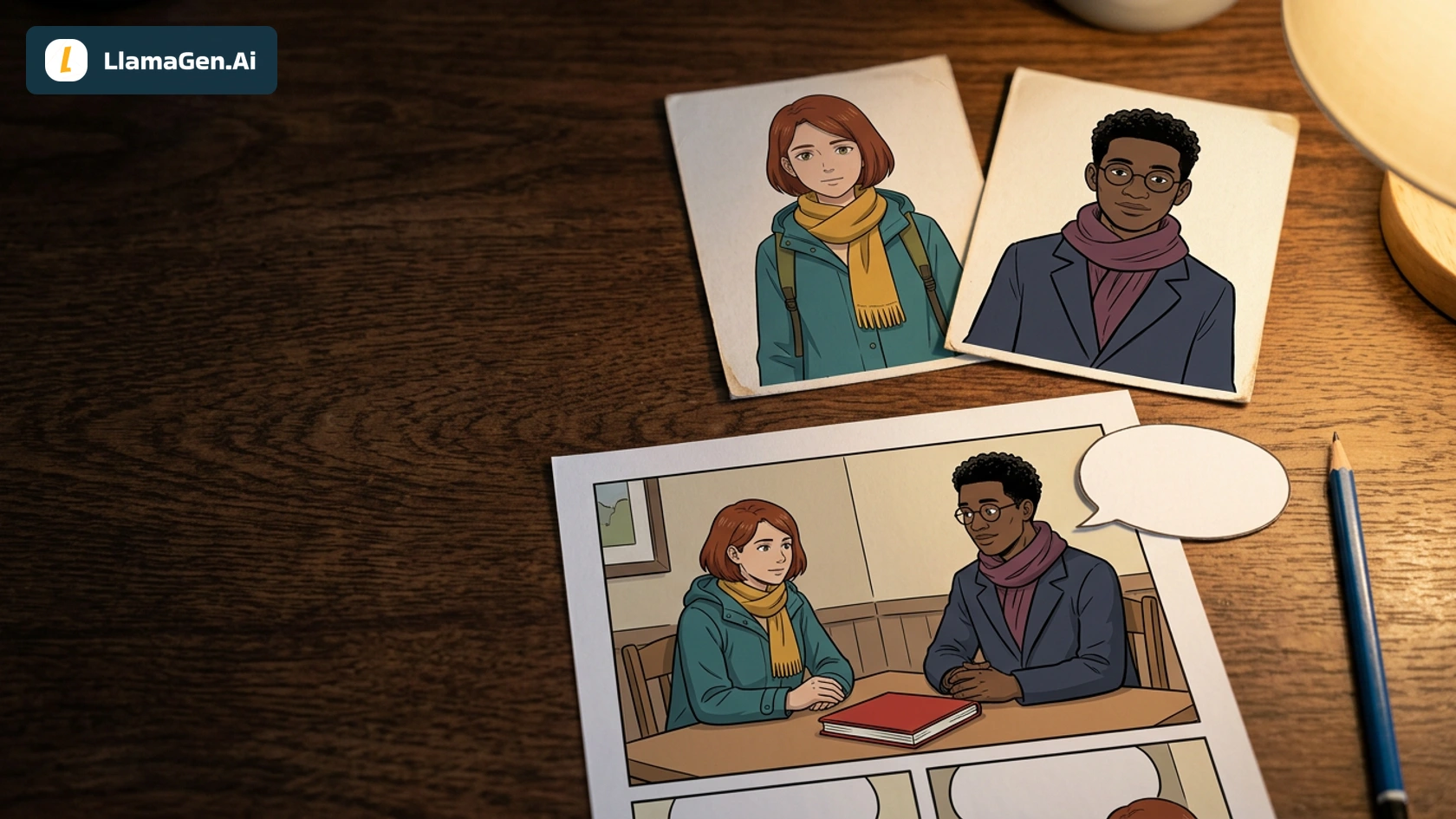
    Two OCs in One Comic Panel: Keep Identities and Speakers Clear

    Two OCs in One Comic Panel: Keep Identities and Speakers Clear

    A six-panel Maya and Theo dialogue case showing separate references, a handoff repair, a reverse-sho

    Jay
    Jay
    20 de noviembre de 2026
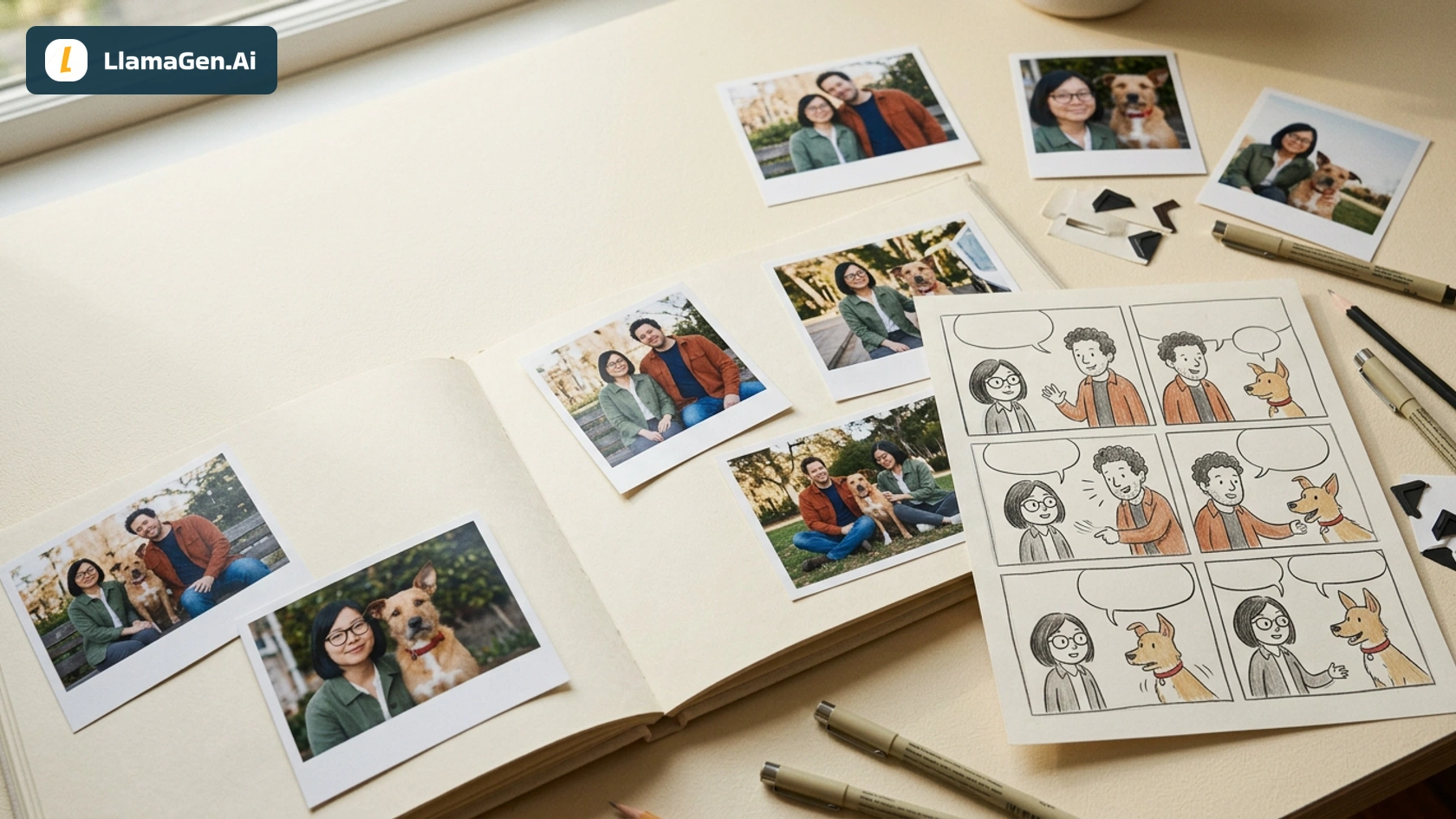
    Turn a Photo Album into a Comic Story Without Losing Who Is Who

    Turn a Photo Album into a Comic Story Without Losing Who Is Who

    A six-scene synthetic album example showing how to separate character identity from scene references

    Jay
    Jay
    20 de noviembre de 2026
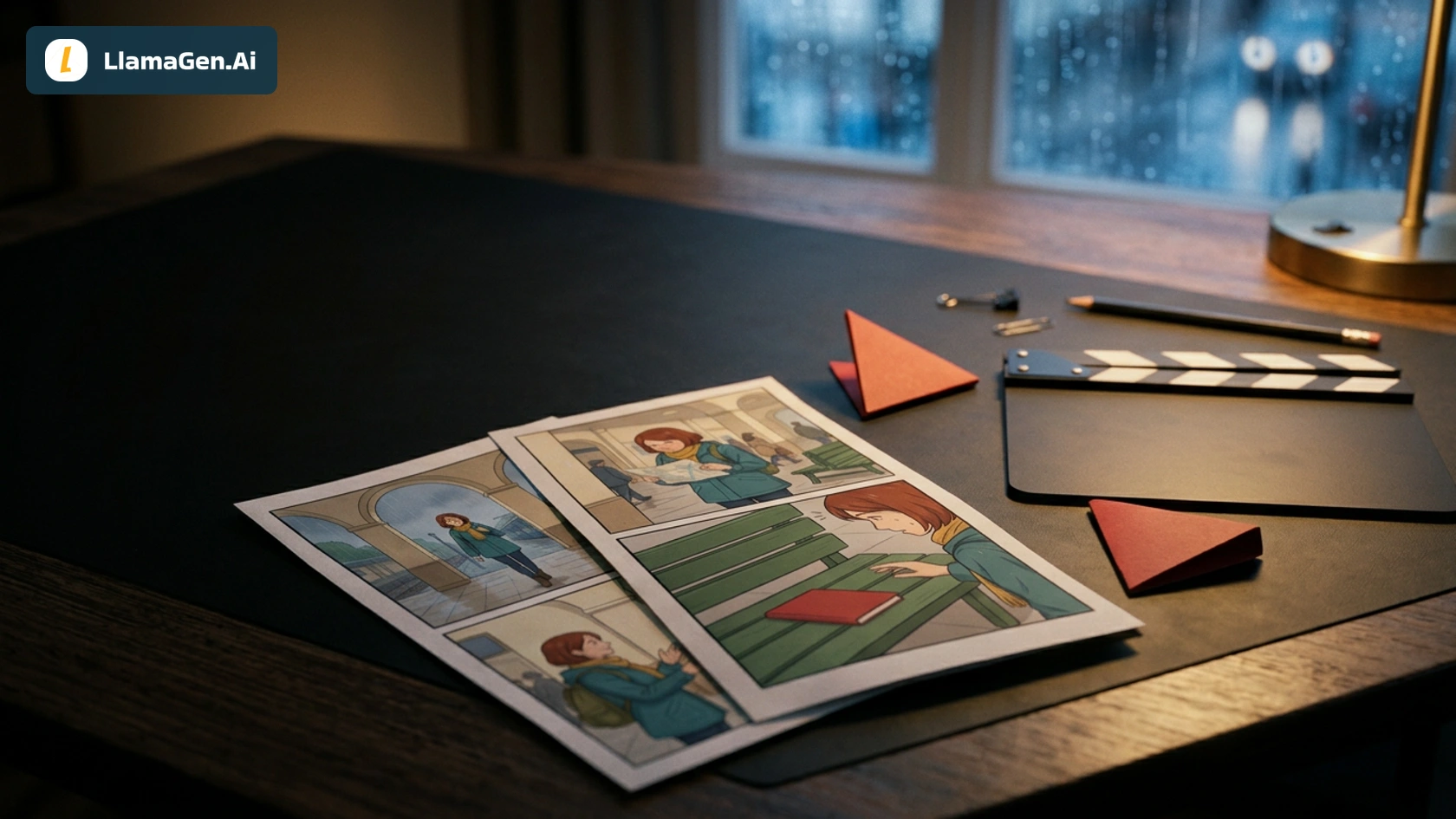
    From Six Panels to a 20-Second Comic Book Trailer

    From Six Panels to a 20-Second Comic Book Trailer

    A worked 20-second comic trailer: choose a clear hook, reuse owned clips, withhold the ending, and r

    Jay
    Jay
    20 de noviembre de 2026
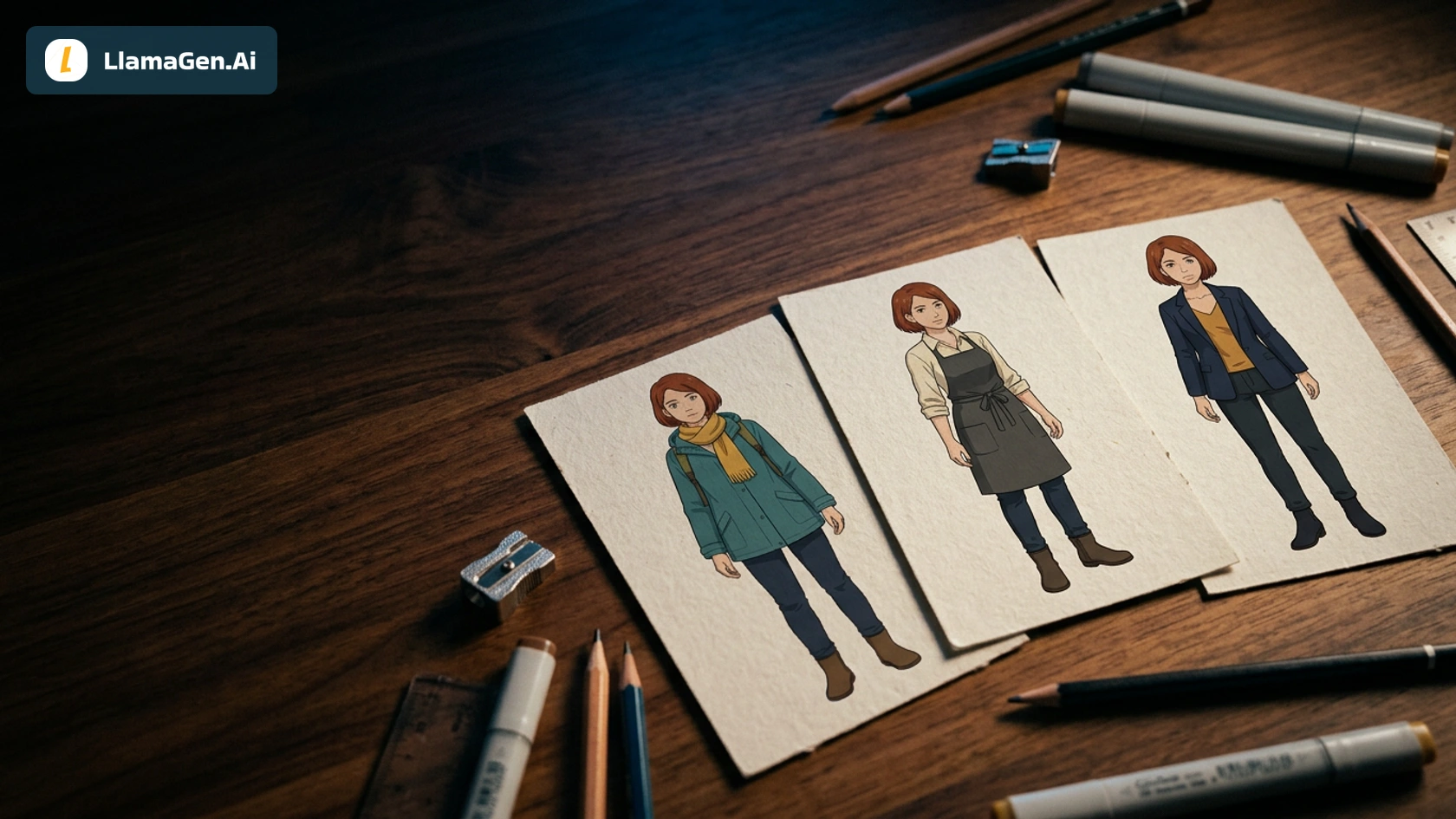
    Build an OC Wardrobe for a Three-Scene Comic

    Build an OC Wardrobe for a Three-Scene Comic

    Review six outfit references, approve three wardrobe versions, and apply one OC consistently across

    Jay
    Jay
    19 de noviembre de 2026
    Carreras
  • Envíanos un correo electrónico
  • El mundo de nuestra mascota
  • Kit de medios
  • Colaboración con KOL
  • Contenido
  • Servicios profesionales
  • Preguntas Frecuentes
  • Seguridad
  • Accesibilidad
  • Tutorial en video
  • Contáctanos
  • Mapa del sitio
  • Cómics personalizados
  • Características
  • Alternativas
  • Mejores apps de IA
  • Guía de coloreo de manga con GPT-6
  • Habilidad de Claude para cómic
  • Guía de cómic con IA de Gemini
  • Cómic That
  • Descuentos educativos
  • Descuento para estudiantes
  • Texto a cómic
  • PDF a cómic
  • Guion a cómic
  • Libro a cómic
  • Convierte Foto en Cómic
  • Generador de Pixel Art con IA
  • Cómics educativos
  • Generador de Video AI
  • Generador de videos Gemini AI
  • Generador Gratuito de Videos Anónimos con IA
  • Cómic a Video
  • Software para crear guiones gráficos
  • Generador de Storyboard de IA
  • Software de escritura de guiones
  • Editor de guiones
  • IA de historias
  • Generador de Historias de IA
  • Generador de cuentos ilustrados
  • Generador de Imagen de IA
  • Divisor de capas con IA
  • Control de ángulo de cámara con IA
  • Generador de Pixel Art con IA
  • Herramientas para assets de juegos pixelados
  • Generador de hojas de sprites con IA
  • Cortador de hojas de sprites
  • Mejores herramientas para juegos pixelados 2026
  • API de Animación
  • ChatGPT/Plugin de Codex
  • Guía de instalación de ChatGPT
  • Plugin de Claude Code
  • Guía de instalación de Claude Code
  • Generador de efecto viento con IA
  • Generador de mapas de profundidad con IA
  • Fondo blanco con IA
  • Eliminador de objetos con IA
  • Probar ropa virtual con IA
  • Desenfocar imágenes con IA
  • Reducir ruido con IA
  • Restauración de fotos con IA
  • Sombras de producto con IA
  • Generador de fondos con IA
  • Generador de fotos de perfil con IA
  • Creador de emojis con IA
  • Cambiador de fondo con IA
  • Abrir ojos con IA
  • Belleza con IA
  • Fotografía de productos con IA
  • Ver todos los blogs
    Komiko Alternative After Shutdown: How to Keep Making OCs and Comics - LlamaGen.AI Blog