

01
Comic Grids from Prompts
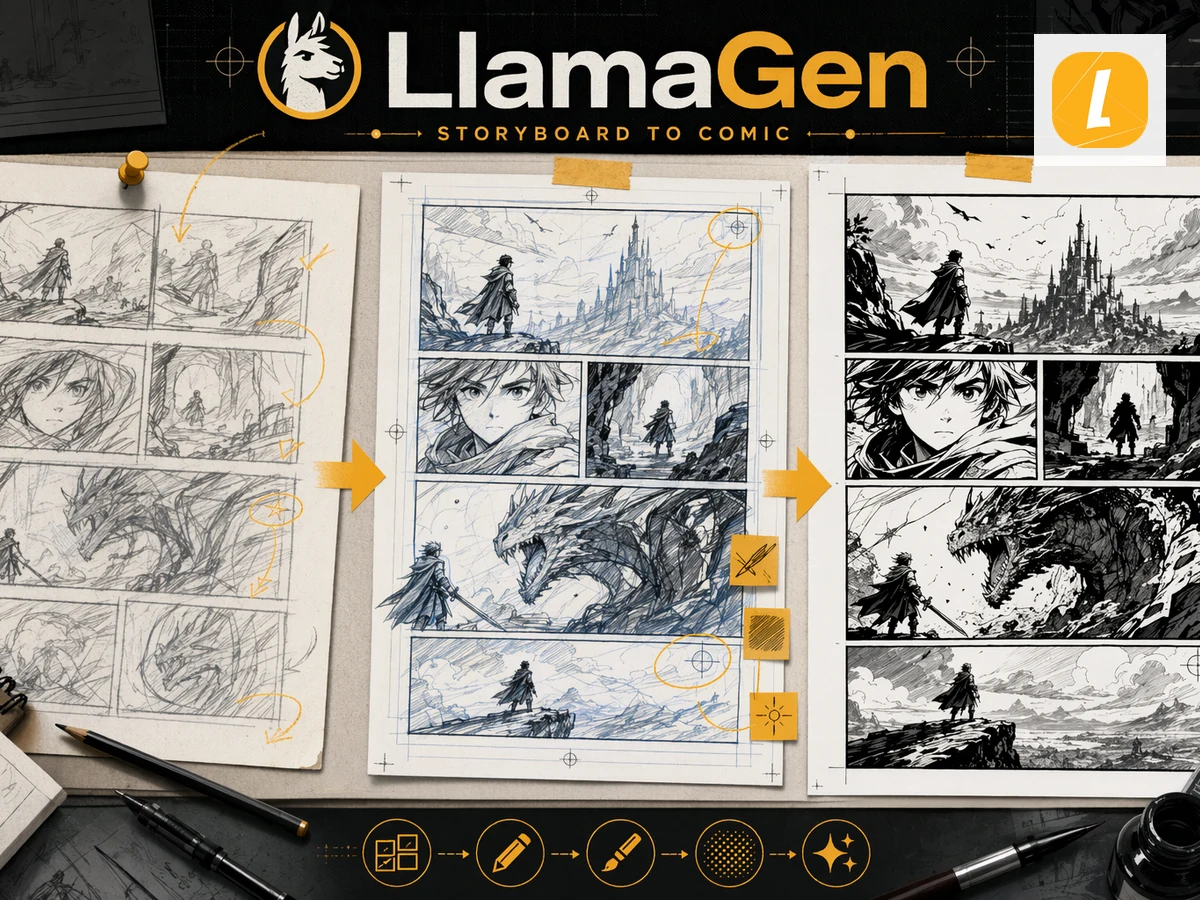
Create comic grids online with LlamaGen. Turn prompts, scripts, and story beats into 2x2 comic grids, four-panel comics, storyboard grids, manga pages, and editable comic layouts.
01
Comic Grids from Prompts
02
Editable Panels and Layouts
03
2x2, Strip, Manga, and Storyboard Grids
04
No Layout Skills Needed
Workflow change
A scene idea is hard to judge because the panel order is still only in notes.
Creators spend too long testing grid layouts before they know whether the story works.
Comic strips, lessons, and social stories need structure, but layout software can slow down early drafts.
Generate a grid-based comic draft from prompts, scripts, or panel notes in minutes.
Use visible panels to test pacing, reading order, captions, and story clarity.
Continue editing layouts, panels, and captions in LlamaGen Studio after the first draft.
Example directions
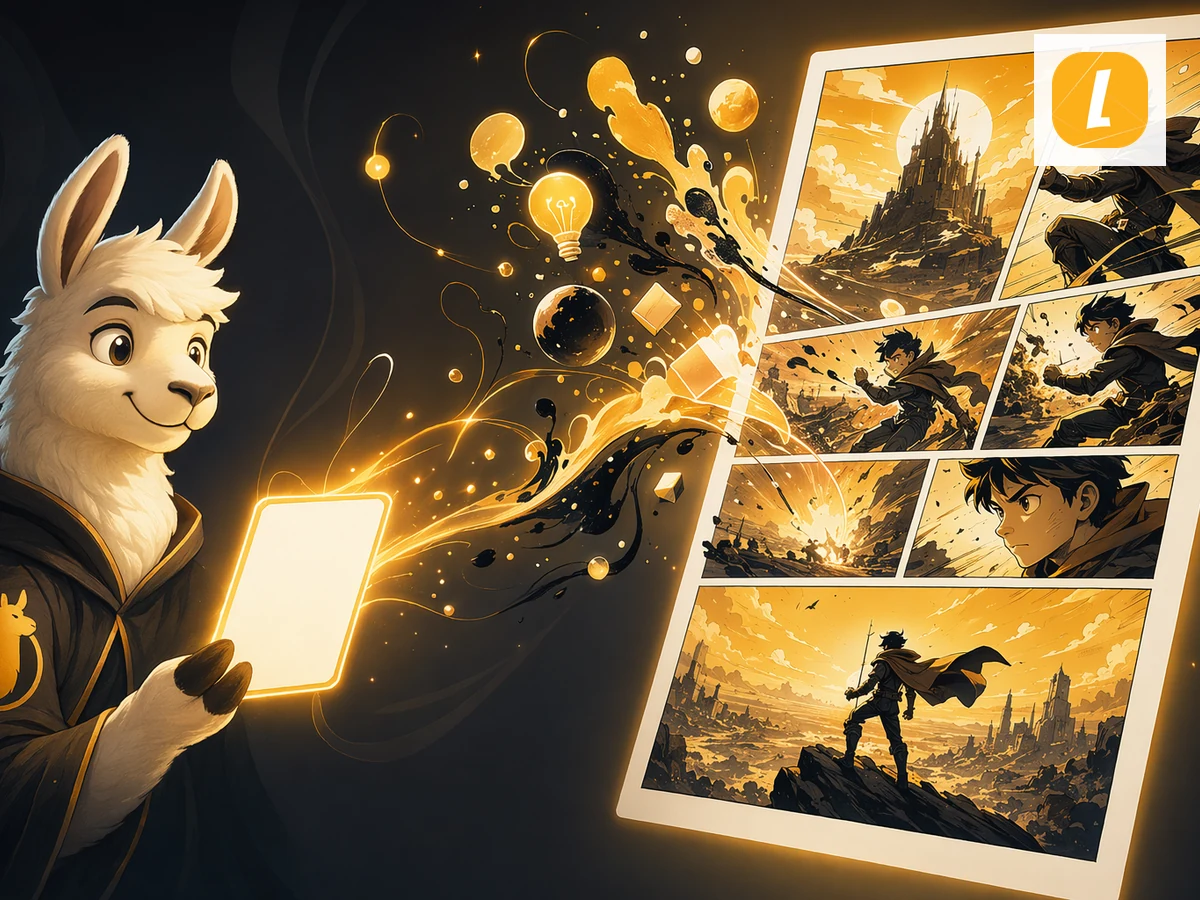
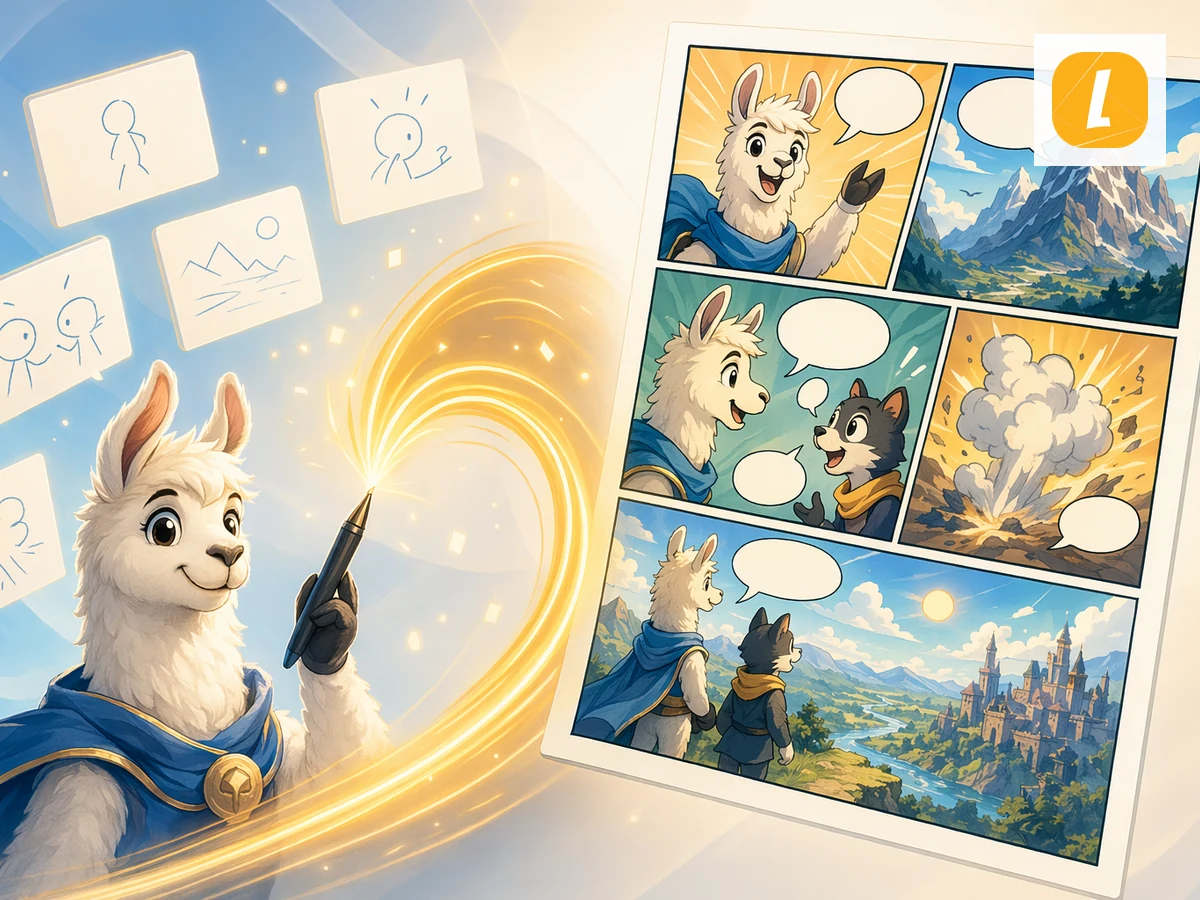
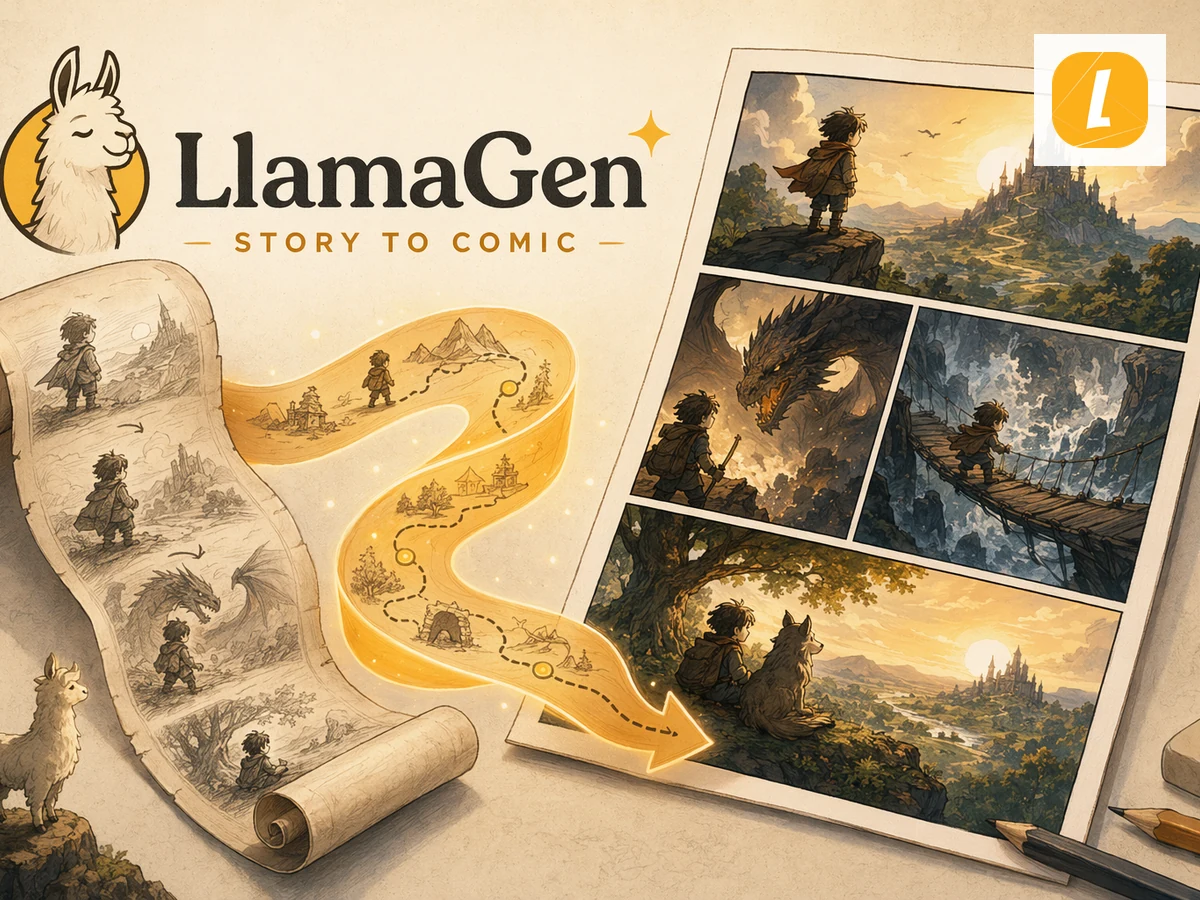
Use these examples as art-direction references. Keep the subject, composition, and intended output clear in your own brief.
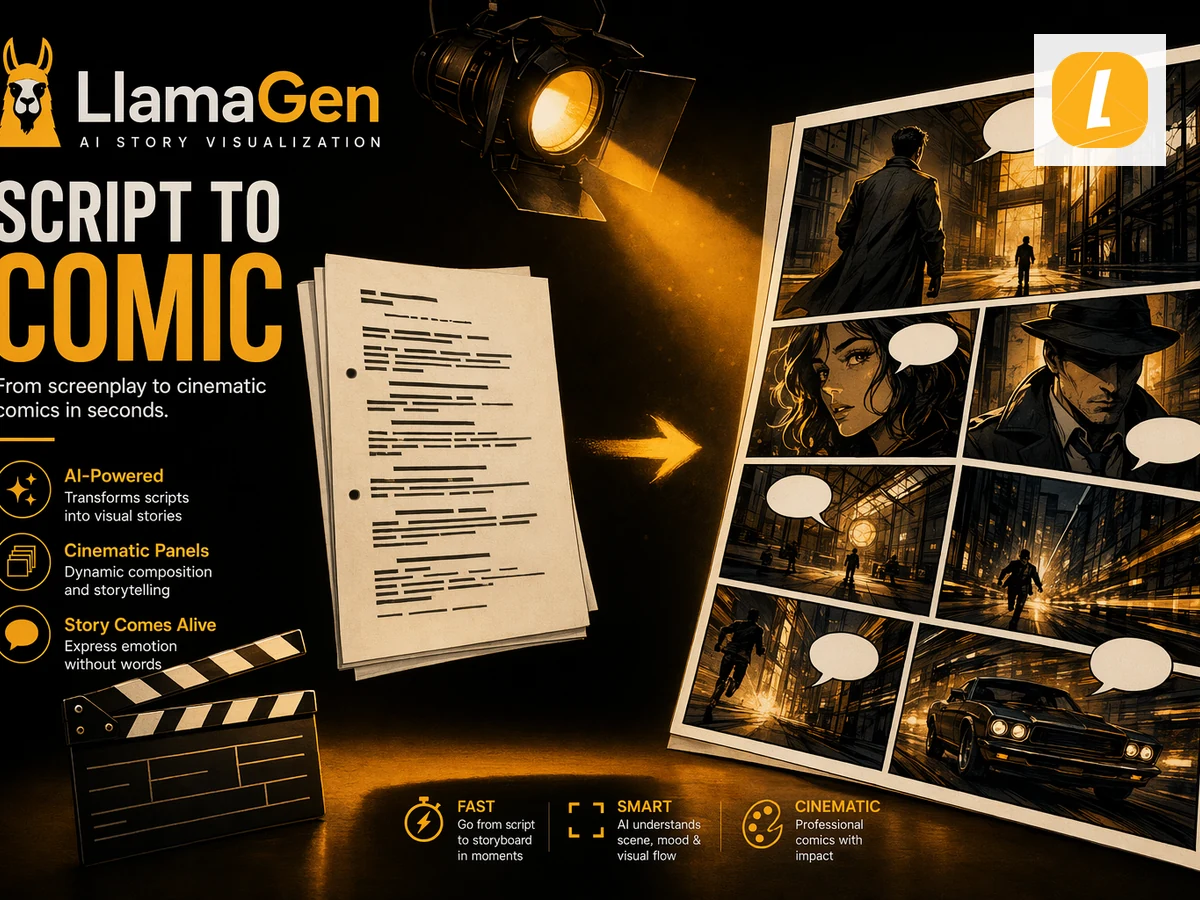

Prompt directions
Use a direction as written or move it into the creative brief and replace the subject, setting, mood, and output details.
Workflow
Describe the comic grid you want: 2x2, four-panel strip, manga page, storyboard grid, or a custom panel arrangement.
Add panel-by-panel beats, character actions, captions, dialogue, and whether each frame should be wide, close-up, action, or reaction.
Generate the comic grid, keep the strongest panels, and continue editing layout, captions, and story details in LlamaGen Studio.
Turn a short idea, lesson, joke, script, or story beat into a grid-based comic draft with panel order, visual rhythm, and captions.
Guide the output toward a simple 2x2 page, four-panel comic strip, setup-reaction-punchline sequence, or storyboard grid for planning.
After generation, continue in LlamaGen Studio to adjust panels, captions, layout choices, and visual direction instead of treating the grid as a dead-end image.
01 / Applied feature
Start with a joke, lesson, product story, classroom explainer, manga scene, or short script. LlamaGen turns it into a panel grid so the sequence is visible before final editing.
02 / Applied feature
Use grid prompts to test establishing shots, close-ups, reaction panels, reveals, and punchlines. Then refine weak frames and continue shaping the layout in the comic workspace.
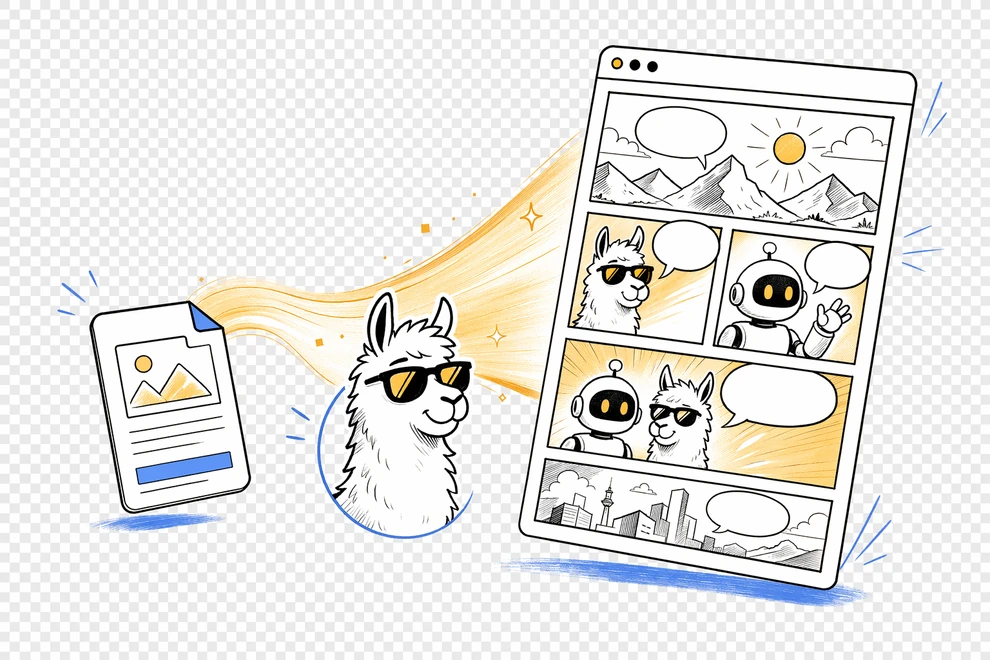
Working sequence
Go from idea to structured comic grid without building a layout from scratch.
Ask for a 2x2 grid, four-panel strip, manga page, storyboard layout, or custom panel arrangement.
Describe what happens in each frame, including character action, emotion, camera distance, captions, and dialogue.
Create the grid, review story flow, regenerate weak panels, and continue refining layout and captions in LlamaGen.
Practical value
Comic grids help you test reading order, pacing, and panel balance before committing to a finished page.
Generate a visible panel structure quickly instead of sketching every grid option manually.
Use panel beats to check setup, action, reaction, reveal, and payoff in a readable order.
Create comic strips, manga pages, storyboard grids, classroom comics, social posts, and pitch references.
Prompt wide shots, close-ups, silent panels, dialogue panels, and action frames with more intention.
Continue refining panels, captions, and layouts in Studio after the first AI-generated grid.
Writers, teachers, marketers, and creators can begin with a scene plan instead of layout software skills.
Creator feedback
“This is a great AI product. It can really turn your imagination into reality. It's really cool! It opens up a new era of comics! Thank you very much for the hard work and dedication of the developers.”
“UNCOVERING AI TOOLS. Turn text into stunning and engaging comic images and strips - https://llamagen.ai”
“Thanks for sharing! I hope the product is fun to build”
FAQ
An online comic grid creator helps you plan and generate grid-based comics, such as 2x2 comic pages, four-panel strips, storyboard grids, manga panel layouts, and editable comic pages.
Yes. Describe the story, ask for a 2x2 comic grid, and include the action or caption for each of the four panels.
Yes. Prompt LlamaGen with a setup, escalation, reaction, and punchline, or describe each panel in order.
Yes. Generated comics open in LlamaGen Studio where you can continue editing panels, captions, and layout direction.
Include the grid format, number of panels, character actions, camera angles, captions, dialogue, visual style, and the reading order.
No. You can use it for comic strips, manga pages, storyboard grids, educational comics, social posts, product stories, and graphic novel drafts.
Start with a story beat, choose a grid format, and generate a panel layout you can keep refining.