Natural na pag-reconstruct ng scene
Hinihiling ng prompt sa AI na ibalik ang texture, lighting, perspective, at geometry ng background.


AI pampatanggal ng object
Upload a photo, paint over the person, object, text mark, or clutter that should go, and let AI rebuild the selected part of the scene naturally. Try for free with free credits. Check in daily to earn more. No credit card required.
Ayusin ang iyong larawan
Markahan ang isang malinaw na target sa bawat pagkakataon at puwede mo rin itong ilarawan. Mag-edit lang ng mga larawang pag-aari mo o may awtorisasyon kang baguhin.
Mag-upload ng larawang lilinisin
Larawan ng travel, produkto, portrait, social, o property
Magdagdag ng description para sa mas eksaktong resulta, o gamitin ang field na ito kapalit ng brush para sa keyboard-only input.
Framing ng output
Ibinabagay sa unang source image para maprotektahan ang orihinal na crop.
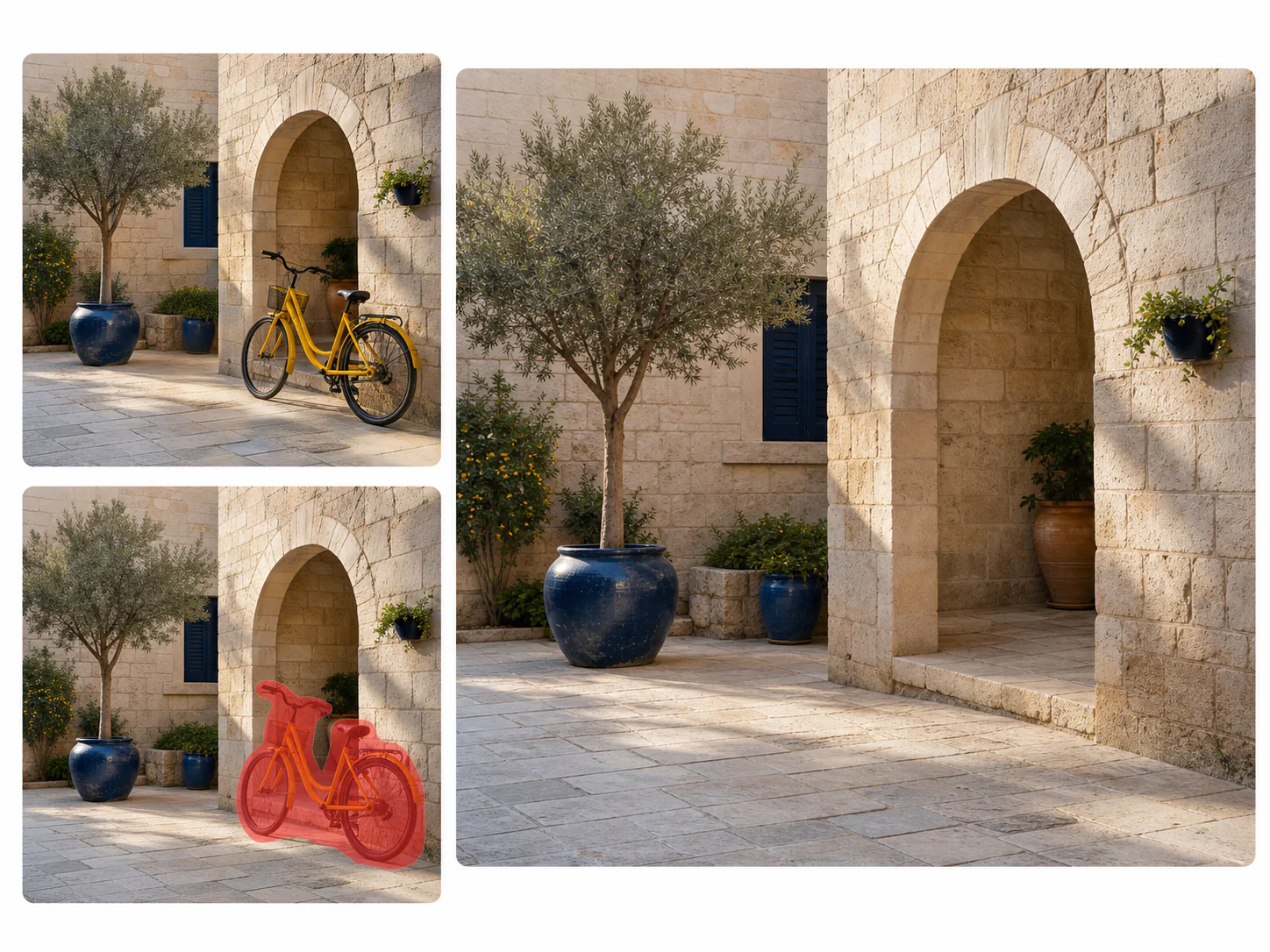
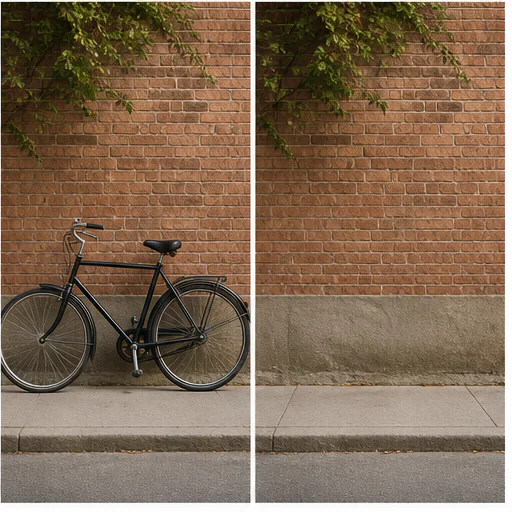
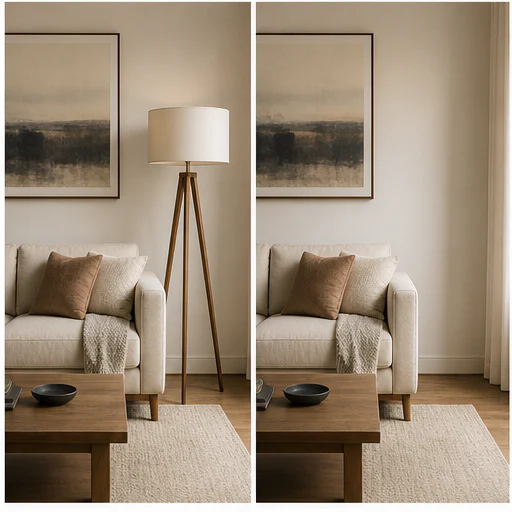
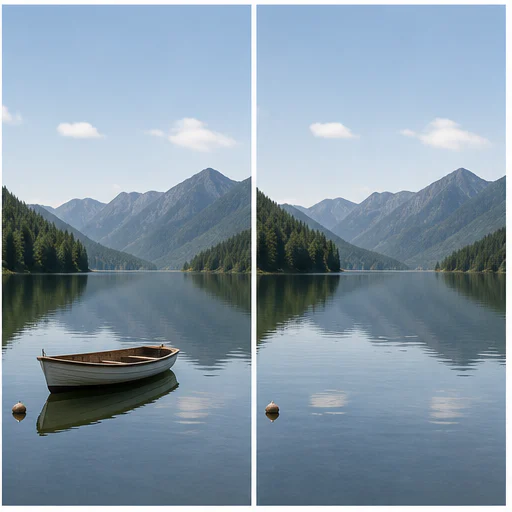
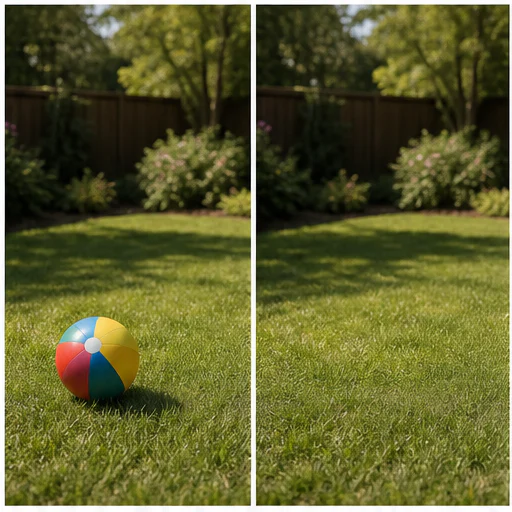
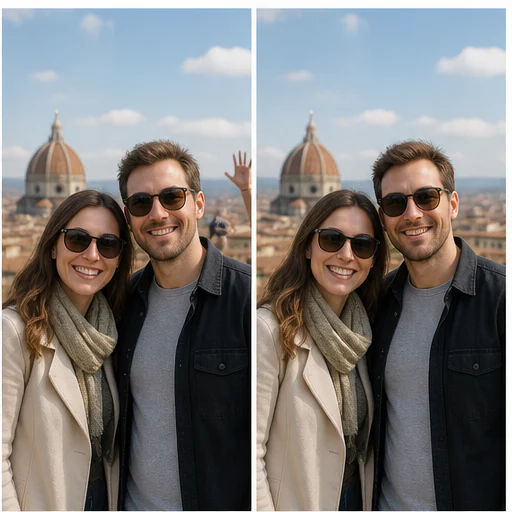
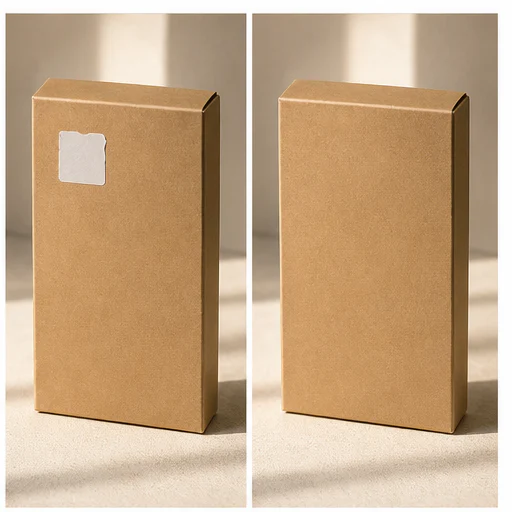
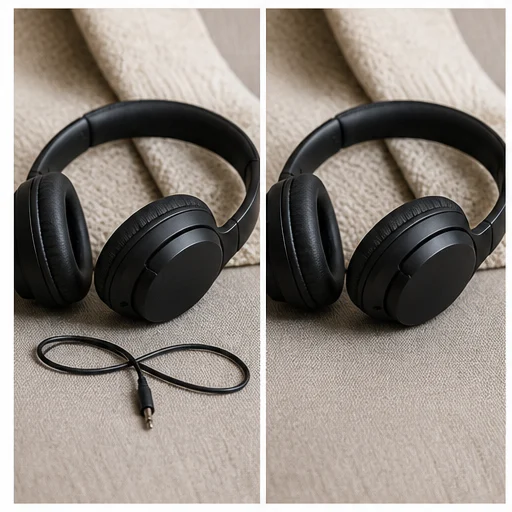
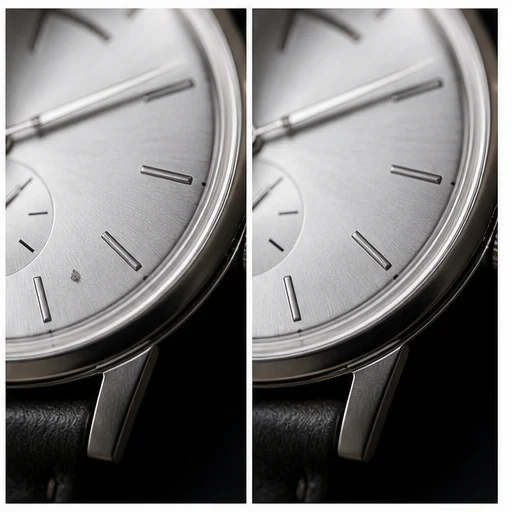
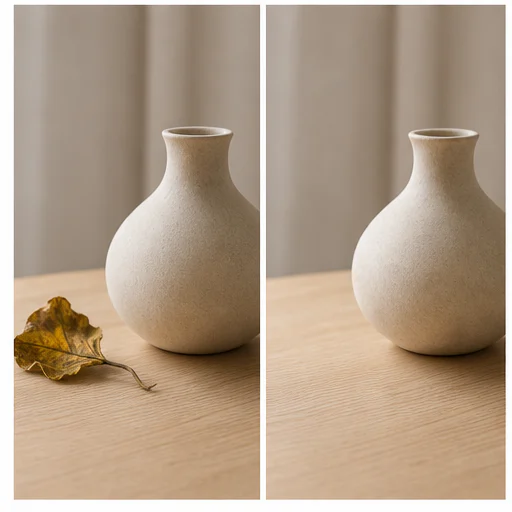
Bago, target, nilinis
Object removal works best when the marked region is precise and the surrounding area contains enough visual context for reconstruction. Paint over the whole object and any attached shadow or reflection that should also disappear.
Pagkatapos ng generation, ikumpara ang orihinal at nilinis na larawan. Suriin ang paulit-ulit na pattern, tuwid na linya, texture, mukha, kamay, at mga kalapit na edge bago i-save.
Hinihiling ng prompt sa AI na ibalik ang texture, lighting, perspective, at geometry ng background.
Gamitin ang brush para pumili ng isang sagabal, pagkatapos ay magdagdag ng opsyonal na description para mas eksakto.
Pinoprotektahan ng edit ang pangunahing subject, framing, kulay, at lahat ng detalye sa scene na hindi pinili.
Ang built-in na gabay ay nagpapaalala sa mga user na mag-edit lang ng mga marka at content kapag may pahintulot sila.
Totoong halimbawa
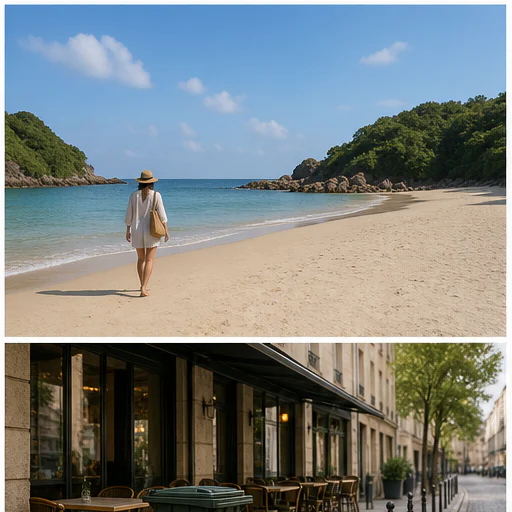
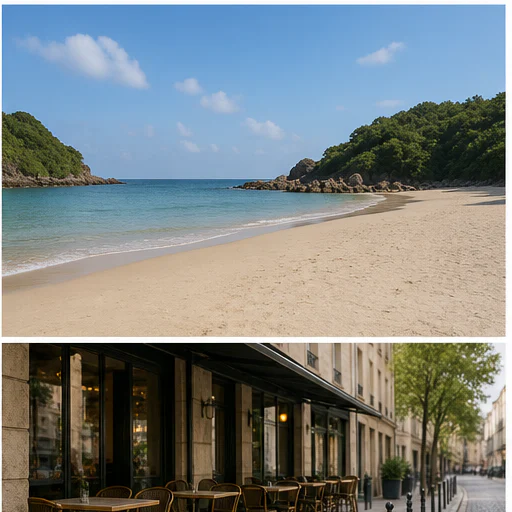
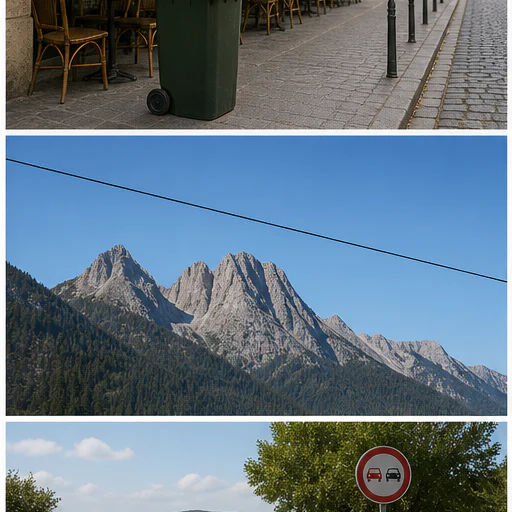
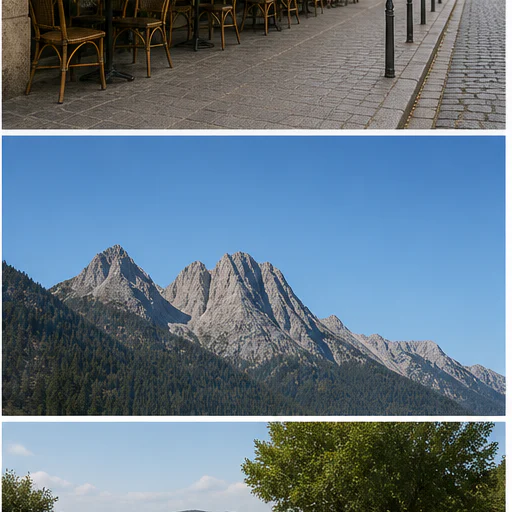
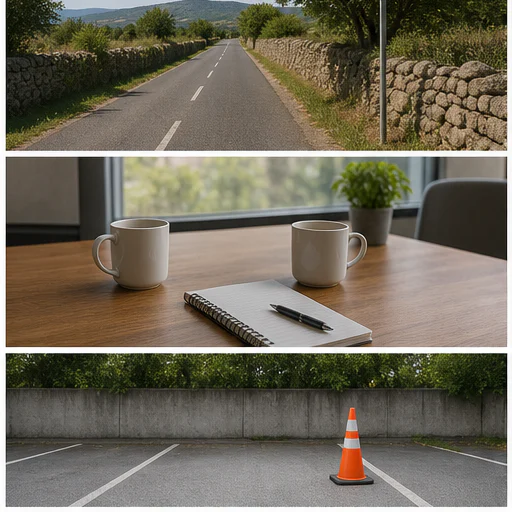
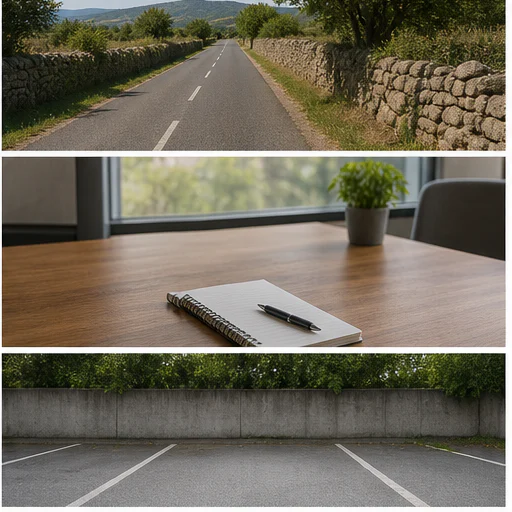
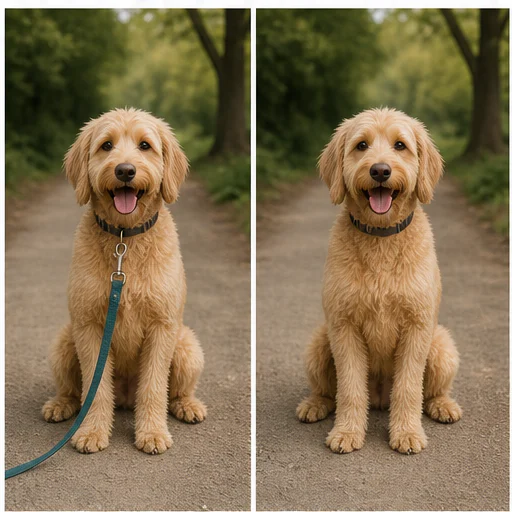
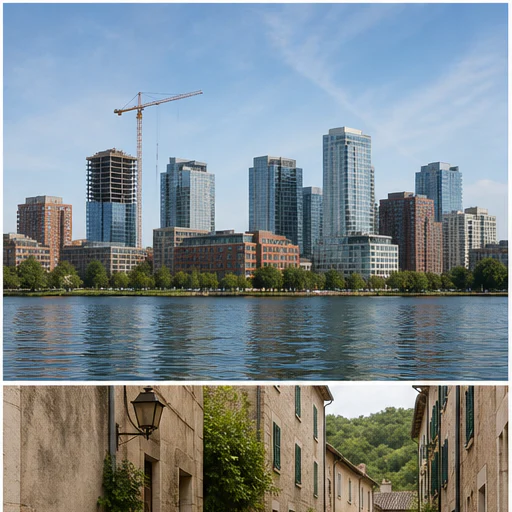
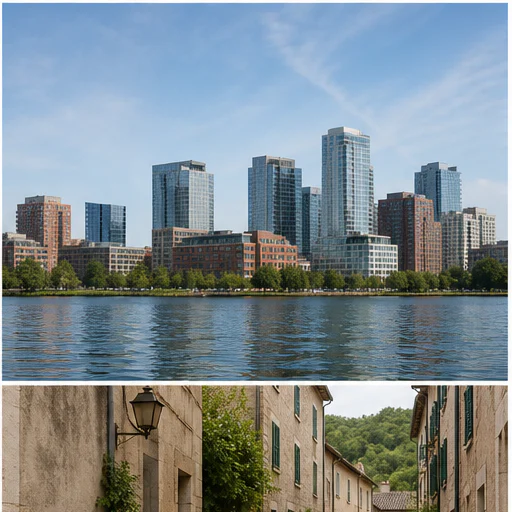
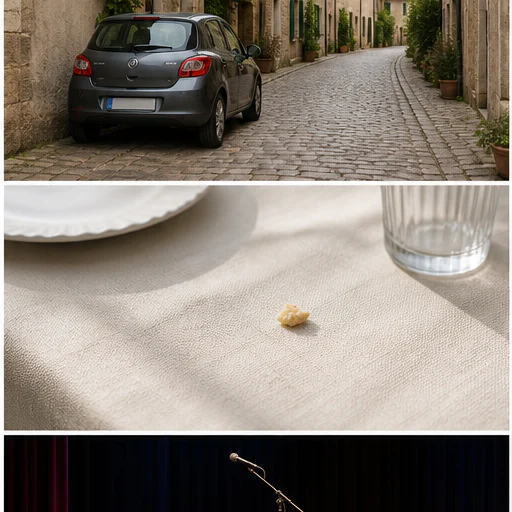
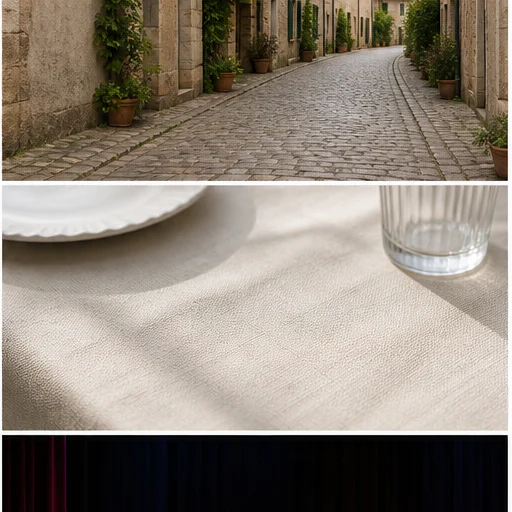
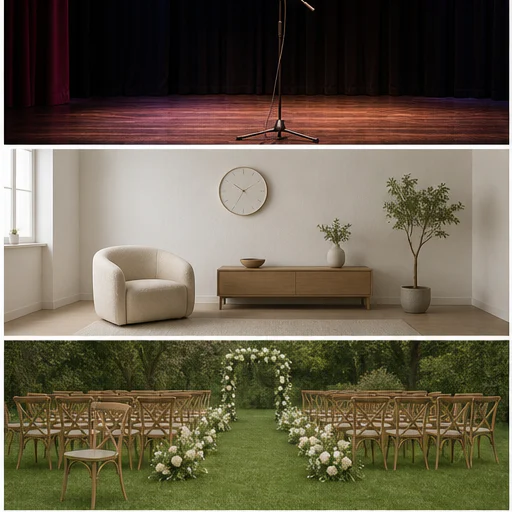
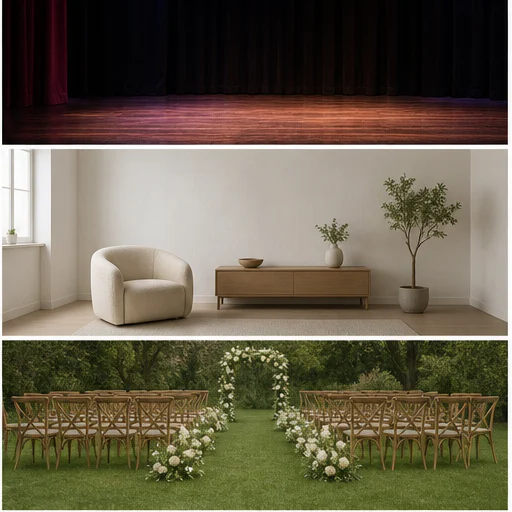
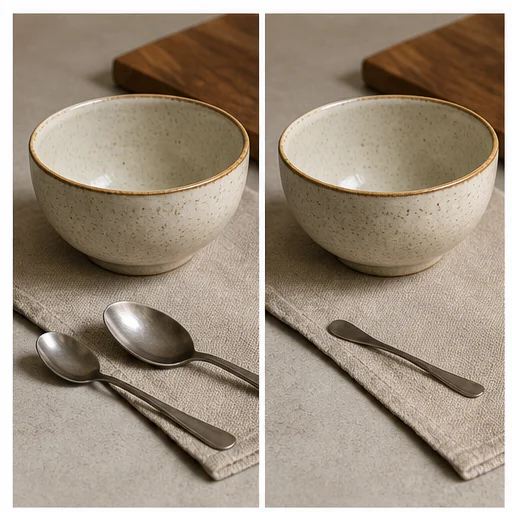
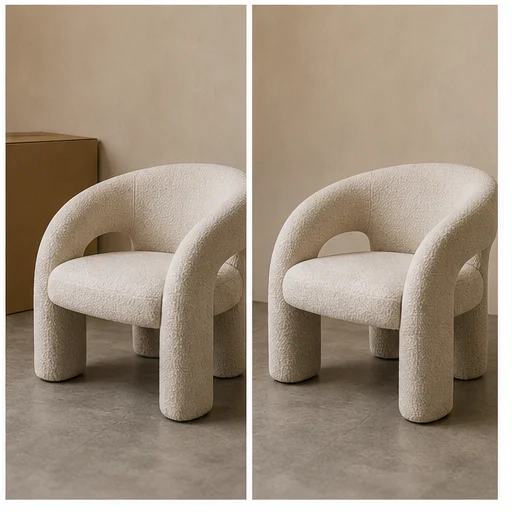
Dalawampu’t apat na hiwalay na kaso ang nagpapakita kung paano dapat panatilihin ng removal ang nakapaligid na structure, ilaw, texture, at subject. Bawat card ay naglalaman ng kumpletong before-and-after na scene.
Paano ito gumagana
Sundin ang maikling workflow, tapos suriin ang nabuong detalye bago gamitin o i-publish ang resulta.
Choose the image containing the person, object, text, or clutter you want removed.
Pintahan ang buong target at mga nakakabit na anino, pagkatapos ay opsyonal na ilarawan ang napili.
Tinatanggal ng model ang target at muling binubuo ang paligid na scene.
Suriin ang texture ng background at mga kalapit na gilid, tapos i-save o subukang muli gamit ang mas malinaw na instruction.
Real creator feedback
Read what creators shared about making comics, characters, and visual stories with LlamaGen.
@jake-m
As an avid creator of comic book style graphics, I've struggled to find a tool that truly allows me to unleash my creativity at scale. llamagen.ai not only breaks limits but shatters them, offering endless possibilities for my projects. It's the ultimate AI-powered solution I've been waiting for!
@sarah-l
I've tried numerous AI tools for image generation. And they are quite fun to play with but llamagen.ai is the first app I've actually saw a potential use-case. The character consistency really grabbed my attention as it's something I hadn't seen before and I can see the appeal for professionals and amateurs alike. Truly a game-changer!
@michael-b
llamagen.ai has reignited my passion for storytelling. As a busy professional, finding time to pursue creative projects can be challenging. But this app has proven so easy to use... It's like having a creative companion by my side!
@alex-t
Being part of the creative industry demands efficiency without sacrificing quality. llamagen.ai not only meets but exceeds these expectations. Really loved playing with the storyboarding and having an AI to help with not only image generation, but also the text content - it's really a nice way to help enhance the overall experience.
@maya-s
I enjoy a great comic book and have been very sceptical about AI. For example the criticisms of the Batman AI comic saga where not without merit. But through the scepticism I do see a place for such tools. While I still value an authentic man-made production, the ability for me to create something on my own (with a little help from AI) is really empowering and exciting.
@taylor-h
Maintaining character consistency is a challenge that I did not expect to be overcome so fast. While not perfect at times, the results are impressive and I’m really looking forward to the chance to further customize my workflow and AI generation.
Praktikal na workflow
Panatilihin ang nabuo na image bilang draft na puwedeng i-review, reference, o tapos na asset depende sa kailangan ng trabaho.
Paglalakbay
Alisin ang photobomber, basurahan, karatula, poste, o pansamantalang kalat sa larawang kapaki-pakinabang naman sana.
Produkto
Alisin ang sobrang props, alikabok, maluluwag na label, o magulong detalye ng background sa mga product photo na may pahintulot.
Portrait
Bawasan ang maliliit na sagabal sa likod ng subject nang hindi pinapalitan ang buong scene.
Property
Alisin ang pansamantalang bagay sa mga larawan ng kuwarto, bakuran, at property habang pinananatili ang totoong espasyo.
Mga tala sa pagsusuri
Pinupunan ng AI ang mga tinanggal na bahagi sa pamamagitan ng pagbasa sa mga kalapit na pixel. Kailangan ng masusing pagsusuri ang structured na background.
the entire unwanted object and attached shadow are gone
nananatiling tuwid ang mga linya, tiles, pader, at horizon
tuloy-tuloy nang natural ang mga paulit-ulit na pattern
hindi nagagalaw ang mga taong malapit at mahahalagang bagay
tugma ang ilaw at kulay sa nakapaligid na scene
naalis lang ang mga logo o watermark na may awtorisasyon
FAQ
Praktikal na sagot tungkol sa source image, ginawang resulta, mga karapatan, at pagsusuri.
Yes. Start your free trial with free credits and earn more free credits through daily check-ins. No credit card is required. Sign in to manage your credits. Generation costs and model availability vary; paid plans offer more credits and additional export options.
Karaniwang tinatarget ang mga taong nasa background, kalat sa kalsada, maliliit na props, karatula, alikabok, sticker, petsa, at iba pang malinaw na inilalarawang nakakaabala.
Cover the full object and any attached shadow without painting over nearby details. Add its position or color in the description when the scene contains similar objects.
Tanging kapag pagmamay-ari mo ang larawan, ikaw ang gumawa ng mark, may lisensya ka sa asset, o may malinaw kang pahintulot na baguhin ito.
Faces, hands, text, grids, brickwork, railings, repeating patterns, and highly reflective surfaces need extra review.
Yes. Paint over the unwanted area to create a visual selection guide. A text description remains available for extra precision and keyboard-only workflows.
Mga kaugnay na tool
Lumipat mula sa nakatuong edit na ito papunta sa susunod na photo o fashion task.
Upload a blurry portrait, product, document, or memory and recover cleaner edges and natural detail without changing the original composition. Try for free with free credits. Check in daily to earn more. No credit card required.
Upload a portrait, selfie, or group photo and reconstruct naturally open eyes while preserving identity, expression, lighting, people, and the original crop. Try for free with free credits. Check in daily to earn more. No credit card required.
Upload a noisy low-light, compressed, scanned, or generated image and reduce grain while preserving edges, texture, and the source atmosphere. Try for free with free credits. Check in daily to earn more. No credit card required.
Upload a faded, scratched, blurry, or timeworn photo and create a clearer restoration that protects faces, clothing, history, and the original composition. Try for free with free credits. Check in daily to earn more. No credit card required.
Magsimula sa iyong larawan
Markahan ang isang hindi gustong bagay at gumawa ng mas malinis na bersyon nang hindi binubuksan ang buong editor.