

תמונה לקריקטורה
הפכו תמונה לקריקטורה
סביבת עבודה רגועה ופשוטה להמרת תמונה לקריקטורה. העלו תמונה אחת, בחרו גימור קריקטורה, וצרו תוצאה מלוטשת בלי להסתבך עם הגדרות מתקדמות.
בחרו גימור קריקטורה
כיוון נוסף, אם רוצים
תוצאה
תמונת הקריקטורה שלכם תופיע כאן
התחילו מתמונה אחת
העלו תמונה או נסו דוגמה. תוצאת הקריקטורה שנוצרה תופיע כאן.
התחילו בחינם, שדרגו כשצריך יותר.
תוכניות בתשלום פותחות יותר קרדיטים, איכות גבוהה יותר ויותר מקום לשיפורים.
איך זה עובד
שלושה שלבים ברורים מתמונה לקריקטורה
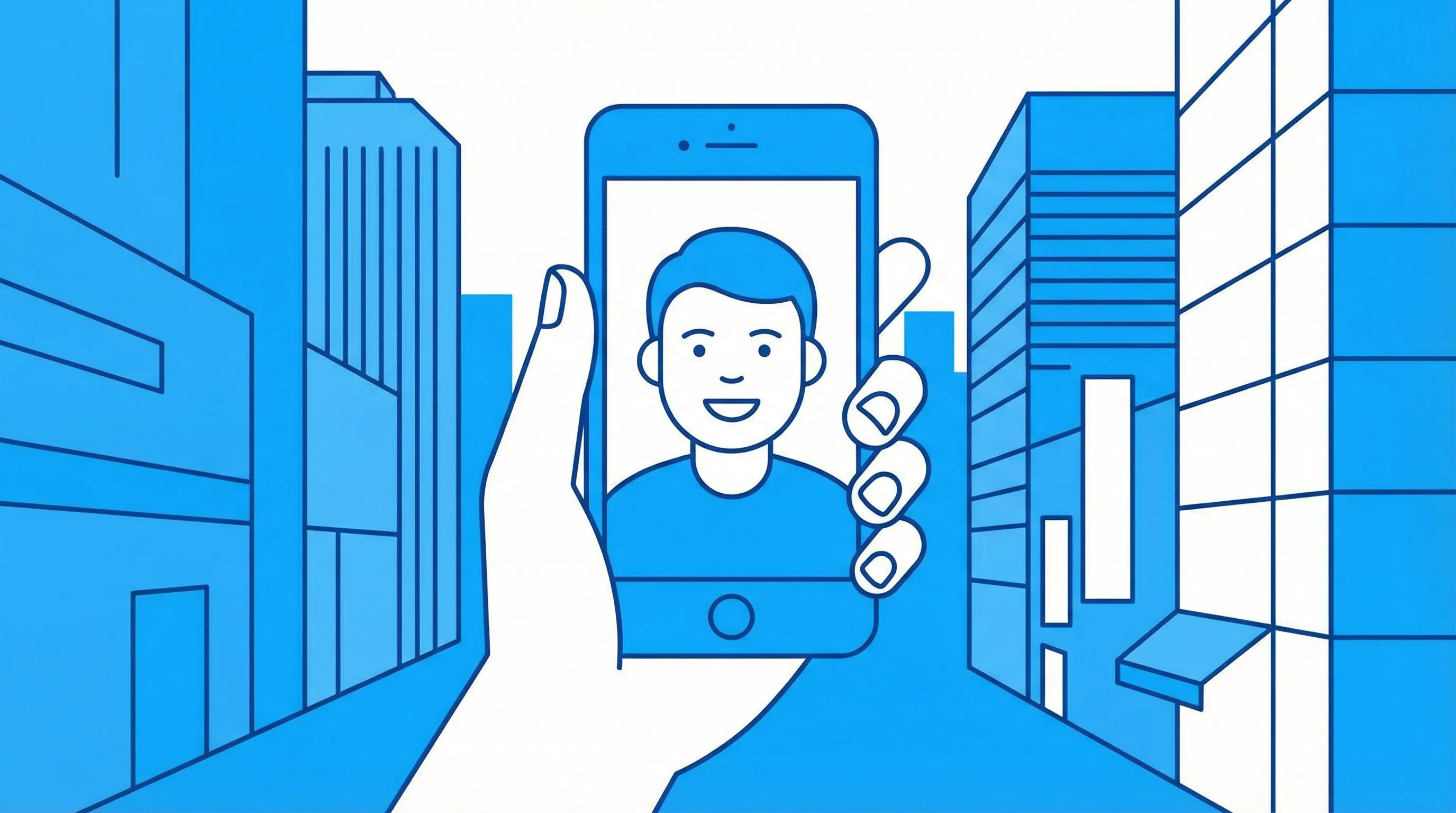
1. העלו את התמונה שלכם
התחילו עם תמונה אחת ברורה. דיוקנאות, חיות מחמד, לוקים וצילומי מוצר עובדים מצוין.

2. בחרו גימור קריקטורה
בחרו את העיבוד הוויזואלי שאתם רוצים: קריקטורה קלאסית, צ'יבי, חימר או פופ ארט.
3. צרו והשתמשו בזה
הורידו את התמונה, השתמשו בה שוב בתוך LlamaGen, או המשיכו לדייק עם הערה קצרה.
פשוט כברירת מחדל
המסלול העיקרי נשאר ברור
ממיר התמונה לקריקטורה מתמקד בפעולה שהמשתמשים מצפים לה: העלאה, בחירת סגנון, יצירה. כיוון נוסף הוא אופציונלי, לא חובה.
נסו את ממיר הקריקטורהשליטה בסגנון
בחרו את הטון לפני היצירה
קריקטורה קלאסית מעניקה מראה ידידותי ורחב, בעוד שצ'יבי, חימר ופופ ארט יוצרים זהויות ויזואליות חזקות יותר.
בחרו סגנון
דוגמאות לסגנונות קריקטורה
כמה כיוונים ויזואליים שאפשר ליצור מתמונה אחת

דיוקן קריקטורה קלאסית
דיוקן צ'יבי

קריקטורת חימר

קריקטורת פופ ארט
שאלות נפוצות
האם זה שונה מדף הקומיקס?
כן. דף הקריקטורה מתמקד בתוצאות קריקטורה מתמונה אחת, בעוד שדף הקומיקס מתמקד בגימורי קומיקס ומנגה.
איזה תמונות עובדות הכי טוב?
השתמשו בתמונה ברורה ומוארת, שבה הנושא המרכזי קל לזיהוי. דיוקנאות, חיות מחמד, לבוש ומוצרים בדרך כלל עובדים היטב.
אפשר להוסיף הוראות?
כן. אפשר להשתמש בשדה הכיוון הנוסף לפרטים כמו צבעים רכים יותר, רקע פשוט יותר, או שמירה על משקפיים ואביזרים.
אילו פורמטים נתמכים?
נתמכות תמונות JPG, PNG ו-WEBP עד 10MB.
משוב אמיתי מיוצרים
נבחר מתוך כל הביקורות הציבוריות האהובות על LlamaGen

Kartik Puri
@kartikchop
בדקתי את LlamaGen לקומיקס מבוסס AI והתוצאות היו מעבר למה שציפיתי. הוא יכול להפוך רעיון פשוט לקומיקס מלוטש בתוך דקות, לא שעות.
צפייה במקור
Jihan En Nejjari
@jihanenj2011
אני עובד על מנגה לבית הספר, אני ממש אוהב את האפליקציה, היא עזרה לי מאוד כשהייתי צריך אותה, כי אפליקציות אחרות איטיות יותר. והכי טוב בה זה שהדמויות נשארות אותו דבר והן לא משתנות בכל עמוד.
צפייה במקור
Vanieshly Ortiz Figueroa
@vaort30
אני אוהבת את האפליקציה הזו!! אני אוהבת את הדרך שבה אנחנו יכולים ליצור קומיקס משלנו עם הדמויות שלנו!
צפייה במקור