Find a story worth following
Explore a character's goal, an unusual setting, or a difficult choice. Compare different openings before you commit to a direction.


Gunakan LlamaGen.ai sebagai generator cerita AI dan penulis cerita. Ubah ide sederhana menjadi draf terstruktur dengan plot, karakter, dialog, dan jalur menuju storyboard atau panel komik.
Try the first draft here. Free access has limits; saved projects and visual tools use your account and plan credits.
See how it worksPick a prompt to read an illustrative opening, then generate your own version. These samples are prepared examples, not live results or customer testimonials.
Example opening
The radio said Mara's name before she switched it on. On Platform Three, rain gathered around a red suitcase. She had checked the platform a minute ago. Empty. Now someone had left a case beneath the broken clock, with a luggage tag written in her handwriting.
Start with something specific: a radio operator alone at a station, a red suitcase, and a message that knows her name. Generate an opening, read what works, then change the stakes or point of view. The next decision stays yours.
Generate story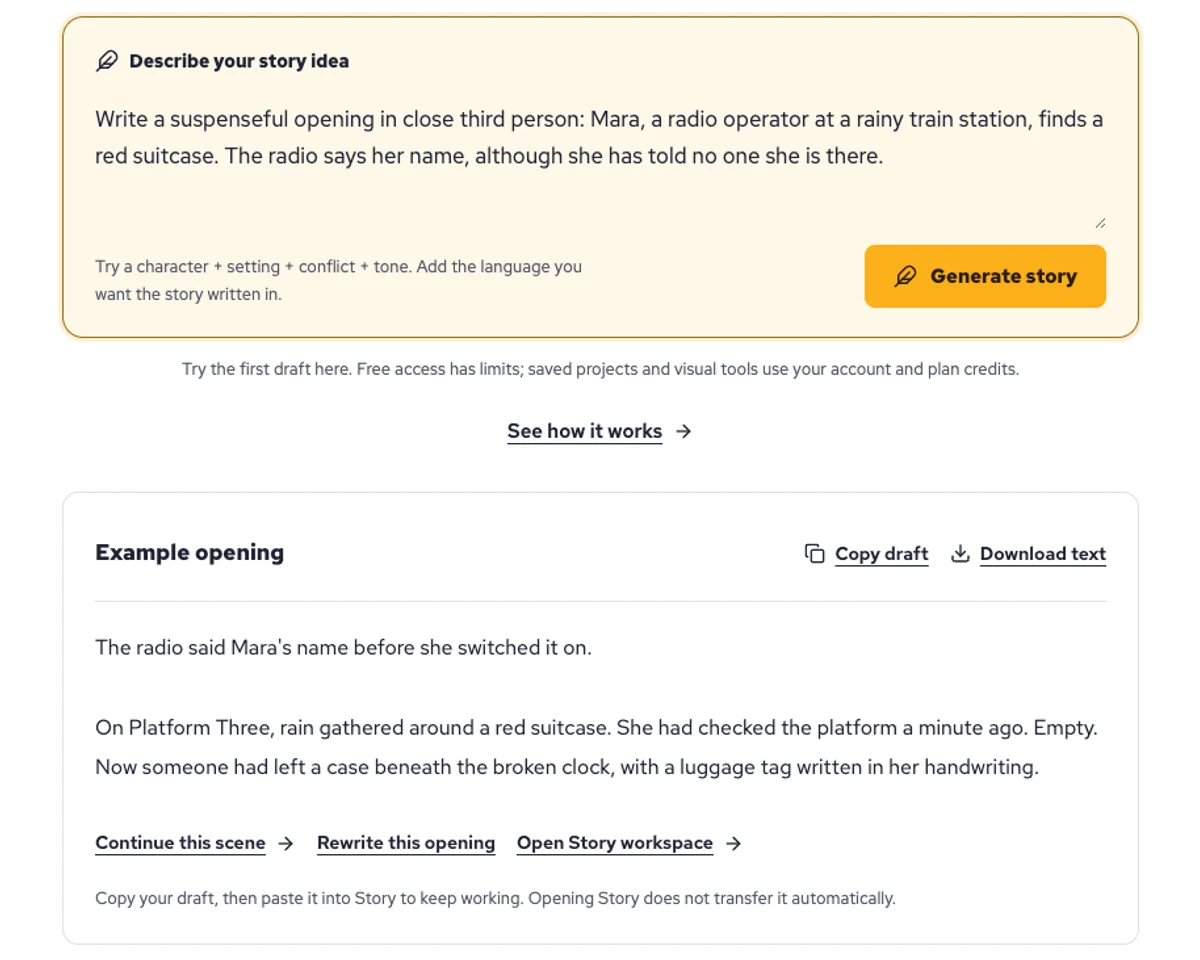
Explore a character's goal, an unusual setting, or a difficult choice. Compare different openings before you commit to a direction.
Paste an unfinished idea or use Continue after a draft. Read each new scene for names, motives, and details that need to stay consistent.
Use Rewrite to try a sharper opening. Copy a version you like before generating another, then edit the phrasing in your own voice.
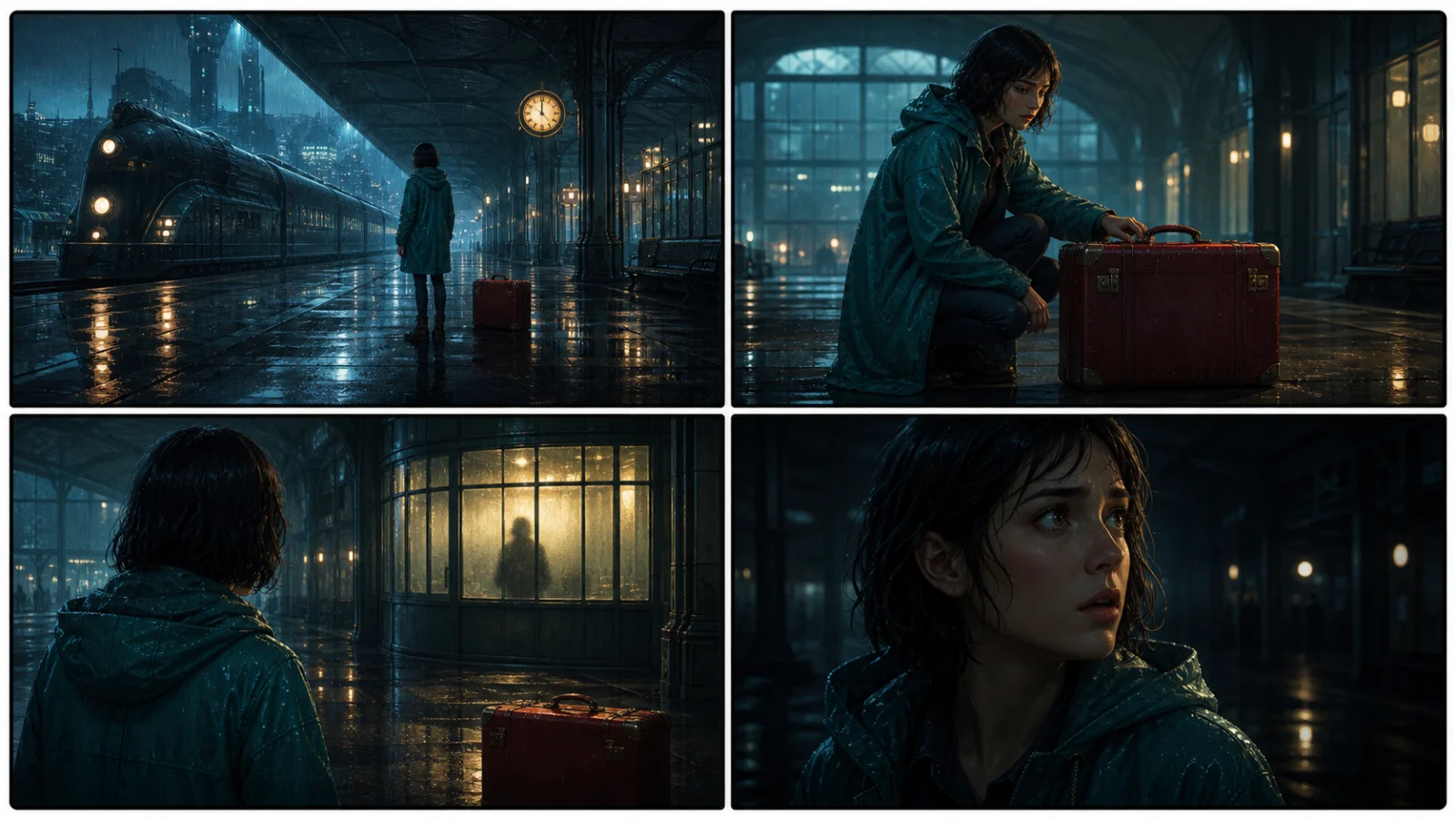
This illustrative sequence follows Mara, her teal raincoat, and a red suitcase through four station shots. Use it as a guide: keep a character, location, and key prop consistent when you adapt your own draft into a storyboard or comic.
Explore script to storyboardThe same rainy-station story, imagined as a reading copy, a handheld proof, different cover designs, and a coordinated author set.
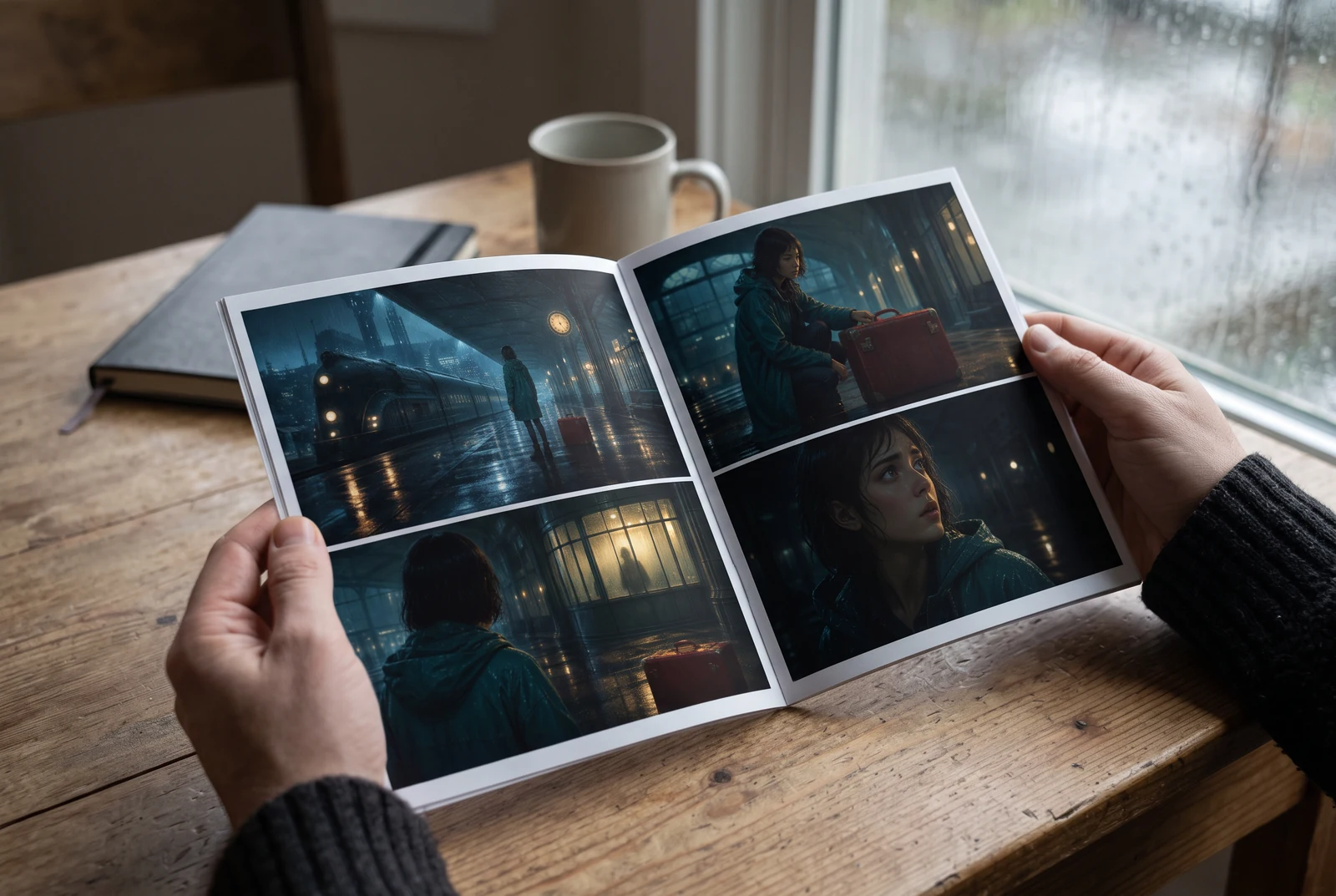
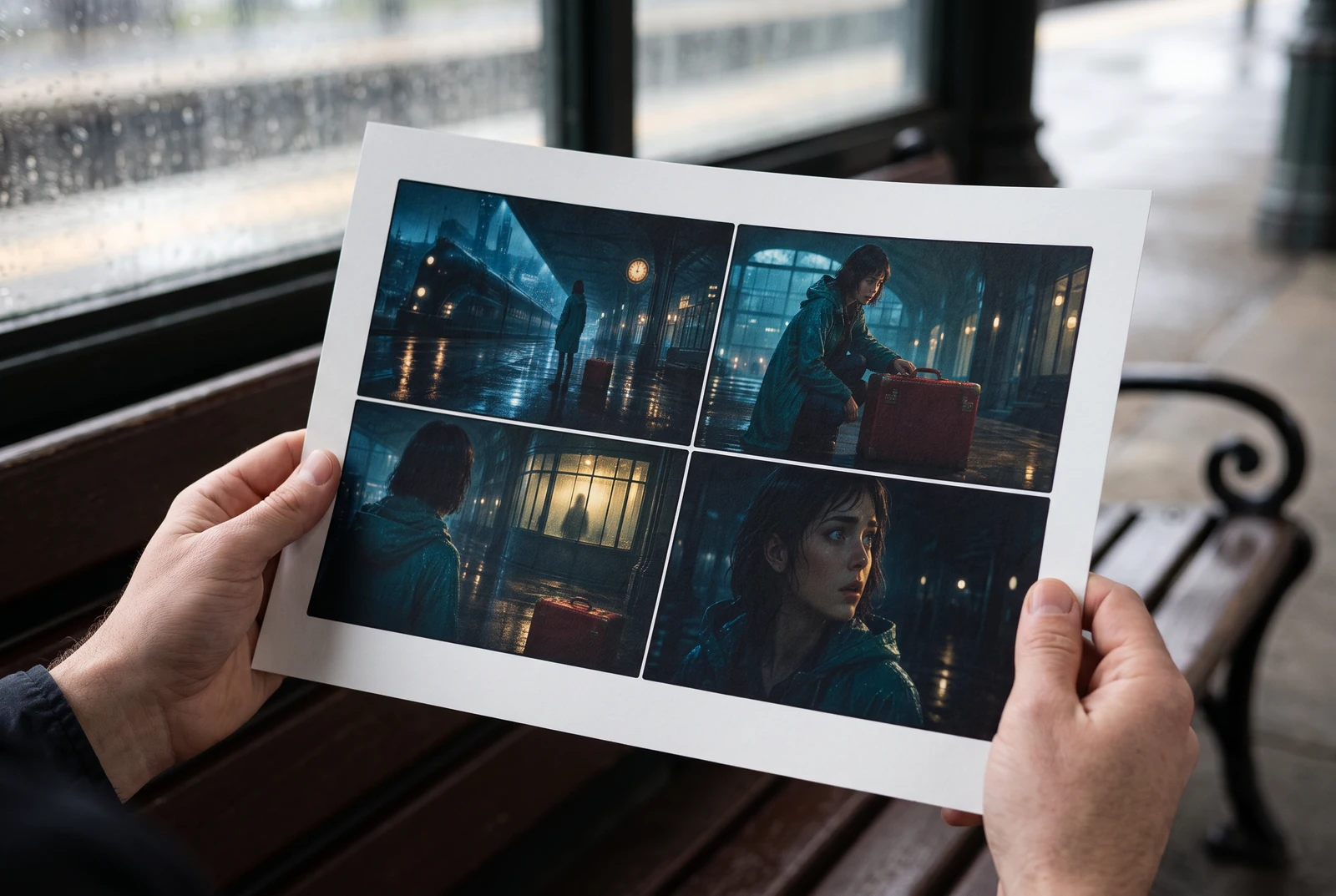
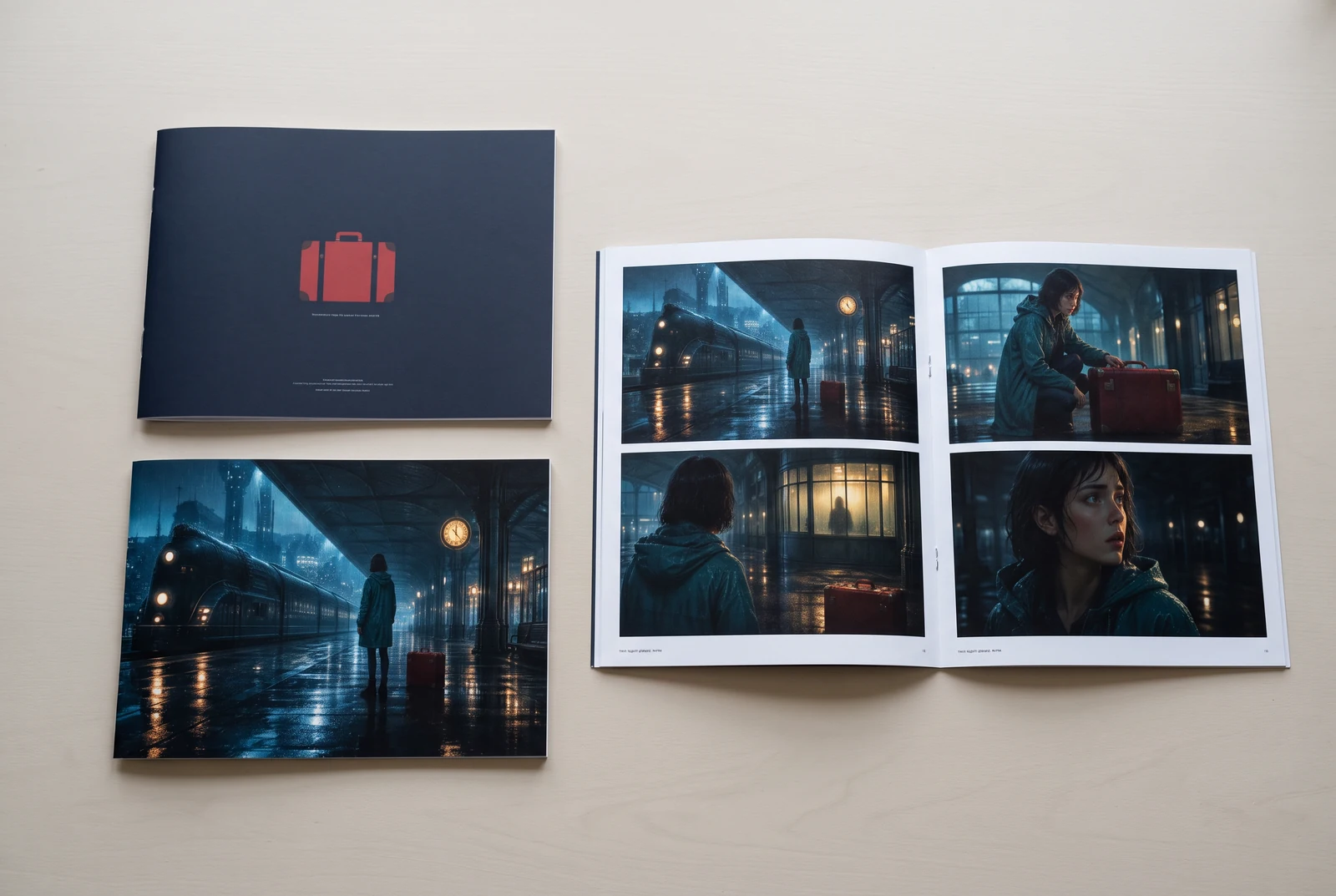
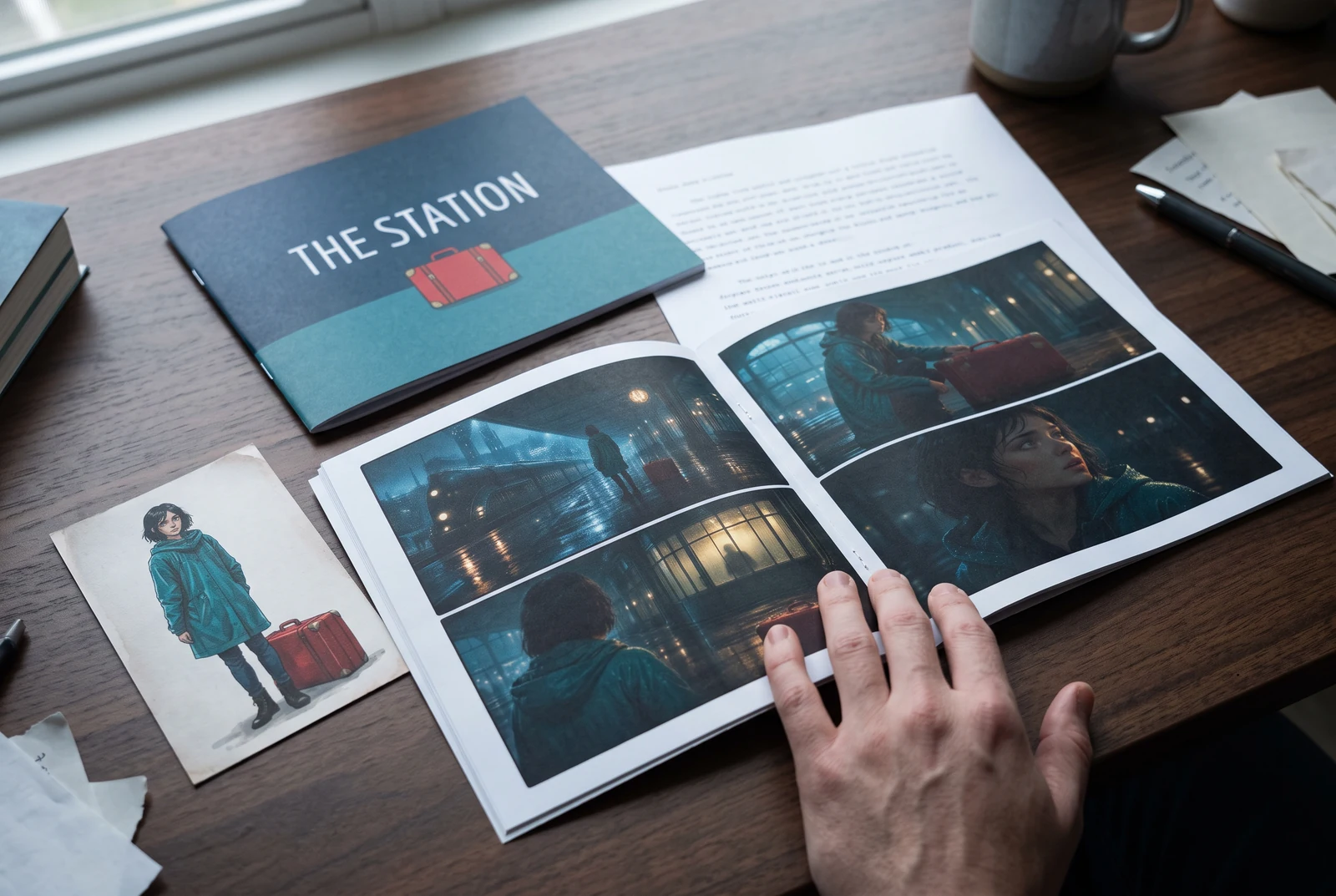
AI-generated display concepts using original LlamaGen story art. Paper examples illustrate personal printing and reading; they are not customer photographs or a print-delivery offer.
Test a premise, change the point of view, or work through the opening of a short story.
Draft scene beats and dialogue before planning comic panels or storyboard shots.
Create writing prompts and sample narratives. Review the output and follow your classroom or team's AI rules.
Describe a protagonist, setting, goal, and obstacle. Choose a tone and output language in your prompt.
Select Generate story. The result is a draft to review; one response is not a complete book.
Check the voice, facts, and continuity. Continue the next scene or rewrite the opening. Copy a version before replacing it.
Keep this text in this browser for up to seven days while you sign in, then choose a workspace and save it in Story. AI continuation uses your account's plan allowance.
AI can invent facts, repeat familiar phrasing, or lose track of a character. Review every draft before sharing it. Follow LlamaGen's terms and your school or workplace rules; check third-party material before publishing.
Ini adalah alat berbasis browser yang mengubah ide-ide kamu menjadi cerita terstruktur menggunakan AI. Masukkan prompt dan dapatkan draf dengan plot, karakter, dialog, beat adegan, dan arahan visual untuk fiksi, komik, tulisan kelas, video, atau visual novel.
Prompt yang bagus berisi ide cerita, genre, dan tone. Misalnya: 'Seorang penyihir kesepian membuka kafe di hutan' dengan nuansa hangat dan slice-of-life. Semakin jelas idemu, semakin bagus ceritanya. Sertakan detail spesifik tentang karakter, latar, emosi, dan poin plot utama yang kamu inginkan.
Kamu bisa mengedit atau memperluas ceritanya, atau menggunakannya sebagai dasar untuk membuat panel komik atau adegan visual novel dengan ilustrasi, layout, dan dialog menggunakan alat kami. Banyak kreator memakai cerita yang dihasilkan sebagai skrip untuk mengembangkan komposisi panel, ekspresi karakter, dan alur visual.
Alat ini menghemat waktu, memicu kreativitas, dan membantu penulis dari semua level mengatasi kebuntuan. Entah kamu membuat fiksi, komik, visual novel, prompt kelas, atau naskah video, alat ini memberi titik awal cepat dengan struktur naratif yang biasanya butuh berjam-jam untuk disusun.
Yes. Choose Save this draft in Story, sign in, select a workspace, and confirm saving. The text stays in this browser for up to seven days and is never placed in the URL. If you reach a Story plan limit, compare plans and return to save the same draft.
Kamu bisa membuat draf pertama di halaman ini tanpa membeli software penulisan. Masuk akun akan membuka Story, riwayat tersimpan, storyboard, komik, dan workflow video, yang menggunakan kredit paketmu.
Alat ini mendukung prompt cerita fleksibel untuk romansa, fantasi, horor, drama, komedi, kehidupan sekolah, dan genre eksperimental. Alat ini tidak memaksa ide kamu ke satu template generik, sambil tetap menjaga pembuatan tetap sesuai aturan keamanan platform.
Kamu bisa terus membuat draf baru, akhir alternatif, plot twist, alur karakter, dan versi adegan saat sedang mengeksplorasi. Proyek yang lebih panjang, riwayat tersimpan, dan produksi visual menggunakan akun dan kredit paketmu.
Sebagian besar cerita dibuat dalam 5-10 detik, tergantung kompleksitas dan panjangnya. AI kami memproses prompt hampir seketika, jadi kamu bisa iterasi cepat dan mengeksplorasi beberapa arah cerita dalam hitungan menit.
Kami mendukung semua genre utama termasuk romansa remaja, fantasi urban, superhero, sci‑fi, horor, misteri, slice-of-life, aksi, supernatural, komedi, drama, sejarah, dan lainnya. Cukup sebutkan genre yang kamu inginkan di prompt.
Kamu bisa membuat draf pertama di halaman ini tanpa membuat akun. Masuk akan membuka Story, riwayat lintas sesi, storyboard, komik, dan workflow video, yang menggunakan kredit paketmu.
Saat ini, prompt dalam bahasa Inggris menghasilkan draf yang paling andal. Kamu tetap bisa menulis premis dalam bahasa lain; tinjau hasilnya dengan cermat dan lanjutkan mengedit di Story.
LlamaGen builds tools for writing, comics, and storyboards. Explore the team and product, check plan details, or contact support before choosing a workflow.
Write a premise. Explore an opening. Decide what happens next.
Generate story