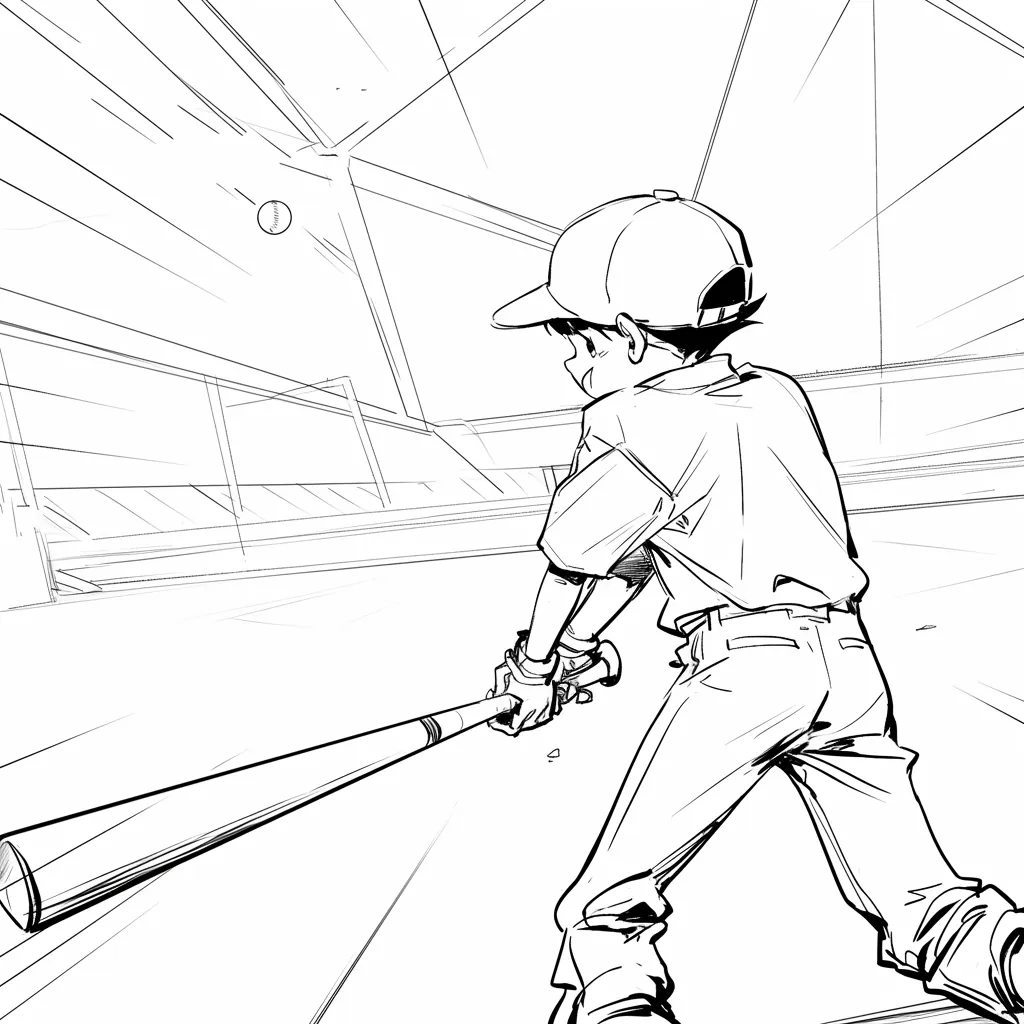
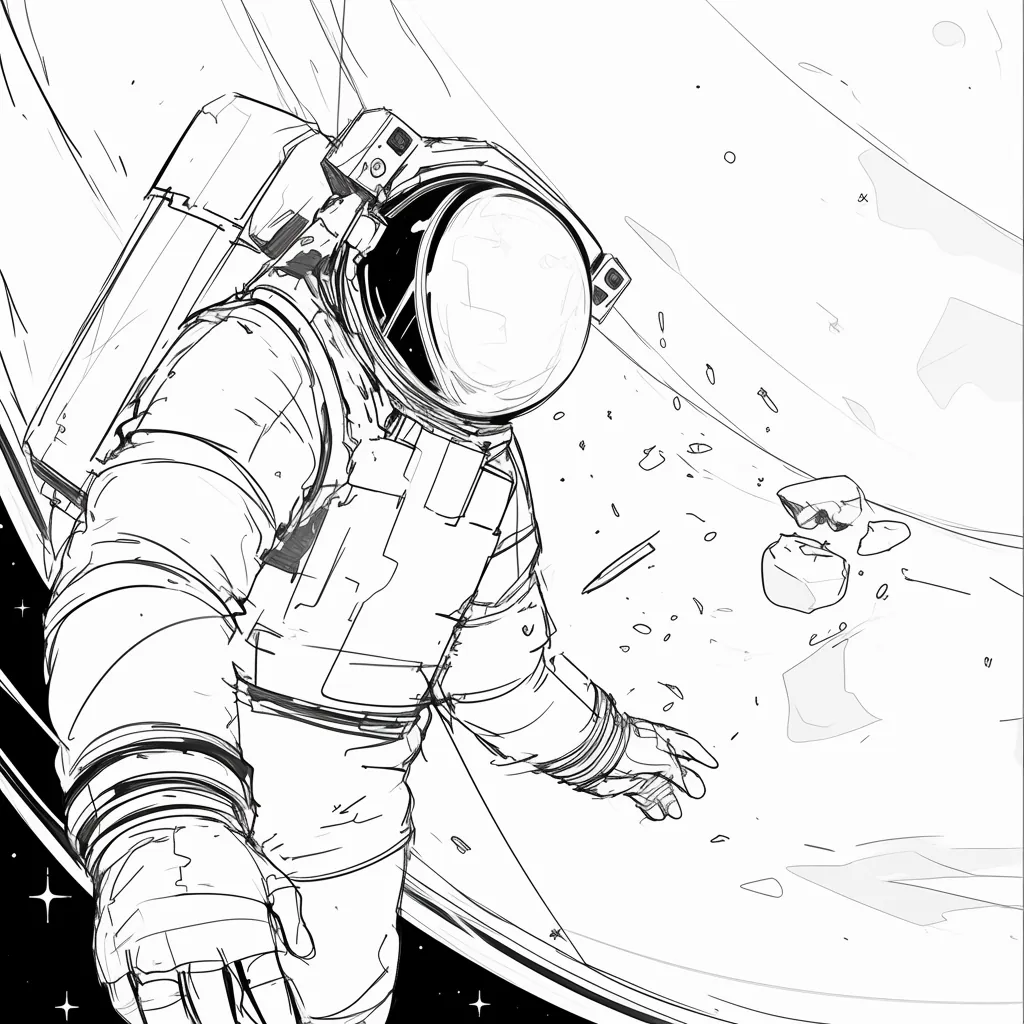
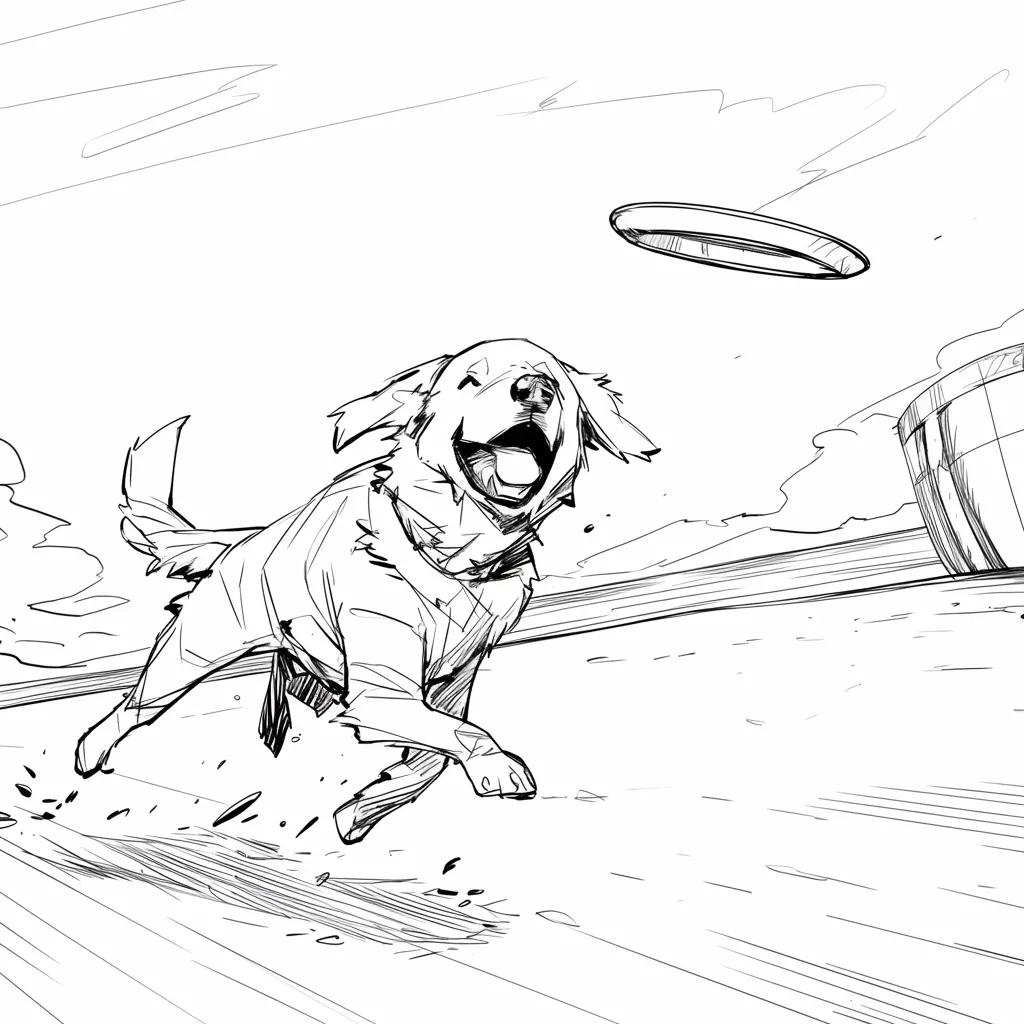
AI Story Board for Scene Planning

Arrange scenes on a shared story board. Review shot order, visual beats, and framing with your team before you shoot or animate.

Storyboard Showcase

AI Generated • Storyboard to Video

Scene planning board

Keep every scene on one story board

A story board is the shared surface a crew looks at before production. LlamaGen helps you pin scenes, check order, and mark missing beats without jumping between slides and chat threads.

Primary audience

Directors, producers, and classroom teams

Use this when you need a board the room can point at: scene order, framing notes, and the next shot to discuss.

Start a story board

Scenes live in too many files

Notes, stills, and comments sit in different docs, so nobody agrees on the current order.

The board is hard to rearrange

Moving one scene means rebuilding a slide deck or reprinting a paper grid.

Review stays verbal

Teams debate coverage in meetings instead of looking at the same sequence.

The aha moment

Before

A pile of scene notes and reference stills with no shared board.

After

One story board with ordered scenes, visual beats, and room for notes.

Story board workflow
  1. 1Add the scenes you already know.
  2. 2Place them on the board in shooting or story order.
  3. 3Mark framing, missing beats, and notes on each card.
  4. 4Share the board for review before production.
Planning payoff
1 board
Shared review surface

Writers, directors, and clients look at the same scene order.

Minutes
Reorder a scene

Move a card instead of rebuilding a deck.

Case study

Classroom short to a reviewable board

A teacher drops five scene cards onto one story board so students can argue shot order before anyone draws final frames.

Result

The class reviews pacing on the board, not in a long verbal recap.

LlamaGen story board, scene planning

Related writing workflow

Move the draft into screenplay form.

Use the AI Screenplay Editor when a script, fiction draft, storyboard brief, video idea, or canvas note needs proper scene headings, action, dialogue, parentheticals, cover pages, outlines, beats, and collaboration-ready revisions.

Hollywood formattingOutline, cover, and beatsAdvisor notes
Explore AI Screenplay Editor
Screenplay passReady

INT. COMMUNITY CENTER - NIGHT

Folded chairs. A storm outside. MAYA stands at the microphone with a page of notes she no longer needs.

MAYA

If the city will not read the record, we will read it out loud.

FormatHollywood
Beatslinked
Story board workflow

From scene cards to a shared board

Start with the scenes you already have. Place them on the board, mark missing beats, and keep the sequence in one place.

1

Collect the scenes

Add scene titles, notes, or stills you already use in planning.

2

Arrange the board

Put cards in story order or shooting order so the room can see the path.

3

Leave notes on each card

Mark framing, missing coverage, and questions before review.

4

Angles and motion

Tune angles in 3D and convert approved frames into animatic motion.

5

Export the package

Share shot lists, boards, animatics, and pitch-ready files with the team.

The board stays the source of truth while frames and notes change.
Scene planning board

Keep scenes, notes, andorder on one board

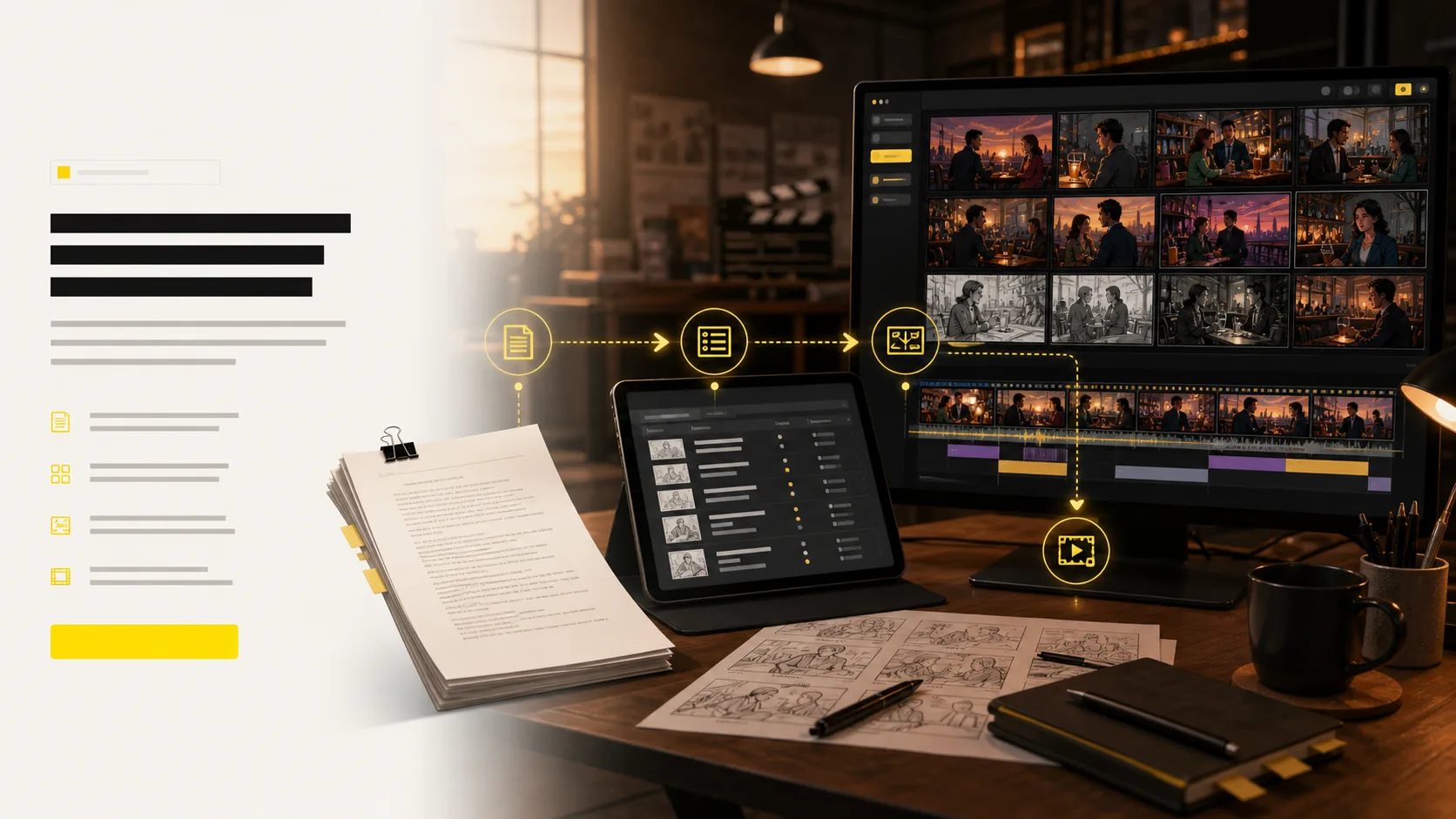
Use this story board when the job is planning, not generating a full package from a prompt. Pin scenes, check sequence, and hand the same board to the next review.
Scene cards
Board order
Review notes
Handoff
See the whole sequence without opening a slide deck.
Move a scene without rebuilding the plan.
Keep notes next to the card they belong to.
Share one board instead of a folder of stills.
Start a story board
Online story board with ordered scene cards and review notes
Outfit AI for storyboard continuity

Change the look once.Apply it to the right scenes.

Choose an approved OUTFIT asset, preview it on the character, and decide whether the change belongs in one scene, every following scene, or the entire project. The story gets a clear wardrobe timeline without identity drift.

Create character outfits
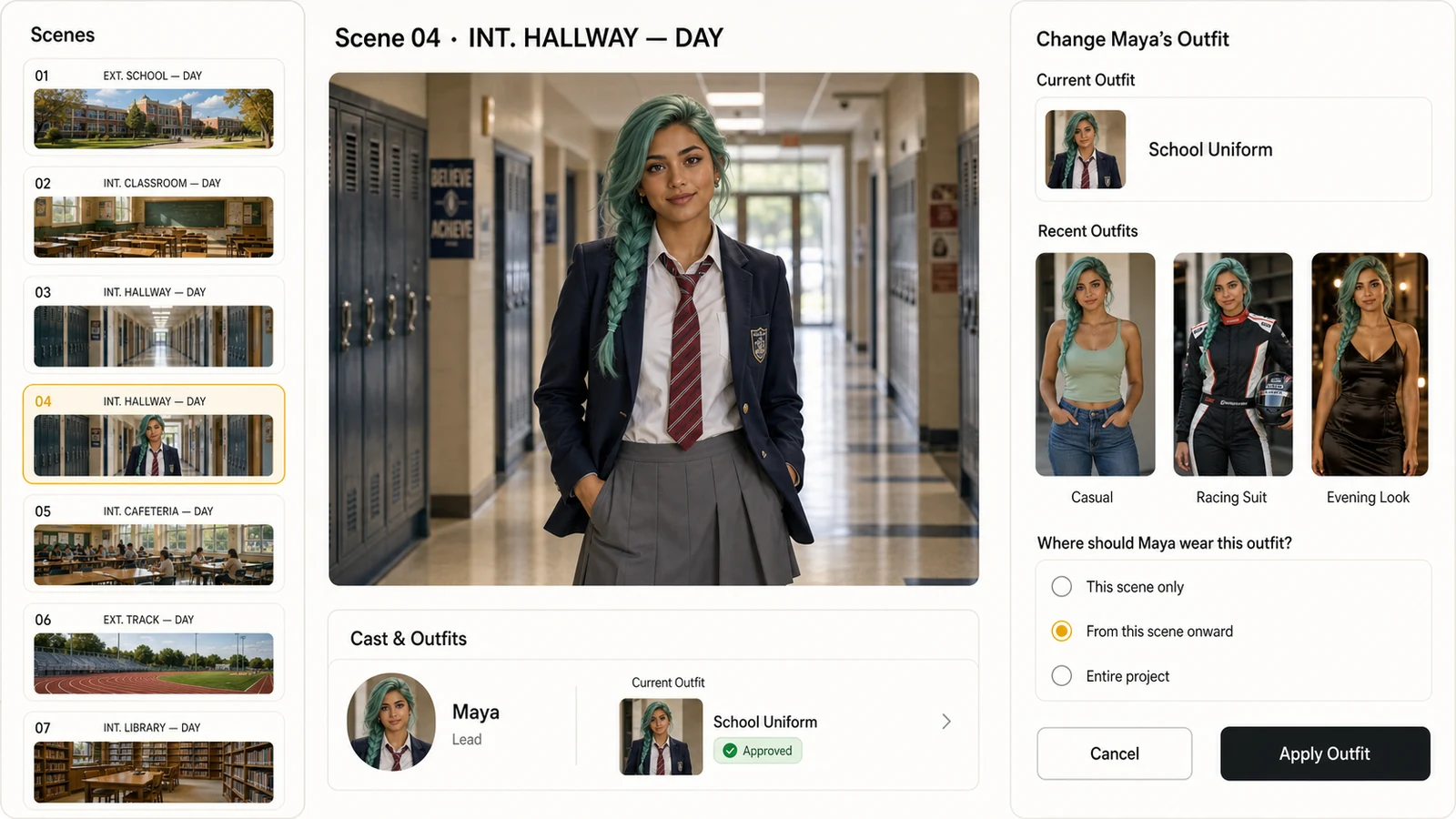
LlamaGen storyboard editor showing a photorealistic character, recent outfits, and controls for applying an outfit from the current scene onward
Scene-aware outfit continuity
01This scene only
02From this scene onward
03Entire project

Approved look

Select from approved character outfits instead of recreating the wardrobe inside every shot.

Scene range

Apply a look to one scene, all following scenes, or the whole project with an explicit range.

Identity continuity

Keep the same face, hair, body proportions, and visual identity while the clothes change.
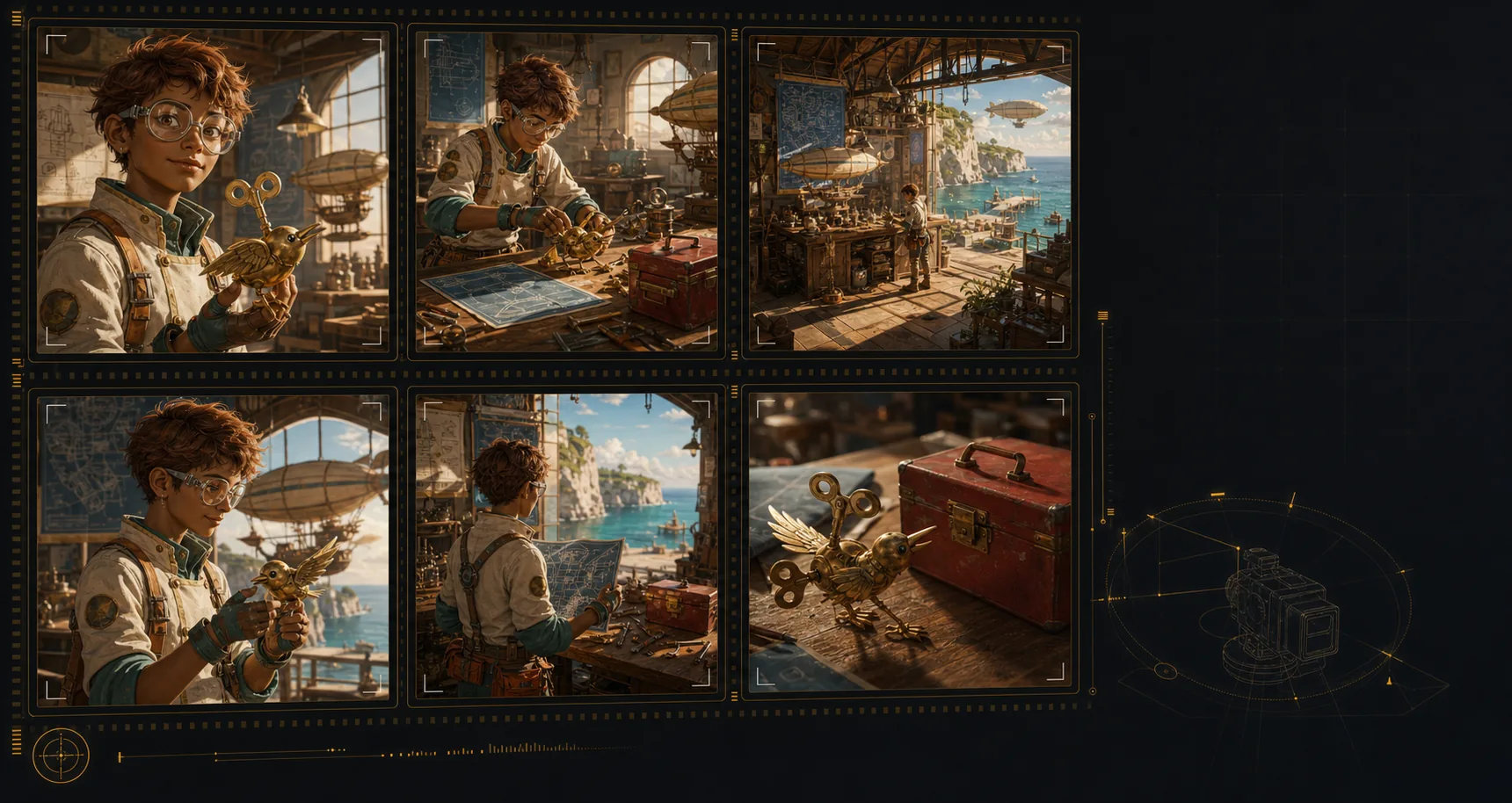
Generated storyboard panels showing consistent character, location, and prop continuity
Visual lock
Character
Location
Object
Continuity engine

Lock cast, props,and locations across shots

Create an AI storyboard where the same characters, environments, wardrobe, and hero objects remain recognizable across the sequence. That continuity makes each shot feel planned, connected, and ready for review.
Keep the same character identity, wardrobe cues, and silhouette from scene to scene.
Return to recognizable locations even when the shot size or camera angle changes.
Carry important props and objects through the board without visual drift.
Build a storyboard that reads like one production, not unrelated AI images.
Build a consistent storyboard
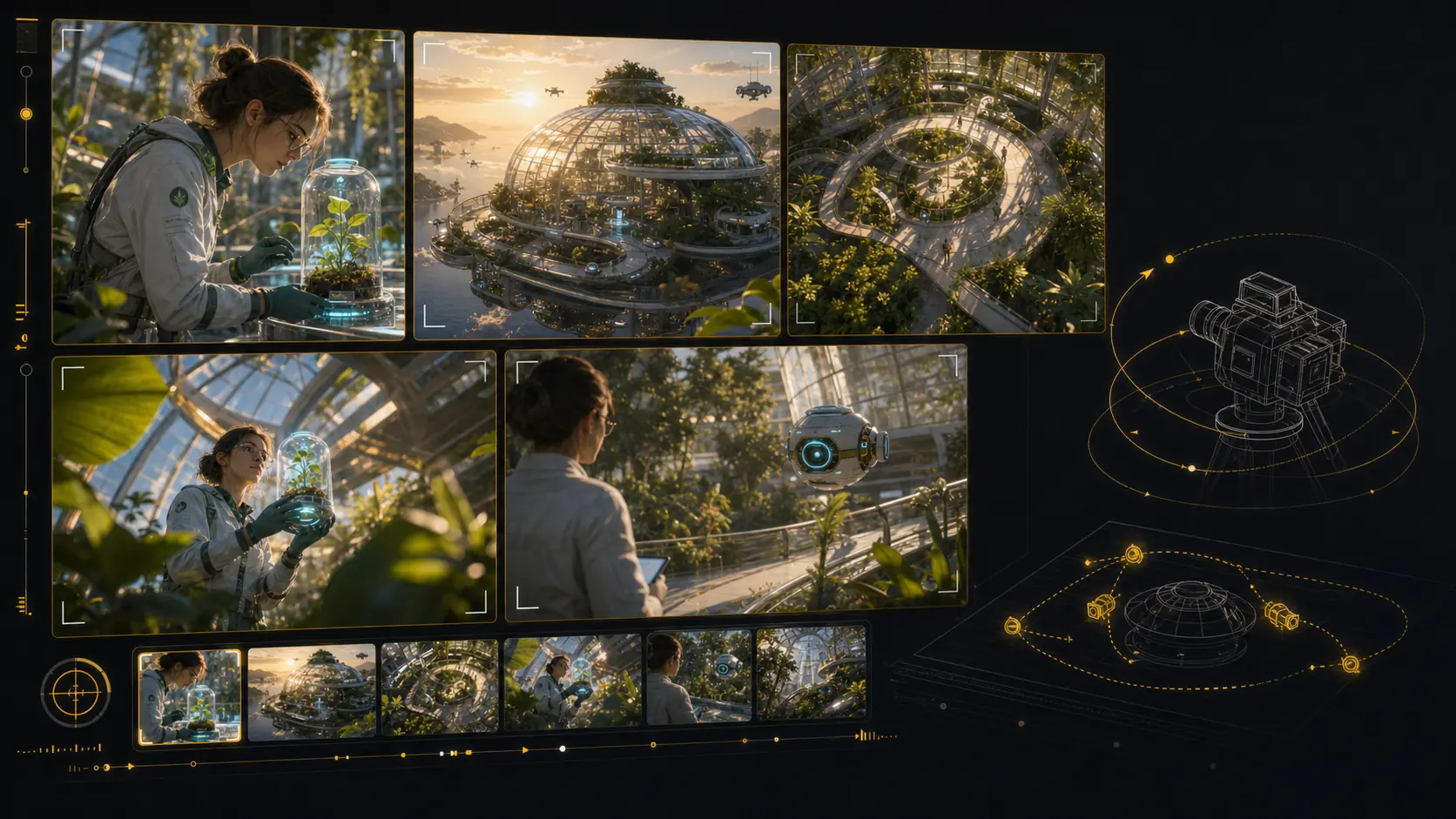
Generated 3D camera-angle storyboard tool with multiple framings of the same scene
Angle preview
Close
Wide
Top
Low
Shot framing control

Reframe shots with3D camera control

Test camera angles for an AI storyboard without rebuilding the scene from scratch. Reframe the setup, compare shot sizes, and give your director, DP, editor, or client a clearer visual decision.

Explore camera position in 3D space from the same storyboard setup.
Orbit, pan, tilt, and zoom to compare practical framing options.
Preview close-ups, wides, overheads, and low angles before the next render.
Share clear shot language for framing, height, lens feel, and blocking.
Reframe a storyboard shot
AI animatic studio

Generate animaticsfrom storyboard frames

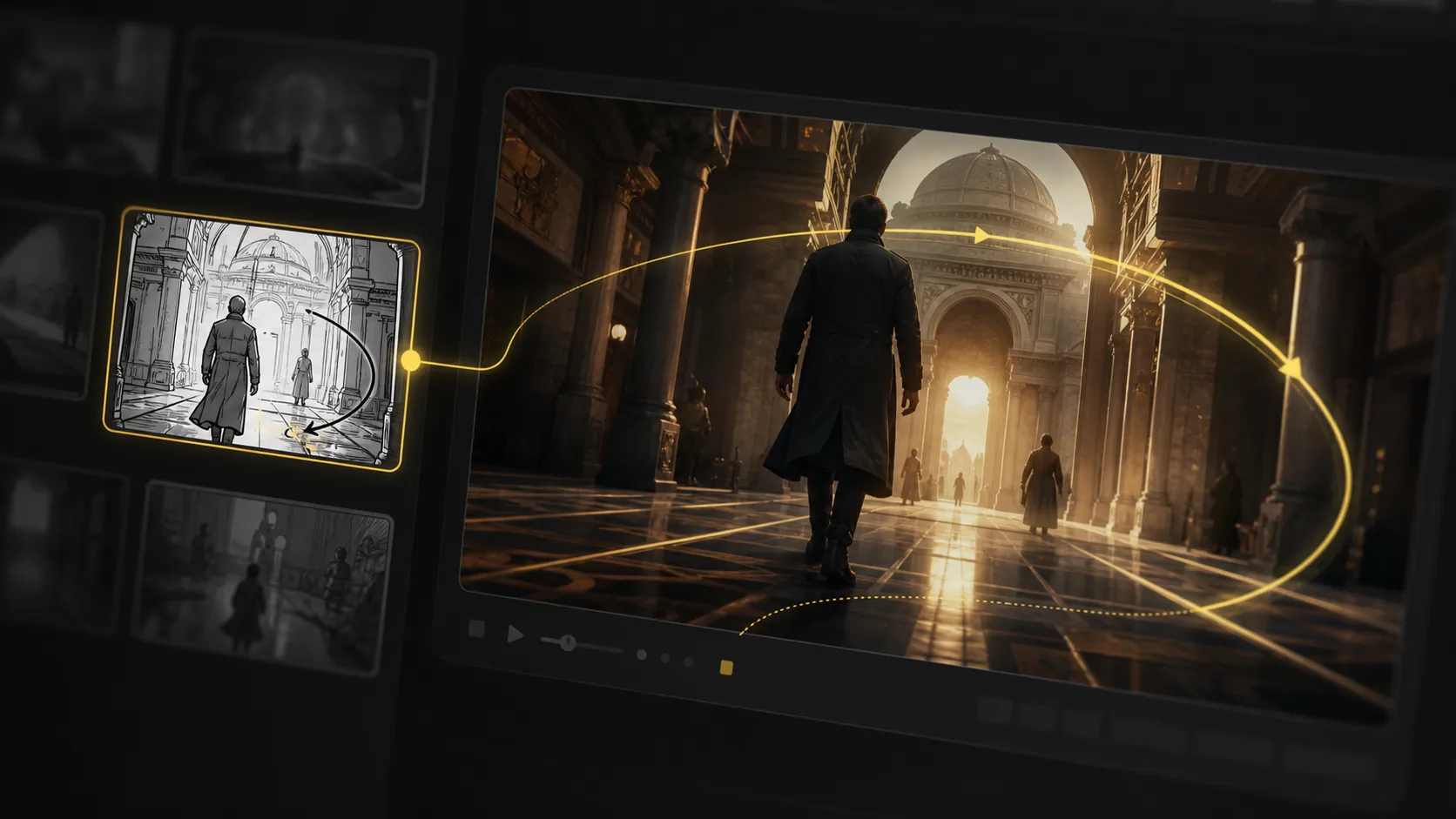
Use LlamaGen as an AI storyboard video generator: choose a frame, describe the camera move and duration, then create a motion test that stays anchored to the approved shot. Static boards become pitch-ready animatics and multi-shot reviews without leaving the storyboard workflow.

Frame-to-clip

Start from an approved storyboard frame so the clip keeps the same composition.

Motion notes

Add a push-in, tracking move, orbit, hold, or timing beat before generation.

Animatic review

Compare generated clips with shot notes, scene order, and edit intent in one place.
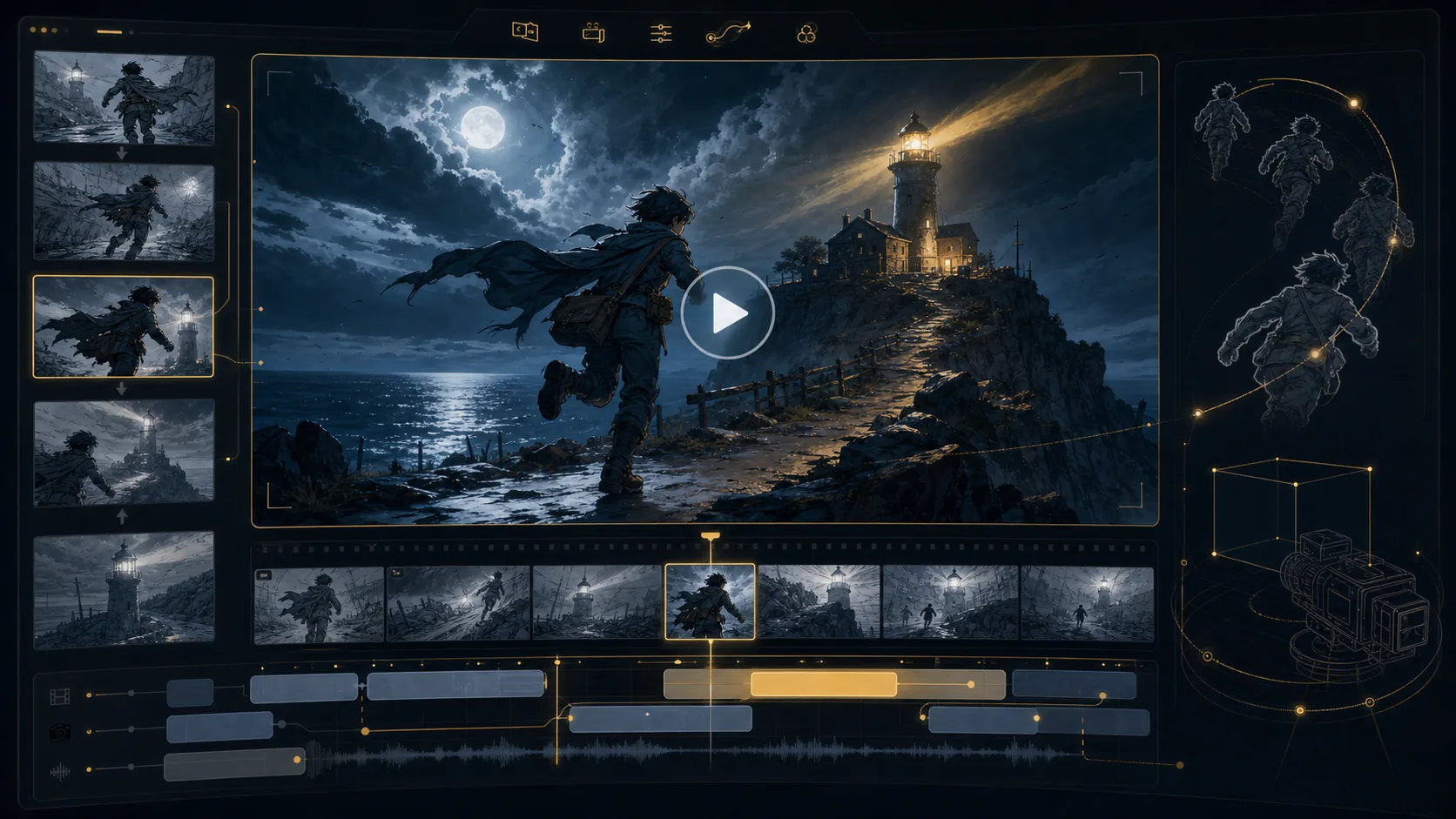
Final animatic preview
16:9
Generated AI storyboard video generation workspace preview
Generated AI storyboard video preview with camera motion path
Motion path
Generated storyboard camera angle pass prepared for animation
Angle pass
Generated storyboard pipeline preview for animatic handoff
Timeline handoff
Unlimited storyboard variations

Keep regenerating until the shot works.

Refine AI storyboard images through real creative rounds: alternate angles, cleaner compositions, different moods, and stronger visual continuity without treating every frame like a scarce credit.
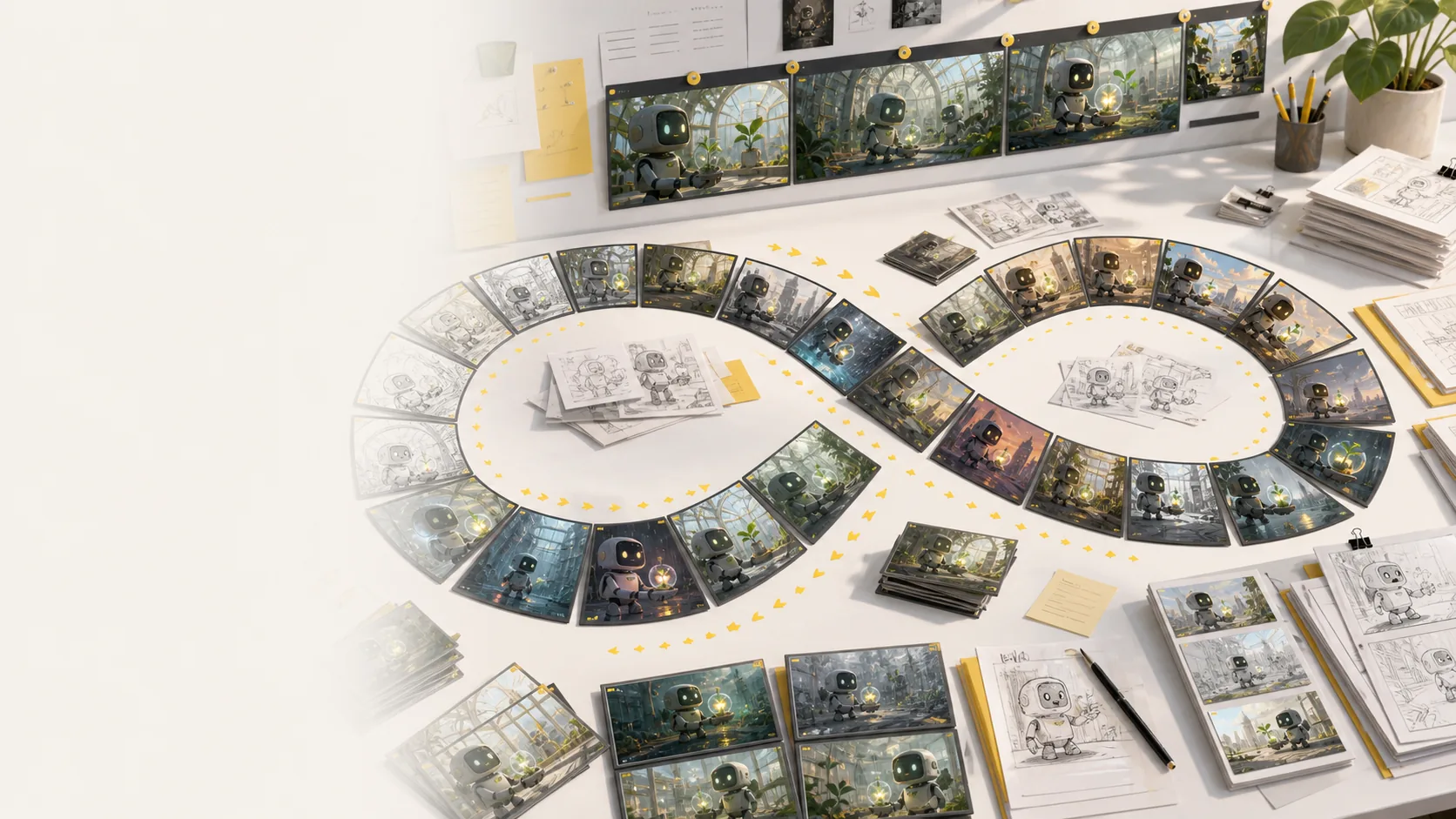
Generate more storyboard variations whenever a scene needs another pass.
No per-image credit counter interrupting exploration or client revisions.
Regenerate shots, revise framing, and compare style directions side by side.
Keep testing mood, lighting, layout, and camera ideas until the board works.
Explore more variations
Generated storyboard variation desk showing many AI storyboard frame options, sketches, and revisions
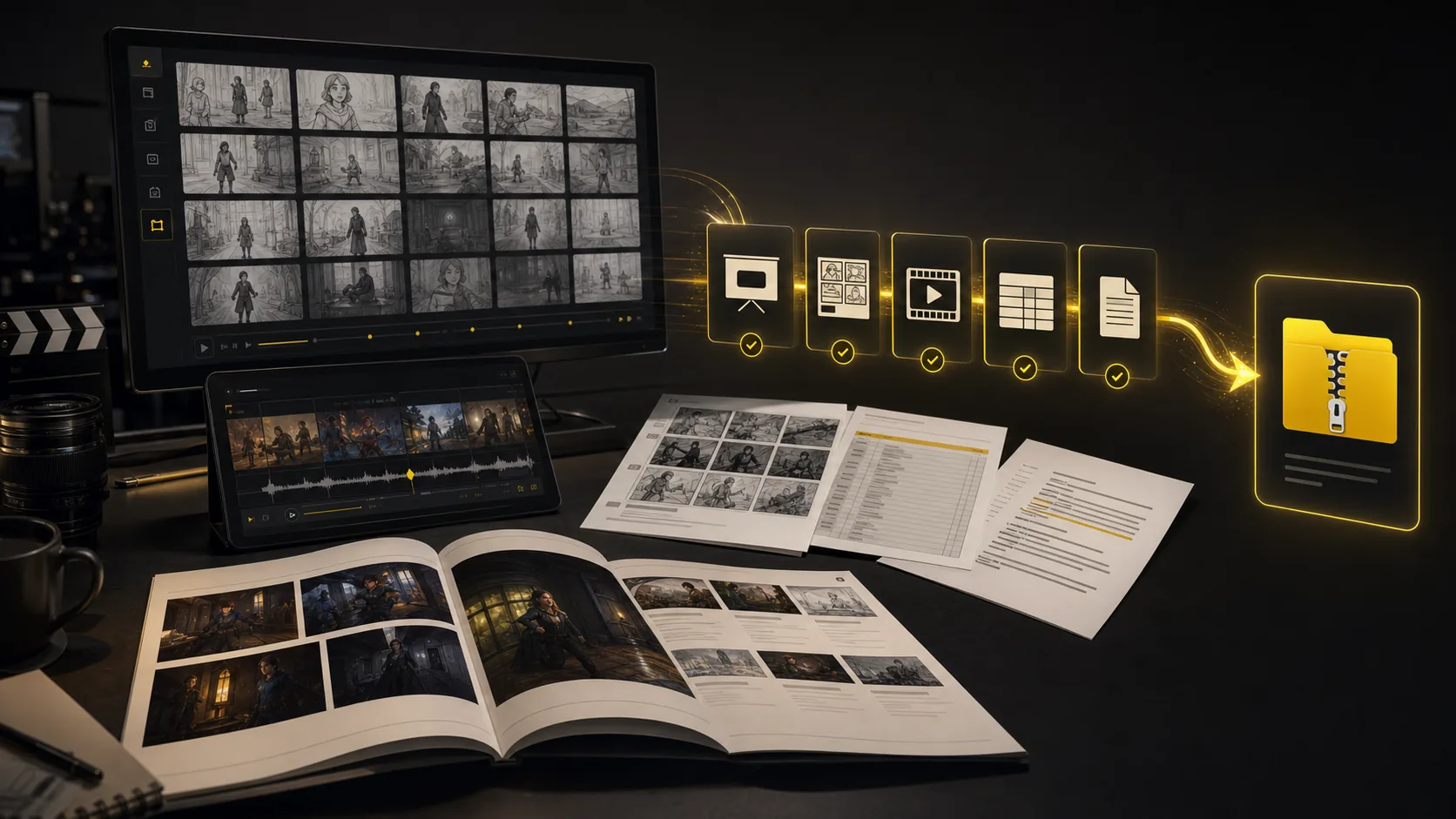
Generated storyboard export suite with PDF, XLSX, image ZIP, MP4 animatic, and XML handoff formats
One project, every handoff
Export suite

Export every storyboarddeliverable together

Turn a finished storyboard project into files a production team can use immediately: screenplay, shot-list, and storyboard PDFs; XLSX shot lists; image ZIPs; MP4 animatics; and XML handoff packages.

Screenplay and shot-list PDFs
Storyboard PDF and image ZIP
Shot list Excel (.xlsx)
MP4 animatic and XML package
Package the same AI storyboard for clients, editors, producers, and crew.
Export screenplay, shot-list, and storyboard PDFs plus XLSX shot lists.
Keep frames, scene notes, timing, camera direction, and revisions attached.
Move from creative review to production handoff while context is still intact.
Build a production handoff
All tools connected

Every pre-production tool lives in
one storyboard workspace

The core sections show the main workflow. This bento grid covers the supporting AI storyboard tools around it: inputs, styles, continuity, video, variations, camera planning, and production handoff.

Most popular

Storyboard-to-animatic clips

Generate AI animatics from approved storyboard frames with camera motion and timing notes.

Hover to preview
AI storyboard animatic preview generated from storyboard frames

Storyboard-to-animatic clips

Sketch cleanup

Turn rough boards, loose thumbnails, and scene notes into cleaner visual panels.

Hover to preview
AI storyboard workflow converting rough input into visual panels

Sketch cleanup

Style direction

Compare visual routes for tone, genre, lighting, and brand style before the board locks.

Hover to preview
AI storyboard style direction preview with consistent visual language
AI storyboard variations for style and mood direction

Style direction

Unlimited variations

Regenerate shots, moods, angles, and layouts without managing per-image credits.

Hover to preview
Unlimited AI storyboard variations preview

Unlimited variations

Continuity lock

Keep characters, props, wardrobe, and locations recognizable across generated shots.

Hover to preview
AI storyboard continuity lock for characters, locations, and objects

Continuity lock

Camera move planning

Plan tracking, push-in, orbit, and reveal moves before turning frames into video.

Hover to preview
AI storyboard camera movement planning preview

Camera move planning

Script, prompt, and PDF input

Start from a screenplay, treatment, PDF, scene note, or loose prompt and build the board from there.

Hover to preview
AI storyboard script and prompt input workflow
AI storyboard camera planning frame generated from input

Script, prompt, and PDF input

Production handoff

Export storyboard PDFs, shot list tables, animatic files, and review packages from one project.

Hover to preview
AI storyboard export suite with PDFs, shot lists, animatics, and handoff package

Production handoff

Story boards across planning jobs

Examples of scene boards for shorts, lessons, ads, and pitch reviews.
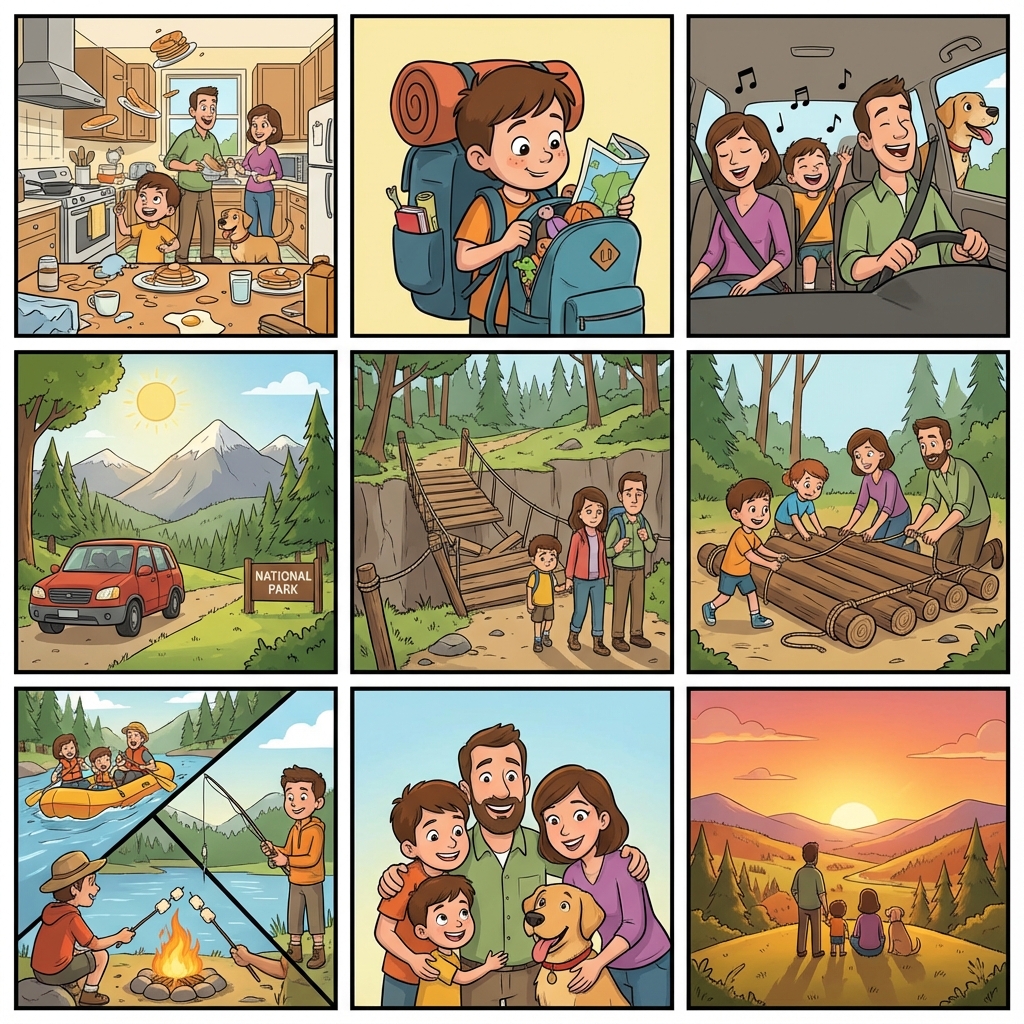
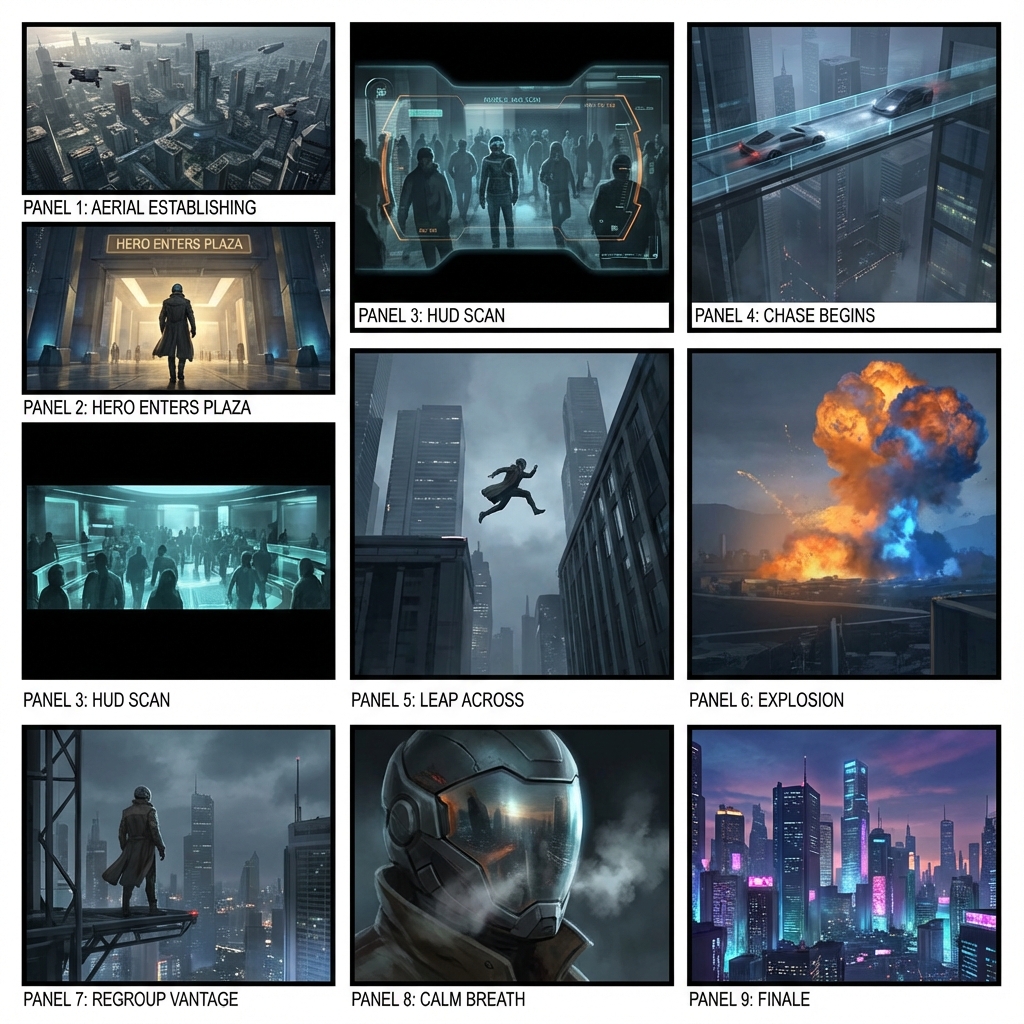
Classroom story board with ordered scene cards
Classroom scene board
Advertising story board for shot order review
Ad review board
Short film story board with scene sequence
Short film board

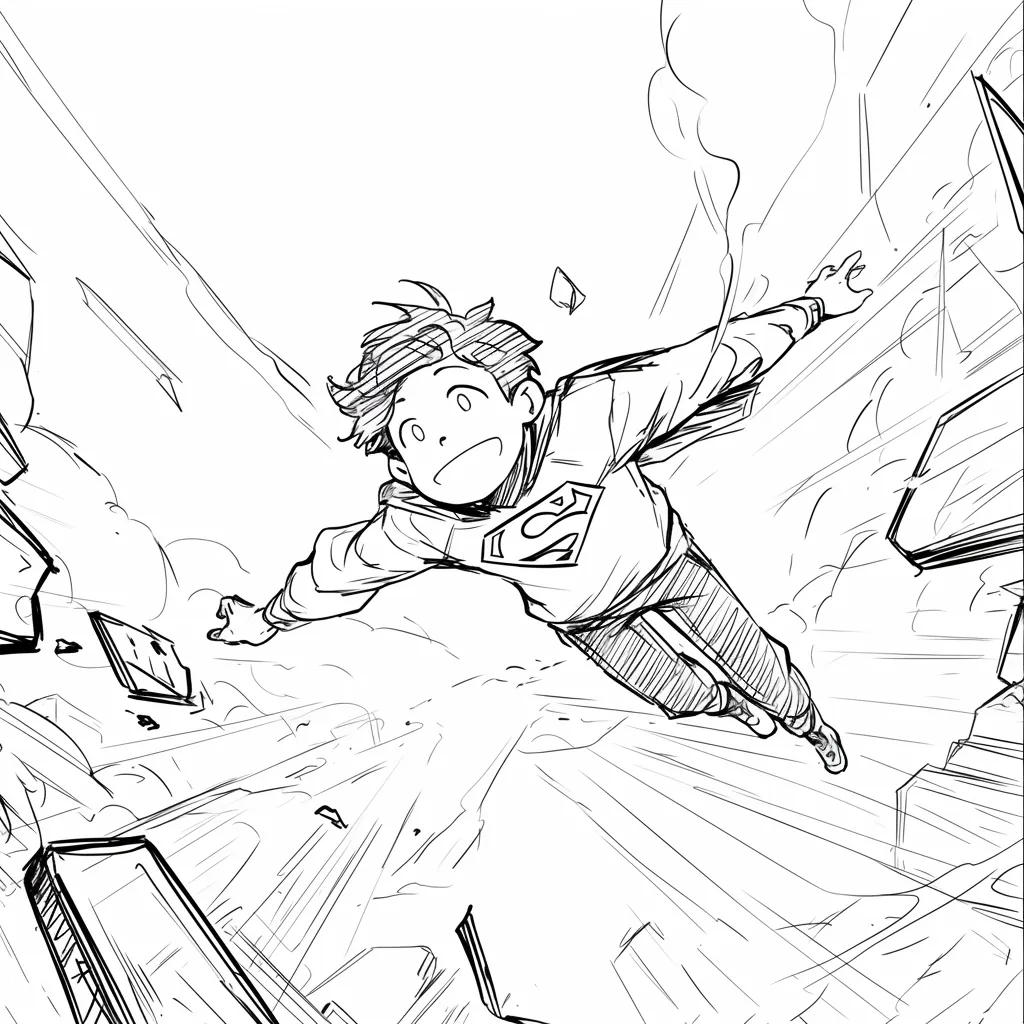
Why Lo-Fi & Grid?

Clarity over Details

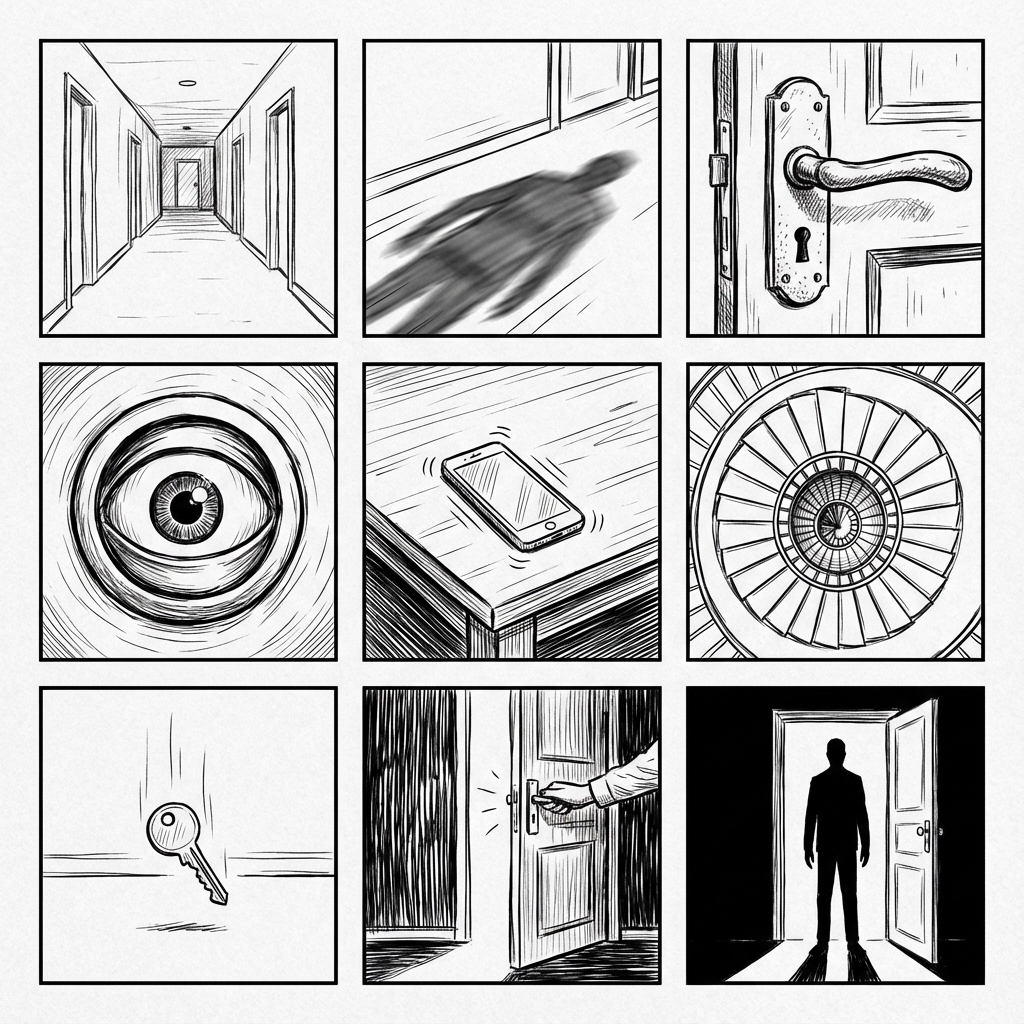
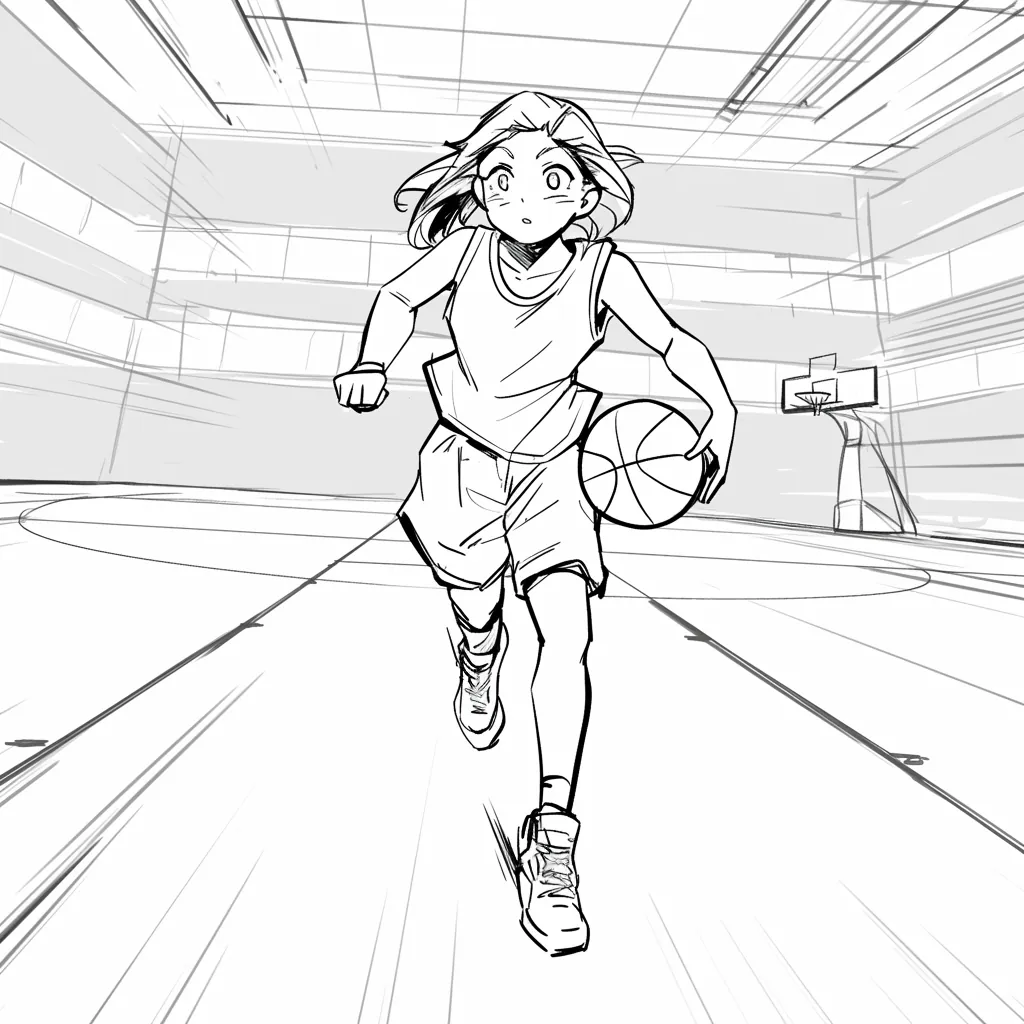
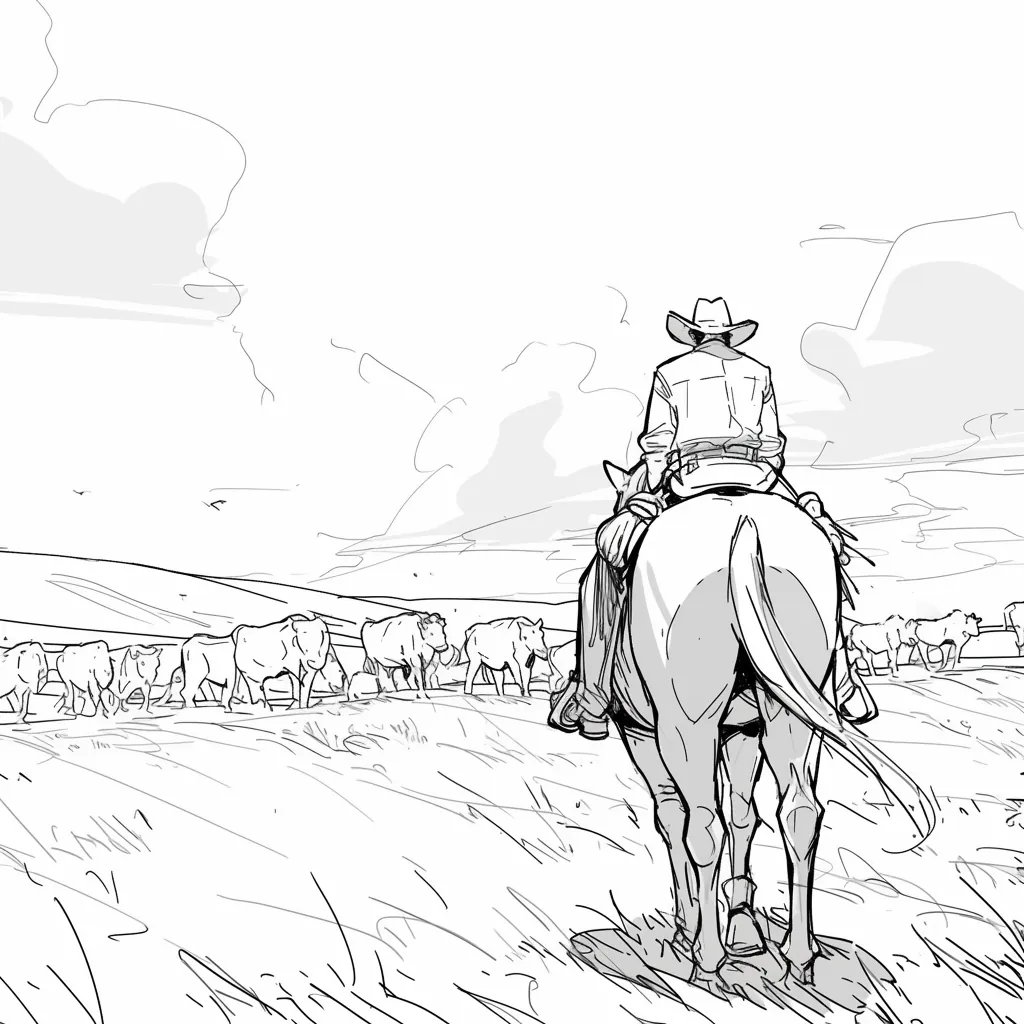
High-fidelity AI images add unintentional details (lighting, textures) that distract stakeholders. Line art keeps the focus on composition and storytelling.
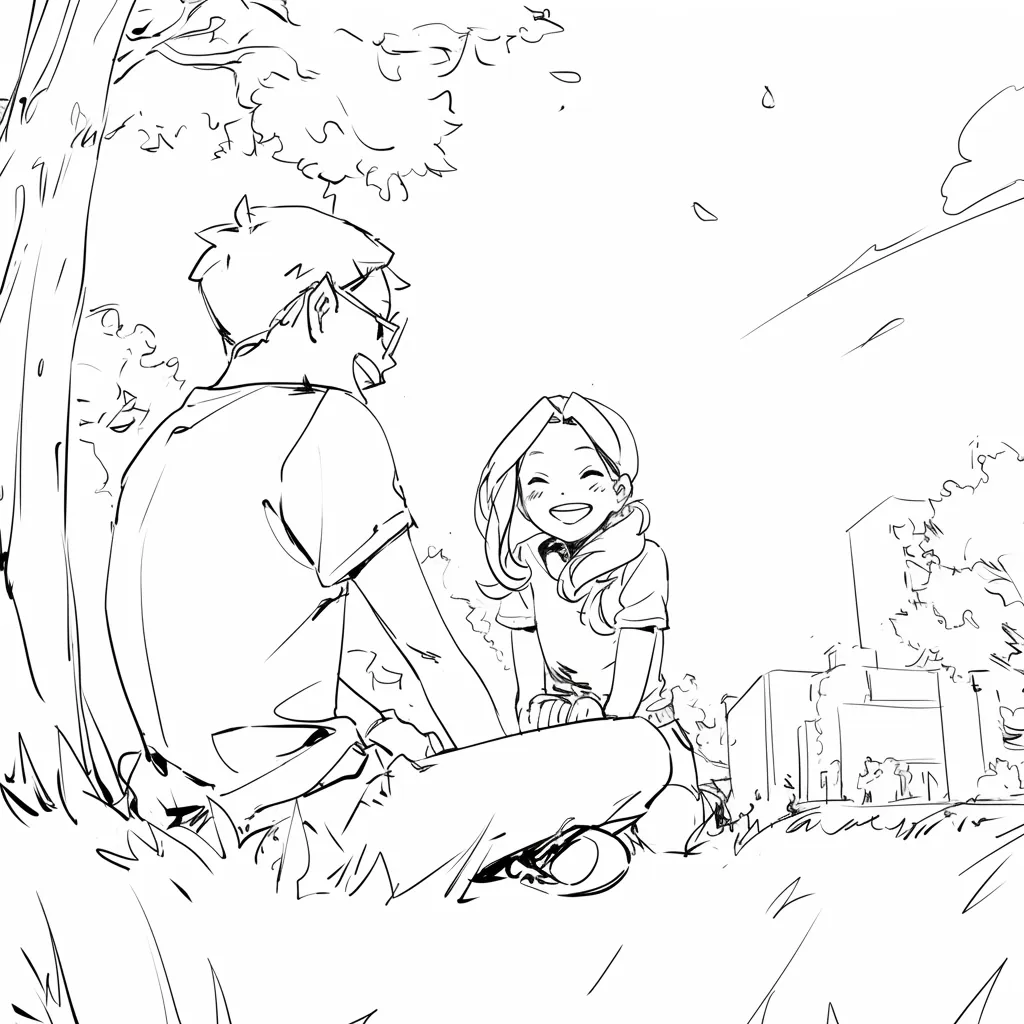
AI Storyboards 1
AI Storyboards 2
AI Storyboards 3
AI Storyboards 4
AI Storyboards 5
AI Storyboards 6
AI Storyboards 7
AI Storyboards 8

Ontdek Waarom Mensen van LlamaGen.Ai Houden

LlamaGen.Ai is een plek om te creëren, genereren en verbinding te maken met AI.

Maya_Lee

Maya_Lee

@Maya_Lee

I love how simple it is to create unique anime characters. This anime AI really captures the details I envision, and it's perfect for my personal projects!
Sky_Walker

Sky_Walker

@Sky_Walker

This anime AI generator is amazing! It turned my descriptions into stunning anime art in seconds. Super easy to use and the results are always impressive!
Cre_Luna

Cre_Luna

@Cre_Luna

Incredible! The ability to generate anime art from text is a game-changer. It's fast, free, and the artwork is always top-notch. Highly recommend it!
juaner0211589

juaner0211589

@juaner0211589

Dit is een geweldig AI-product. Het kan echt je verbeelding tot werkelijkheid maken. Het is echt cool! Het opent een nieuw tijdperk van strips! Heel erg bedankt voor het harde werk en de toewijding van de ontwikkelaars.
Rubem Didini

Rubem Didini

@rubem-didini

ONTDEKKING VAN AI-TOOLS. Zet tekst om in verbluffende en boeiende stripafbeeldingen en strips - https://llamagen.ai
Cole Lawrence

Cole Lawrence

@refactorordie

Bedankt voor het delen! Ik hoop dat het product leuk is om te bouwen
Benoit

Benoit

@benoitst-laurent

Ja, ik zou heel blij zijn om in contact te komen met mensen uit jouw team en enkele inzichten en ideeën te rapporteren!
Beau HU

Beau HU

@RealFeatBit

LlamaGen.Ai is een product van wereldklasse dat de anime-wereld revolutioneert. Deze krachtige AI-tool, gecreëerd door een team dat diep gepassioneerd is over kunst en anime, verandert stilletjes hoe we dit geliefde medium ervaren.
Jake M.

Jake M.

@jake-m

Als een fervent maker van comic book stijl graphics, heb ik moeite gehad om een tool te vinden die me echt in staat stelt om mijn creativiteit op schaal los te laten. llamagen.ai doorbreekt niet alleen grenzen, maar verbrijzelt ze, en biedt eindeloze mogelijkheden voor mijn projecten. Het is de ultieme AI-aangedreven oplossing waar ik op heb gewacht!
Michael B.

Michael B.

@michael-b

llamagen.ai heeft mijn passie voor verhalen vertellen weer aangewakkerd. Als drukke professional kan het een uitdaging zijn om tijd te vinden voor creatieve projecten. Maar deze app is zo gemakkelijk te gebruiken... Het is alsof ik een creatieve metgezel aan mijn zijde heb!
Bill

Bill

@bill

Ik hou van dit product. Blijf het geweldige werk doen en laat me weten of/hoe ik kan helpen.
Sarah L.

Sarah L.

@sarah-l

Ik heb talloze AI-tools geprobeerd voor het genereren van afbeeldingen. Ze zijn leuk om mee te spelen, maar llamagen.ai is de eerste app waarvoor ik daadwerkelijk een potentiële toepassing zag. De karakterconsistentie trok echt mijn aandacht, omdat het iets is dat ik nog niet eerder had gezien en ik zie de aantrekkingskracht voor zowel professionals als amateurs. Echt een baanbreker!
Suresh Gunasekaran

Suresh Gunasekaran

@digital-marketer-suresh

LlamaGen.Ai biedt een gratis AI-afbeeldingsgenerator en AI-animatiegenerator. Het maakt het proces van het maken van stripverhalen gemakkelijker en sneller, met de focus op het creëren van consistente personages en het beheersen van hun houding, compositie en stijl.
Den

Den

@den

Eindelijk, ik heb mijn strip af 🙂 Bedankt voor de steun!
Velika

Velika

@velika

LlamaGen.Ai is een baanbrekende AI-ontwerptool die een ongeëvenaarde creatieve ervaring biedt voor ontwerpers wereldwijd. De AI-stripgenerator en afbeeldingsgenerator maken moeiteloze en efficiënte creatie mogelijk en doorbreken de grenzen van traditioneel design.

AI story board FAQ

Niet gevonden wat je zocht? Stuur ons een bericht

Meer generatief ontwerp

Visual SuiteAI Comic StudioFree AI Comic Strip MakerAI Kinderboeken Generatorgratis ai strip generatorFree Comic Book MakerComic EditorCharacter EditorVerhaal-naar-stripgeneratorAI Manga StudioStrip naar VideoMuziek naar VideoGratis AI Motion DesignerVideo naar StripAI FilmmakerStem VerhaalgeneratorFree AI Cartoon GeneratorFree Photo to Comic AIFree Photo to Cartoon ConverterFree AI Webtoon GeneratorFree AI Manhwa GeneratorGratis AI Manga GeneratorSocial Media StripsBijbelstrip MakerFree Manga Speech Bubble GeneratorFree AI Storyboard GeneratorAI Scenario-editorGratis storyboard-sjabloonAI Script GeneratorFree AI Camera Angle ControlAI Achtergrond GeneratorAI Afbeeldingsstijl OverdrachtAI Depth Map GeneratorAI Pose GeneratorAI Personage GeneratorAI Personage OntwerpAI Anime-generatorAI Stripboek FabriekAI Verhaal SchrijverKinder verhaalboek makerGeneratieve WorkflowsAI Verhaalboek GeneratorFree Photo to Anime AIAI Manga-scriptgeneratorZwart-wit afbeeldingsfilterAI Manga-inkleurderManga MakerFree Manga Translator AIFree Anime to Real LifeFree AI Anime Character GeneratorAI Pixel Art GeneratorTool voor het Bijsnijden van PersonagebladenStrippaneel-SegmenteertoolFree AI Layer SplitterAI Afbeelding GeneratorStory AIAI Text Adventure GeneratorAfbeelding BijsnijdenAfbeelding comprimerenAI Acrylstandee GeneratorAI Character Sheet GeneratorAI Kerstoutfit GeneratorAI Desktop Huisdier GeneratorAI Duo Personage GeneratorAI Fantasy Personage GeneratorAI Figuren GeneratorAI Galgame UI GeneratorAI Grote Standbeeld GeneratorAI Badge GeneratorAI Tijdschriftcover GeneratorAI Papieren Uitsnede GeneratorAI Polaroid GeneratorAI Ruilkaart GeneratorAvatar GeneratorAI Avatar GeneratorAI Video GeneratorAI Manga GeneratorAI Manhwa-generatorStrip naar Video AICanvas AIContentgeneratie HulpmiddelAI Verhaal SchrijverStory DiffusionAI Stripboek EditorStripfiguur Makerwebcomic makerGratis stripmakerAnime UpscalerConsistente Personages VideoVisueel verhaal schrijvenTekenGrijswaardenafbeeldingStrip makenStoryboard ThatAI Anime-generatorComicgenAI Afbeelding-vervectorisatorChibi StickermakerAnime sticker makerAI sticker generatorAnimepersonage-generatorAI Afbeelding UitbreiderAI Character Sheet GeneratorAI Foto-naar-Schets ConverterGratis Gezichtsloze AI Video GeneratorYouTube Shorts-videogeneratorUGC Advertentie Video GeneratorGeschiedenisvideo GeneratorOude Geschiedenisvideo GeneratorOorlogsdocumentaire GeneratorVerhaal naar Video GeneratorVoice-over Video GeneratorStem VerhaalgeneratorProfessionele DienstenFree Cartoon to Realistic AICartoon naar Realistische AIAI Video Generator met Meerdere ShotsVisuele VertelagentAI Manga GeneratorAI Magisch Meisje GeneratorAI ELF GeneratorAI BoekenschrijverAI ScenarioschrijverAI Boek GeneratorManga Lay-out EditorManga spraakballon generatorManga Text Bubble GeneratorManga paneelgeneratorSkyReels AI videogeneratorSkyReels AI stripgeneratorAI Animatie Verhaal GeneratorAI Consistente Figuren GeneratorAI Kinder Bedtijd Verhaal GeneratorAI Komiko GeneratorAI Monster GeneratorAI Motivatie Verhaal GeneratorAI Filmposter GeneratorAI OC MakerFree Comic Book MakerFantasie AI Kunst GeneratorFlux AI Afbeelding GeneratorGratis AI Kleurplaat GeneratorManga en Anime Boeken GeneratorStokfiguur StripgeneratorSticker GeneratorVideo AgentStrip AgentVisuele VertelagentGeneratieve WorkflowsTikTok Muziek Video Generator
Ready to plan the next scene?

Start with the board.Lock the order later.

Build an online story board your team can point at. Add scenes, move cards, and keep notes in one place before production.