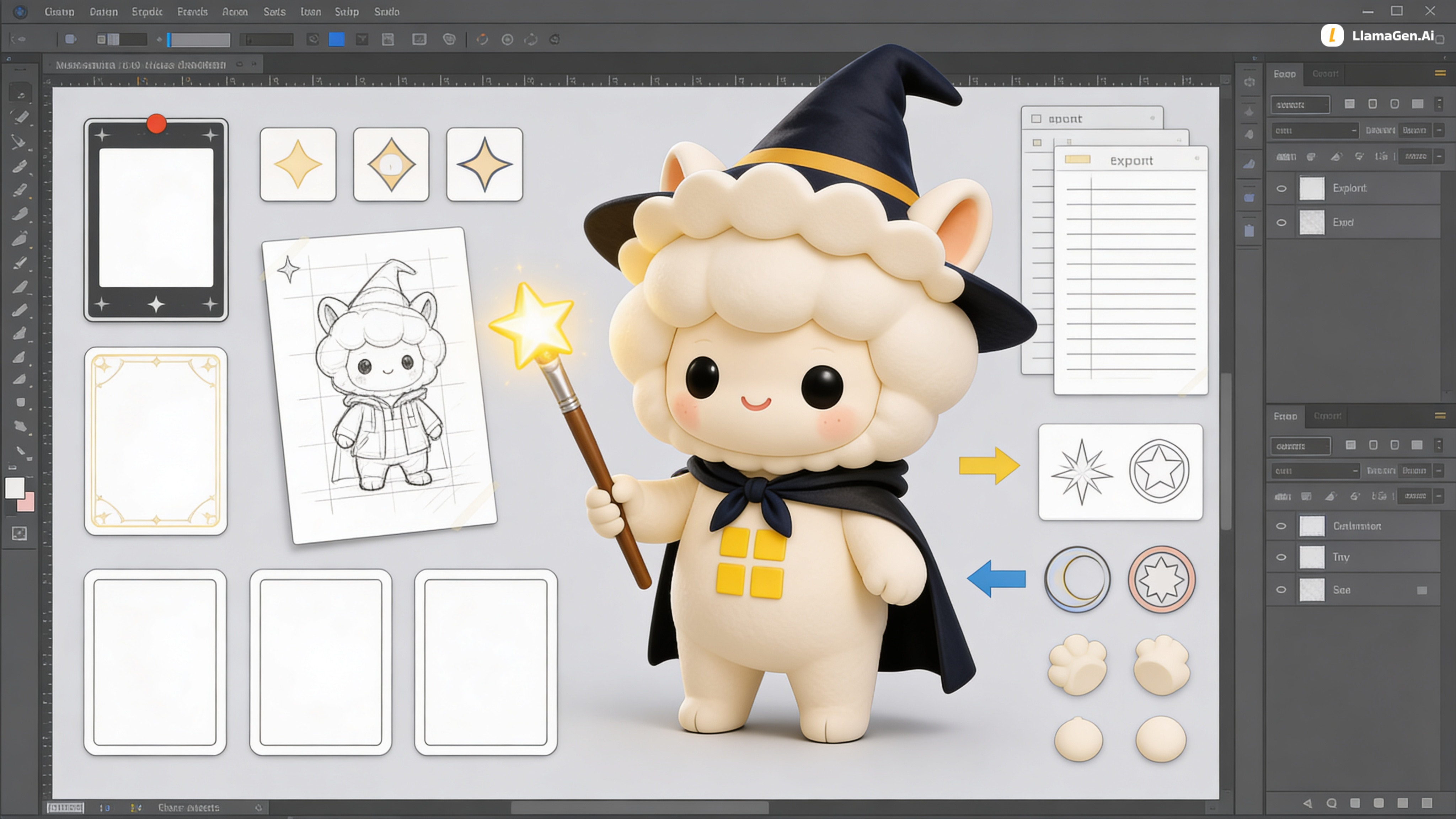
When creating multi-page comics, inconsistent asset placement, unreliable previews, unclear save status, and surprise limits can slow or interrupt your flow. LlamaGen addresses these pain points with a refreshed asset workflow that targets panels directly, robust upload and preview handling, visible save feedback and project tools, plus clear usage guidance and upgrade options so creators can work confidently and predictably.
When arranging pages, creators often waste time dragging and re-aligning assets after insertion. LlamaGen introduces a dedicated asset area and direct insertion into the target panel so images drop where you intend. This makes layout iterations quicker and keeps panels consistent without repeated manual adjustments.
Missing thumbnails or broken uploads interrupt momentum and make it hard to track progress. We improved upload validation and ensured page previews persist and display reliably so attachments and generated pages show expected thumbnails and links. You’ll spend less time troubleshooting uploads and more time refining your story.
Not knowing whether changes were saved or which version you’re editing creates stress and slows work. LlamaGen now provides visible save indicators during saves and auto-saves, plus easy project renaming and better project handling. This immediate feedback and simpler organization keep you confident that your edits are preserved.
Unexpected quotas or unclear upgrade options can halt larger projects mid-creation. Free projects now have a clear 20-page threshold before batch page generation requires upgrading, and an in-app pricing panel with a short plan quiz helps you find the right option. That transparency helps you plan bigger stories and choose a plan that matches your workflow without guesswork.

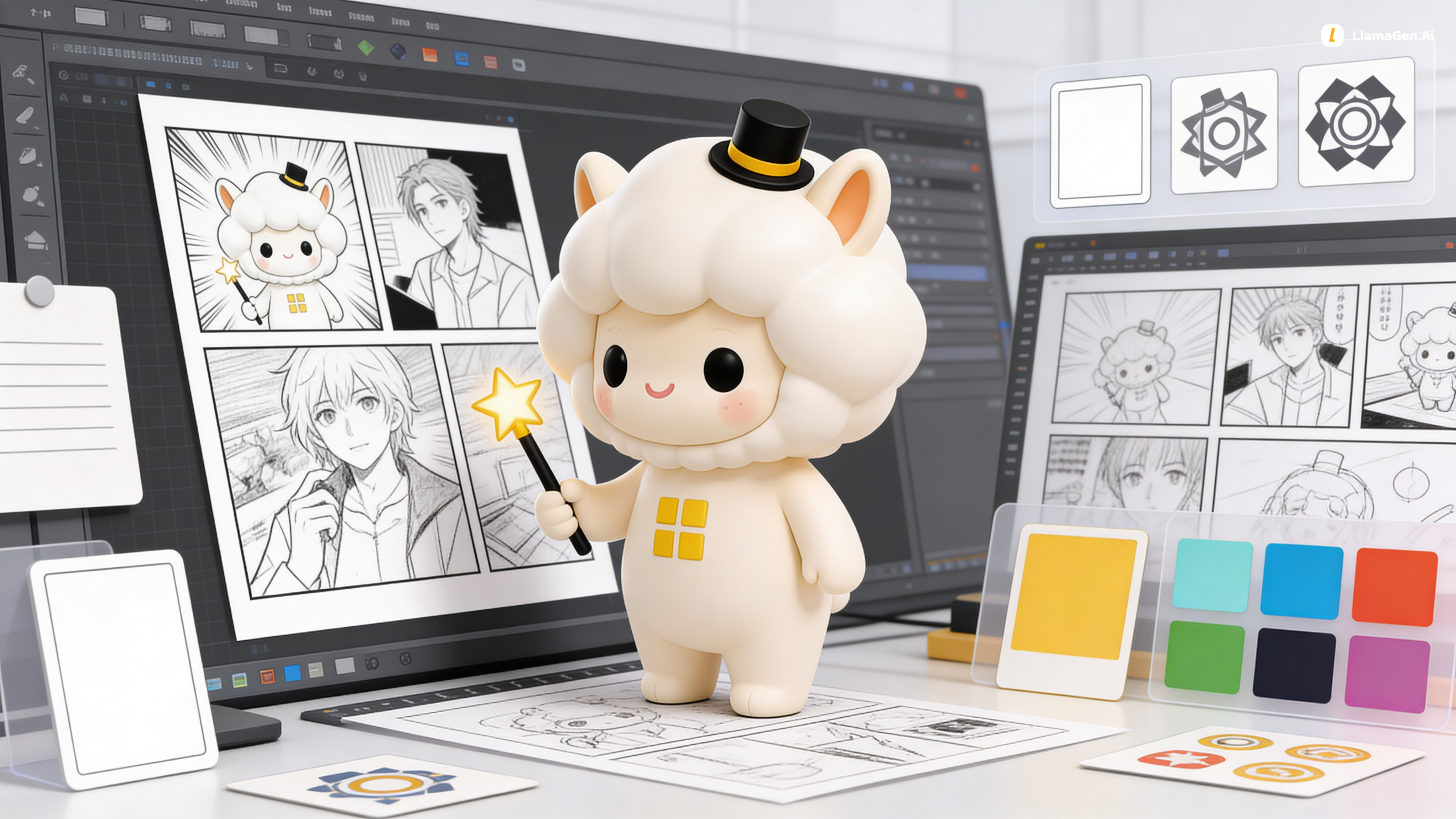
A rundown of the latest LlamaGen.Ai feature releases, product enhancements, design updates, and important bug fixes.





Just refer your friends, followers, and customers to earn up to 30% in recurring commissions for a lifetime!